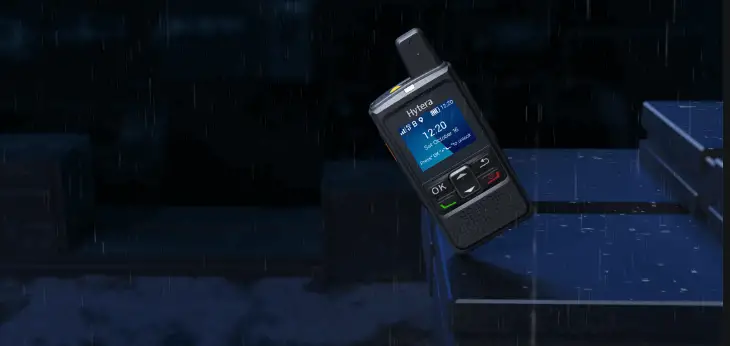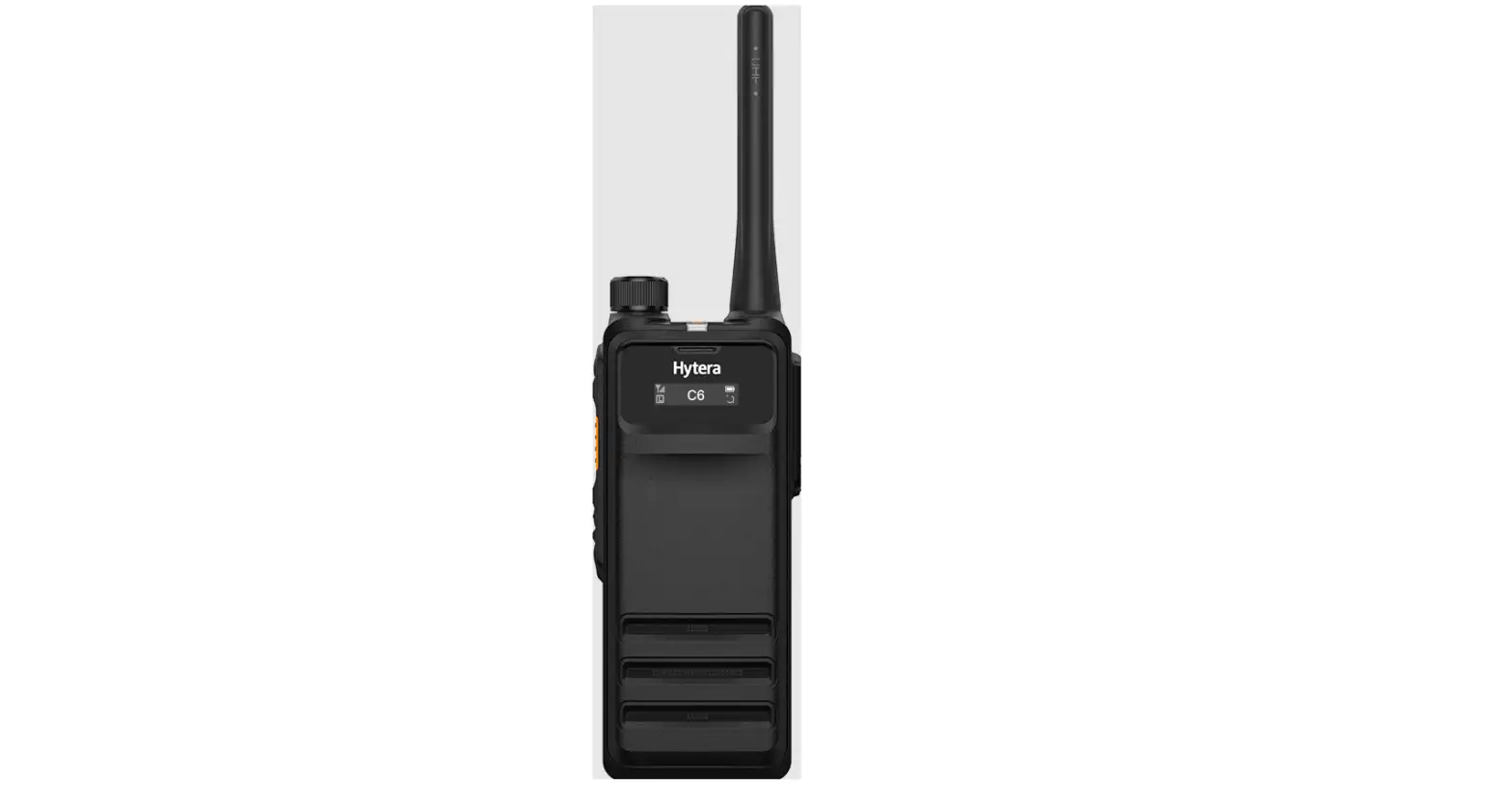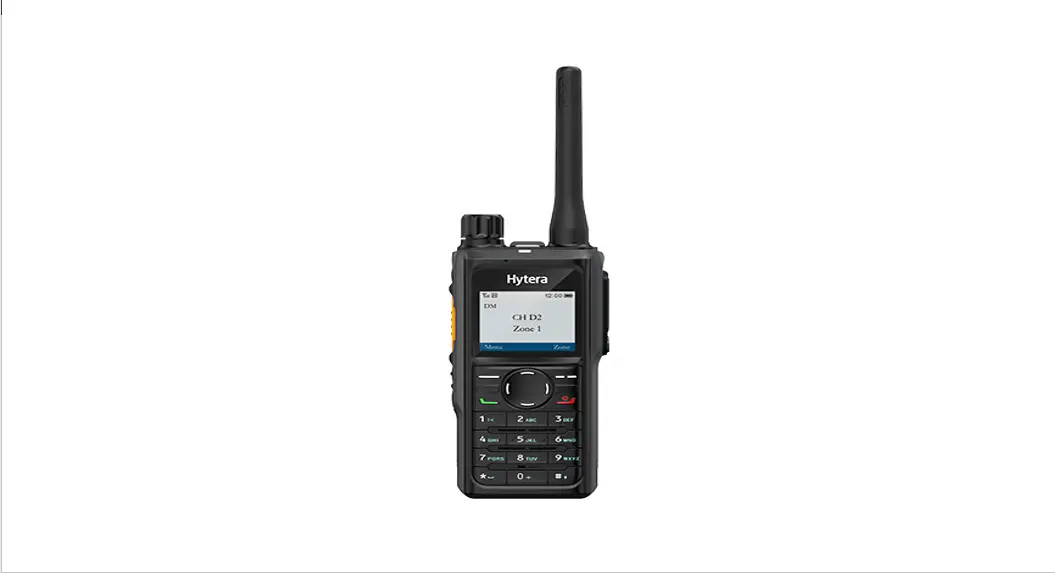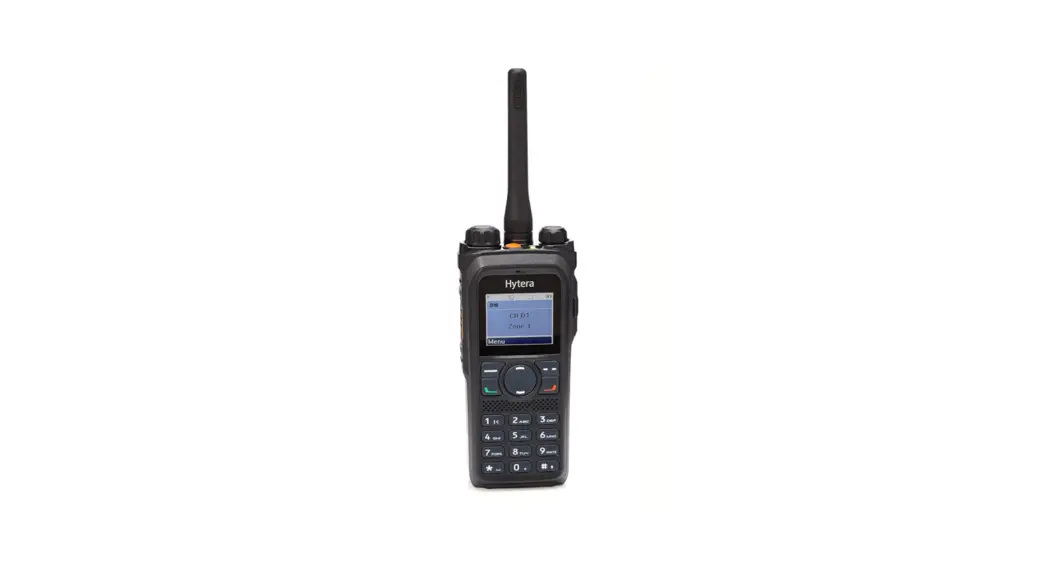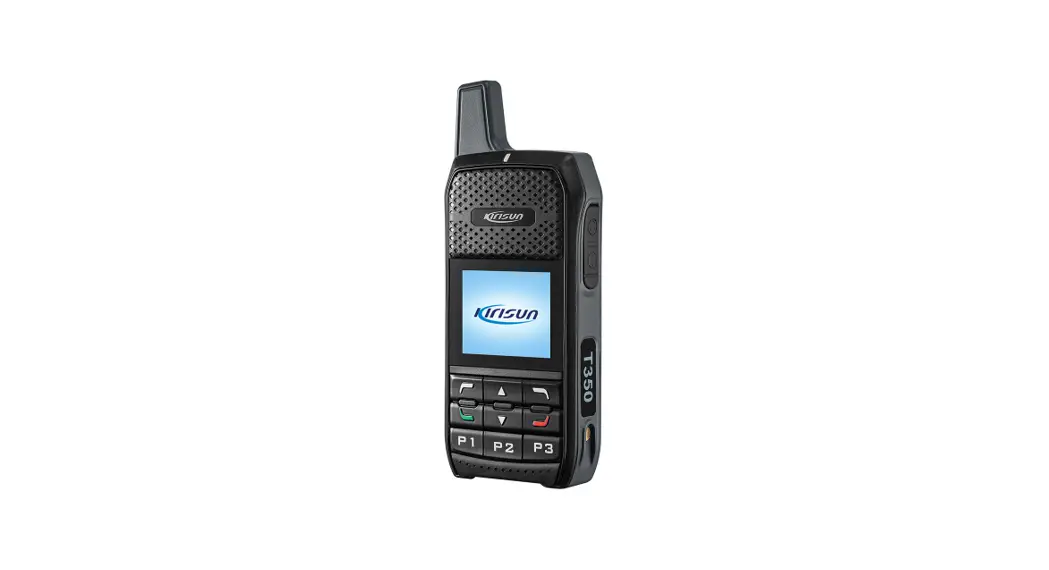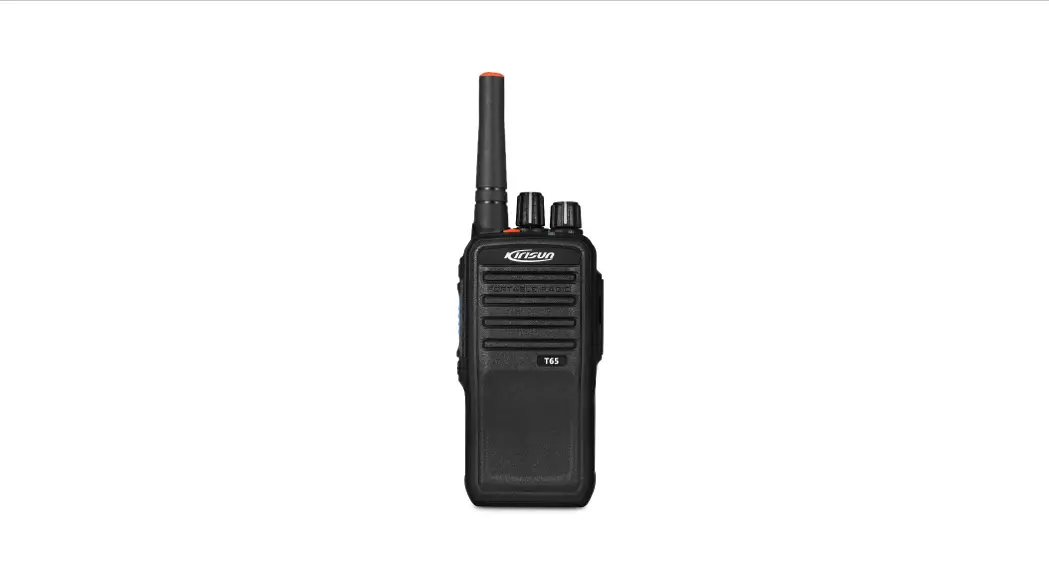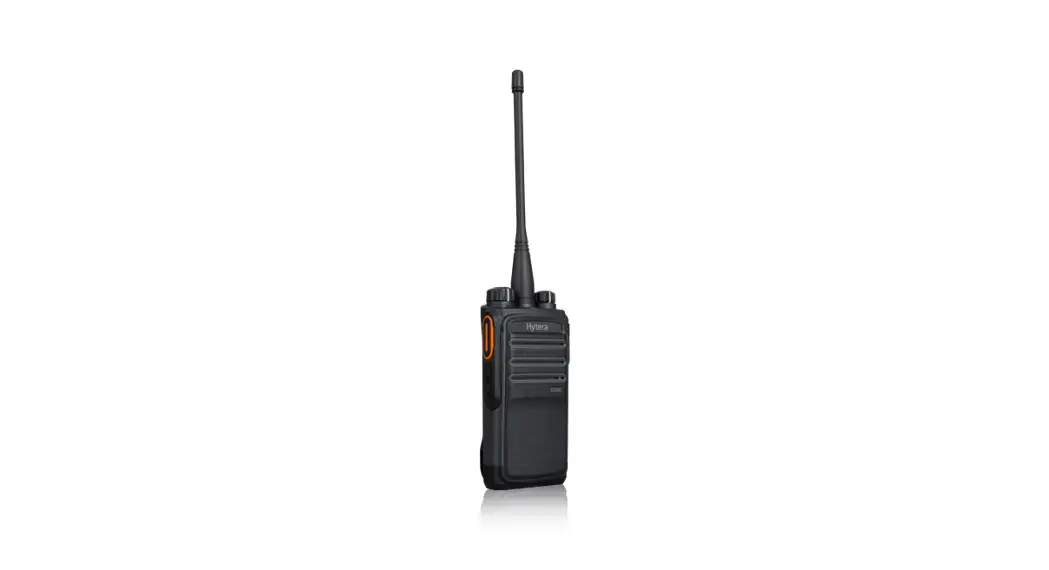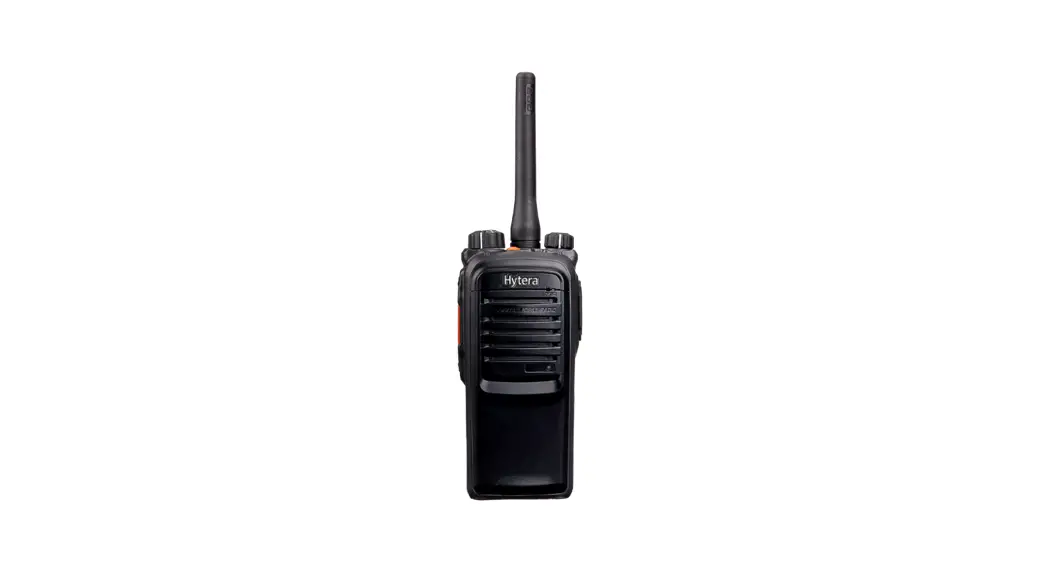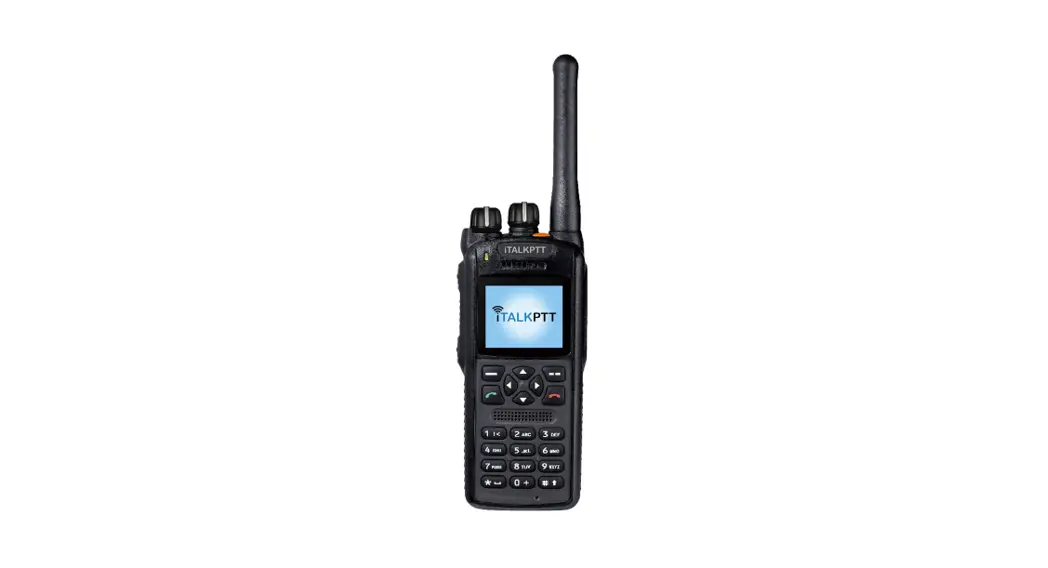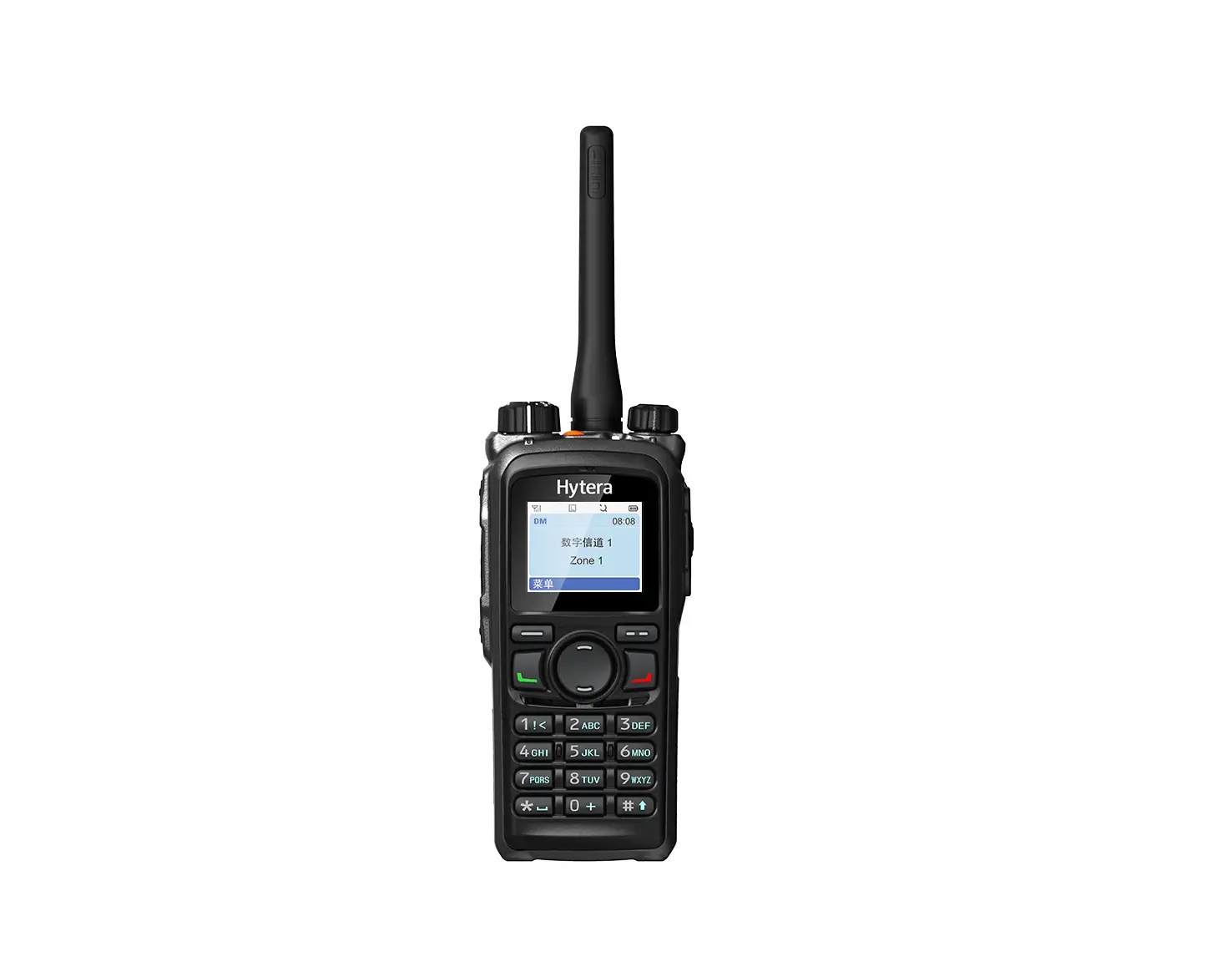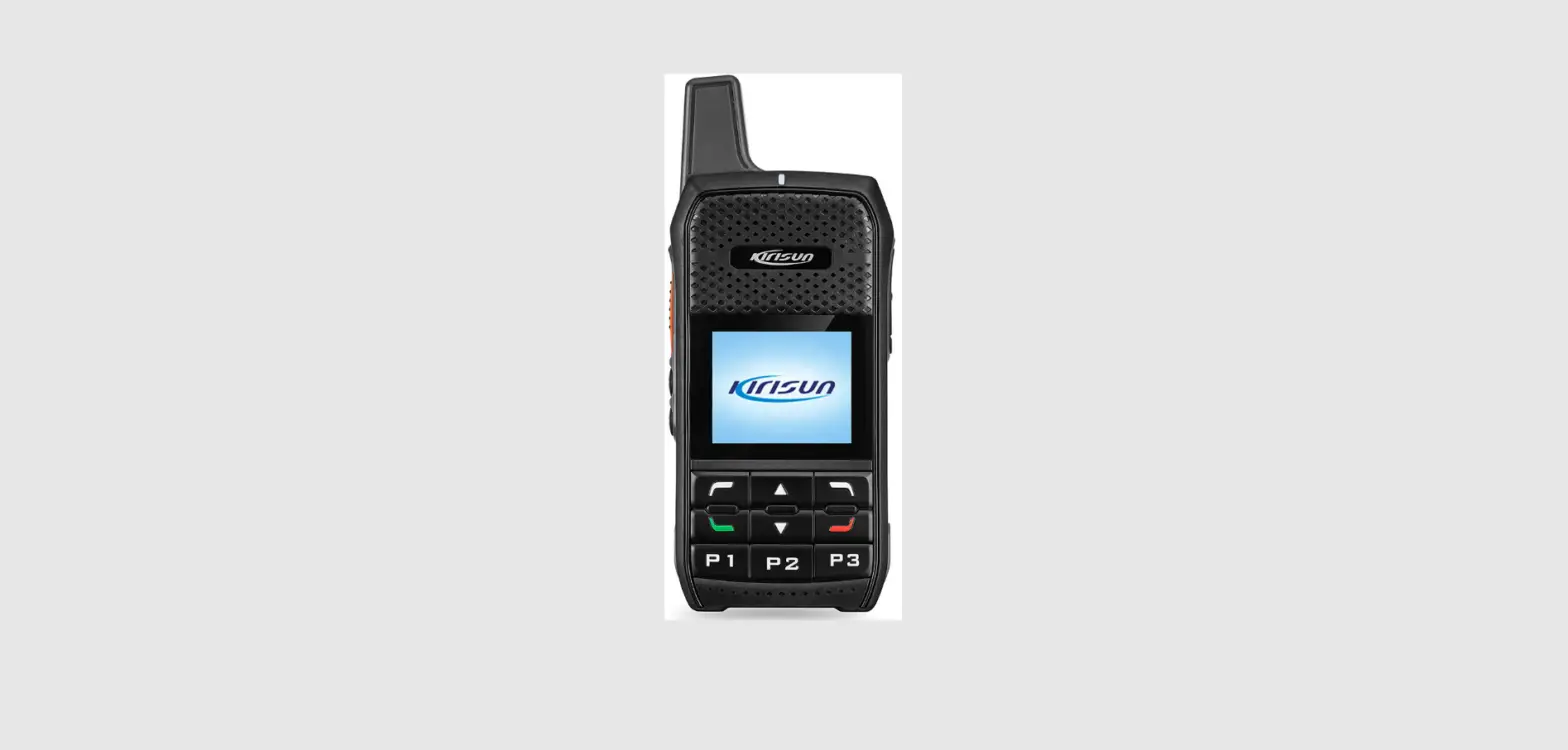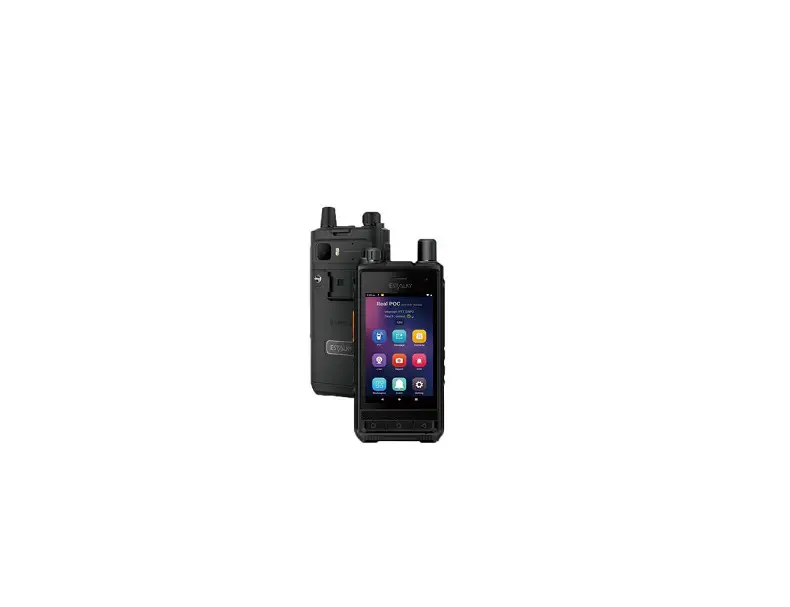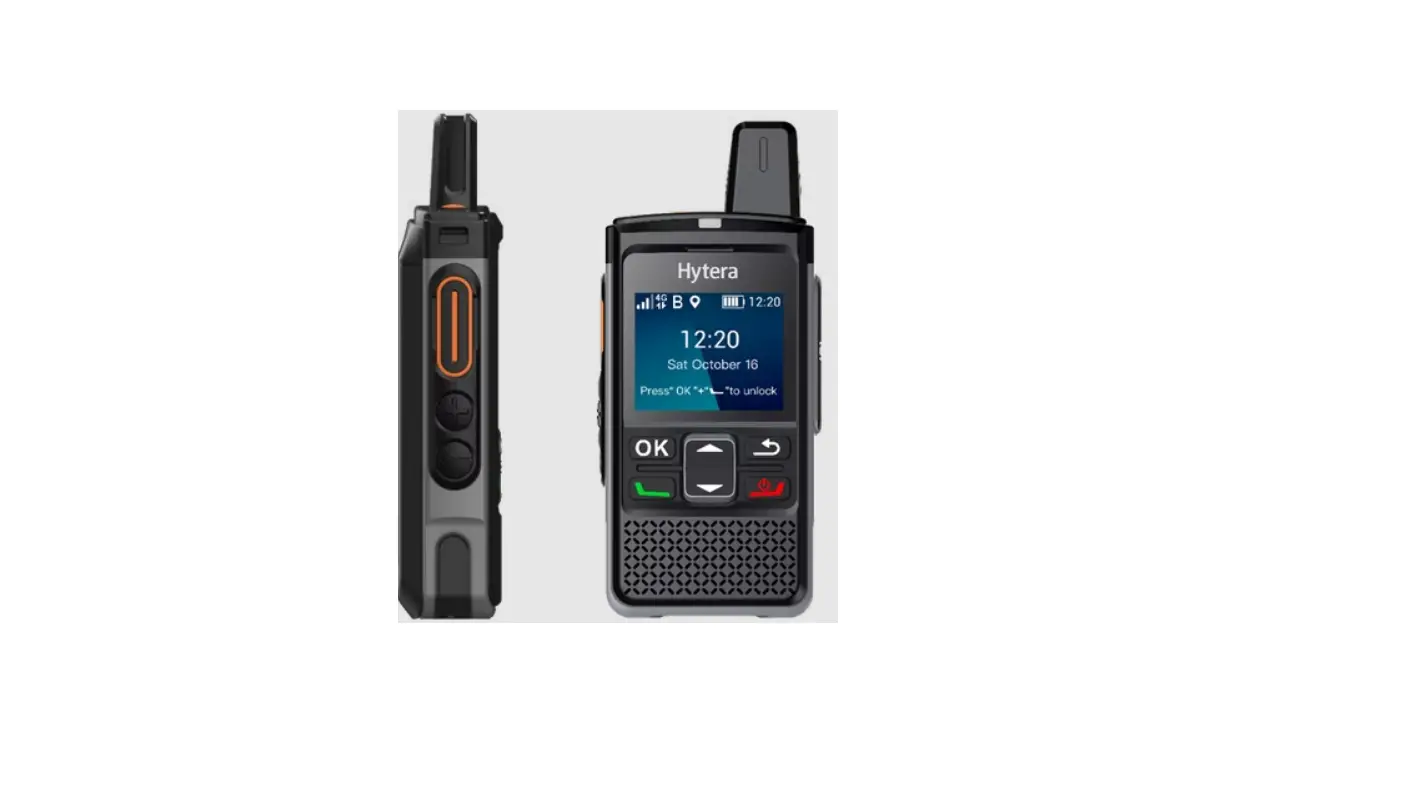
Hytera PNC360S Ultra-Compact PoC Radio User Guide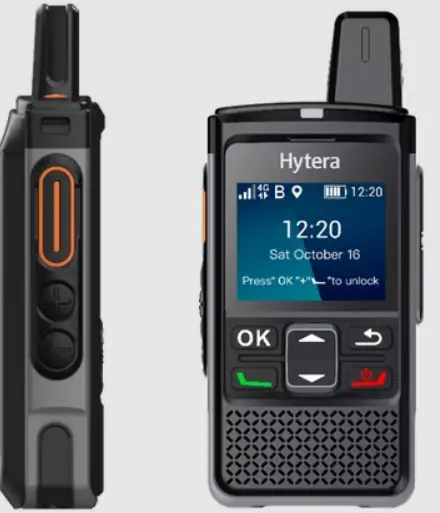
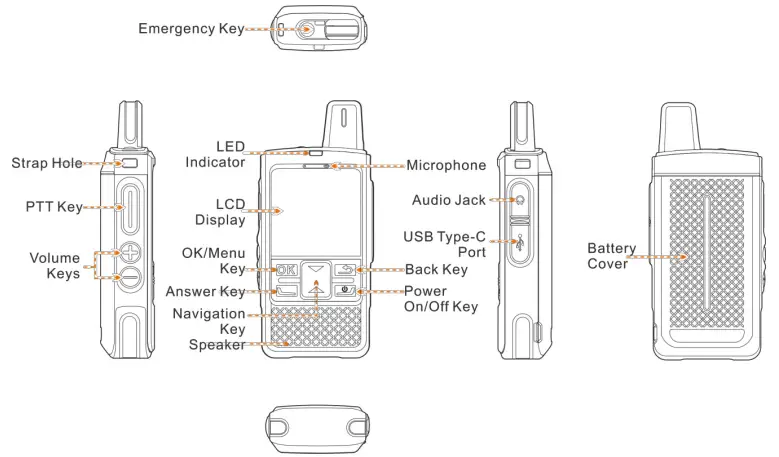
PNC360S Product Overview

Before Use
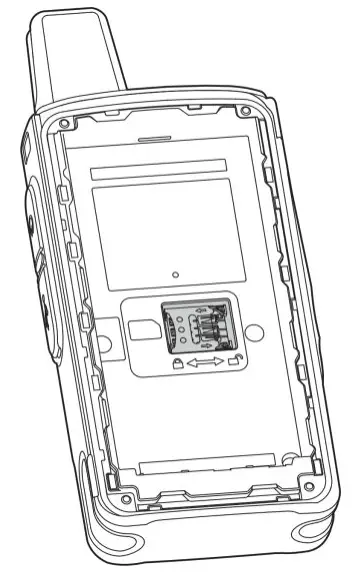
Installing the Nano SIM Card
- Remove the battery cover with a proper tool.


- The battery cover is tightly fastened to ensure optimum waterproof performance. Therefore, you need to remove the battery cover with a proper tool.
- Do not remove the battery cover by force.
- Open the SIM card slot cover.
- Install the SIM card.
- Put the card slot cover back in place

Attaching the Battery
 Caution
- Use the approved battery to avoid the risk of explosion.
- Dispose of the used battery according to “Precautions for Disposal” in the Safety Information Booklet.
Attach the battery as shown below, and then attach the battery cover back.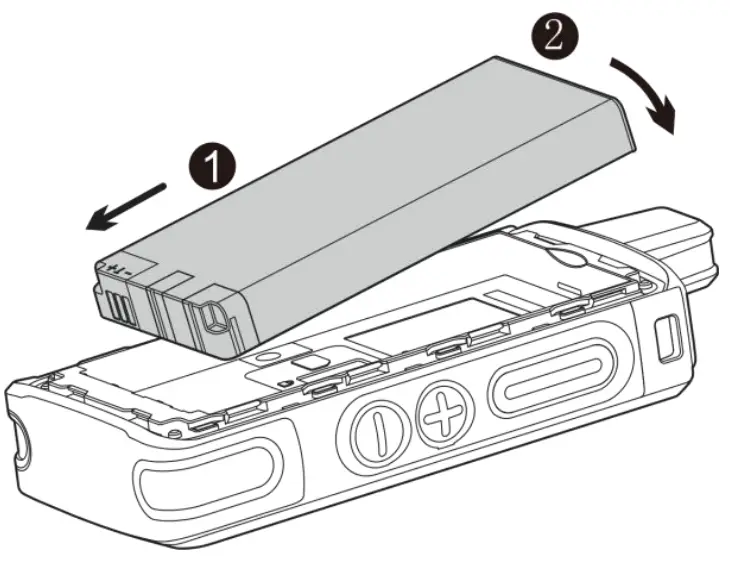
Attaching the Belt Clip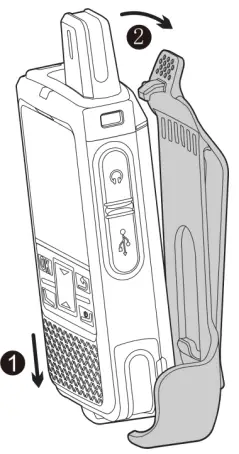
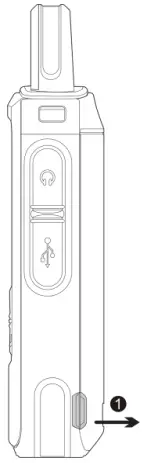
Attaching the Audio Accessory
Open the audio jack cover, and then insert the audio accessory into the jack.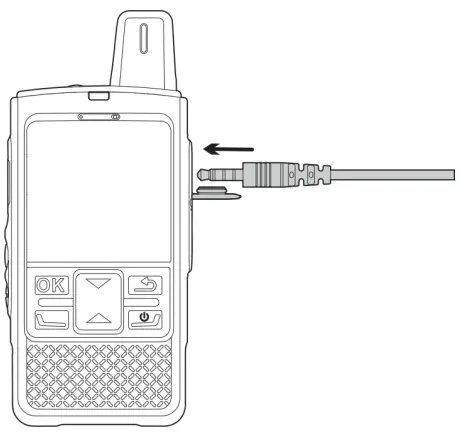

To ensure optimum waterproof and dustproof performance, close the audio jack cover after disconnecting the audio accessory
Caution
- Use the approved charger to charge the battery.
- Read the Safety Information Booklet before charging.
- The remaining lithium-ion battery power is limited to 30% pursuant to the new lithium battery shipment regulation approved by the International Air Transport Association (IATA).
Before initial use, charge the battery.
To charge the battery, connect the product to a power adapter, power bank, or computer with the USB cable.
To determine the charging status, check the battery icon shown on the LCD display.
To ensure optimum waterproof and dustproof performance, close the USB Type-C port cover after charging the product.
Basic Operations
Turning on/off the Product
To turn on the product, long press  for two seconds.
To turn off the product, long press for two seconds, and then select Power off
Adjusting the Volume
To increase the volume, press the Volume + key.
To decrease the volume, press the Volume – key.
Locking/Unlocking the Screen
- To lock the screen, go to Settings > Screen locked to enable the feature.
If the product is not operated for a specific duration, the screen will be automatically locked. - To unlock the screen, press
 and
and  .
.
 and
and  .
.Connecting to the Network
To connect to the cellular network, install the Nano SIM card and activate the cellular data service.
Checking the Device Information
To check the information such as model, serial number, and version, go to Settings > About phone.
Pock Services
You can use Push-to-Talk over Cellular (Pock) services such as one-to-one or one-to many voice call over the public network.
- To initiate a call, do as follows.
- a. Select a contact.
- b. Press and hold the PTT key, and then speak.
- c. Release the PTT key.
- You can receive a call without any operation.
Specifications
| Specifications | |
| Model | PNC360S |
| Frequency Range |
|
| Tx Power |
|
| Operational Temperature | -20°C to +60°C |
| Battery Charging Temperature | 10°C to +45°C |
| Software Version | V1.0.01.000.02 |
| Hardware Version | V1.00 |
| Accessories | Adaptor, Belt Clip, Battery |
| Trademark |  |
| Adapter Model | S010WV0500200 |
| Adapter Input | 100-240V~50/60Hz 0.4A |
| Adapter Output | 5.0V/2.0A |
| Battery Caution | CAUTION Risk of explosion if the battery is replaced by an incorrect type |
|
| disposal of a battery into fire or a hot oven, or mechanically crushing or cutting of a battery, that can result in an explosion;leaving a battery in an extremely high temperature surrounding environment that can result i n an explosion or the leakage of flammable liquid or gas;a battery subjected to extremely low air pressure that may result in an explosion or the leaka ge of flammable liquid o gas |
Support
Hytera US Inc.
8 Whatney,
Irvine, CA 92618
(949) 326-5742
1363 Shotgun Road,
Sunrise, FL 33326
(954) 846-1011
www.hytera.us [email protected]
Hytera Canada
100 Leek Crescent, Unit 11
Richmond Hill, ON L4B 3E6
(905) 305-7545
www.hytera.ca [email protected]
(C) 2022 Hytera Communications Ltd. All rights reserved.