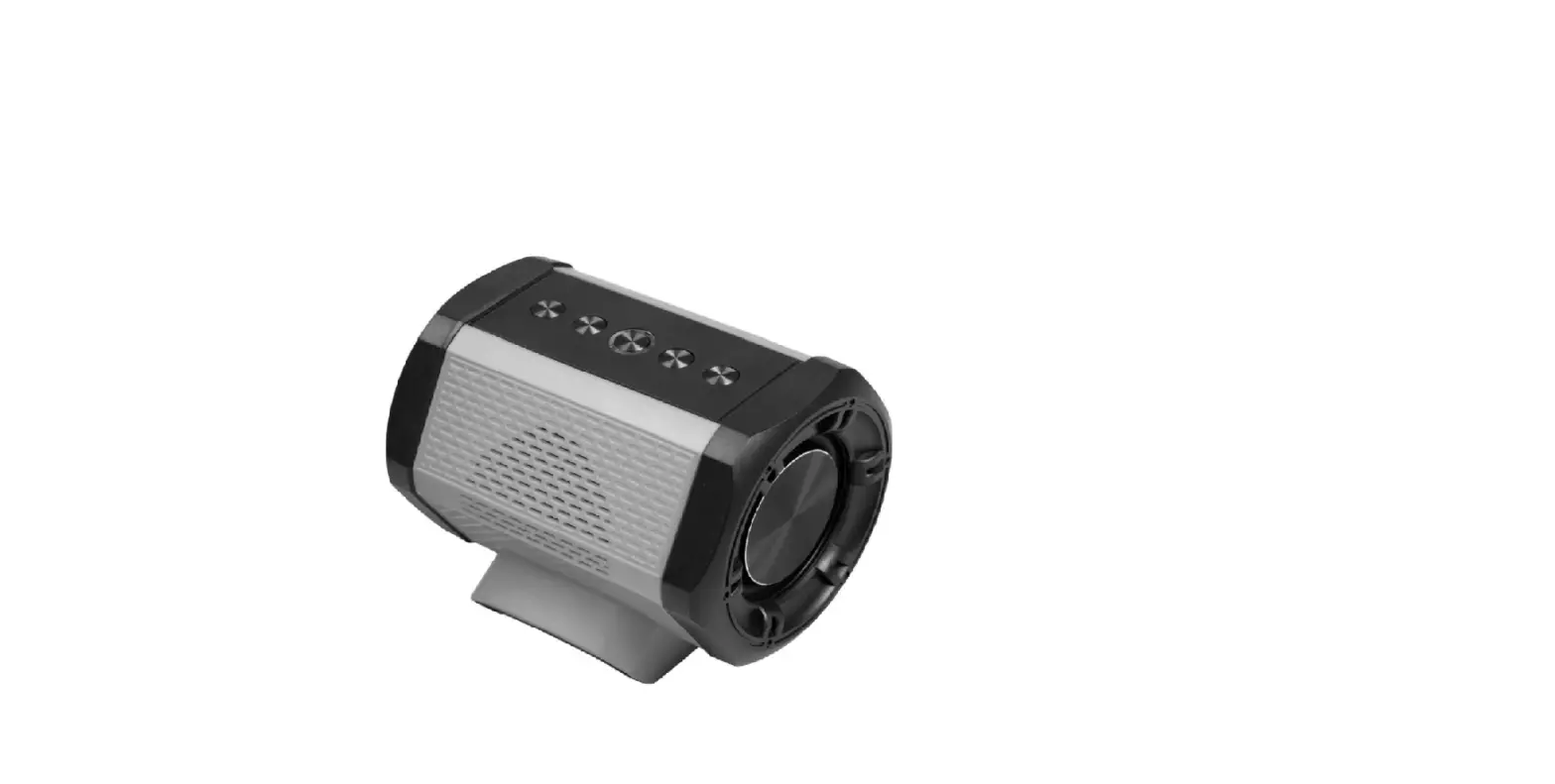
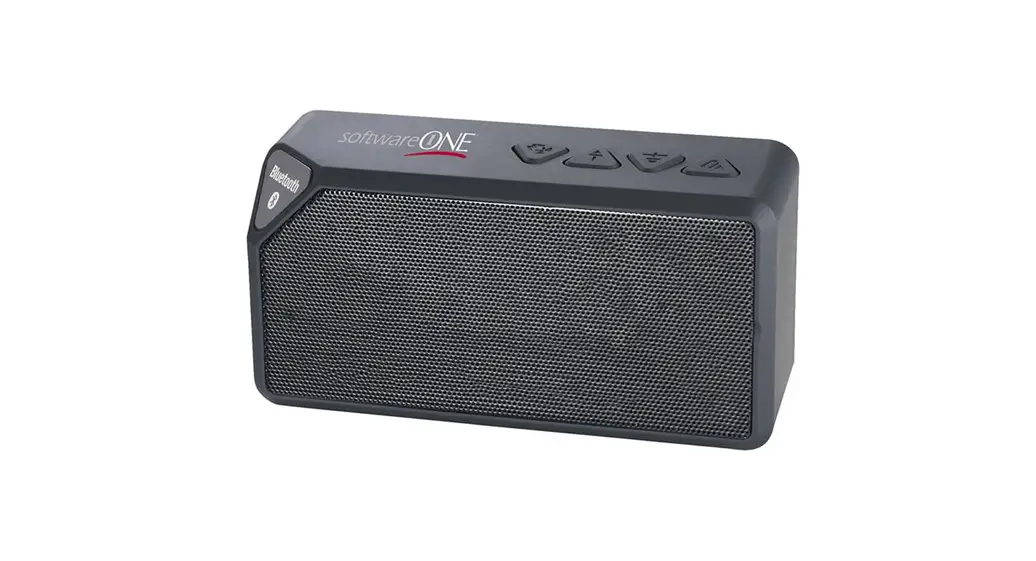
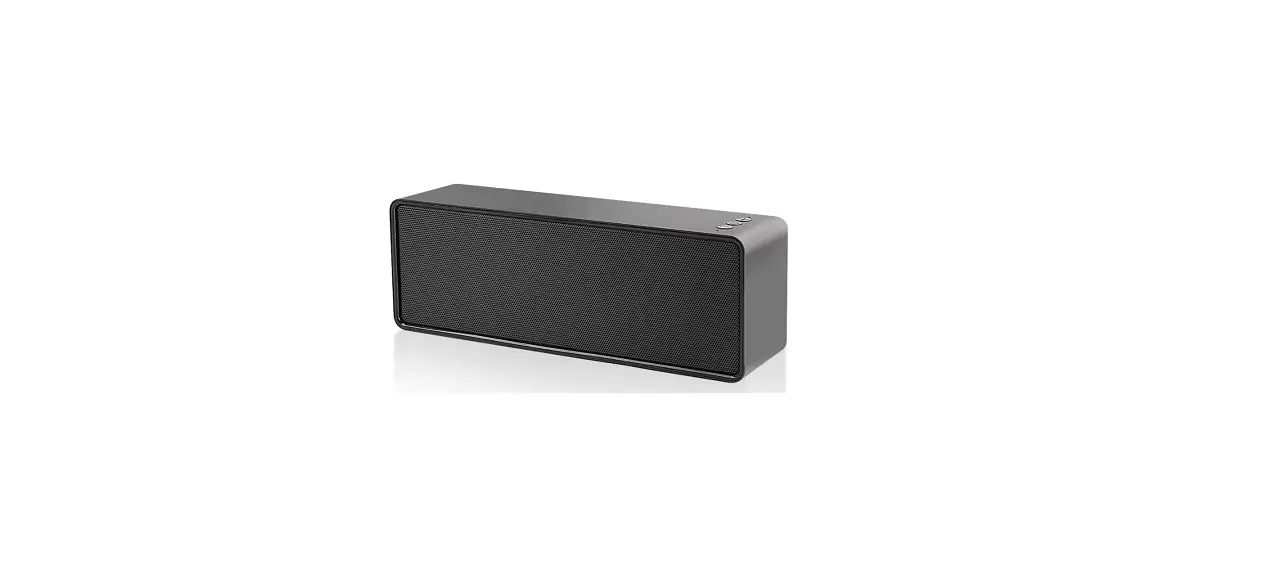
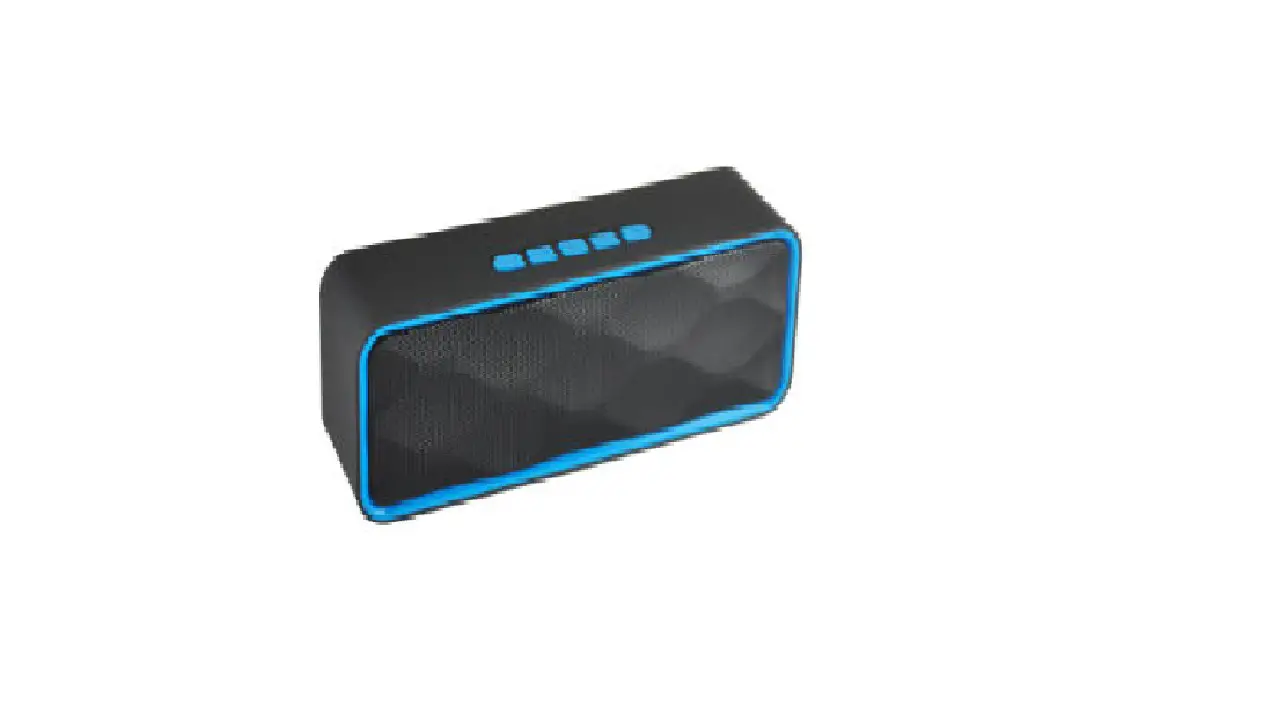
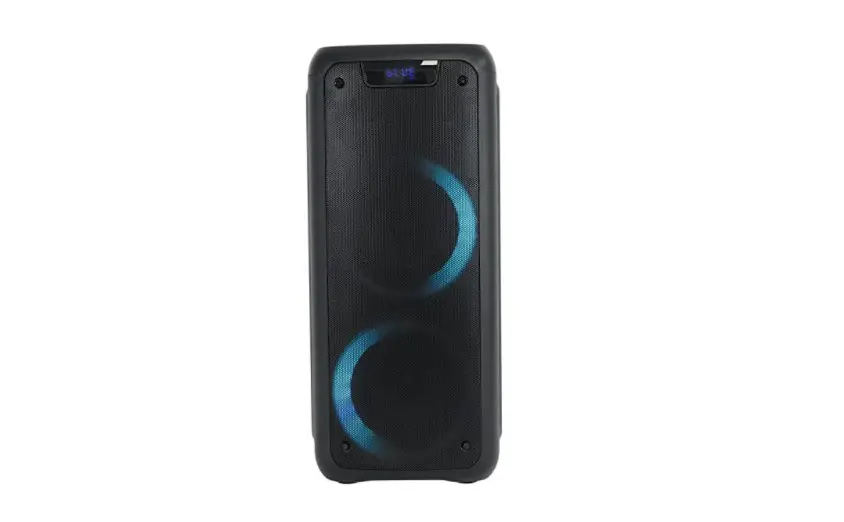
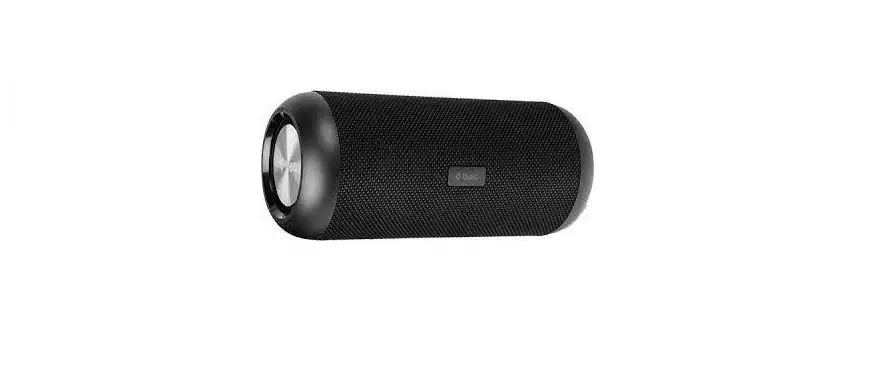
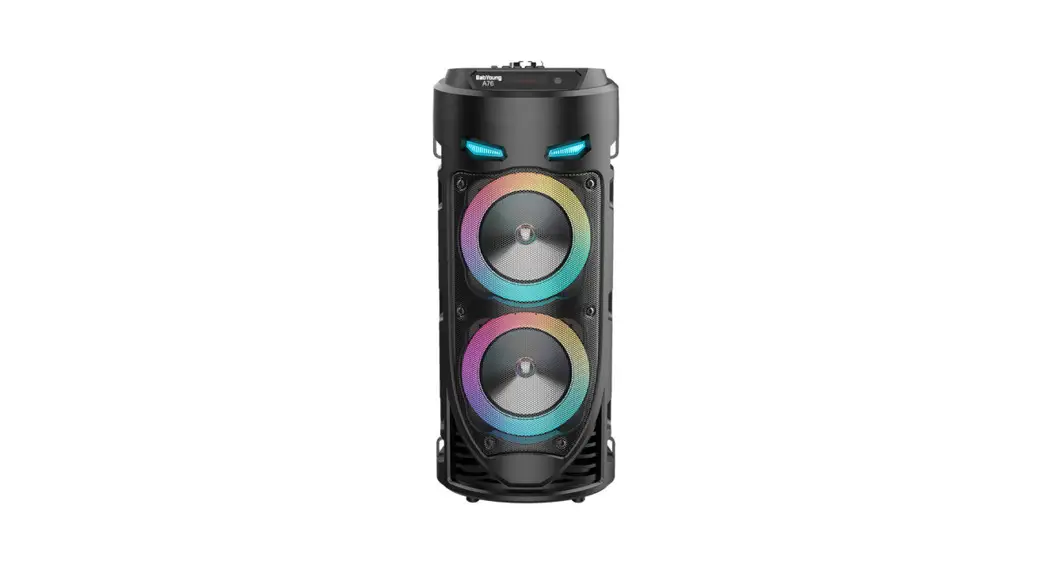
YXDZ-007 Series Battery Powered Bluetooth Speaker
Product Information
The product is a speaker that is designed for wireless Bluetooth
connectivity. It features a compact and portable design, making it
easy to carry and use in various environments. The speaker has a
built-in battery that can be charged using the provided USB-ADC
5V2.1A and USB-C18W ports. It also has low-voltage battery
protection to prevent any damage to the battery.
The speaker comes with LED indicators that provide status and
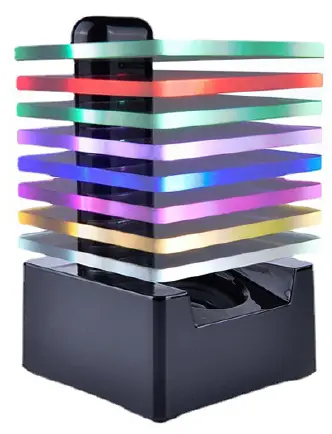
mode information. It has a colorful light feature that can be
switched on or off, and it has a memory function that retains the
last shutdown mode after startup.
The speaker has volume control buttons for adjusting the speaker
volume and music change buttons for switching between songs. It
also has a play/pause button for controlling the playback of
music.
Product Usage Instructions
- Important Safety Instructions:
- Read these instructions carefully and follow them.
- Pay attention to all warnings provided.
- Do not use the speaker near water.
- Clean the speaker with a relatively dry cloth.
- Do not block any ventilation openings and install the speaker
according to the manufacturer’s instructions. - Avoid installing the speaker near heat sources.
- Only use attachments/accessories specified by the
manufacturer.
- Store the speaker in a cool and dry place away from direct
sunlight, excess heat, or cold. - If storing for a long period, power on the speaker with the
battery no longer than 2 months for optimal results.
- The LED indicator will remain steady on after a successful
pairing. - To disable the dual pairing function, press the Play/Pause
button for at least two seconds on either speaker. The dual pairing
function will be disabled after a short tone, and the LED indicator
on both speakers will start blinking. - When receiving a phone call while connected to the speaker, the
music will automatically pause, and the sound will switch to your
phone.
- Solid Light: Bluetooth connection successful.
- Steady Blinking: Searching for Bluetooth devices.
- Light Off: Speaker turned off or automatically shut down for
low-voltage protection.
- Adjusting the Speaker Volume: Use the corresponding volume
buttons (+/-) to increase or decrease the volume. The speaker emits
a tone when the maximum or minimum volume is reached. - Music Change: Long press the Volume+ button for the next song
and long press the Volume- button for the previous song. - Play/Pause: Short press the Play/Pause button to play or pause
the music. - Colorful Light: After booting, short press the button to switch
the colorful lights. The colorful lights have a memory function and
will remain in the last shutdown mode after startup. - Charger USB-ADC 5V2.1A and USB-C18W ports can charge low-power
mobile devices. - Low-Voltage Battery Protection: The speaker will automatically
shut down if the battery voltage is below 14.4v to prevent any
damage.
Note: Please refer to the user manual for
additional information and safety precautions.
YXDZ-007 series BATTERY POWERED BLUETOOTH® SPEAKER
14.4-20V MAX WIRELESS BLUETOOTH® SPEAKER
Important Safety Instructions
1.Read these instructions. 2.Follow these instructions. 3.Pay attention to all warnings. 4.Do not use this speaker near water. 5.Clean with a relatively dry cloth. 6.Do not block any ventilation openings.Install in accordance with the manufacturer’s instructions. 7.Do not install near any heat sources such as radiators,heat registers, stoves or other apparatus (including amplifiers) that produce heat. 8.Only use attachments/accessories specified by the manufacturer.
Storage Recommendations
1.The most ideal storage place is one that is cool and dry, keep away from direct sunlight and excess heat or cold 2. For long storage, please power on the speaker with the battery no longer than 2 months for the best results.
COMPONENTS
1. Power Button (Speaker)/Colorful light Button 2. Volume Button-(Long Press For Last Song) 3. Volume Button +(Long Press For Next Song) 4. Bluetooth®Paring Button 5. (Play/Pause/ Sync 6. USB-A Fast Charging Port 7. USB-C Fast Charging Port 8. Power Button (Charging Port) 9. Battery Port 10.hanging hole
3 21 45
9
10
768
Operation
Warning:Please turn the speaker off and remove the battery pack before making any adjustments. The speaker is compatible with Related 14.4-20V batteries.The package comes with the speaker only,battery is not included. To power the speaker, plug in the battery on the battery port. Note: For the best performance, make sure the battery pack is fully charged before plugging in. Installing and Removing the Battery Pack To install the battery pack, calibrate the battery pack with the rails on the sides of the port and slide the battery the battery in until the battery pack is firmly seated. To remove the battery pack from the speaker, press the release button and firmly pull the battery pack out of the port. Powering the Speaker ON and OFF Long press the power button (1) for more than two seconds will turn the speaker on or off. The LED indicator around the power button indicate the status of the speaker.
Paring Speaker with BLUETOOTH® DEVICE 1. Place the speaker and the Bluetooth®device within 2 meters for both devices. 2. Turn the speaker on by pressing the power button (1).The LED indicator will turn steady blinking pattern. 3. Press Bluetooth®Pairing button (4). The speaker prompts “Bluetooth mode”, and the LED indicator will flash quickly, indicating that the speaker is in pairing mode and can be used by Bluetooth®Device discovery. The device name is displayed as YXDZ-007 “. 4. Confirm and connect the speaker on your Bluetooth®device. 5. Once successfully connected, the speaker will emit a short tone and the LED indicator around the power button will turn solid.
Pairing Two Speakers with one Bluetooth® Device For Dual Sound Track Stereo Effect
-Speaker has not connected with Bluetooth® device. 1: Turn on both speaker(A) and speaker(B) by pressing the Power button (1). 2: Press Play/Pause button (5) for at least two seconds on both speakers (A & B),the LED indicator starts rapid blinking after a short tone. 3: Both speakers are discover-able by your Bluetooth® device.Connect ‘YXDZ-007” on your Bluetooth® device. The LED indicator on both speakers
will remain steady on after the successfully paired.
-One of the Speaker has connected with Bluetooth® device. 1: Turn on your speaker(A) by pressing the Power button (1) and make sure it is connected with your Bluetooth®device. 2:Turn on another speaker(B)by pressing the Power button (1) and press Play/Pause button (5)for at least two seconds. The LED indicator starts rapid blinking after a short tone. 3:Press Play/Pause button (5) on speaker(A). Speaker(A) will automatically paired with speaker(B) after a short tone. The LED indicator on both speakers will remain steady on after the successfully paired.
-Disable dual paring function Press Play/Pause button(5) for at least two seconds on either speakers.Dual paring function will be disabled after a short tone.The LED indicator on both speakers will start blinking.
Getting Phone Calls While Connecting with the Speaker -Once pick up the call, the music will automatically pause and switch the sound to your phone
LED INDICATOR STATUS
LED indicator
Status/Mode
Solid Light
Bluetooth connection successful
Steady Blinking Play
Rapid Blinking Search for Bluetooth
Light Off
Speaker turn off/Automatically shut down for low-voltage protection
Functionality
Adjusting the Speaker Volume (+ -)& Music Change (
)
The speaker volume can be adjusted (increase/decrease) by using the corresponding volume button (3,2). The speaker will emit a tone when the maximum or minimum volume is reached. Our speaker also functioned with music switch by long pressing the Volume button.Long Press Volume+(3)For Next Song and long press Volume-(2) for last song.
Play/Pause Short press the button5 to play/pause switch
Colorful light After the boot, short press button(1) to switch the Colorful lightsThe Colorful lights has a memory function and will remain in the last shutdown mode after startup.
Charger USB-ADC 5V2.1Aand USB-C18Wports can charge low-power mobile devices
Low-Voltage Battery Protection Low-voltage protection is our first concern to protect your valued battery.The speaker will automatically shut down if the battery voltage is below 14.4v to prevent any damage.
Note: The Bluetooth® word mark and logos are registered trademarks owned by the Bluetooth®,ISG,Inc. Our Bluetooth Speaker (End Product) has tested and fully certified by SIG,Inc. This device contains licence-exempt transmitter(s)/receiver(s) that comply with Innovation,Science and Economic Development Canada’s licence-exempt RSS(s). Operation is subject to the following two conditions: (1) This device may not cause interference. (2)This device must accept any interference,including interference that may cause undesired operation of the device. L’ émetteur/récepteur exempt de licence contenu dans le présent oppareil est conforme aux CNR d’ Innovation,Sciences et Développement économique Canada applicables aux appareils radio exemnpts de licence.L’ exploitation est autorisée oux deux conditions suivontes:
(1) L’appareil ne doit pos produire de broulloge: (2) L’apparell dolt accepter tout brouiloge redioiectrique subl, meme si le broullage est susceptible d’en compromettre le fonctionnement This equipment hos been tested and found to comply with the limits for a Class B digital device,pursuant to part 15 of the FCC Rules,These limits are designed to provide reasonable protection against harmful interference in o residential installation. This equipment generates uses and con radiate radio
frequency energy and,if not installed and used in accordance with the instructions, may cause harmful interference to radio communications.However,there is no guarantee that interference will not occur in a particular installation. If this equipment does cause harmful interference to radio or television reception,which con be determined by turning the equipment off and on,the user is encouraged to try to correct the interference by one or more of the following measures: -Reorient or relocate the receiving antenna. -Increase the separation between the equipment and receiver. -Connect the equipment into an outlet on a circuit different from that to which the receiver is connected. -Consult the dealer or an experienced radio/TV technician for help. Changes or modifications not expressly approved by the party responsible for compliance could void the user’s authority to operate the equipment. This device complies with Part 15 of the FCC Rules. Operation is subject to the following two conditions: (1) this device may not cause harmful interference,and (2)this device must accept any interference received,including interference that may cause undesired operation. This device contains licence-exempt transmitter(s)/receiver(s) that comply with Innovation,Science and Economic Development Canada’s licence-exempt RSS(s). Operation is subject to the following two conditions: (1) This device may not cause interference. (2)This device must accept any interference, including interference that may cause undesired operation of the device. L’ émetteur/récepteur exempt de licence contenu dans le présent appareit est conforme oux CNR d’ Innovation,Sciences et Développement économique Canada applicables aux appareils radio exempts de licence.L’exploitation est autorisée aux deux conditions suivantes: (1)L’appareil ne doit pas produire de brouillage; (2) L’appareil doit accepter tout brouilloge radioélectrique subi, même si le brouillage est susceptible d’en compromettre le fonctionnement.
This device complies with Part 15 of the FCC Rules. Operation is subject to the following two conditions: (1) this device may not cause harmful interference, and (2) this device must accept any interference received, including interference that may cause undesired operation
NOTE: This equipment has been tested and found to comply with the limits for a Class B digital device, pursuant to Part 15 of the FCC Rules. These limits are designed to provide reasonable protection against harmful interference in a residential installation. This equipment generates, uses and can radiate radio frequency energy and, if not installed and used in accordance with the instructions, may cause harmful interference to radio communications. However, there is no guarantee that interference will not occur in a particular installation. If this equipment does cause harmful interference to radio or television reception, which can be determined by turning the equipment off and on, the user is encouraged to try to correct the interference by one or more of the following measures: — Reorient or relocate the receiving antenna. — Increase the separation between the equipment and receiver. — Connect the equipment into an outlet on a circuit different from that to which the receiver is connected. — Consult the dealer or an experienced radio/TV technician for help.
Warning: changes or modifications not expressly approved by the party responsible for compliance could void the user’s authority to operate the equipment
Radiation Exposure Statement This equipment complies with FCC radiation exposure limits set forth for an uncontrolled environment. This equipment should be installed and operated with minimum distance 20cm between the radiator and your body.