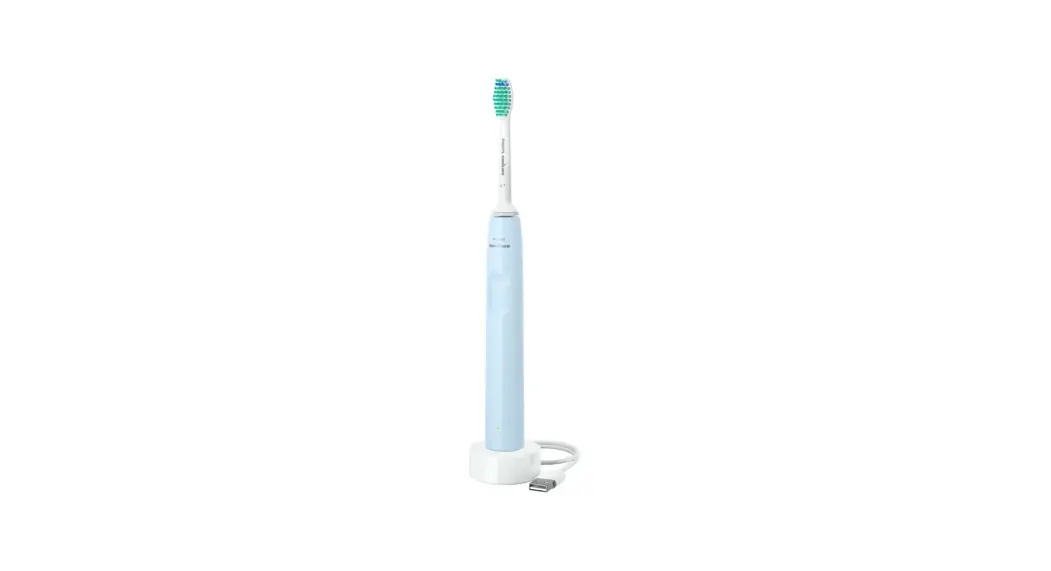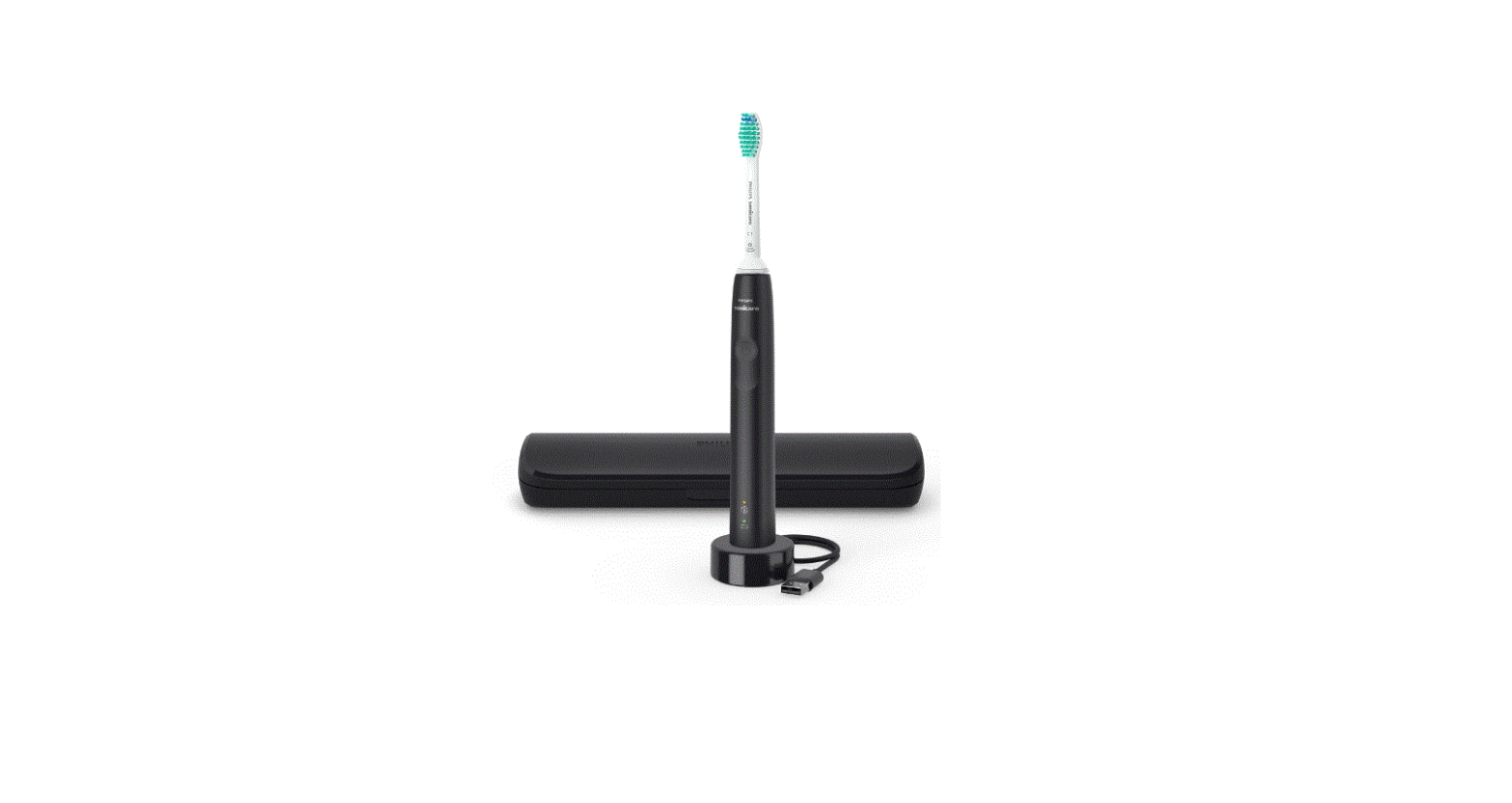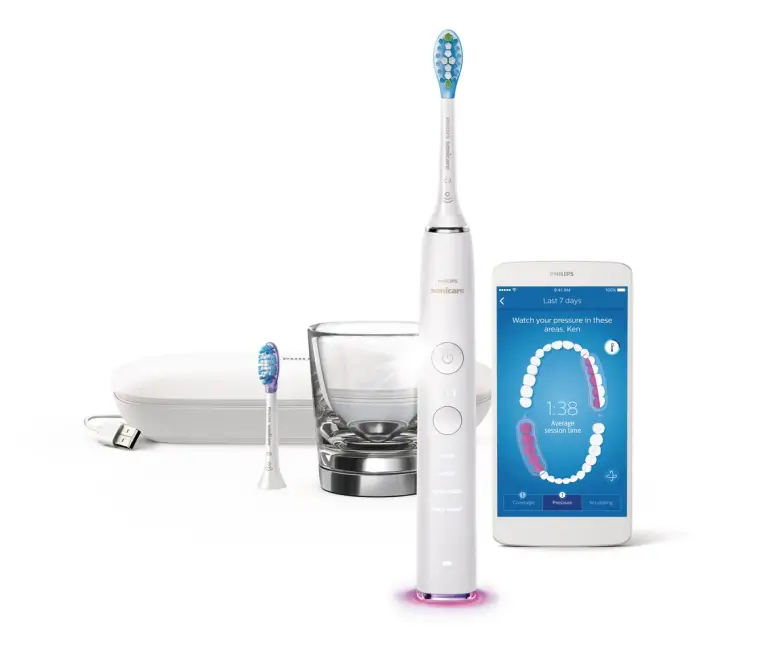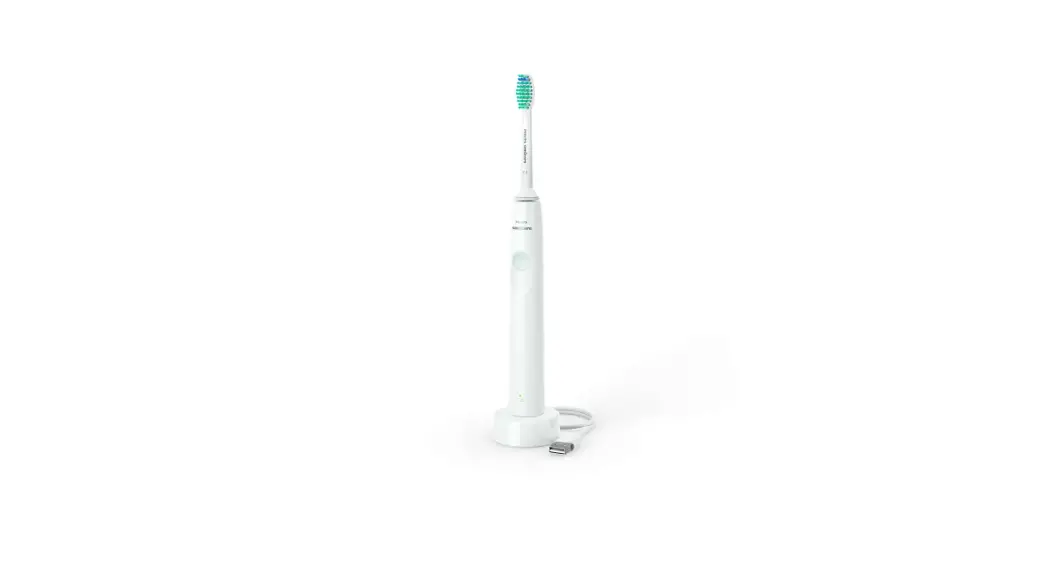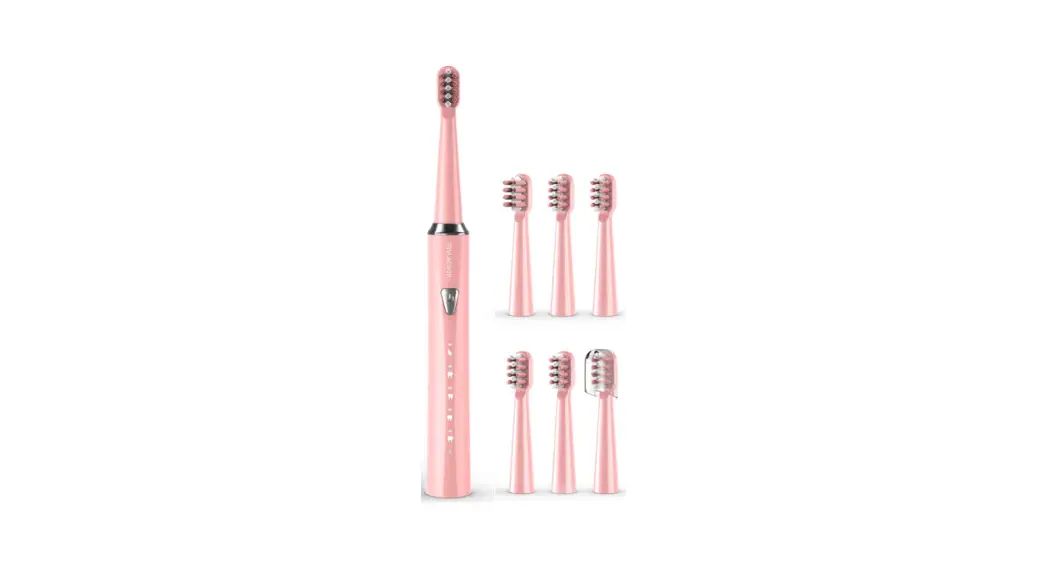
 HH06007 Sonic Electric Toothbrush
User Manual
WARNING
 Use this product only for its intended use, as described in this guide. This product uses a built-in Lithium battery. To avoid overheating, fire, or explosion, keep away from extreme heat. Before discarding, remove the battery and safely dispose of it. Recommended use for adults and children ages 8 and over. Young children should be supervised when using this product. This product is not suitable for people with pacemakers or other internal medical devices. People undergoing oral/dental treatments should consult their dental professional before using. Do not soak the body of the toothbrush in water for an extended time; it may be rinsed under running water, then dried. To avoid oral infection, do not share brush heads with others. Only use brush heads recommended by the manufacturer. Keep out of reach of small children to avoid being used as a toy. Disassembling this product will void your warranty.
Product List
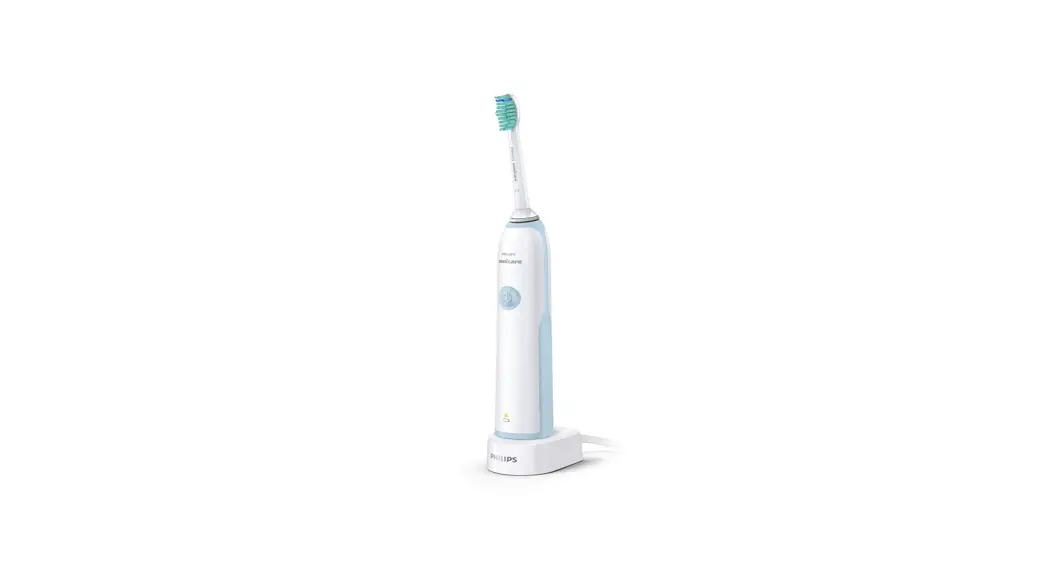
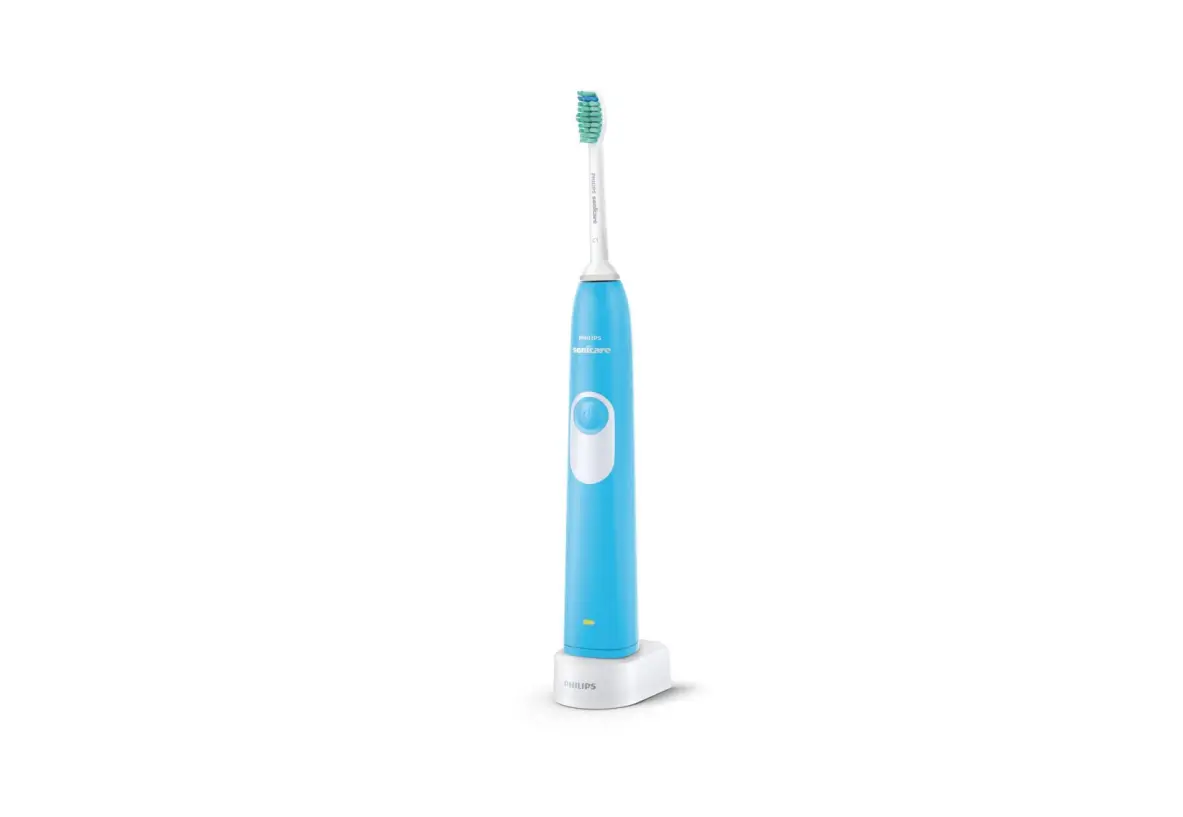
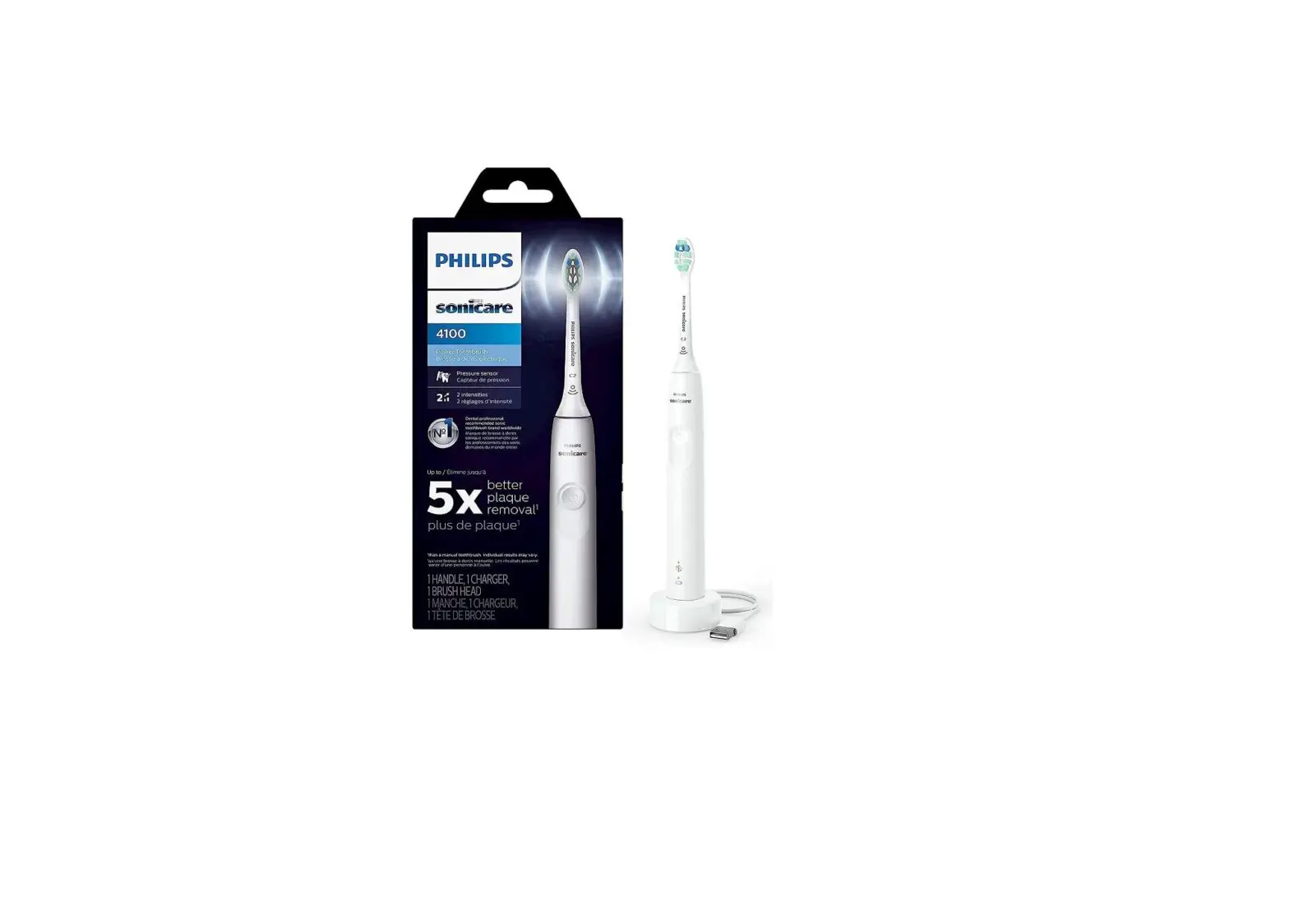
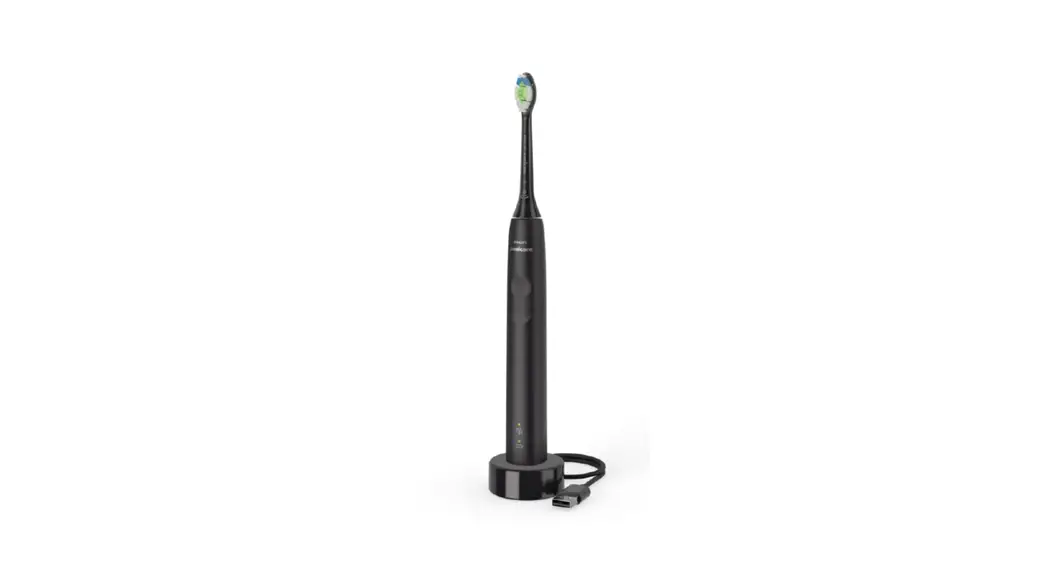
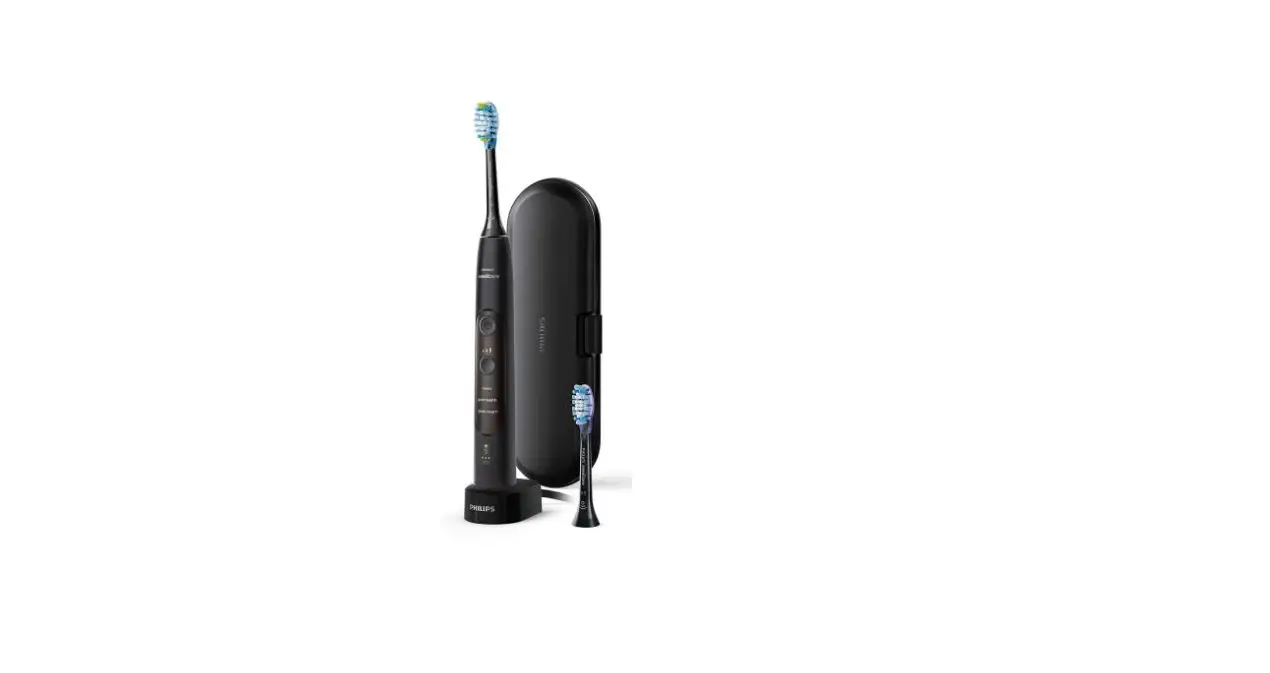
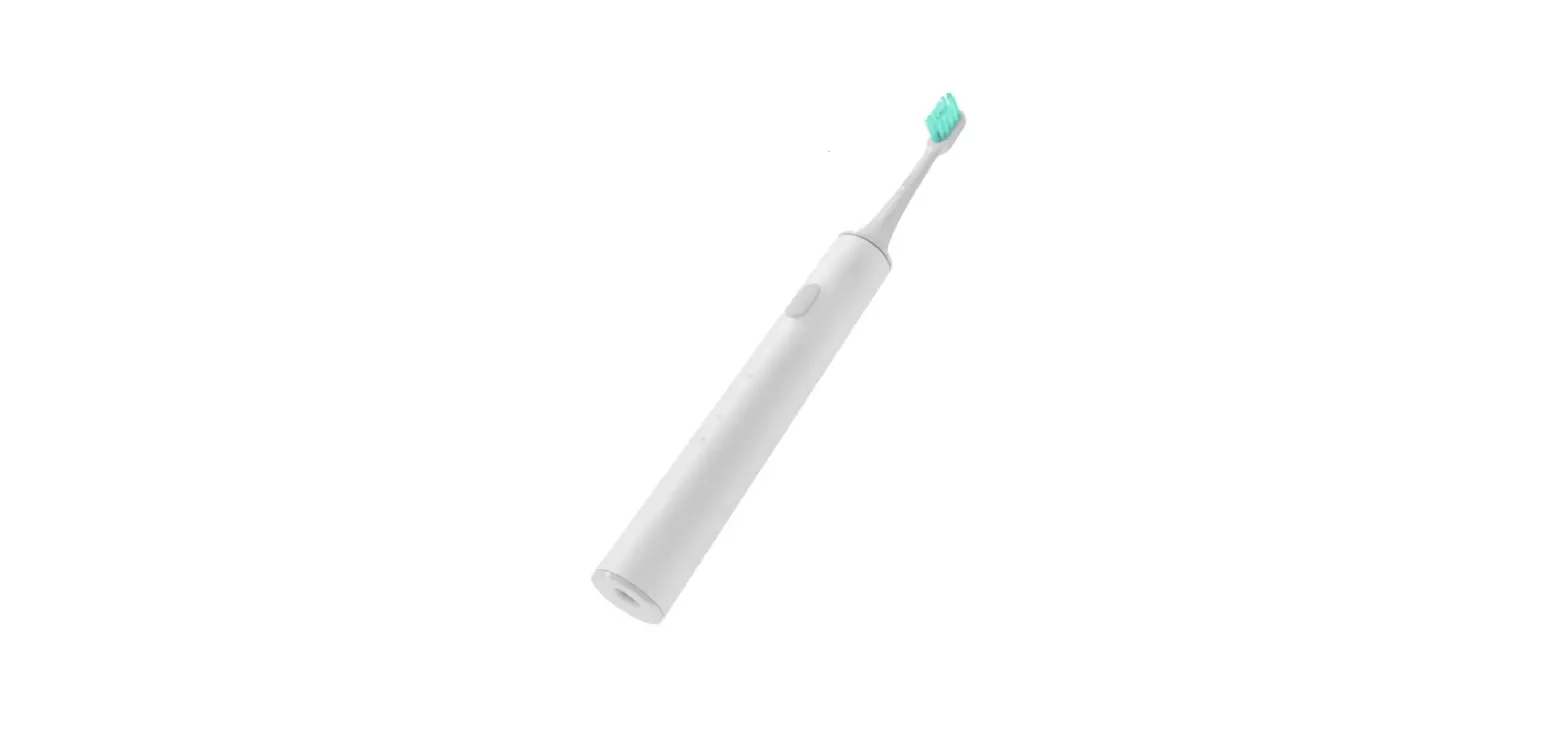
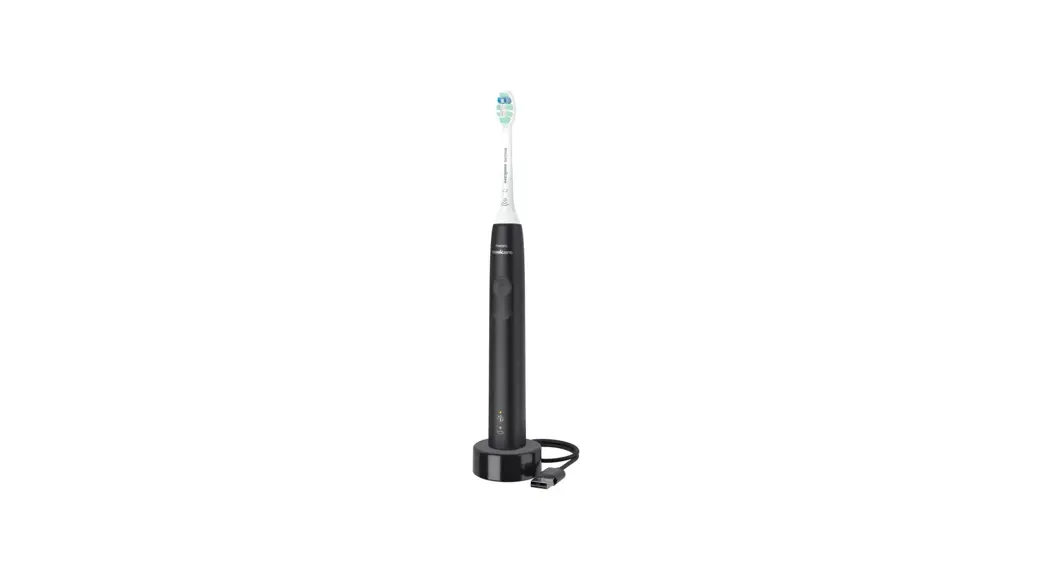
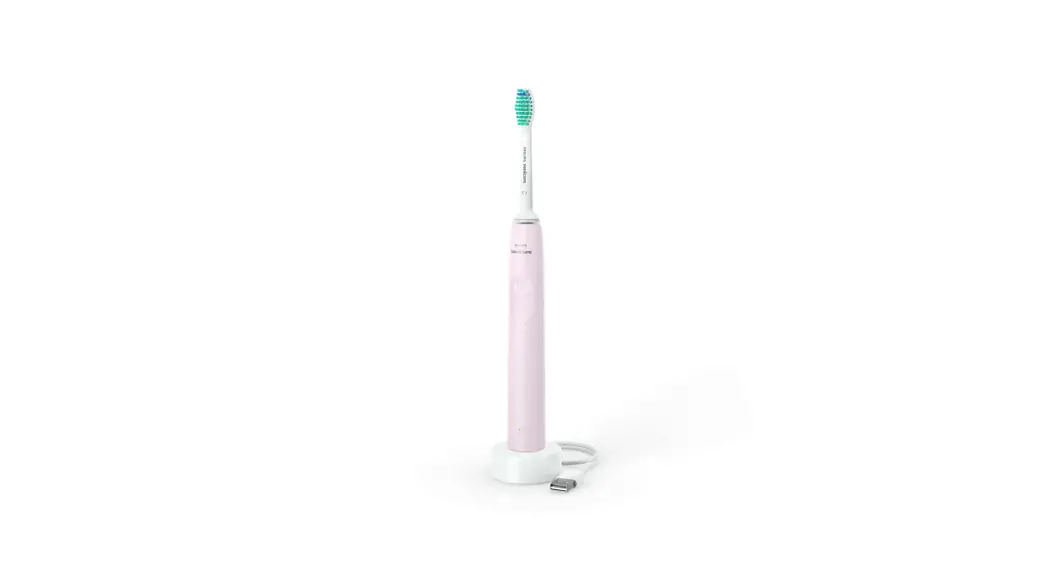
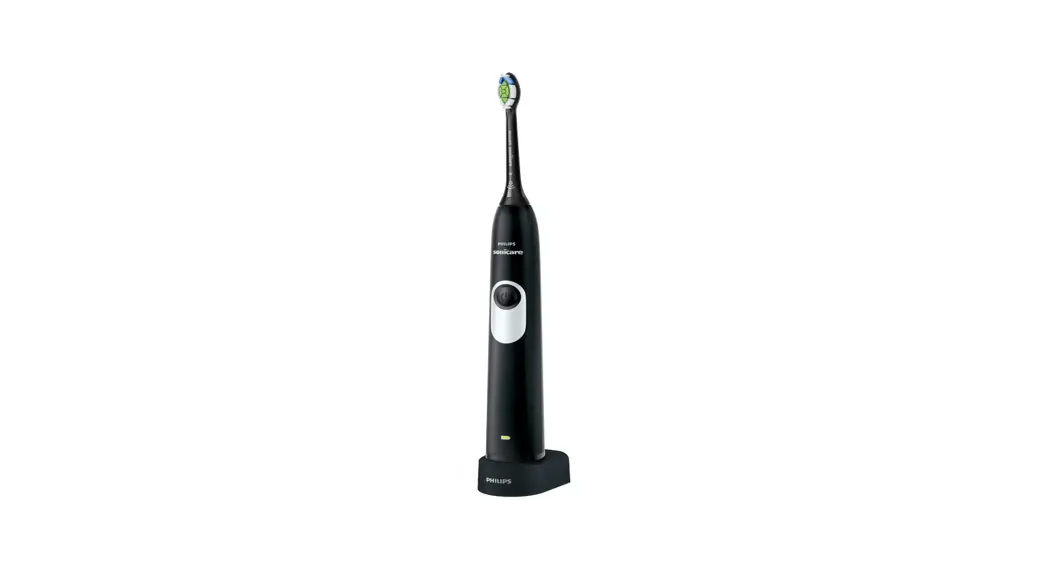
Your Electric Toothbrush includes the following:
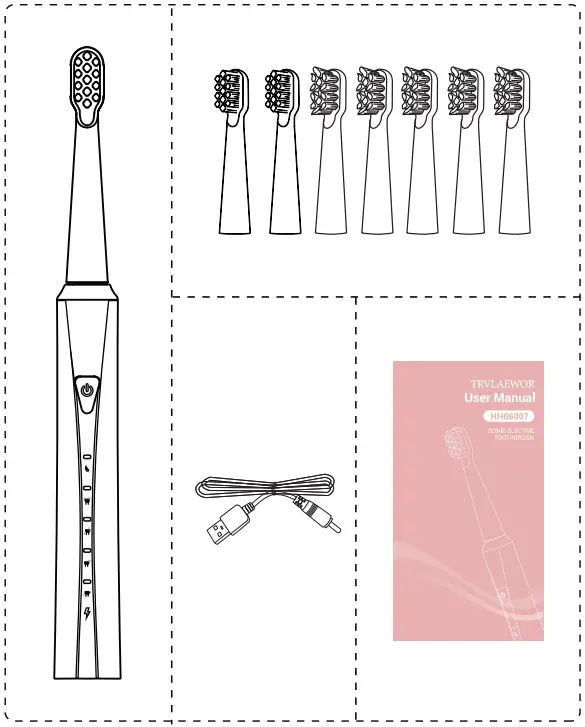
| Electric Toothbrush * 1 | Brush Heads * 8 |
| User manual *1 | Charging Cord * 1 |
Charging
When using the product for the first time, be sure it is fully charged.
If the device is left unused for an extended period of time, we recommend fully charging it before storage and again prior to use.
- Battery Indicators
When the battery power indicator is red, the battery is low. Charge the unit to avoid draining the battery completely. When charged, the battery power indicator is solid green
Charging State
The red Indicator is always onFull Charging
The green indicator is ale on - Connect the charging cord
Connect the charging cord to the unit and the USB plug into an adapter, power bank, or another unit with a USB interface. The unit may be slightly warm while charging. This is normal. Charging time: 4 hours

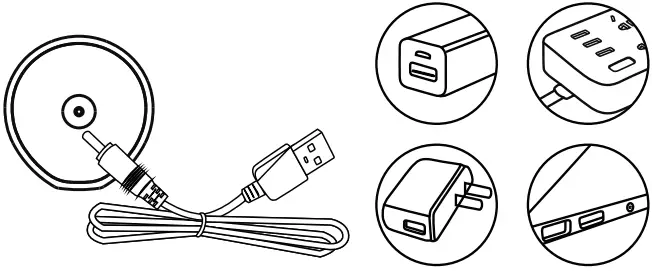 Charging time: 4 hours
Features and Brushing Modes
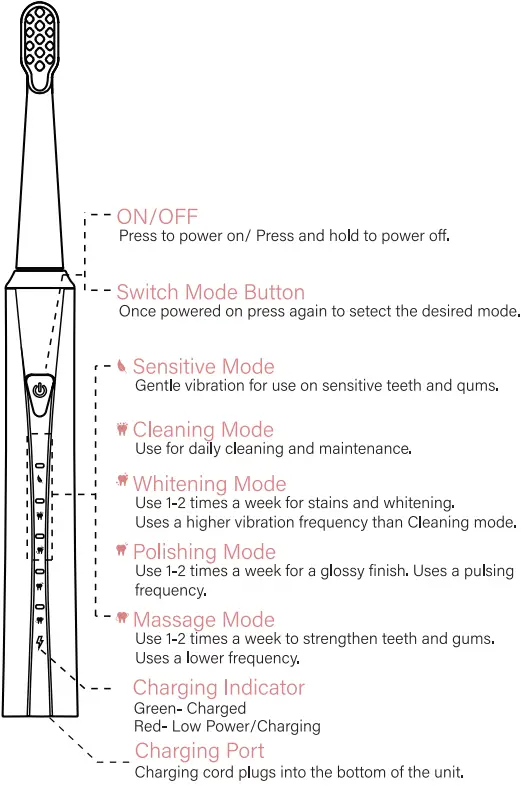
Brushing Your Teeth
Make sure the unit is fully charged before using
 | Once the toothbrush is attached, squeeze some toothpaste on the brush head. |
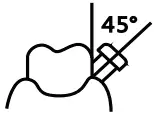 | Put the toothbrush into your mouth and position the bristles against the gum line at a 45° angle. |
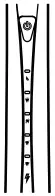 | Turn your unit on by pressing the power button. When powered on, the mode indicators will light up, allowing a mode to be selected. (Whitening, Cleaning, Sensitive, Polish, or Massage). |
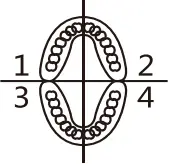 | Dental professionals suggest that you – mentally divide your mouth into four sections and brush each area for about 30s each. Move the toothbrush slowly, back and forth, over each area, letting the brush do its job. There is no need to press the brush hard against the teeth. You may choose to change modes while you brush. |
 | When you are finished brushing, press and hold the power button for 5s to turn the power off. |
For the best dental health, we recommend replacing your brush head every 3 months.
Instructions
Attach Toothbrush Head
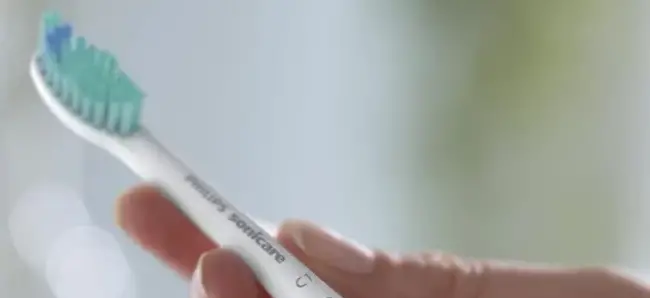
- With the toothbrush head facing the power button, slide the brush head onto the white shaft at the top of the electric toothbrush until it clicks into place. There will be a slight gap between the brush head and handle to allow for normal vibrations during use.
 Detach Toothbrush Head
 - Pull the brush head up and off the top of the electric toothbrush.
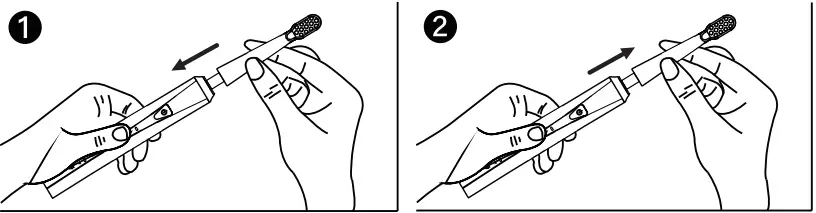 Detach Toothbrush Head
WARRANTY
All units are inspected to ensure they are working properly. We offer a 12-month warranty to the original purchaser for your peace of mind. We guarantee your unit will be free from defects in material and workmanship when used in accordance with the guidelines provided.
This warranty does not cover normal wear of parts or damage resulting from any of the following: negligent use, misuse, or use contrary to the guidelines included.
 MADE IN CHINA