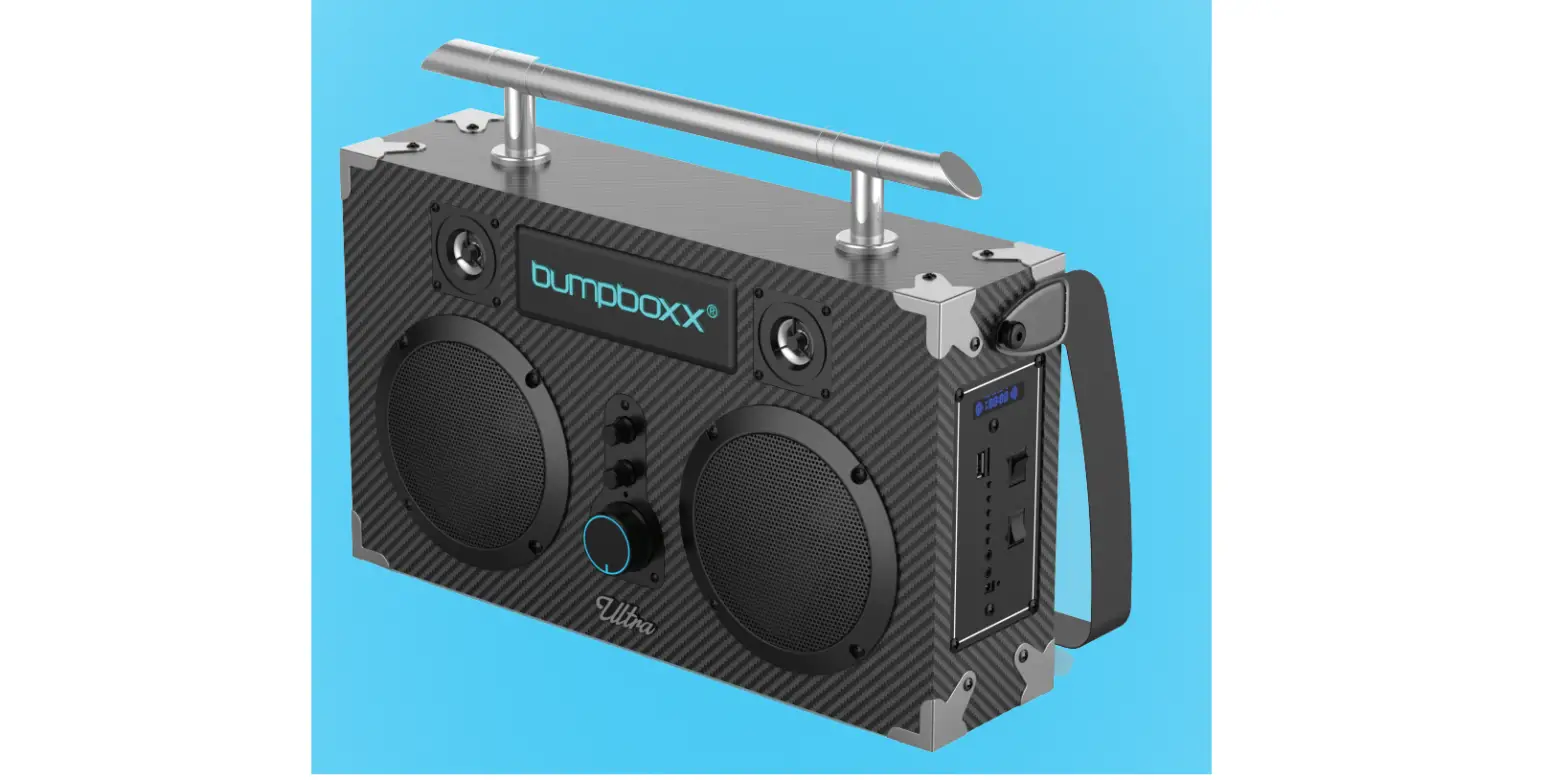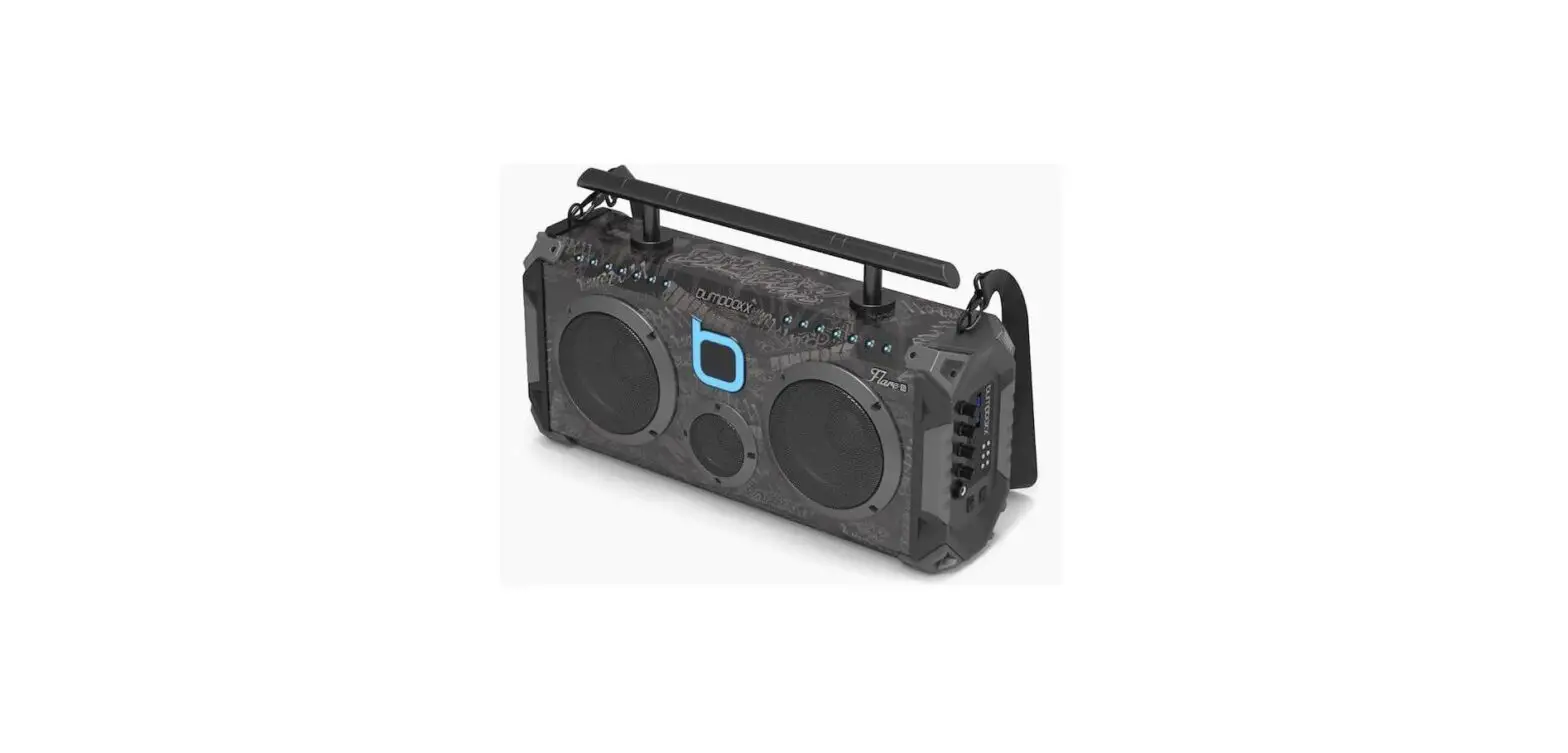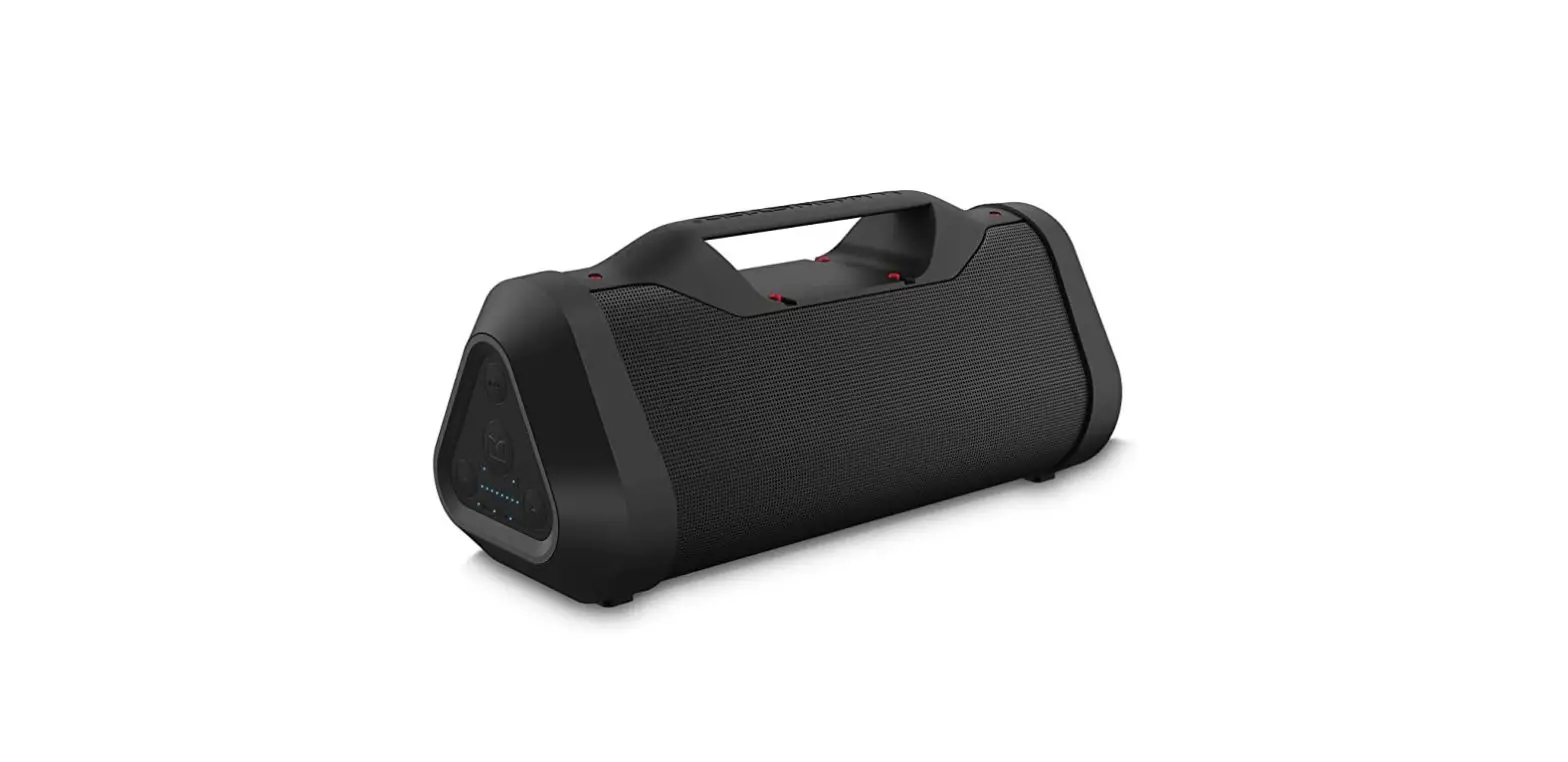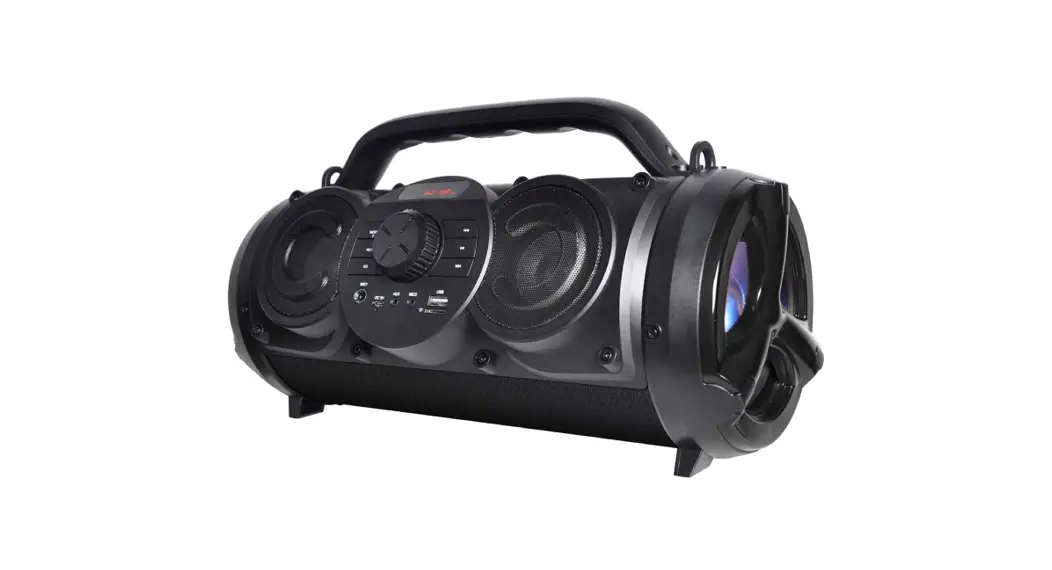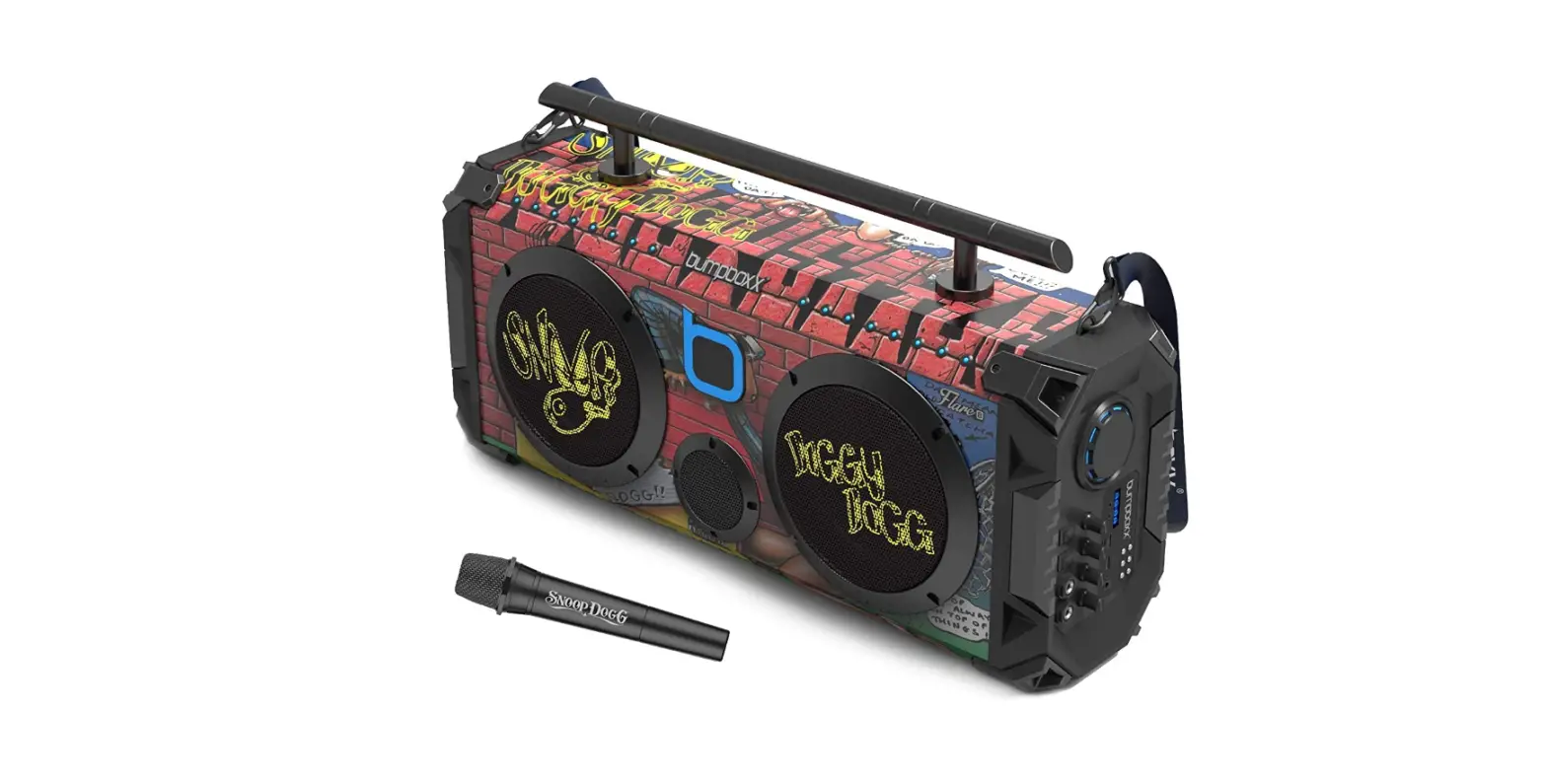

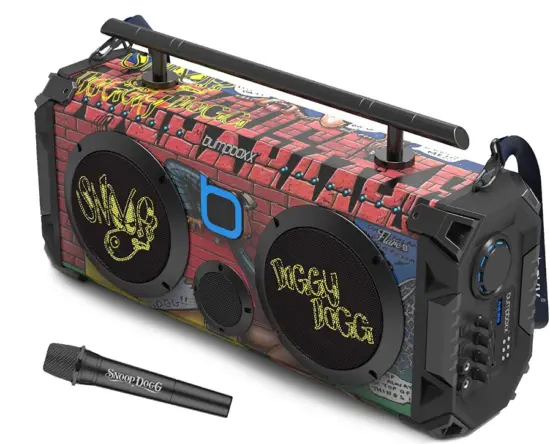
bumpboxx Ultra Bluetooth Boombox Ultra NYC Graffiti Speaker
THANK YOU!
Congratulations and thank you for your Bumpboxx Ultra purchase! We’re glad you’re part of the Bumpboxx family!
SPECIFICATIONS
- 140 Watts
- 2-5″ Full range drivers
- 2 2″ Tweeters
- Extreme Rear Bass Radiator
- Bluetooth Connectivity
- TWS Wireless Pairing of 2 units
- USB Player
- FM Player
- RM Radio
- 5 EQ Settings (Normal, Rock, Pop, Classical, Jazz, Country)
- 3.5mm Aux In/Aux Out
- 22 Hour Rechargeable Lithium lon Battery
- Iluminated Logo with on/off switch
- Illuminated Volume Knob
- Bass &Treble Controls
ACCESSORIES
- 15V3A Charger (1)
- Shoulder Strap (1)
- Wireless Remote (1)
- User Manual (1)
LET’S GET YOU BUMPIN 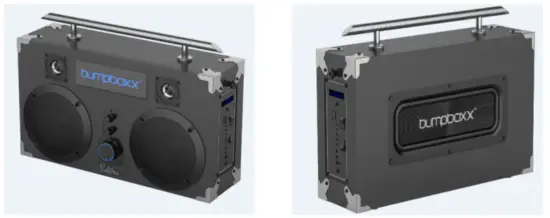
BATTERY & POWER
- Your Ultra features a rechargeable Lithium Ion battery.
- Please only use the included 15V3A charger to charge your Ultra.
- Once plugged in, a blue LED will start to flash. A solid blue LED means the charge is completed and the battery is at full capacity.
- Charging time is from 3-5 hours.
- Once battery is at full charge, play time can be as much as 22 hours.
- Playtime will vary with music type and how loud you have the volume set.
FUNCTION DESCRIPTION
FM Radio Function
- Press MODEtoFM mode, station numbers will appear.
- Press >II Play to start automatic scan, this will pick up the strongest available stations. Press Next > >I to stop scan and listen to station picked.
USB/TF
- InsertUSB orTF media source. Ultra automatically switches to USB/TF mode.
- Use Pre I<<, P/P >I and Next > >I buttons to control playlist.
AUX
- Disconnect USB/TF if inserted.
- Insert3.Smm audio cable intoAUX IN input. Ultra automatically switches to AUX mode. Use Pre I<<, P/P >I and Next > >I buttons to control playlist.
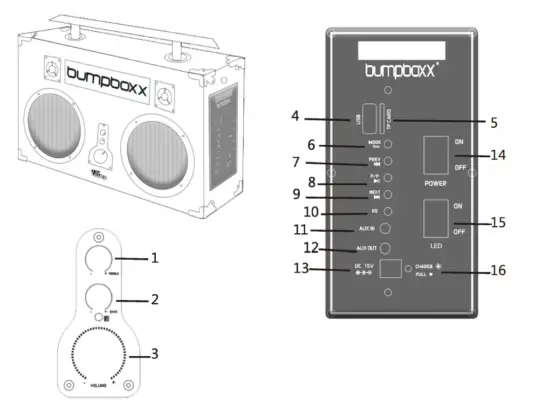
CONTROLS
- Treble
- Bass
- Volume
- USB – Input Media Device
- TF card – Input Media Device
- Mode – Automatically set to “BLUE” for Bluetooth. Select again for FM or AUX
- Previous / Back – For Previous Song or Channel
- Play/Pause -To start and pause in Bluetooth/USB/TF/AUX IN. Pause search in FM mode
- Next – To move forward to next song/channel
- Equalizer Presets – Normal, Rock, Pop, Classical, Jazz, Country
- Aux In – 3.5 mm stereo input to connect to other devices to share their signal
- Aux Out – 3.5 mm output to connect other devices to share your signal
- DC 15V – Input for your Bumpboxx Ultra Charger.
- Power On / Off Switch – To power Ultra on or turn it off.
- LED On / Off – Controls the “bumpboxx” LEDs on or off
- Charge Status LED – (1) Blinking LED means your Ultra is charging
- Solid LED means it is fully charged.
- Use only the Bumpboxx 15V3A charger as other chargers may damage your unit and will void warranty.

BLUETOOTH
- Your Bumpboxx Ultra will go into Bluetooth mode when powered up and ready to pair. (Reads “BLUE” on the display)
- Switch your phone/device to Bluetooth mode and scan for “Bumpboxx -Ultra” and select.
- Now that you’re paired, you can control the volume and tracks by either your paired mobile device or your Bumpboxx Ultra.
ULTRA PAIRING
“TWS” Technology
- Create the ultimate listening experience! Connect two Bumpboxx Ultras for a surround sound of Boom!One unit will be a right channel and one will be come a left channel.
- only works in Bluetooth mode.
- Turn both Bumpboxx Ultra units on.
- Hold P/Pbutton on the unit you want to be the main unit.
- You will hear a beep on both units, letting you know they’re sync’d together.
- Now you have sync’d your two Bumpboxx Ultras for fully separated stereo sound!
Disconnecting “Sync”
- To disconnect your Sync, for using only one Ultra at a time:
- Have both units on.
- Disconnect all Bluetooth connections.
- Press and hold P/P>II until you hear a beep.
- Units will be disconnected.
REMOTE
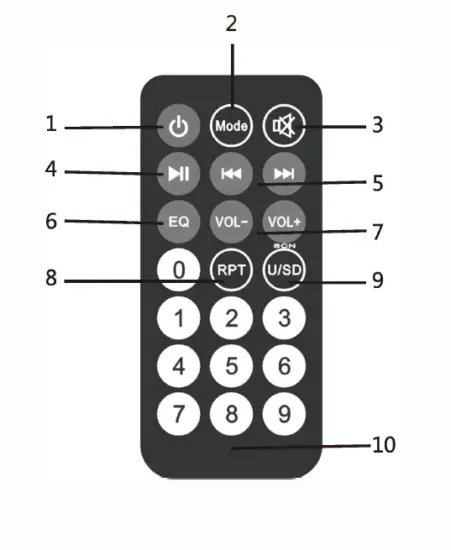
- Power
- Mode
- Mute
- Play/Pause
- Channel +/-
- Equalizer
- Volume +/-
- Repeat
- USB/SD
- 0-9