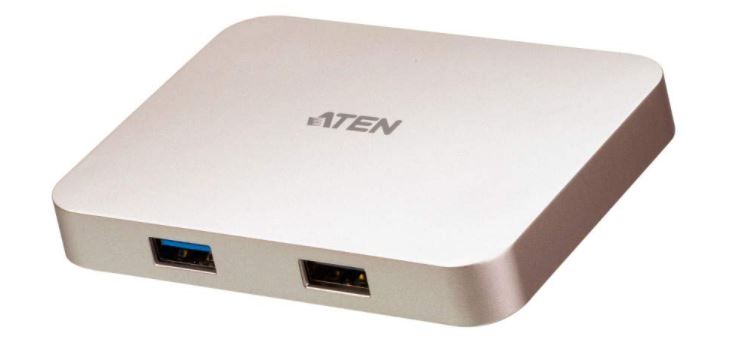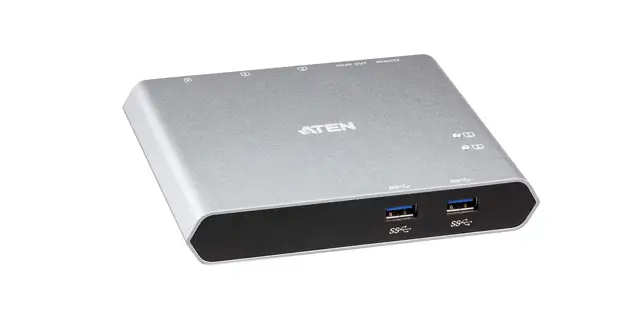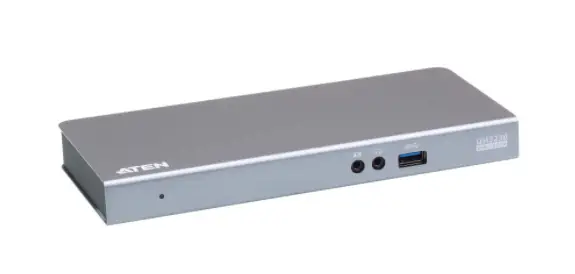

UH3238
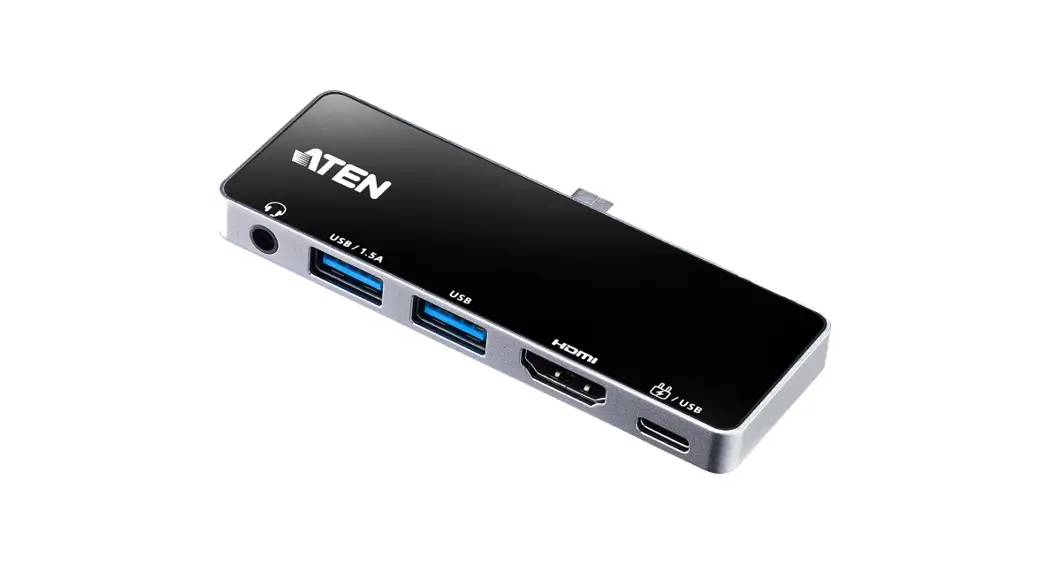
USB-C Travel Dock with Power Pass-Through
Quick Start Guide

A Hardware Overview
B Installation
C Consideration
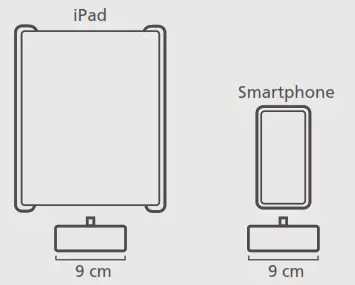
It is recommended to keep a space of 9 cm at least for the USB-C host connector to fi rmly connect with your mobile device.
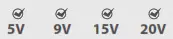
Check USB-C charge rate of your laptop*
The total charging time may vary depending on the devices connected to the UH3238.
*USB-C PD power adapter is not included in the package.
| Host | Maximum HDMI Resolution |
| DP 1.2 Alt mode supported | 4K @ 30Hz |
| DP 1.4 Alt mode supported | 4K @ 60Hz |
Package Contents
- UH3238 USB-C Travel Dock with Power Pass-Through
1 user instructions
Support and Documentation Notice
All information, documentation, firmware, software utilities, and specifications contained in this package are subject to change without prior notification by the manufacturer. To reduce the environmental impact of our products, ATEN documentation and software can be found online at http://www.aten.com/download/
Technical Support www.aten.com/support
Scan for more information
ATEN Website | User Manual |


The terms HDMI, HDMI High-Definition Multimedia Interface, and the HDMI Logo are trademarks or registered trademarks of HDMI Licensing Administrator, Inc.
UH3238 USB-C Travel Dock with Power Pass-Through
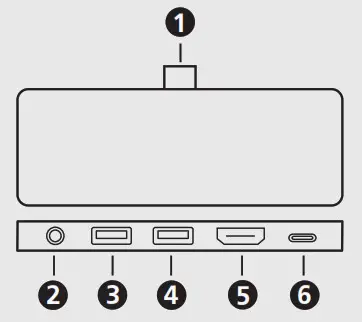
A Hardware Overview
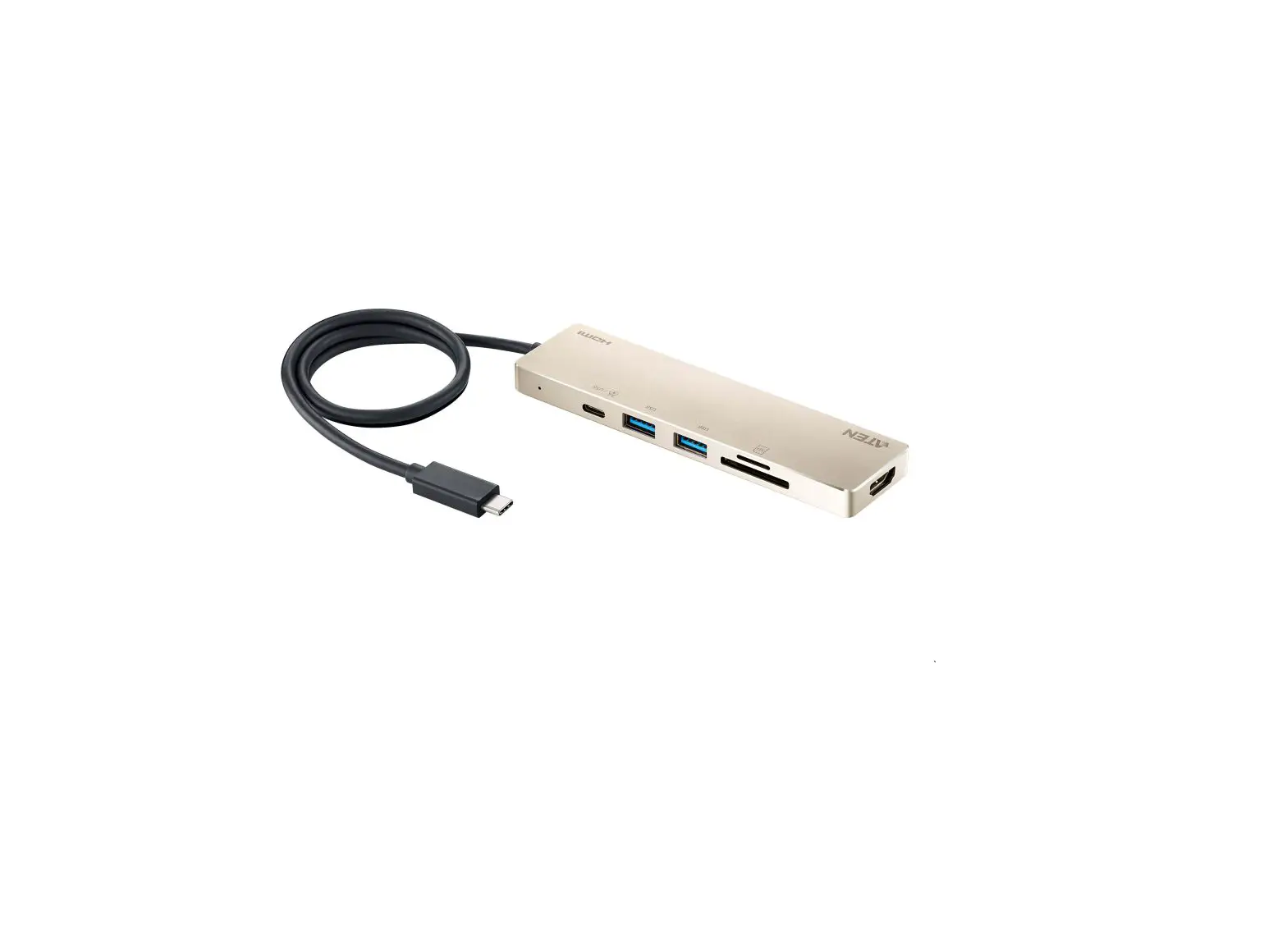
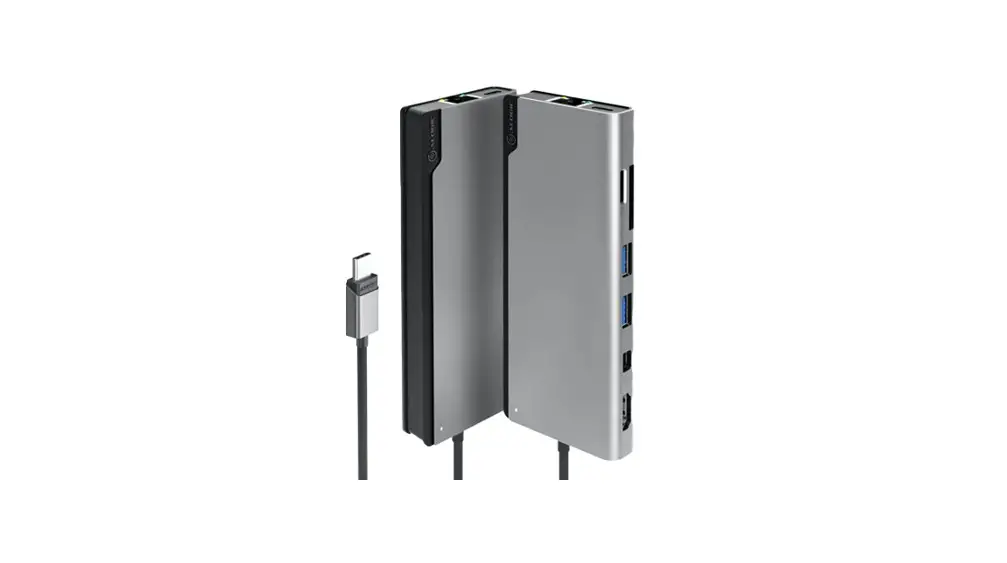
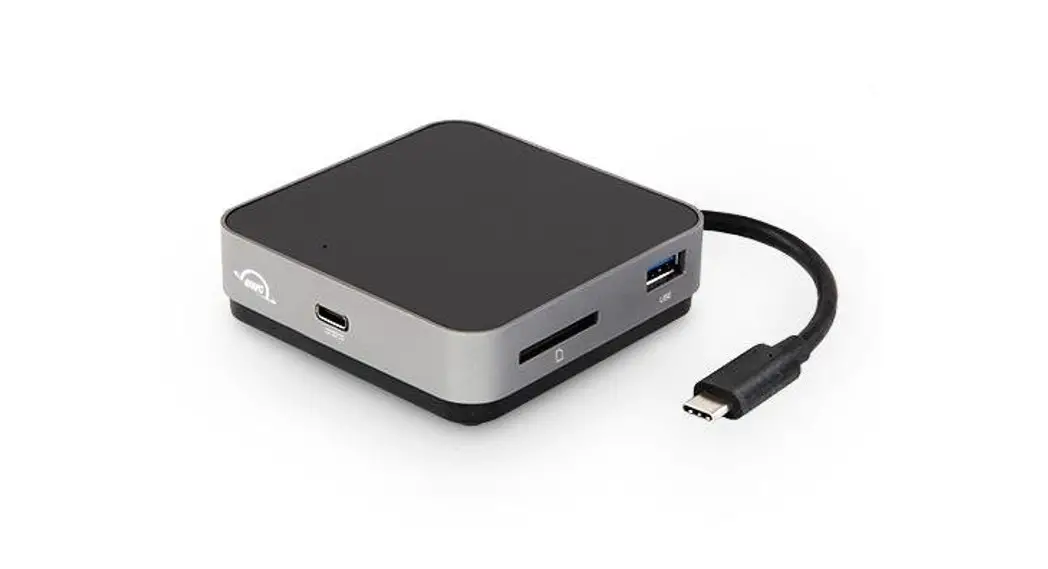
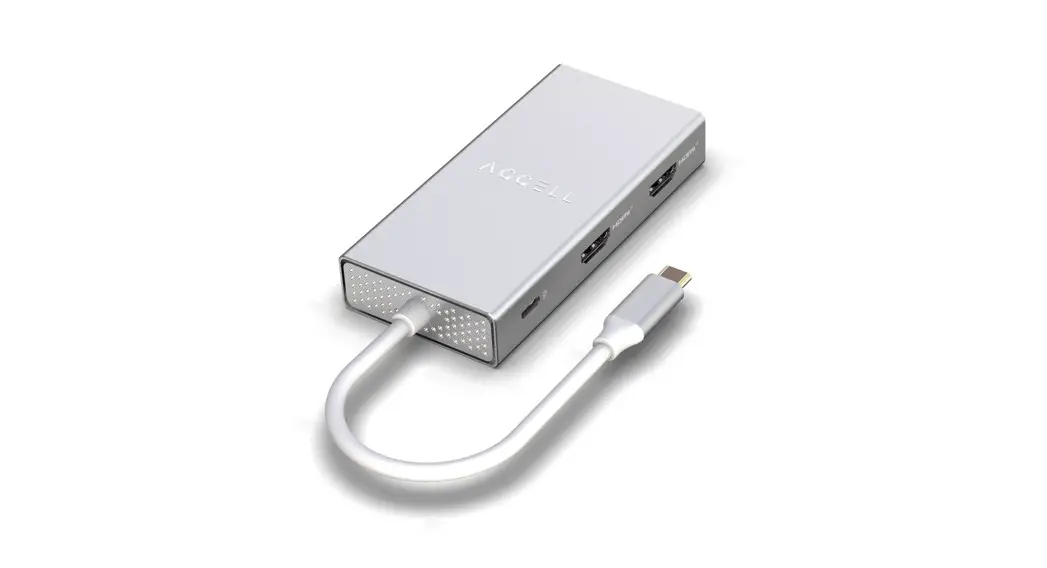
- USB-C host connector
- 3.5 mm stereo 4-pole audio jack with microphone
- USB 3.2 Gen1 Type-A port with 1.5A1, 2
- USB 3.2 Gen1 Type-A port
- HDMI output port
- USB-C DC-in port (supports USB 3.2 Gen1 Type-C port data transfer)3,4
Note:
- The total output of 2 USB Type-A ports is at 5V. 9W max.
- It is recommended to connect a USB-C PD power adapter to the unit for additional power supply if this port is used for phone charging or heavy loading on the USB devices (total over 1A).
- Please use Limited Power Source (LPS) certified USB-C PD power adapter.
- For data transferring, the total output of 2 USB Type-A ports and 1 USB Type-C port is at 5V. 7.5W max.
System Requirements
USB-C enabled host with one of the following operating systems:
- Windows® 10 (32-bit / 64-bit) or above
- macOS X 10.12 or later
- iPadOS 13.1 or later, iPad Pro 3rd generation (USB-C) or above
Note: For video output to work through a USB-C port, it must support DP Alt Mode.
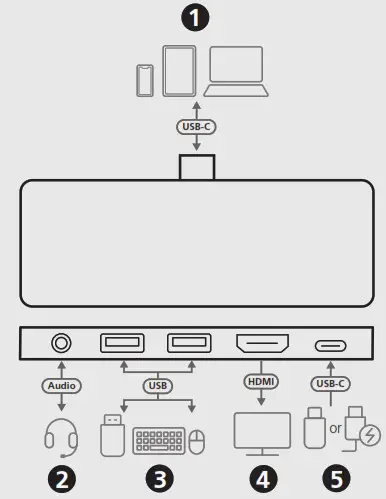
B Installation
- Connect the USB-C host connector to a USB-C enabled host.
- Connect an audio device such as earphones or earphones with microphone to the 3.5 mm stereo 4-pole audio jack with microphone.
- Connect the USB peripheral devices to the USB 3.2 Gen1 Type-A port with 1.5A and USB 3.2 Gen1 Type-A port.
- For video display, connect an HDMI-enabled monitor to the HDMI output port.
- Connect a USB-C PD power adapter to the USB-C DC-in port. (Optional) You can connect the USB-C peripheral devices here.
© Copyright 2021 ATEN® International Co. Ltd.
ATEN and the ATEN logo are registered trademarks of ATEN International Co., Ltd. All rights reserved.
All other trademarks are the property of their respective owners.
Released: 08/2021