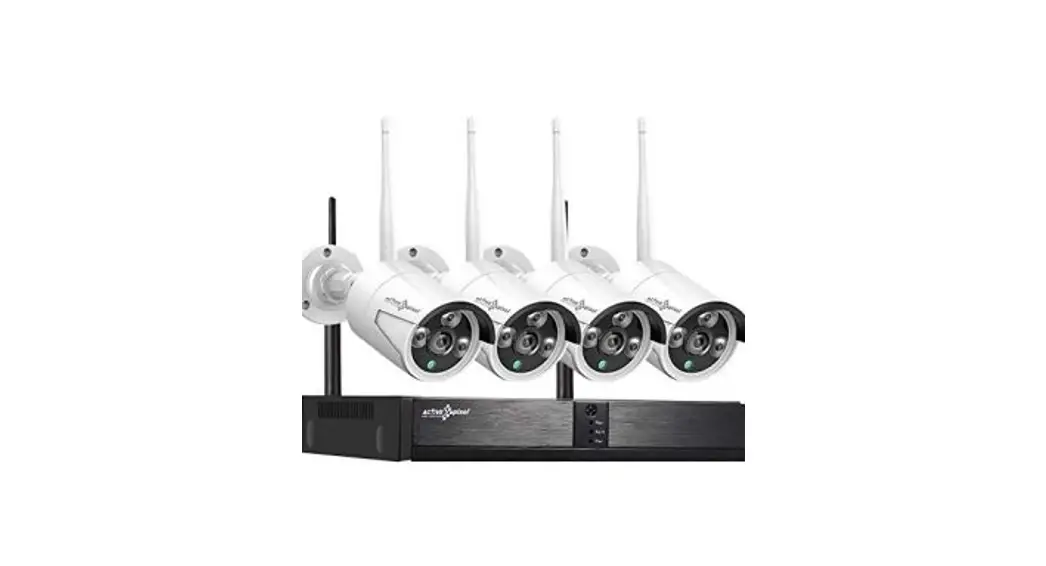
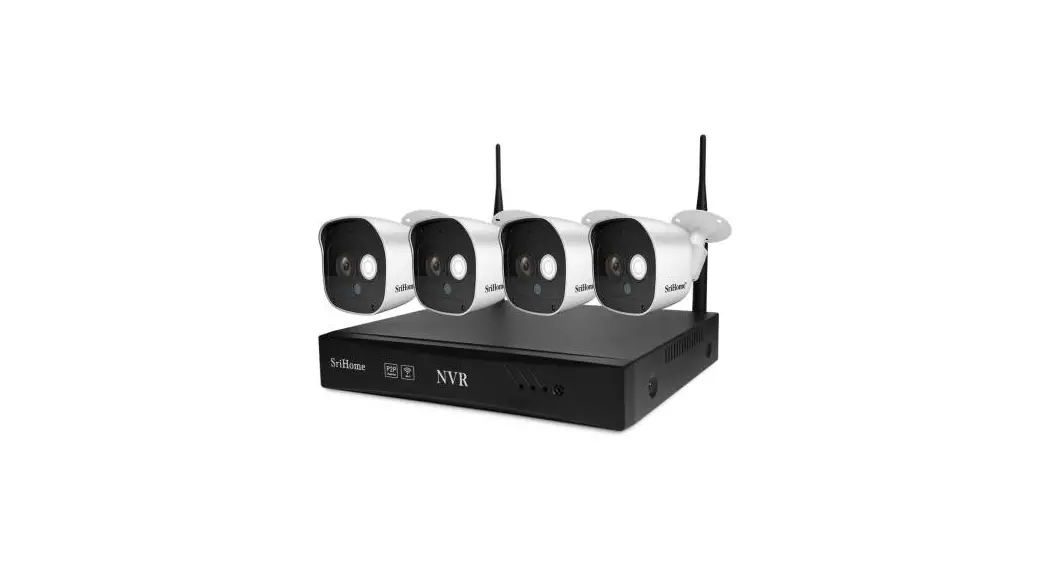
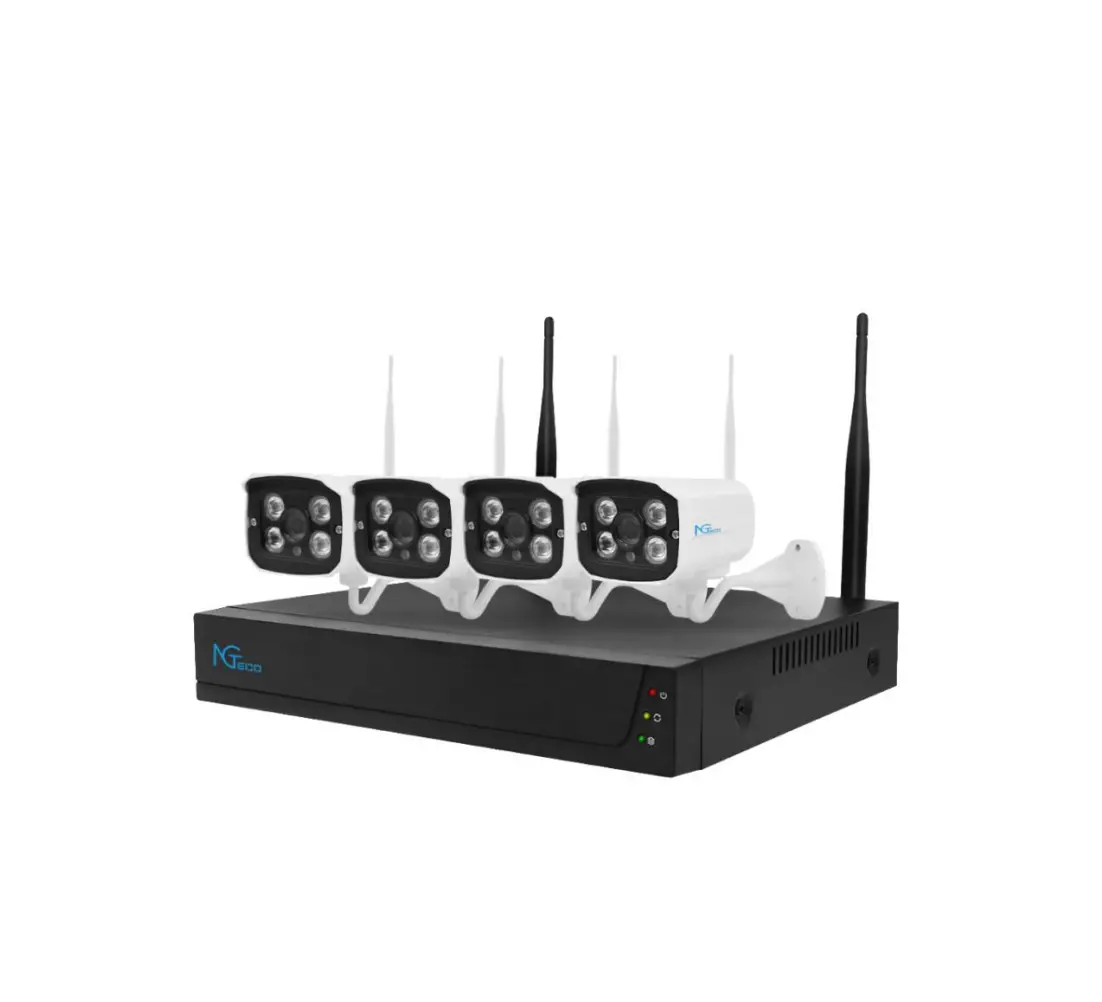
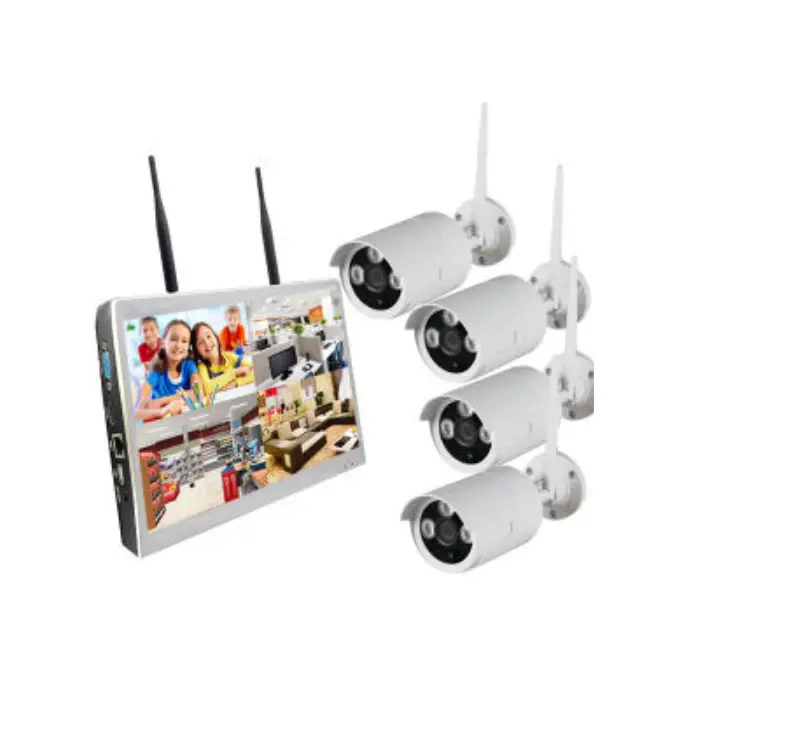
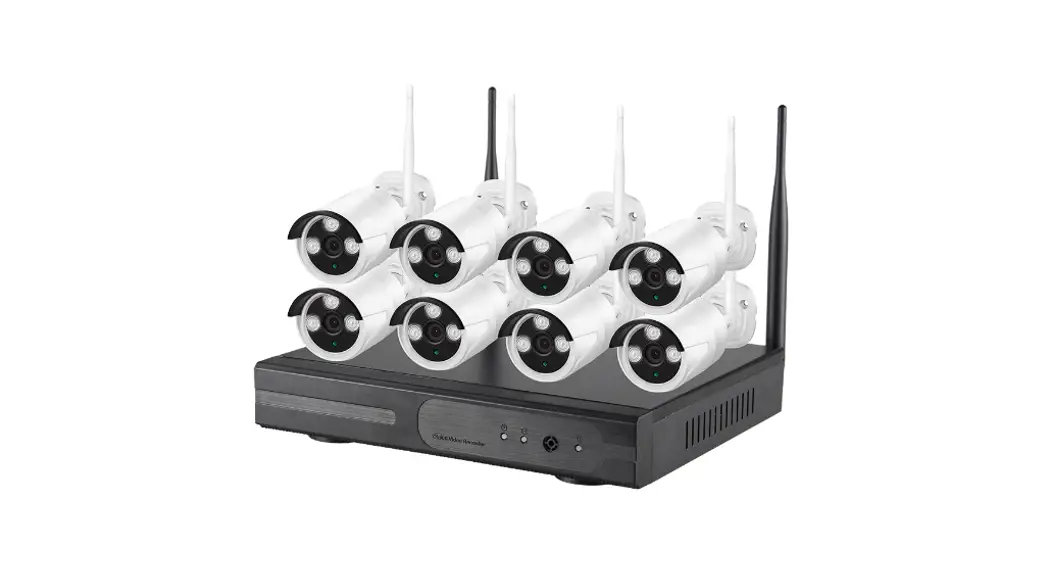
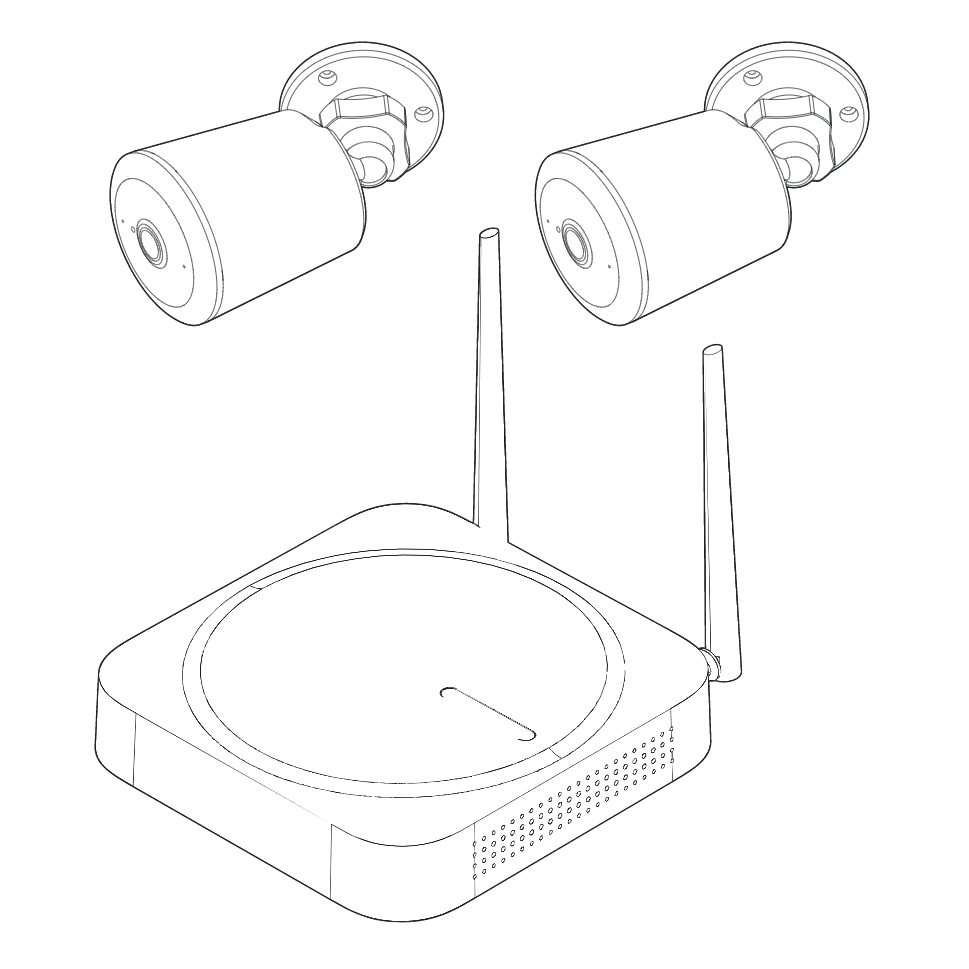
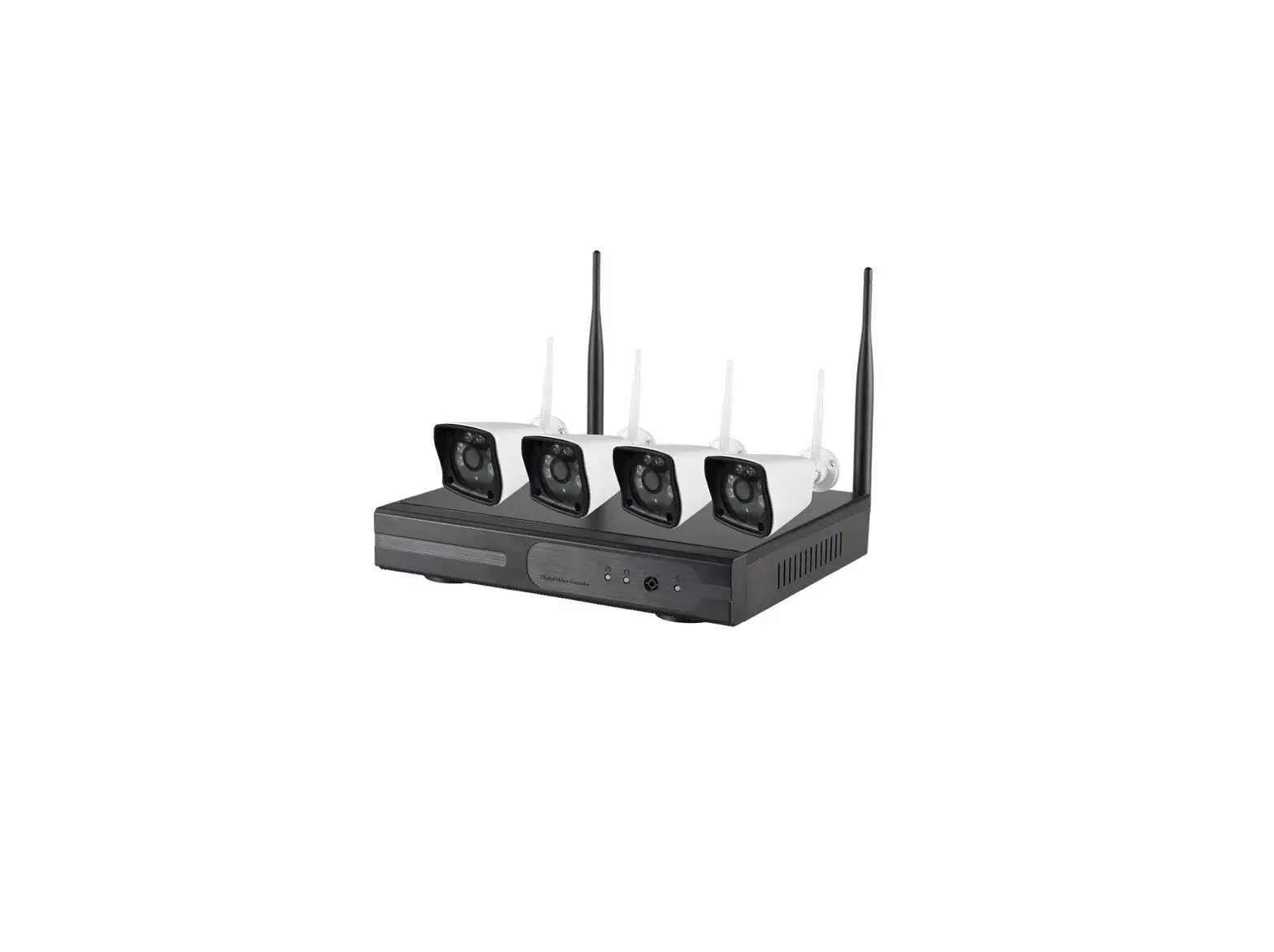
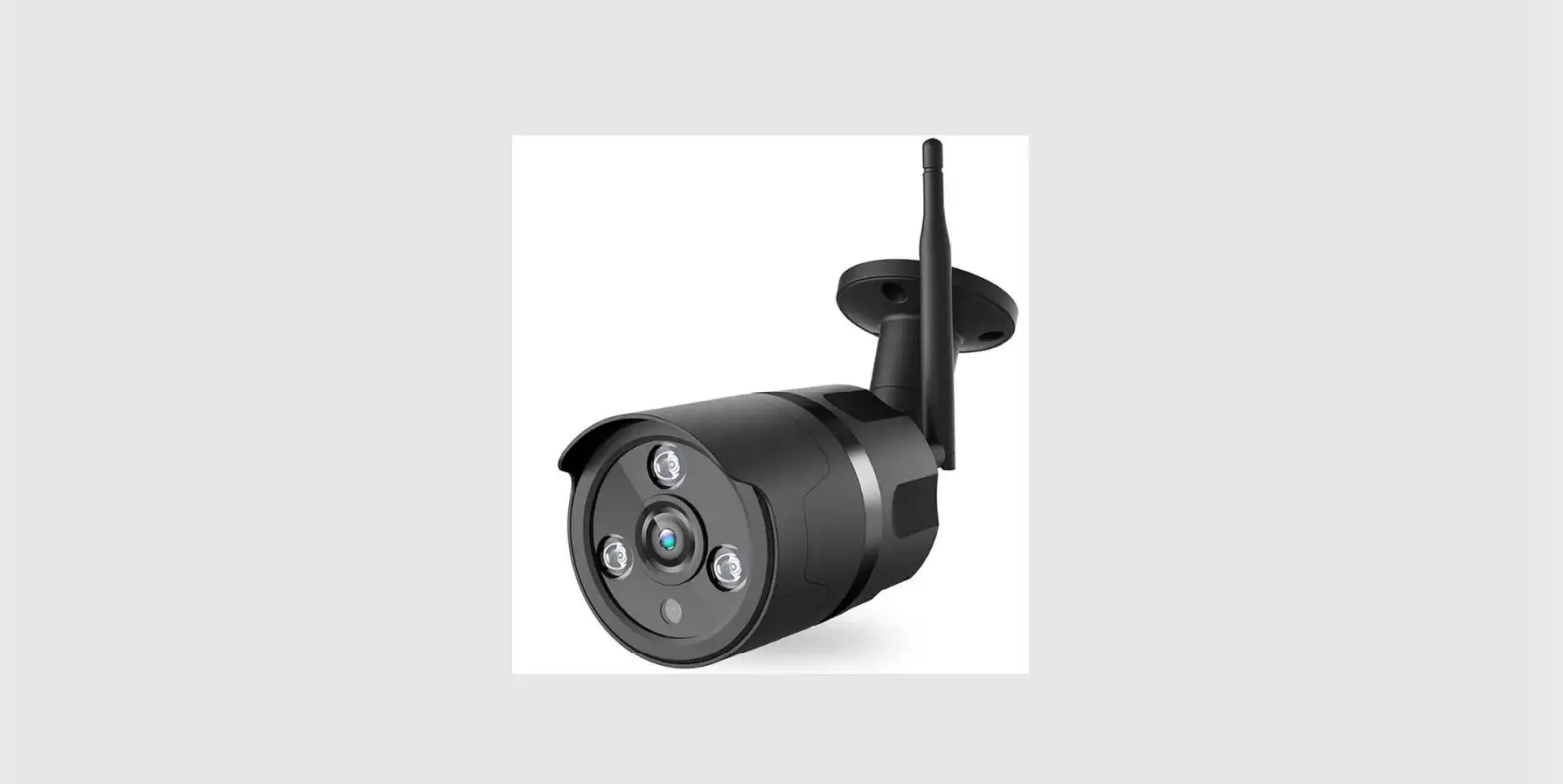
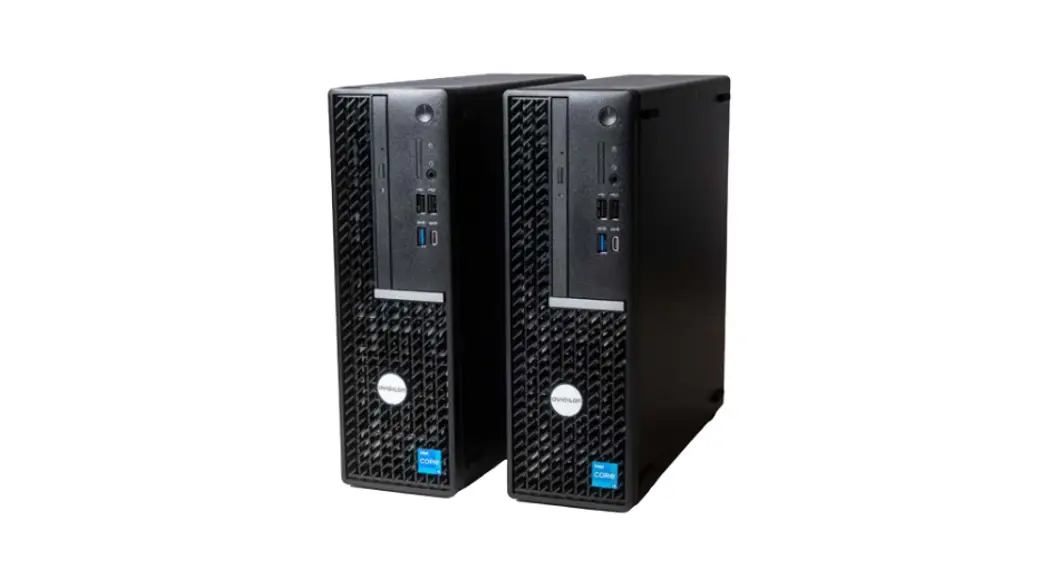
T8S10 Wi-Fi NVR System
Product Information: eufy Wi-Fi NVR System
The eufy Wi-Fi NVR System is a home security system that
includes a B130 eufy Wi-Fi NVR and one or more B130 eufy Wi-Fi
Cameras. The NVR features a Status LED, Speaker, Storage Drive Bay,
Power Port, Ethernet Port, USB Port, Reset Button, SYNC/ALARM OFF
Button. The Camera features a Camera Lens, Spotlight, LED
Indicator, Micro-USB Port (for maintenance only), microSD Card
Slot, SYNC Button, Mounting Bracket, Angle Adjustment Knob. The
system requires a storage drive (HDD) compatible with the SATA
interface, 3.5 inch size, and up to 8 TB capacity. It is
recommended to use surveillance hard drives such as WD Purple
Series, Seagate SkyHawk Series, or TOSHIBA S300 Series.
Product Usage Instructions
Installing Your Storage Drive
- Unscrew and remove the storage drive bay cover.
- Take out the storage drive bracket.
- Fix your storage drive to the bracket with the included
screws. - Insert the bracket back into the Wi-Fi NVR, replace the cover,
and secure it with the screws.
Setting Up the System
- Power on your Wi-Fi NVR and connect to your router using an
Ethernet cable. Wait for up to 1 minute and the Wi-Fi NVR is now
ready to be set up. - Connect your cameras to power using their power adapters.
- Download and install the eufy Business app, then sign in or
create an account. - Follow the in-app instructions to add the Wi-Fi NVR and cameras
to the device list.
Mounting Your Camera
- Select a location that is within reach of a power outlet. If
the distance is more than 16.4 ft (5 m), please contact customer
service for a separately sold extension cable. - Mount the camera using the included mounting bracket and angle
adjustment knob. Ensure tight seal. - Route the power cable into the waterproof case and connect it
to the power adaptor, then plug the adaptor into the power
outlet. - Rotate the camera to adjust the view and check it using the
live stream, which you can access in the eufy Business app. - Fasten the cable to the wall using the included cable clips if
needed.
Safety Notice
Always ensure that the camera is mounted securely and that the
power cables are not exposed or damaged. Do not mount the camera
under direct sunlight. Keep out of reach of children. For more
information, refer to the user manual.
QUICK START GUIDE
eufy Wi-Fi NVR System
AT A GLANCE
B130 eufy Wi-Fi NVR
Model: T8S10
Status LED Speaker Storage Drive Bay Power Port Ethernet Port USB Port Reset Button SYNC / ALARM OFF Button
B130 eufy Wi-Fi Camera
Ensure Tight Seal
Model: T8600
Camera Lens Spotlight LED Indicator Micro-USB Port (for maintenance only) microSD Card Slot SYNC Button Mounting Bracket Angle Adjustment Knob
INSTALLING YOUR STORAGE DRIVE
You need to install the included storage drive to save video recordings.
· The Wi-Fi NVR must be powered off when you install or remove a storage drive.
· To avoid data loss, transfer any existing data on your storage drive to another location before adding your storage drive to the Wi-Fi NVR.
1. Unscrew and remove the storage drive bay cover.
2. Take out the storage drive bracket. 3. Fix your storage drive to the bracket with the included screws.
HARD DRIVE
4. Insert the bracket back into the Wi-Fi NVR, replace the cover, and secure it with the screws.
SETTING UP THE SYSTEM
1. Power on your Wi-Fi NVR and connect to your router using an Ethernet cable. Wait for up to 1 minute and the Wi-Fi NVR is now ready to be set up.
Your additional storage drive must meet the following requirements:
Type Size
Storage drive (HDD) compatible with the SATA interface
3.5 inch
Capacity
Up to 8 TB
Recommended Surveillance hard drive such as WD Purple Series, Seagate SkyHawk Series, or TOSHIBA S300 Series
2. Connect your cameras to power using their power adapters.
1
2
3
4
5
6
Anker Innovations Limited. All rights reserved. eufy Security and eufy Security Logo are trademarks of Anker Innovations Limited, registered in the United States and other countries. All other trademarks are the property of their respective owners.
51005003653 V1
3. Download and install the eufy Business app, then sign in or create an account. 4. Follow the in-app instructions to add the Wi-Fi NVR and cameras to the device list.
7
MOUNTING YOUR CAMERA
Select a Location and a Height
Select a location that is within reach of a power outlet. If the distance is more than 16.4 ft (5 m), please contact our customer service for a separately sold extension cable.
16.4 ft (5 m)
· Disconnect the camera from the power outlet before mounting. Make sure the camera receives a strong Wi-Fi connection in the location you want to mount it to achieve a smooth video stream.
8
We recommend mounting the camera 7-10 ft (2-3 m) above the ground. This height maximizes the detection range of the motion sensor of the camera. · The camera can be mounted both indoors and outdoors. Avoid
mounting the camera under direct sunlight.
Camera Field-of-View
Up to 33 ft (10 m)
9
7-10 ft (2 – 3 m)
Mount the Camera
1. Use the position template to drill holes with correct spacing, then mount the camera using the provided screws. · Screw anchors are necessary for walls that are made out of hard
materials such as concrete, brick, or stucco.
2. Route the power cable into the waterproof case and connect it to the power adaptor, then plug the adaptor into the power outlet.
10
3. Rotate the camera to adjust the view and check it using the live stream, which you can access in the eufy Business app.
10~25° (Optimal)
4. Fasten the cable to the wall using the included cable clips if needed.
11
SAFETY
· The suitable temperature range for B130 eufy Wi-Fi Camera and accessories is -20°C to 45°C (-4°F – 113°F). The suitable temperature range for B130 eufy Wi-Fi NVR and accessories is -10°C to 35°C (14°F – 95°F). The recommended temperature range for devices and accessories is 5°C to 25°C (41°F – 77°F).
· Unless specifically indicated that it is safe to do so in the user guide or instruction manual, do not use this device in an environment that exceeds the recommended low or high temperature.
· Unless specifically indicated that it is safe to do so in the user guide or instruction manual, avoid exposing your device to direct sunlight or wet environments.
· The power adapter should be installed near the equipment and should be easily accessible.
· Use only a power adapter supplied by or approved by the manufacturer. Using an unauthorized power adapter may cause danger and may violate the authorization of the device to receive service under warranty.
· The power adapter is for indoor use only. The plug is considered as a disconnect device of the adapter.
NOTICE
NOTICE (United States of America)
FCC Statement This device complies with Part 15 of the FCC Rules. Operation is subject to the following two conditions: (1) this device may not cause harmful interference, and (2) this device must accept any interference received, including interference that may cause undesired operation. Warning: Changes or modifications not expressly approved by the party responsible for compliance could void the user’s authority to operate the equipment. Note: This equipment has been tested and found to comply with the limits for a Class B digital device, pursuant to Part 15 of the FCC Rules. These limits are designed to provide reasonable protection against harmful interference in a residential installation. This equipment generates uses and can radiate radio frequency energy and, if not installed and used in accordance with the instructions, may cause harmful
12
interference to radio communications. However, there is no guarantee that interference will not occur in a particular installation. If this equipment does cause harmful interference to radio or television reception, which can be determined by turning the equipment off and on, the user is encouraged to try to correct the interference by one or more of the following measures: (1) Reorient or relocate the receiving antenna. (2) Increase the separation between the equipment and receiver. (3) Connect the equipment into an outlet on a circuit different from that to which the receiver is connected. (4) Consult the dealer or an experienced radio/TV technician for help. FCC Radio Frequency Exposure Statement The device has been evaluated to meet general RF exposure requirements. The device can be used in fixed/mobile exposure condition. The min separation distance is 20cm. Notice: Shielded cables All connections to other computing devices must be made using shielded cables to maintain compliance with FCC regulations. The following importer is the responsible party Company Name: POWER MOBILE LIFE, LLC Address: 10900 NE 8th St, Ste 501, Bellevue WA 98004 Telephone: 1-800-988-7973
NOTICE (Canada)
This device complies with Industry Canada licence-exempt RSS standard(s). Operation is subject to the following two conditions: (1) this device may not cause interference, and (2) this device must accept any interference, including interference that may cause undesired operation of the device.” Le présent appareil est conforme aux CNR d’Industrie Canada applicables aux appareils radio exempts de licence. L’exploitation est autorisée aux deux conditions suivantes: (1) l’appareil nedoit pas produire de brouillage, et (2) l’utilisateur de l’appareil doit accepter tout brouillage radioélectrique subi, même si le brouillage est susceptible d’en compromettre le fonctionnement.” This Class B digital apparatus complies with Canadian ICES-003. Cet appareil numérique de la classe B est conforme à la norme NMB-003 du Canada. IC RF Statement When using the product, maintain a distance of 20cm from the body to ensure compliance with RF exposure requirements. Lors de l’utilisation du produit, maintenez une distance de 20 cm du corps afin de vous conformer aux exigences en matière d’exposition RF.
13
Customer Service
12-month limited warranty
(US) +1 (800) 988-7973 (UK) +44 (0) 1604 936200 (DE) +49 (0) 69 9579 7960 ( ) +86 400 0550 036 ( ) +81 03 4455 7823 (AU) +61 3 8331 4800 (Egypt) +20 8000000826 (UAE) +971 8000320817 (Kuwait) +965 22069086 (Saudi Arabia) +966 8008500030 (Middle East & Africa) +971 42428633
[email protected]
Anker Innovations Limited
Room 1318-19, Hollywood Plaza, 610 Nathan Road, Mongkok, Kowloon, Hong Kong
@EufyOfficial
@EufyOfficial
@EufyOfficial