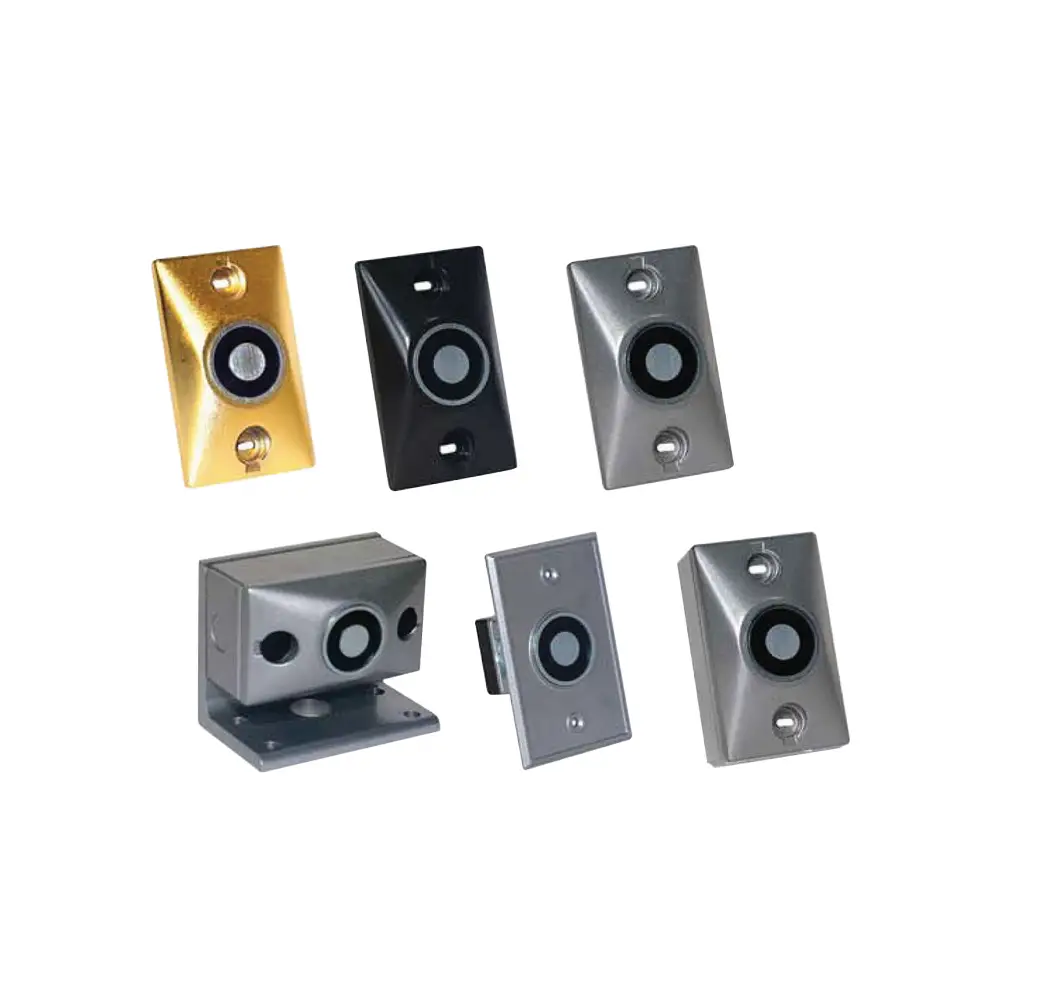
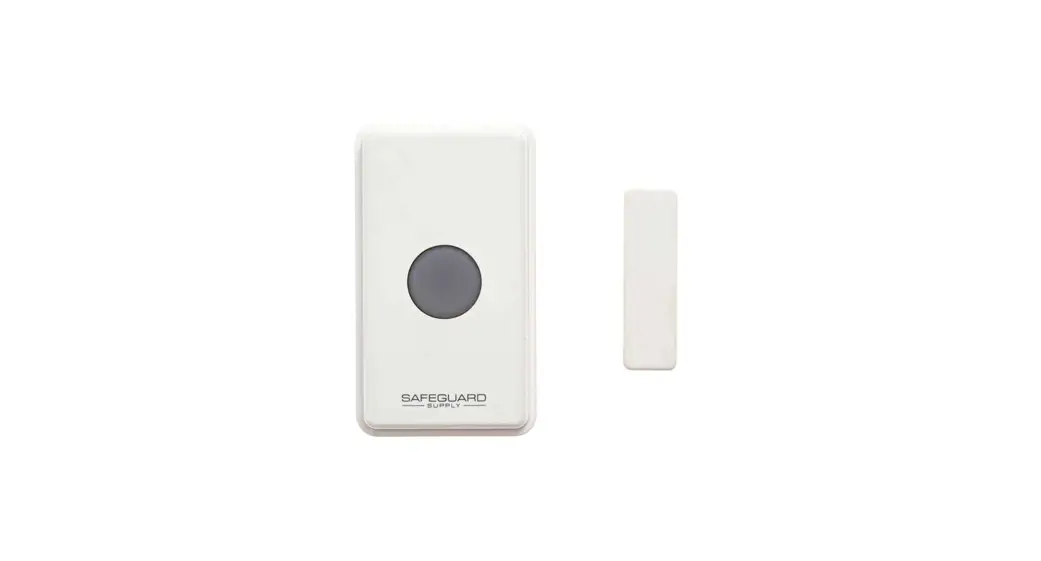
HFW-DHR-01 Wireless Door Holder Device
Product Information: Wireless Door Holder
The Wireless Door Holder, model number HFW-DHR-01, is a
battery-powered device used for holding fire doors open. It
interfaces directly with the fire system and the release mechanism
is activated when a command is received from the wireless
translator or when the push-button is pressed. This device has a
retaining force of 200N and an EN 1155 classification of
3-5-5-1-1-0. It operates on a frequency of 868 MHz with a max
radiated power of 12dBm (16mW) and uses FSK radio signal
modulation. The operating frequency channels are 7, and the device
has a communication range of up to 200m with its parent translator
or expander in open space. The device’s operating temperature range
is between -10°C to +55°C with a maximum tolerated humidity
(non-condensing) of 95% RH. The device has an IP rating of IP30,
meaning it is protected against objects greater than 2.5mm in size
and protected against dripping water when tilted up to 15
degrees.
Technical Specifications:
| Specification | Value |
|---|---|
| Operating frequency | 868 MHz |
| Max radiated power | 12dBm (16mW) |
| Radio signal’s modulation type | FSK |
| Operating frequency channels | 7 |
| Device’s communication range with its parent translator or expander in open space | 200m |
| Operating temperature range | -10°C to +55°C |
| Max tolerated humidity (non-condensing) | 95% RH |
| IP rating | IP30 |
| Retaining force | 200N |
| EN 1155 classification | 3-5-5-1-1-0 |
Battery Specifications:
| Battery Type | Value |
|---|---|
| Main battery type | CR123A (3V & 1.2Ah) |
| Secondary battery type | CR123A (3V & 1.2Ah) |
| Batteries service life | > 7 years * |
| Reserve service life | > 100 days * |
* When a low battery condition is indicated, main and secondary
batteries must be changed together. The lifespan value refers to
the device being programmed with a control signal transmission
period of 32 seconds.
Visual LED Indicator:
A bi-color LED indicator is used to indicate the statuses as
listed in table 3. The LED indication is visible only when the
device cover is open.
| Detector’s status | LEDs indication |
|---|---|
| Power up | 1 second GREEN, then 4 X 0.5 second RED |
| Link success | 1 second GREEN |
| Link failure | 1 second RED |
| Normal condition | LEDs off |
| Battery 1 fault | 0.1 second ORANGE blink, then 5 seconds off |
| Battery 2 fault | 0.1 second GREEN blink, then 5 seconds off |
| Both batteries fault | 0.1 second ORANGE, then 5 seconds off 0.1 second GREEN, then 5 seconds off sequential ORANGE / GREEN |
| General fault | 0.5 second blinking LEDs off |
| Tamper fault | LEDs off |
| Lost link with wire to wireless translator / wireless expander | LEDs off |
Product Usage Instructions:
- Ensure that the Door Holder is installed in the desired
location and that the fire system is properly connected. - To configure the Door Holder in the wireless system, perform
the following procedure either from the translator’s interface or
from the Wirelex software:- Move the link-program switch to position ON (see picture
3). - Insert the batteries into its holder. Ensure that both battery
polarities are correct. - When the translator module is set to linking-mode and starts
searching for a new device, move the switch to the OFF position.
The device starts to communicate when the configuration is
completed. The LED switches on accordingly (see Programming and
linking to the system in table 3).
- Move the link-program switch to position ON (see picture
- After a successful linking operation, to assess the wireless
communication quality with the translator/expander module, set the
link-program switch in the ON position; the device’s LED will
indicate the communication quality by blinking according to table
4.
If a low battery condition is indicated, main and secondary
batteries must be changed together. Refer to the latest version of
document TDS-DH100 obtainable from your supplier for further
data.
HFW-DHR-01
WIRELESS DOOR HOLDER
GENERAL DESCRIPTION The Door Holder is a battery-powered wireless device used for holding fire doors open. It interfaces directly with the fire system and the release mechanism is activated when a command is received from the wireless translator or when the push-button is pressed.
Picture 1
Terminal block for wiring a remote switch
Picture 2
Main battery
Secondary battery
Remote switch jumper J5
Programming and linking switch LED indicator
Tamper switch
Push button
ARGUS ITALY S.R.L. – Via del Canneto, 14 – 34015 – Muggia (TS) – Italy
1
TECHNICAL SPECIFICATIONS *
Operating frequency
868 MHz
Max radiated power
12dBm (16mW)
Radio signal’s modulation type
FSK
Operating frequency channels
7
Device’s communication range with its parent translator or expander in open space
200 m
Operating temperature range
-10°C to +55°C
Max tolerated humidity (non condensing) 95% RH
IP rating
IP30
Retaining force
200N
EN 1155 classification
3-5-5-1-1-0
* Check latest version of document TDS-DH100 obtainable from your supplier for further data.
Table 1
BATTERY SPECIFICATIONS
Main battery type
CR123A (3V & 1.2Ah)
Secondary battery type
CR123A (3V & 1.2Ah)
Batteries service life
> 7 years *
Reserve service life
> 100 days *
* When a low battery condition is indicated, main and secondary batteries must be changed together.
Table 2
The lifespan value refer to the device being programmed with a control signal trans mission period of 32 seconds.
VISUAL LED INDICATOR
A bi-color LED indicator is used to indicate the statuses as listed in table 3. The LED indication is visible only when the device cover is open. For further information, check the latest version of document TDS-DH100 obtainable form your supplier.
Power up Link success Link failure Normal condition Battery 1 fault Battery 2 fault
Detector’s status
Both batteries fault
General fault Tamper fault Lost link with wire to wireless translator / wireless expander
LEDs indication 1 second GREEN, then 4 X 0.5 second RED
1 second GREEN 1 second RED LEDs off
0.1 second ORANGE blink, then 5 seconds off 0.1 second GREEN blink, then 5 seconds off
0.1 second ORANGE, then 5 seconds off 0.1 second GREEN, then 5 seconds off
sequential ORANGE / GREEN 0.5 second blinking LEDs off LEDs off Table 3
PROGRAMMING AND LINKING
To configure the Door Holder in the wireless system perform the following procedure either from the translator’s interface or form the Wirelex software:
1. Move the “link-program” switch to position ON (see picture 3)
2. Insert the batteries into its holder (the visual LED indicator switches on accordingly (see “Power-up” in table 3)
Ensure that both battery polarities are correct!!!
3. When the translator module is set to “linking-mode” and starts searching for a new device, move the switch to the OFF position. The device starts to communicate when the configuration is completed. The LED switches on accordingly (see
“Programming and linking to the system” in table 3).
Picture 3 L20-SGDH1-46EN (A.3) 2
COMMUNICATION QUALITY ASSESSMENT
After a successful linking operation, to assess the wireless communication quality with the translator/expander module, set the “link-program” switch in the ON position; the device’s LED will indicate the communication quality by blinking according to table 4.
Always remember to reposition the switch to 1 after the assessment operation: device will not work operatively while the switch is set to the ON position.
Communication quality No communication Communication quality: 0dB – 10dB (Mark 2)
Assessment Fail Poor
Indication Two red blinks One red blink
Communication quality: 10dB – 20dB (Mark 3) Medium – Low
One green blink
Communication quality: 20dB – 30dB (Mark 4) Good
Two green blinks
Communication quality: >30dB (Mark 5)
Excellent
Two green blinks
INSTALLATION INSTRUCTIONS
1. Make sure the Programming and Linking procedure has been completed 2. Remove the device cover and both batteries to access the screw holes 3. Find an appropriate position for the device according to the door size 4. Use the device itself or the frame indicated in the manual page for the drilling position 5. Screw the device using appropriate screws according to the mounting surface 6. Insert the batteries and close the device cover 7. Attach the catch plate making sure it is aligned with the magnet 8. Gently open the door and press it against the back of the catch plate in order to align the surfaces 9. Mark appropriately the catch plate position with a pencil on the door. 10. Release the catch plate by pressing the button and use it for marking the drilling position 11. Screw the catch plate to the door using appropriate screws 12. Make sure the system is working correctly
Table 4
Step 3
Step 4-5
Step 6
Step 7
Step 8-9
ARGUS ITALY S.R.L. – Via del Canneto, 14 – 34015 – Muggia (TS) – Italy
Step 10-11 www.argussecurity.it
3
Warning: do not attach the door to the magnet of the device if the Programming and Linking procedure has not been completed and if the batteries are not correctly placed. The device must be in normal operating mode in order to release the door!
BATTERY FAULTS In case of a battery fault the door is released automatically and a “battery fault” message is sent to the control panel. Please replace the batteries and verify that the device goes in normal operation mode.
Warning: always use new batteries when replacing the old ones!
TAMPER DETECTION FEATURE A tamper detection switch is fit on the product so that it sends a message to the control panel every time that the cover is removed. For this reason assure that the front cover is perfectly closed.
TESTING To test the functionality of the Door Holder proceed as follows:
1. After completing the installation, linking and programming attach the door to the device. 2. Press a call point or stimulate a sensor installed in the system to generate in the control panel an alarm status. 3. Verify that the door is released after a maximum time equal to the supervisory time configured for the device. 4. Reset the control panel so that it deactivates the device’s output and attach the door to the device. 5. For local testing press the push button at the bottom of the device and verify that the door is released.
All devices must be tested after installation and successively, on a periodic basis. Always attach the door after testing the device.
L20-SGDH1-46EN (A.3) 4
REMOTE SWITCH WIRING INSTRUCTIONS
1. Make sure the magnetic device and switch are installed on the door frame according to the instructions indicated in the corresponding Manual
2. Screw the two out-coming wires in position 1 and 2 of the terminal block 3. Insert the terminal block in the device PCB contacts (left or right side as convenient) 4. Place the cup on jumper J5 and reset the device either through the translator or by removing the batteries 5. Break out the appropriate side on the cover and close the device
Step 2
Step 3
Step 4
Step 5
ARGUS ITALY S.R.L. – Via del Canneto, 14 – 34015 – Muggia (TS) – Italy
www.argussecurity.it 5
REMOTE PUSH BUTTON WIRING INSTRUCTIONS
1. Make sure the device is properly installed and the push button position has been fixed according to the needs 2. Screw the two out-coming wires in position 1 and 4 of the terminal block. N.B.: if a remote switch is being installed two wires
must be fit together in position 1 of the terminal block 3. Insert the terminal block in the device PCB contacts (left or right side as convenient) 4. Break out the appropriate side on the cover and close the device
Step 2
Step 3
WARNINGS AND LIMITATIONS
Our devices use high quality electronic components and plastic materials that are highly resistant to environmental deterioration. However, after 10 years of continuous operation, it is advisable to replace the devices in order to minimize the risk of reduced performance caused by external factors. Ensure that this device is only used with compatible control panels. Detection systems must be checked, serviced and maintained on a regular basis to confirm correct operation. Smoke sensors may respond differently to various kinds of smoke particles, thus application advice should be sought for special risks. Sensors cannot respond correctly if barriers exist between them and the fire location and may be affected by special environmental conditions. Refer to and follow national codes of practice and other internationally recognized fire engineering standards. Appropriate risk assessment should be carried out initially to determine correct design criteria and updated periodically.
0051 /0479 22
HF-DHRCPR
2797 23
HF-DHRCPR-UK
ARGUS ITALY S.R.L. – Via C. Goldoni, 8 Cologno Monzese, 20093 Milano – Italy
WARRANTY
EN 1155:2003
All devices are supplied with the benefit of a limited 5 years warranty relating to faulty materials or manufacturing defects, effective from the production date indicated on each product. This warranty is invalidated by mechanical or electrical damage caused in the field by incorrect handling or usage. Product must be returned via your authorized supplier for repair or replacement together with full information on any problem identified. Full details on our warranty and product’s returns policy can be obtained upon request.
HFW-DHR-01
For use in compatible fire detection and alarm system
6
L20-SGDH1-46EN (A.3)
Template for fixing drilling to the wall flange
 Home - Argus