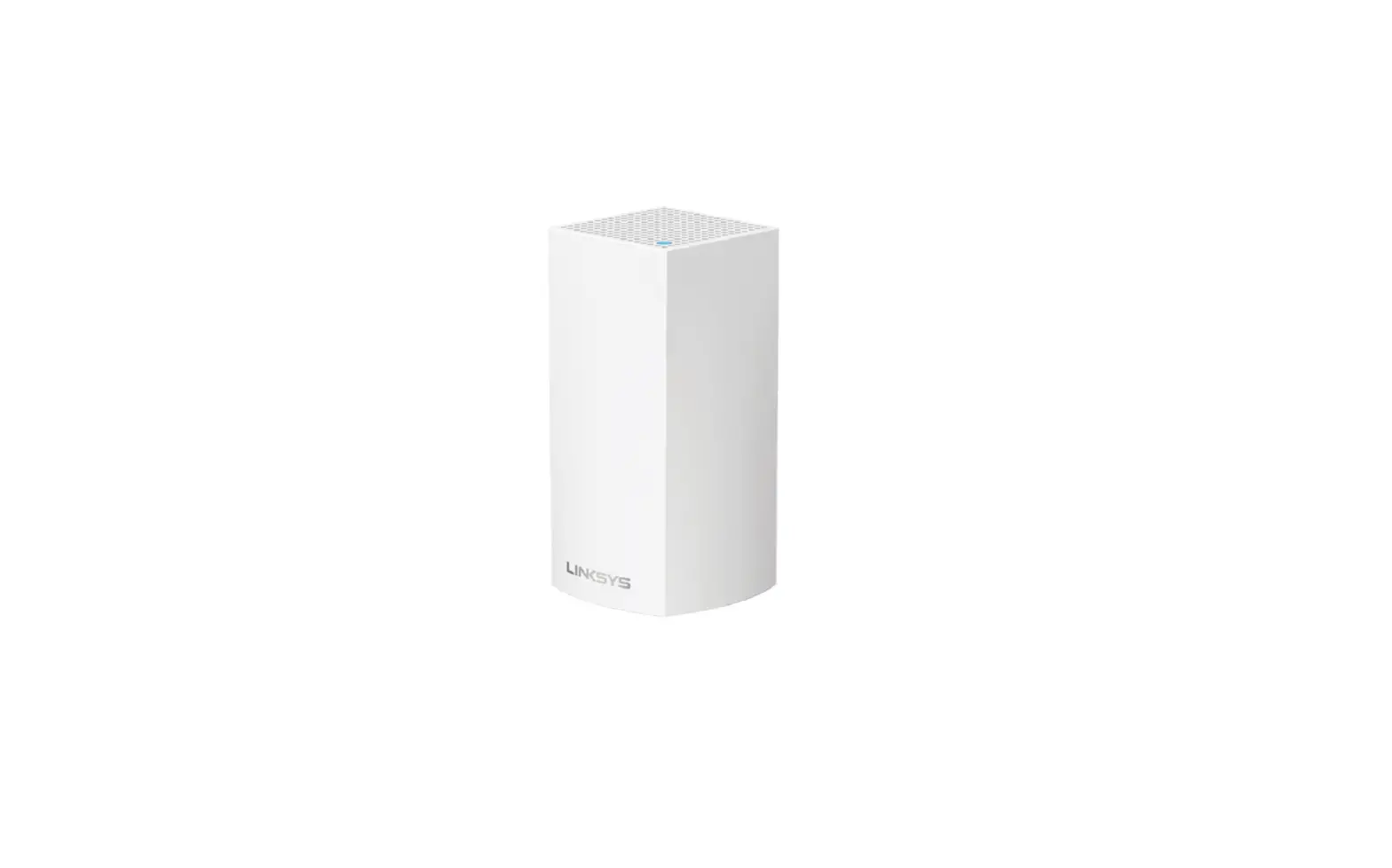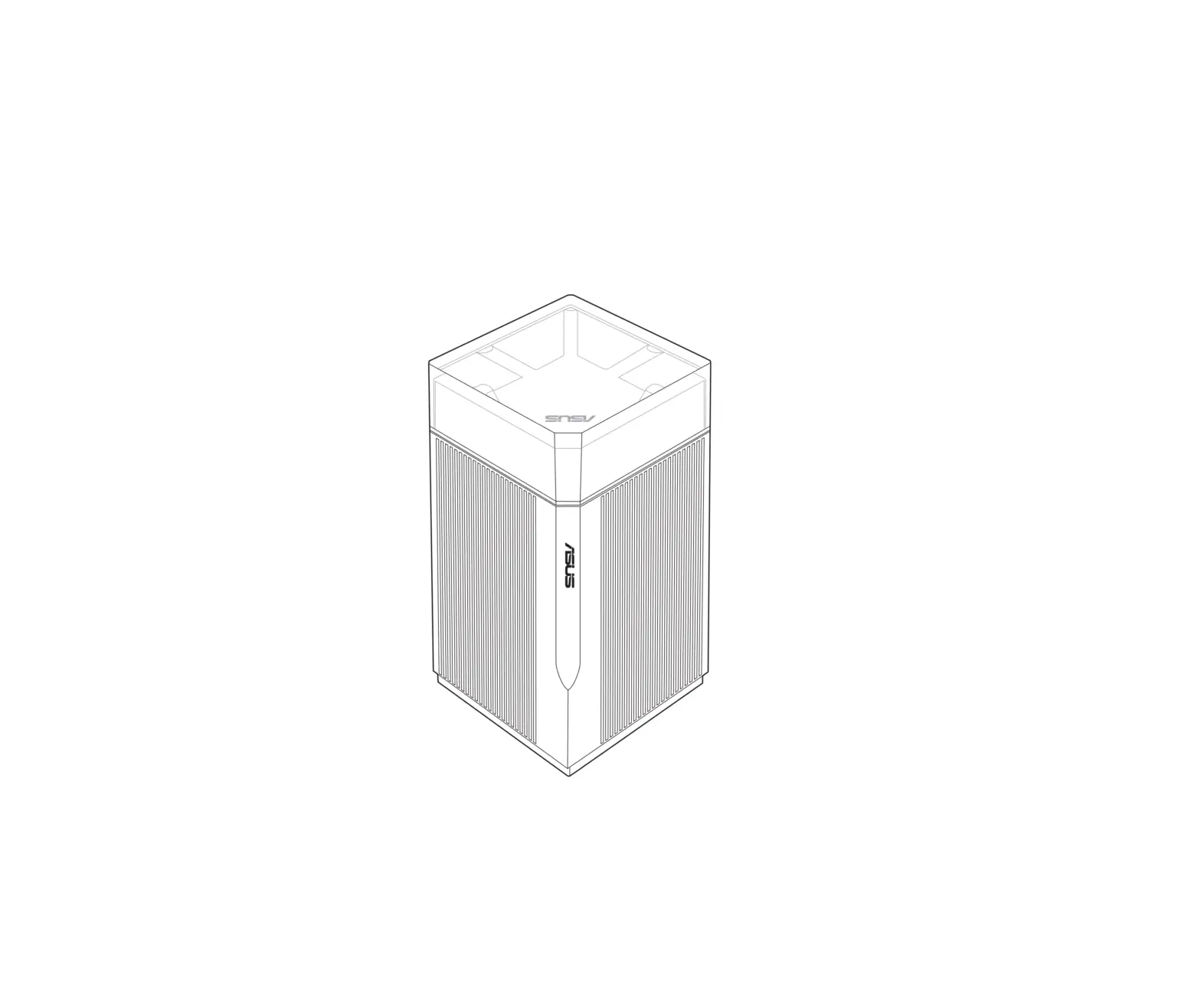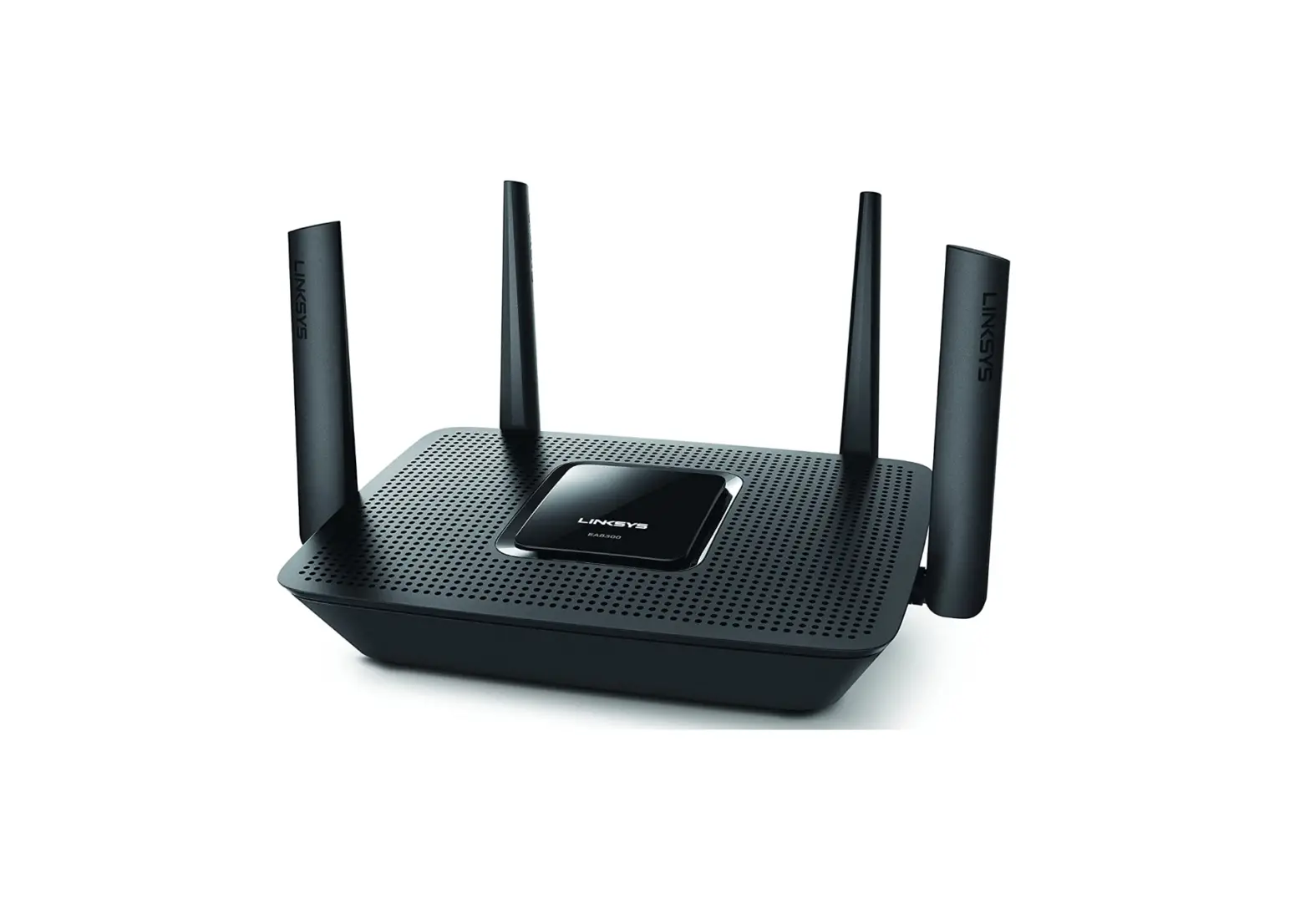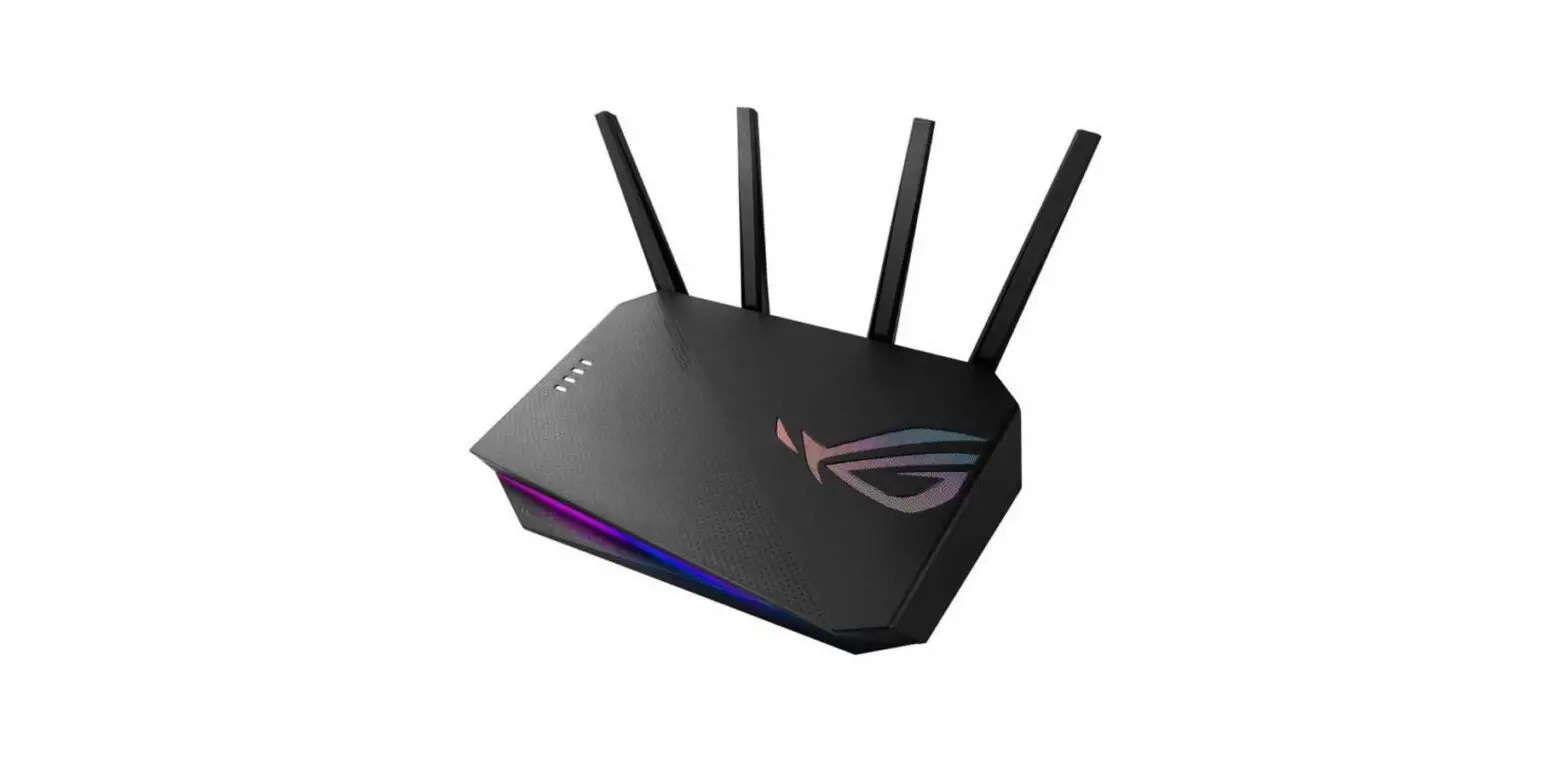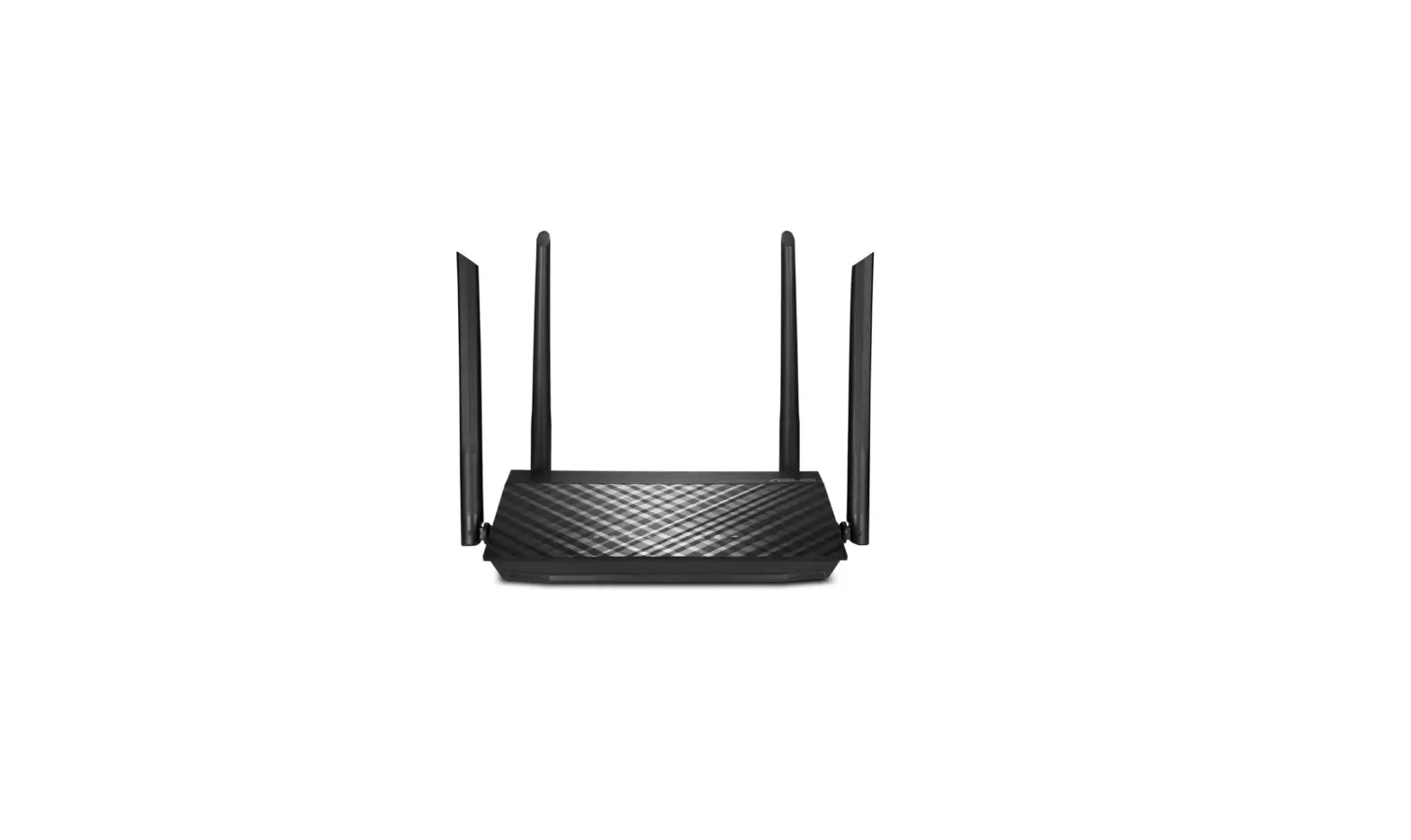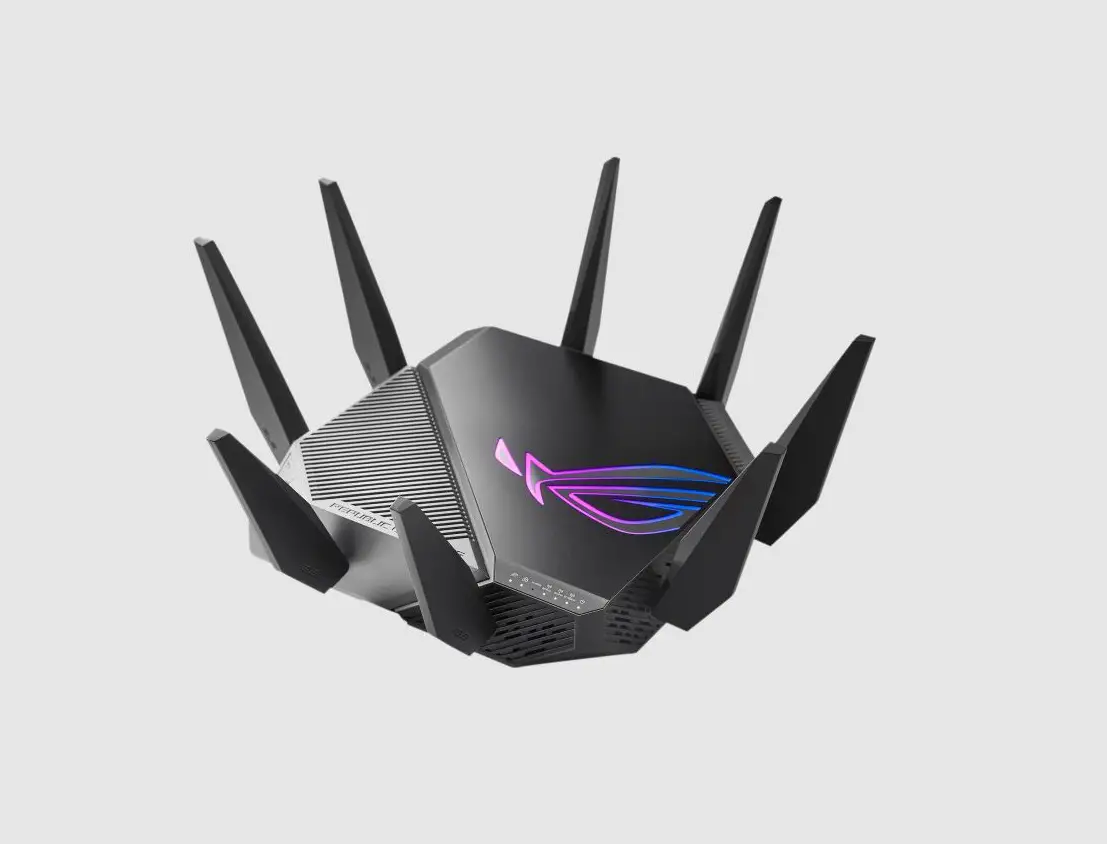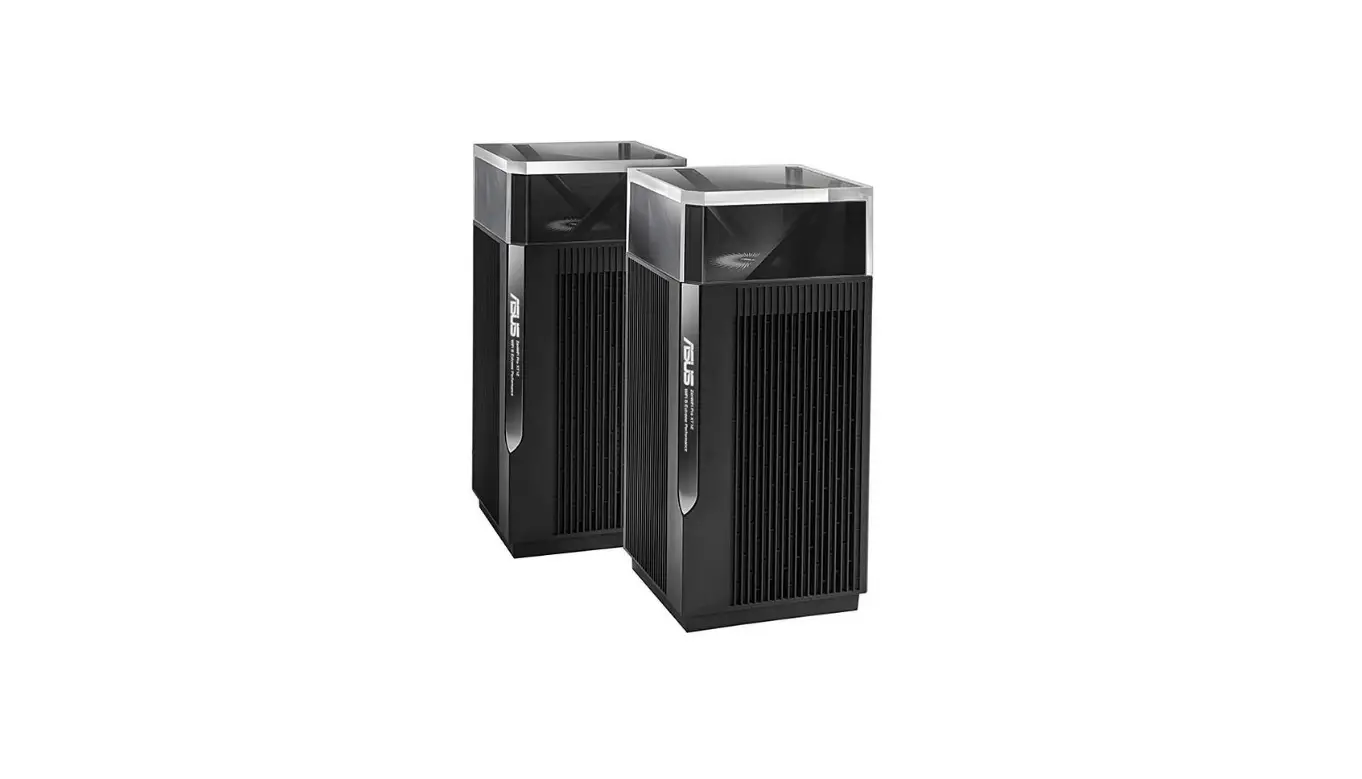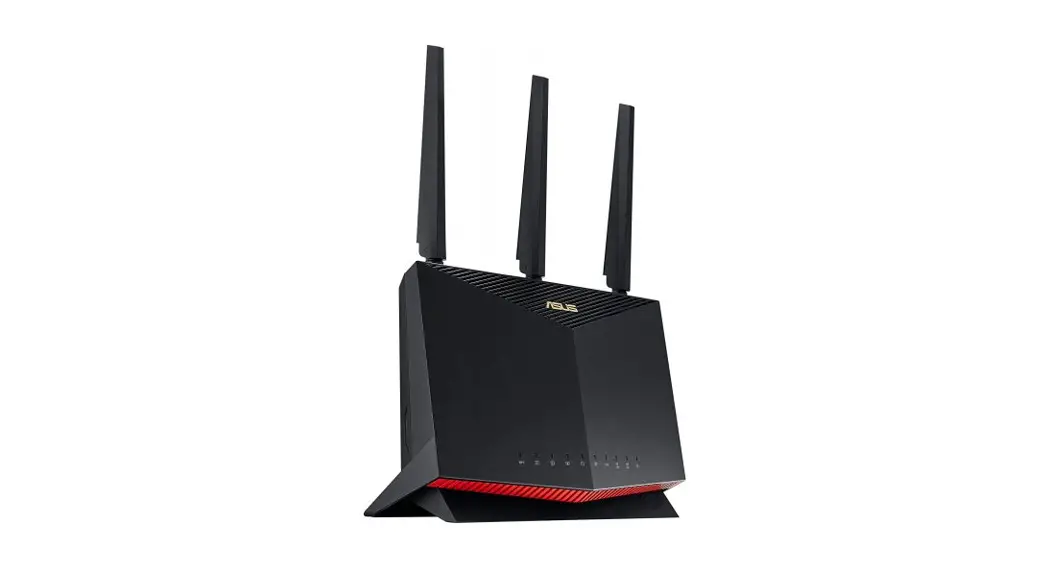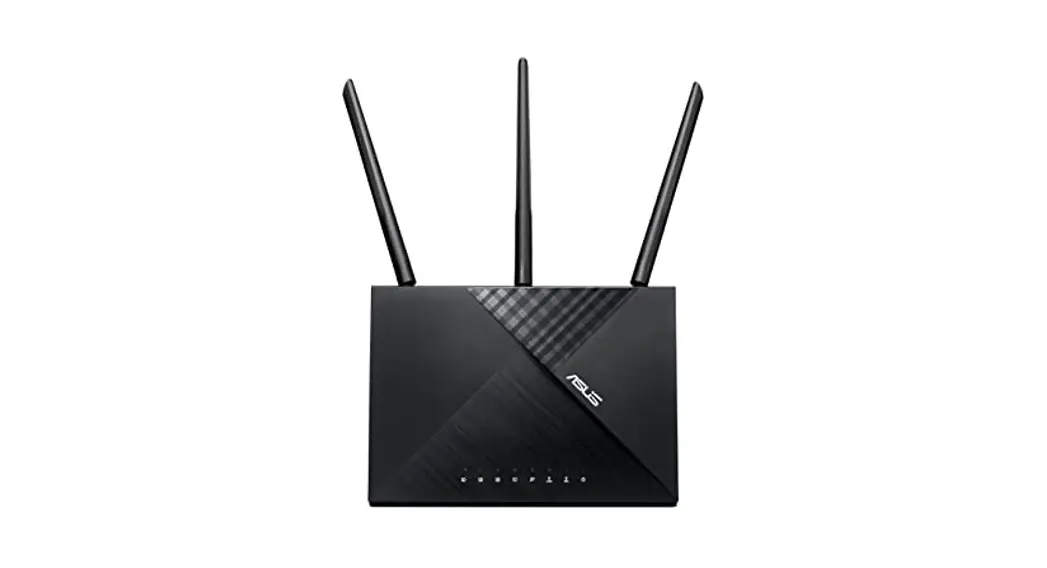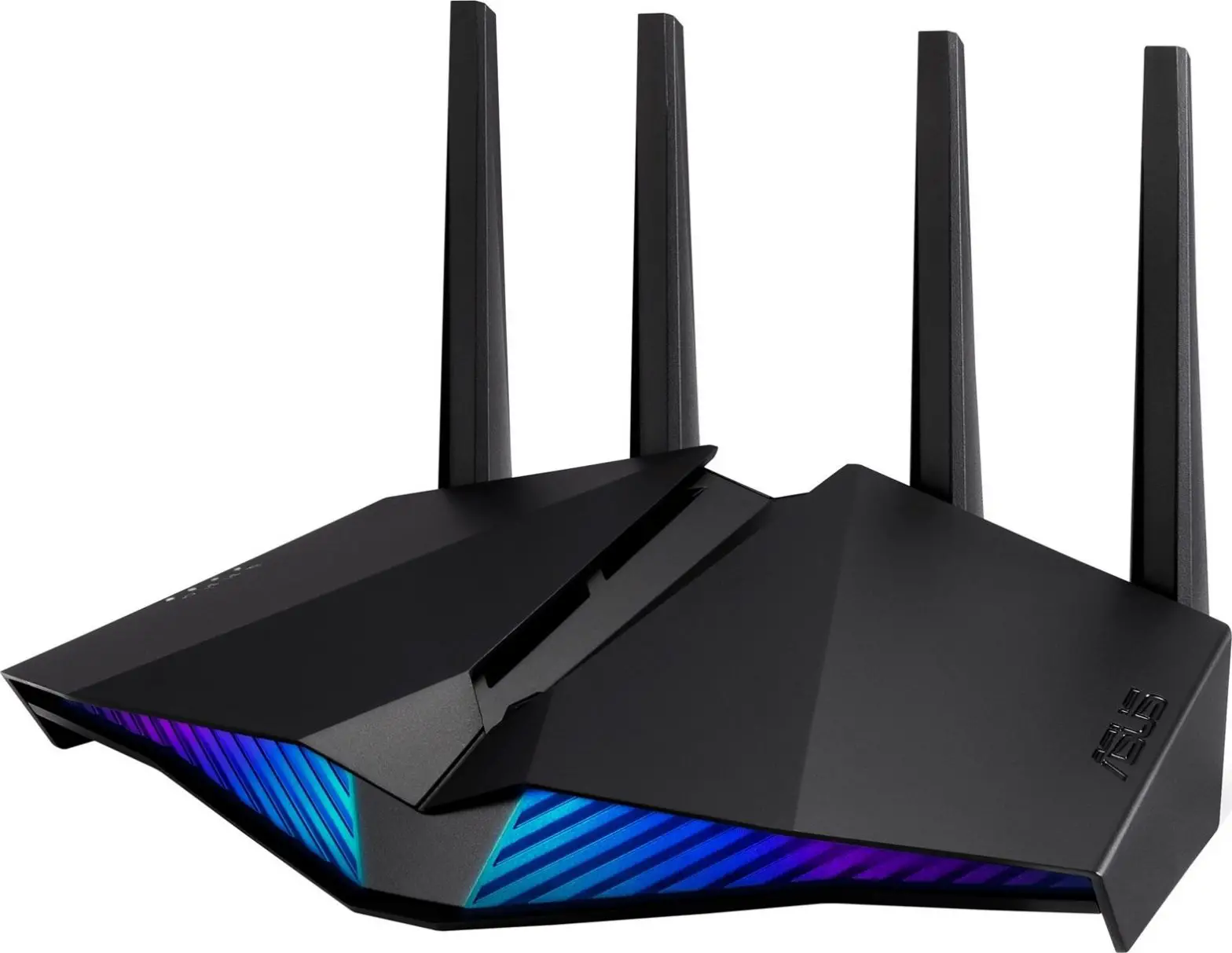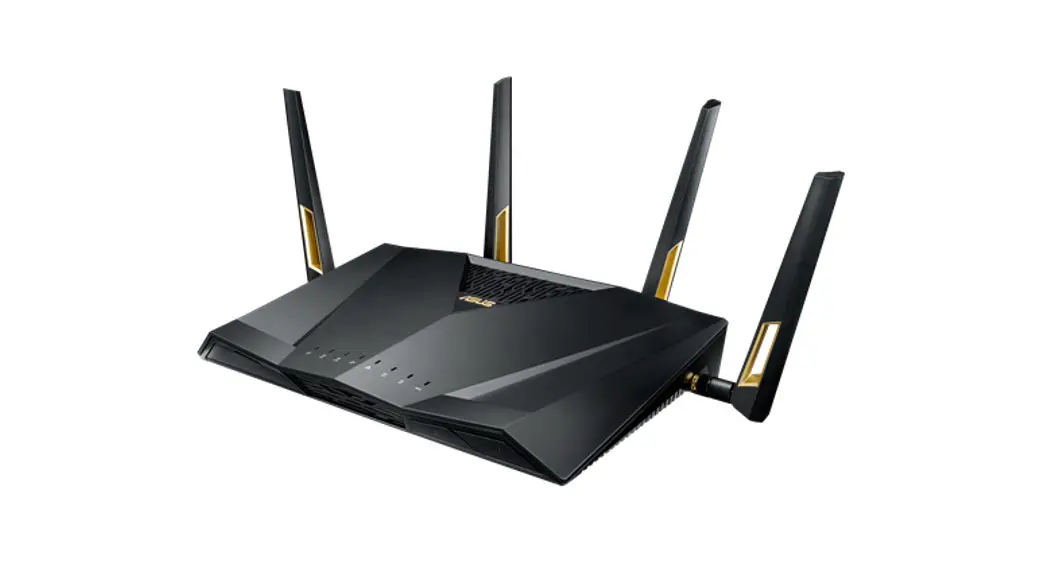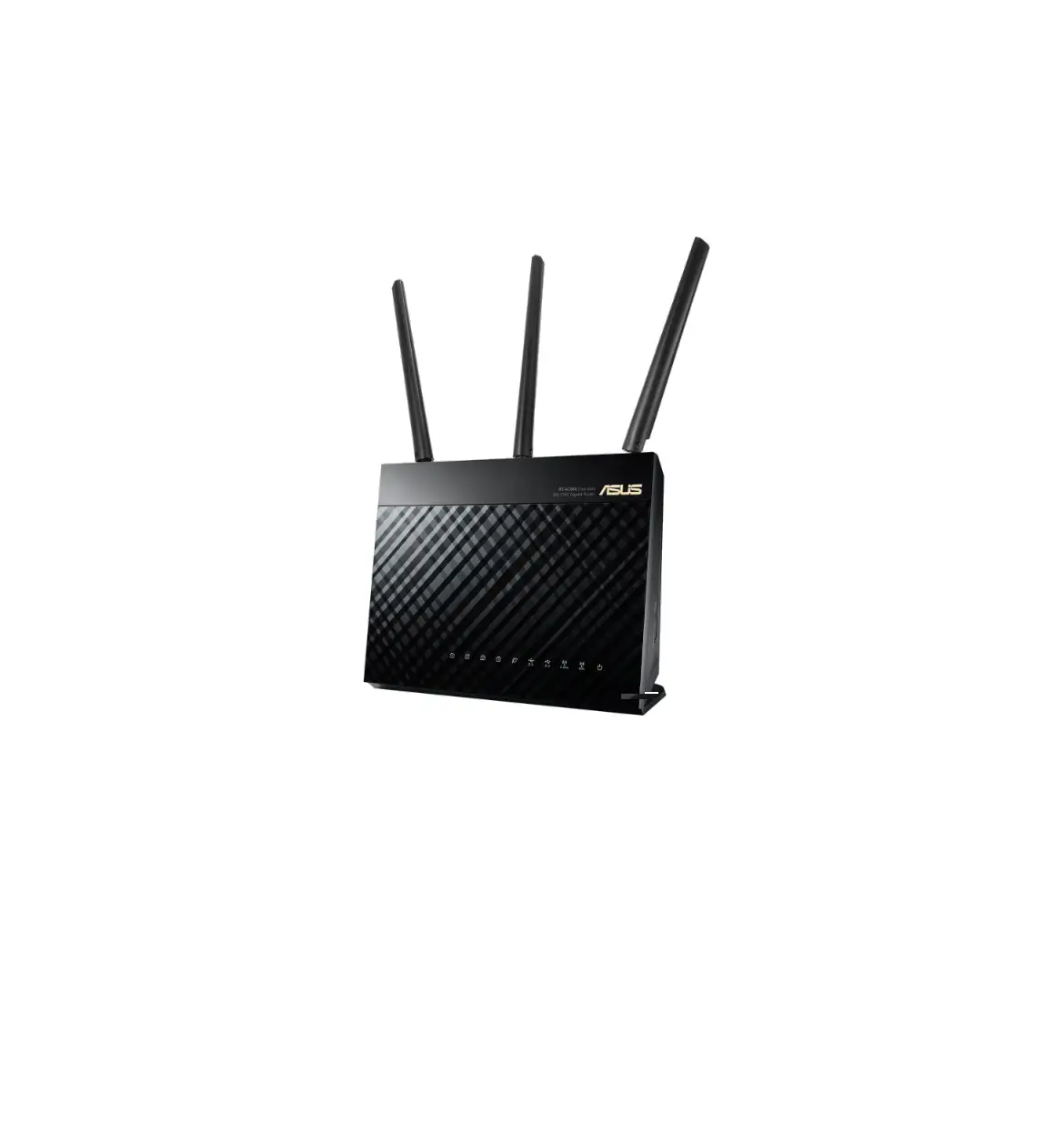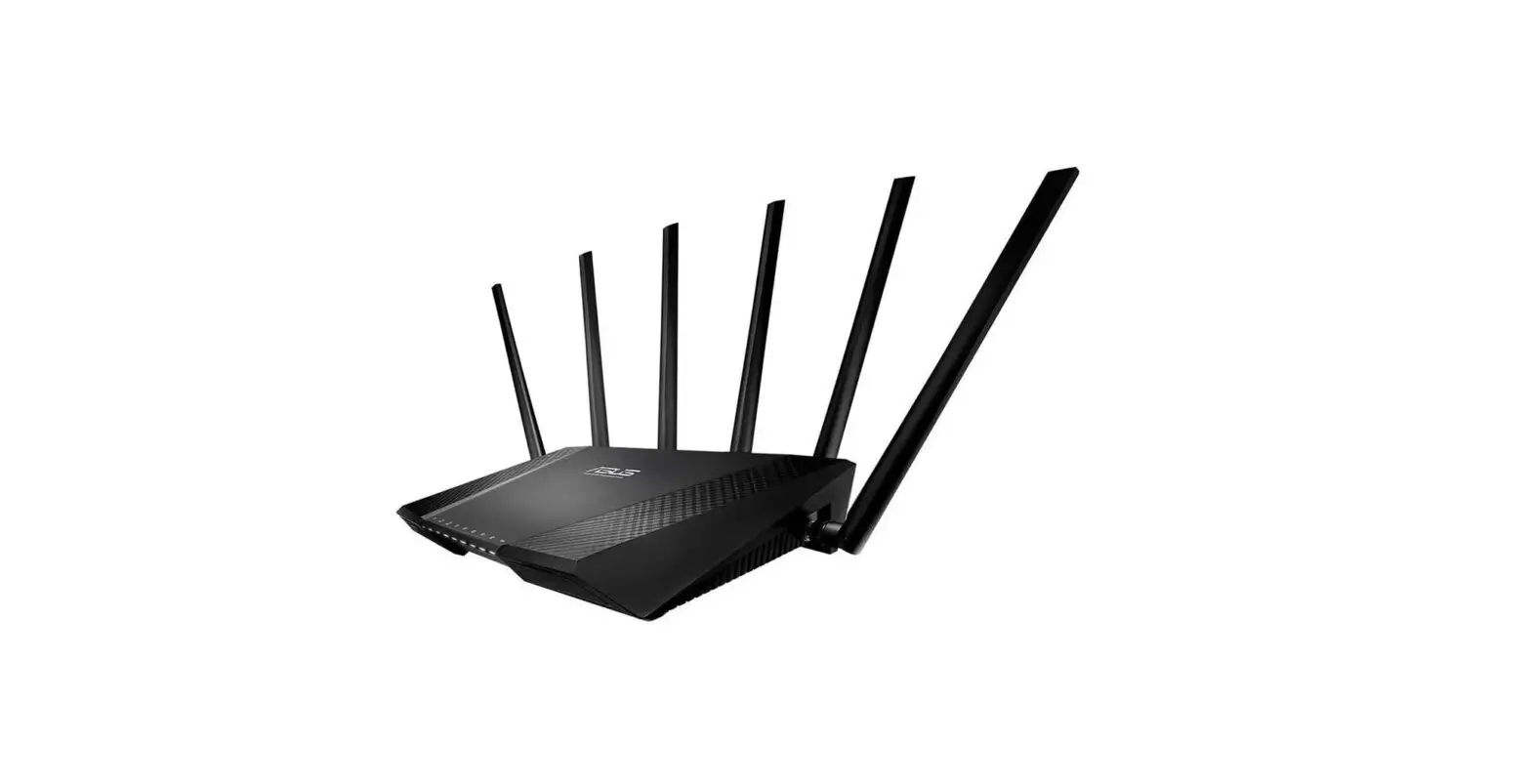
ASUS Lyra Voice (AC2200) WiFi Tri-Band Router
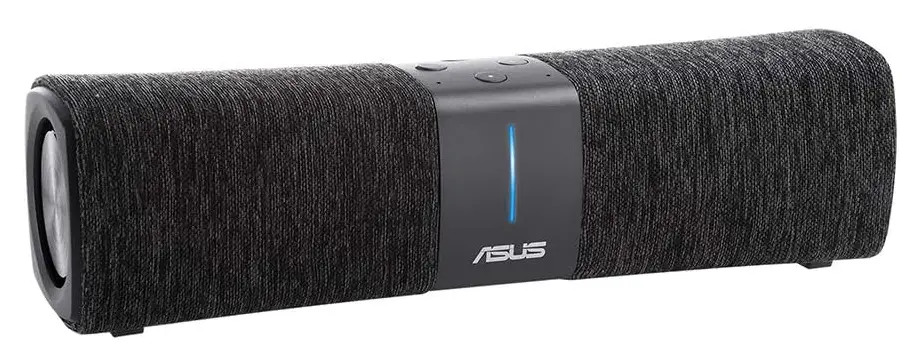
Colors of Lyra
 Light Cyan: Everything is good!
 Red: Loss of connection to the primary Lyra. Move it closer.
 Orange: Loss of connection to the Internet. Please check the cable connected to your modem.
 Solid White: Lyra is ready for setup. It will start blinking when setting up the app.
 Random Breathing: Lyra is booting up or applying settings.
 Light Cyan: Everything is good!
 Red: Loss of connection to the primary Lyra. Move it closer.
 Orange: Loss of connection to the Internet. Please check the cable connected to your modem.
 Solid White: Lyra is ready for setup. It will start blinking when setting up the app.
 Random Breathing: Lyra is booting up or applying settings.
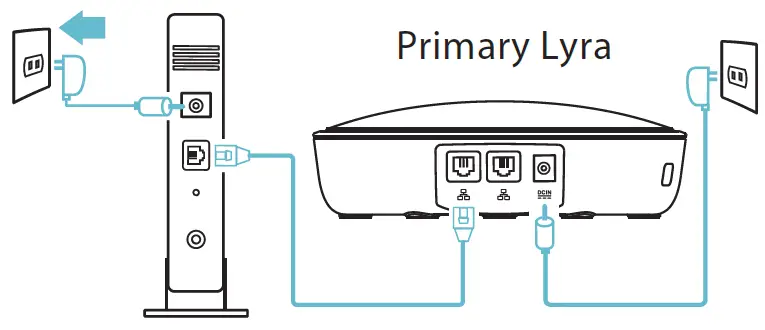
Connect Primary Lyra to Modem
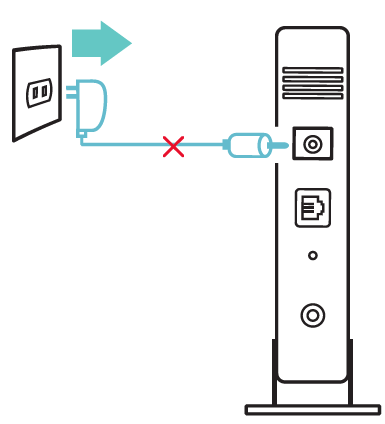
- Unplug your cable / DSL modem*. Remove the battery if it has one.
- If you are using DSL for the internet, you will need a username/password from your Internet service provider (ISP) to properly configure your router.

- If you are using DSL for the internet, you will need a username/password from your Internet service provider (ISP) to properly configure your router.
- Connect your modem to Lyra with the network cable provided.
- Power on your cable / DSL modem, and check your cable / DSL modem LED lights to ensure the connection is active.
- Plug in the power adapter to Lyra and wait until the LEDs turn to solid white to ensure that your Lyra is ready for setup.

Setup your Lyra WiFi system
METHOD 1: Through the App
- Download the free ASUS Lyra app.
- Launch the ASUS Lyra app on your mobile device, and follow the instructions in just a few moments.

Make sure your device supports BLE, Bluetooth 4.0, or above.
METHOD 2: Through Web GUI
Connect PC/NB to your Lyra via WiFi “ASUS_XX_ AMAPS”. Open a web browser. You will be redirected to the ASUS Setup Wizard. If not, navigate to http://router.asus.com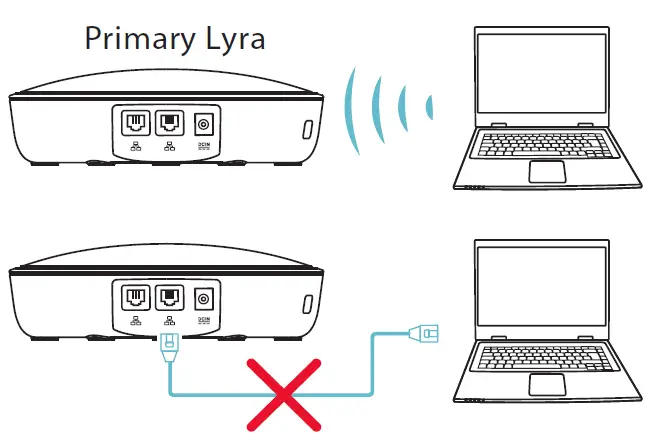
Adding other Lyra to the current network
METHOD 1: Through the App
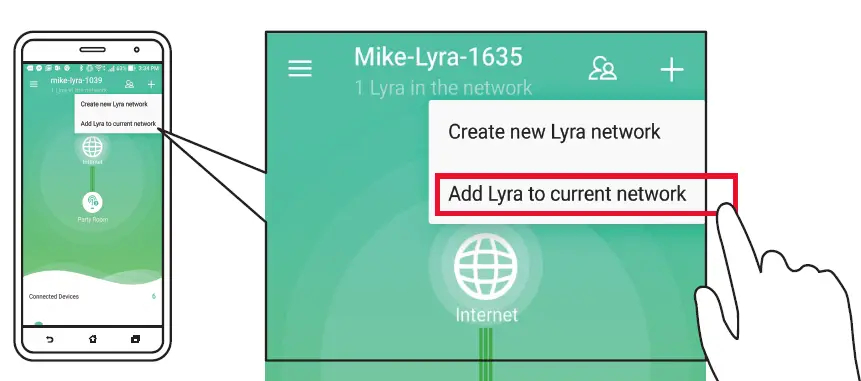
- Launch the Lyra app and click the “+” icon on the upper right corner, then choose Add Lyra to current network and follow the instructions to complete.

METHOD 2: Through Web GUI
- Press the Pairing button on the Primary Lyra until the LED starts to blink green light.
- Press the Pairing button on the second Lyra until the LED starts to blink green light, then turns solid light cyan, indicating the pairing process is completed.

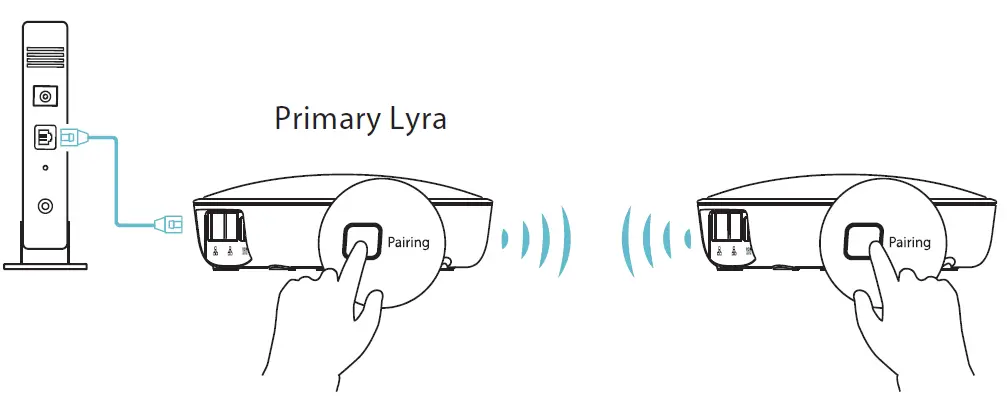
The pairing feature only works with the Primary Lyra device connecting to the modem.
CE statement
Simplified EU Declaration of Conformity
ASUSTek Computer Inc. hereby declares that this device is in compliance with the essential requirements and other relevant provisions of Directive 2014/53/EU. The full text of the EU Declaration of Conformity is available at https://www.asus.com/support/
Declaration of Conformity for Ecodesign directive 2009/125/EC
Testing for eco-design requirements according to (EC) No 1275/2008 and (EU) No 801/2013 has been conducted. When the device is in Networked Standby Mode, its I/O and network interface are in sleep mode and may not work correctly. Press the Wi-Fi on/off, LED on/off, reset, or WPS button to wake up the device. This equipment complies with EU radiation exposure limits set forth for an uncontrolled environment. This equipment should be installed and operated with a minimum distance of 20 cm between the radiator & your body.
All operational modes:
- 2.4G: 802.11b, 802.11g, 802.11n (HT20), 802.11n (HT40)
- 5G: 802.11a, 802.11n (HT20), 802.11n (HT40), 802.11ac (VHT20), 802.11ac (VHT40), 802.11ac (VHT80)
The frequency, mode, and maximum transmitted power in the EU are listed below:
- 2412-2472MHz (802.11n HT40 MCS 8): 19.71 dBm
- 5180-5240MHz (802.11n HT40 MCS 8): 22.81 dBm
- 5260-5320MHz (802.11n HT40 MCS 8): 22.71 dBm
- 5500-5700MHz (802.11n HT20 MCS 8): 28.91 dBm
The device is restricted to indoor use only when operating in the 5150 to 5350 MHz frequency range.
 | AT | BE | BG | CZ | DK | EE | FR |
| DE | IS | IE | IT | EL | ES | CY | |
| LV | LI | LT | LU | HU | MT | NL | |
| NO | PL | PT | RO | SI | SK | TR | |
| FI | SE | CH | UK | HR |
RF Exposure information
This device meets the EU requirements (2014/53/EU) on the limitation of exposure of the general public to electromagnetic fields by way of health protection.
REACH
Complying with the REACH (Registration, Evaluation, Authorisation, and Restriction of Chemicals) regulatory framework, we published the chemical substances in our products at ASUS REACH website at http://csr.asus.com/english/reach.aspx
NOTES:
- Use only the adapter that came with your package. Using other adapters may damage the device.
Specifications:
| DC Power adapter | DC Output: +12V with max 2A current | ||
| Operating Temperature | 0~40oC | Storage | 0~70oC |
| Operating Humidity | 50~90% | Storage | 20~90% |
ASUS Contact information
ASUSTeK COMPUTER INC. (Asia Pacific)
Address: 15 Li-Te Road, Peitou, Taipei, Taiwan 11259
Website: www.asus.com.tw
Technical Support
Telephone: +886228943447
Support Fax: +886228907698
Online support: support.asus.com
ASUS COMPUTER INTERNATIONAL (America)
Address: 800 Corporate Way, Fremont, CA 94539, USA
Telephone: +15107393777
Fax: +15106084555
Website: usa.asus.com
Online support: support.asus.com
ASUS COMPUTER GmbH (Germany and Austria)
Address: Harkort Str. 21-23, D-40880 Ratingen, Germany
Support Fax:+49-2102-959931
Website: asus.com/de
Online contact: eu-rma.asus.com/sales
Technical Support
Telephone (Component): +49-2102-5789555 Telephone Germany
(System/Notebook/Eee/LCD): +49-2102-5789557 Telephone Austria
(System/Notebook/Eee/LCD): +43-820-240513
Support Fax: +49-2102-959911
Online support: support.asus.com
| Manufacturer: | ASUSTeK Computer Inc. | |
| Tel: | +886-2-2894-3447 | |
| Address: | 4F, No. 150, LI-TE RD., PEITOU, TAIPEI 112, TAIWAN | |
| Authorised representative in Europe: | ASUS Computer GmbH | |
| Address: | HARKORT STR. 21-23, 40880 RATINGEN, GERMANY | |
Networks Global Hotline Information
| Region | Country | Hotline Number | Service | Hours | |||||
| Cyprus | 800-92491 | 09:00-13:00 ; 14:00-18:00 Mon-Fri | |||||||
| France | 0033-170949400 | 09:00-18:00 Mon-Fri | |||||||
| 0049-1805010920 | |||||||||
| Germany | 0049-1805010923 | 09:00-18:00 Mon-Fri 10:00-17:00 Mon-Fri | |||||||
| (component support) | |||||||||
| 0049-2102959911 ( Fax ) | |||||||||
| Hungary | 0036-15054561 | 09:00-17:30 Mon-Fri | |||||||
| Italy | 199-400089 | 09:00-13:00 ; 14:00-18:00 Mon-Fri | |||||||
| Greece | 00800-44142044 | 09:00-13:00 ; 14:00-18:00 Mon-Fri | |||||||
| Austria | 0043-820240513 | 09:00-18:00 Mon-Fri | |||||||
| Netherlands/ Luxembourg | 0031-591570290 | 09:00-17:00 Mon-Fri | |||||||
| Belgium | 0032-78150231 | 09:00-17:00 Mon-Fri | |||||||
| Europe | Norway | 0047-2316-2682 | 09:00-18:00 Mon-Fri | ||||||
| Sweden | 0046-858769407 | 09:00-18:00 Mon-Fri | |||||||
| Finland | 00358-969379690 | 10:00-19:00 Mon-Fri | |||||||
| Denmark | 0045-38322943 | 09:00-18:00 Mon-Fri | |||||||
| Poland | 0048-225718040 | 08:30-17:30 Mon-Fri | |||||||
| Spain | 0034-902889688 | 09:00-18:00 Mon-Fri | |||||||
| Portugal | 00351-707500310 | 09:00-18:00 Mon-Fri | |||||||
| Slovak Republic | 00421-232162621 | 08:00-17:00 Mon-Fri | |||||||
| Czech Republic | 00420-596766888 | 08:00-17:00 Mon-Fri | |||||||
| Switzerland-German | 0041-848111010 | 09:00-18:00 Mon-Fri | |||||||
| Switzerland-French | 0041-848111014 | 09:00-18:00 Mon-Fri | |||||||
| Switzerland-Italian | 0041-848111012 | 09:00-18:00 Mon-Fri | |||||||
| United Kingdom | 0044-1442265548 | 09:00-17:00 Mon-Fri | |||||||
| Ireland | 0035-31890719918 | 09:00-17:00 Mon-Fri | |||||||
| Russia and CIS | 008-800-100-ASUS | 09:00-18:00 Mon-Fri | |||||||
| Ukraine | 0038-0445457727 | 09:00-18:00 Mon-Fri | |||||||
| Australia | 1300-278788 | 09:00-18:00 Mon-Fri | |||||||
| New Zealand | 0800-278788 | 09:00-18:00 Mon-Fri | |||||||
| Japan | 0800-1232787 | 09:00-18:00 Mon-Fri | |||||||
| 09:00-17:00 Sat-Sun | |||||||||
| Asia-Pacific | 0081-570783886 ( Non-Toll Free ) | 09:00-18:00 Mon-Fri | |||||||
| 09:00-17:00 Sat-Sun | |||||||||
| Korea | 0082-215666868 | 09:30-17:00 Mon-Fri | |||||||
| Thailand | 0066-24011717 | 09:00-18:00 Mon-Fri | |||||||
| 1800-8525201 | |||||||||
| Region | Country | Hotline Numbers | Service Hours |
|
Asia-Pacific | Singapore | 0065-64157917 | 11:00-19:00 Mon-Fri |
| 0065-67203835 | 11:00-19:00 Mon-Fri | ||
| ( Repair Status Only ) | 11:00-13:00 Sat | ||
| Malaysia | 1300-88-3495 | 9:00-18:00 Mon-Fri | |
| Philippine | 1800-18550163 | 09:00-18:00 Mon-Fri | |
| India | 1800-2090365 | 09:00-18:00 Mon-Sat | |
| India(WL/NW) | 09:00-21:00 Mon-Sun | ||
| Indonesia | 0062-2129495000 | 09:30-17:00 Mon-Fri | |
| 500128 (Local Only) | 9:30 – 12:00 Sat | ||
| Vietnam | 1900-555581 | 08:00-12:00 13:30-17:30 Mon-Sat | |
| Hong Kong | 00852-35824770 | 10:00-19:00 Mon-Sat | |
| USA | 1-812-282-2787 | 8:30-12:00 EST Mon-Fri | |
| Americas | Canada | 9:00-18:00 EST Sat-Sun | |
| Mexico | 001-8008367847 | 08:00-20:00 CST Mon-Fri | |
| Egypt | 800-2787349 | 09:00-18:00 Sun-Thu | |
| Saudi Arabia | 800-1212787 | 09:00-18:00 Sat-Wed | |
| Middle East + Africa | UAE | 00971-42958941 | 09:00-18:00 Sun-Thu |
| Turkey | 0090-2165243000 | 09:00-18:00 Mon-Fri | |
| South Africa | 0861-278772 | 08:00-17:00 Mon-Fri | |
| Israel | *6557/00972-39142800 | 08:00-17:00 Sun-Thu | |
| *9770/00972-35598555 | 08:30-17:30 Sun-Thu | ||
|
Balkan Countries | Romania | 0040-213301786 | 09:00-18:30 Mon-Fri |
| Bosnia Herzegovina | 00387-33773163 | 09:00-17:00 Mon-Fri | |
| Bulgaria | 00359-70014411 | 09:30-18:30 Mon-Fri | |
| 00359-29889170 | 09:30-18:00 Mon-Fri | ||
| Croatia | 00385-16401111 | 09:00-17:00 Mon-Fri | |
| Montenegro | 00382-20608251 | 09:00-17:00 Mon-Fri | |
| Serbia | 00381-112070677 | 09:00-17:00 Mon-Fri | |
| Slovenia | 00368-59045400 | 08:00-16:00 Mon-Fri | |
| 00368-59045401 | |||
| Baltic Countries | Estonia | 00372-6671796 | 09:00-18:00 Mon-Fri |
| Latvia | 00371-67408838 | 09:00-18:00 Mon-Fri | |
| Lithuania-Kaunas | 00370-37329000 | 09:00-18:00 Mon-Fri | |
| Lithuania-Vilnius | 00370-522101160 | 09:00-18:00 Mon-Fri |
NOTES:
- For more information, visit the ASUS support site at: https://www.asus.com/support
- UK support email: [email protected]
FREQUENTLY ASKED QUESTIONS
What is the ASUS Lyra Voice (AC2200) WiFi Tri-Band Router?
The ASUS Lyra Voice (AC2200) is a wireless router that combines the functions of a high-speed router, a wireless extender, and a smart speaker in a single device.
What are the key features of the ASUS Lyra Voice (AC2200) router?
Some key features of the ASUS Lyra Voice (AC2200) router include tri-band Wi-Fi, smart speaker capabilities with built-in Amazon Alexa, a range extender, and robust parental controls.
How many bands does the ASUS Lyra Voice (AC2200) router support?
The ASUS Lyra Voice (AC2200) router supports three bands: one 2.4GHz band and two 5GHz bands.
Can I use the ASUS Lyra Voice (AC2200) as a standalone router?
Yes, the ASUS Lyra Voice (AC2200) can be used as a standalone router to provide Wi-Fi connectivity and network management.
Does the ASUS Lyra Voice (AC2200) support mesh networking?
Yes, the ASUS Lyra Voice (AC2200) supports mesh networking, allowing you to create a seamless and extended Wi-Fi network by connecting multiple Lyra devices.
What is the maximum coverage area of the ASUS Lyra Voice (AC2200)?
The ASUS Lyra Voice (AC2200) is designed to provide coverage for a typical home, with a maximum coverage area of around 6,000 square feet.
Can I control smart home devices using the ASUS Lyra Voice (AC2200)?
Yes, the ASUS Lyra Voice (AC2200) has built-in Amazon Alexa capabilities, allowing you to control compatible smart home devices using voice commands.
Does the ASUS Lyra Voice (AC2200) have built-in speakers?
Yes, the ASUS Lyra Voice (AC2200) has built-in stereo speakers that provide high-quality sound for music playback and voice responses.
What are the security features of the ASUS Lyra Voice (AC2200)?
The ASUS Lyra Voice (AC2200) router includes comprehensive security features such as AiProtection Pro, which provides commercial-grade security and advanced parental controls.
Can I prioritize certain devices or applications with the ASUS Lyra Voice (AC2200)?
Yes, the ASUS Lyra Voice (AC2200) router allows you to prioritize specific devices or applications to ensure they receive maximum bandwidth.
Does the ASUS Lyra Voice (AC2200) support guest networks?
Yes, the ASUS Lyra Voice (AC2200) supports guest networks, allowing you to create separate Wi-Fi networks for visitors without sharing your main network credentials.
How do I set up the ASUS Lyra Voice (AC2200)?
To set up the ASUS Lyra Voice (AC2200), you can use the ASUS Lyra mobile app, which provides step-by-step instructions for the installation process.
Can I connect USB devices to the ASUS Lyra Voice (AC2200)?
Yes, the ASUS Lyra Voice (AC2200) has two USB ports that allow you to connect USB storage devices or printers for sharing files or printing over the network.
What is the maximum Wi-Fi speed supported by the ASUS Lyra Voice (AC2200)?
The ASUS Lyra Voice (AC2200) supports maximum Wi-Fi speeds of up to 2200Mbps, with
Can I manage and monitor my network remotely with the ASUS Lyra Voice (AC2200)?
Yes, you can manage and monitor your network remotely using the ASUS Lyra mobile app, which provides access to various network settings and real-time information.
VIDEO – PRODUCT OVERVIEW
DOWNLOAD THE PDF LINK: ASUS Lyra Voice (AC2200) WiFi Tri-Band Router User Manual