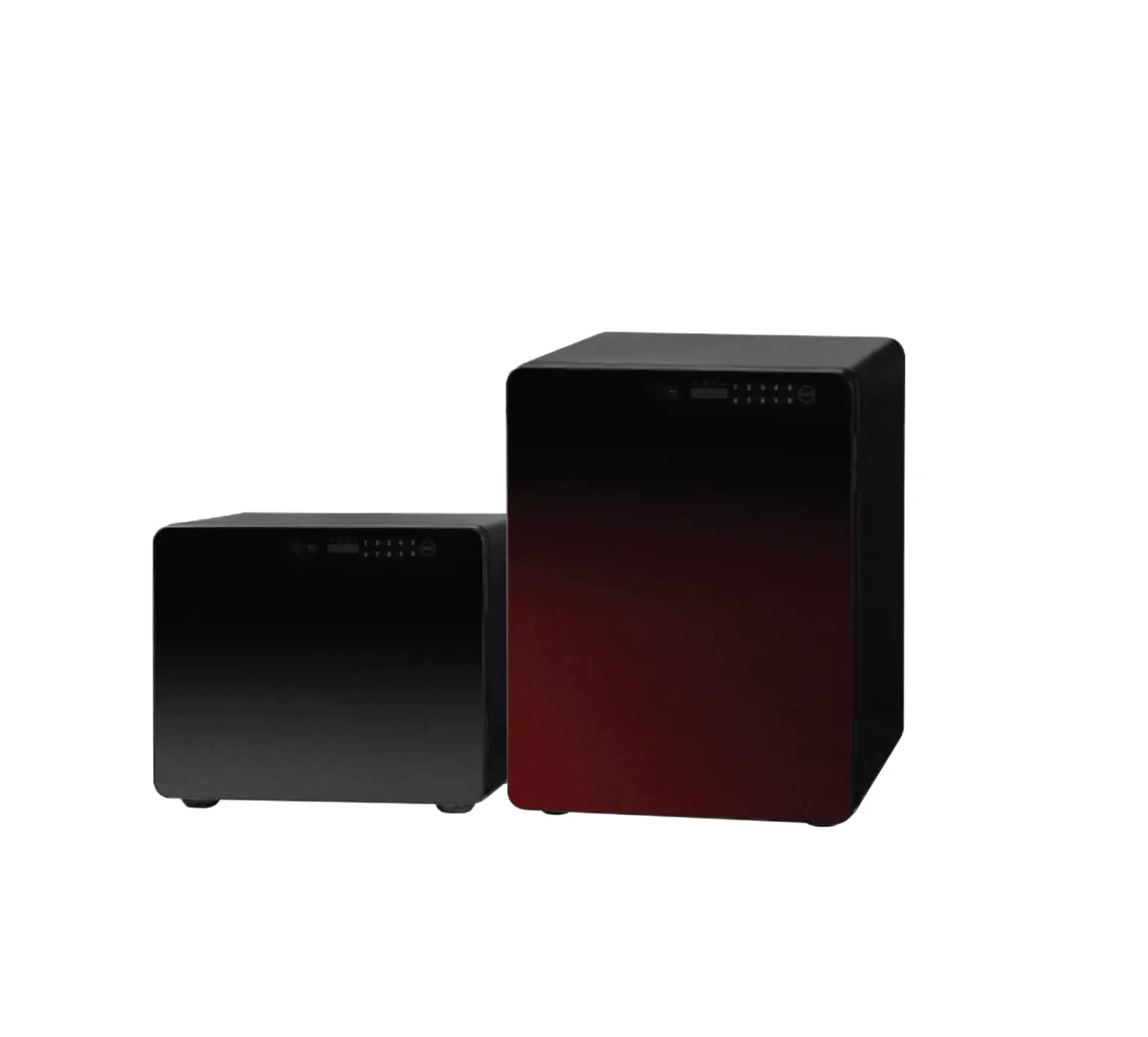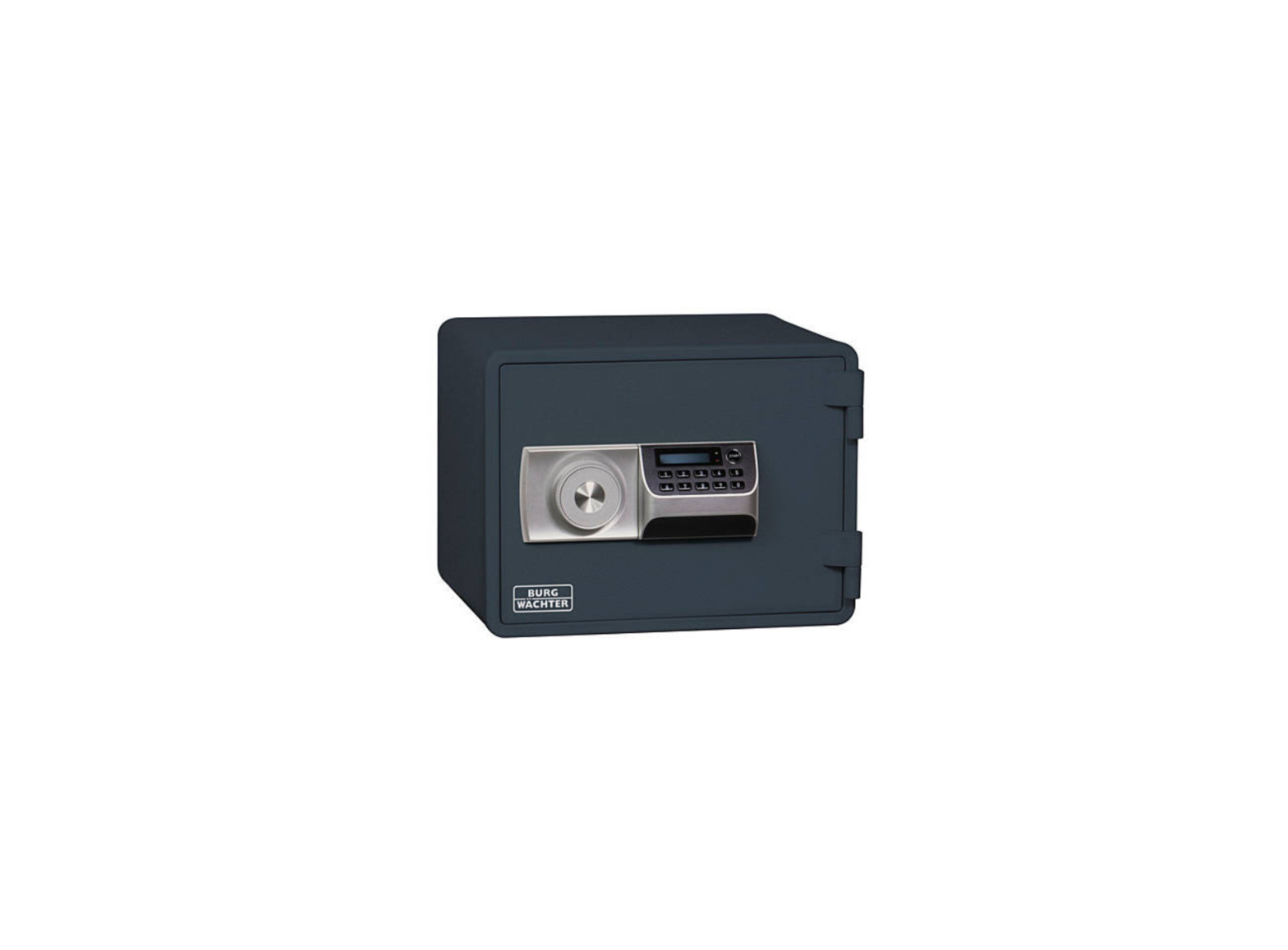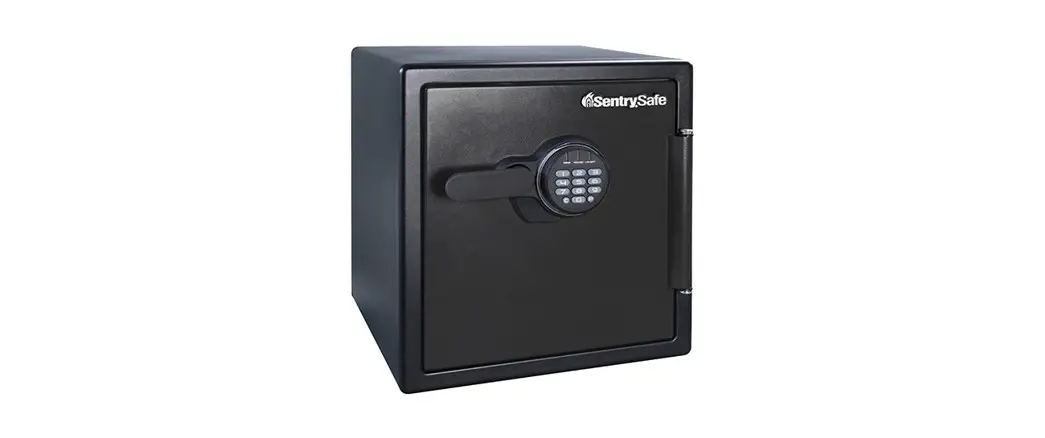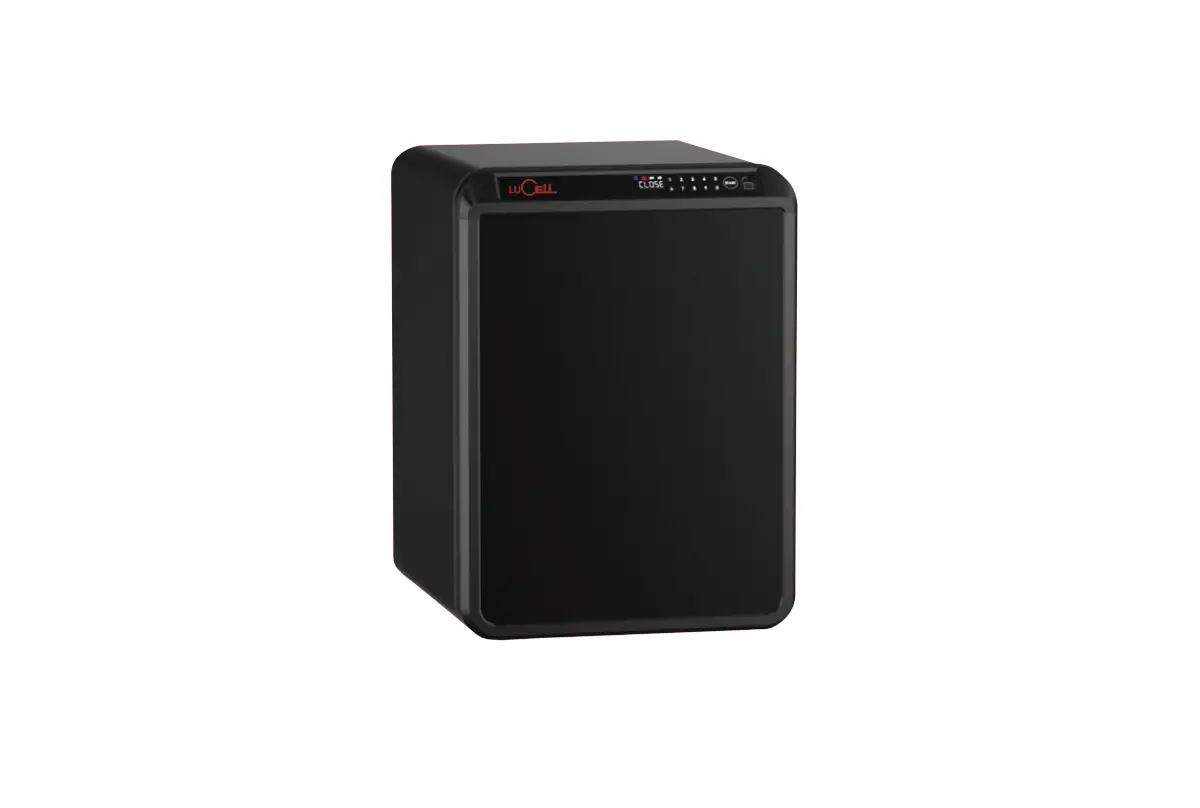
LuCell UP-060 Fire Resistant Safes User Manual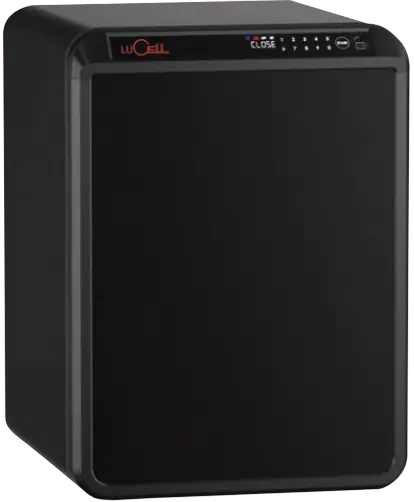
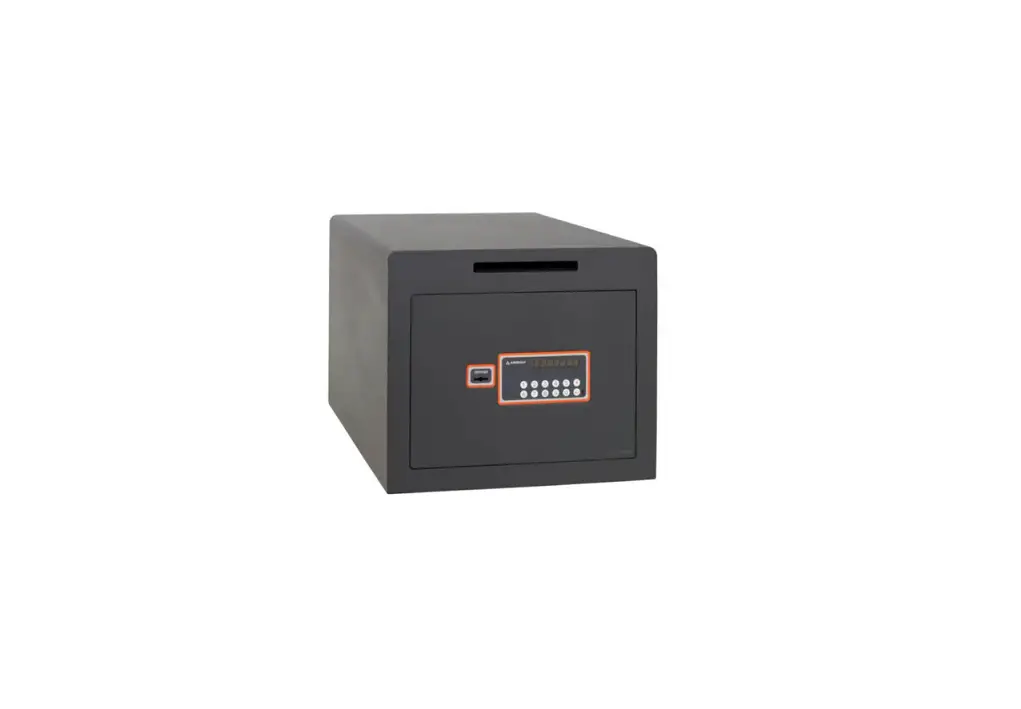
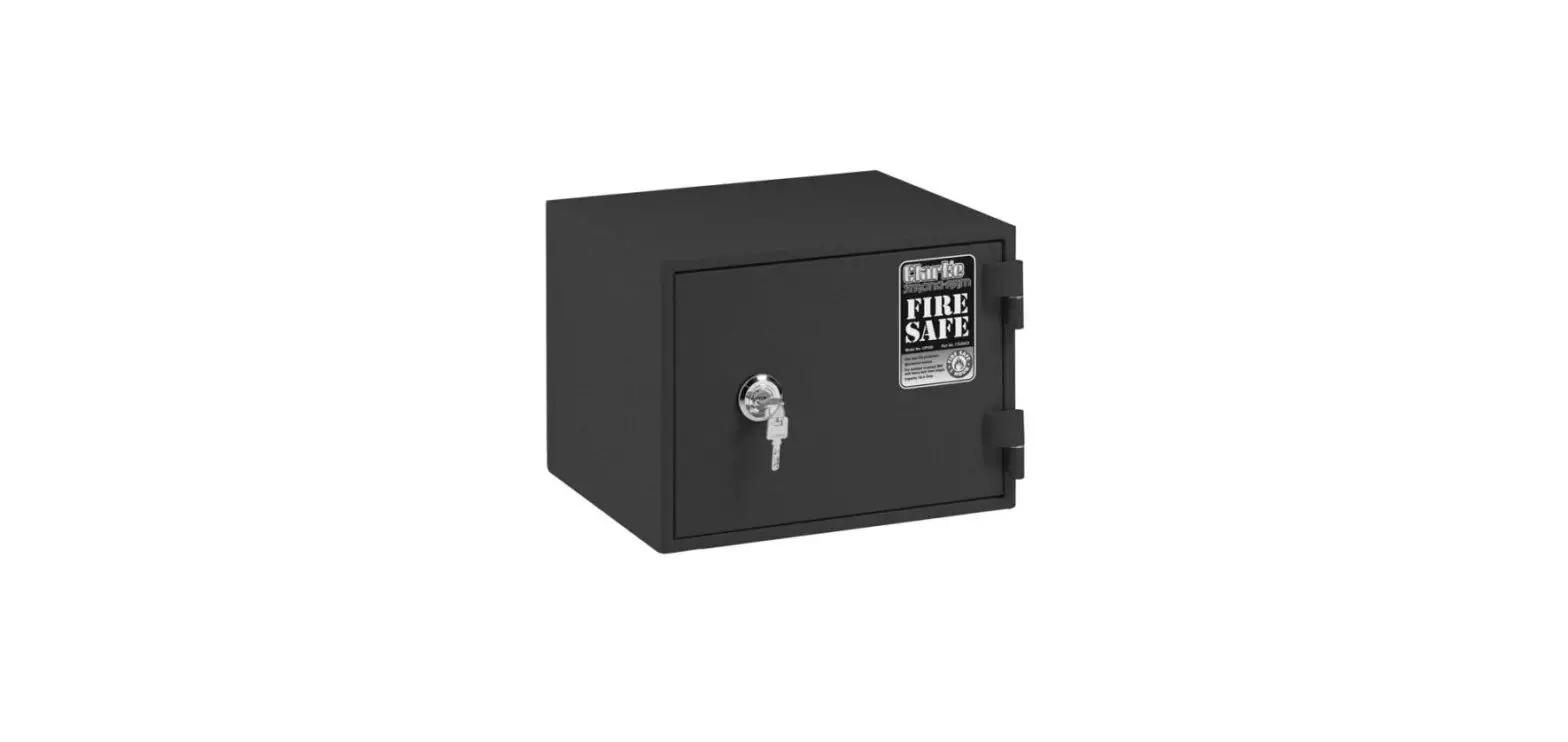
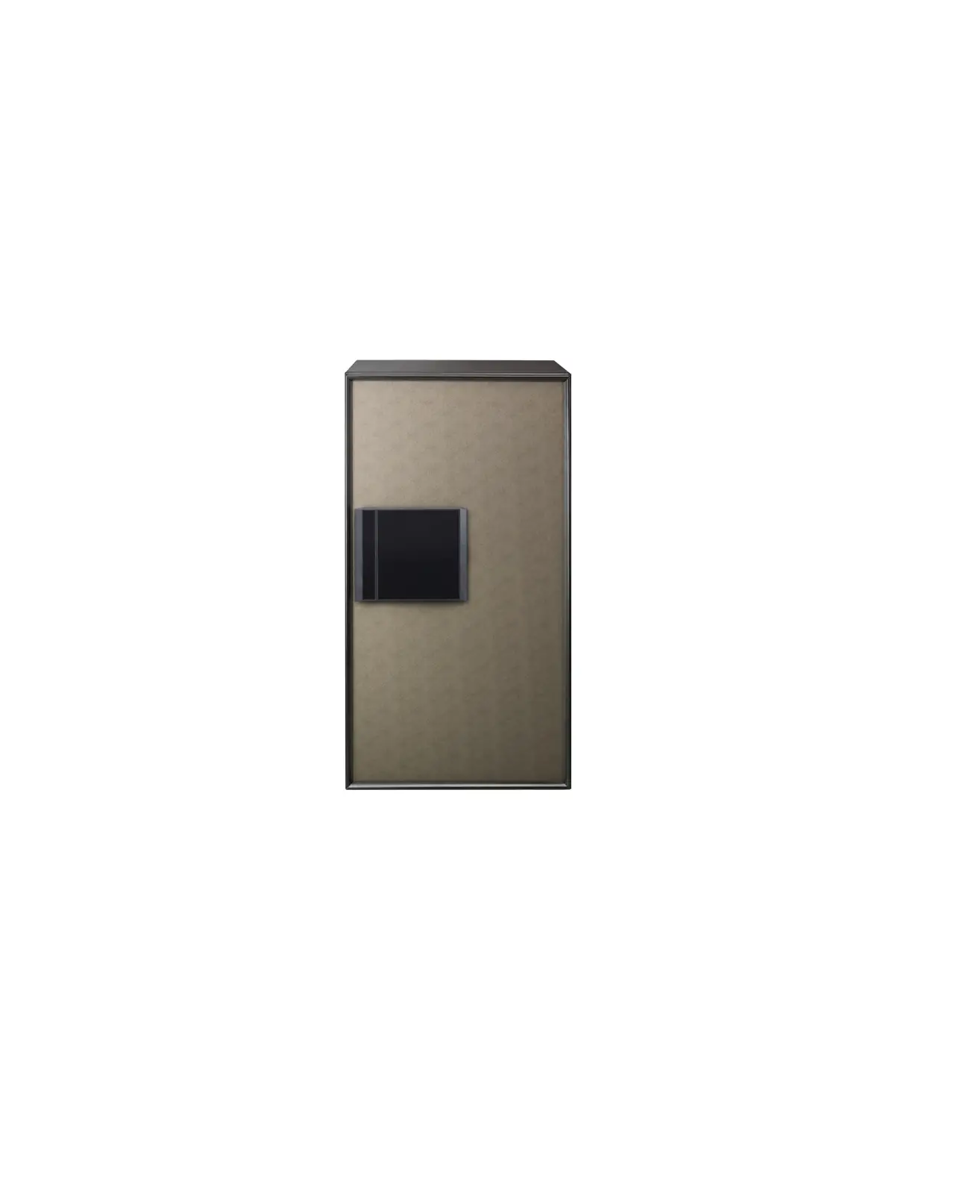
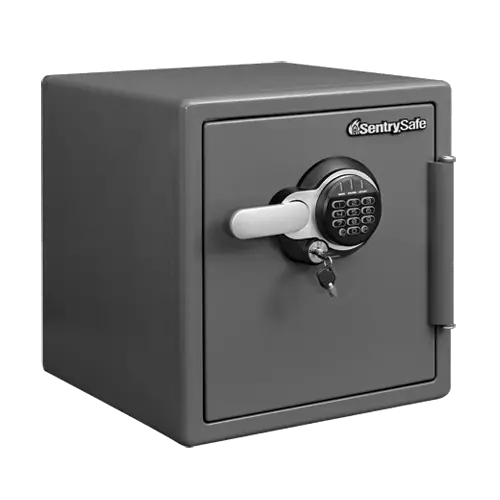
The safe you purchased is a ‘fire resistant safe’ that protects valuables against fire.
Please record your password somewhere else not to forget.
The safe must be installed on a well ventilated, dry and flat surface at all times.
Safety Precautions
 Safety precautions are to prevent any unexpected risk or damage.
Please read before use.

- Be carefull when opening and closing door. Finger or objects may get stuck.
- Keep away from children.
- Do not hit edge of safe to avoid injury.

- Safe is heavy. be carefull when moving or installing safe to avoid any injury.
- Firmly fix safe to ground when installing. When moving safe, inquire a professional if needed.
- Improper handling of safe can cause damage to floor or table.

- Avoid placing fragile objects, such as ceramic or glass, on safe.
They may fall and cause injury.

- Place safe on at surface. Otherwise, safe door may not close.
Before Use
- Product may malfunction if any foreign metal substances or moisture enter keypad.
- Do not scratch keypad with any sharp material.
- Do not apply excessive force to keypad.
- Avoid exposure to any chemicals (gasoline, benzene, solvent, acetone, thinner, etc.)
- Avoid direct fire or heat.
- Remove batteries when safe is not used for long time.
- Excessive force to safe handle may cause breakage.
- Safe can be broken into by using cutting or welding tools. Our company is not liable for any stolen items.
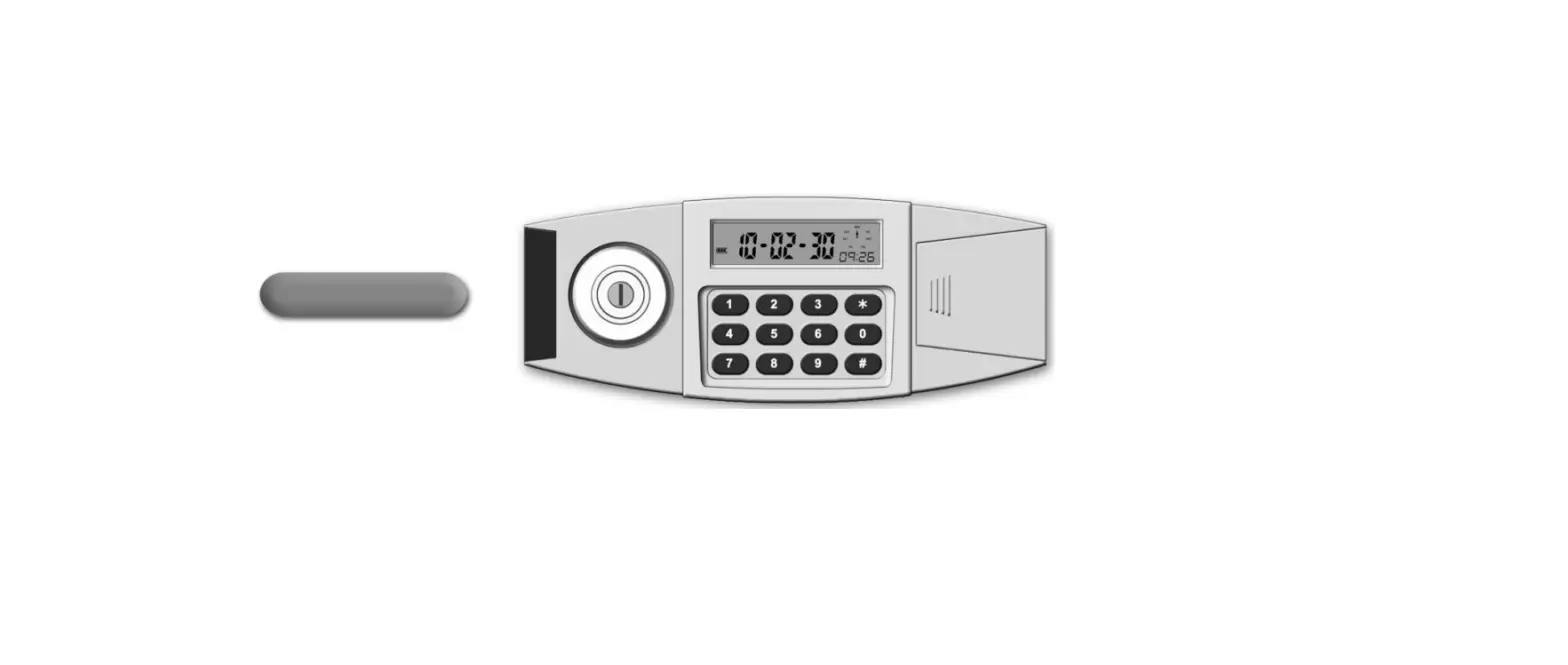
Keypad Overview
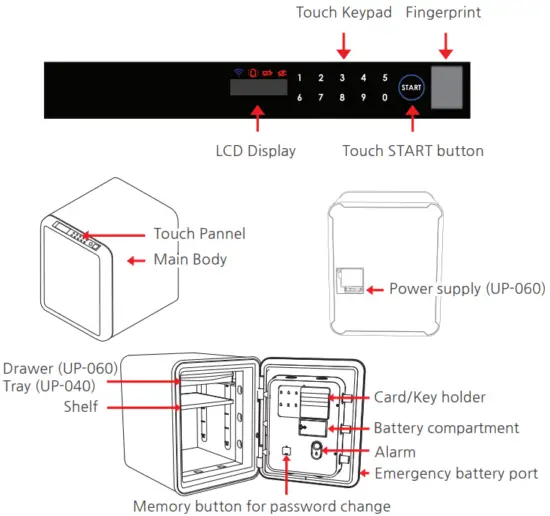
Keypad Lock Mode
- Press START for more than 3 seconds until “Act” appears. “Act” message signifies activation of keypad lock mode. Any keypad input will only display “Act.”
- To deactivate keypad lock mode, press START for more than 3 seconds until “dEAct” appears.
Security Mode
Press START button twice for security mode to hide password.
Connecting DC adaptor (UP-060 only)
This safe uses DC 12V adaptor as main power supply.
Specification or design of adaptor is subject to change without pre-notice.
Unauthentic adaptor may cause troubles in the system
(This is not covered by our warranty)
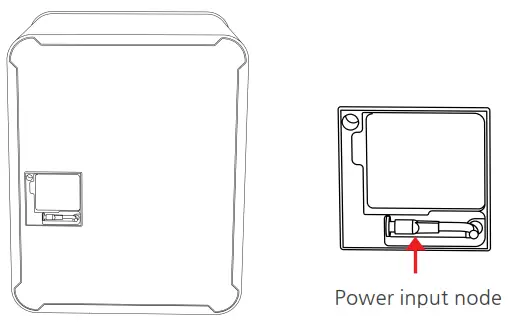
- Check the location of power plug for adapter on the back of safe.
- Connect DC 12V adapter jack to the power plug.
- Connect the adapter power cord to the outlet socket.
- Check if LCD lights on and off with notice sound.
If the safe is plugged in, auto-inspection starts.
Then, if notice sound goes off and all LCDs light on and off, it is in normal condition. - Now you are ready to use the safe.
Using Battery pack
Battery is auxiliary power supply.
Use the adaptor for the better use of safe
Battery pack is located on backside of door.
(Emergency battery pack on the side of safe’s door is only for urgent case)
Replacing Batteries
Replace Batteries immediately when
- screen displays “Lo_bAt”
- safe door fails to open when “OPEn” message appears after password is entered.
- “good” appears on display along with “beep beep” sound after password is entered.
- screen fails to turn on after you press START button.
- Touch button is not clear enough.
- there is no response or malfuntion.
How to Replace Batteries
When the door can be open
Open the battery cover on the backside of the door, then insert batteries with proper direction
When the door cannot be open
- Take Emergency battery pack on the side of safe.
- Insert batteries in the pack with proper direction.
- Insert the plug of the Emergency battery pack into the port on the right side of door
After battery replacement, confirm safe is properly working before closing door.
Use 1.5V alkaline batteries (AA x 6).
Proper insertion of the batteries is confirmed once screen displays “
SAFE” > _0… > “good” message appears and beep is heard.
Opening / Closing Door
- Press START button
“——“ will be displayed on screen. - Input 4~20 digit password.
Input factory password “1, 2, 3, 4, 5, 6” for User 1, “5, 6, 7, 8, 9, 0” for User 2(Option). “OPEn” will be displayed on screen along with beep sound.
Press START button to cancel password entry.
Safe must be opened within 3~4 seconds.
“Err-03” indicates incorrect password.
5 consecutive incorrect password will sound alarm for 3 minutes.
Press START button and enter correct password to stop alarm. - Pull door open when display shows “OPEn”.
- Door locks automatically when door is closed.
How to use Alarm
Note that the alarm sound is 120dB which can damage your hearing
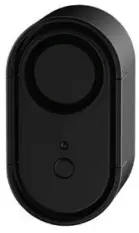
- Use the “On / Off” switch on the Alarm to control the Alarm.
- Use 9V battery for Alarm
Changing Password
Safe can be programmed with either 1 or 2 passwords.
After having changed the password, please confirm safe is properly working before closing the door.
- Enter current password and open door.
- Press white memory button located inside door.
“-CodE-“ will be displayed, then “USEr_” will be displayed. - Press 1 then START button.
“——“ will be displayed. - Enter new 4~20 digit password.
“AgAin”, then “——“ will be displayed. - Enter new password again.
“USEr_1” will be displayed. - New password is set.
Confirm new password works with door open.
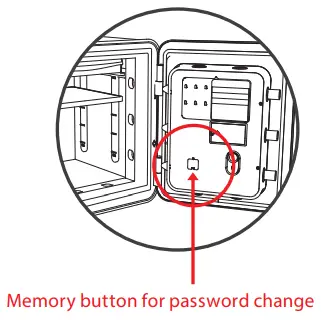
To add second password, press 2 (in step 3) and repeat steps.
Sound Effect On/Off
- Open door and press white memory button for 3 seconds. After “beep’ message appears, “On-OFF” will be displayed.
- Press 0 then START for sound ON. Press 1 then START for sound OFF.
Using fingerprint lock
Maximum 10 fingerprints can be registered.
“Err-04” will be shown on display when fingerprint is not correct or an unauthorized fingerprint attempts access.
Registration of fingerprints
- Push white memory button for 3 seconds until display shows “Set”.
- Push white memory button once shortly again.
- Press “0” to register fingerprint.
- Put finger on screen when display shows “1-Scan” and light on screen and wait for seconds.
- Put finger off screen when display shows “1-donE”.
- Scan same fingerprint two times more.
- Finished.
Opening with fingerprints
- Push START button.
- Scan registered fingerprint on the screen
- Door mechanism will release if fingerprint is correct.
- Pull door open when display shows “OPEn”.
Deletion of fingerprints
- Push white memory button for 3 seconds until display shows “Set”.
- Push white memory button once shortly again.
- Press “1” to delete fingerprint.
- Input Id No. to delete and press START button.
To delete all fingerprints at once, press white memory button. - Finish.
Anchoring Instructions
Anchor bolt must be inserted into oor BEFORE safe is bolted down.
- Anchor bolts vary according to model. After checking anchor bolt size, drill a hole to a depth of 2 inches (50mm). Refer to chart for appropriate hole size.
A (Anchor size) B (Diameter of hole) 1/4” (M6 x 50mm) θ 10mm (5/16”) 3/8” (M10 x 101mm) θ 14mm (9/16”) 3/8” (M10 x 152mm)θ θ 14mm (9/16”) - Insert anchor bolt and pipe into hole.
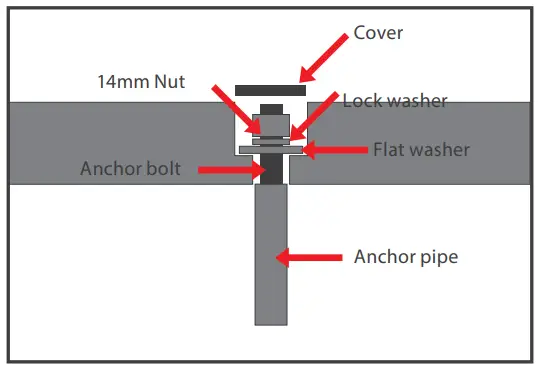
- Place flat washer and nut on anchor bolt. Tighten with 14mm wrench to allow anchor bolt to expand and secure into floor.
- Remove nut and washer from anchor bolt.
- Place safe on top of anchoring bolt through center hole on bottom of safe.
- Place washer, lock washer, and nut on anchor bolt, Tighten.

- Bolt may need to be cut.
- Place cover over hole for fire resistance.
Trouble shooting
| Situation | Possible Cause | Measures |
| No response when START button pressed | Main power error Dead battery Incorrect insertion of batteries Keypad lock mode ON Circuit error | Check the adaptor Replace new batteries Remove batteries and insert in the correct polarity Press START for 3 seconds to deactivate keypad lock mode Contact Service Centre |
| Alarm continues ringing and safe does not work | 5 times wrong password input | Enter correct password or wait 3 minutes until automatic alarm stops |
| “Err-03” message appears | Incorrect password | Enter correct password |
| Green light ON, does not open when “ OPEn” is displayed | Low battery Incorrect turning of handle / key Lock equipment error | Replace new batteries Turn handle clockwise Contact Service centre |
| Cannot change password | Exceeded time limit during password change Keypad malfuntion Button error | Enter password in under 5 seconds Contact Service Centre Contact Service Centre |
| “Lo_bAt” message apears | Low battery | Replace new batteries |
| “Act” message appears | Keypad lock mode ON | Press START for 3 seconds to deactivate keypad lock mode |
| Forgot password | Contact Service Centre |
Distributed by:
DURO INTERNATIONAL PTE LTD
Hotline: 6745 6800
email: [email protected]
 LuCell Home - Duro International