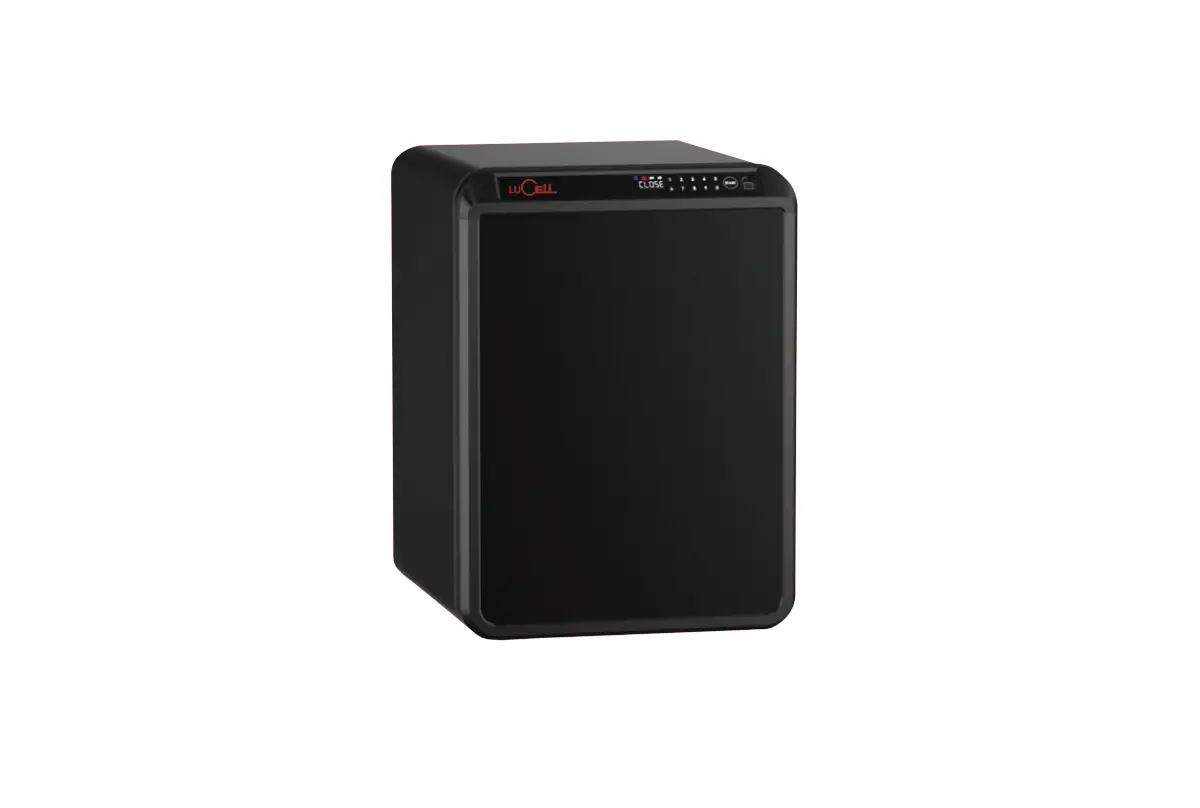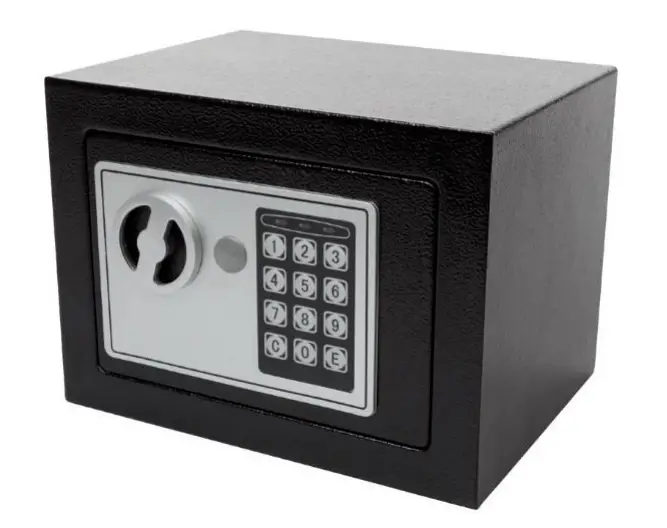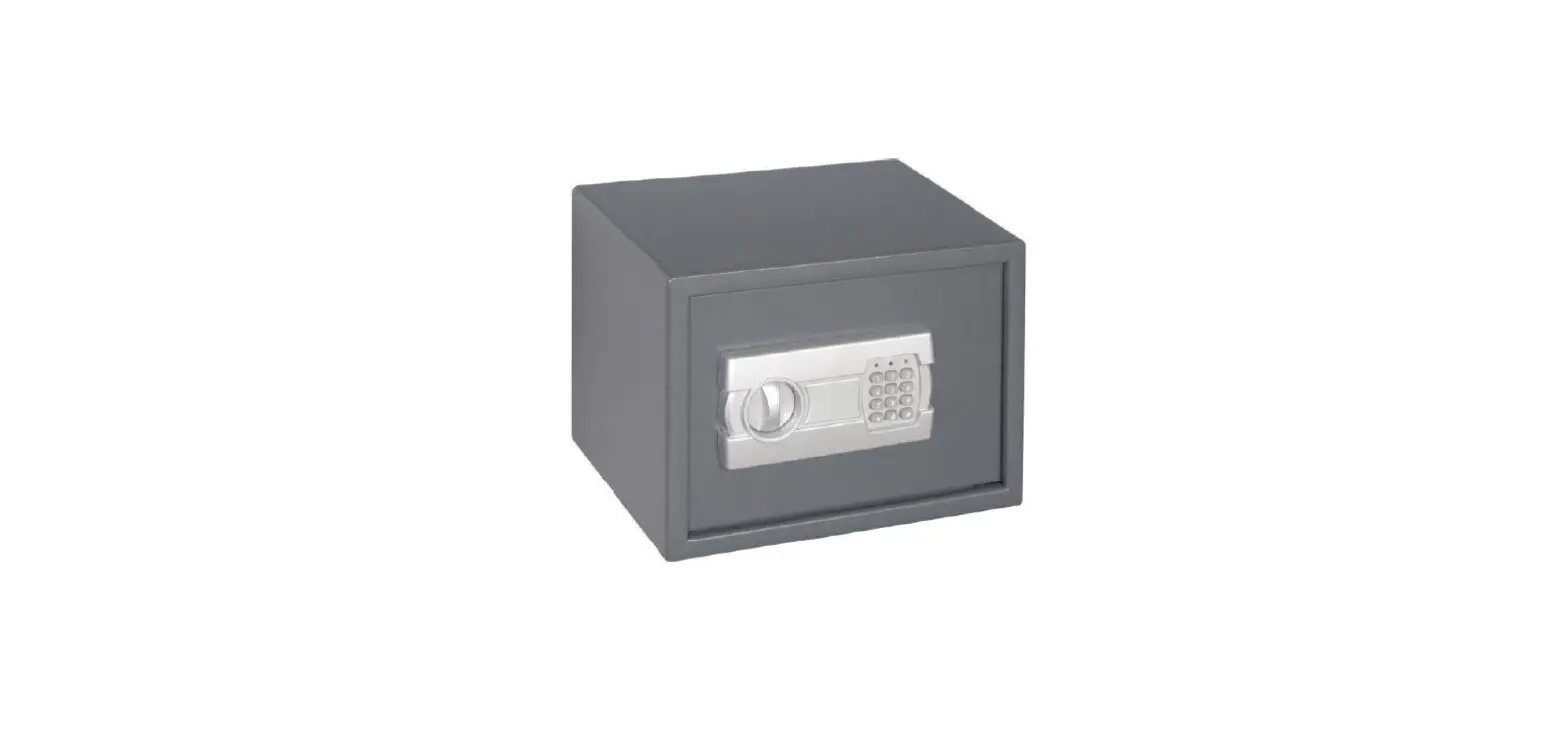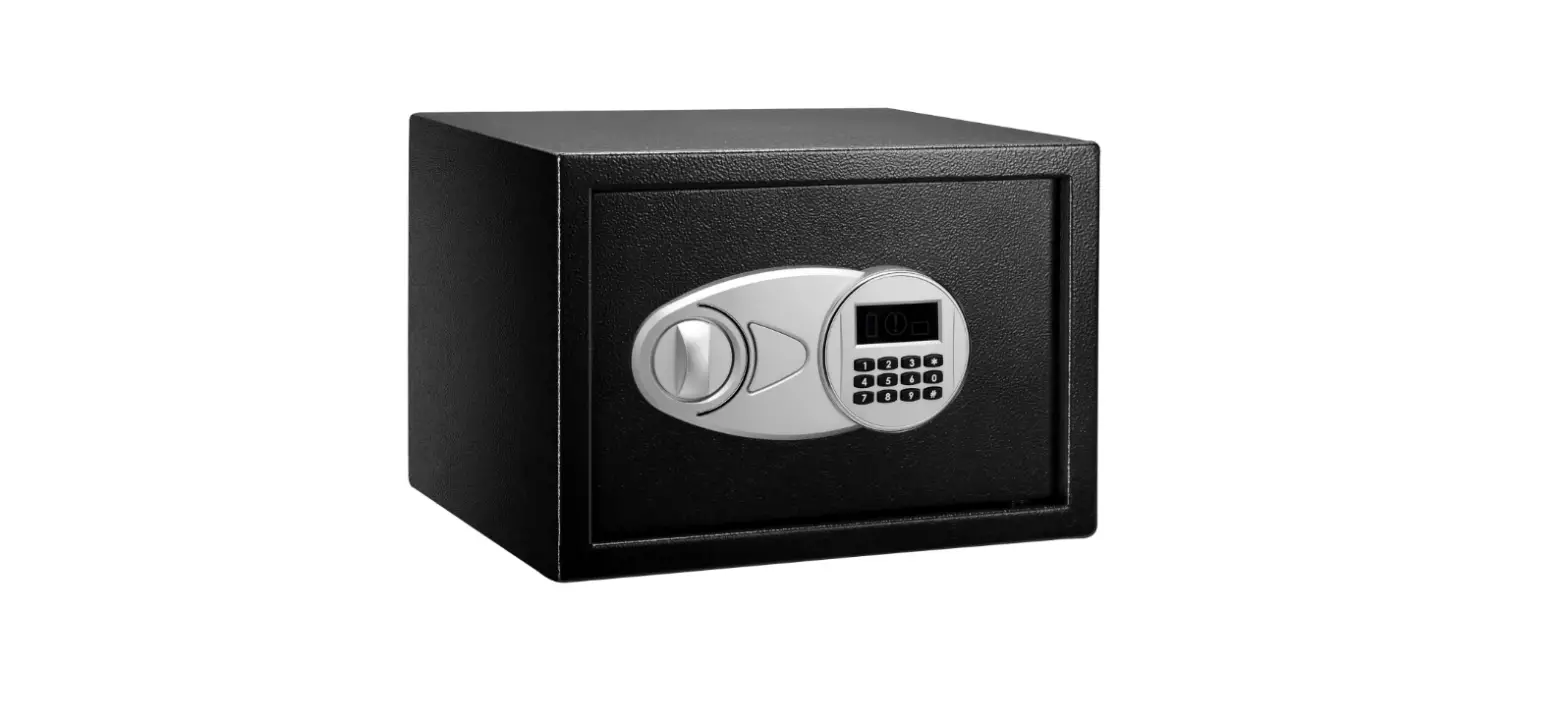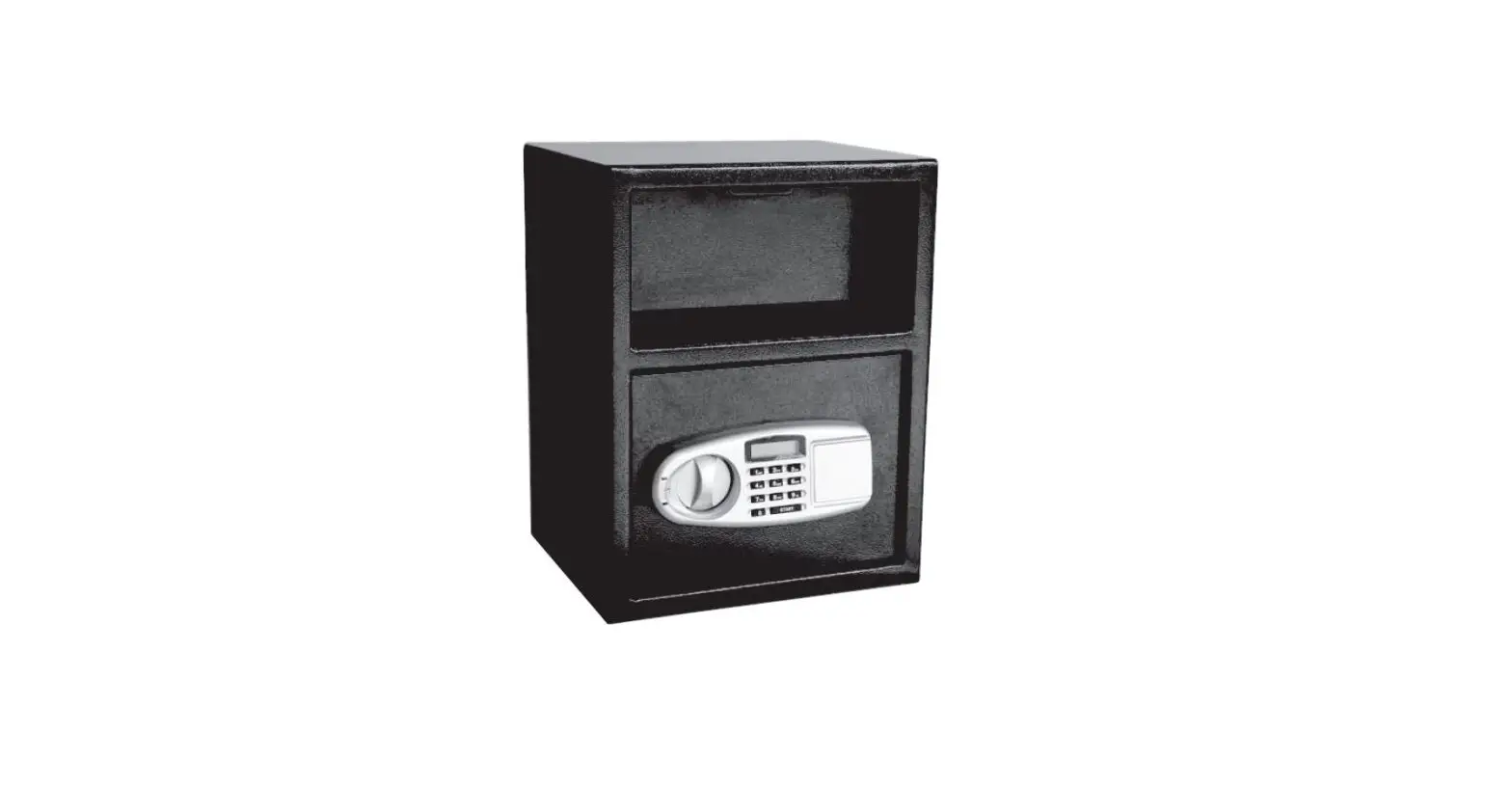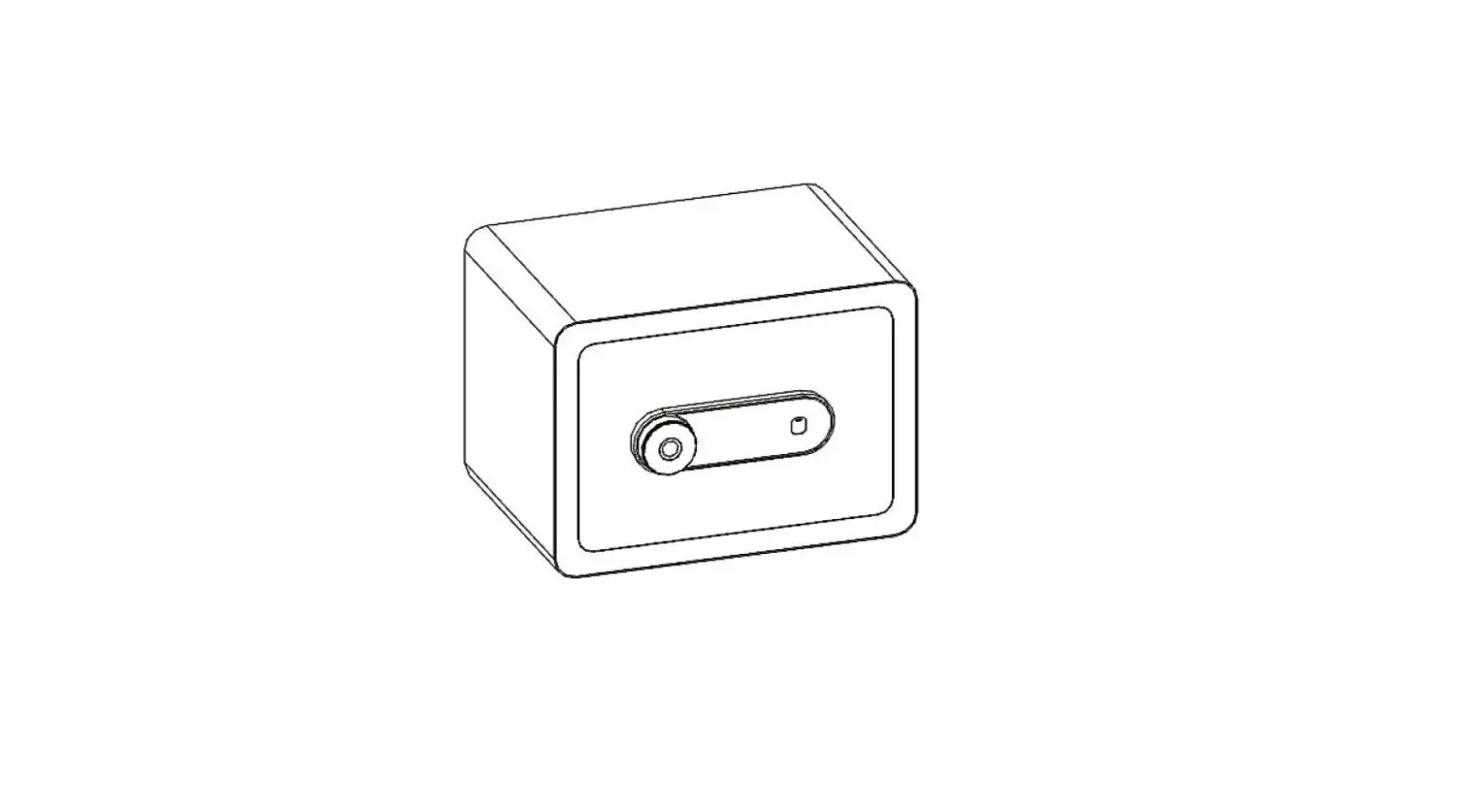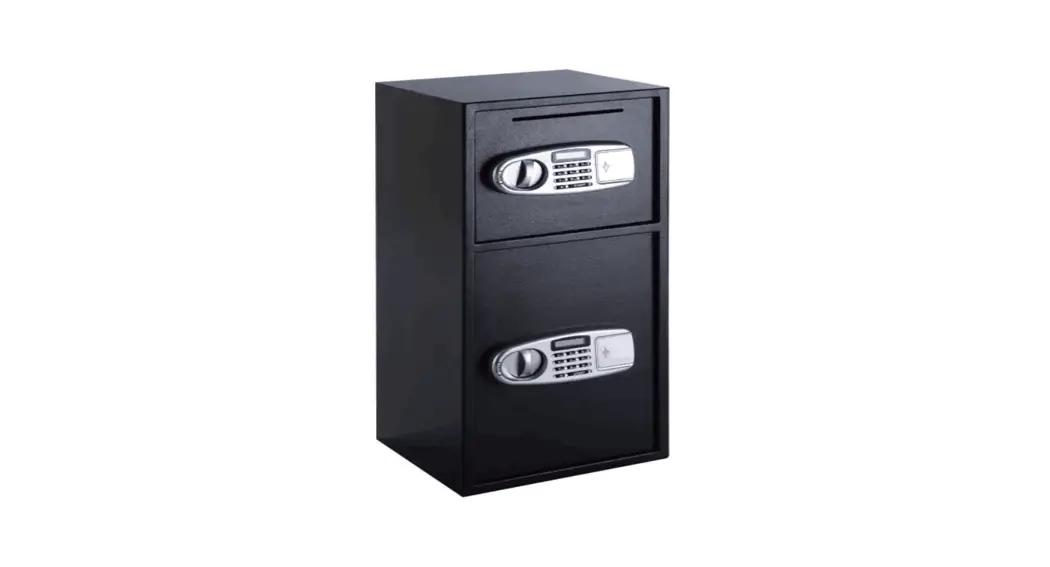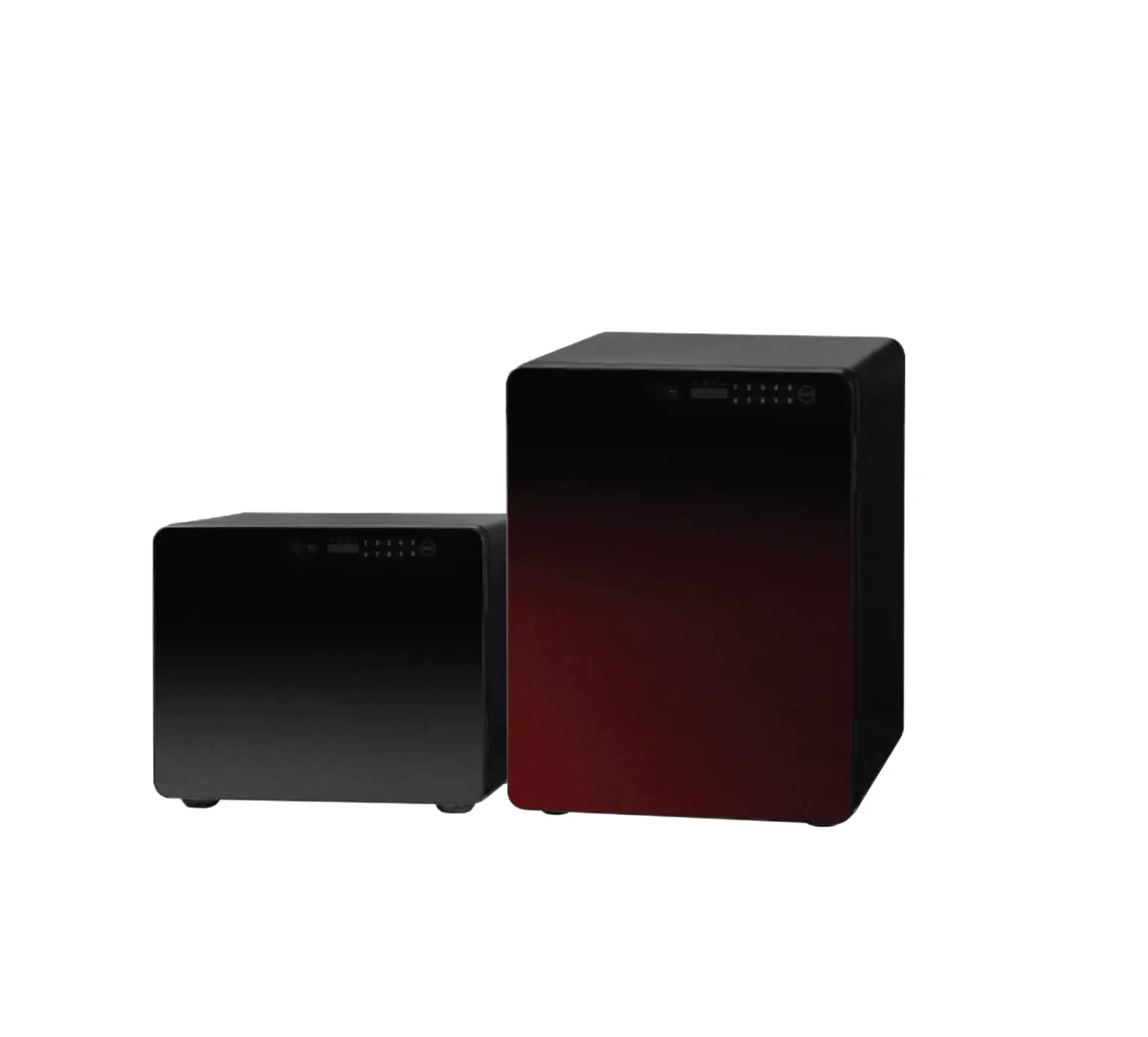
LUCELL ICB-040 Safe Box Mart
Contents hide
Safety Precautions
Safety precautions are to prevent any unexpected risk or damage. Please read before use.
 |
|
 |
|
 |
|
 |
|
Before Use
- Product may malfunction if any foreign metal substances or moisture enter keypad.
- Do not scratch keypad with any sharp material.
- Do not apply excessive force to keypad.
- Avoid exposure to any chemicals (gasoline, benzene, solvent, acetone, thinner, etc.)
- Avoid direct fire or heat.
- Remove batteries when safe is not used for long time.
- Excessive force to safe handle may cause breakage.
- Safe can be broken into by using cutting or welding tools. Our company is not liable for
any stolen items.
Opening / Closing Door
- Press START button.
● “——” will be displayed on screen. - Input 4-20 digit password.
● Input factory password ‘”1.2.3.4.S.6″ for User 1.
“OPEN” will be displayed on screen along with beep sound.
● Press START button to cancel password entry.
● Safe must be opened within 3-4 seconds
● “Err-03” indicates incorrect password.
● 5consecutive incorrect passwords will sound alarm for 3 minutes.
● Press START button and enter correct password to stop alarm. - Pull door open
- @ Push door close
Keypad Overview
( ICB-020, ICB-040)
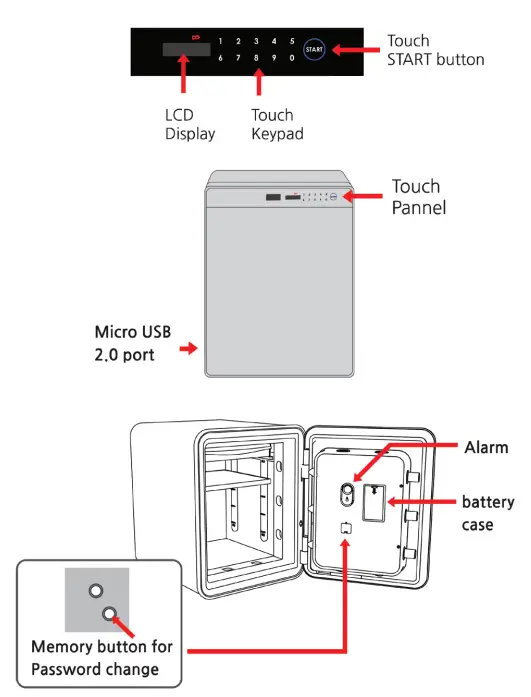
Keypad Lock Mode
- Press START for more than 1oseconds until “Act” appears. “Act” message signifies activation of keypad lock mode. Any keypad input will only display “Act.”
- To deactivate keypad lock mode, press START for more than 3 seconds until “dEAct” appears.
 Notice!! Keypad lock mode wi ll remain despite removal of batteries.
Security Mode
Press START button twice for security mode to hide password.
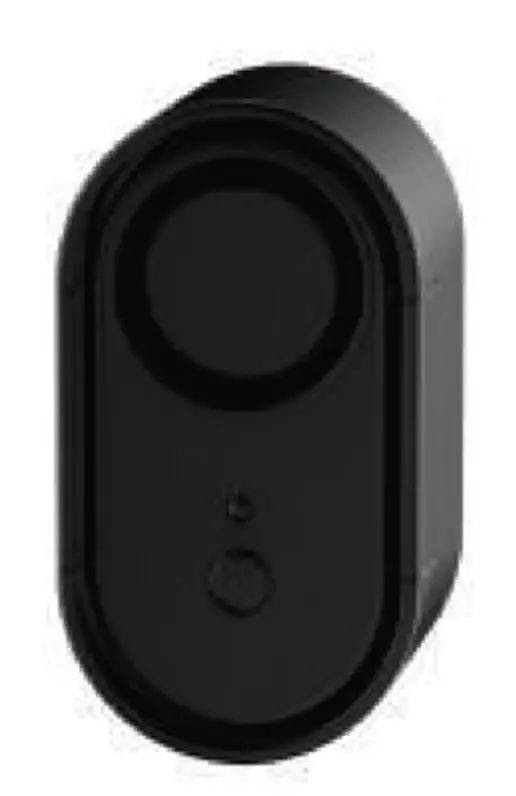
How to use Alarm
- Use the “ON/OFF” switch on the Alarm to control the Alarm.
- Use 9V battery for alarm.
Changing Password
Attention
● After having changed the password. please confirm the safe is properly working before closing the door.
- Enter current password and open door.
- Press memory button located inside door.
● “-Code-” will be displayed, then “USER_” will be displayed. - Press 1 then START button.
● “—-” will be displayed. - Enter new 4-20 digit password.
● “Again” , then “—- ” will be displayed. - Enter new password again.
● “user_ 1” will be displayed. - New password is set.
● Confirm new password works with door open.
Sound Effect ON/OFF
- Open door and press memory button for 3 seconds. After “beep” message appears, “On-OFF” will be displayed.
- Press O then START for sound ON. Press 1 then START for sound OFF.
Replacing Batteries
▶ Replace batteries immediately when
- screen displays “Lo_bAt.”
- safe door fails to open when “OPEN” message appears after password is entered.
- “good” appears on display along with “beep beep” sound after password is entered.
- screen fails to turn on after you press START button.
- touch button is not clear enough
- there is no response or malfunction
How To Replace Batteries
- When the door can be open
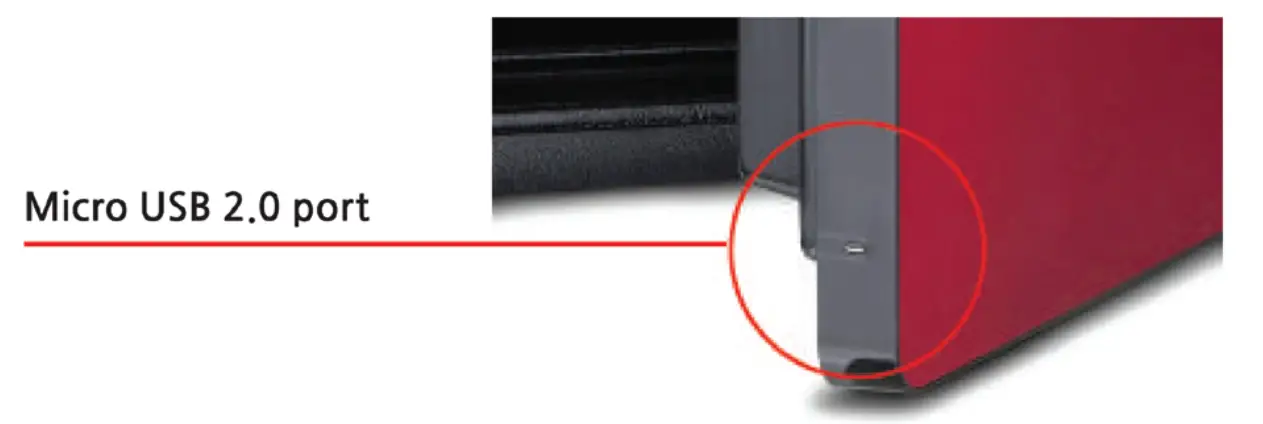
-Open the battery cover on the backside of the door, then insert batteries with proper direction - When the door cannot be open due to low battery power
-Micro USB 2.0 port can be used to open the door.
Attention
• After battery replacement. confirm safe is properly working before closing door.
• Use 1.5V alkaline batteries(AA X 6).
• Proper insertion of the batteries is confirmed once screen displays “”SAFE”‘ ► “_0···” ► “good’ Message appears and beep is heard.
Trouble-shooting
| No response when START button pressed | Possible Cause | Measures |
|
| |
|
| |
|
| |
|
| |
| Alarm continues ringing and safe does not work |
| • Enter correct password or wait 3 minutes until automatic alarm stops |
| “Err-03” message appears |
|
|
| Green light ON, does not open when “OPEN” is displayed |
|
|
|
| |
| Cannot change password |
| • Enter password with in 5 seconds |
|
| |
|
| |
| “LobAt” message appears |
|
|
| “Act” message appears |
|
|
| Forgot password |
|
Hotline: 6745 6800
email: [email protected]
 LuCell Home - Duro International