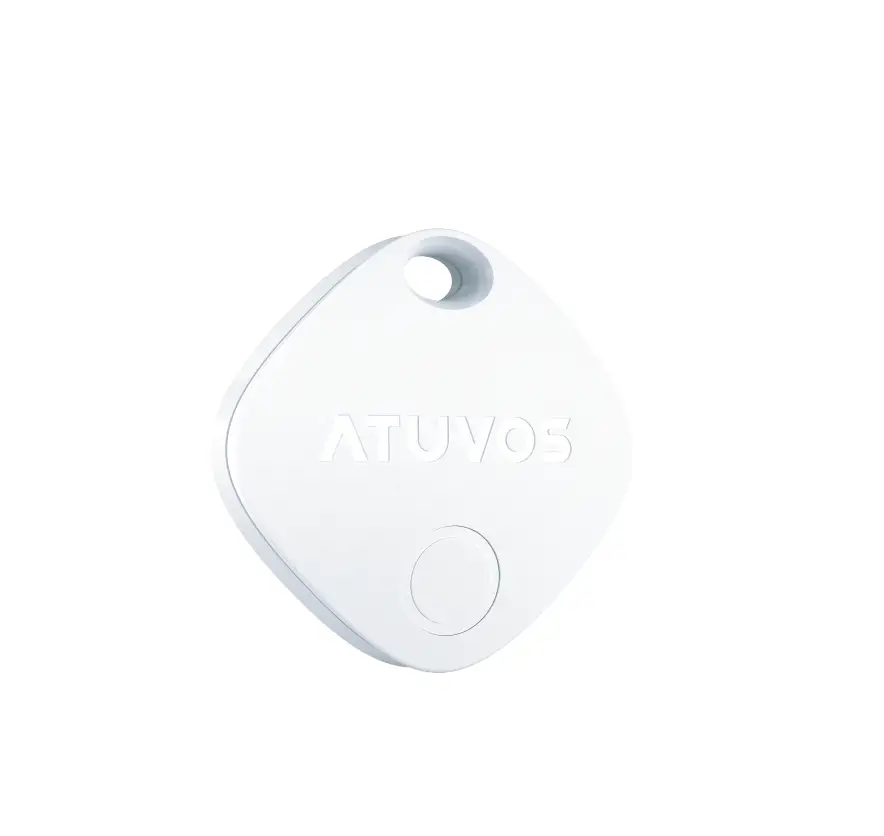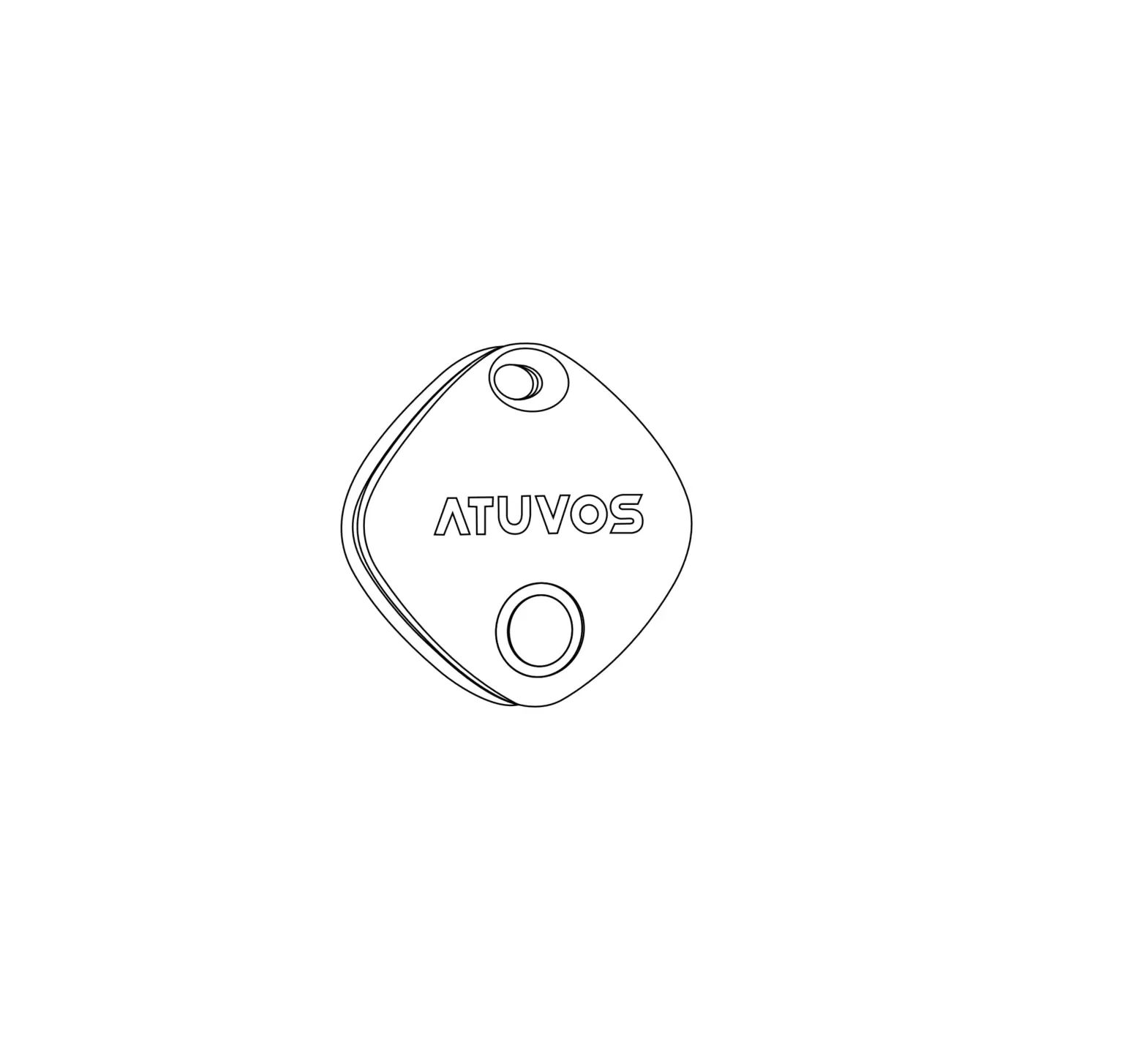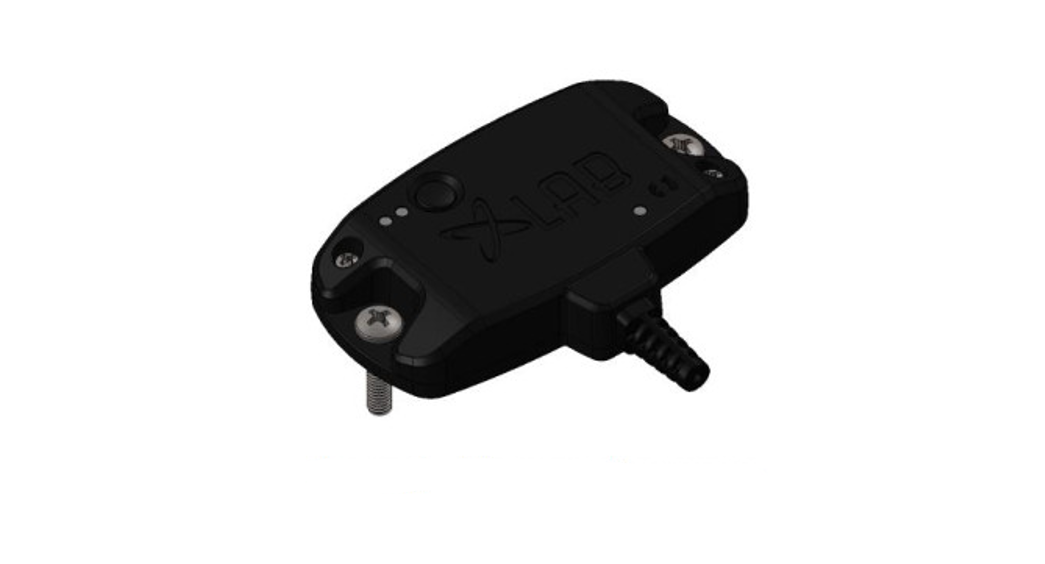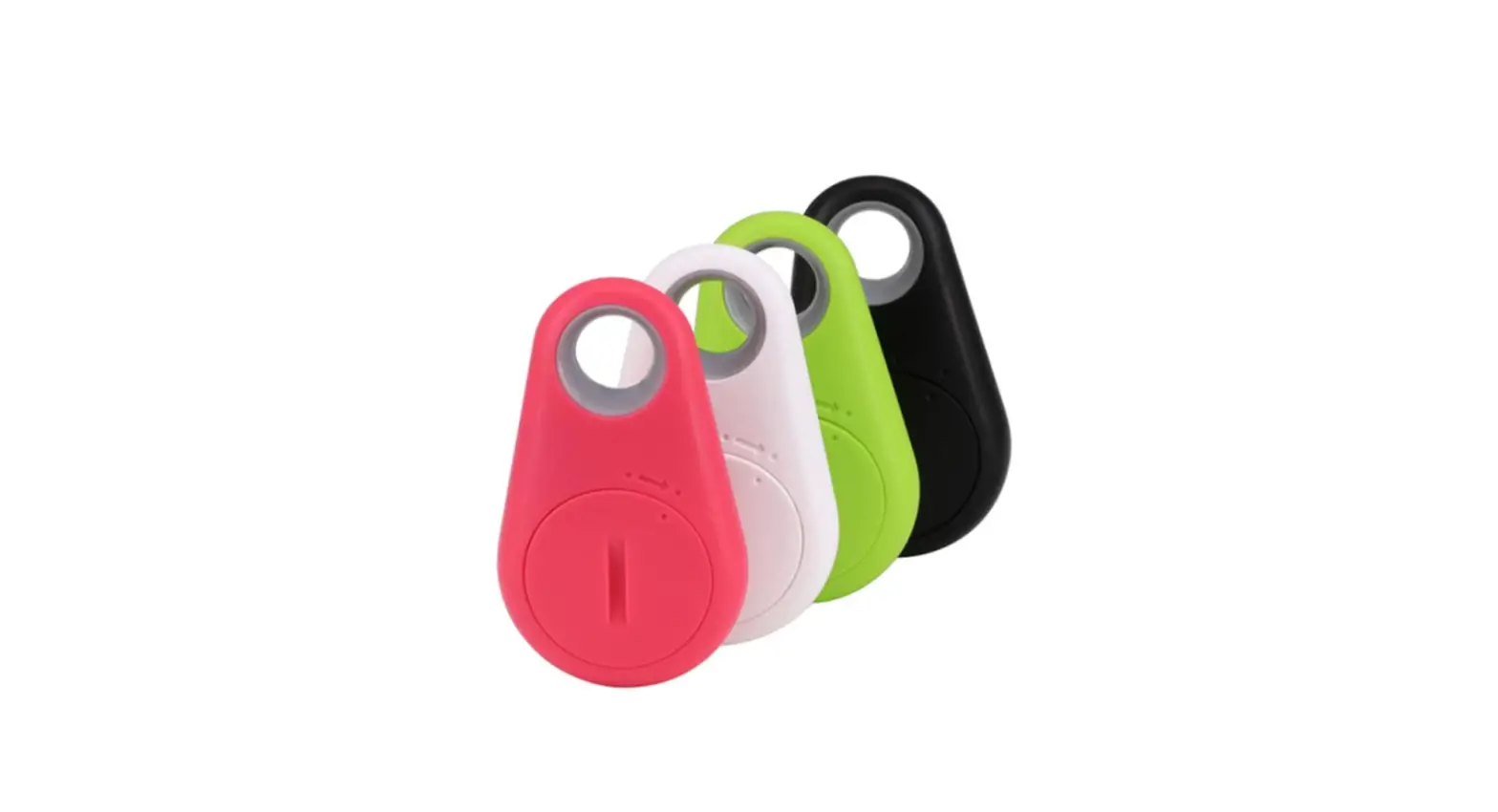
 AT2101 Key Finder Locator Tracker Device
Instruction Manual
Disassembly & Replacement of Battery Instruction
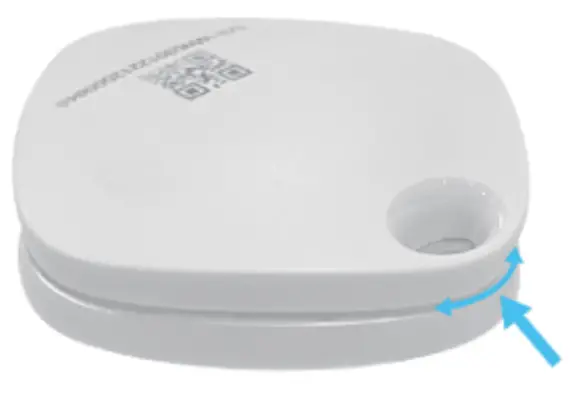 | 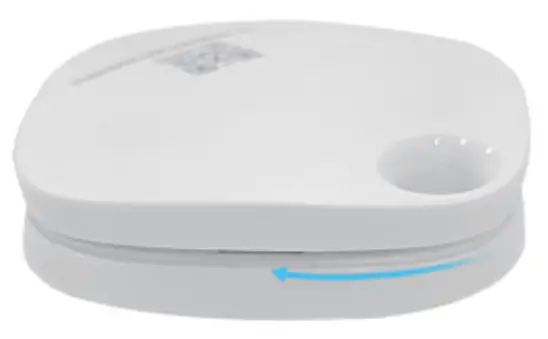 |
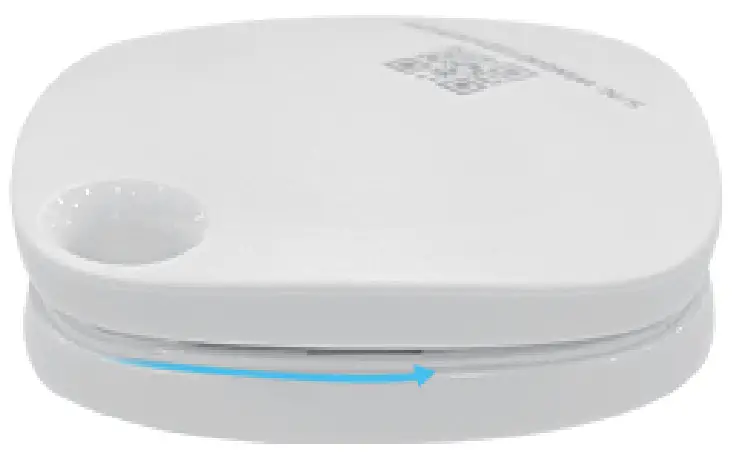
| 1. Use your fingernails or insert a smaller tool into the small gap at this position. (Note: The panel with the logo is facing down.) | 2. Slide left along the gap to the edge. |
 | 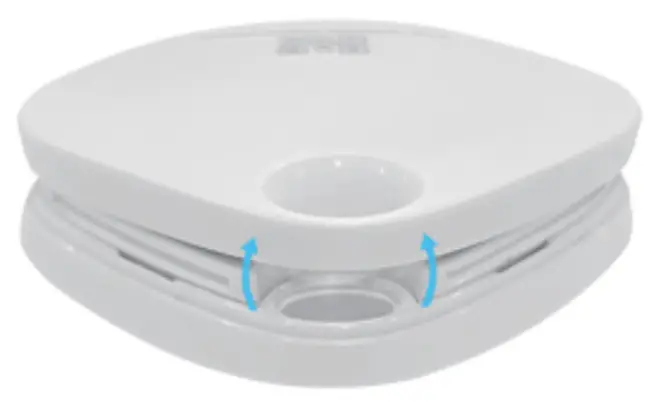 |
| 3. Then slide the other side along the gap to the edge. | 4. Pull up and open the battery cover in the back of the ATUVOS TAG. Take out Renewed |
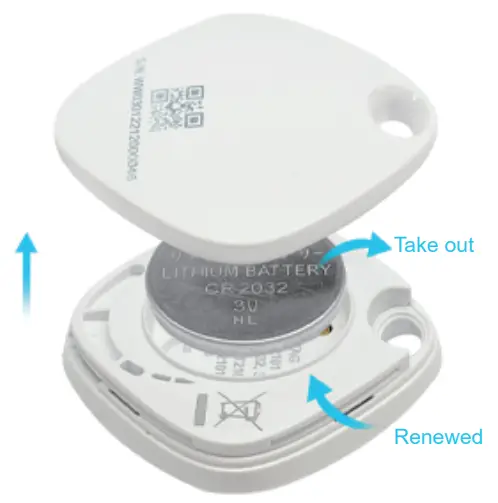 | 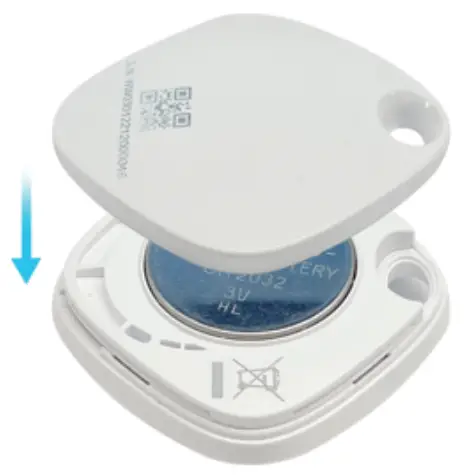 |
| 5. Use a paperclip to remove the battery and then replace a new one placing the battery positive side up. | 6. Close the battery cover by aligning the top hole on both lids. |