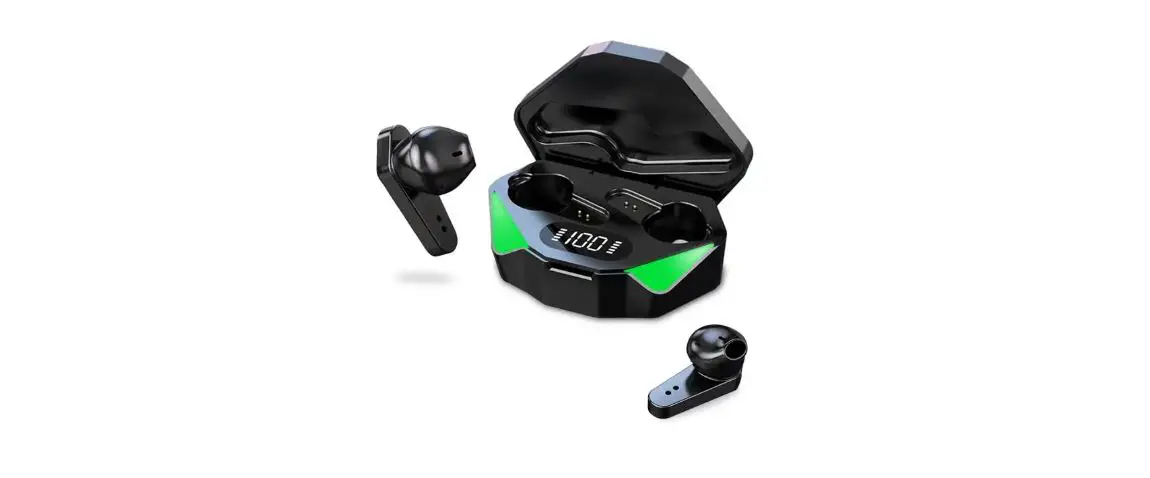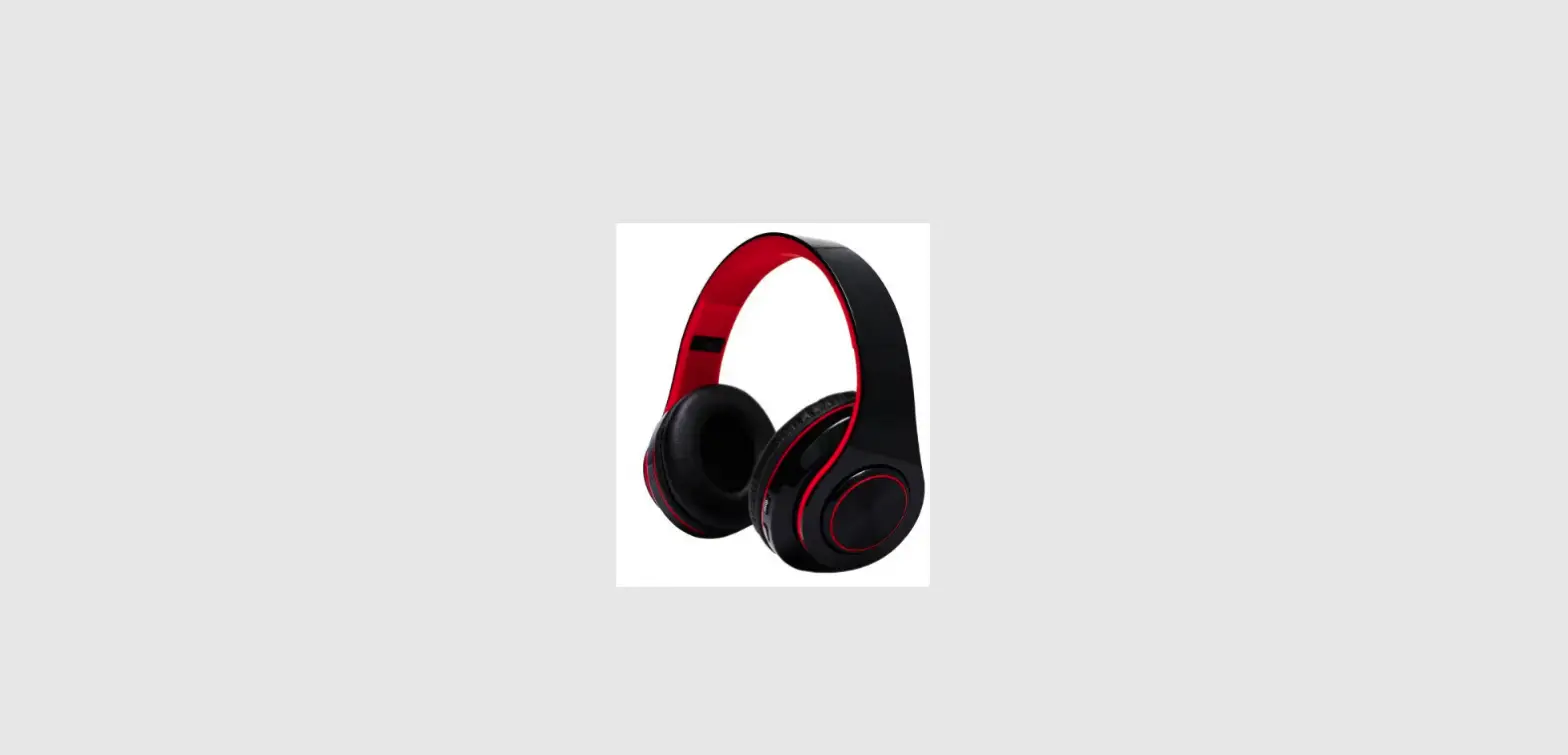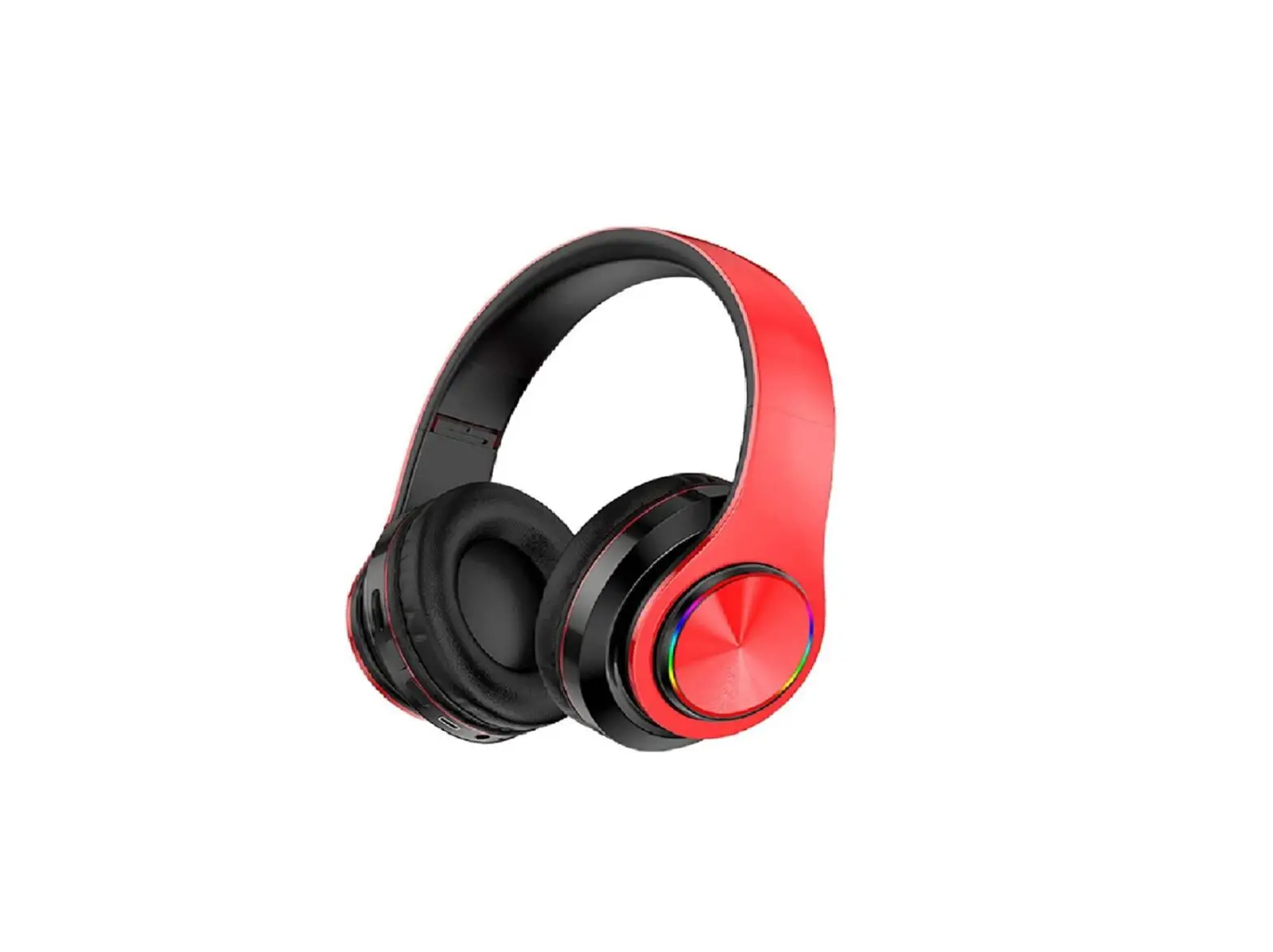
picun B27 Wireless Gaming Headphones User Manual
LED Indicator Light Description
| Pairing Status | blue and green LED twinkle alternately |
| Power On | blue LED stay on indefinitely |
| Bluetooth Mode | blue LED flash slowly when music playing, blue LED stay on indefinitely when pause |
| Low Latency Mode | green LED flash slowly when music playing, green LED stay on indefinitely when pause |
| Incoming Call Status | blue LED flash quickly |
| Charging Status | red LED light on in charging, red LED go out while fully charged |
Basic Key Operation
- Turn On
Long press for 3 seconds, the headphone will be turned on after blue LED light on for 3 seconds.
 - Turn Off
Long press for 3 seconds, the headphone will be turned off after red LED light on for 3 seconds. - Volume Adjustment
Short press and to control volume
 - Music Selection
Long press for skipping to the next song
Long press for skipping to the previous song
Play/Pause/Phone call
- Music Pause: Short press when in music playing.
- Music Play: Short press when in music paused.
- Answer Calls: Short press when a call coming in.
- Hang Up: Short press when end up a call.
- Refuse to Answer: Long press when a call coming in.
When Bluetooth connected, double press  will re—dial the last phone number in your call record.
Headphone Turn On Status
Long press for 3 seconds, the headphone will be turned on and enter into pairing mode. It will search to pair or directly connect the last successfully connected device.
Bluetooth Connection
The headphone will enter into pairing mode automatically after turned on. Red and blue LED will twinkle alternately. Turn on the Bluetooth on your cell phone and search “B27”, click to connect. The blue LED will stay on indefinitely after connected successfully, blue LED will flash slowly in music playing.
Language Switch
In the status of the headphone turned on and doesn’t connect with any device, double click the “M” button for switching language between Chinese and English.
Siri/Voice Assistant
Access when the headphone connect with your cell phone, double press “M” can access Sid/Voice Assistant.
Connect Two Devices At Once
This headphone supports 2 devices multiple connection, and will not interfere with each other, can answer the phone from any cell phone.
- In the status of turn off, long press On/Off button for 3S to turn on the headphone, and connect it with the first cell phone.
- Turn off the Bluetooth on your first cell phone, let the heaphone in pairing status to connect with the second device, turn on the Bluetooth on your second cell phone, search “B27”, click to connect.
- Turn on the Bluetooth of the first device, and find “B27” to manually connect again. At this time, the headphone has connected with the two cell phones.
Low Latency Mode
After the headphone connect with the cell phone, long press “M” button for 3 seconds to enter into low latency mode. After successfully enter the low latency mode, there will be a voice prompt “du”, and LED indicator light turns to green.
Bluetooth Disconnected
In non—call status, long press  and
and  for 5 seconds simultaneously, the headphone will disconnect from the connected devices, LED indicator light turns to blue and green LED twinkle alternately
Charging Mode
When in low battery, pls charge the headphone for around 3 hours with Type—C charging cable. The headphones will turn off automatically when in charging, Red LED light on in charging, and will goes out while fully charged.
When the headphone connect with IOS device, the current power status of the headphone will be showed in the upper right corner of the device screen. And when in low battery, the headphone will voice prompt “battery low”.
Line-in Mode
- Turn on status: plug in audio cable, the headphone turn off, you can listen to the music with the audio cable.
- Turn off status: plug in audio cable, the headphone can’t be turned on, you can only listen to the music with the audio cable.
Note: If you want to listen to the songs in the Bluetooth mode, you need to unplug the audio cable and turn on to use.
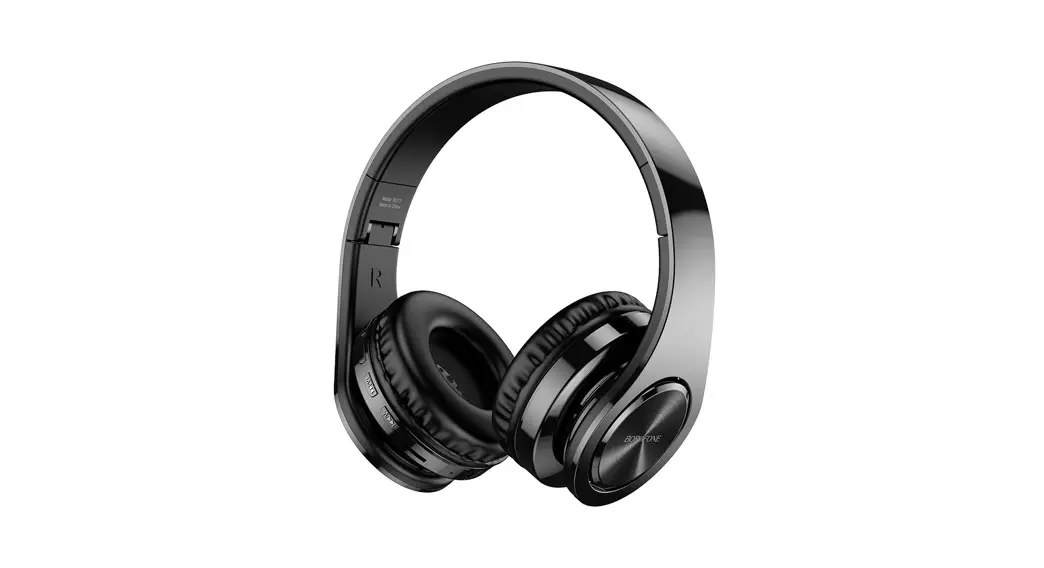
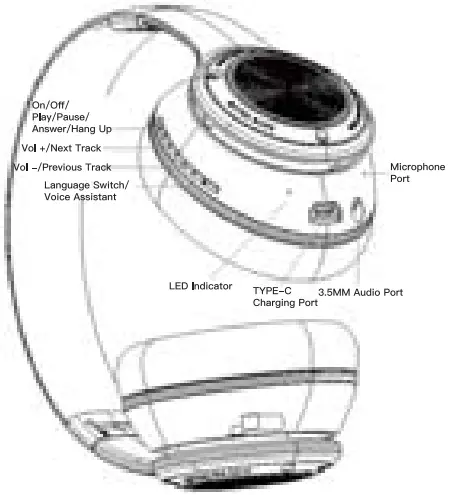
Headphone Overview
Parameters Information
| Profiles Supported | A2DP/AVRCP/SMP/HFP |
| Accept Range | Over 10M |
| Microphone Resistance | 320±15% |
| Microphone Sensitivity | 103±3dB |
| Frequency Range | 20 HZ–20KHZ |
| Charging Voltage | 5V |
| Charging Current | 1000mA |
| Operating Voltage | 3.7V |
| Operating Current | 9mA–16mA |
Package List
- Bluetooth Headphone
- TYPE—C Charging Cable
- User Manual
- Audio Cable
Warm Tips
- Please charge the headphone with 5V 1A/5V 2A charger, high voltage may damage the headphone.
- When the headphone has not been used for more than 3 months, it needs to be charged before using.
- When the headphone has not been used for a long time, we suggest you to charge every 3 months to provide good protection for the battery.
- We suggest you fully charged the headphone for the first time use.
Attentions
- Please keep or use the headphone in normal temperature, avoid direct sunlight.
- Please keep the headphone away from fire or other hot object.
- Please keep the headphone away from damp place or submerged in liquid, keep dry
- Please don’t try to use other method for charging other than the USB charging cable we provide.
- Please don’t disassemble, repair or modify.
- Please pay attention to excessive clash, if any damage (like dents, deformation, corrosion, etc.). please turn to us for help by the contact information on warranty card.
- If the headphone produces an abnormal smell, higher than normal temperature color or shape changes abnormally, please stop to use and turn to us for help by the contact information on warranty card.
Warning
- If the battery is replaced improperly, there is a danger of explosion. It can only be replaced with a battery of the same type or equivalent. The battery (battery pack or assembled battery) must not be exposed to the conditions such as sunlight, fire, or similar overheating environment.
- The device should not be exposed to water droplets or water splashes. It should not be placed in objects such as vases or similar objects filled with liquids.
- This device is not a children’s toy. Children under the age of 14 need to be accompanied by parents to use.
- Using headphones for a long time at high volume may cause damage to your hearing.
WARRANTY
WARRANTY CARD
Product Model: __________________________
Product Color: __________________________
Purchase Date: __________________________
Purchase Store: __________________________
Purchase Account: _______________________
Reason for Warranty: _____________________
User Name: ____________________________
Phone Number: _________________________
User Address: ___________________________
Warranty Description
Please keep the warranty card and valid purchase proof properly, show it together when sending the product to repair. If you can’t provide the warranty card or relevant purchase certificate, the calculation date of the product warranty wig be based on the product manufacture date.
Warranty Regulations
- If you have any questions during using, please don’t hesitate to call 4008894883 for help.
- Within one year from the purchase date, if the product with quality Issue and the technical staff of our company has confirmed that the issue occurs under normal use, we will provide free replacement services.
- In the following cases, our company refuses to provide free warranty Service, only provides maintenance services, free of labor costs, only charges for parts:
- A. The product main part has been damaged due to incorrect operation, negligent use or irresistible reasons
- B. The product has been dismantled or repaired without our company authorization
- C. The headphone driver unit has been used at high velum°, and the diaphragm is deformed due to debris or impact. The headphone cable is broken, crushed, immersed in water, the case is damaged, deformed, and some other man-made damage reason.
- D. The original warranty card and valid purchase proof can’t be provided, and the purchase date is beyond the warranty period.
- The free service provided by this warranty card does not Include product accessories, and other decorations, gift, etc.
Product Qualification Certificate
After inspection, the product meets the technical standards and is allowed to leave the factory.