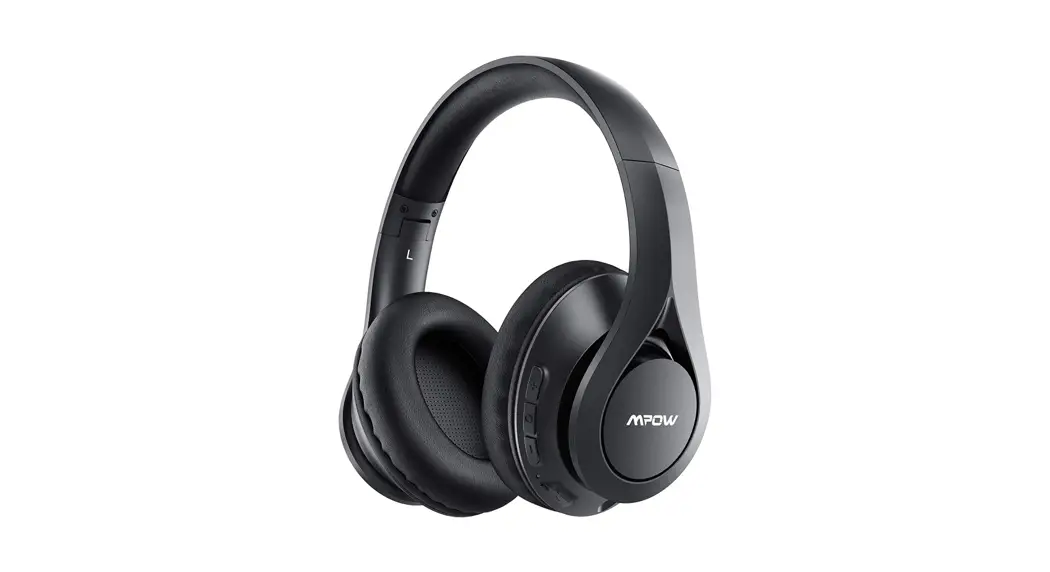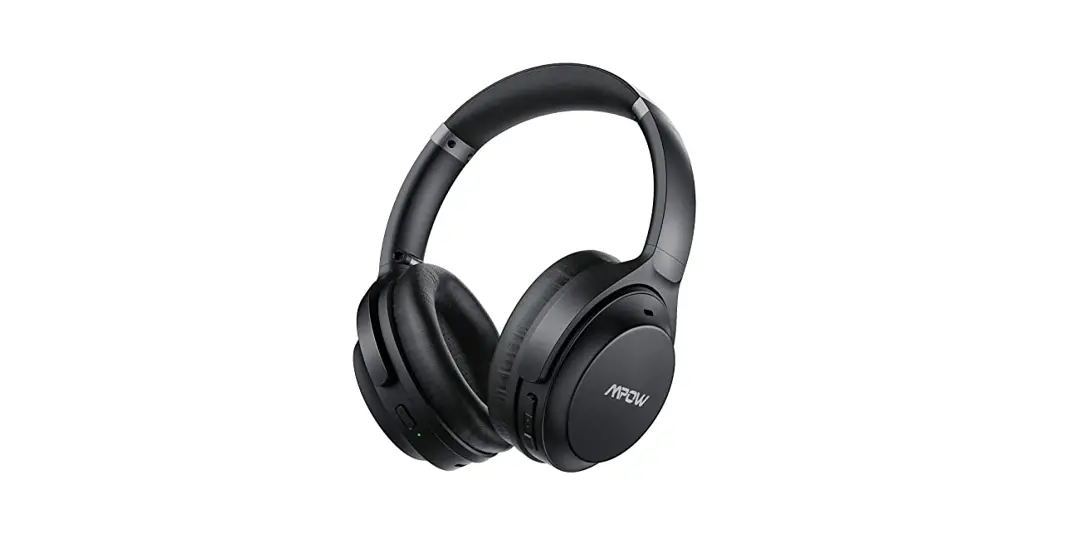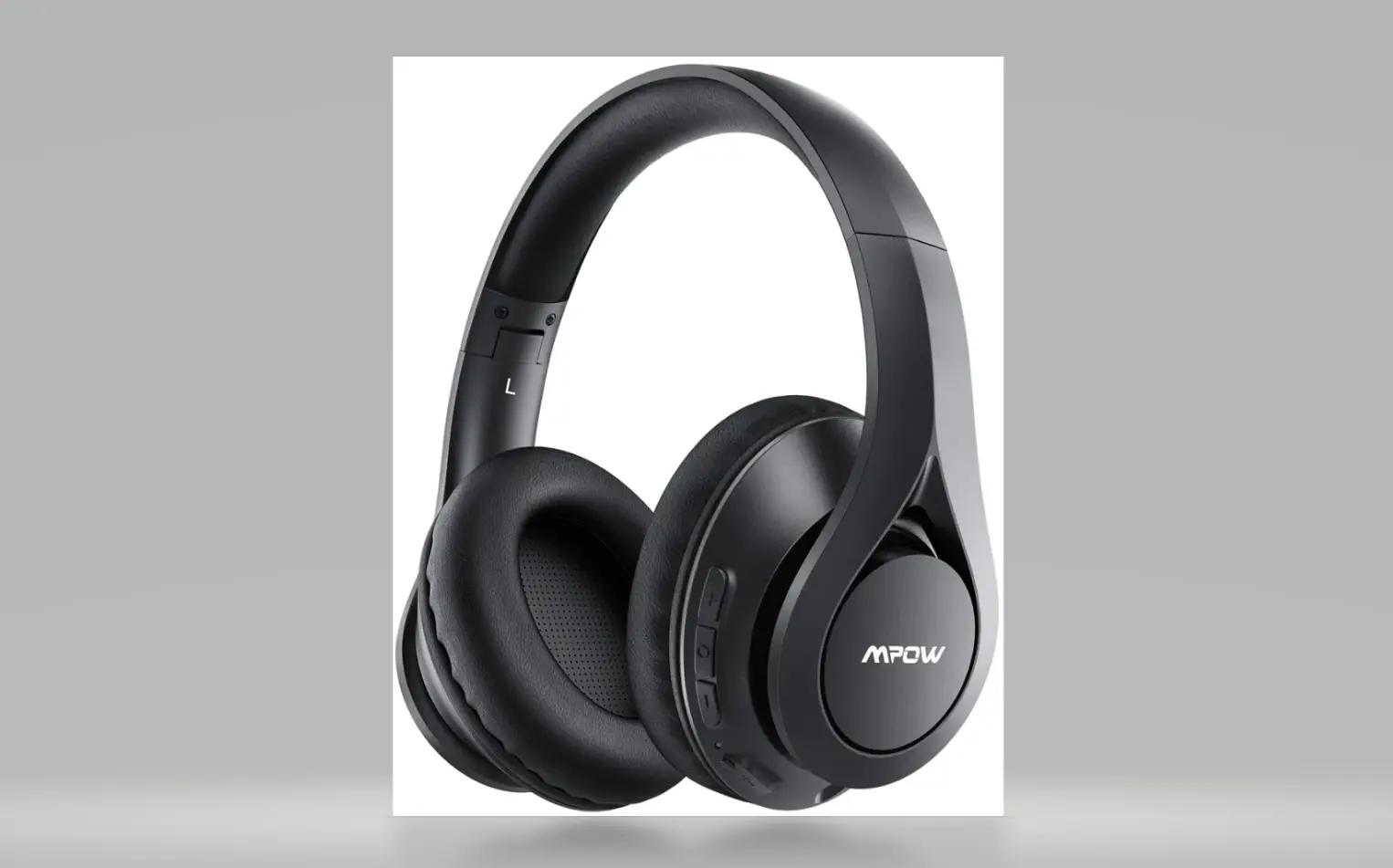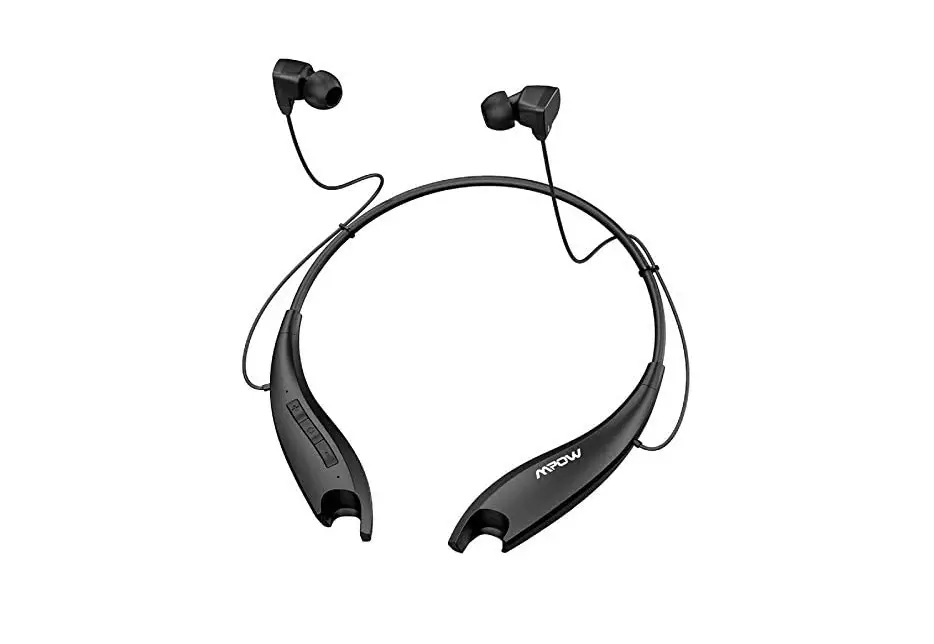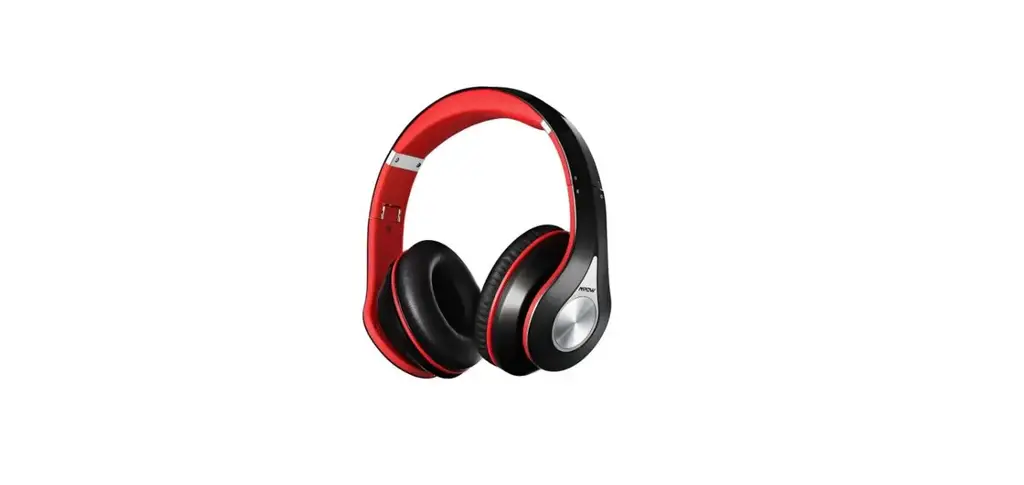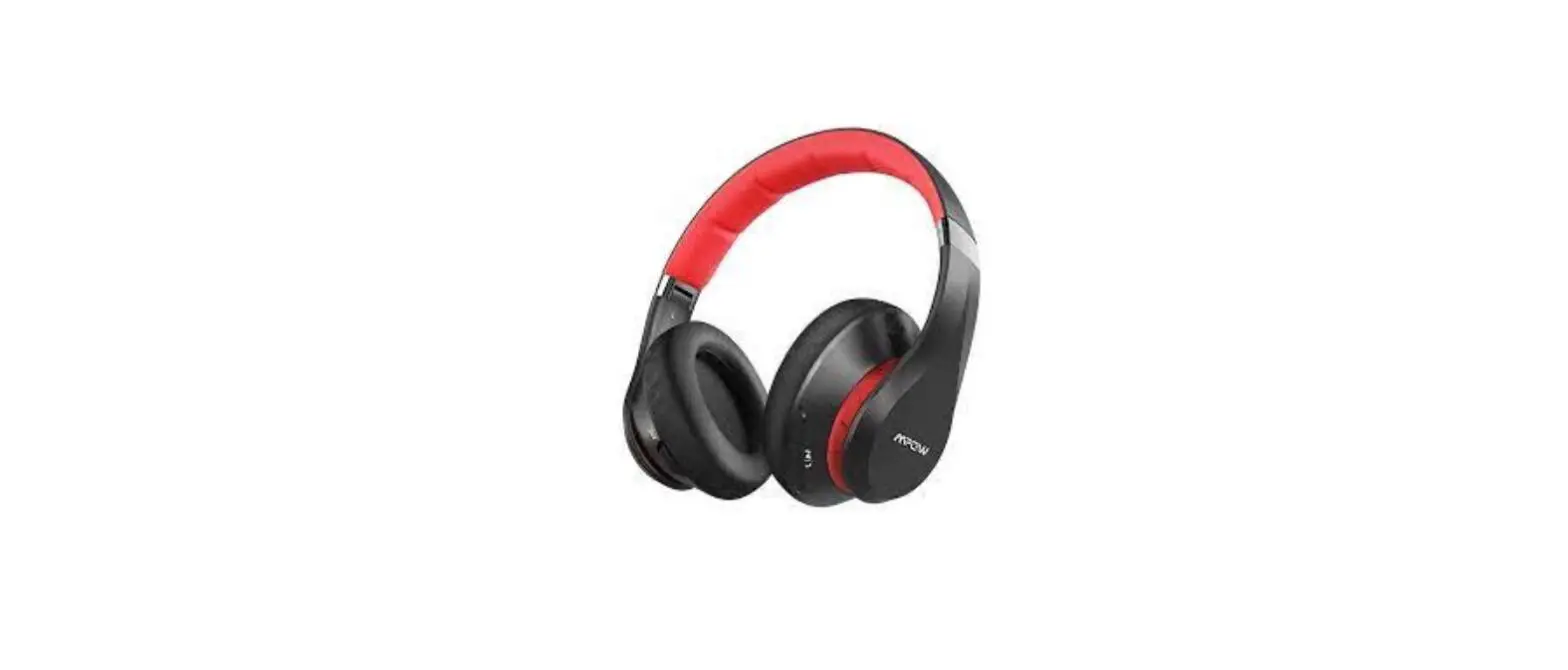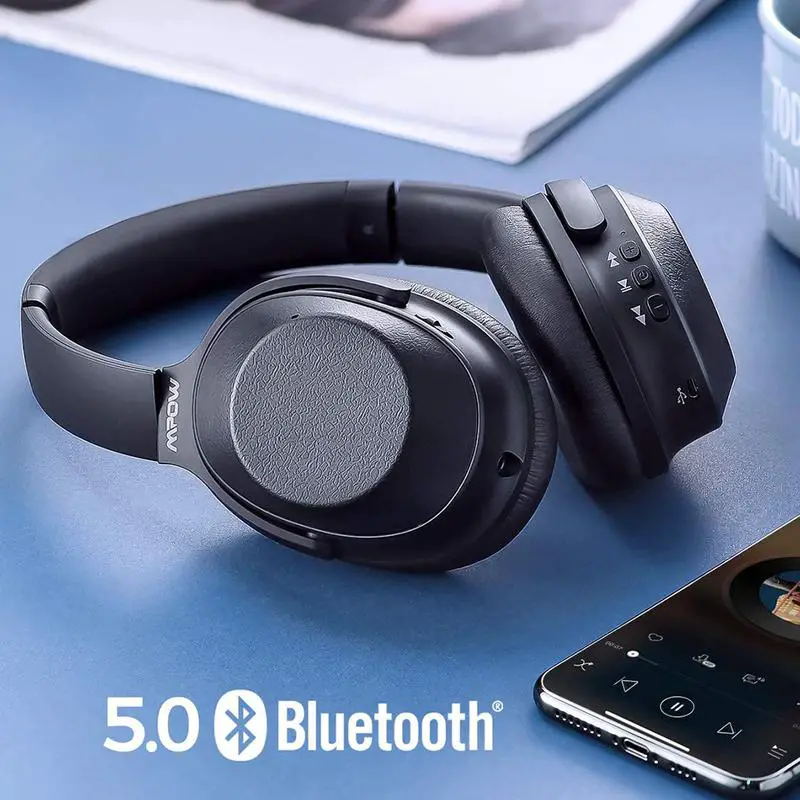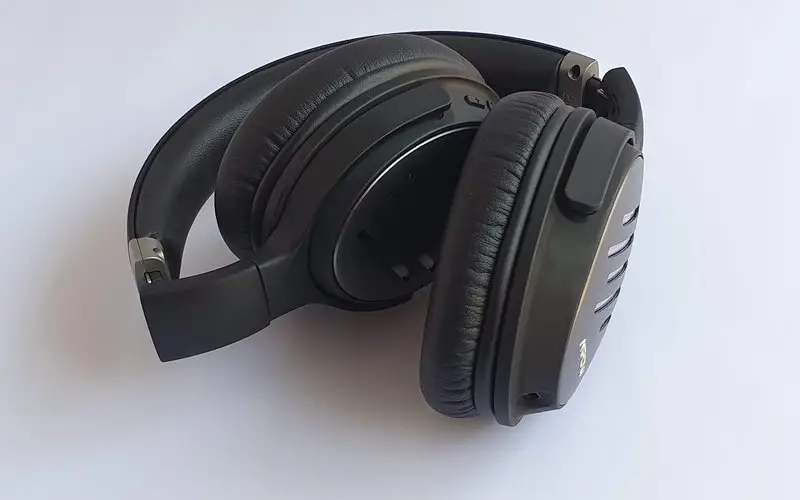
Mpow BH441A wireless Headphones User Manual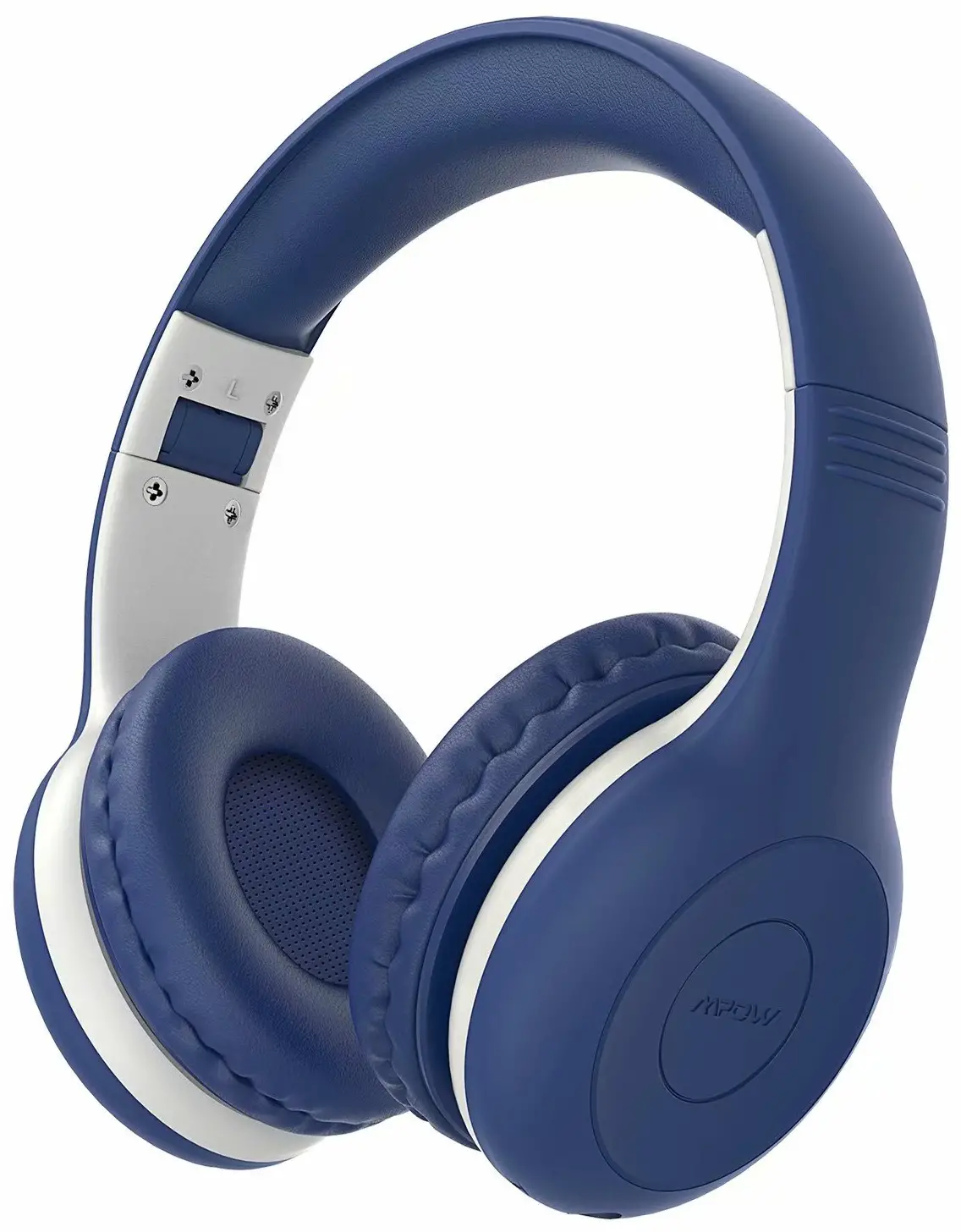
As the leader of audio products, Mpow works passionately on the innovation of design and technology to create products with simplicity and usability to all over the world.
Mpow proudly stands behind every product offered. Mpow has sold more than 12,000,000 headphones and favored by 10,000,000 consumers. Every Mpow product offers a 24-month buyer’s assurance.
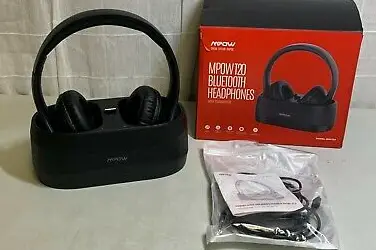
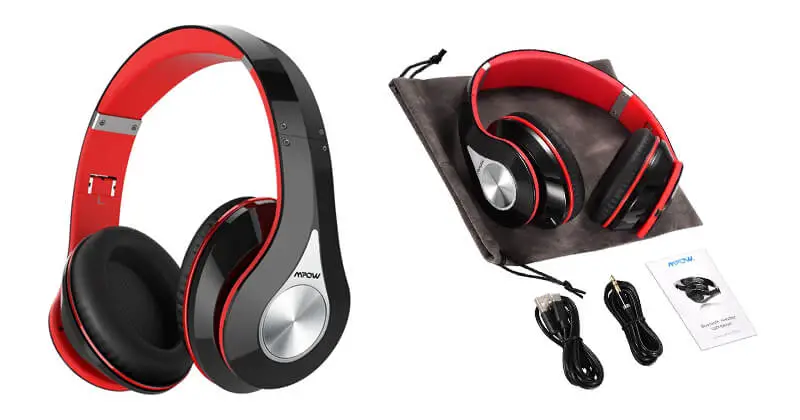
Packages
- Wireless headphones ×1

- User manual ×1

- 3.5mm audio cable ×1

- Charging cable ×1

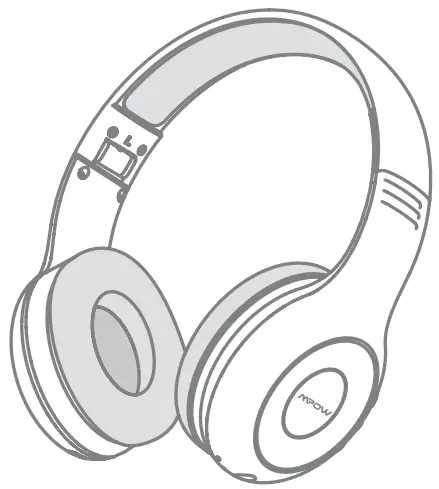

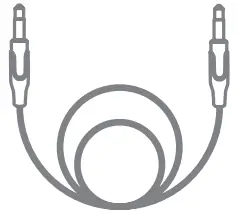
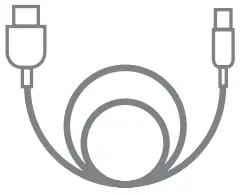
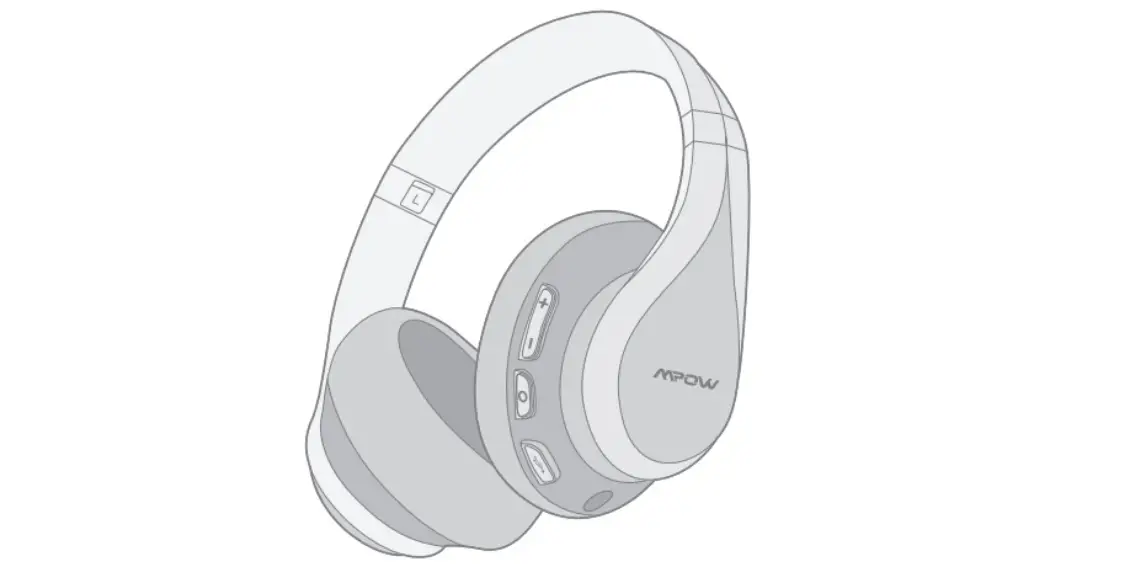
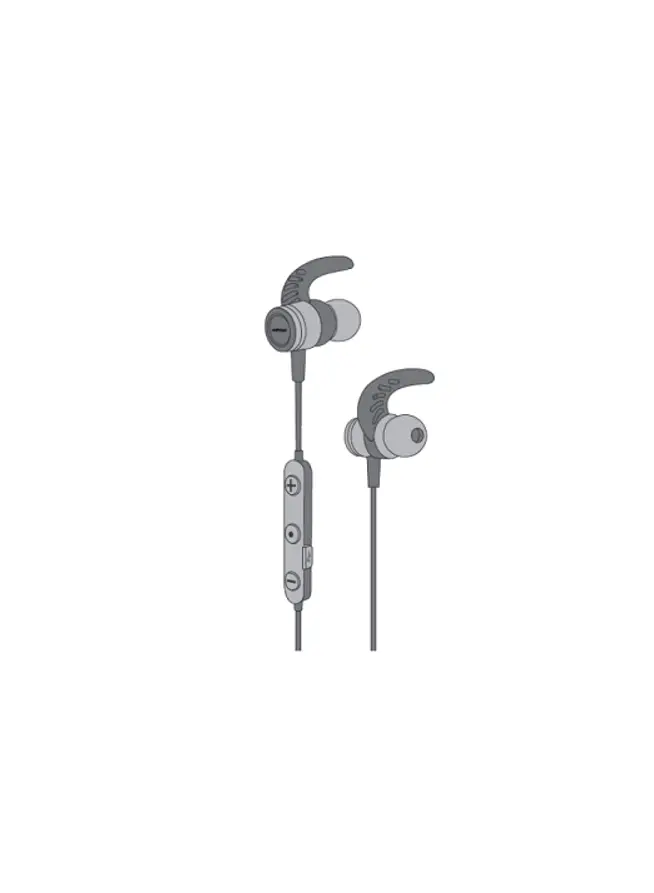
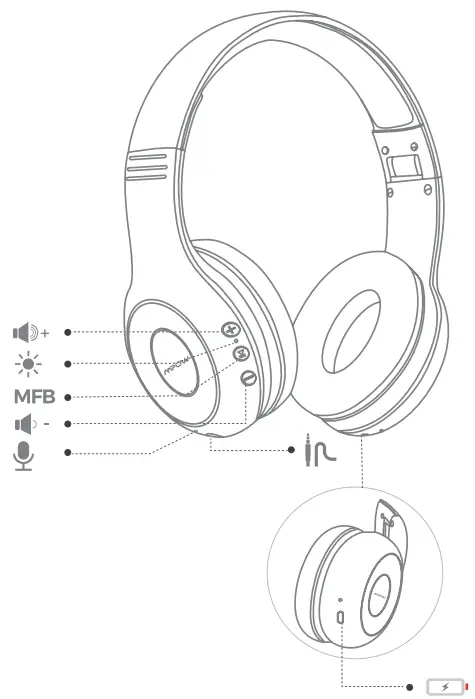
Diagram
Power On/Off
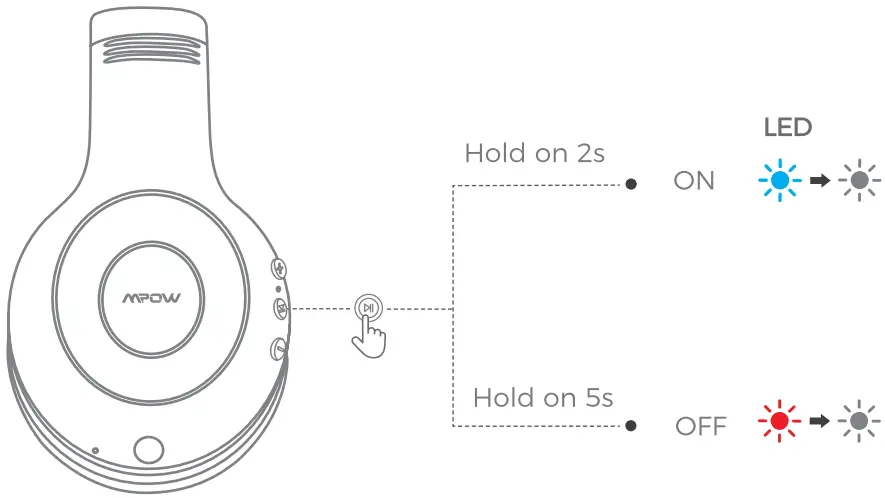
- Power ON
Press and hold the “ ” for 2s, the blue light will on and then goes out, you will hear a voice prompt “power on”.
 - Power OFF
Press and hold the “ ” for 5s, the red light will on for 1s and then goes out, you will hear a voice prompt “power off “.
 ” for 2s, the blue light will on and then goes out, you will hear a voice prompt “power on”.
How to Pair
Step:1
Step:2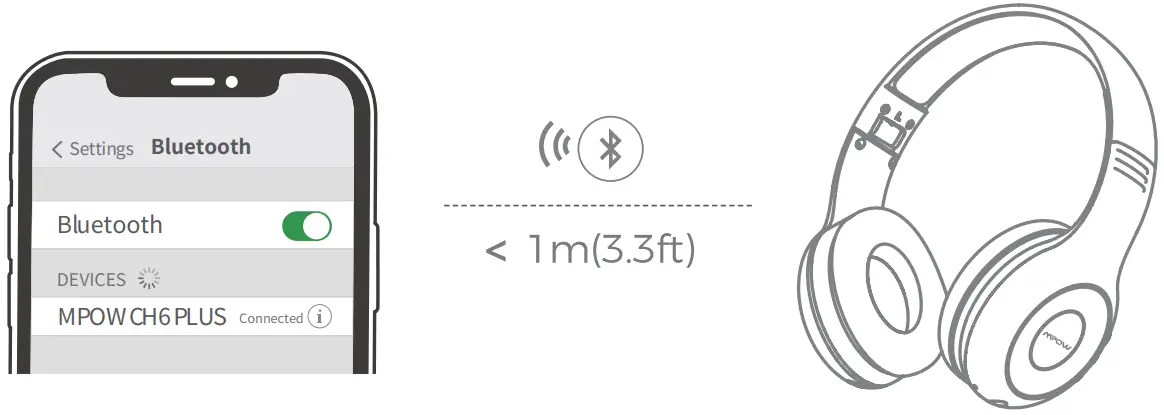
- With your headphones powered off, press and hold the MFB until the red and blue lights flash alternately to enter the pairing mode, and then you will hear a voice prompt “Pairing”.
- Enable the Bluetooth feature of your cellphone and find “MPOW CH6 PLUS” to connect. Once paired, you will hear “Connected”.
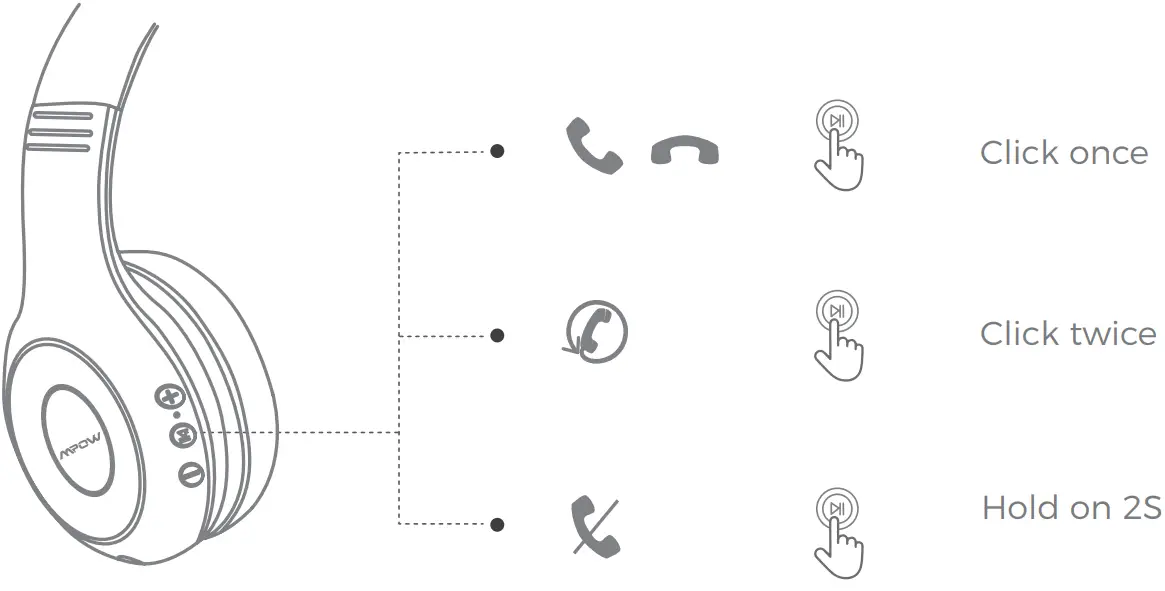
Answer/Hang up/Redial/Reject a call
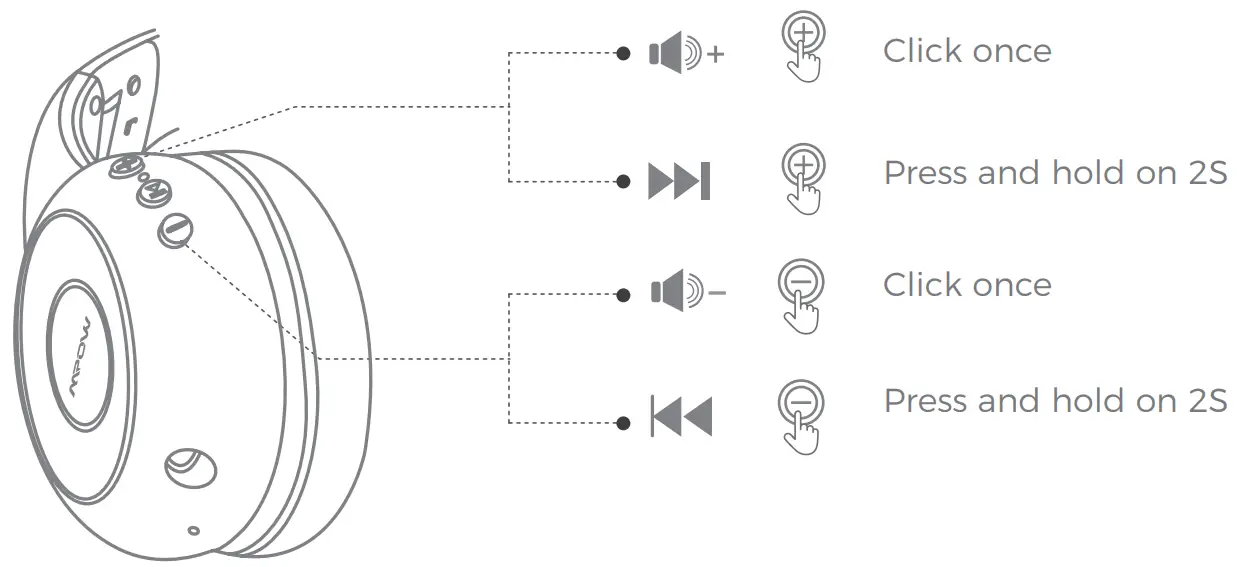
Volume Control / Music Control
Clear Paring Record
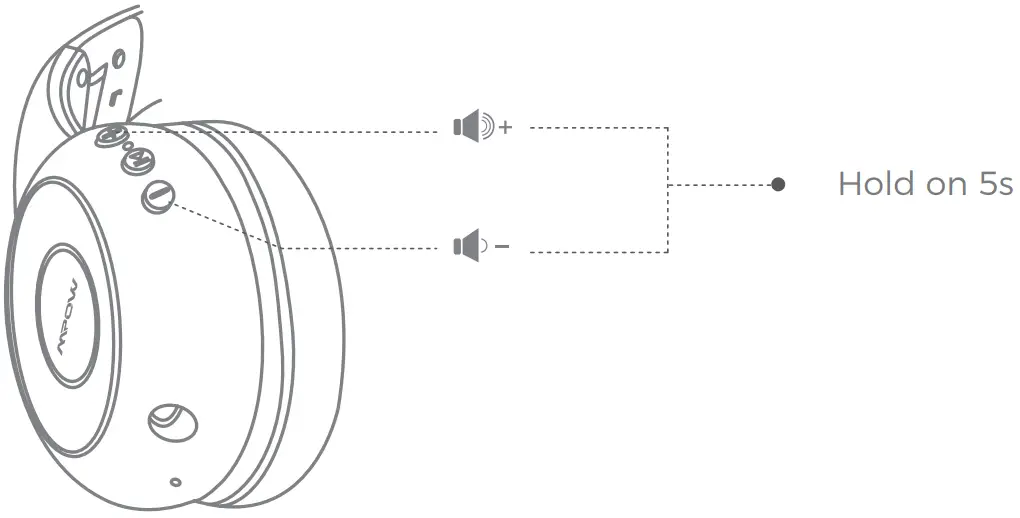
With your headphones powered on,press and hold the “ + ” and “ – ”buttons simultaneously for 5s,until the red and blue light flashes 3 times and the headphones will re-enter into paring mode.
Charging Indications
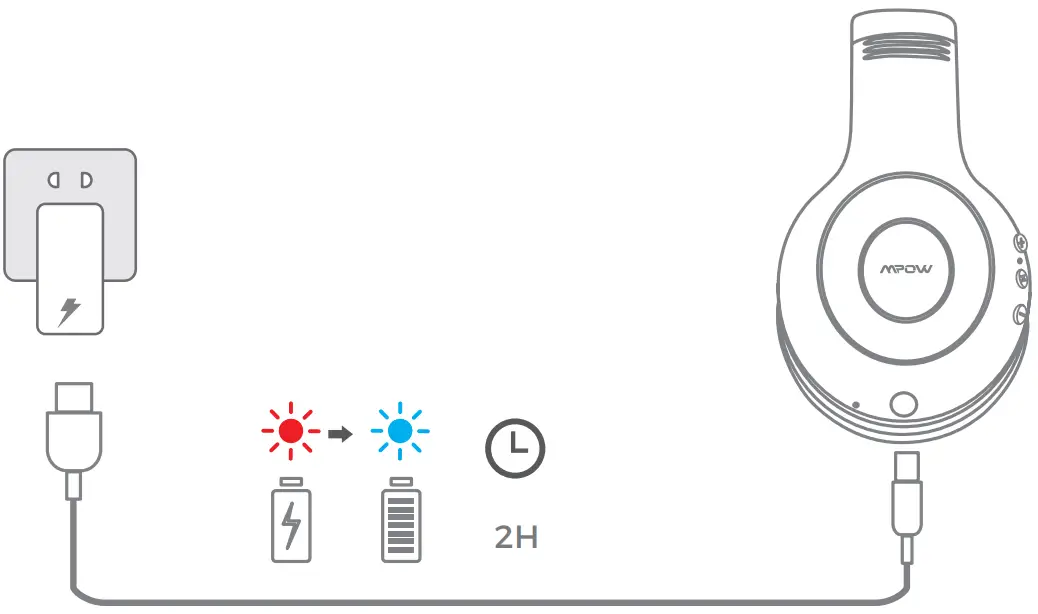
- In charging: red light stays on
- Full Charge: blue light stays on ( charging for 2 hours)
Bluetooth Indicator Light & Voice Indication
State | Indicator Light | Voice Indication |
| Power on | Blue light stays on for 1s | Power on |
| Power off | Red light stays on for 1s and turns off | Power off |
| Pairing Mode | Red and blue light flashes alternatively | Pairing |
| Bluetooth Connected | Connected | |
| Bluetooth Disconnection | Disconnected | |
| In Charging | Red light stays on in charging, blue light stays on in full charge |
FCC STATEMENT
Any Changes or modifications not expressly approved by the party responsible for compliance could void the user’s authority to operate the equipment.
This device complies with part 15 of the FCC Rules.
Operation is subject to the following Mo conditions:
- This device may not cause harmful interference. and
- this device must accept any interference received, including interference that may cause undesired operation.
FCC Radiation Exposure Statement:
This equipment complies with FCC radiation exposure limits set forth for an uncontrolled environment.
Contact Us
www.xmpow.com
[email protected]
MPOW TECHNOLOGY CO., LTD
Copyright © MPOW Inc. All rights reserved.