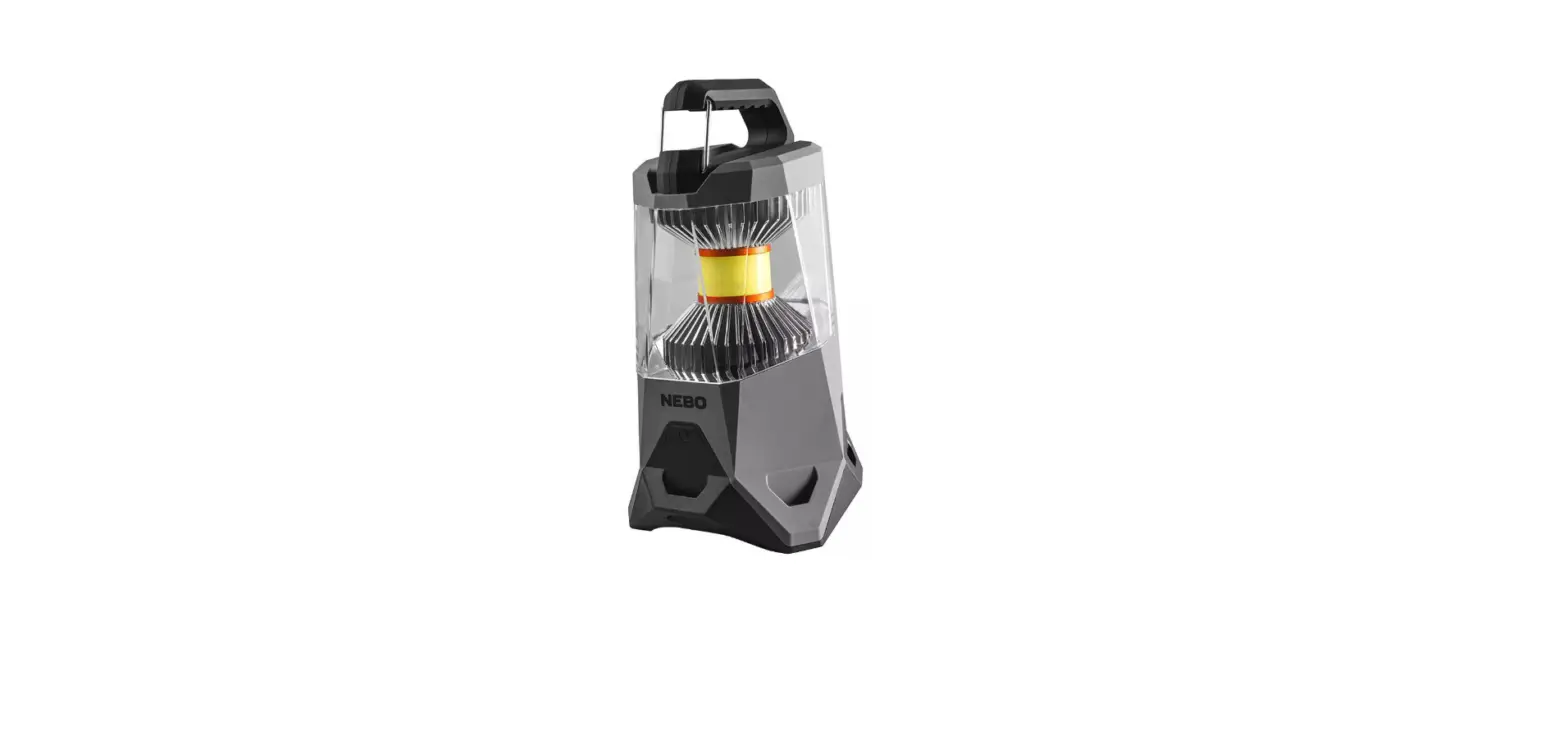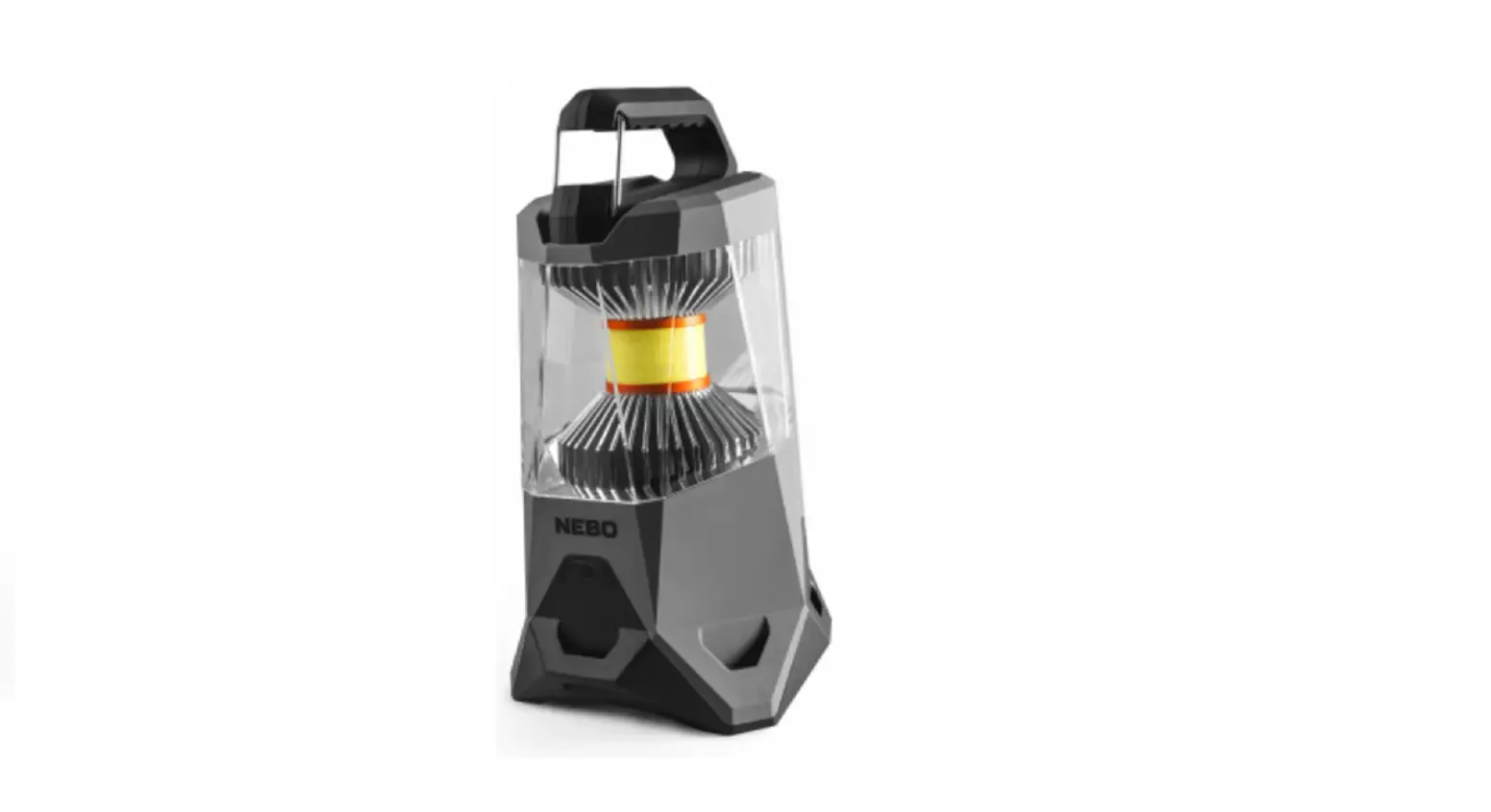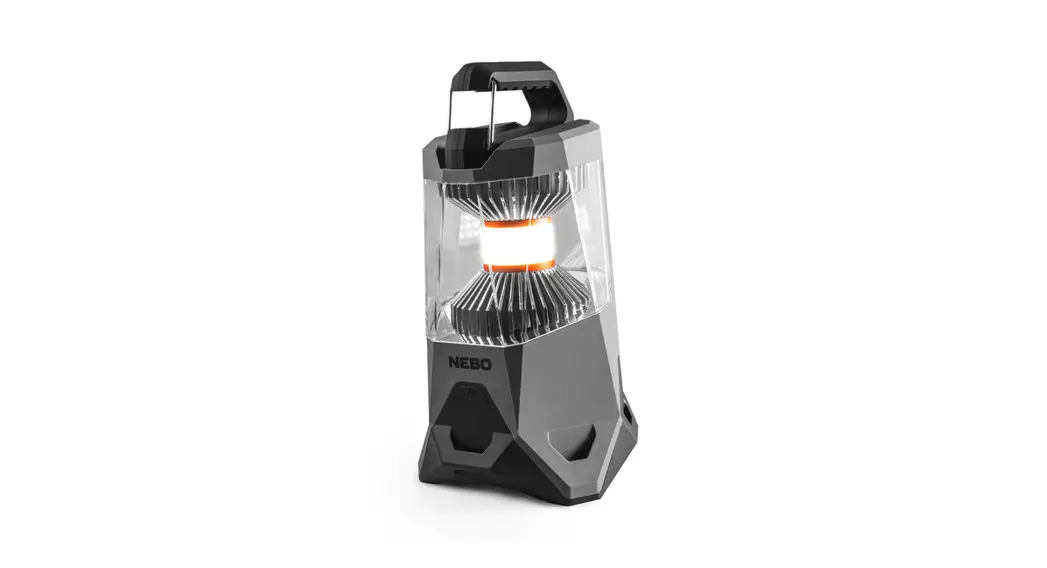

GALILEO 500
The Galileo 500 is a versatile lantern featuring ARCUS technology and an integrated power bank.
| MODES | LUMENS | HOURS | METERS |
| HIGH | 500 | 3.5 | 15 |
| MEDIUM | 175 | 9 | 13 |
| RED HIGH | 40 | 10 | 4 |
| LOW | 15 | 12 | 3 |
| RED LOW | 2 | 30 | 1 |
5 Light Modes • Water Resistant (IPX4)
Power Bank • Smart Power Control
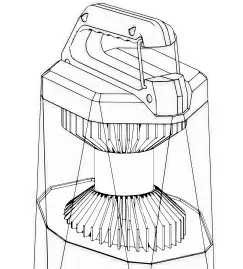
 ARCUS
ARCUS
Provides 120° or 360° beam patterns, with dimming, for infinite brightness levels. Press the power button 1x to activate the 120° beam pattern or 2x to activate the 360° beam pattern.
LIGHT MODES
Press the button to cycle through modes.
POWER MEMORY RECALL
When ON, press and hold then release to set desired brightness. Double-tap to recall the last saved mode.

 POWER BANK
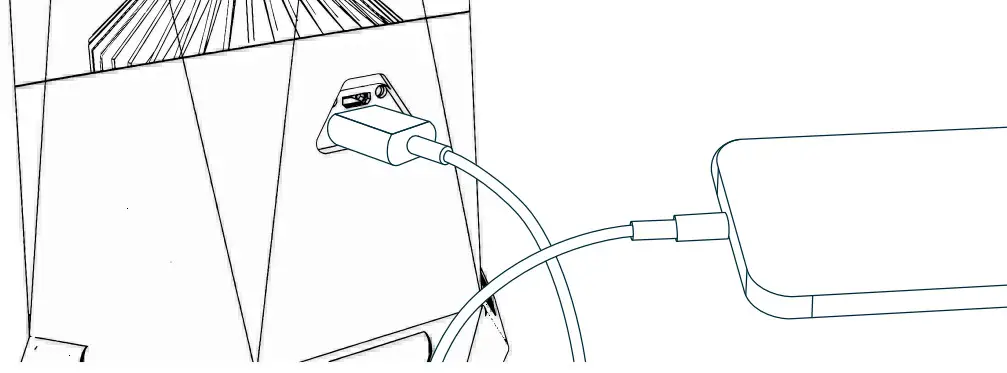
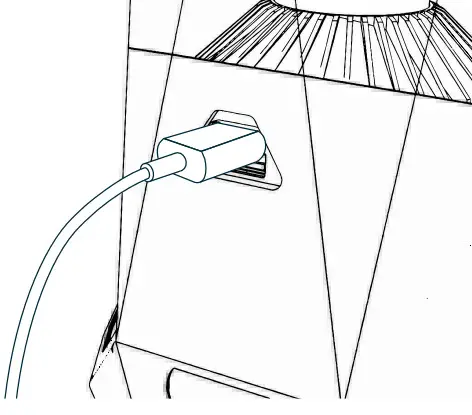
To charge your USB device, simply remove the USB cover on the back and plug it into the USB port.
Battery Indicator Light:
Red = Charging
Green = Fully Charged
 RECHARGEABLE
Remove the charging port cover and plug the micro USB cable into the charging port.
This product is guaranteed against all defects in workmanship and materials for the original owner for one year from the date of purchase. For more information, detailed video instructions, and warranty registration, visit NEBOLIGHTS.com.
 LED Flashlights, Lanterns, Headlamps & Work Lights – Bright Rechargeable Flashlights - NEBO