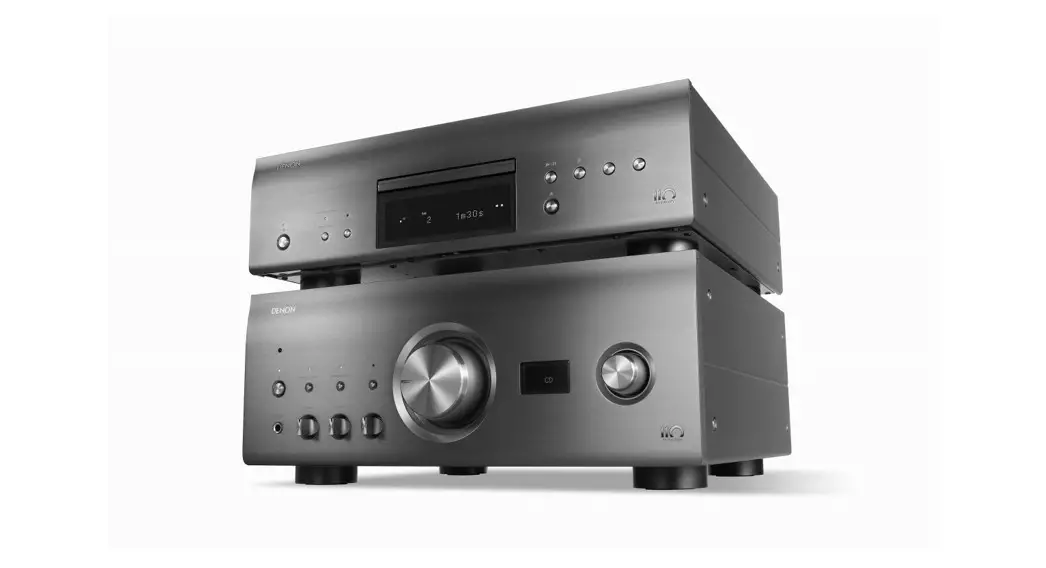

 DCD-A110
Read me first
Quick start guide
Welcome
Thank you for choosing a Denon CD player.
This guide provides step-by-step instructions for setting up your CD player.
Before You Begin
What’s In the Box
| Quick Start Guide |  |
| Safety Instructions |  |
| Warranty (for North America model only) |  |
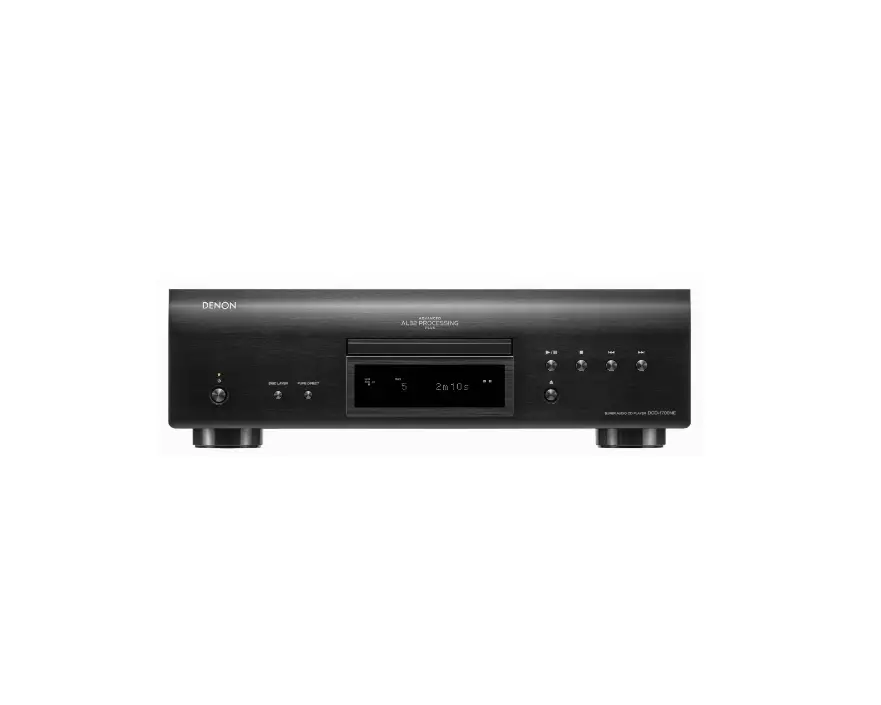
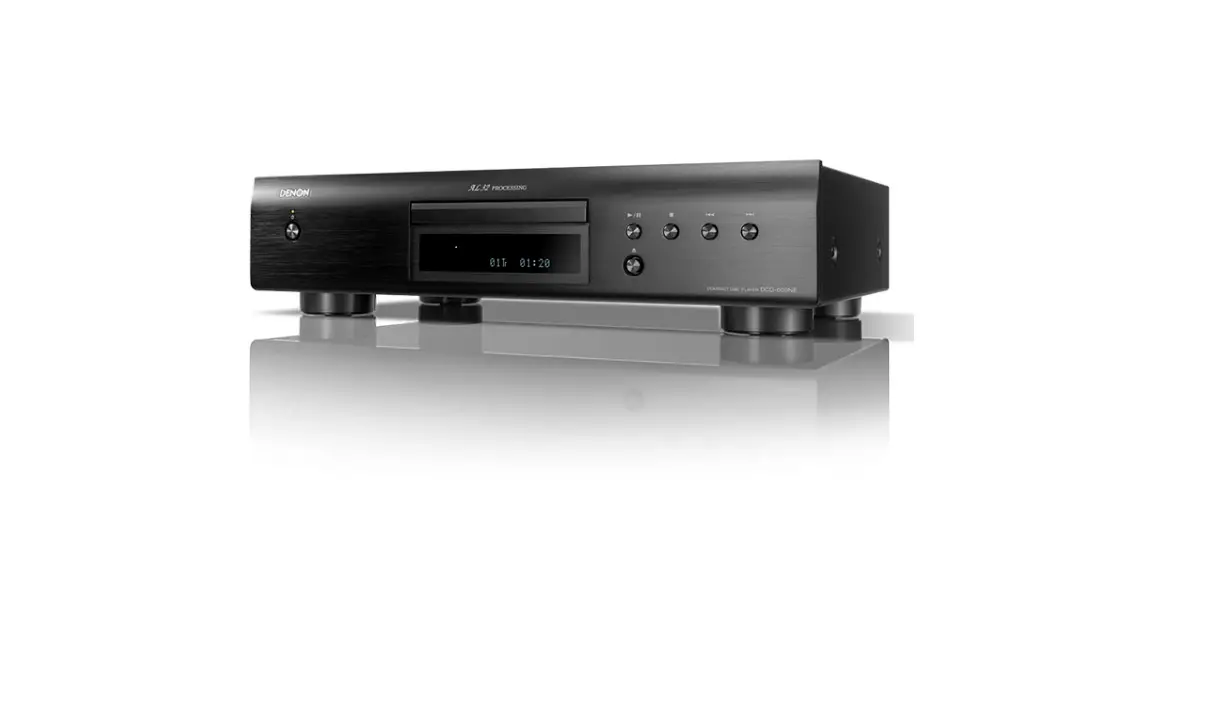
| CD player | 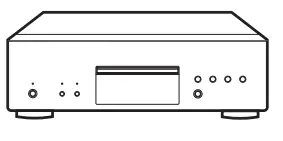 |
| Power cord | 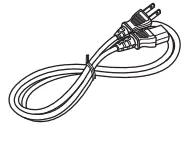 |
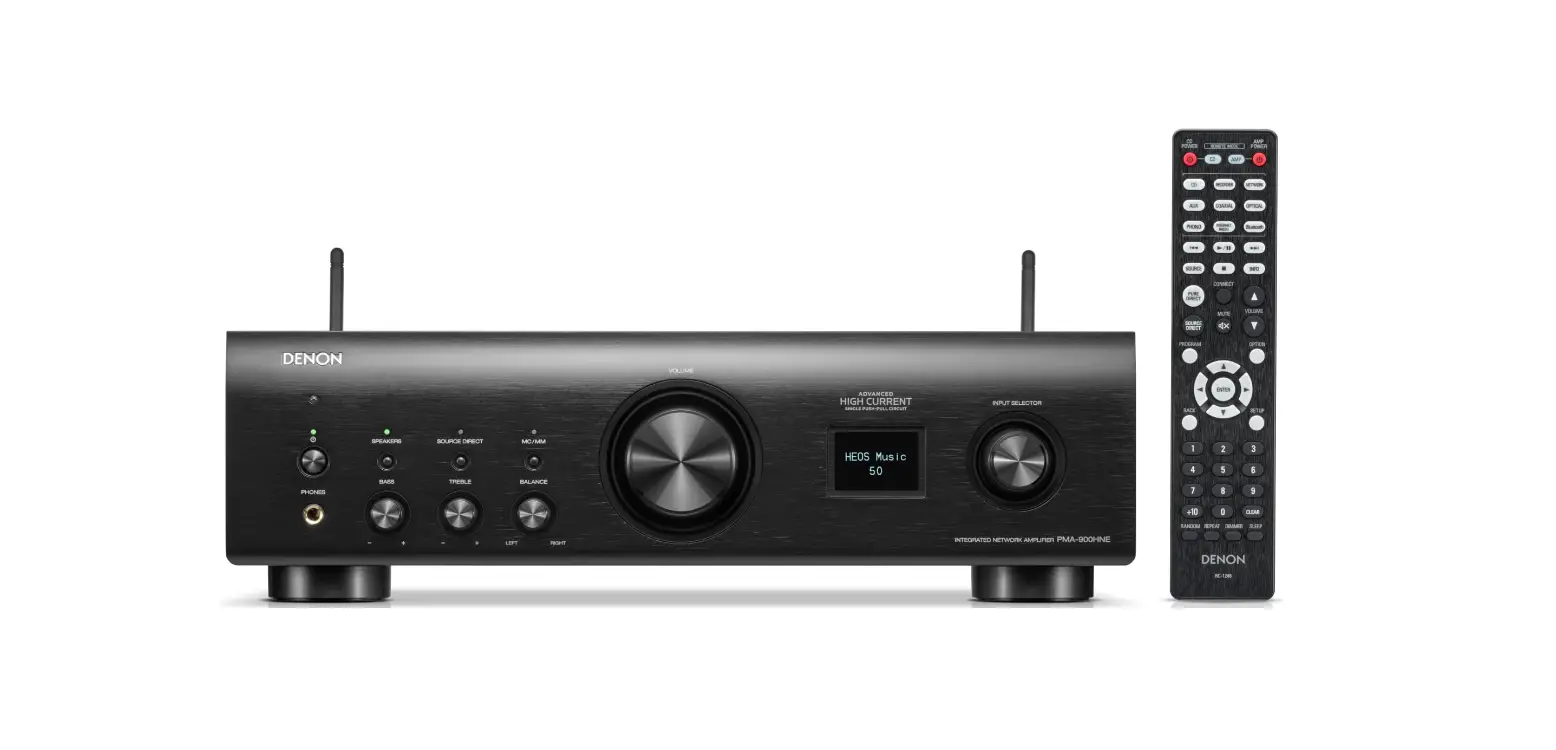
| Remote control unit (RC-1237) | 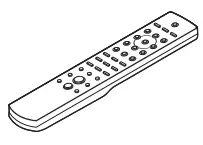 |
| R03/AAA batteries |  |
| Audio cable |
Required for Setup
Amplifier
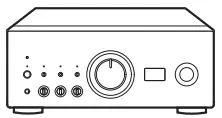
Speaker systems
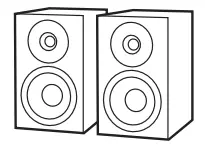
Speaker cables
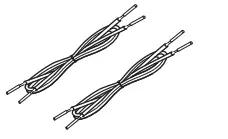
 These drawings are for illustrative purposes only and may not represent the actual product(s).
Setup
There are five steps to the setup process.
- Install batteries in the remote control unit
- Connect DCD-A110 to the amplifier
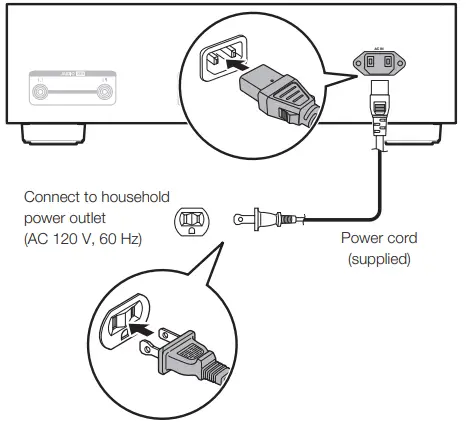
- Plug the power cord into a power outlet
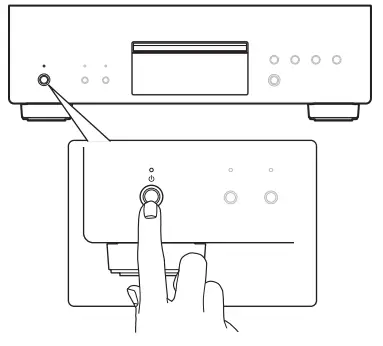
- Turn the DCD-A110’s power on
- Begin CD or Super Audio CD playback
- Install batteries in the remote control unit

- Connect DCD-A110 to the amplifier

- Plug the power cord into a power outlet

- Turn the DCD-A110’s power on

- Begin CD or Super Audio CD playback
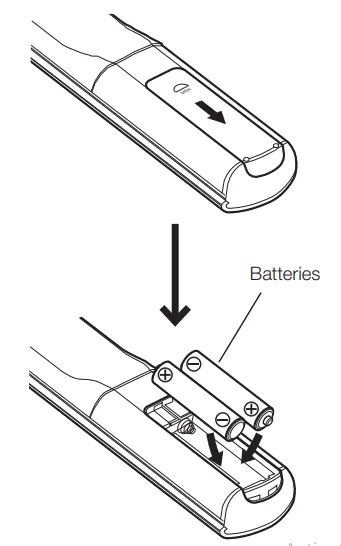
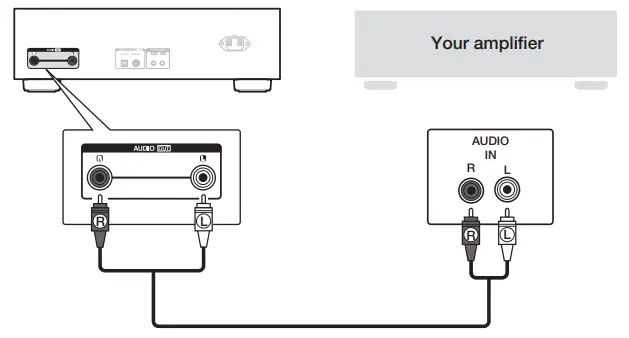
(1)Press to open the disc tray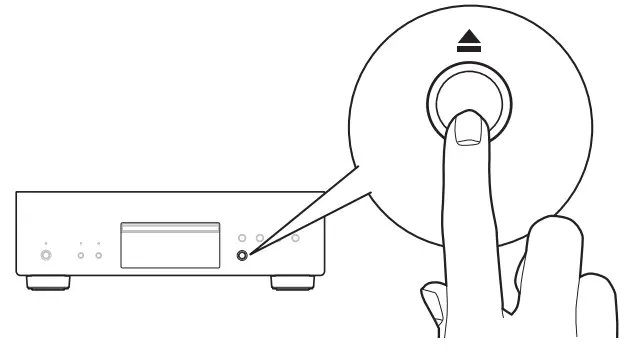
(2)Place CD in the disc tray.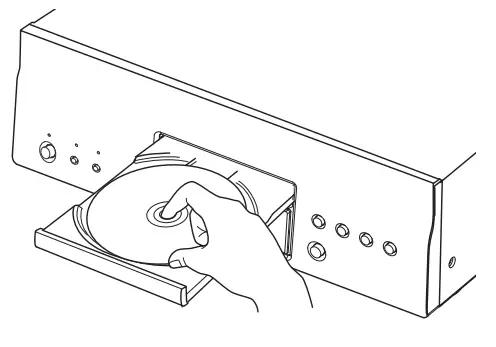
(3)Press . Playback starts.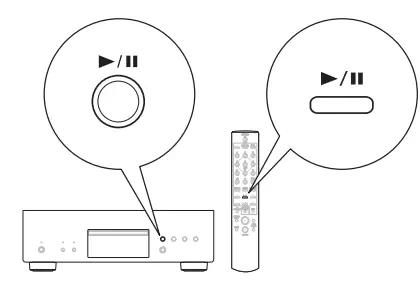
Owner’s manual
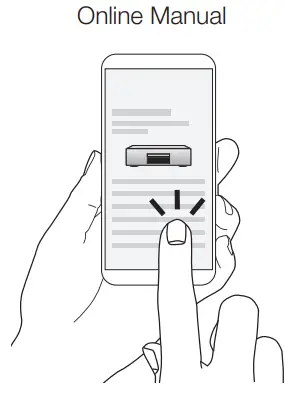
• Refer to the Online Manual for other functions information and operation procedure details.
manuals.denon.com/DCDA110/NA/EN/

- information, visit www.denon.com
www.denon.com
Printed in Japan 5411 11858 00AD
© 2020 Sound United. All Rights Reserved.
 DCD-A110
 Denon™ Home Theater | Enhance the Entertainment Experience