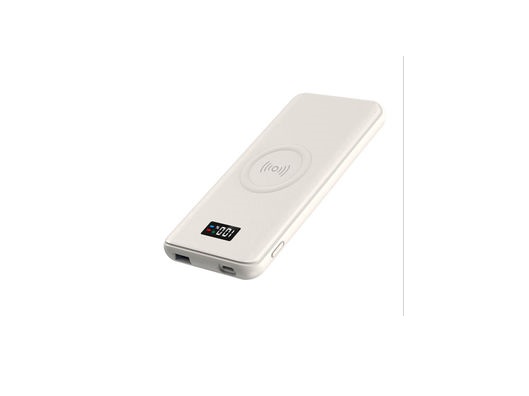
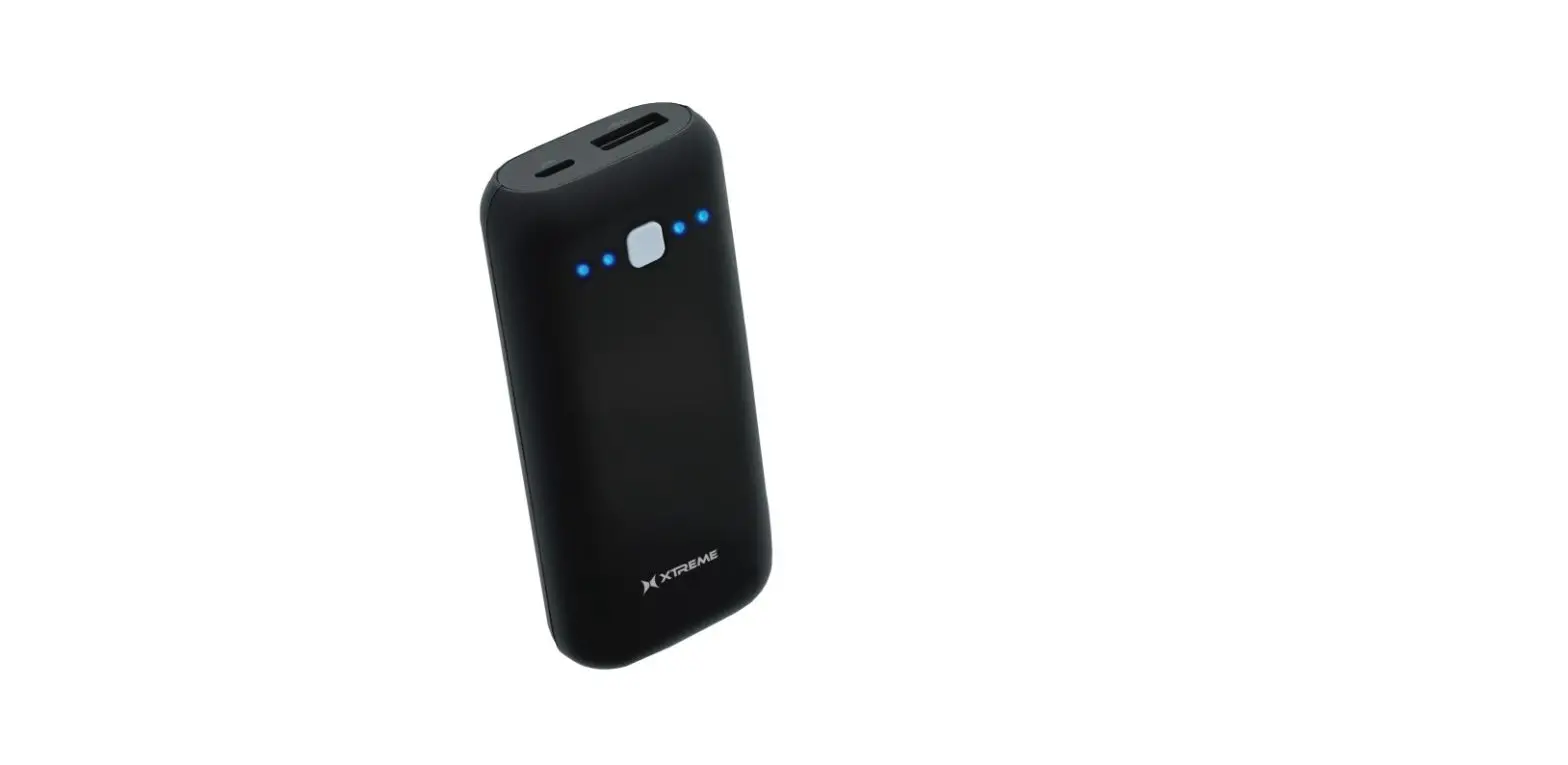
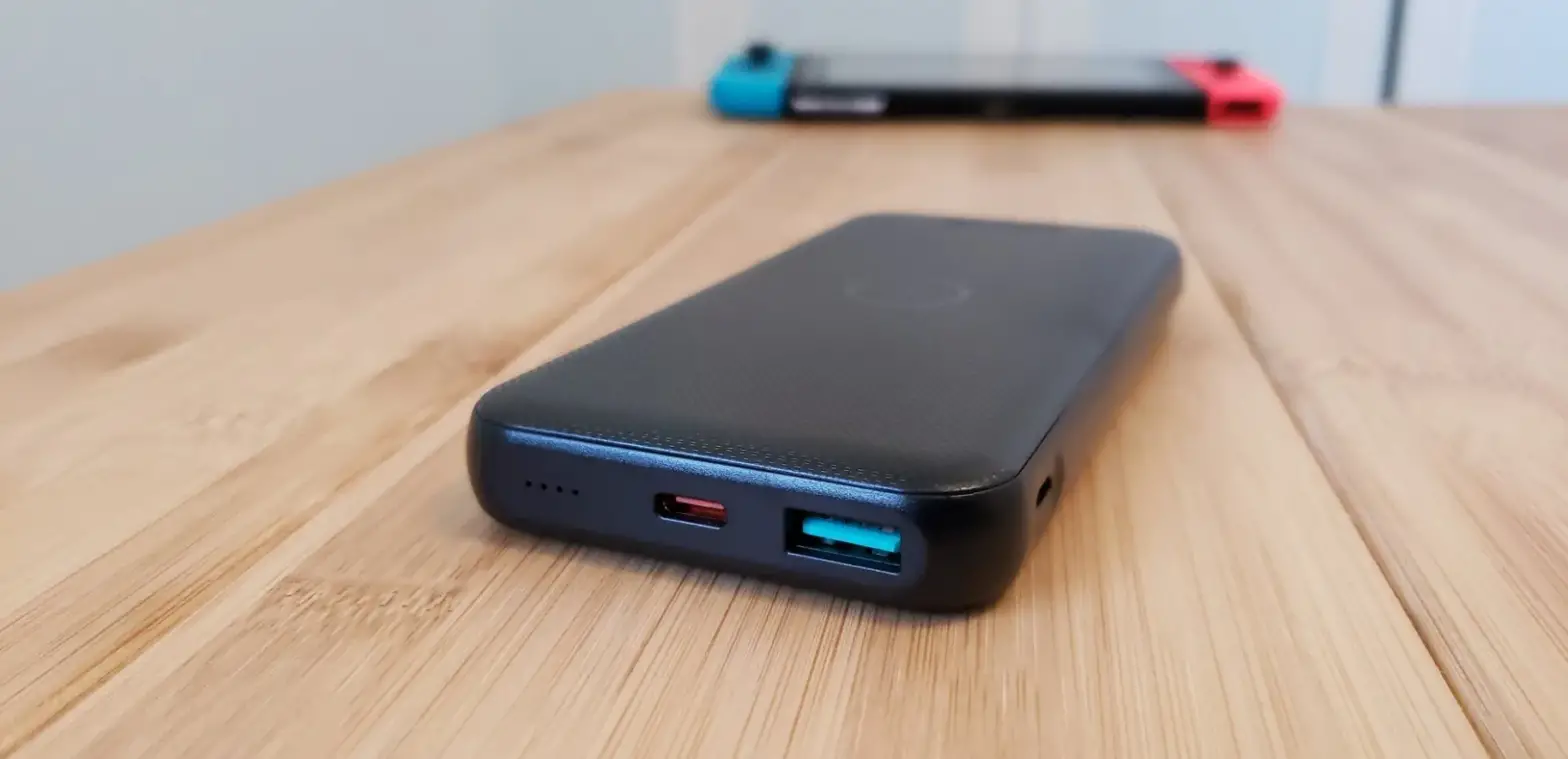
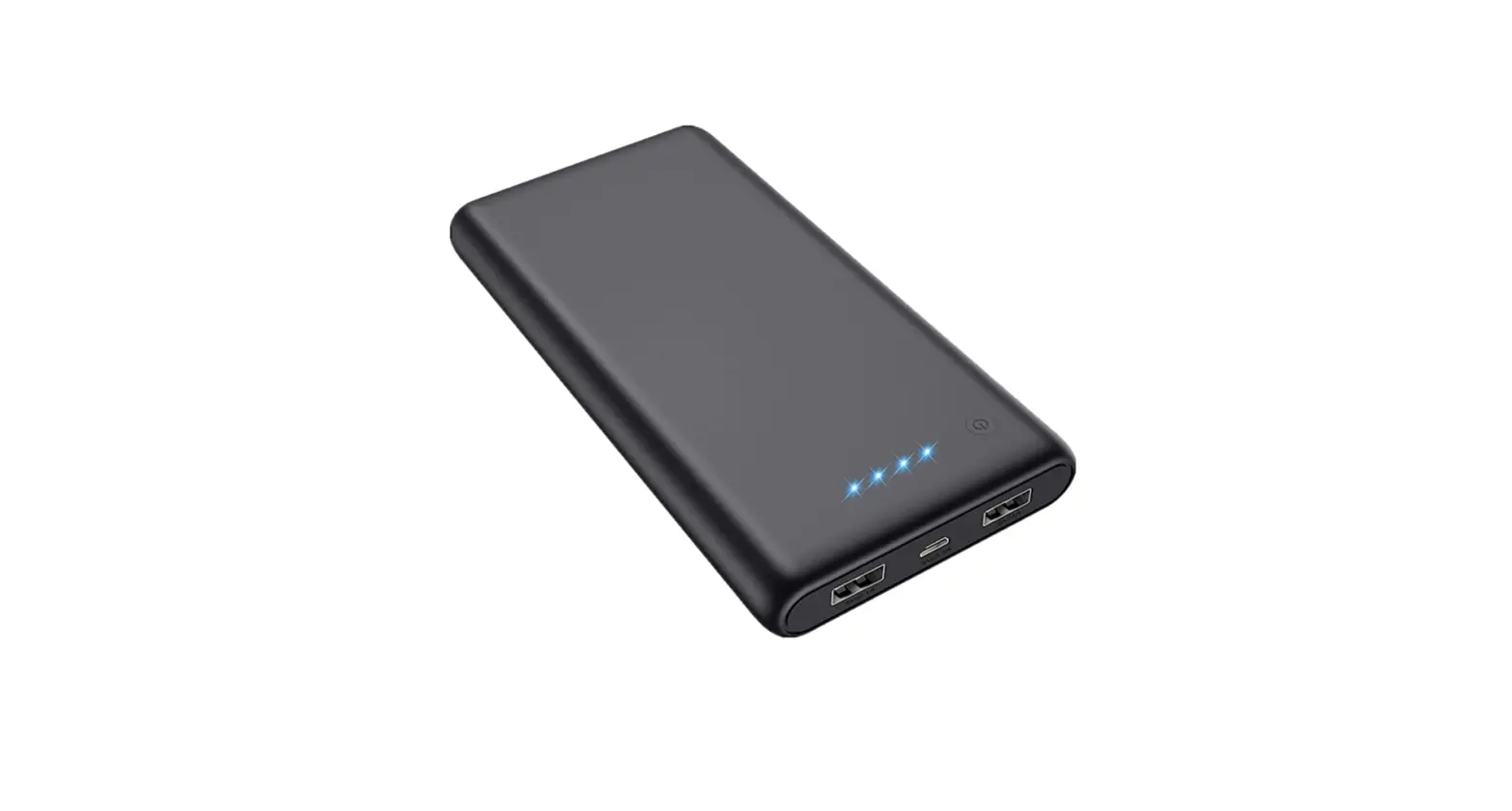
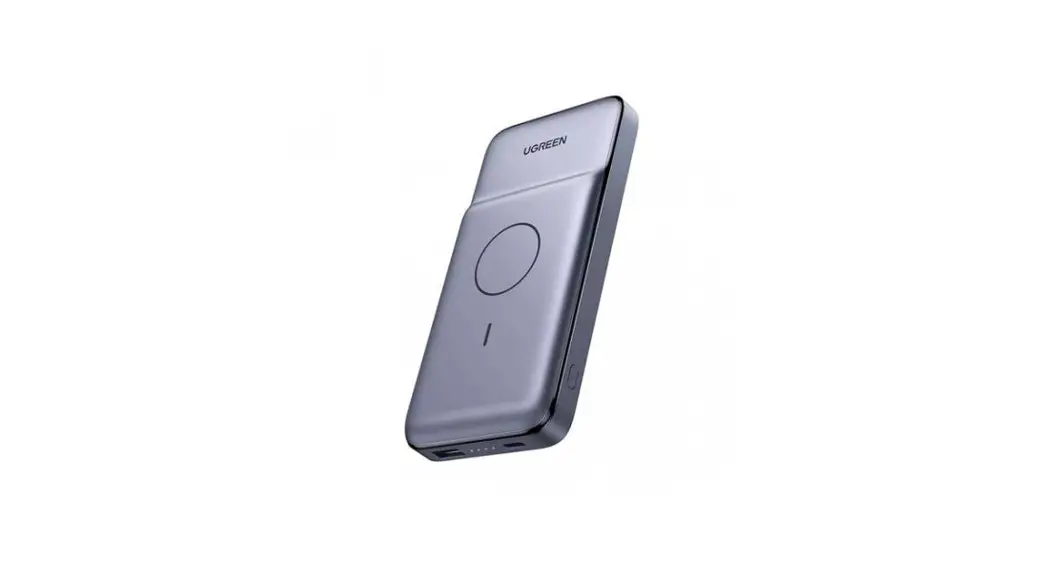
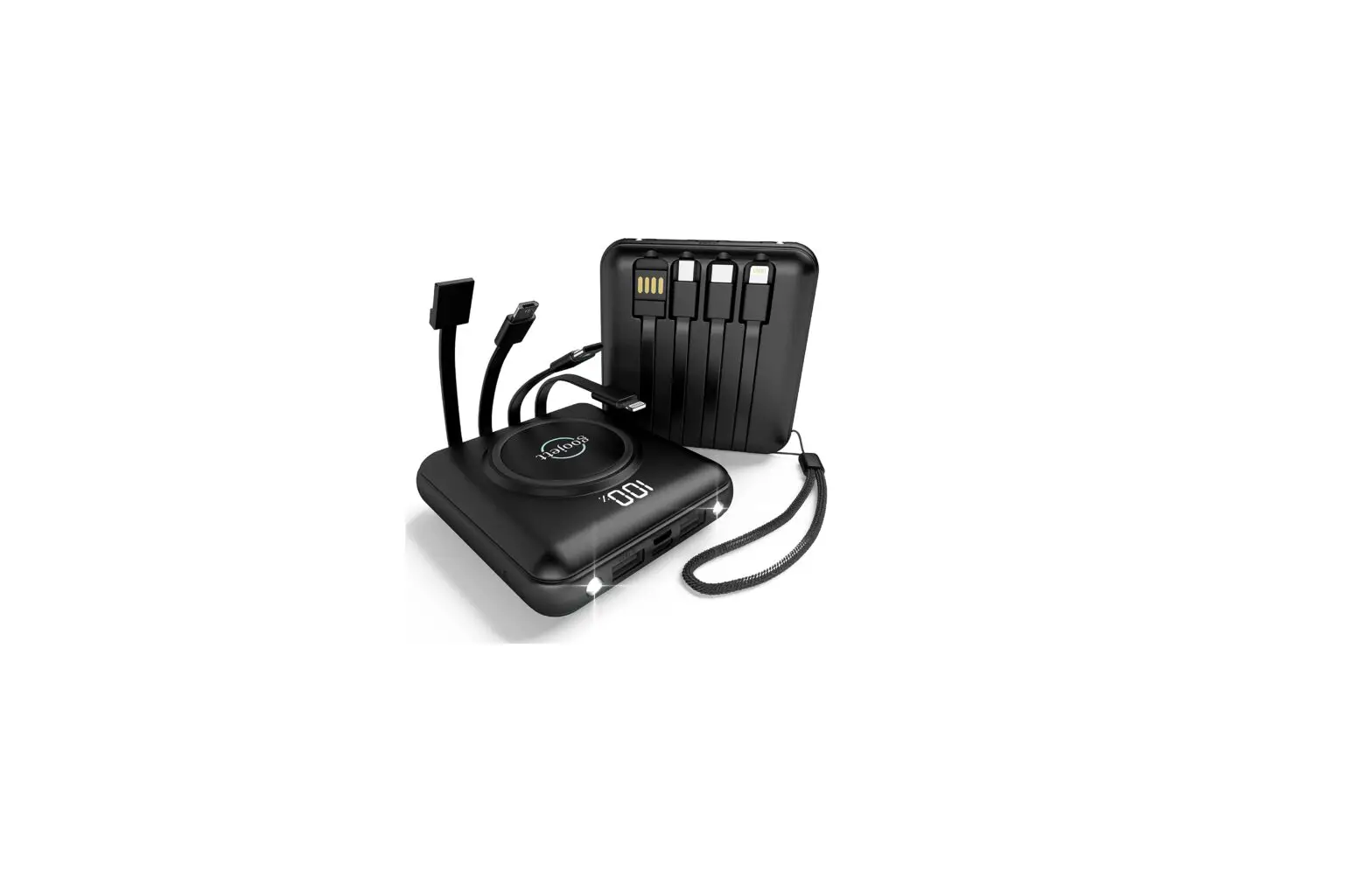
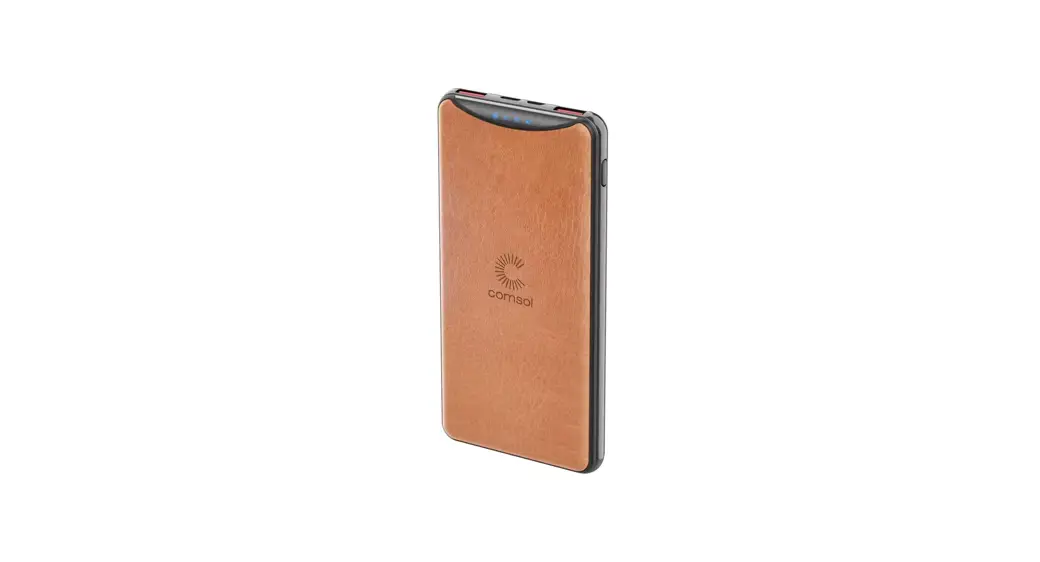
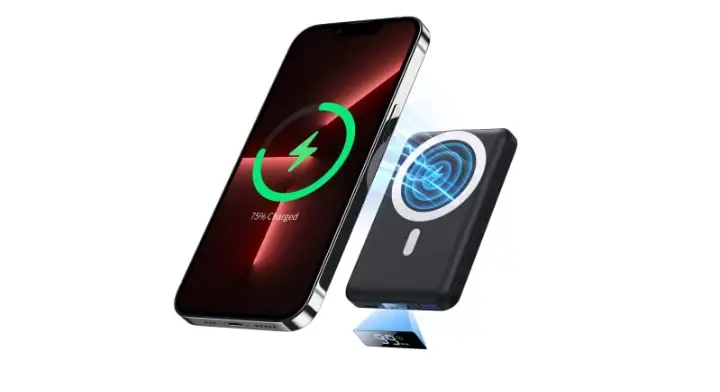
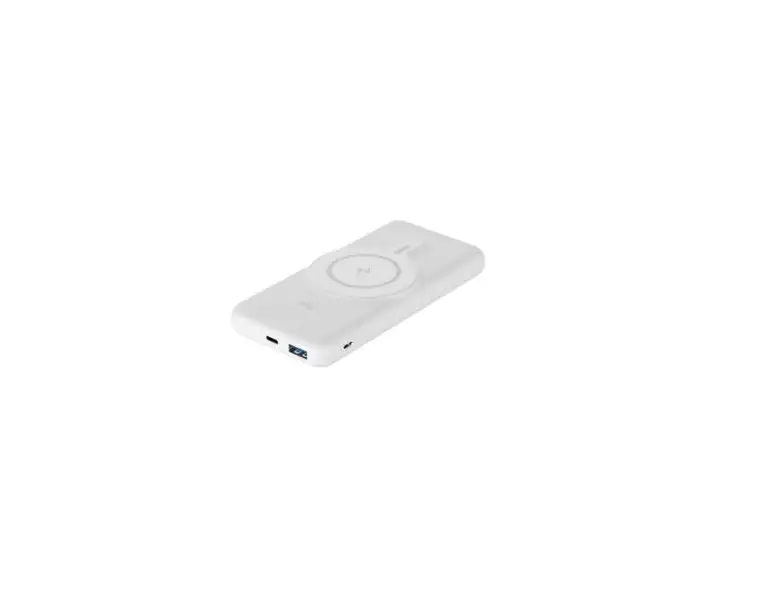
UG10BW Magnetic Portable Charger Power Bank
Product Information
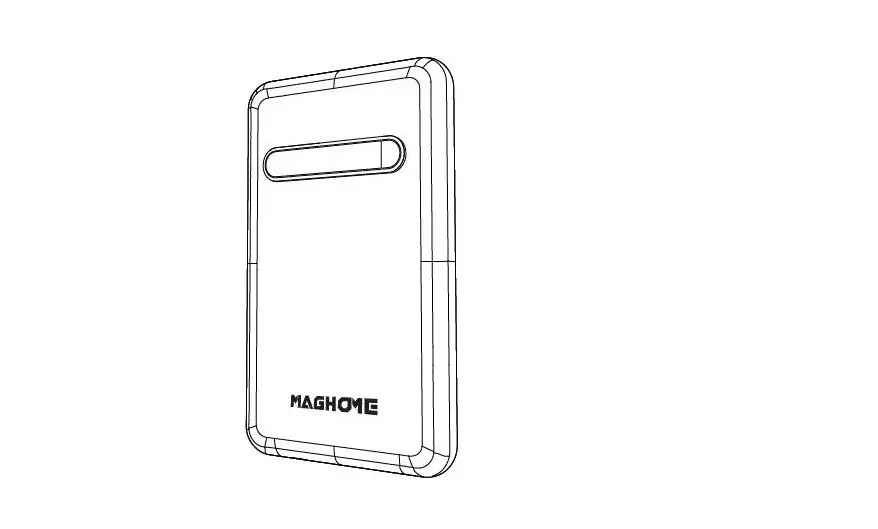
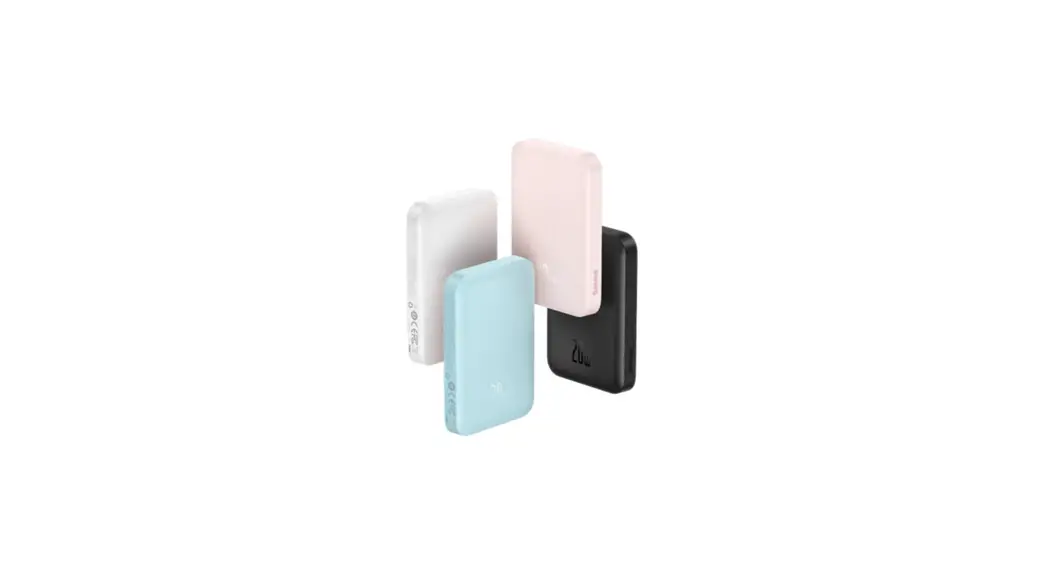
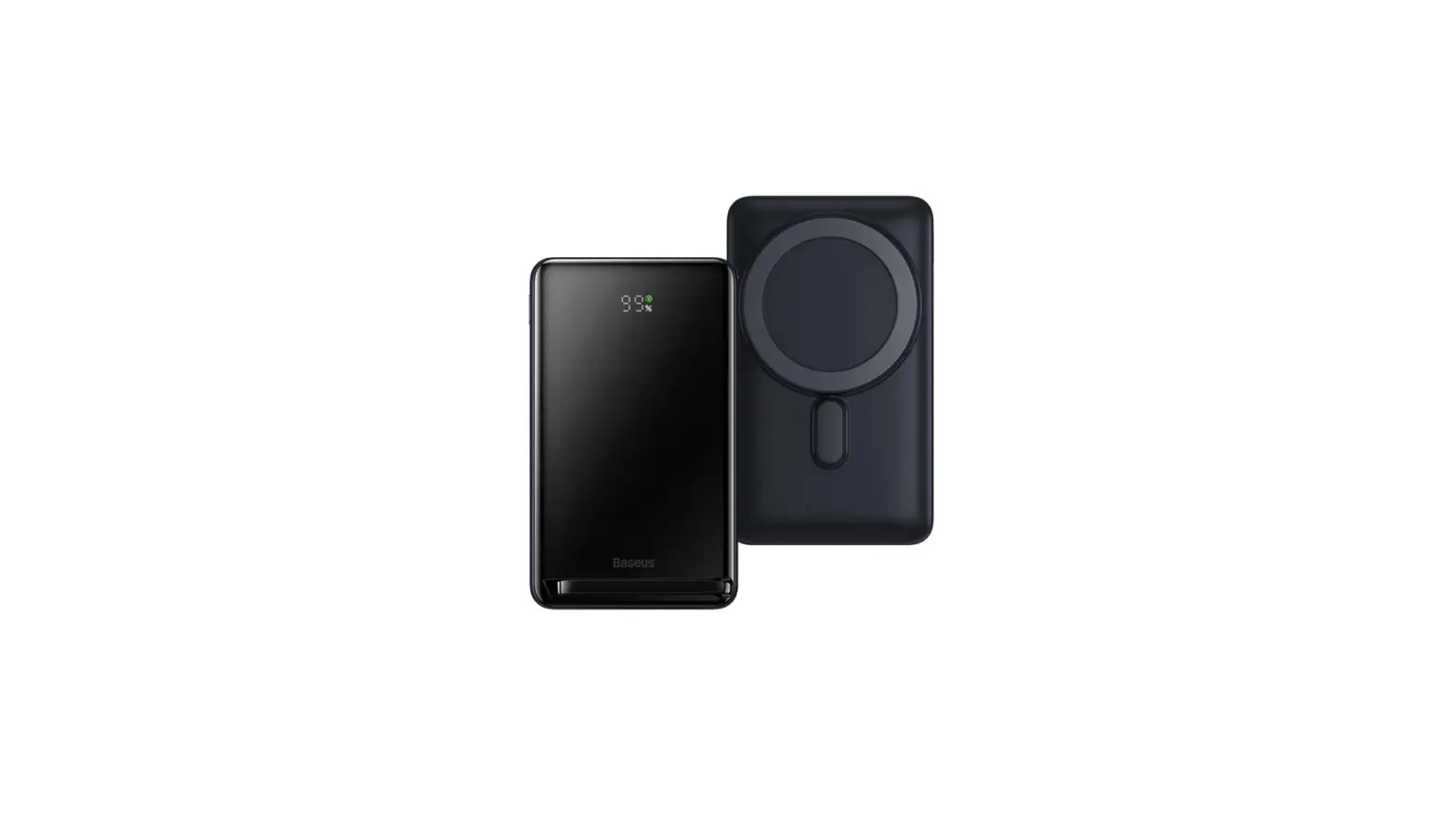
The Power Bank is a portable charging device that allows you to
charge your mobile devices on the go. It features multiple output
options, including USB-A, Type-C, and wireless charging. The power
bank has a capacity of 10,000mAh and comes in a compact size of
120×72.80×19.20mm. It supports fast charging and is compatible with
various devices.
Features:
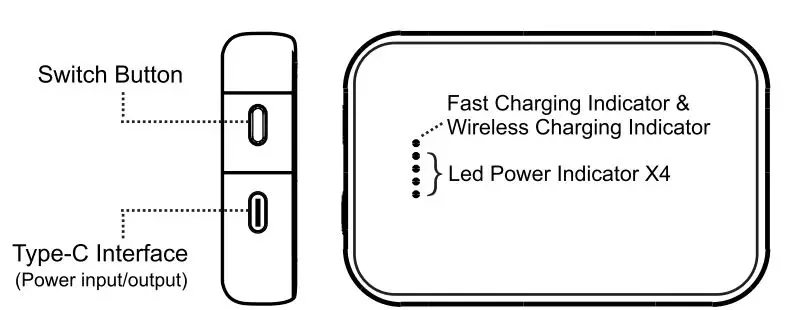
- 6-o Power button
- USB-A Output
- Type-C Input & Output
- Lightning Input
Product Specification:
- Capacity: 10,000mAh/3Nh
- Size: 120×72.80×19.20mm
- Input (Type-C): 6V/3A, 9V/2A
- Input (Lightning): 5V/2A, 9V/2A
- Output (Type-C): 5V/3A, 9V/2.22A, 12V/1.67A
- Output (USB-A): 5V/3A, 9V/2A, 12V/1.5A
- Output (Wireless Charging): 15W / 10W / 7.5W / 5W
- Total Output: 20W/3A
Product Usage Instructions
How to Use:
Method 1:
- Plug your mobile device directly into the power bank using the
USB-A or Type-C connector. - Press the power button on the power bank to start charging your
device.
Method 2:
- Place your phone or Apple watch (which supports wireless
charging) on the power bank (UG1DBW). - Press the power button on the power bank to initiate wireless
charging for your device.
Note: For iPhone 12 and newer models, the UG10W power bank
supports MagSafe function.
Charging the Power Bank:
Insert the Type-C or Lightning connector into the UG1DBW power
bank. It is recommended to use a QC3.0 charger to charge the power
bank.
Warning:
- Keep the UG10W power bank away from fire and high-temperature
environments. - Use a certified adapter to charge the power bank.
Warranty:
No information provided in the text-extract regarding the
warranty. Please refer to the product’s documentation or contact
the manufacturer for warranty details.
Power Bank
Features
6-o Power button
… USB-A Op Wires Che output
Type-C Input & Output
O Ughtlng Input
Product specification
capacity Size
10,000mAh/3Nh 120×72.80×19.20mm
Input’ype-C) Input (Lighting)
6V/3A, 9V/2A 5V/2A, 9V/2A
Output (Type-C) 5V/3A, 9V/2.22A, 12V/1.67A
Output {USB-A) 5V/3A, 9V/2A, 12V/1.5A
Output (Wireless 15W / 10W I 7.SW I SW
Cha
Total Output
20Wr3A
H w to Use
Use power bank to chae Mother de vices
o
Wet:/ 1: Plug through USB-A r iype-C and charge your
mobile device directPresspower button and UG10BW Sto chaeyour dle
Wet:/ 2; Put your phone or Apple wch which supporwiss charging function on UG1DBW, and
prS the power butn, the UG1Dw start to chae
y ur device by Ml!Less. For iPhone12 and er updad !Phones, UG10W can support magrJc function.
Ch_..a for power bank
lnsethe Type-c or Ugting connector inUG1DBW. It ls recommendeduse QC3.0 charger
Warning
1. Pleep UG10w away fromre and high
mperature environment.
:2. Please ch
a certified adapr to charge for the
power bank.
warranty
Thank your purching UG10BW. The Limid waant y for the product shaU Last for 12 months fromda· fglnal purchase. This onginal warranty cardd original invoice must be p ntede tlme you require warranty sarv1ca.
1.P·ep alid voucher r any onginal purch Invoice to repairing for free. The Umlted warranty Lastyear from the date of Original purche. PLbe noted that a charging cable belongs to cnsumables and Is not within the domain of warran 2 If any damagesusyour product due to wrong usageur company will not taany responsibilities. 3. Foany det.ct, in the judgment of ournician, caused under normal useare responsible for repairing forof cha12 mns commencing me da·f purchase at the disction of our co1pany.
FCC Statement Changes or modifications not expressly approved by the party responsible for compliance could void the user’s authority to operate the equipment. This equipment has been tested and found to comply with the limits for a Class B digital device, pursuant to Part 15 of the FCC Rules. These limits are designed to provide reasonable protection against harmful interference in a residential installation. This equipment generates uses and can radiate radio frequency energy and, if not installed and used in accordance with the instructions, may cause harmful interference to radio communications. However, there is no guarantee that interference will not occur in a particular installation. If this equipment does cause harmful interference to radio or television reception, which can be determined by turning the equipment off and on, the user is encouraged to try to correct the interference by one or more of the following measures: — Reorient or relocate the receiving antenna. — Increase the separation between the equipment and receiver. — Connect the equipment into an outlet on a circuit different from that to which the receiver is connected. — Consult the dealer or an experienced radio/TV technician for help This device complies with part 15 of the FCC rules. Operation is subject to the following two conditions (1)this device may not cause harmful interference, and (2) this device must accept any interference received, including interference that may cause undesired operation. This equipment complies with FCC radiation exposure limits set forth for an uncontrolled environment.