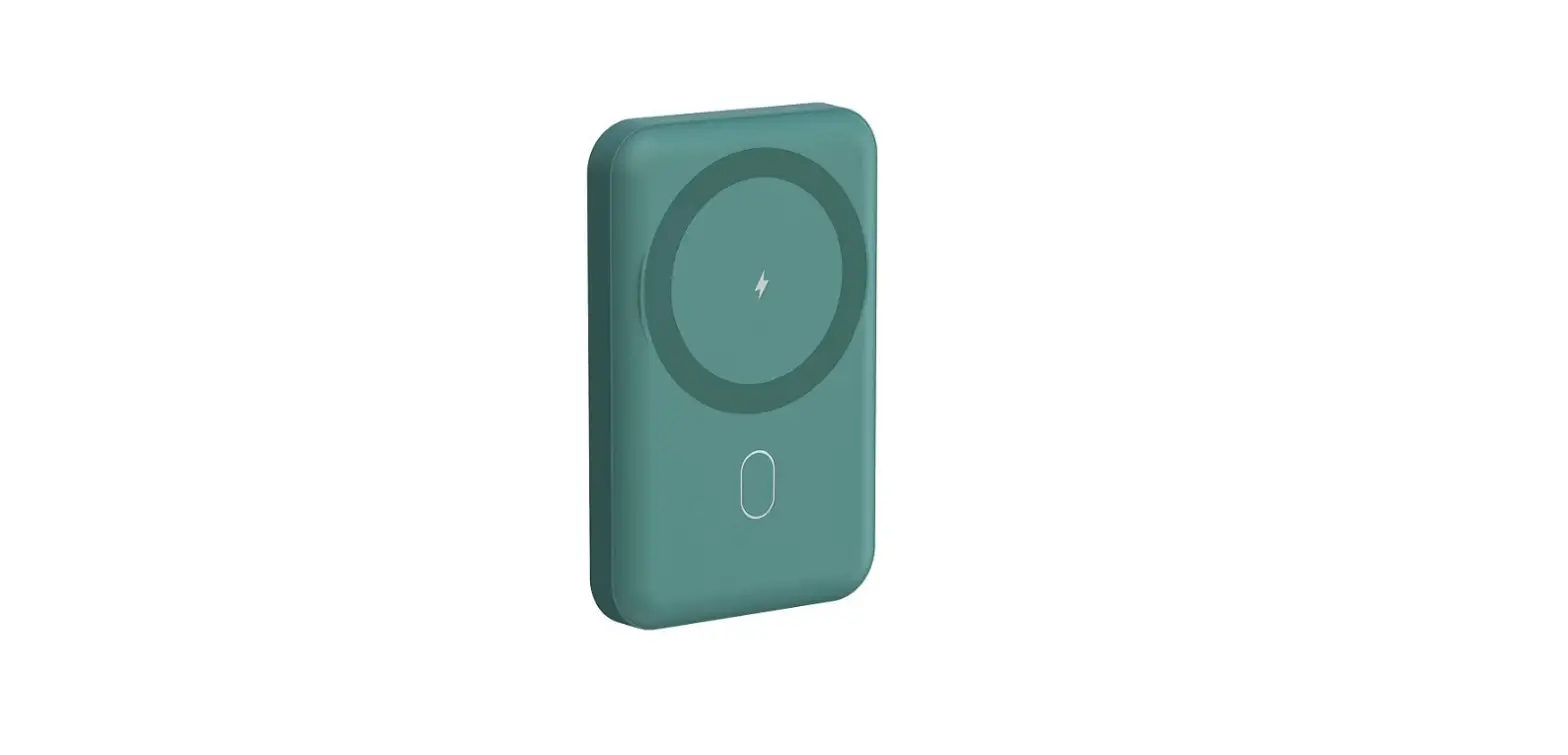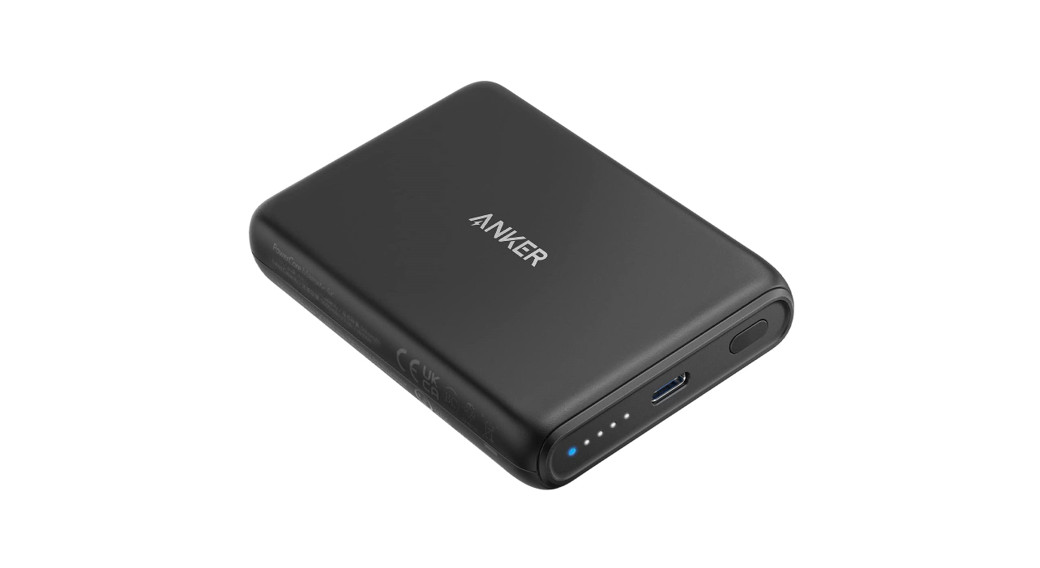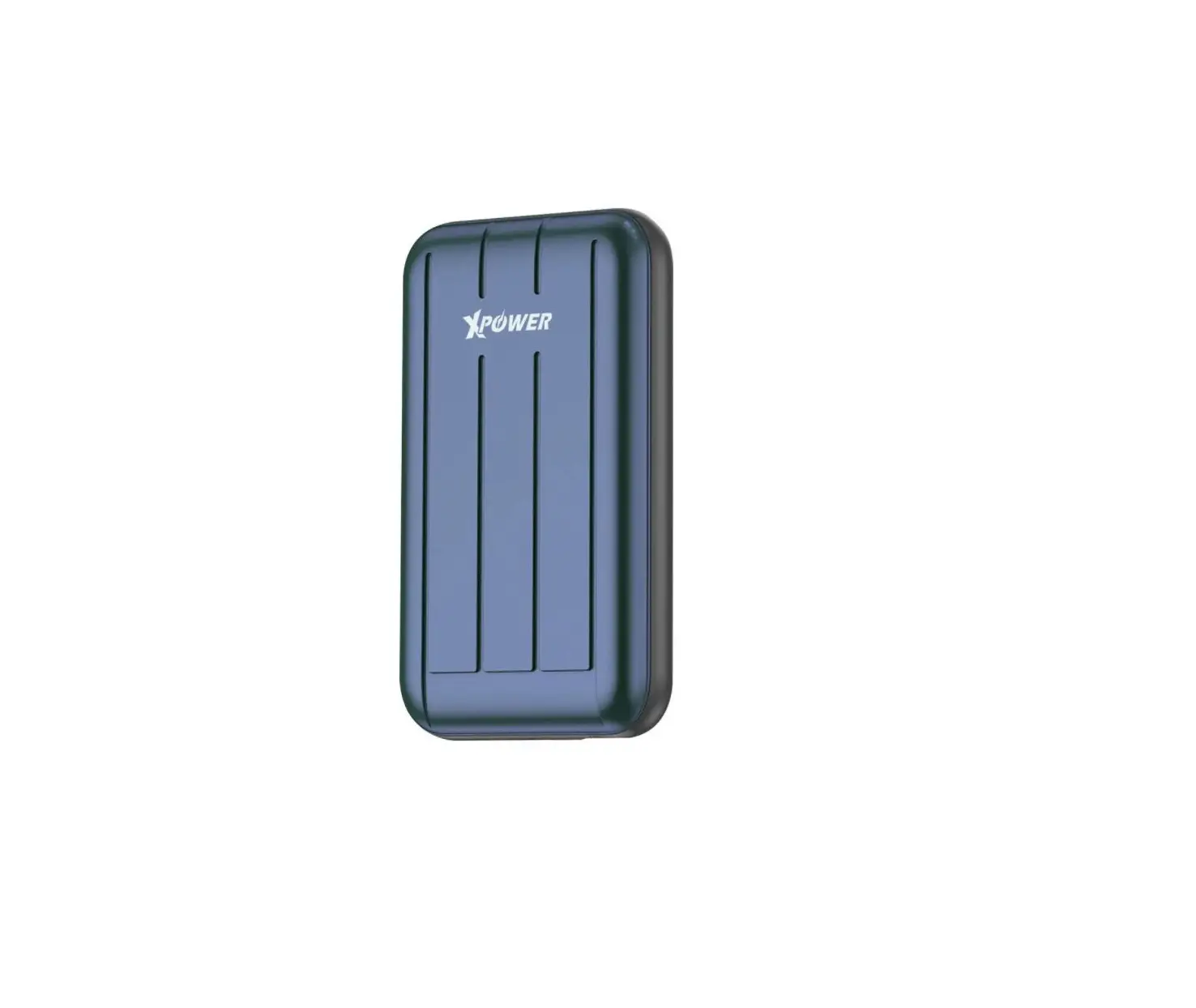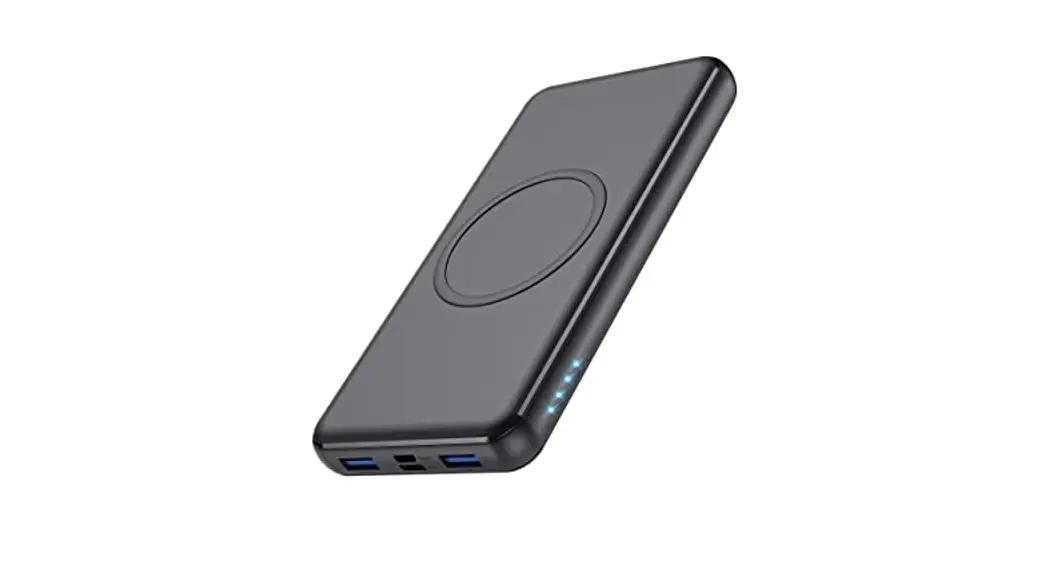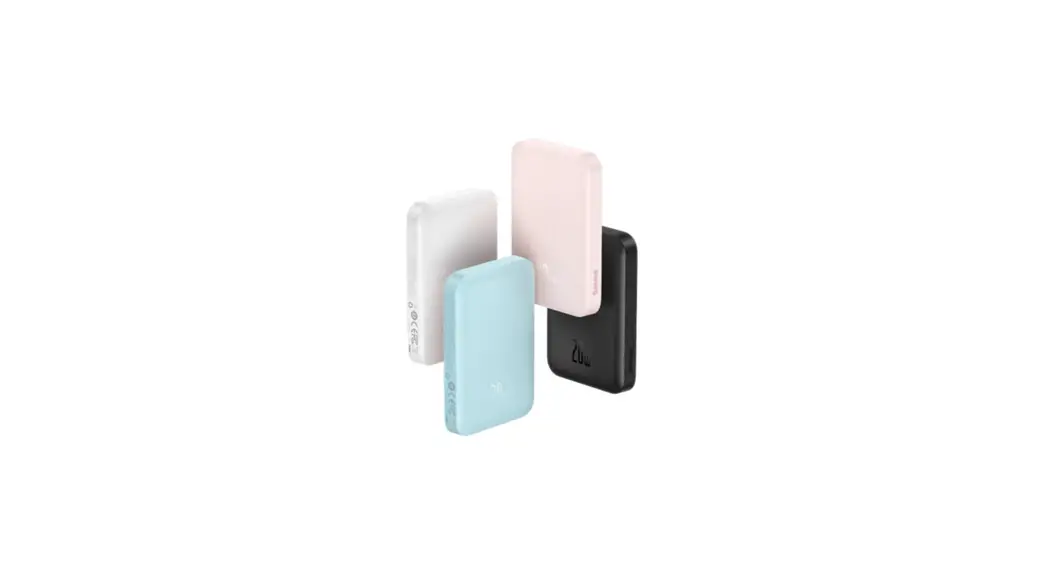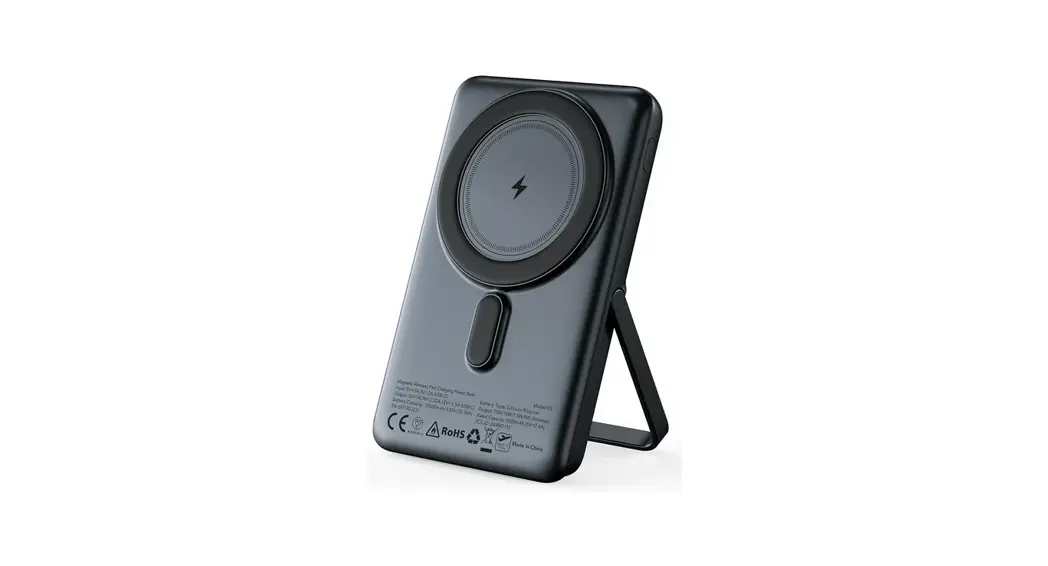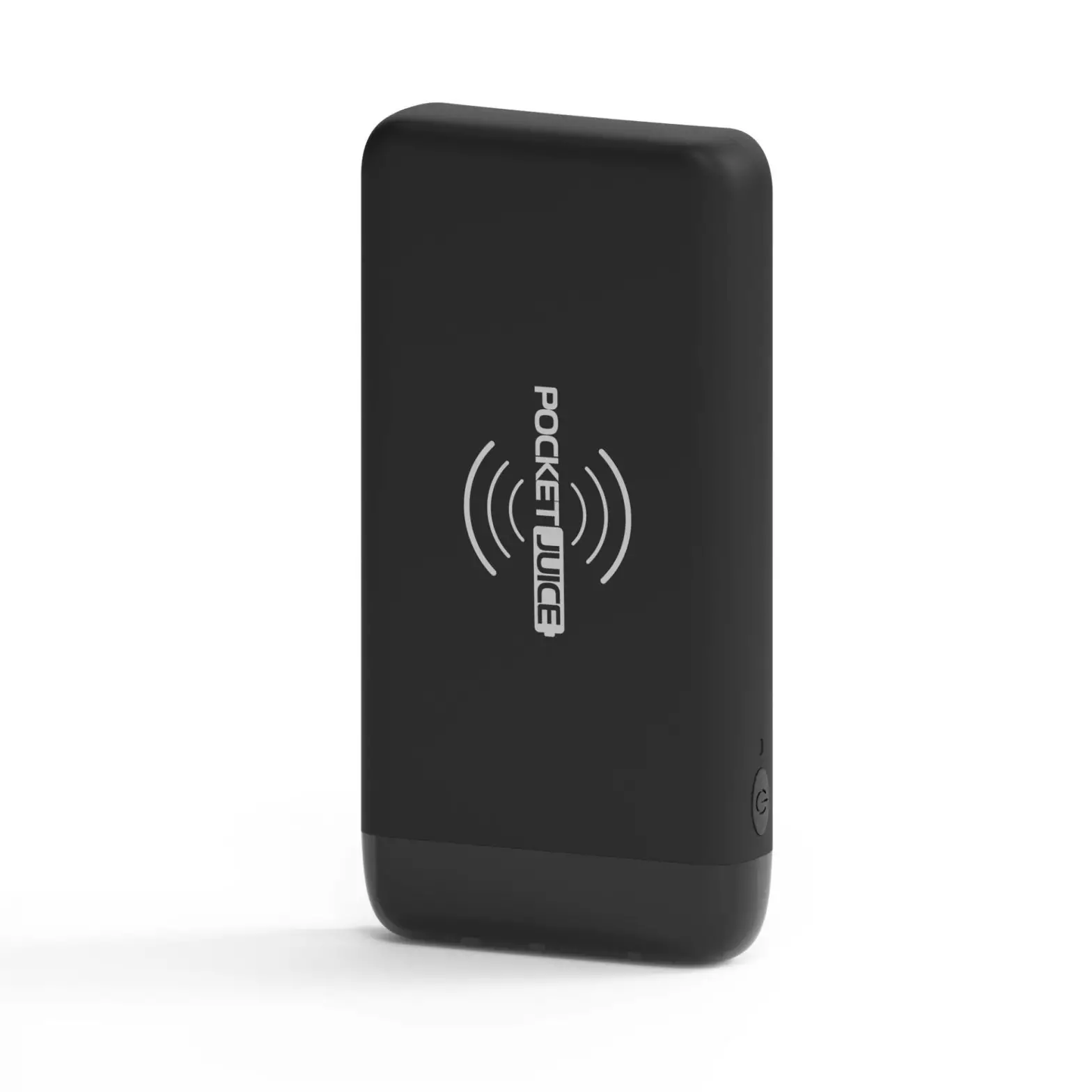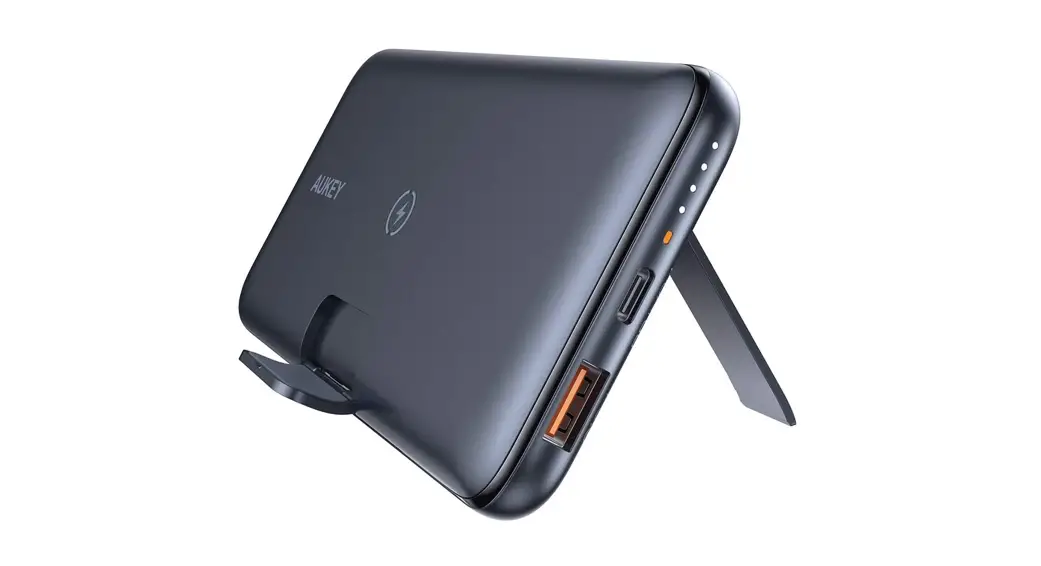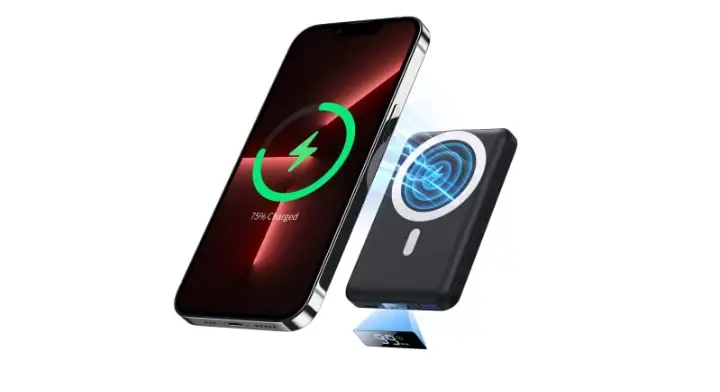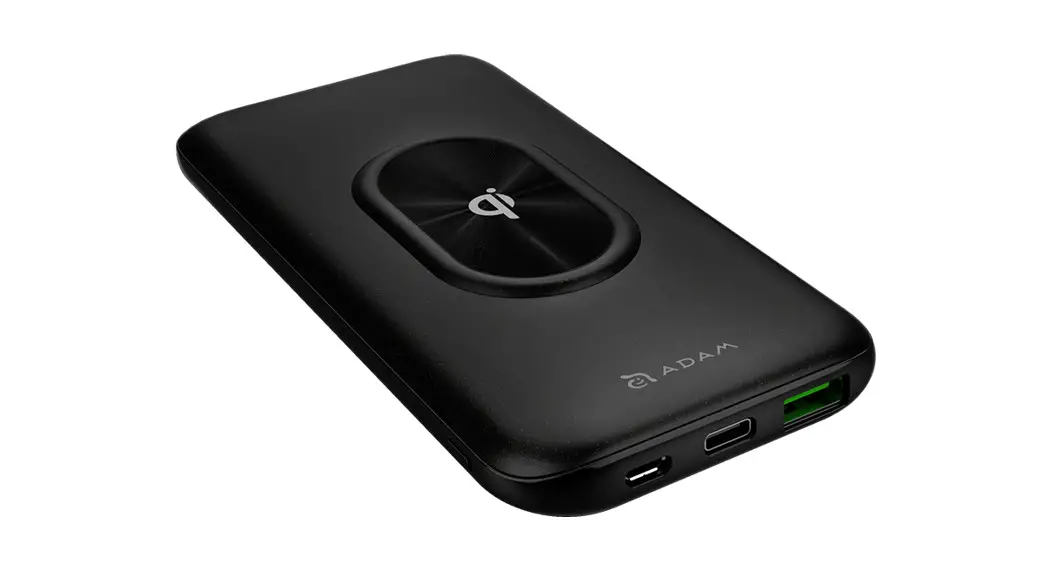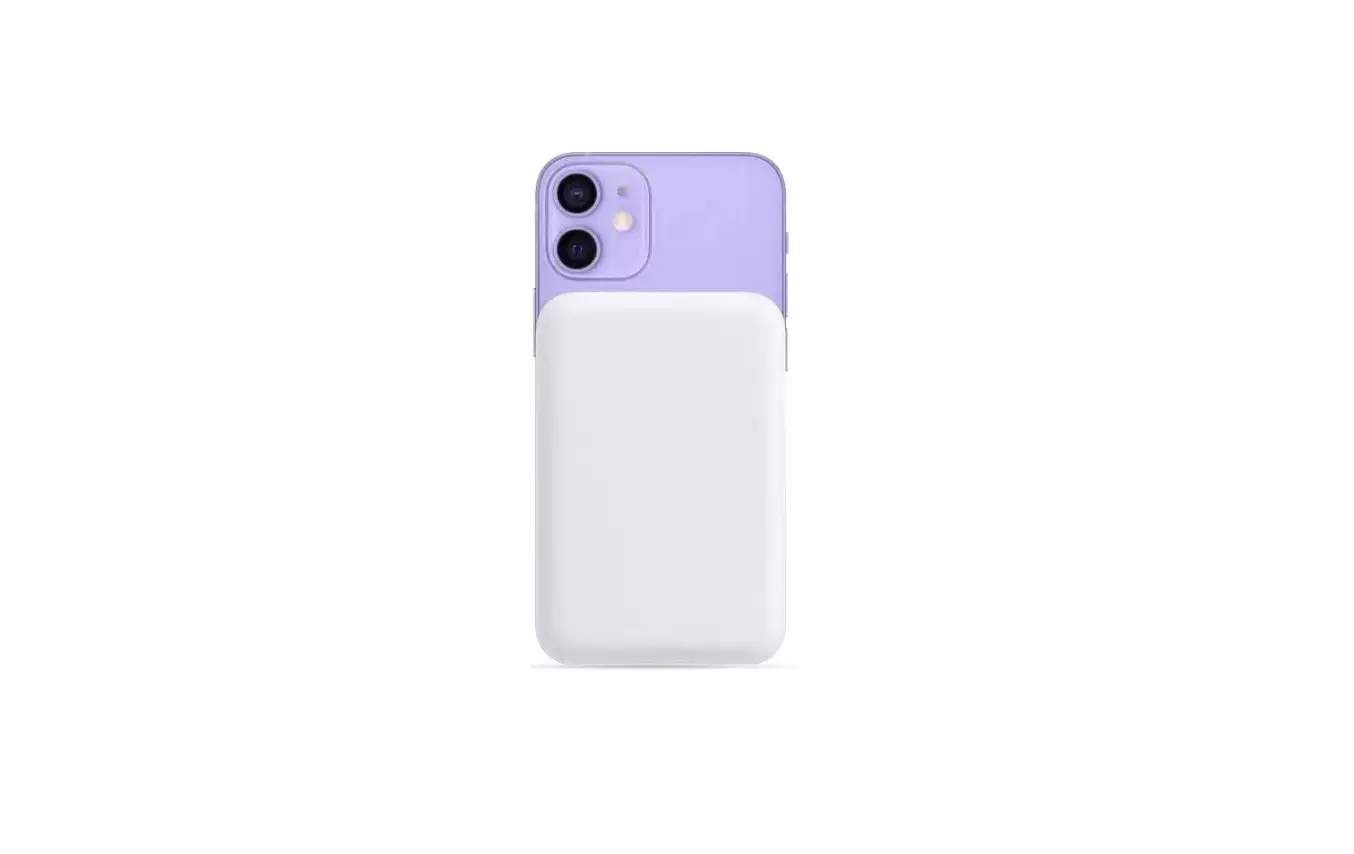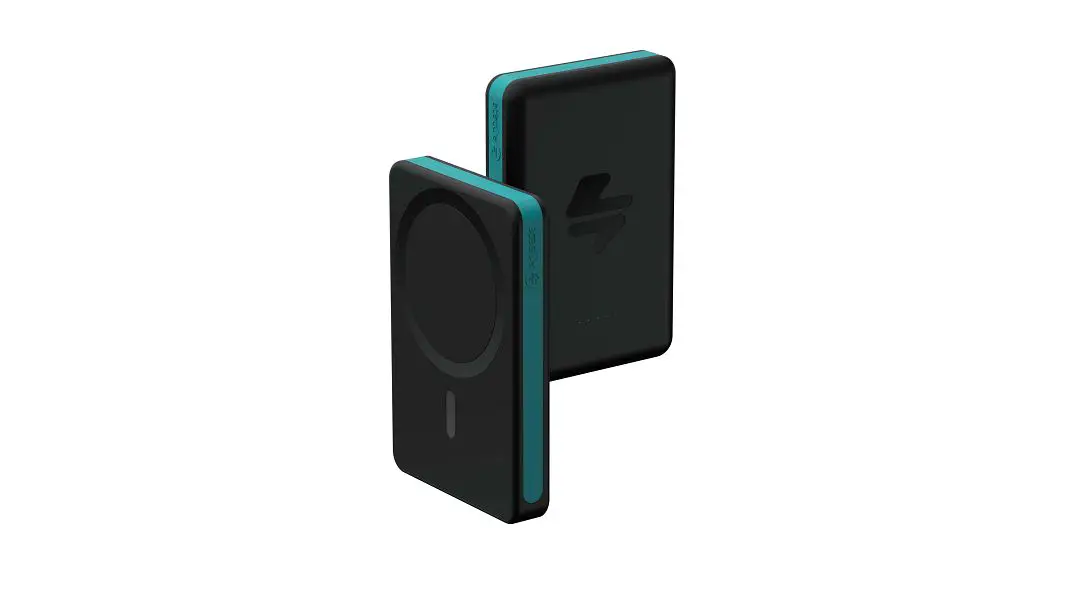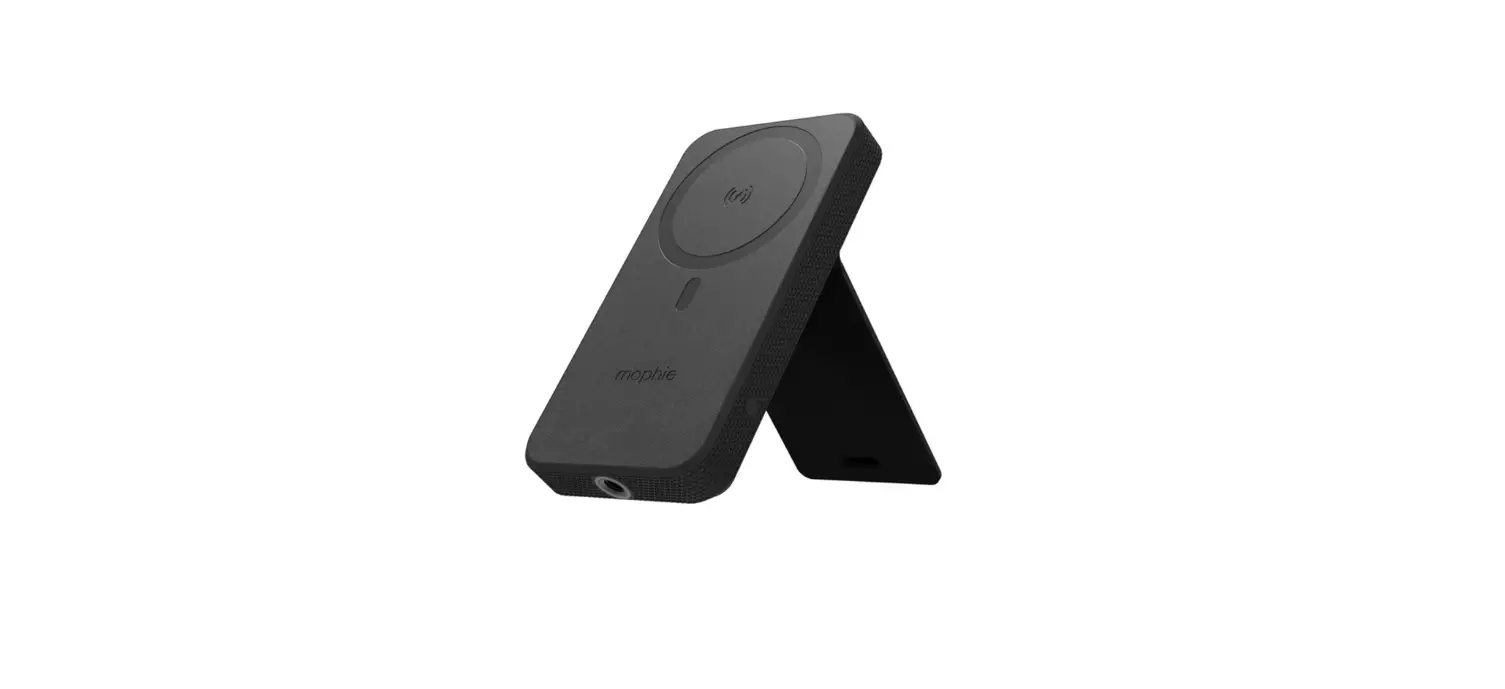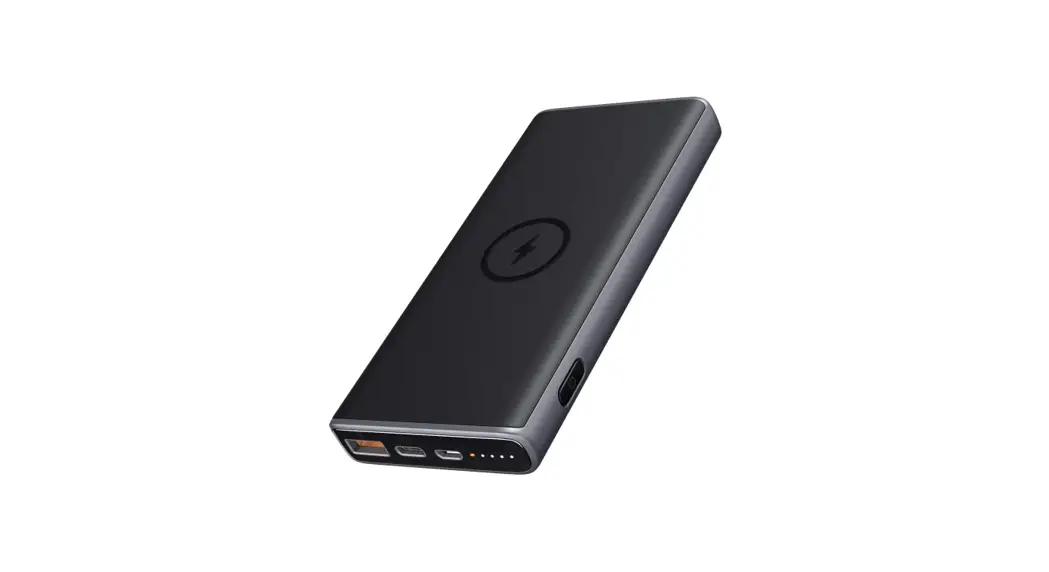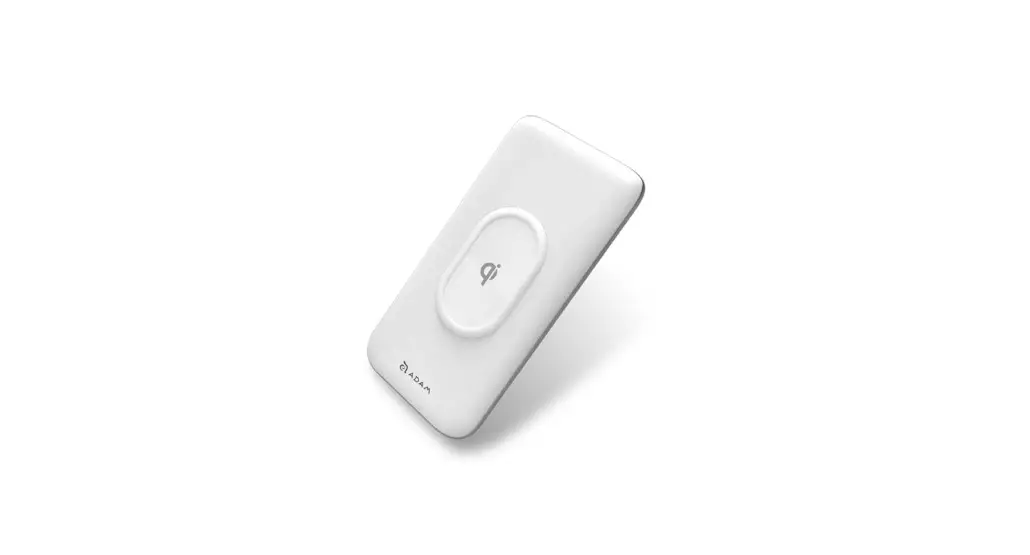
 GRAVITY C2 Magnetic Wireless Charging Power Bank
User Manual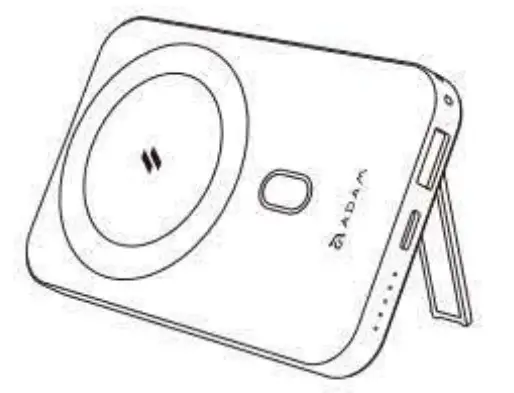
Specification
| Description | Magnetic Wireless Power Bank |
| Battery Capacity | 10000mAh / 3.85V/38.5 wWh |
| Rated Capacity | 5V/6300mAh, 9V/3300mAh, 12V/2400mAh |
| Input Power | USB-C: 5V-=3A/9V-=2A4/12V-=1.67A |
| Output Power | Wireless. 5V/5W,75V/7.5W,9V/10W,9V/15W 0SB-C: 5V-==3A/9V-==24/12V-=1.67A USB-4 5V–2.4A/9-2A/12V==1.54 Wireless + 0SB-C + USB-A: 15W max |
| Operating Temperture | 0C -45C |
| Size | 108.569.3x 16.6 mm |
| Weight | 185g |
| Warranty | 1year |
*The product can only be used to charge smartphones / earbuds. Please refer to the user manual for instructions and more product information
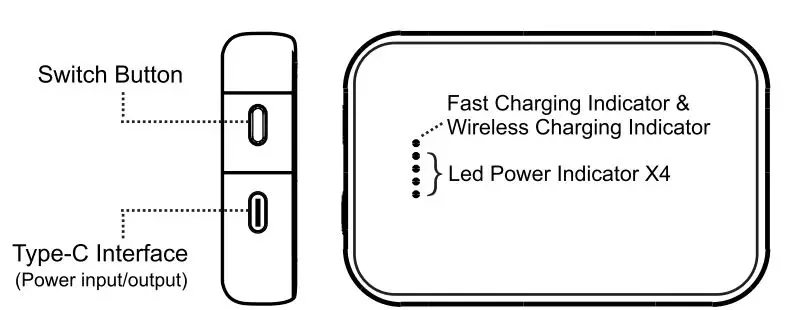
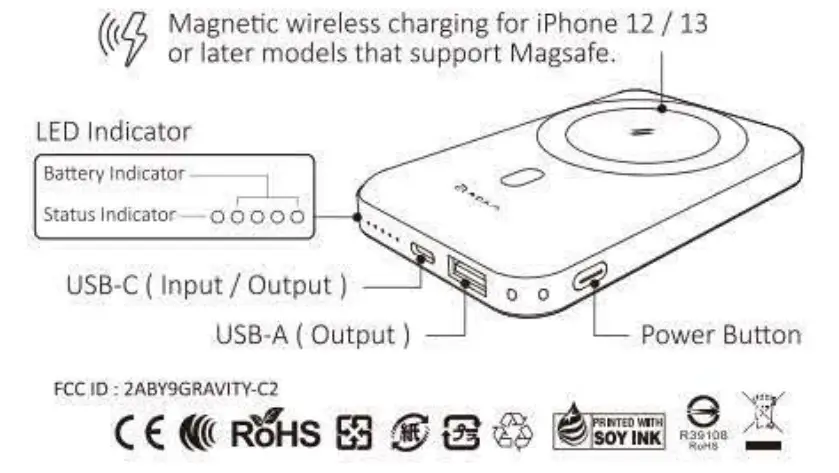
Product Introduction
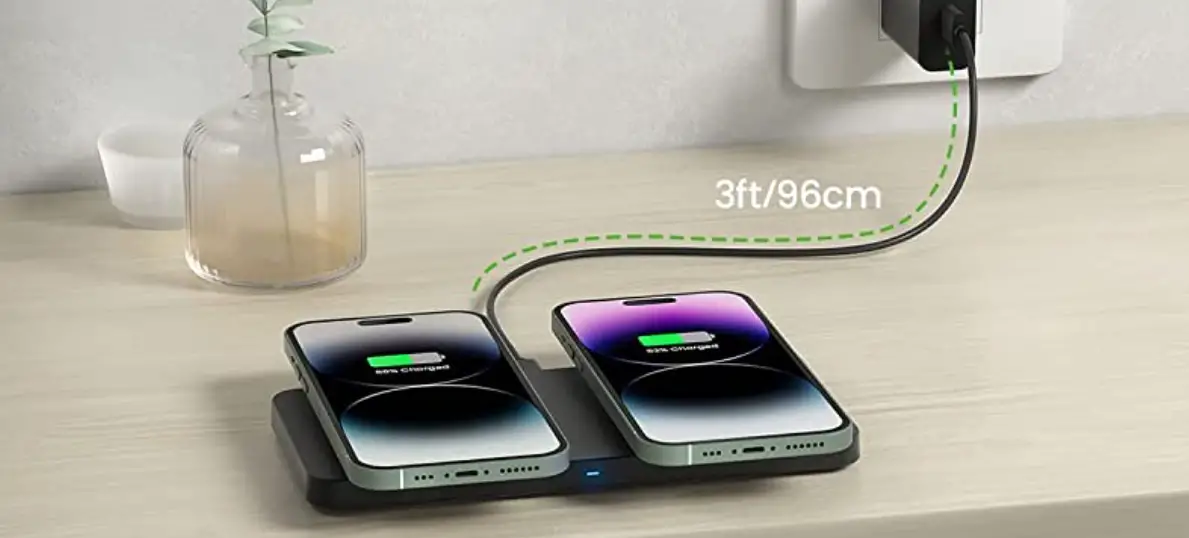
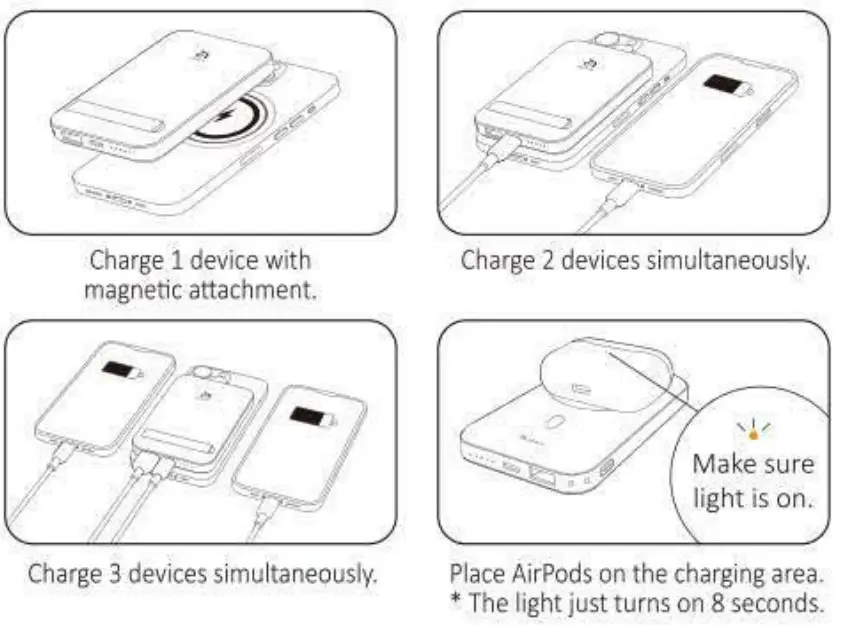
Charging Introduction
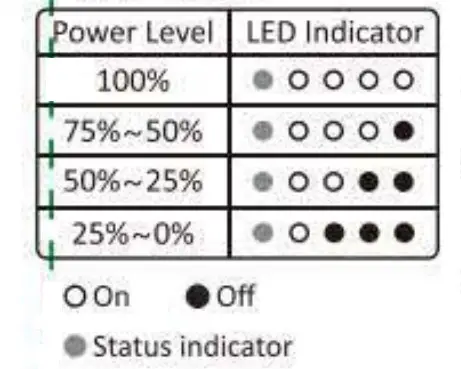
Indicator Introduction
Battery Level
- Power on
Press power button once. The status indicator turns green. *It will shutdown if no action was taken after 40 seconds. - Power off
Press power button twice. The indicator turns off. - Wireless charging
The status indicator turns blue. The other indicators will show the current battery value. - FOD(Foreign Object Detection)
The status indicator will blink alternately between blue and green. Wireless charging will be turned off after 20 seconds.
Protective Function
  | Muttole circuit protection |
| over current protection | |
| short circuit protection | |
| over-voltage protection | |
| Flame retardant protection | |
| overheat protection |
Attention
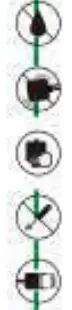  | Do not expose to Liquids |
| Do not shakewhilech arging | |
| unplug the device when tut charged | |
| Do not disassemble, puncture drop, bend or modify | |
| for the attest and safest charge, use a ADAM cable, vour device’s original or a certified able (such%s MF) | |
| Keep away form chalder | |
| Avoid extreme temperatures | |
| 1 years warranty | |
| Please scan the QR code on the packaging for the user manual |
FCC Warning This device complies with Part 18 of the FCC Rules. Refer to FCC Part 18.213(c) and KDB 784748 Anner A section A.5: (a) Max. Electric Field Emissions: 5.21Vim Max. Magnetic Field Emissions: 0.54V/m (b) The maintenance of the system is the responsibility of the manufacturer. (c) To prevent interference, the product should be as far away from devices operating at the same frequency as possible.
RF warning statement:
They t:lite has been evaluated to meet general CIF exposure requirement. The duce can be used portable eipastre conthbon imd-out restriction.