
Email: [email protected]
Web: www.autel.com
Quick Reference Guide
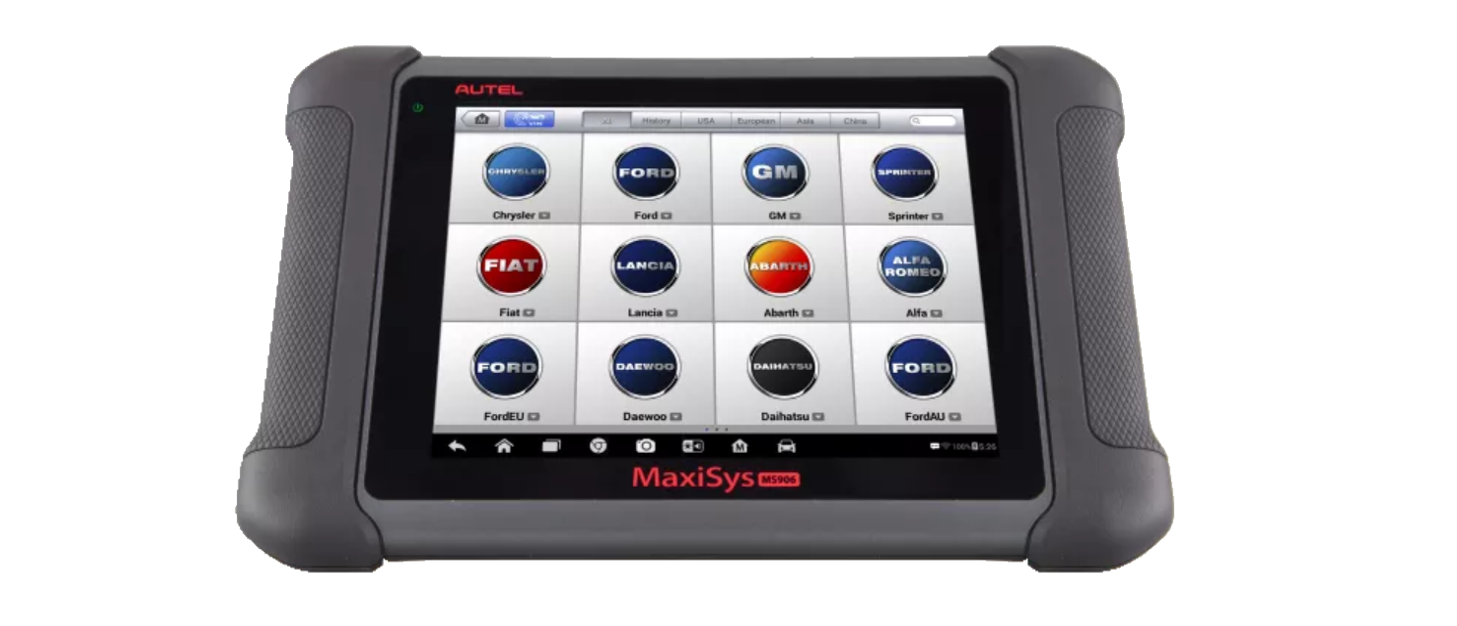
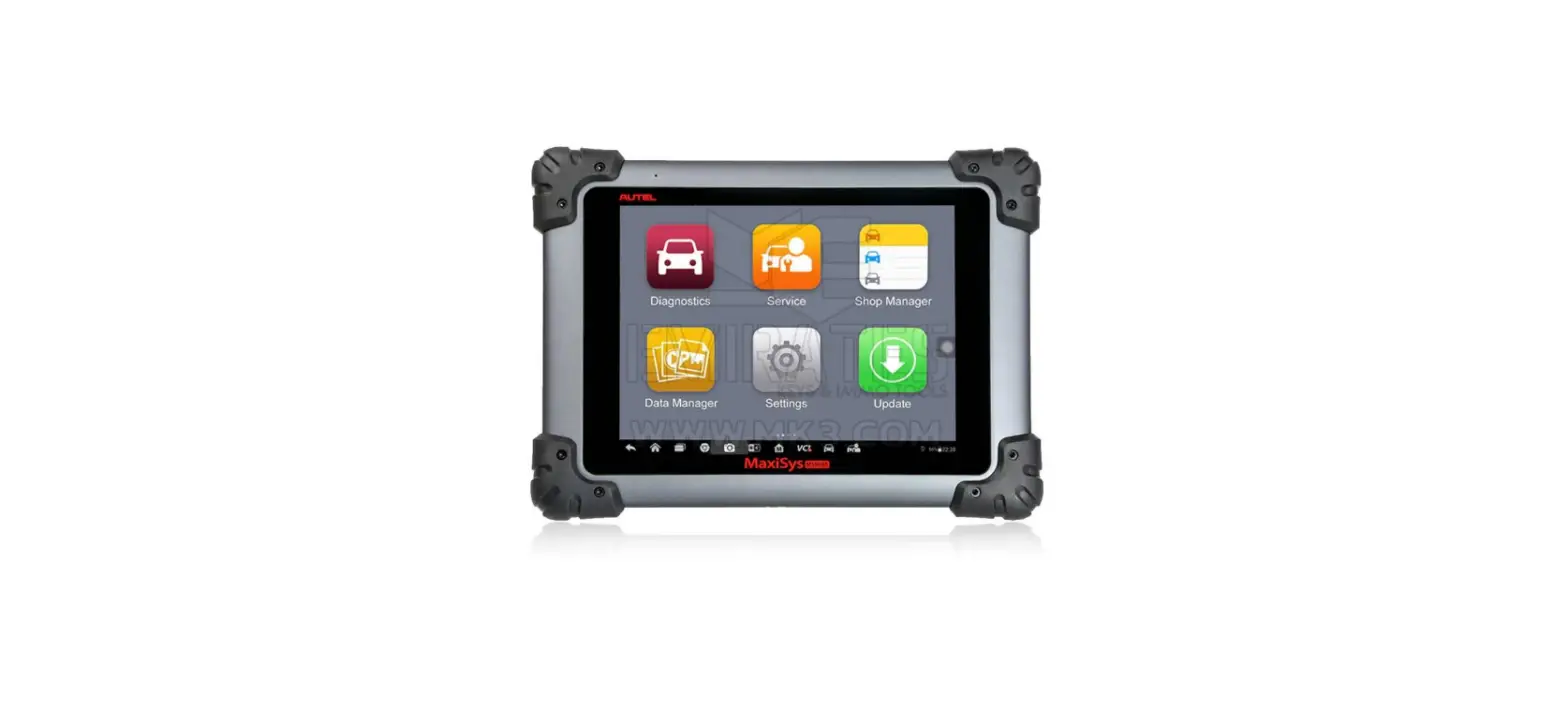
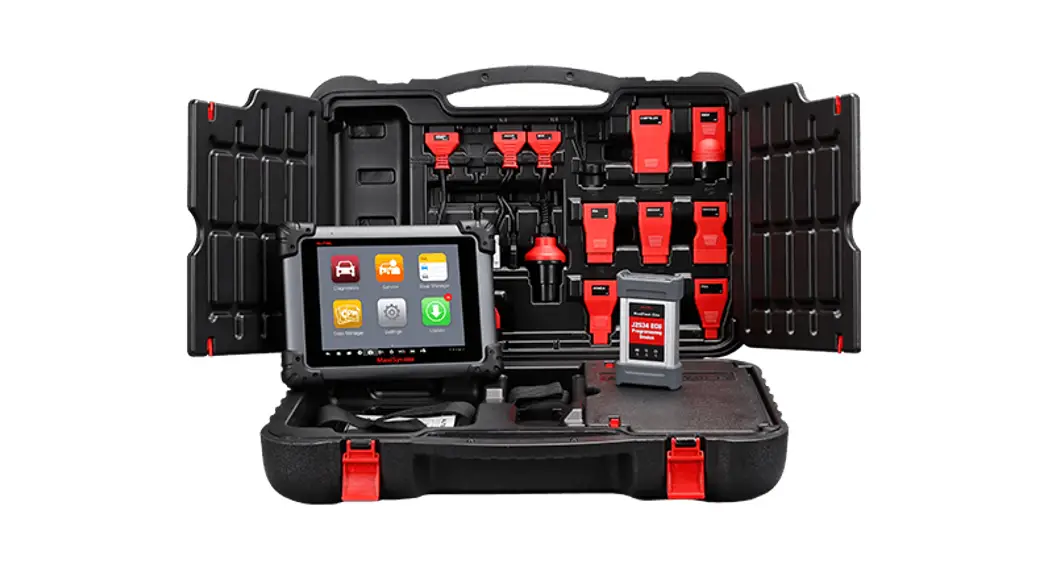
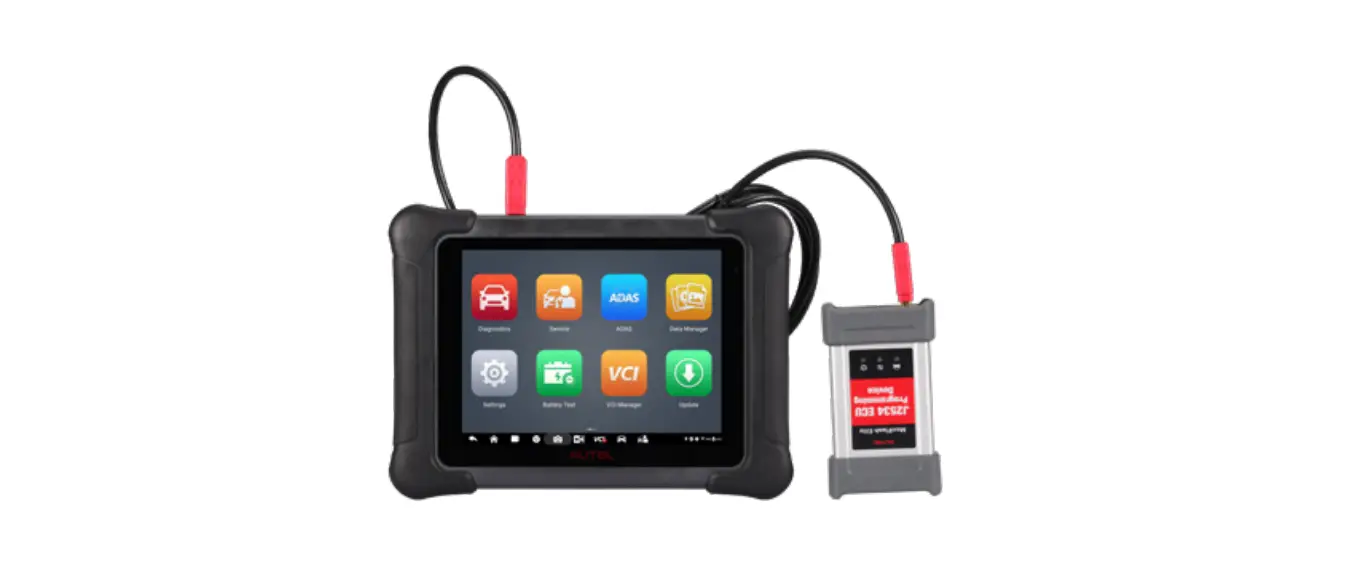
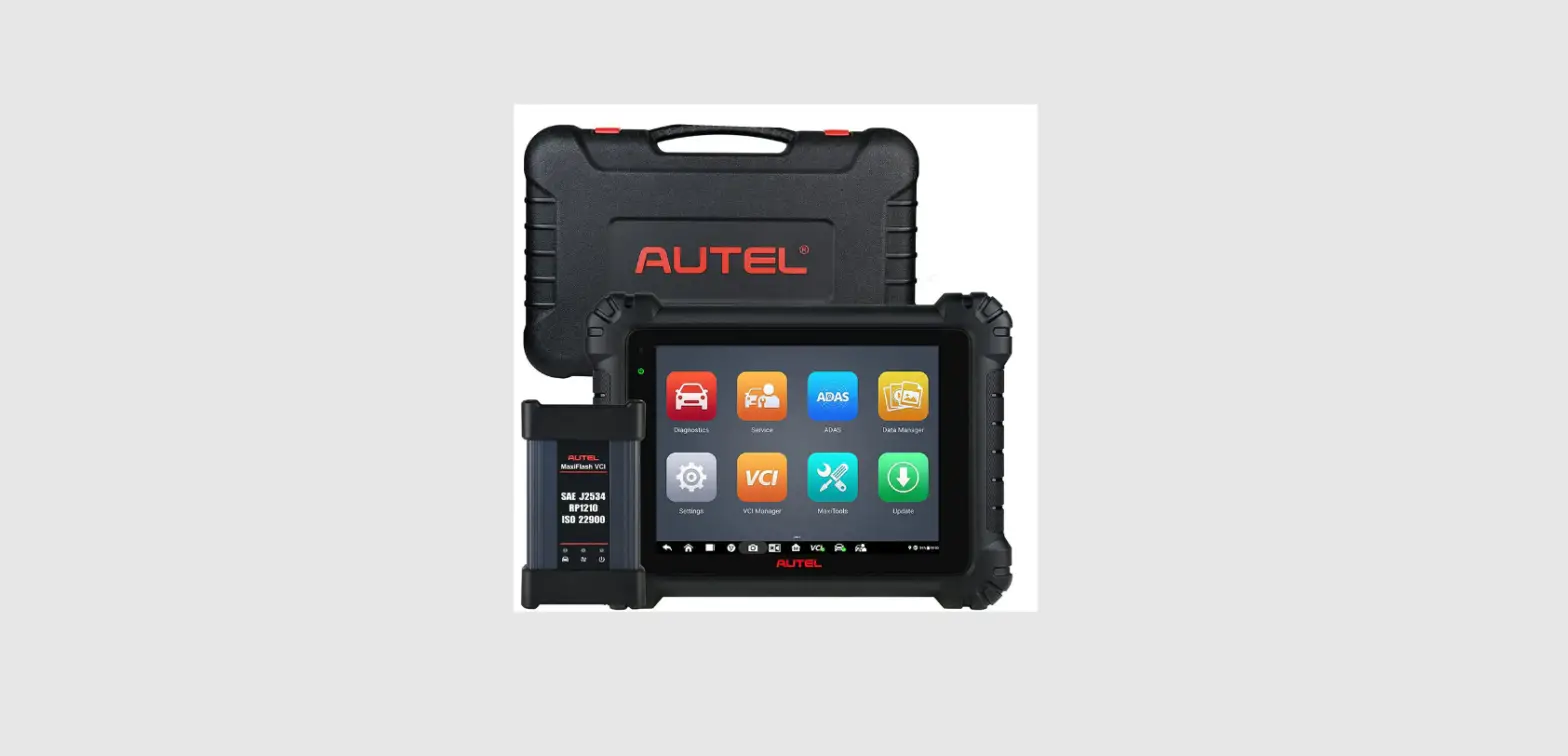
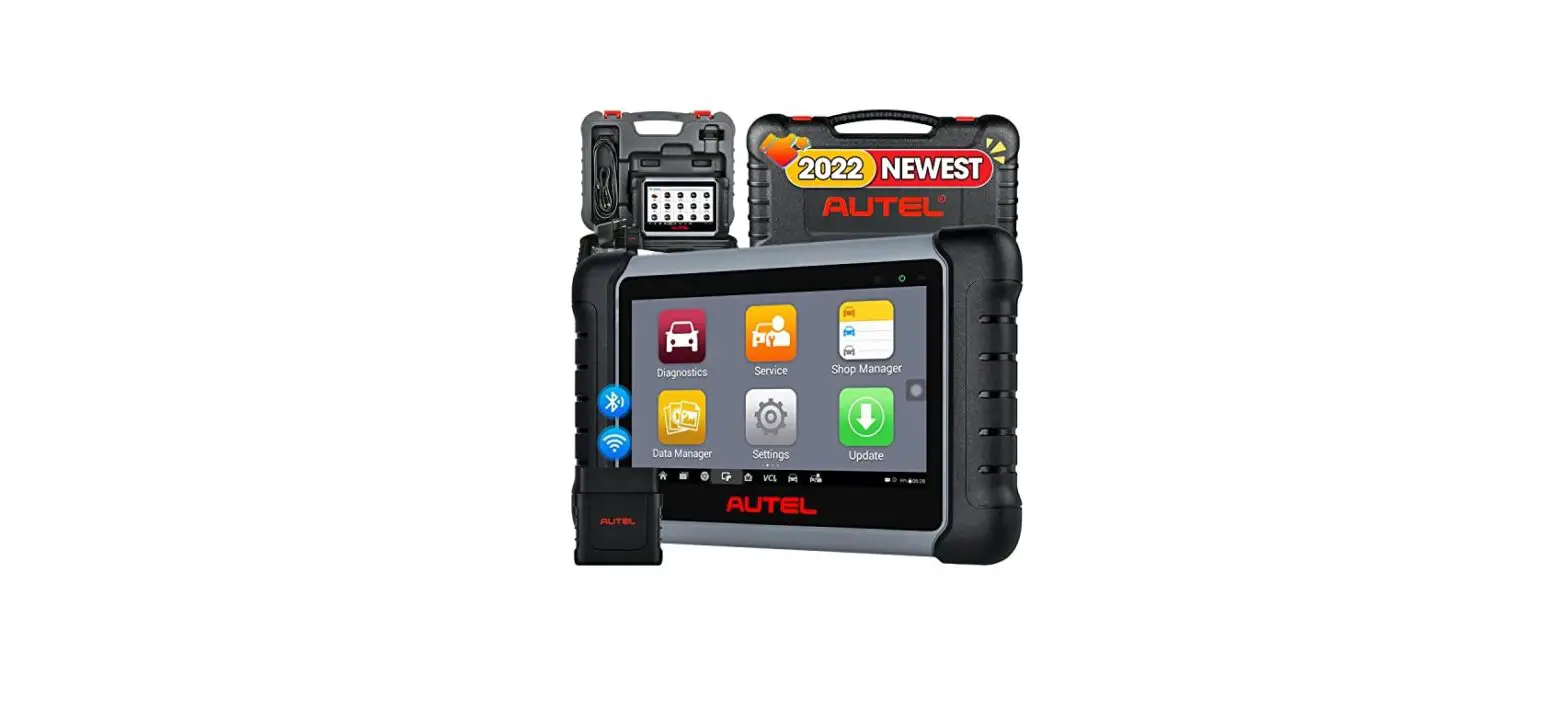
MaxiSys MS906 Pro
Thank you for purchasing this Autel MaxiSys MS906 Pro. Our tools are manufactured to a high standard and — when used according to these instructions and properly maintained — will provide years of trouble-free performance.
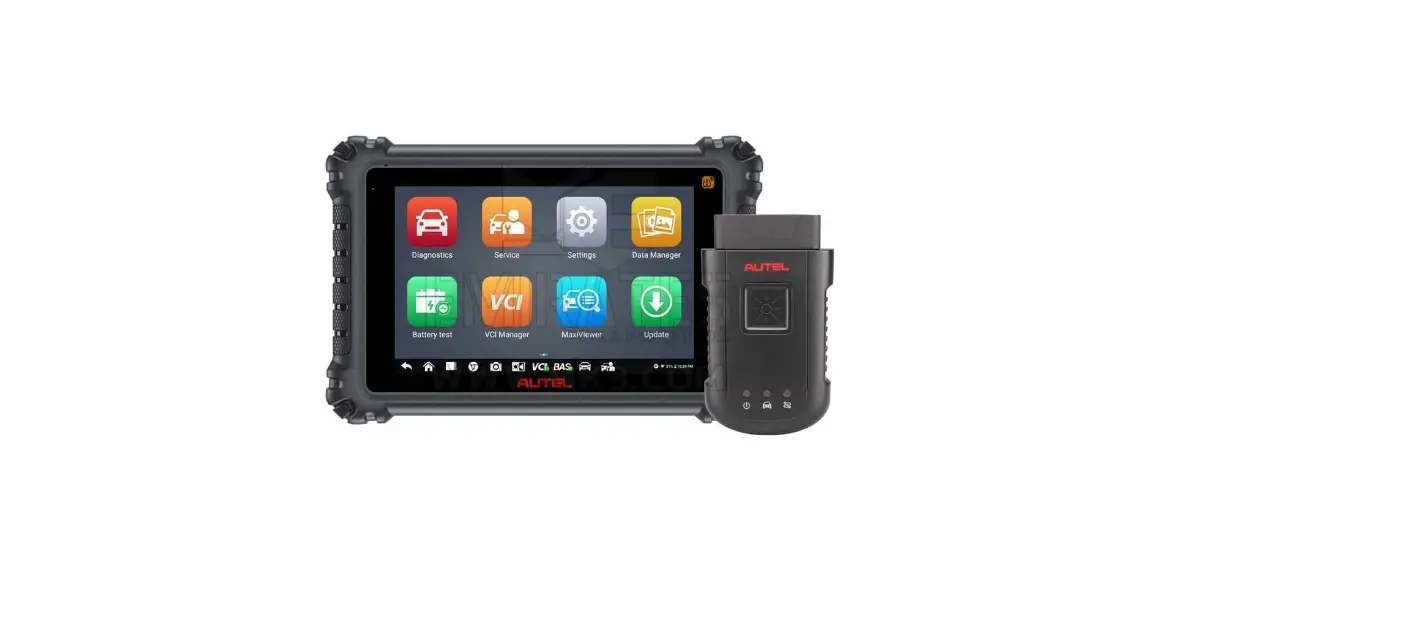
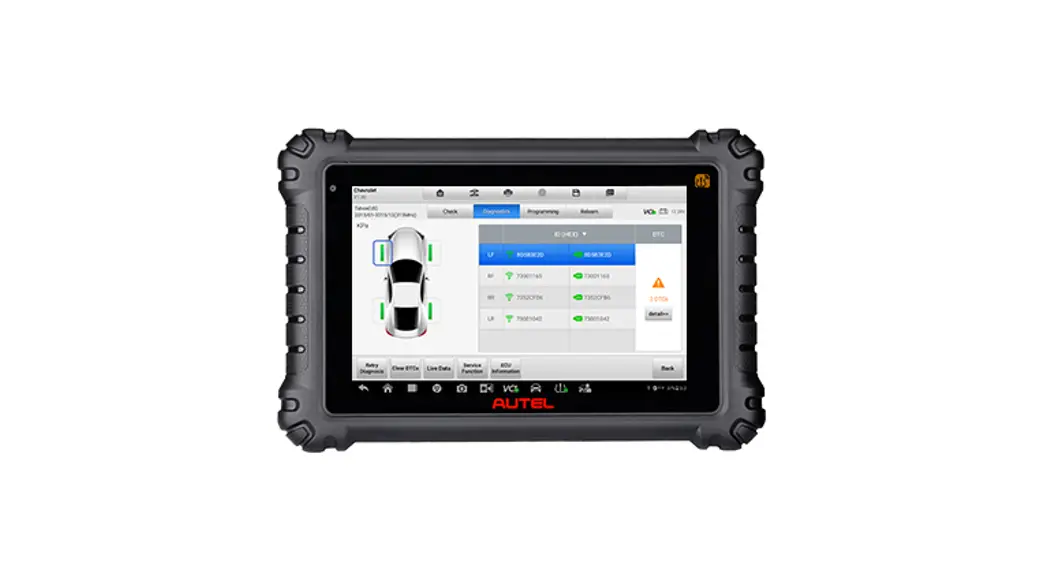
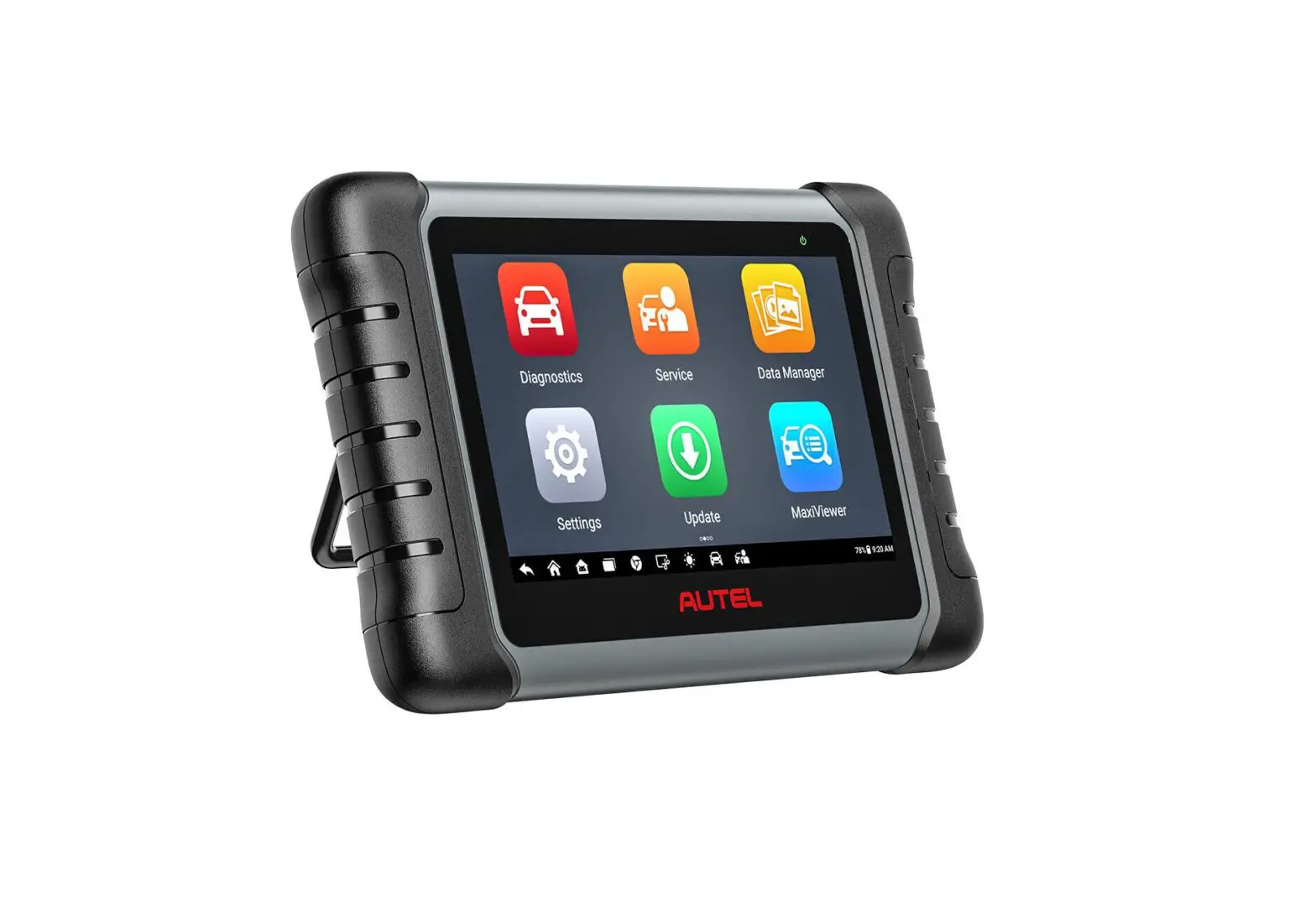
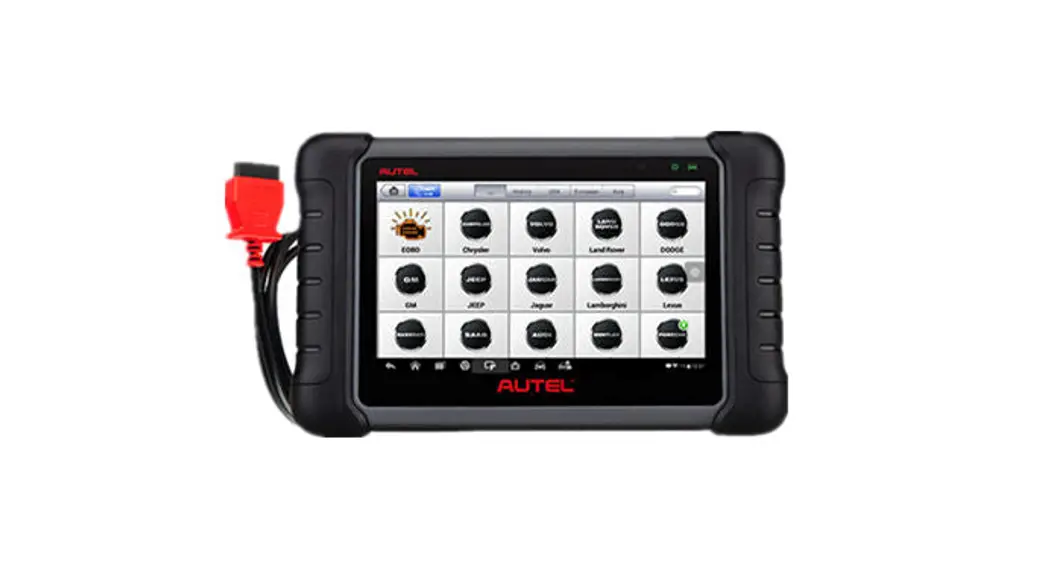
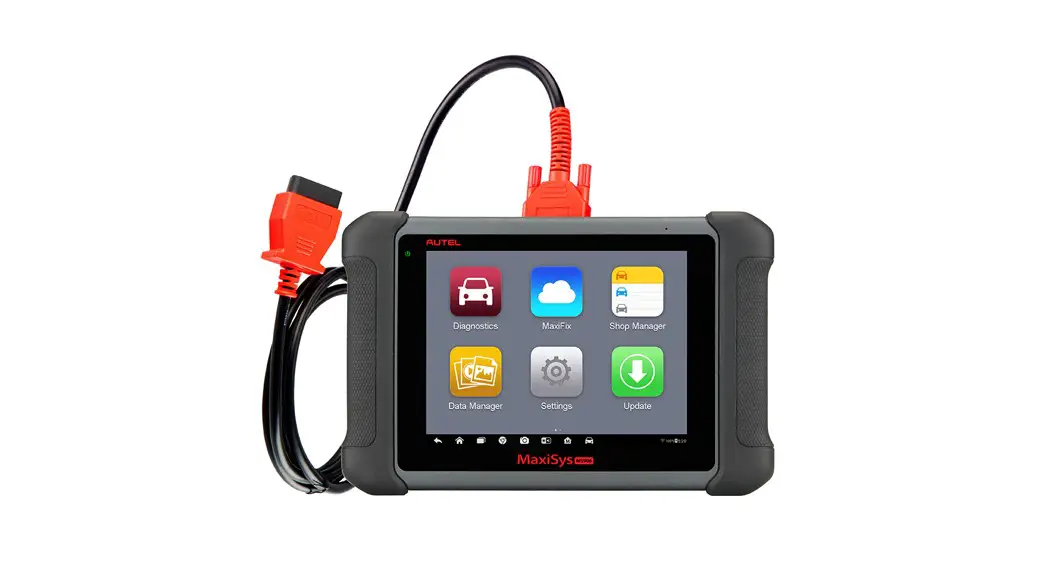
MaxiSys MS906 Pro Display Tablet
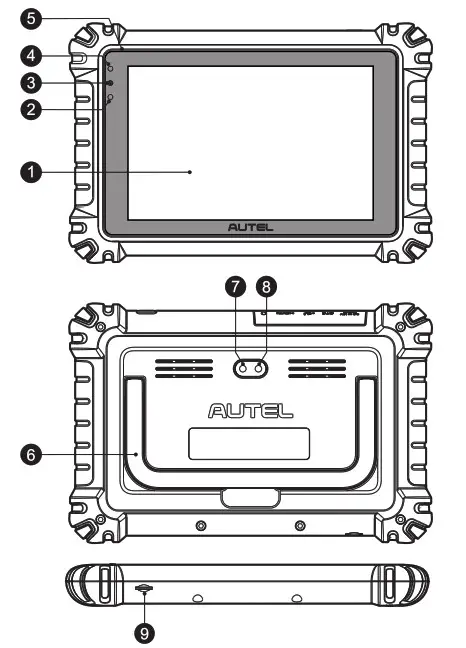
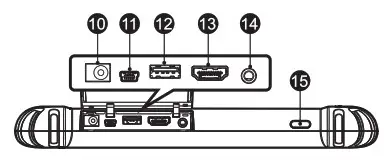
| 1. 8-inch LED Capacitive Touchscreen 2. Ambient Light Sensor — detects ambient brightness 3. Power LED 4, Front Camera 5. Microphone 6. Collapsible Stand — extends from the back to allow hands-free viewing of the tablet 7. Rear Camera 8. Camera Flash | 9. TF Card Slot 10. DC Power Supply Input Port 11. Mini USB Port 12. USB Port (for VCI Connection) 13. HDMI Port 14. Headset Jack (8-band 3.5mm) 15. Lock/Power Button — press and hold to turn on/off the tablet, or tap to lock the screen |
VCI (Vehicle Communication Interface) Device — MaxiVCI V200
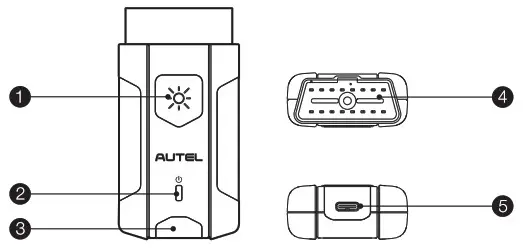
| 1. Flashlight Power Button 2. Power LED 3. Vehicle/Connection LED | 4. Vehicle Data Connector (16-pin) 5. USB Port |
VCI LED Description
| LED | Color | Description |
| Power LED | Yellow | The VCI is powered on and performing self-check. |
| Green | The VCI is ready for use. | |
| Flashing Red | The firmware is updating. | |
| Vehicle /Connection LED | Green | • Solid Green: The VCI is connected via USB cable. • Flashing Green: The VCI is communicating via USB cable. |
| Blue | • Solid Blue: The VCI is connected via Bluetooth. • Flashing Blue: The VCI is communicating via Bluetooth. |
 IMPORTANT: Before operating or maintaining this unit, please read these instructions carefully, paying extra attention to the safety warnings and precautions. Failure to use this product properly may cause damage and/or personal injury and will void the product warranty.
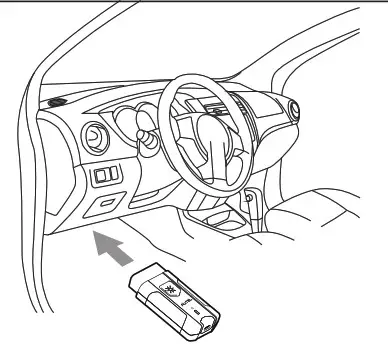
- Insert the Vehicle Data Connector on the MaxiVCl V200 into the vehicle’s DLC, which is generally located under the vehicle dashboard.

- Ensure the tablet is sufficiently charged or is connected to the supplied DC power supply.
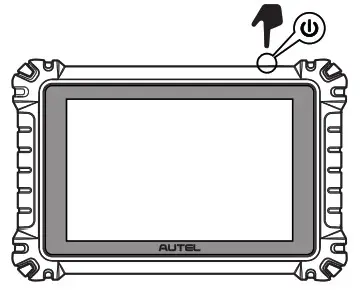
- Power up the tablet.

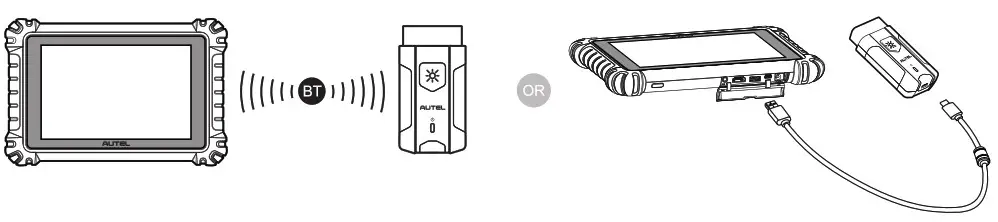
- Pair the tablet with the MaxiVCI V200 via Bluetooth to establish a communication link.
 NOTE: The tablet and the MaxiVCI V200 are configured to automatically synchronize with each other on first use, so there should be no need to pair up.
Alternatively, connect the tablet and the MaxiVCl V200 using the USB cable.
- When the MaxiVCl V200 is properly connected to the vehicle and the tablet, the VCI status button on the bottom bar of the screen will display a green badge with a checkmark at the corner indicating the tablet is ready to start vehicle diagnosis.
 NOTE:
NOTE: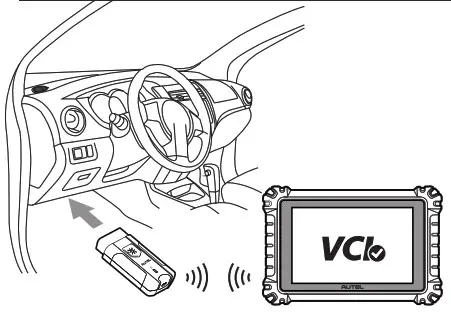
FCC Statement
Changes or modifications not expressly approved by the party responsible for compliance could void the user’s authority to operate the equipment. This device complies with Part 15 of the FCC Rules. Operation is subject to the following two conditions:
- this device may not cause harmful interference, and
- this device must accept any interference received, including interference that may cause undesired operation.
This transmitter must not be co-located or operating in conjunction with any other antenna or transmitter.
Note: This equipment has been tested and found to comply with the limits for a Class B digital device, pursuant to Part 15 of the FCC Rules. These limits are designed to provide reasonable protection against harmful interference in a residential installation. This equipment generates, uses, and can radiate radio frequency energy, and if not installed and used in accordance with the instructions, may cause harmful interference to radio communications. However, there is no guarantee that interference will not occur in a particular installation. If this equipment does cause harmful interference to radio or television reception, which can be determined by turning the equipment off and on, the user is encouraged to try to correct the interference by one or more of the following measures:
- Reorient or relocate the receiving antenna.
- Increase the separation between the equipment and receiver.
- Connect the equipment into an outlet on a circuit different from that to which the receiver is connected.
- Consult the dealer or an experienced radio/TV technician for help.
The device has been evaluated to meet general RF exposure requirements. The device can be used in portable exposure conditions without restriction. This equipment complies with FCC radiation exposure limits set forth for an uncontrolled environment. End-user must follow the specific operating instructions for satisfying RF exposure compliance.
The device is designed to meet the requirements for exposure to radio waves established by the Federal Communications Commission (USA). These requirements set a SAR limit of 1.6 W/kg averaged over one gram of tissue. The highest SAR value reported under this standard during product certification for use when properly worn on the body is 0.665 W/kg.
IC Statement
This device contains license-exempt transmitter(s)/receiver(s) that comply with Innovation, Science, and Economic Development Canada’s license-exempt RSS(s).
Operation is subject to the following two conditions:
- This device may not cause interference.
- This device must accept any interference, including interference that may cause undesired operation of the device.
This transmitter must not be co-located or operating in conjunction with any other antenna or transmitter.
The device has been evaluated to meet general RF exposure requirements. The device can be used in portable exposure conditions without restriction.
The device is designed to meet the requirements for exposure to radio waves established by the Innovation, Science and Economic Development Canada’s. These requirements set a SAR limit of 1.6 W/kg averaged over one gram of tissue. The highest SAR value reported under this standard during product certification for use when properly worn on the body is 0.665 W/kg.
NoteIndoor use only