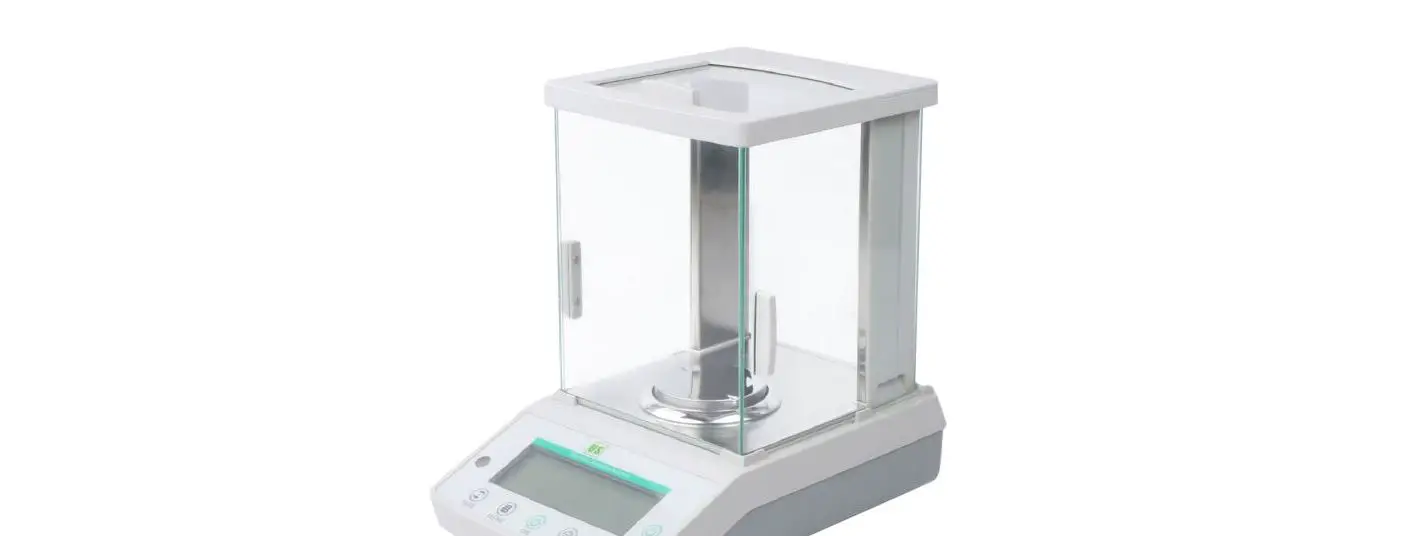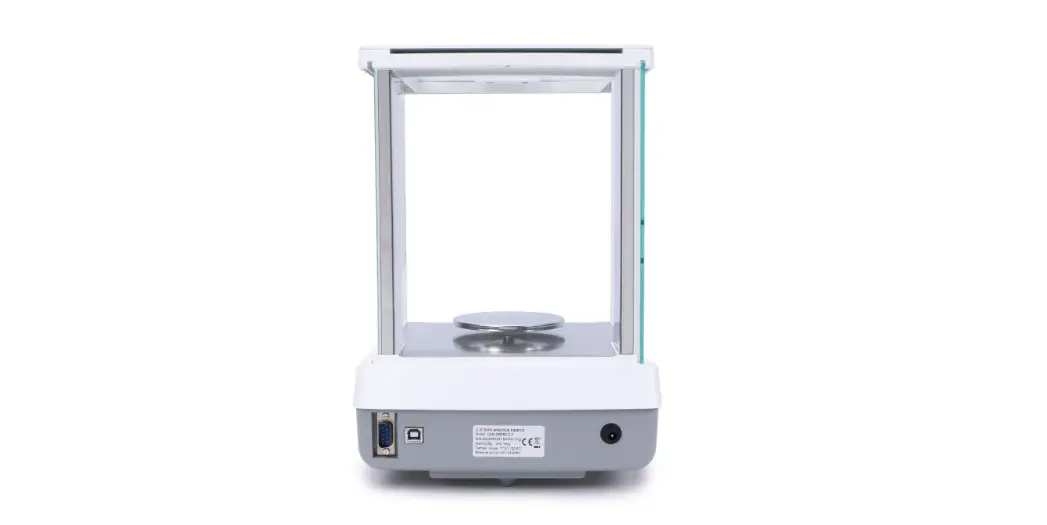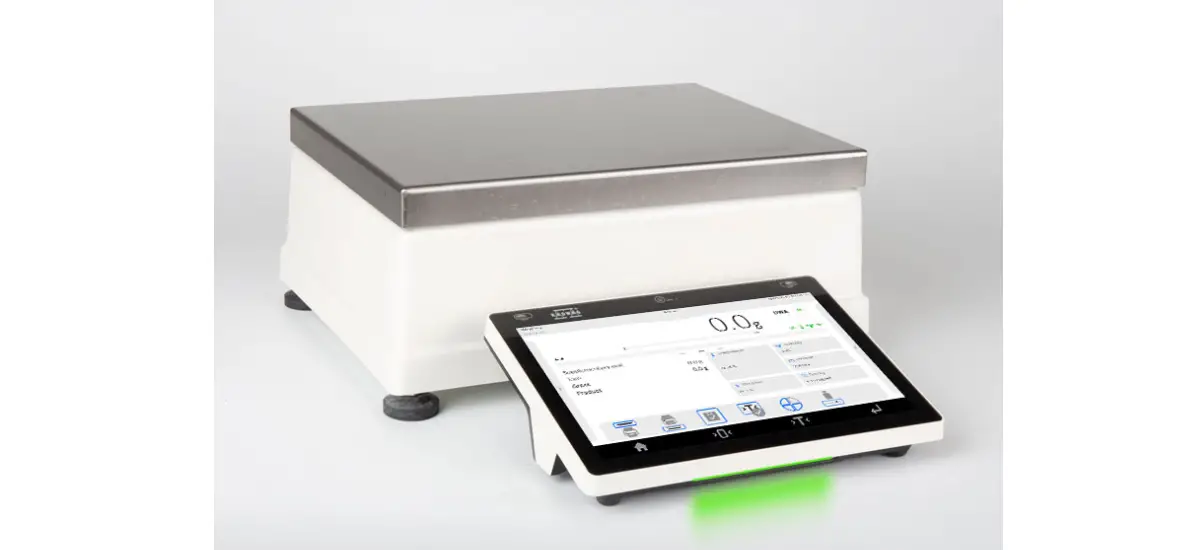
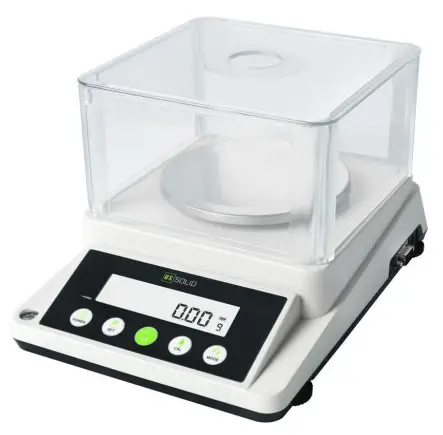
 USS-DBS82 Precision Balance
Instruction Manual
Introduction
Thank you for choosing the U.S. Solid USS-DBS82 Series Precision Balance.
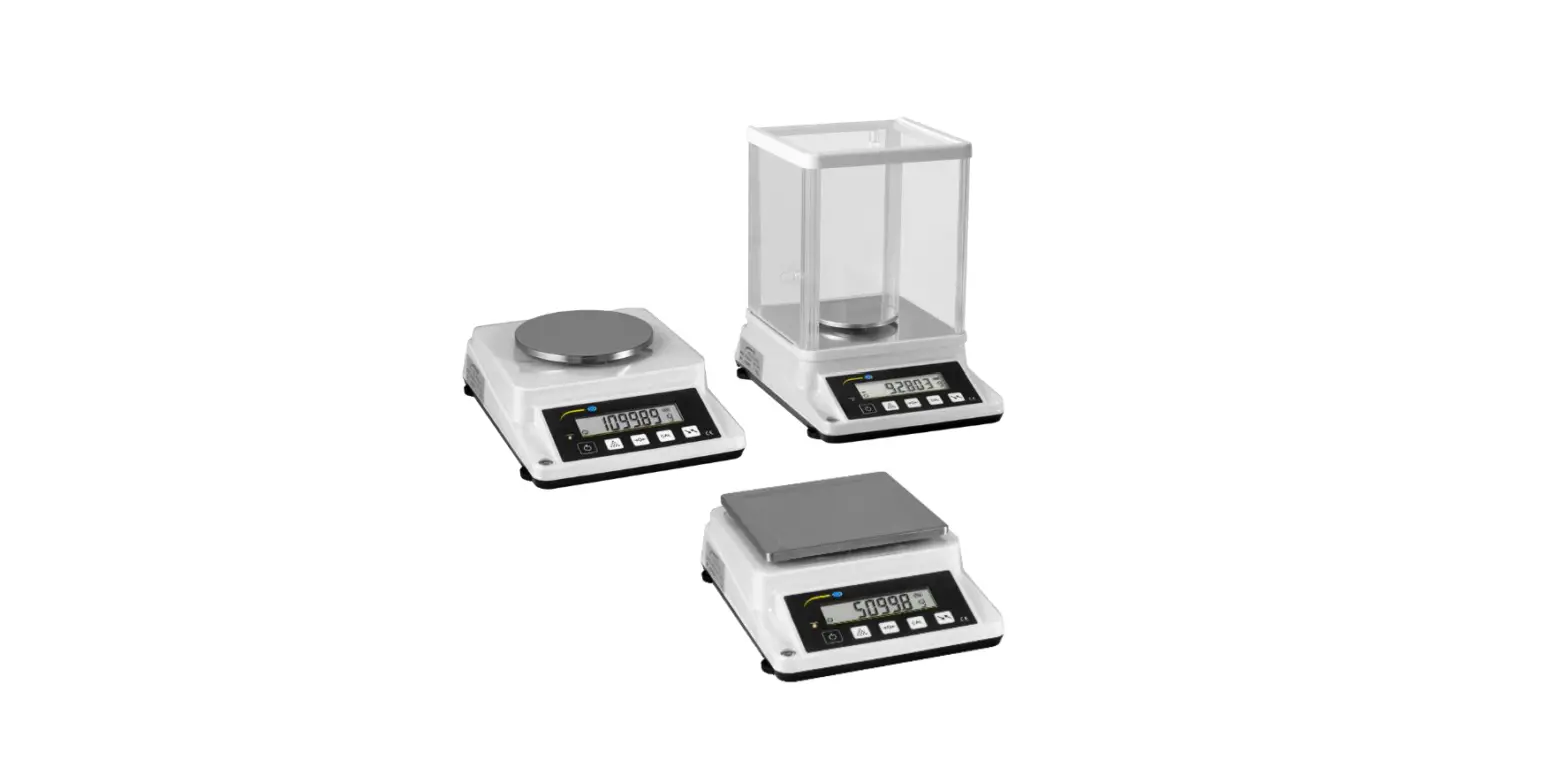
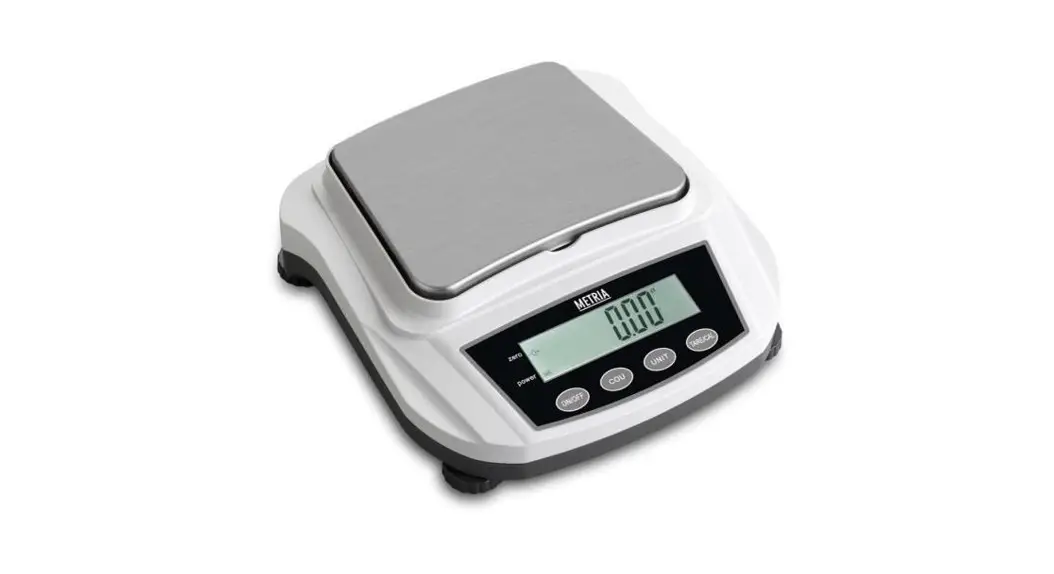
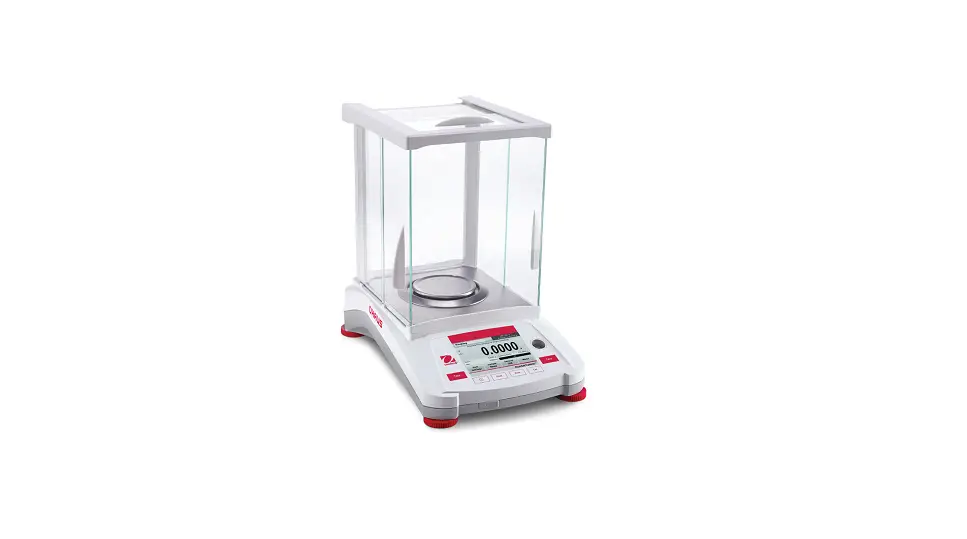
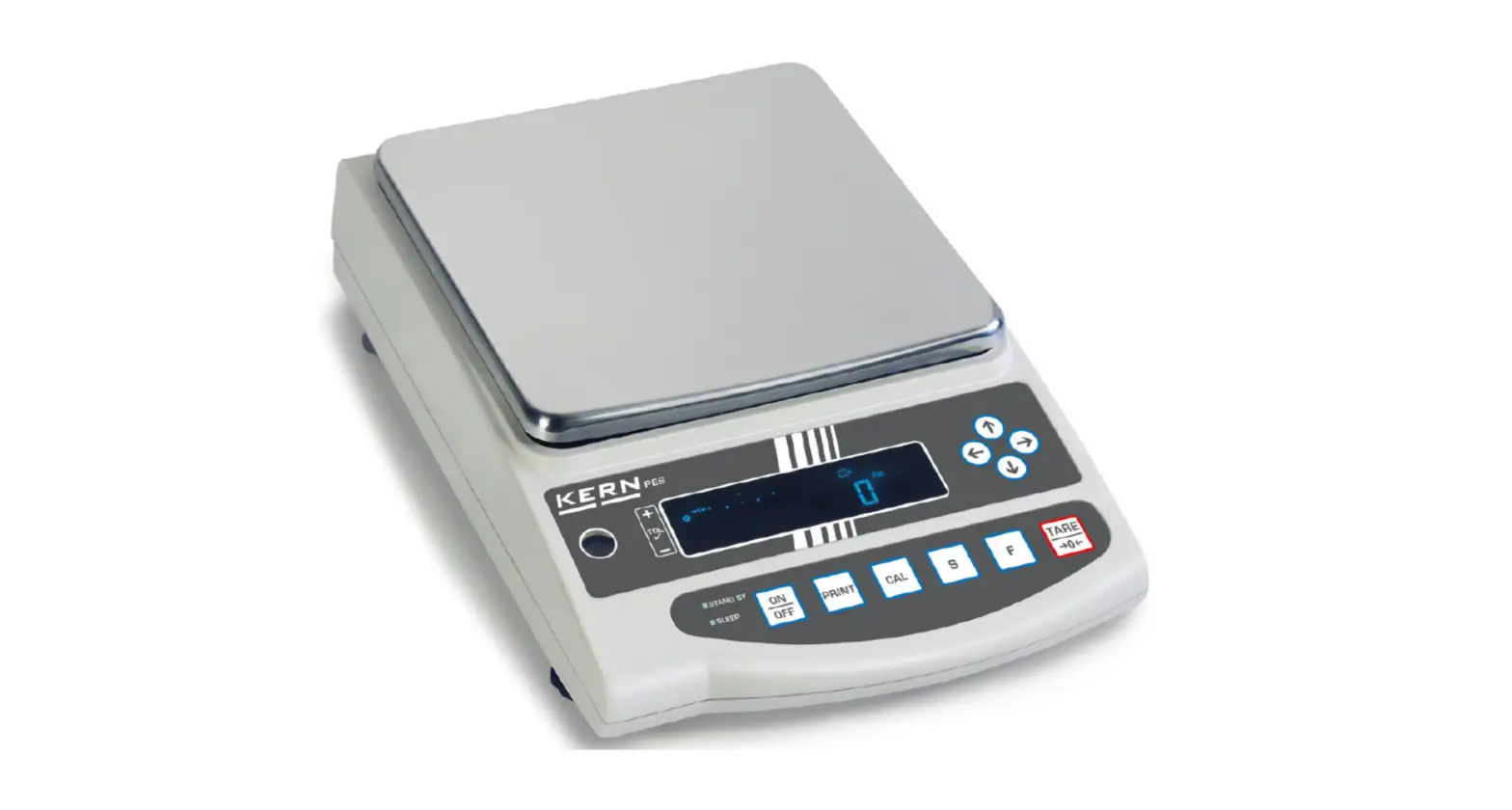
The USS-DBS82 Precision Balance is precise and reliable. It offers a high level of operating convenience and response sensitivity to facilitate the determination of the weight of your samples. In addition, USS-DBS82 Precision Balance provides dual (one front and one rear) display screens, which can be used not only for various scenarios that ordinary single-screen balances can used, but also for special use scenarios that single-screen ordinary balances can not meet.
U.S. Solid’s dedicated customer service staff are available to answer any inquiries regarding applications and accessories.
Please read the manual completely and follow the usage instructions before installation and operation as this will help you to make full use of the functions and performance of the USS-DBS82 Precision Balance.
Safety Precautions
The U.S. Solid USS-DBS82 Precision Balance qualifies as state-of-the-art technology and complies with all recognized safety rules. Improper use or handling, however, can result in damage and/or injury. Please follow the precautions below to ensure the safe and trouble-free operation of your balance.
 The balance has a 3-pin power socket equipped with a ground terminal. To prevent electric shock and to maintain stability in the operation of the balance, be sure to ground the balance.
- Avoid getting the balance wet as it is not water resistant. Any leakage of liquid into the balance may damage the balance or cause an electric shock to the user.
 Use a power source (voltage, frequency, outlet type) adapted to the specification of the balance. If excessive voltage is used, the balance may overheat and be damaged or cause a fire.
 Operate the balance on a stable, rigid, and flat table.
- Handle the balance carefully. It is a precision device, and subjecting it to impact may result in a malfunction.
- If the device is not used for a long period of time, the power should be turned off, and disconnected from the power cable.
- Do not disassemble, remodel or repair this product or accessories.
- Do not weigh items larger than the balance’s range, as this may damage the load cell of the balance.
 The balance has a 3-pin power socket equipped with a ground terminal. To prevent electric shock and to maintain stability in the operation of the balance, be sure to ground the balance.
 Use a power source (voltage, frequency, outlet type) adapted to the specification of the balance. If excessive voltage is used, the balance may overheat and be damaged or cause a fire.
 Operate the balance on a stable, rigid, and flat table.
Design and Function
Components
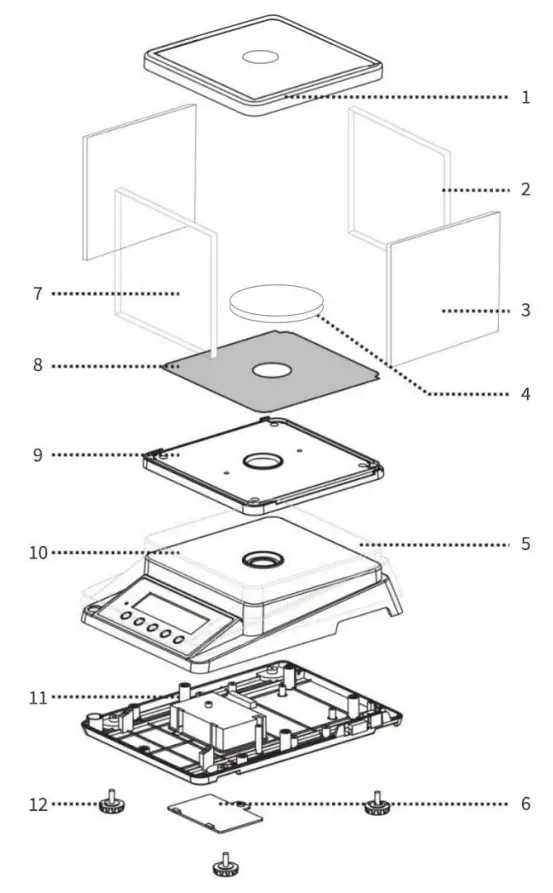
| 1: Upper Shield | 7: Front Shield |
| 2: Rear Shield | 8: Tray |
| 3: Side Shield | 9: Housing Ⅱ |
| 4: Weighing Pan | 10: Housing Ⅲ |
| 5: Dust Cover | 11: Housing Ⅳ |
| 6: Battery Cover | 12:Leveling foot |
Keyboard
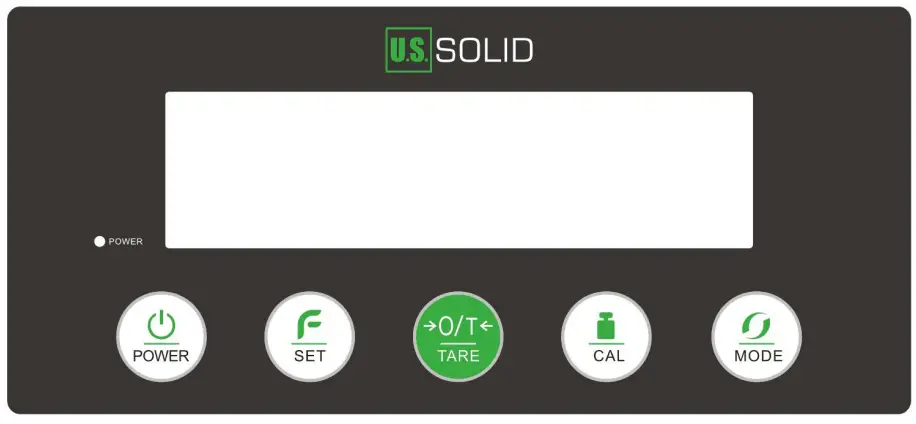
| Key | Description |
 | Turn the power on or off |
 | Enter the counting function |
| Long press with “TARE” to enter the minimum weight setting | |
 | Tare the balance |
| Long press with “SET” to enter the minimum weight setting | |
 | Performs weight calibration |
 | Switch the weighing units |
Display Panel
USS-DBS82 Precision Balance provides dual display screens, one front, and one rear.
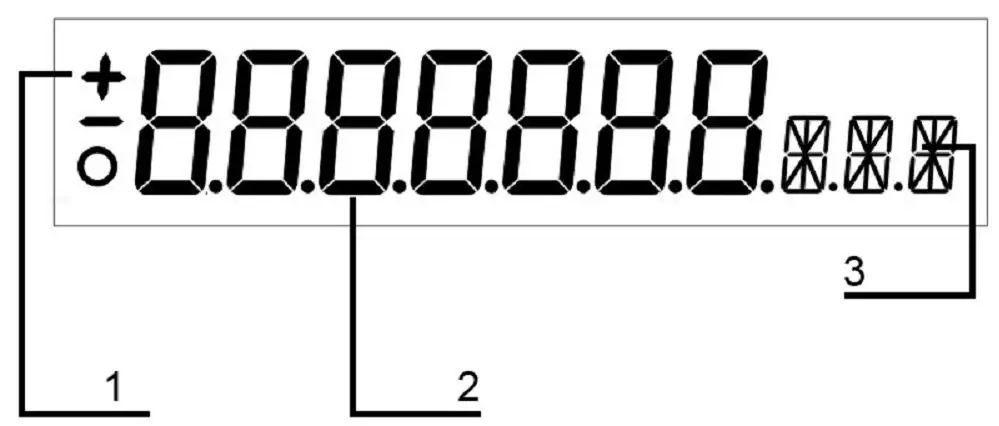
| No. | Description |
| 1 | “+”: Indicates positive values |
| “-“: Indicates negative values | |
| ” 0 “: Stabilization indicator (Disappearance indicates stabilization of balance) | |
| 2 | Weight value |
| 3 | Weight unit |
Unpacking
The USS-DBS82 Precision Balance is a precision instrument. Unpack the balance carefully and check the delivered items for completeness.
The following accessories are part of the standard equipment for your new USS-DBS82 Precision Balance:
- 1 Balance Main Body
- 1 Weighing Pan
- 1 Draft Shield
- 1 Power Cable
- 1 Instruction Manual
- 1 Quality Certification
Check the instrument for damage in transit. Immediately inform the U.S. Solid customer service if you have any complaints or parts are missing.
Before Using
- Adjust the leveling feet of the precision balance until the air bubble in the indicator is centered. Accurate horizontal positioning is necessary for repeatable measurements and exact results. To compensate for small irregularities or tilts at this location, the instrument needs to be leveled.
- Warm up for 30 to 60 minutes after starting up to improve the stability of weighing.
Operation
Basic Weighing
- Zero the balance in the no-load state.
- Open the glass door of the weighing chamber and place the weighing sample on the weighing pan, then close the glass door.
- After the display stabilizes, read the value displayed.
Weighing a sample that needs to be in a container:
- Open the glass door of the weighing chamber and place the weighing container on the weighing pan, then close the glass door again.
- Wait for the display to stabilize. Then press “O/T” to tare, and the displayed value will return to zero.
- Open the glass door and place the sample(s) to be weighed in the weighing container, then close the glass door.
- After the display stabilizes, read the value displayed.
Unit Switching
The USS-DBS82 Precision Balance offers three weight units of “g”, “oz”, “ct”, and “gn”. The unit selection function can be used to meet the unit requirements in various usage situations.
In the weighing state, press the “mode” button to switch weight units.
Counting
The U.S. Solid USS-DBS82 Precision Balance has a built-in counting function that meets various industrial counting requirements, especially the counting function for small components. To ensure the accuracy of the counting function for small components, it is necessary to ensure that the weight of all samples is consistent and that the weight of a single object is ≥0.04g.
- Press “SET” and “–COU–PCS” will be displayed;
- After that “10 PCS” will be flashing displayed;
- Press “ON” to select the quantity and put the corresponding quantity of samples on the pan;
- Press “SET” to confirm and “——-PCS” will be displayed;
- Put samples to be counted after the “10 PCS” is again displayed and the corresponding number appears.
Exit counting function:
- Press “SET” and “——” will be displayed;
- After that “–ERR–” will be flashing displayed;
- Press “SET” to exit the counting function and return to the weighing interface.
Setting
Minimum weighing
The minimum weight can be set according to the user’s requirements.
- Long press “TARE” and “SET” simultaneously until “1 d” is displayed;
- Press “SET” or “CAL” to turn up or turn down respectively (from “1d” to “5d”, “d” means minimum scale value 0.01 g);
- Press “TARE” to confirm.
Technical Data
| Model | USS-DBS82- 1100G | USS-DBS82- 2100G | USS-DBS82- 3100G |
| Capacity | 1100 g | 2100 g | 3100 g |
| Readability | 0.01 g (10 mg) | ||
| Repeatability | ± 0.02 g | ||
| Linearity Deviation | ± 0.03 g | ||
| Stabilization Time | Within 3 seconds | ||
| Pan Size | 1″5.12 inches (130 mm) | ||
| Interface | RS232 | ||
| Display Screen | Dual | ||
| Power | 110V 60Hz AC | ||
| Dimensions | 10.6 X 7.9 X 8.7 inches | ||
| Net Weight | 3.97 lbs | ||
| Shipping Weight | 4.85 lbs | ||
Contact
Feel free to visit our website: www.ussolid.com
You can email us at [email protected]
You can call one of our friendly customer service representatives at +1(800) 209-4177
 ussolid.com: Online Shopping for Motorized Ball Valves, Solenoid Valves, Cryogenic Containers, Analytical Balances, Lab Equipments, Medical Products & more