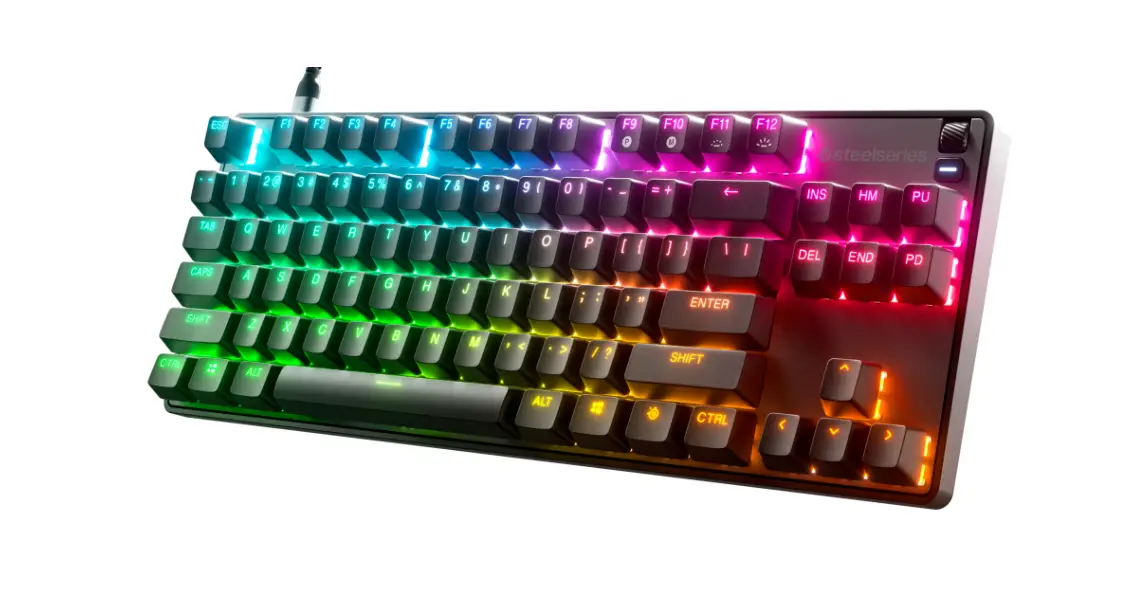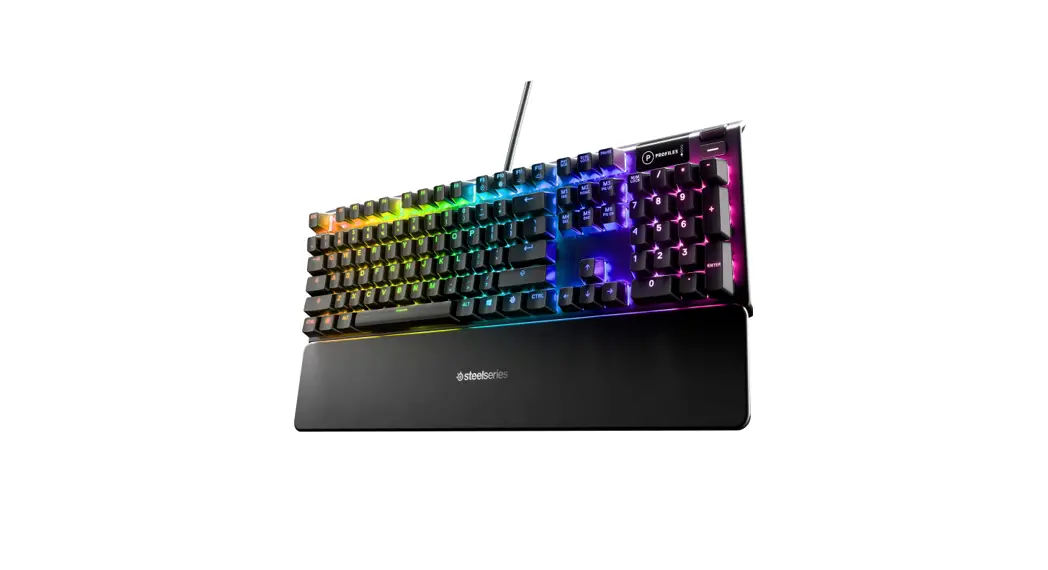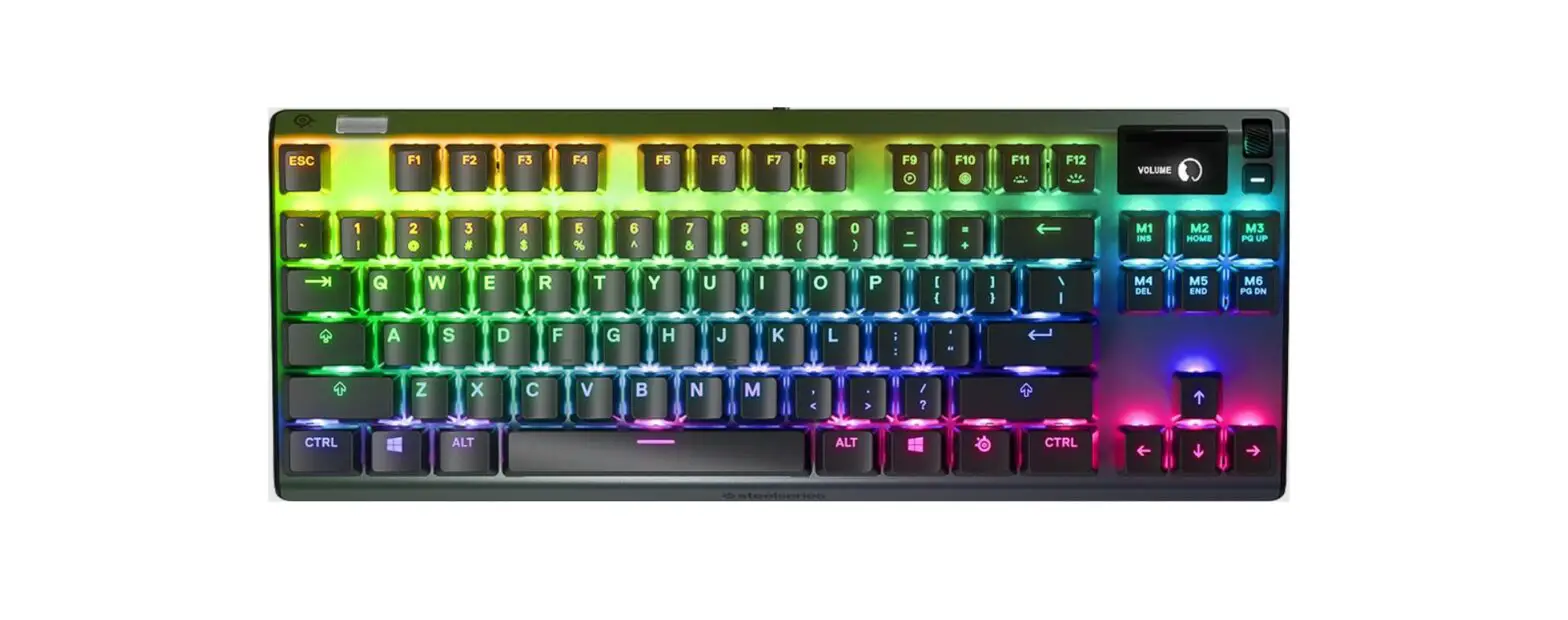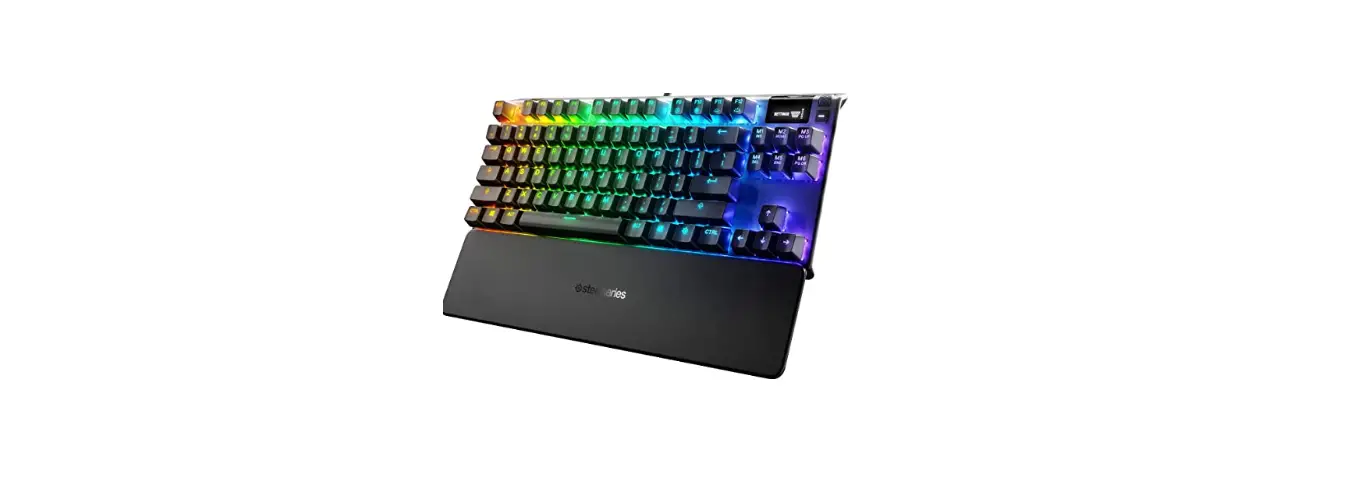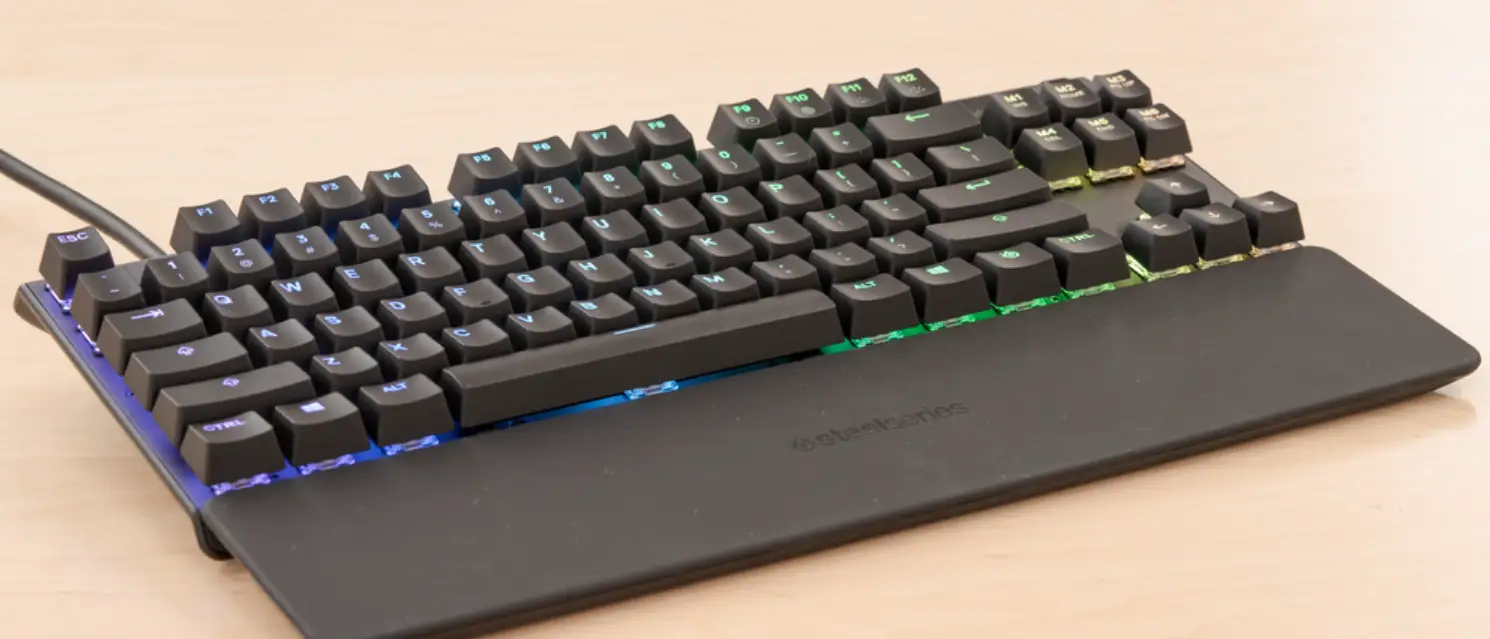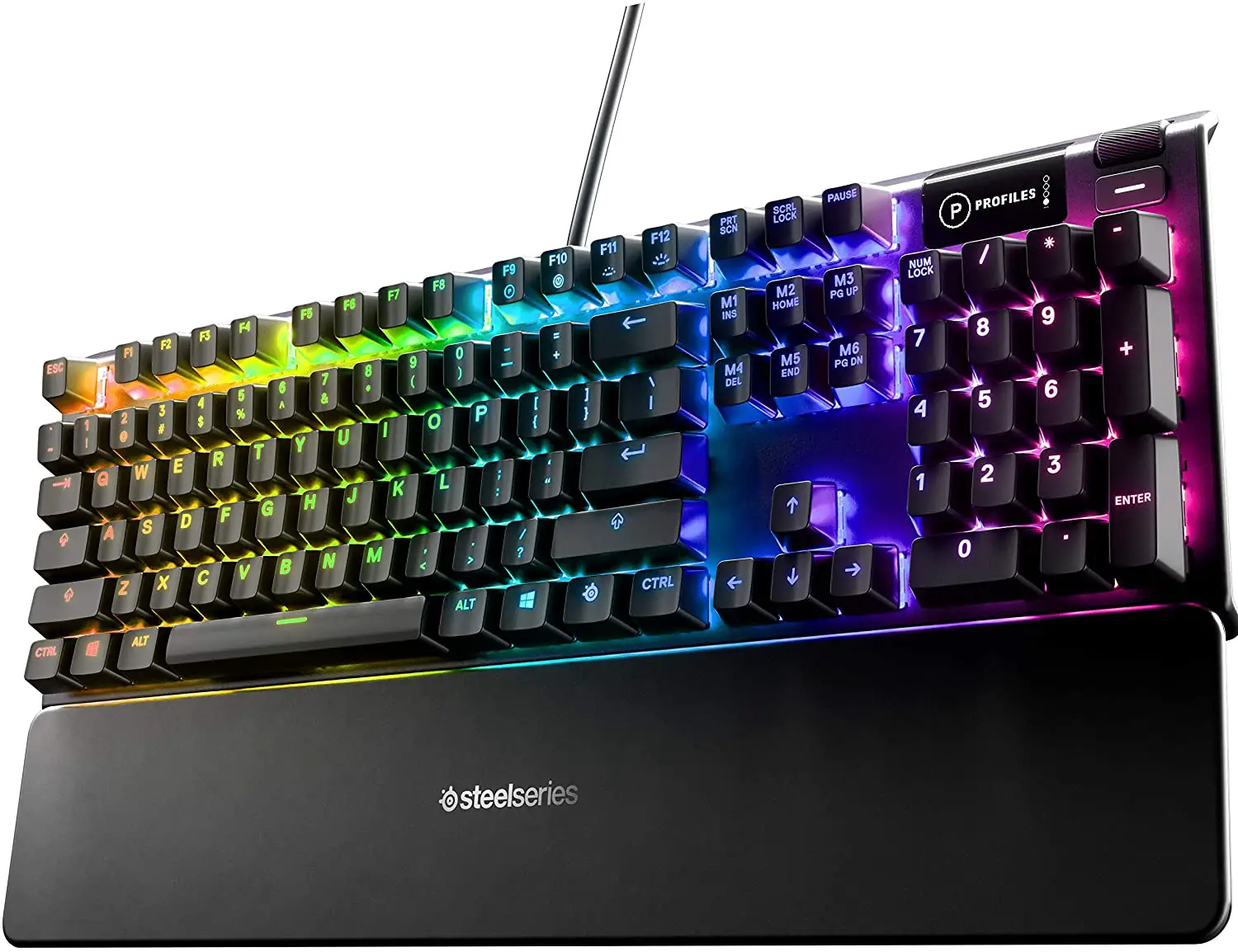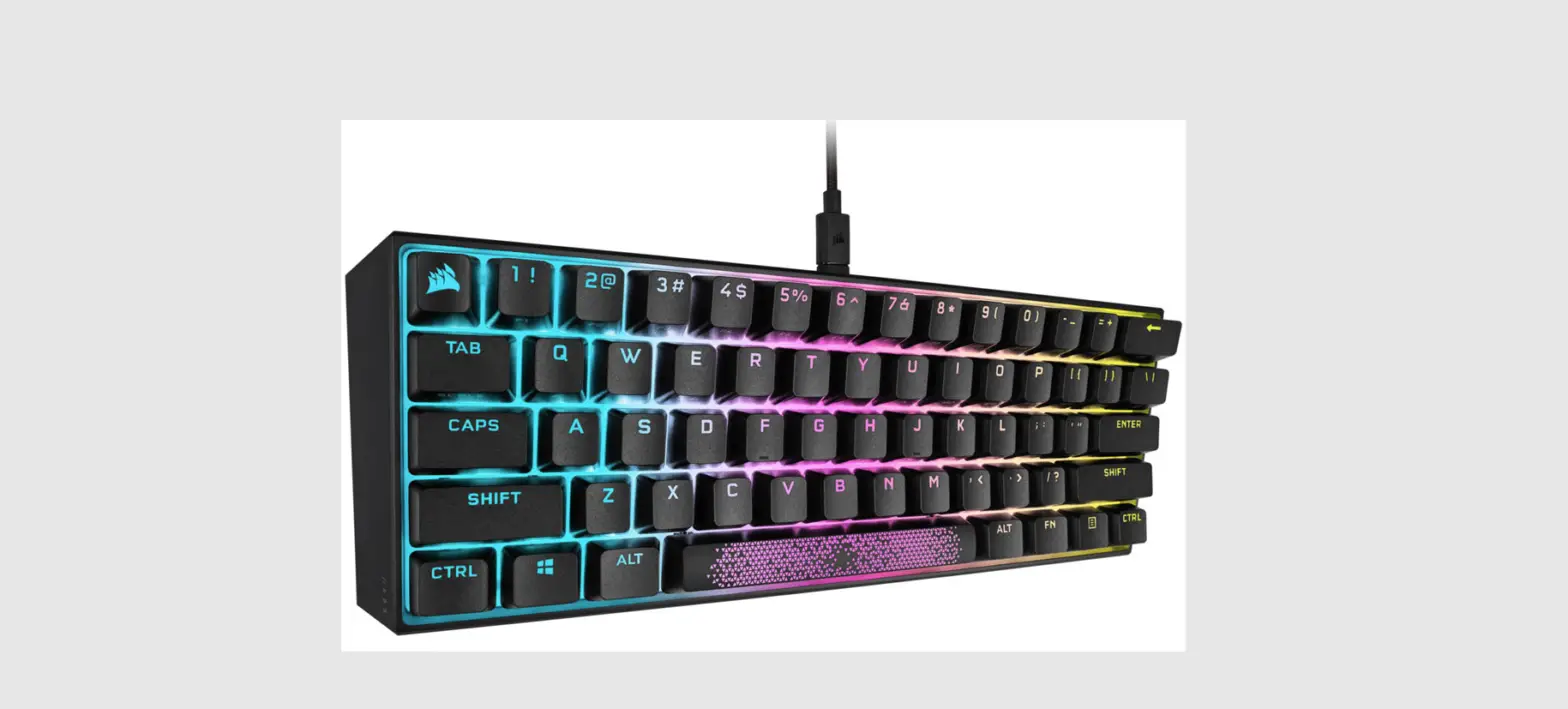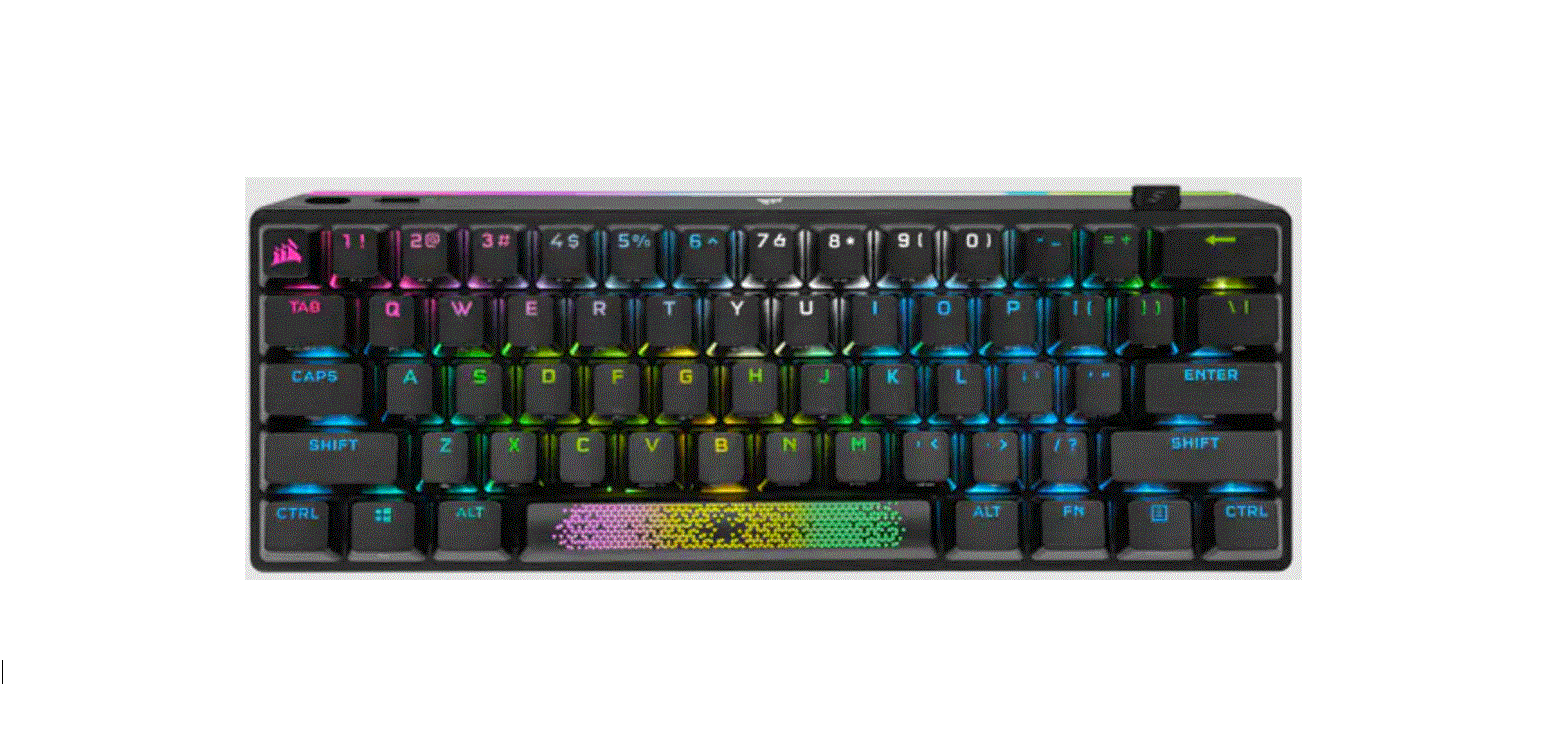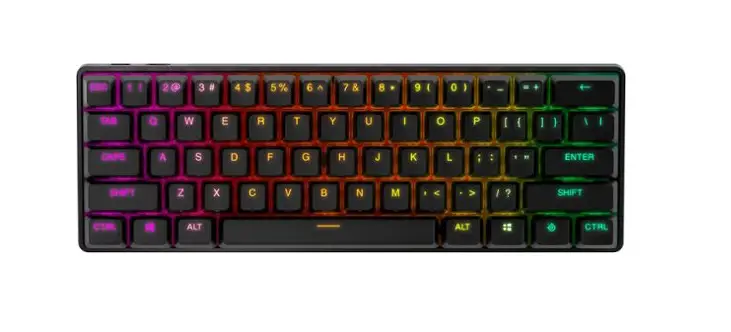
 SteelSeries Apex Pro Mini Wireless compact gaming keyboard
 SteelSeries Apex Pro Mini Wireless compact gaming keyboard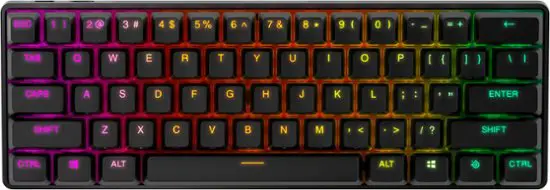
PACKAGE CONTENTS
- Apex Pro Mini Keyboard
- Detachable Braided USB-C to USB-A Cable Keycap Puller
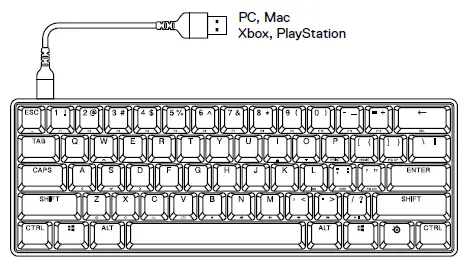
SYSTEM COMPATIBILITY
- PC
- Mac
- Xbox
- PlayStation
SOFTWARE
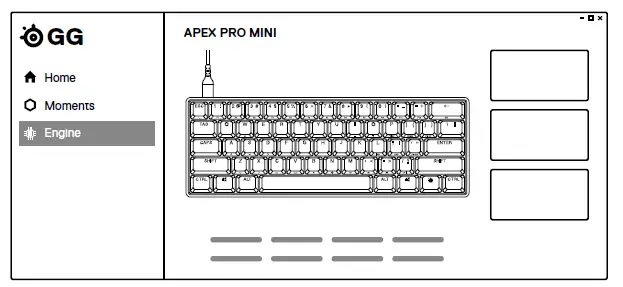 Use Engine inside SteelSeries GG to customize your lighting, macros and more.
GG also has other amazing apps like Moments, which makes it easier and faster to clip and share highlights with friends.
PRODUCT OVERVIEW
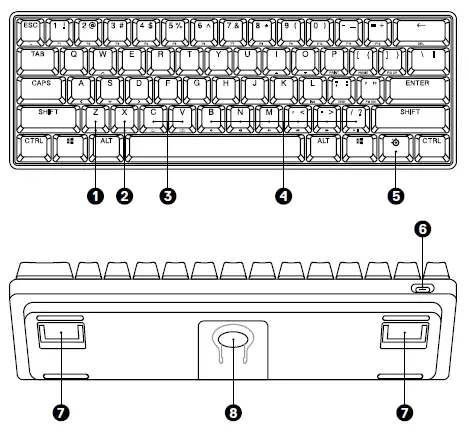
KEYBOARD
- Profile Switching Key
- On-the-fly Macro Recording Key
- Illumination Brightness Keys (Up / Down)
- Multimedia Keys
- SteelSeries Function Key
- USB-C Jack
- Tri-Level Feet
- Keycap Puller Socket
 ACCESSORIES*
 - USB-C to USB-A Cable*
- Keycap Puller (located on bottom of keyboard)
 ACCESSORIES*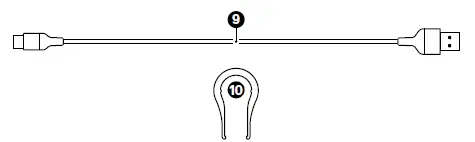
SETUP
CONNECTION
FUNCTIONS
OMNIPOINT ADJUSTABLE ACTUATION
 Press the SteelSeries Function Key (5) + (I / Up) or (O / Down) to adjust the actuation distance for all keys.
PROFILE SWITCHING 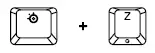 Press the SteelSeries Function Key (5) + Profile Switching Key (1) repeatedly to cycle through the profiles.
ON-THE-FLY MACRO RECORDING 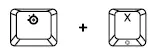
- Press and hold the SteelSeries Function Key (5) + Macro
Recording Key (2) for 2 seconds to start recording. - Type your desired key combinations.
- Press the SteelSeries Function Key (5) + Macro Recording Key (2) to end Macro Recording.
- The Macro Recording Key (2) will now be flashing, press the key you want to assign the Macro to.
ILLUMINATION BRIGHTNESS CONTROL
 Press the SteelSeries Function Key (5) + Illumination Brightness Keys (Down) (3) to reduce Illumination Brightness.
Press the SteelSeries Function Key (5) + Illumination Brightness Keys (Up) (3) to increase Illumination Brightness.
SWAPPABLE KEYCAPS
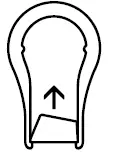
Each Keycap on the Apex Pro Mini can be removed and replaced. Use the Keycap Puller (10) located on the bottom of your Keyboard to easily pull off each Keycap. Replacement and additional designer Keycap Sets are available for purchase on steelseries.com
 learn more at steelseries.com
 SteelSeries GG | Connect with your people, gear and game | SteelSeries
 Official Site - For Glory | SteelSeries
 Official Site - For Glory | SteelSeries