
Shenzhen Itian Technology A7 Wireless Charger
ABOUT MAGNET
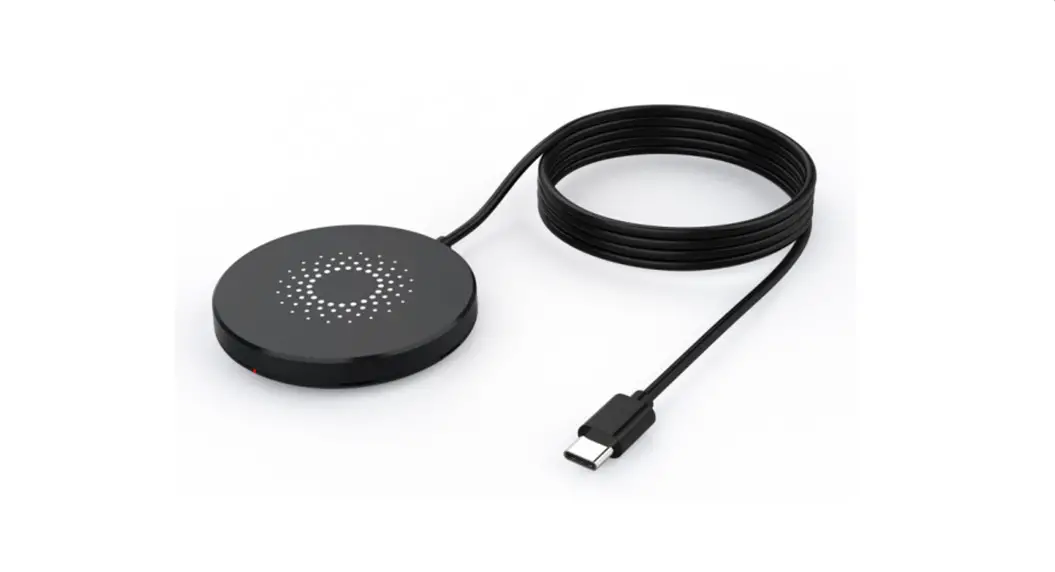
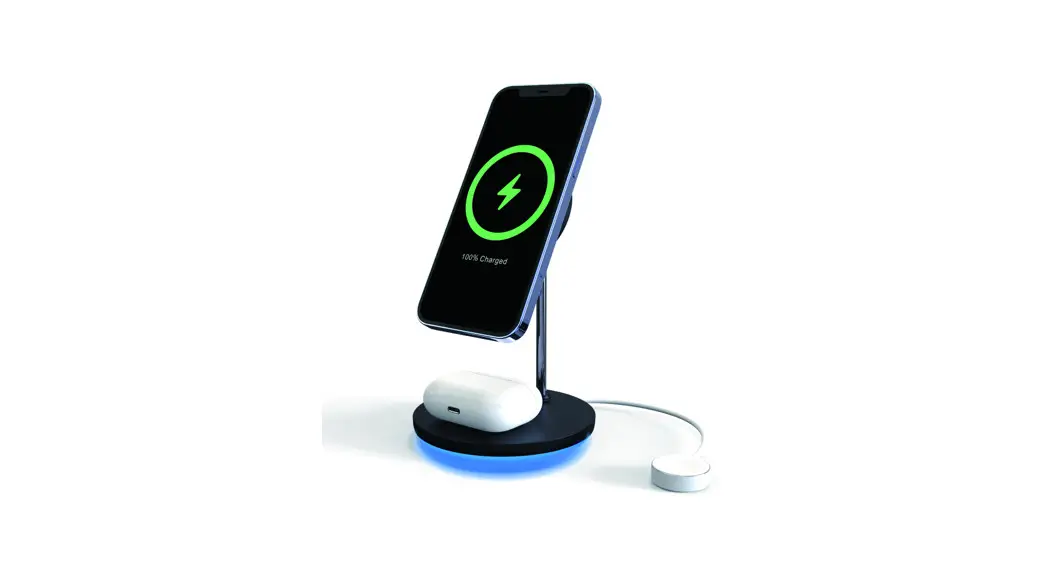
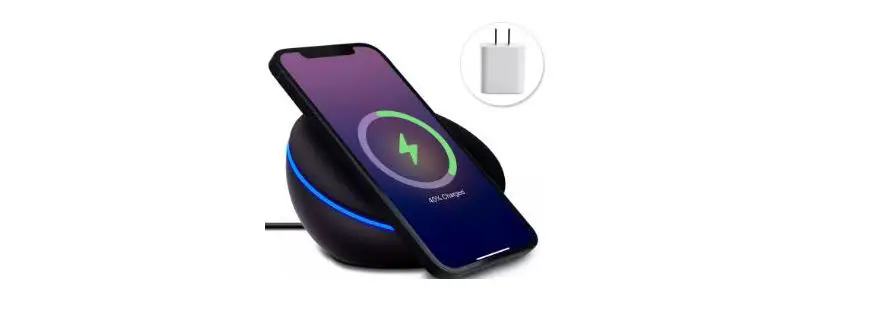
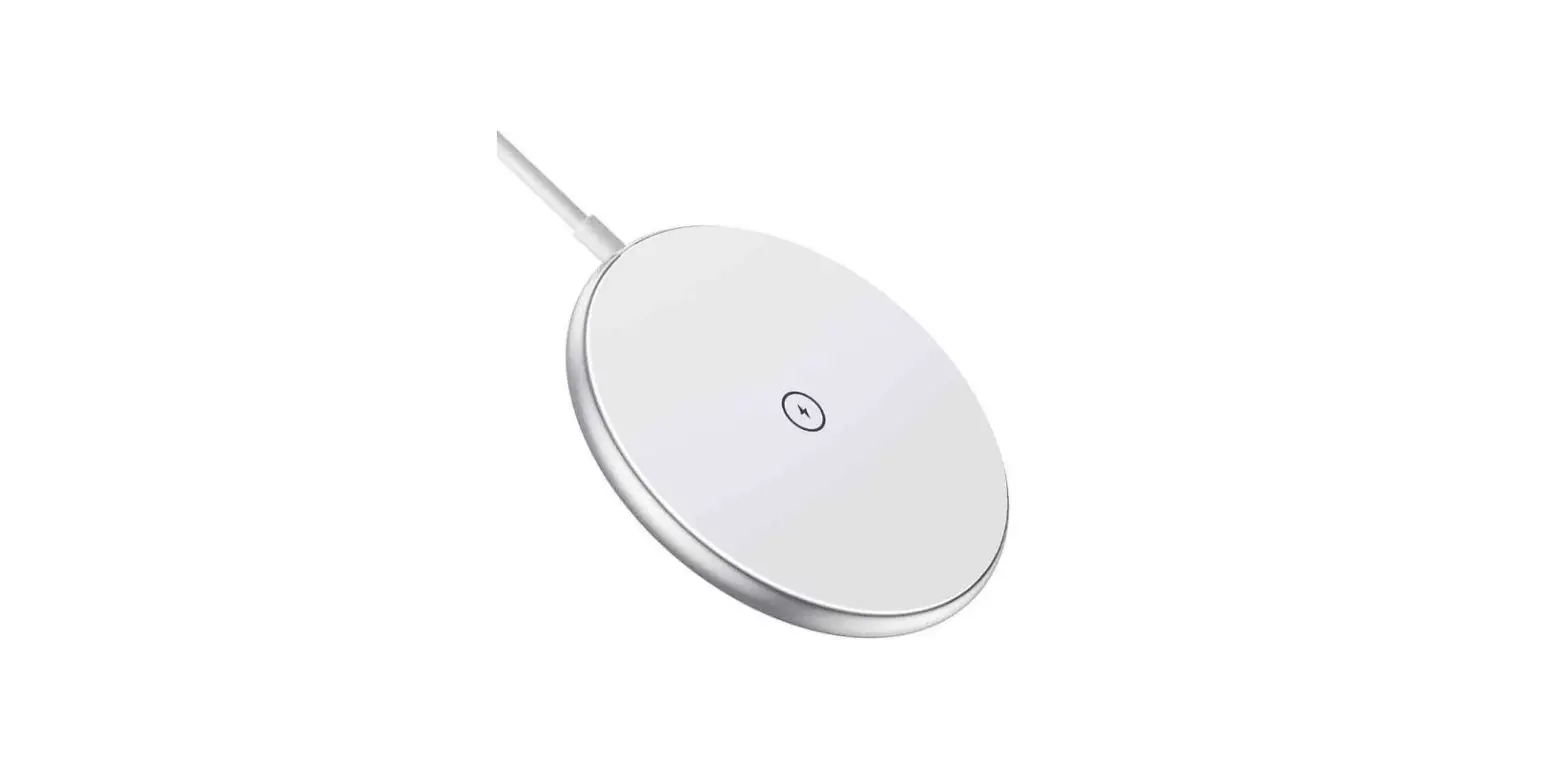
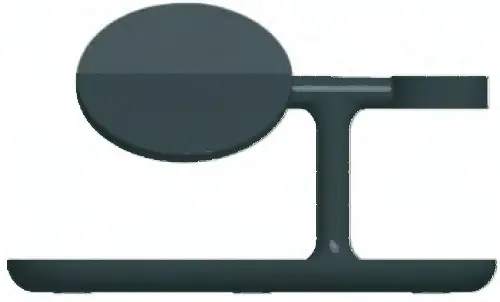
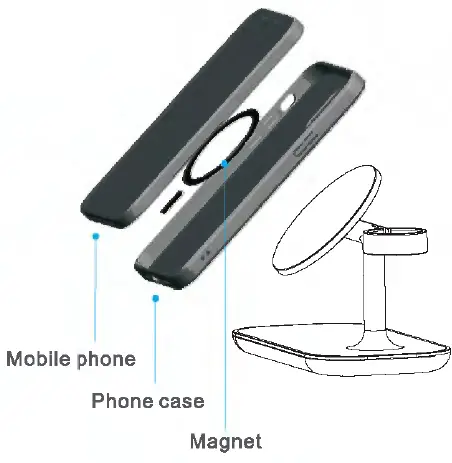
This wireless charger is designed attracted-magnetically, iPhone12 series mobile phone can be attracted instantly. Please use Magsafe phone case for perfect attracting and wireless charging if you need a protective case.
Tips:
Magsafe phone case need to be purchased separately.
ABOUT ADAPTER
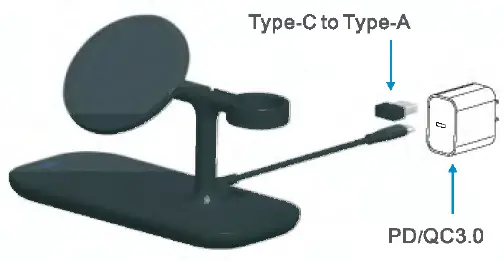
The Max Output: Apple7.5W, Samsung 1 OW. Please use PD or QC 3. 0 adapter. The wireless charging can be SW only if chasing a 5V2A adapter
Tips:
- PD/QC 3.0 adapter need to be purchased separately.
- Do not use output of 5V1Aadaptor, 5W lowpower adaptor will make wireless charger to work unsteadily.
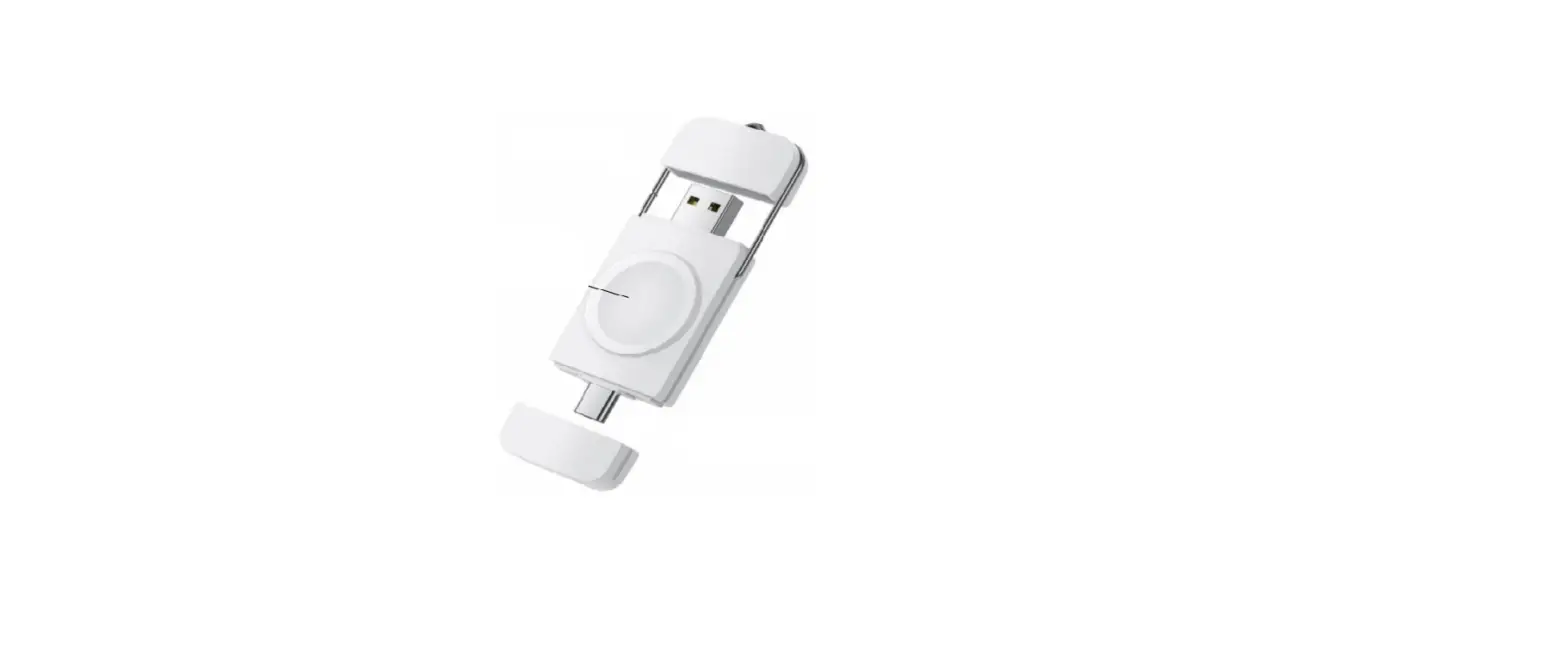
About steps to assemble Apple watch magnetic charger cable
Disassemble back-case.
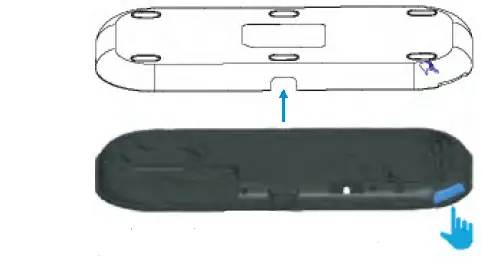
Take it apart with your fingernail, and the rest of parts can be opened gently by a fingernail
Apple watch magnetic charger cable layout 1.
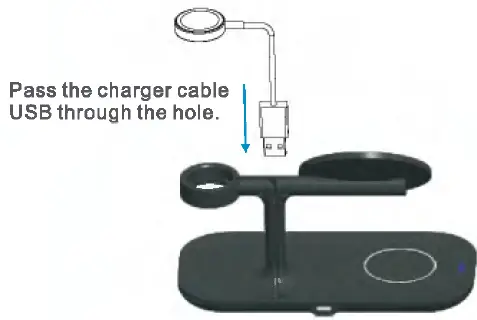
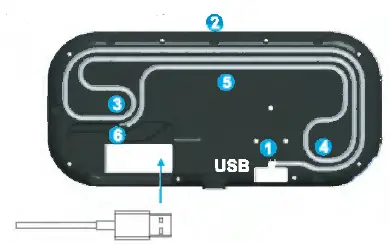
Apple watch magnetic charger cable layout 2.
Take charger cable in the groove by following 1-6 order, insert the USB into the PCBA, buckle the back case, as shown in the picture, The whole charger cable layout is finished.
ABOUT AIRPODS
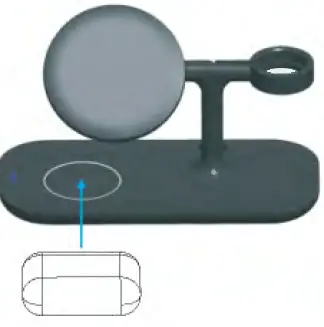
Put the aripods in the center of the charging area for wireless charging.
About PU silicone
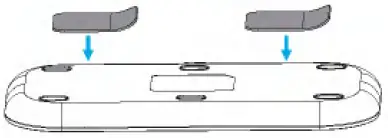
In addition, we included two pieces of PU silicone, which you can stick on the back of the product so that you can pick and place the phone with one hand.
LED indicator light
- White light: Standby
- Blue light: Charging
- Red light flash; Error
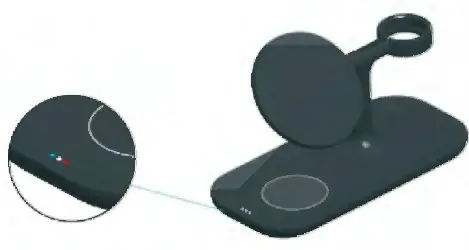
While LED light and blue LED light will be darken after 5 minutes, not influence your sleep.
Product Specification
Fast Wireless Charger
- Input: 5V-2A/9V
- 1.67A/12V=1.5A
- Output:5V-1.0A/9V-1.20A , Charging Efficiency: 70%
- Working frequency:1 10.SK-205K
The LED light turns red during wireless charging to indicate a charging failure.
The following situation can cause failures, like charging slowly, stop charging, over-temperature for charging position.
- The adapter is not run up to standard (No PC USB oulput power supply),
- The charging cable is not up to standard.
- The phone case is too thick ( within 2mm thickness phone case recommended ).
- There Is metal on the back of cell phone or phone case.
- Smartphone does not support wireless charging function.
Attention
- Please keep the charger away from water or other liquid.
- If you need to clean the charger, please make sure it is not connected lo power supply.
- Using Environment temperature remains -20-45’C.