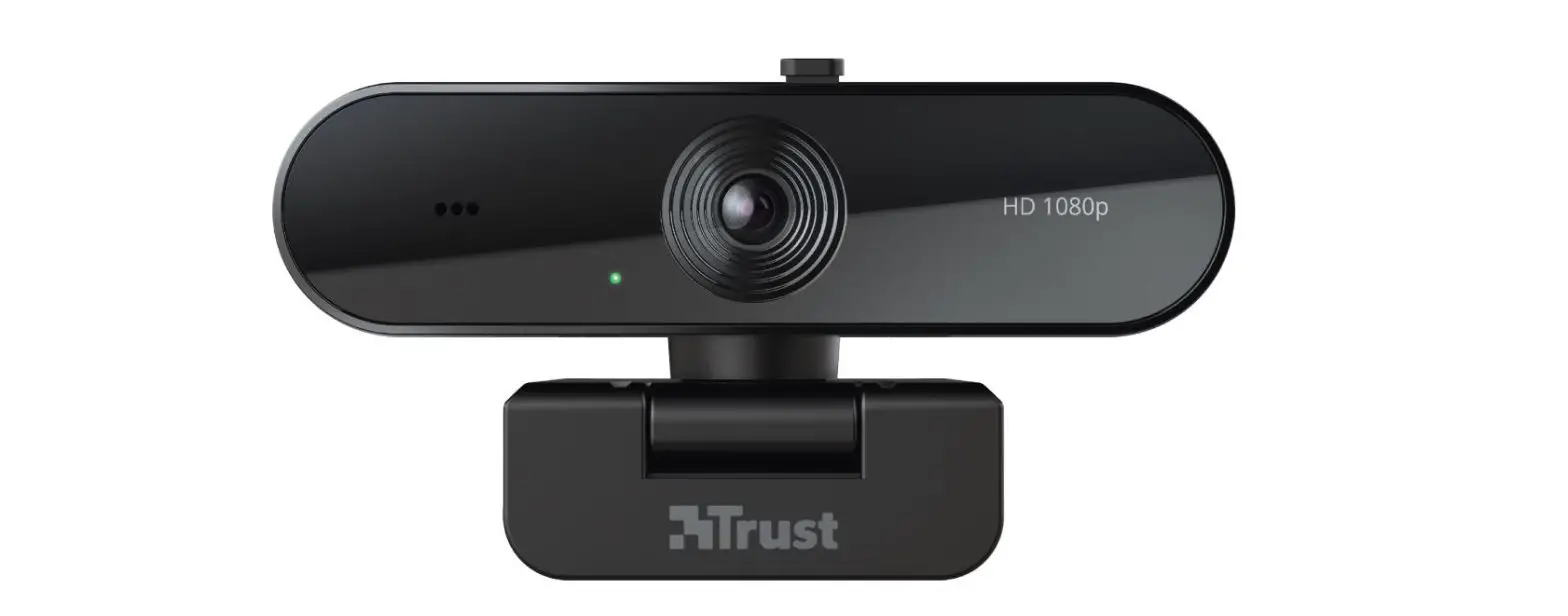
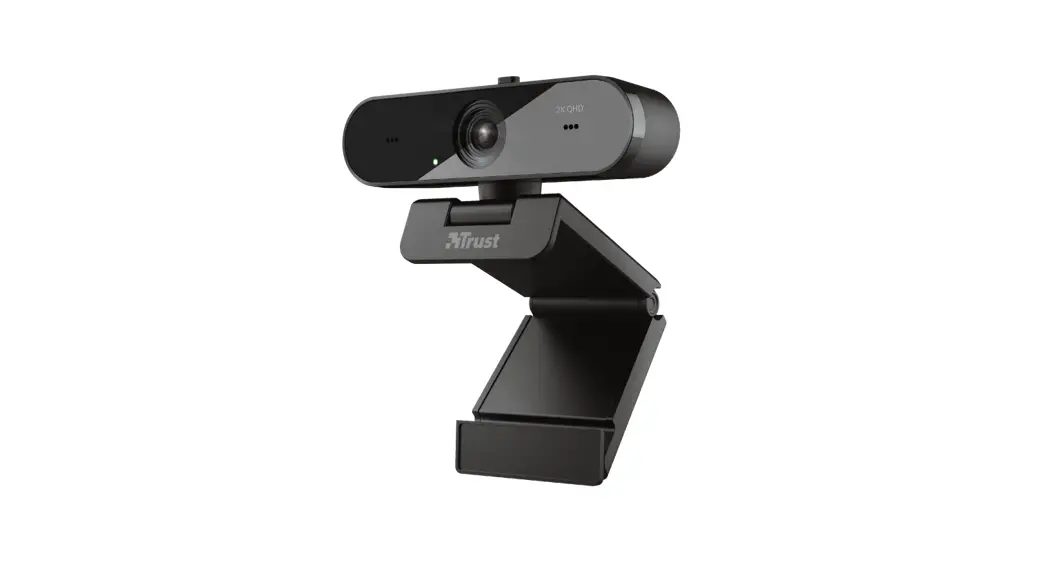
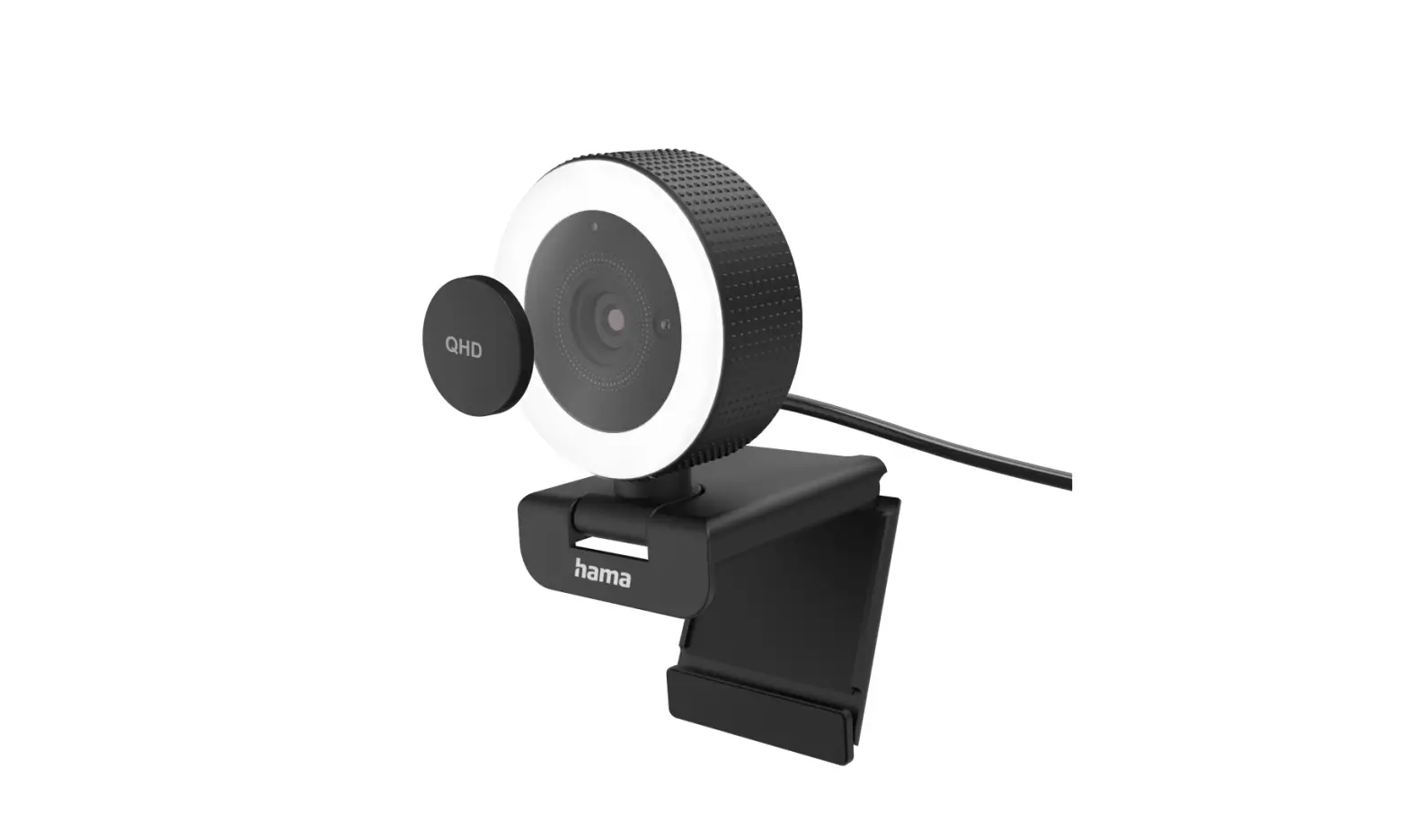
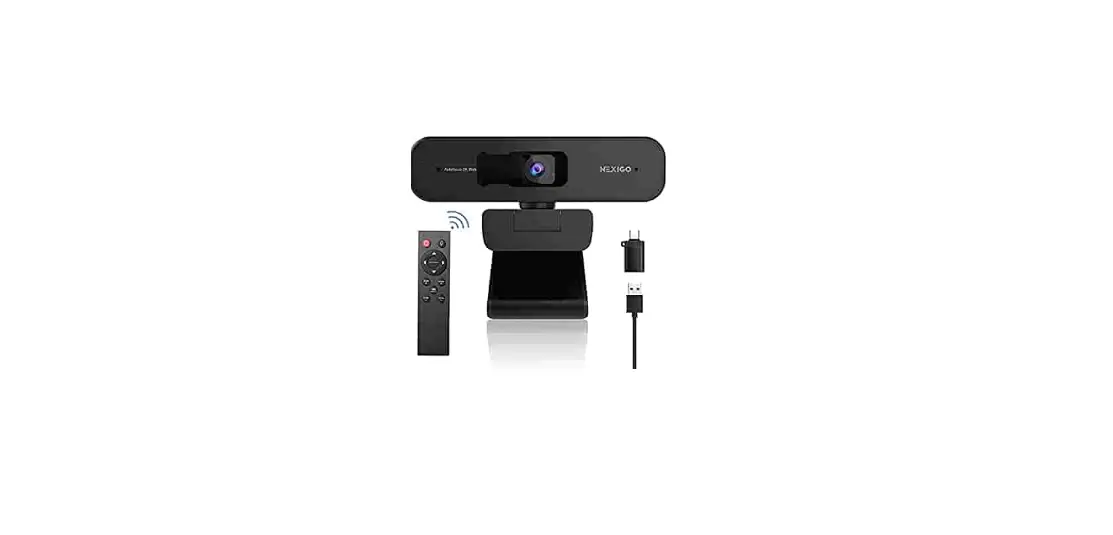
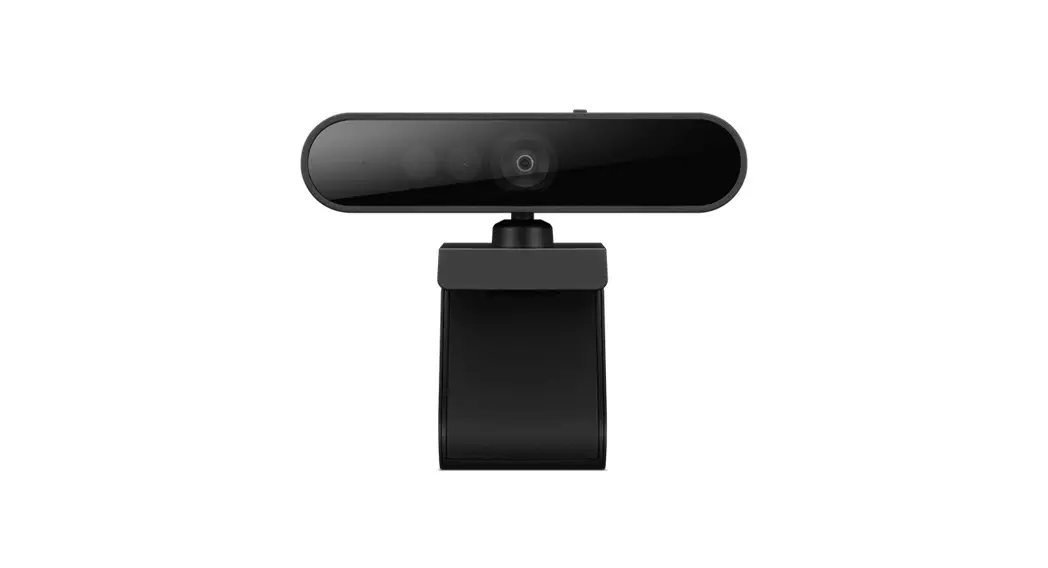
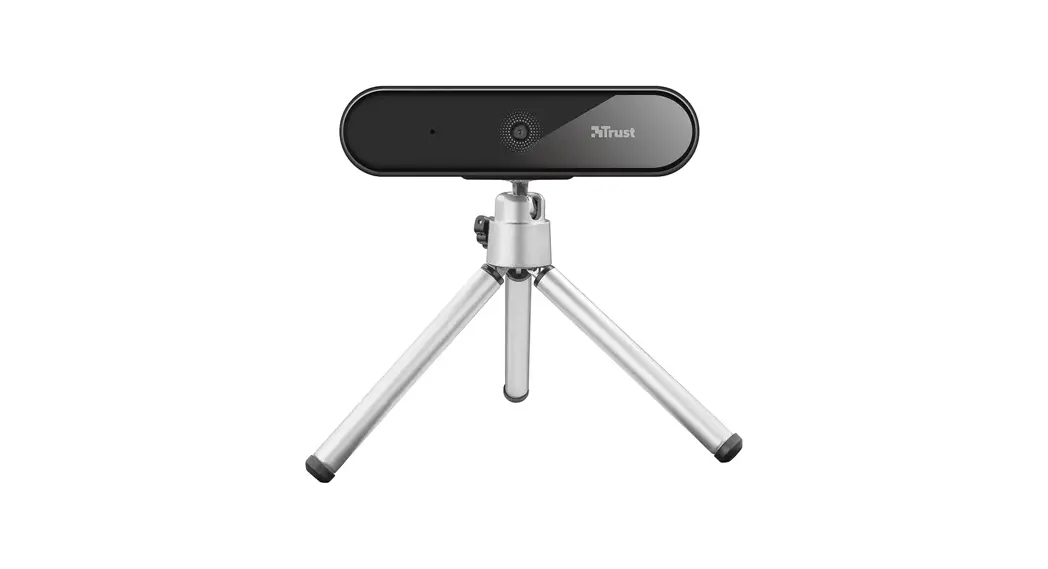
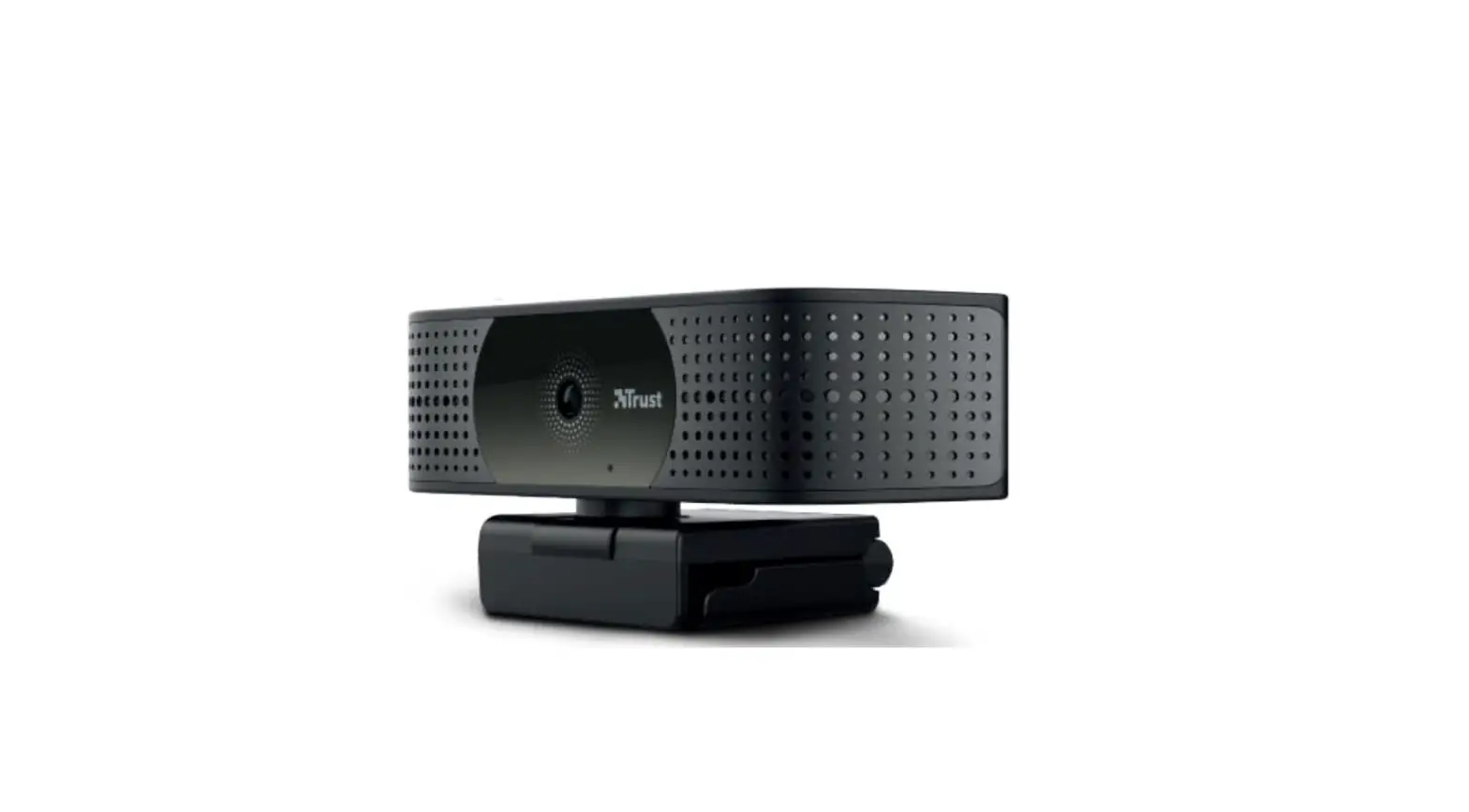
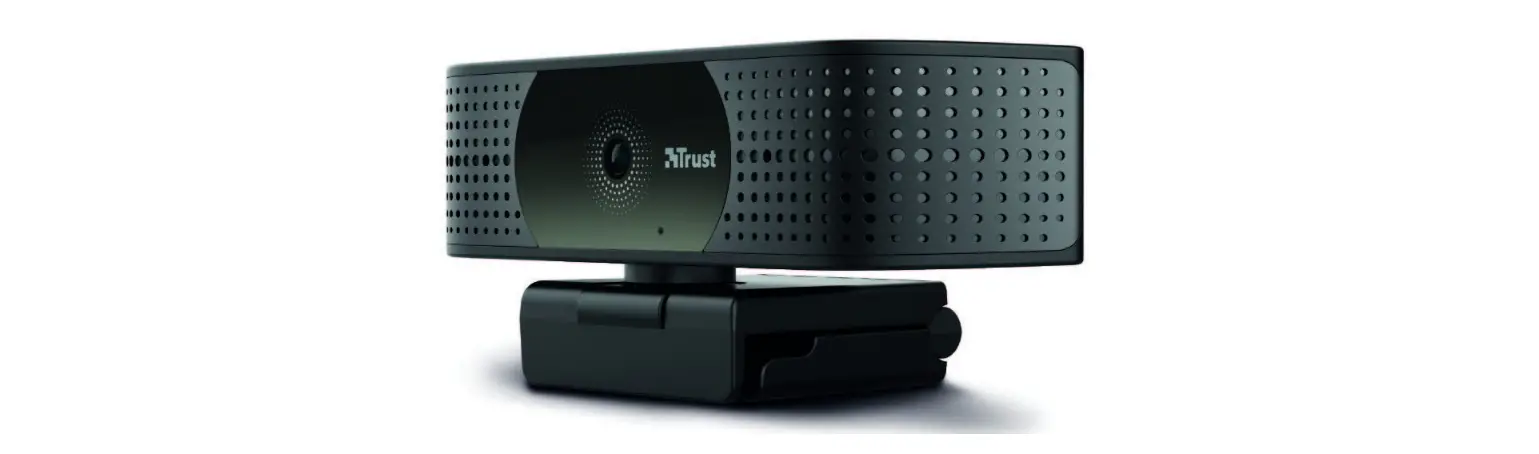
TW-250 Webcam QHD Webcam
Product Information:
Thank you for choosing Trust! We are dedicated to simplifying
everyday life with our clever solutions. Our QHD Webcam, model
TW-250, is designed to enhance your video communication experience.
It offers high-quality video resolution to ensure clear and sharp
images during video calls and recordings. The webcam is equipped
with advanced features to deliver an exceptional user
experience.
Product Usage Instructions:
- Connecting the Webcam: Connect the webcam to
your computer using the provided USB cable. Make sure the cable is
securely plugged into both the webcam and the USB port of your
computer. - Powering On the Webcam: Press the ON button
located on the webcam to power it on. The LED indicator will light
up to indicate that the webcam is ready for use. - Adjusting Webcam Position: Place the webcam on
top of your computer monitor or any stable surface. Adjust the
angle and position of the webcam to frame yourself properly within
the video frame. - Software Installation: Visit our website at
www.trust.com/24733/FAQ to
download and install any necessary software or drivers for the
webcam. Follow the instructions provided on our website for a
smooth installation process. - Using the Webcam: Once connected and powered
on, you can use the webcam with various video communication
applications such as Skype, Zoom, or Microsoft Teams. Open your
preferred application and select the webcam as the video input
device. Enjoy high-quality video calls and recordings with our QHD
Webcam.
Please remember to consider the environment when disposing of
the product’s packaging. For any further assistance or
troubleshooting, refer to the user guide provided with the product
or visit our website mentioned above.
Thank you, and very clever of you to choose Trust! We simplify everyday life with clever solutions.
We hope you enjoy your new product. Please consider the environment when disposing
of this product’s packaging.
WWW.TRUST.COM/24733/FAQ
Trust International BV – Laan van Barcelona 600 – 3317DD, Dordrecht, The Netherlands ©2022 Trust All rights reserved.
TW-250
USER GUIDE
QHD Webcam
Bedienungsanleitung | Mode d’emploi | Gebruikershandleiding | Manuale utente | Manual del usuario | Guia do utilizador | Brukerveiledning | Bruksanvisning | Käyttöopas | Brugsvejledning | Instrukcja obslugi | Návod k pouzití | Návod na pouzívanie | Használati útmutató | Manual de utilizare | | | Kullanici kilavuzu | | Uporabniski prirocnik | Korisnicki prirucnik | Guia do usuário |
1.
2.
3.
ON
 Trust.com - TW-250 QHD Webcam Eco