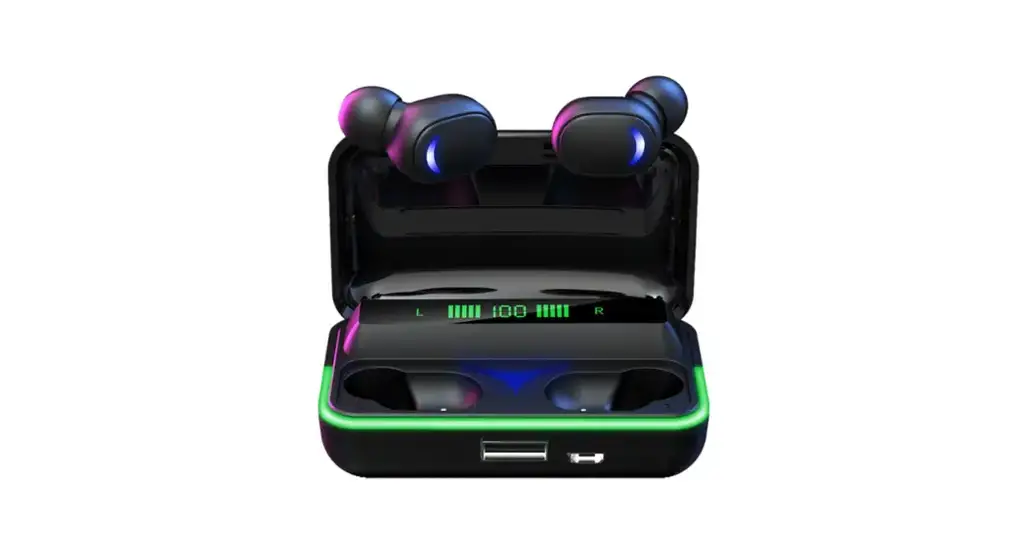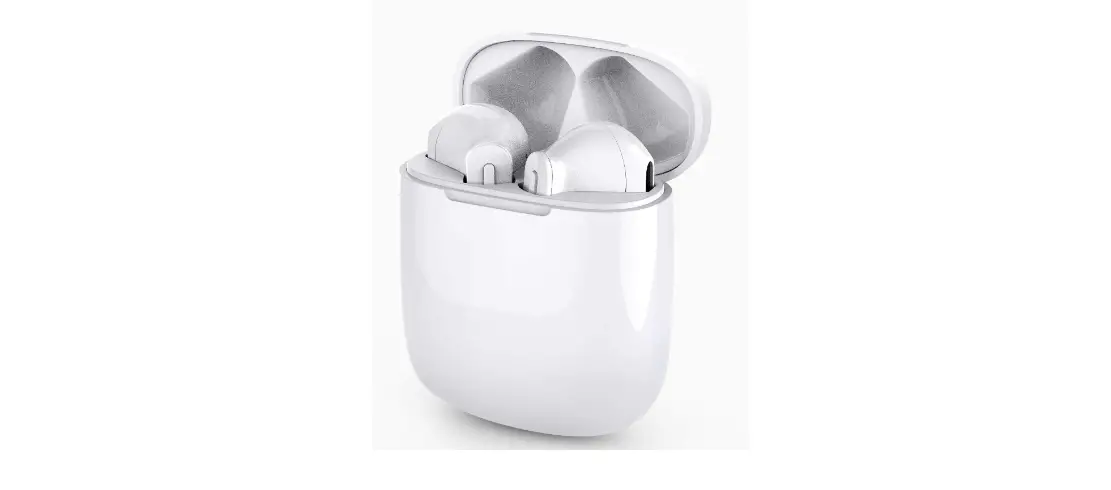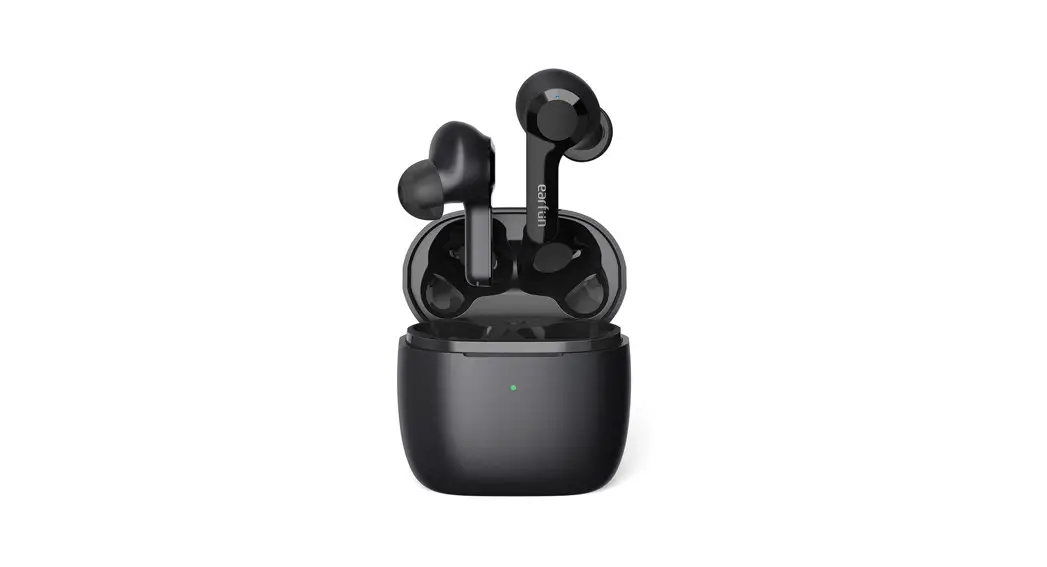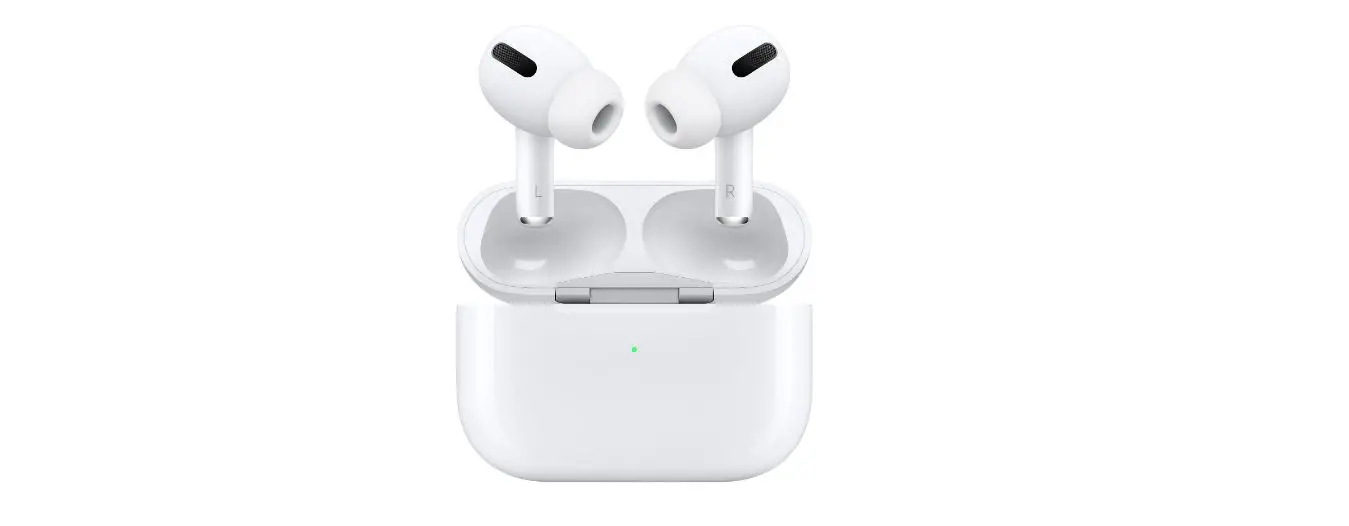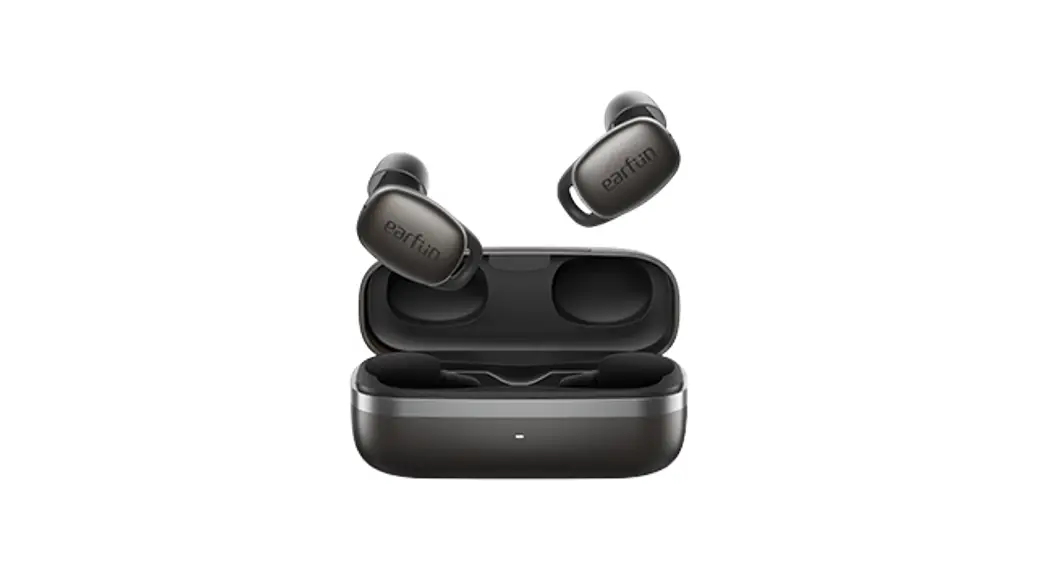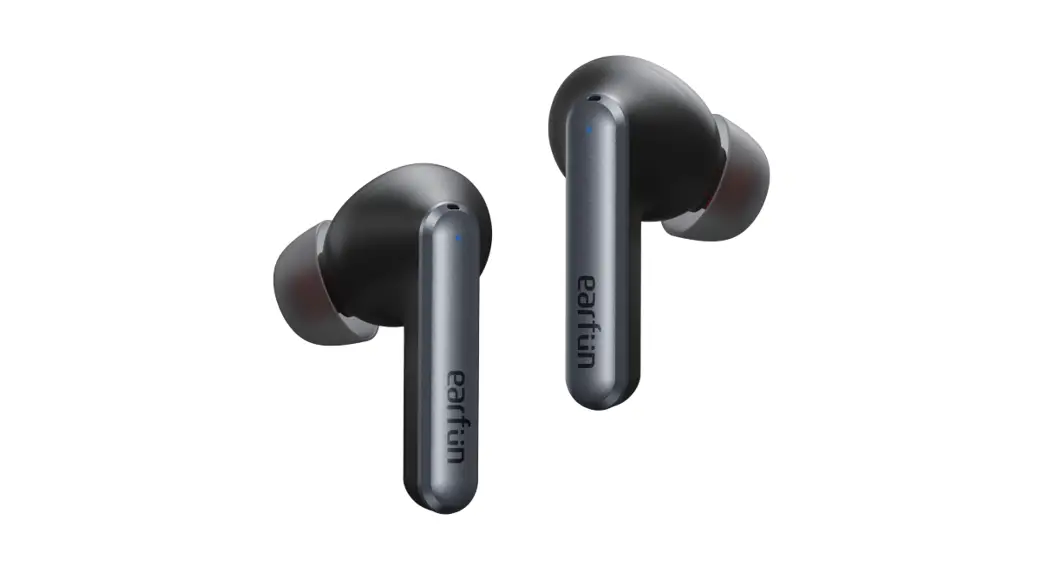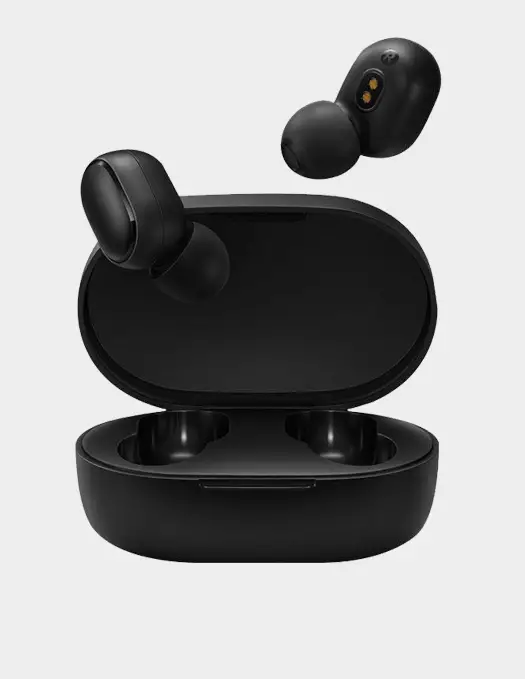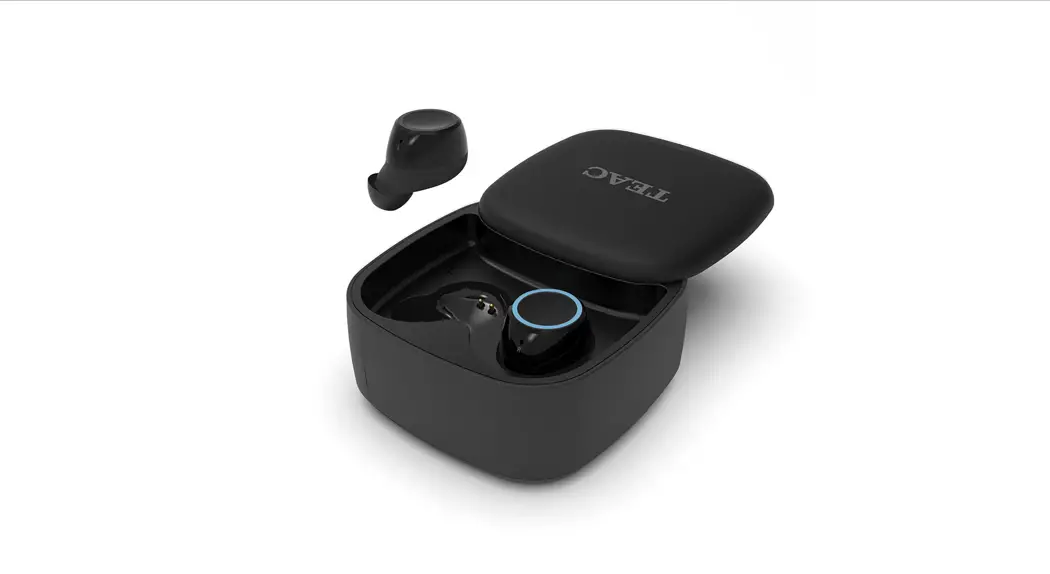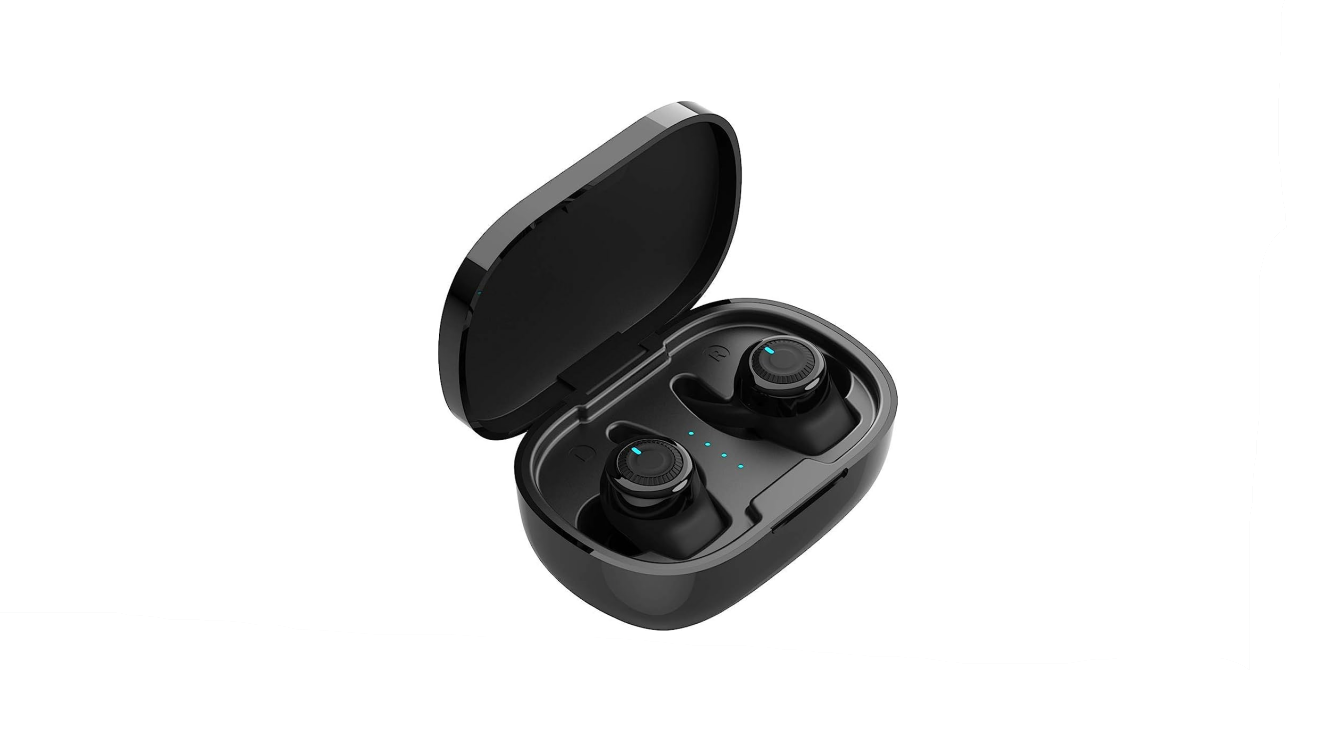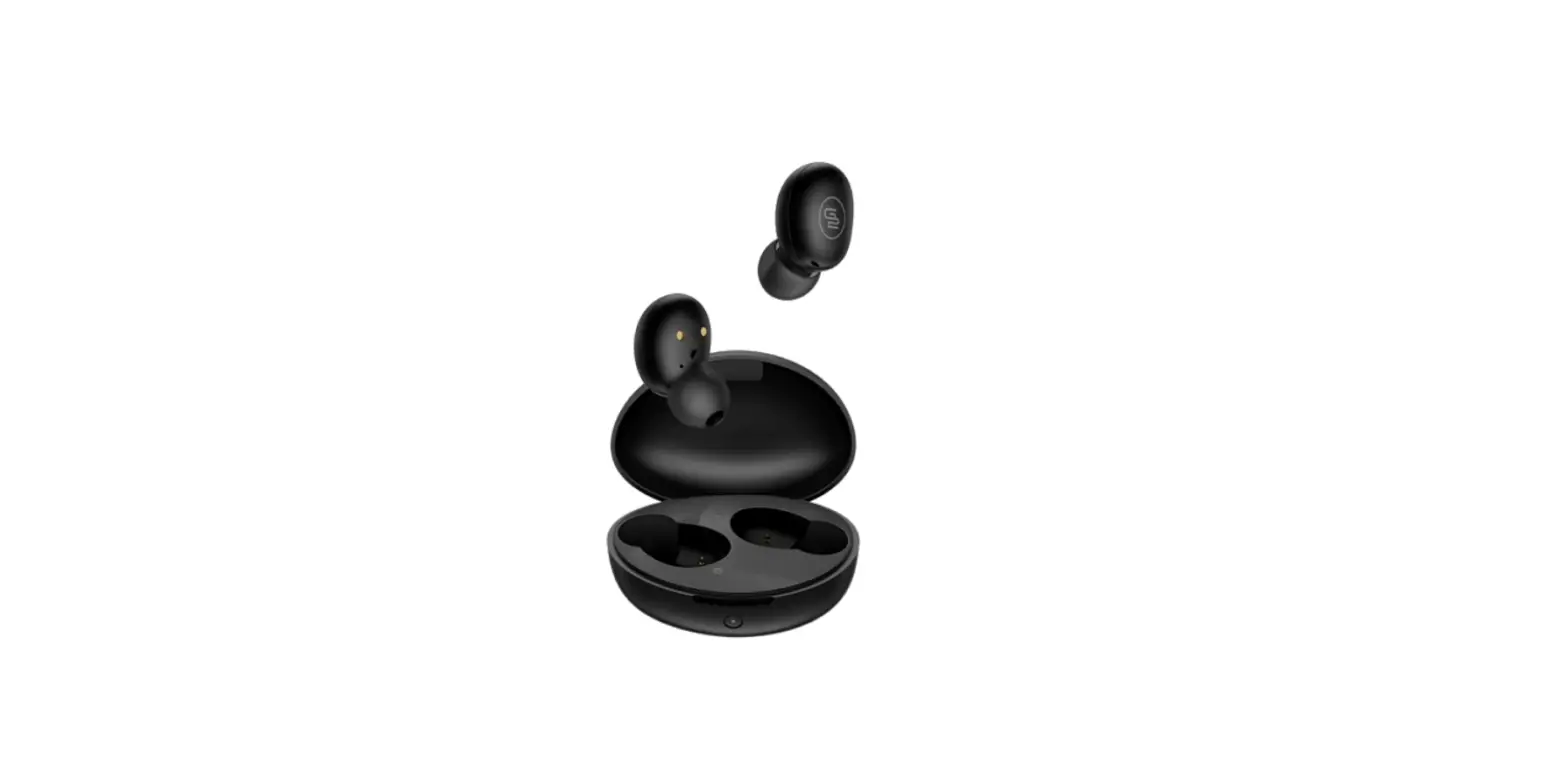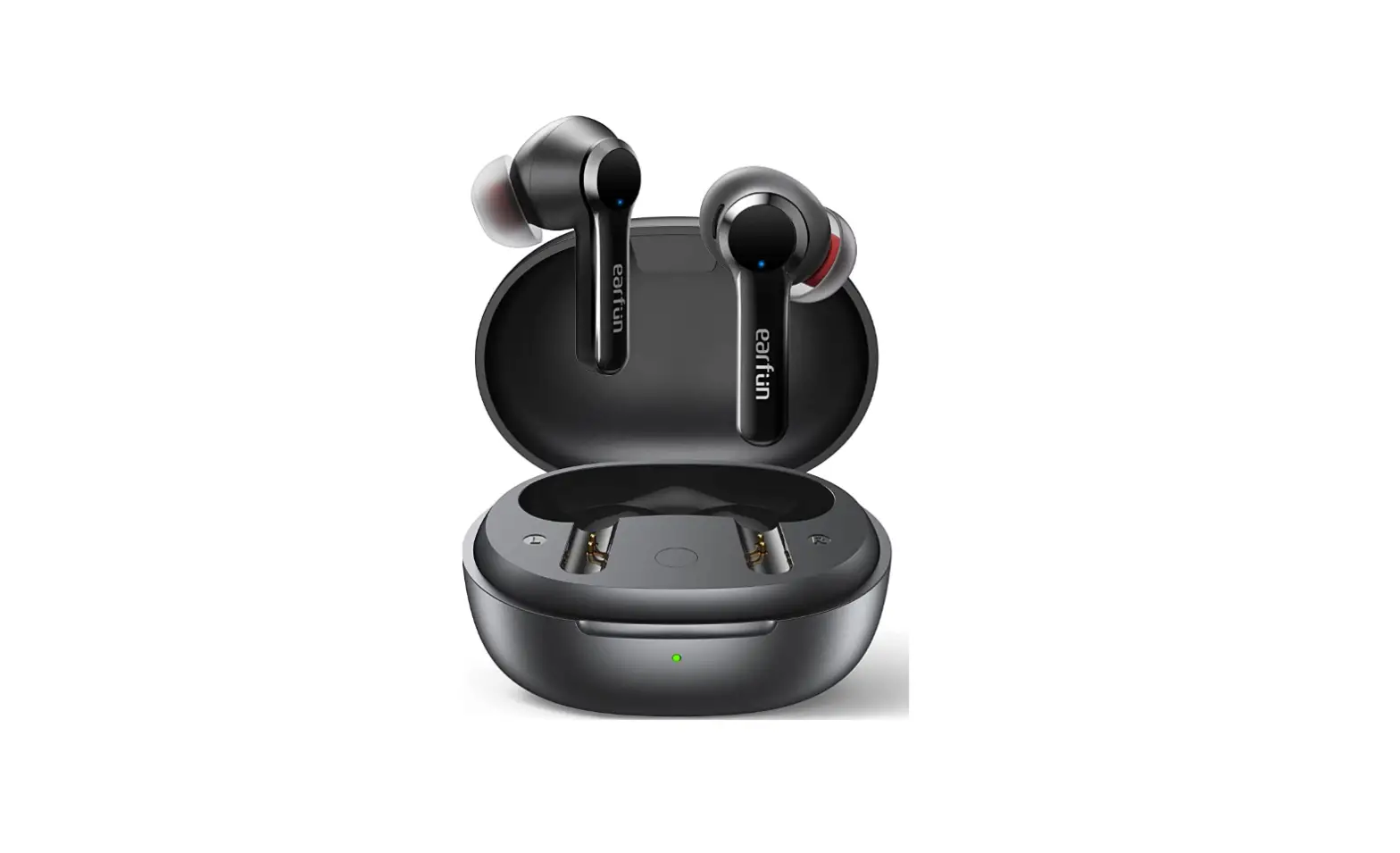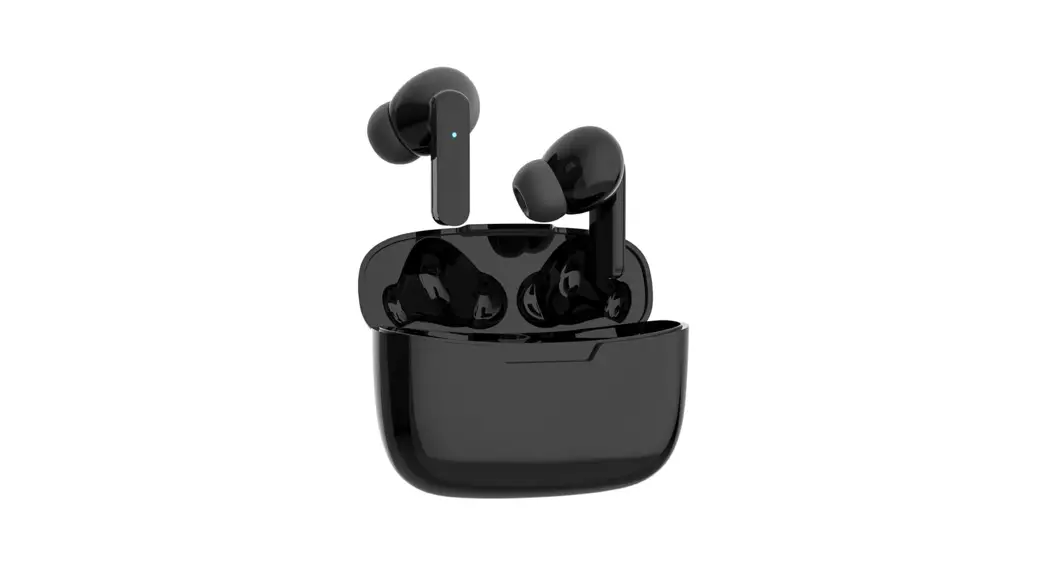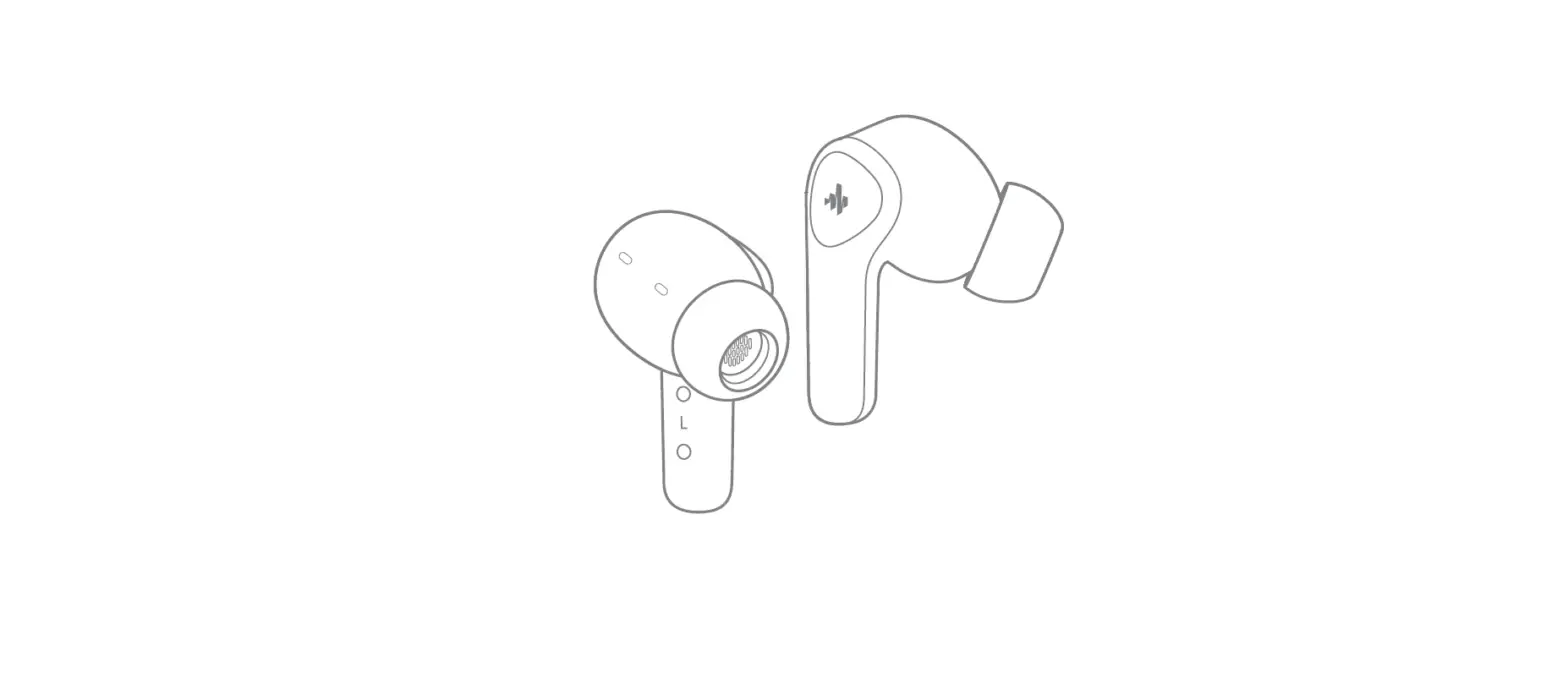

DONNER Dobuds One ANC True Wireless TWS Earbuds
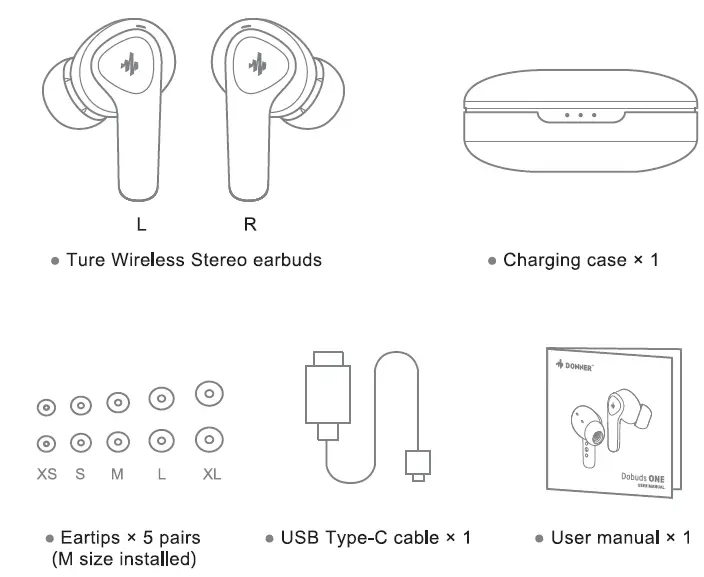
IN THE BOX
Donner Control APP
For more functions and detailed operations, please download the Donner Control App for experience. Scan QR code to get the app!
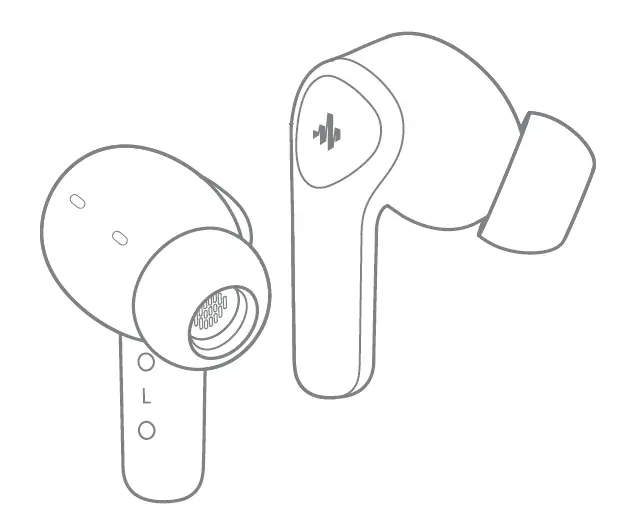
PRODUCT OVERVIEW
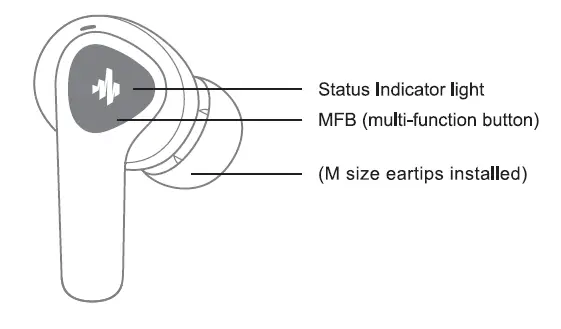
Earbud:
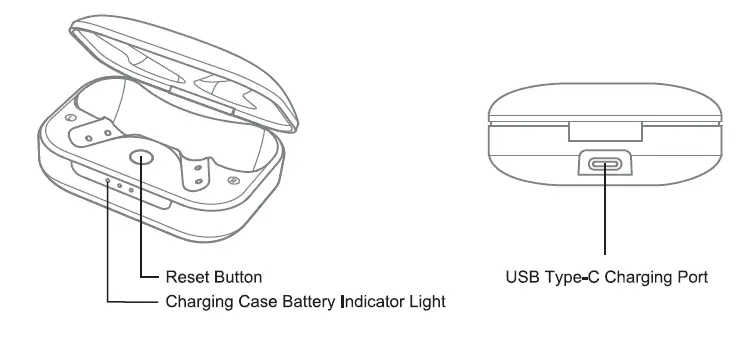
Charging Case
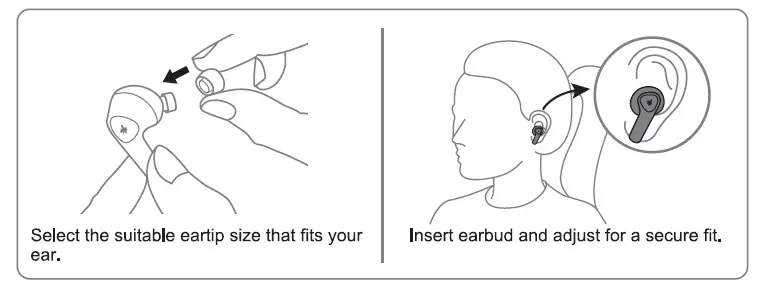
WEARING
CHARGING
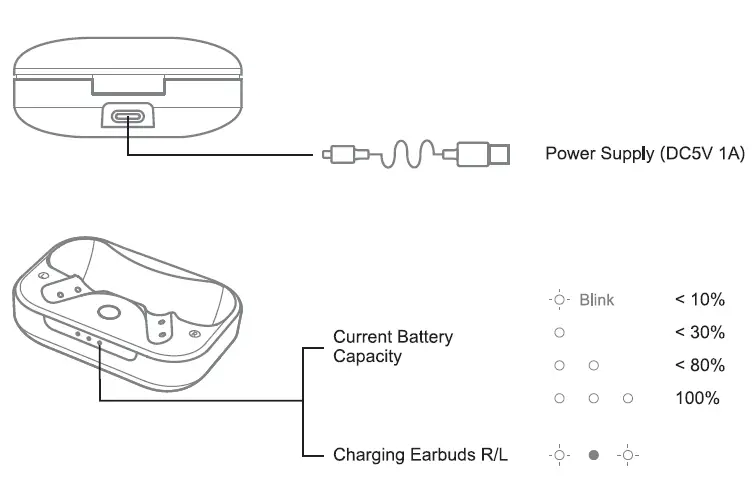
Fully charge the battery before using the earbuds for the first lime or when they have been unused for extended periods.
BLUETOOTH PAIRING
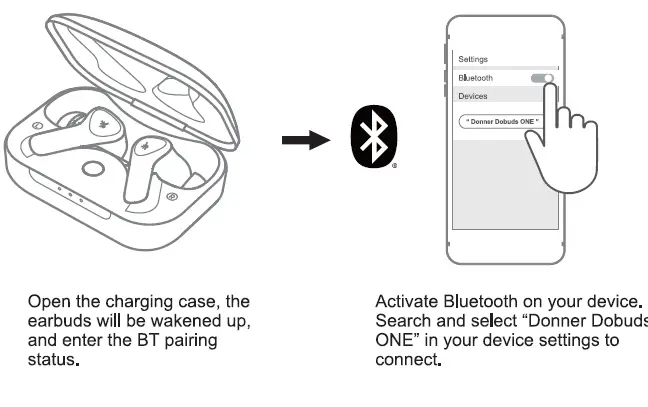
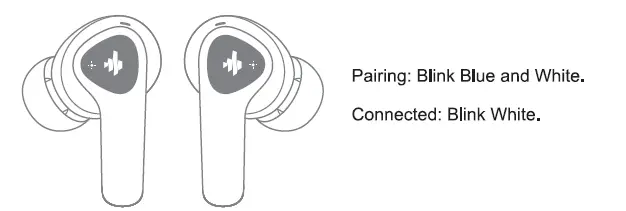
CONTROLS
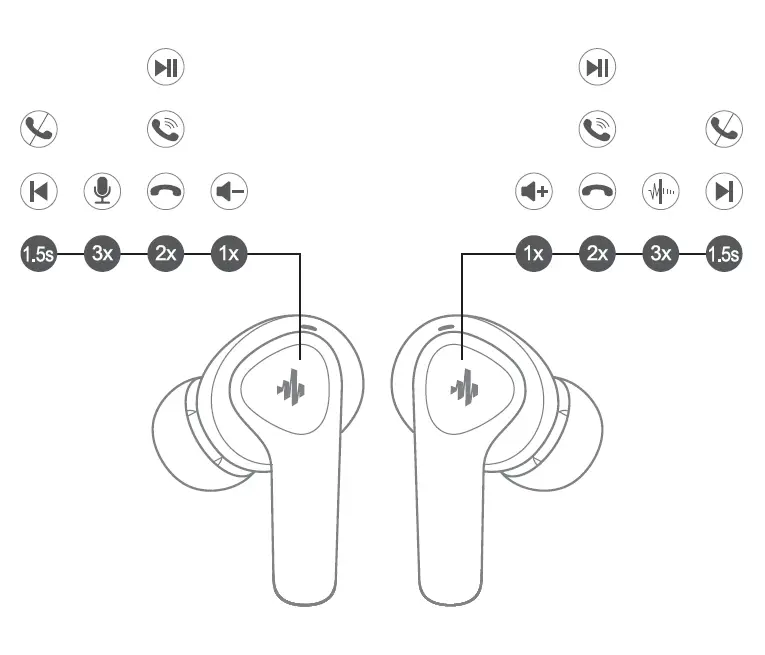
 | Power On | Auto: Take out from the charging case Manually: Tap and hold the MFB for 1s |
 | Power Off | Auto: Place back into charging case |
 | Play/Pause | Double-tap the MFB |
 | Volume- | Single tap the left MFB |
 | Volume+ | Single tap the right MFB |
 | Previous Track | Press and hold left MFB for 1.5s |
 | Next Track | Press and hold right MFB for 1.5s |
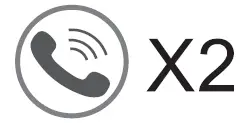 | Answer A Call | Double-tap the left/right MFB |
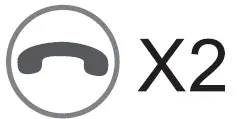 | Hang Up A Call | Double-tap the left/right MFB |
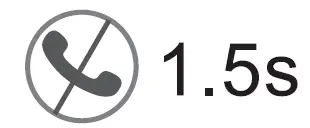 | Reject A Call | Long press the left/right MFB for 1.5s |
|
| Mode Switch | 1. To switch ANC mode/Transparency mode/ Normal mode, triple-tap the right MFB. 2. The ANC can be adjusted through Donner App. |
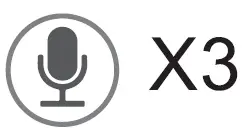 | Activate /Off Voice Assistant | 1. Triple-tap the left MFB when the TWS connection succeeded. 2. Triple-tap the left/ right MFB when in single-earbud mode. |
Note: Earbud will automatically power off if it fails to connect with any mobile phone or other compatible devices within 3 minutes after the TWS connection is on.
RESET
Try the following steps if the earbuds cannot properly pair with each other or with other devices.
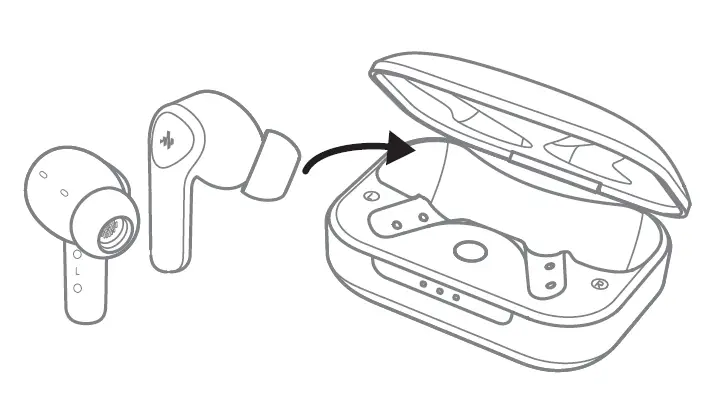
- Place the earbuds in the charging case and leave the case open.

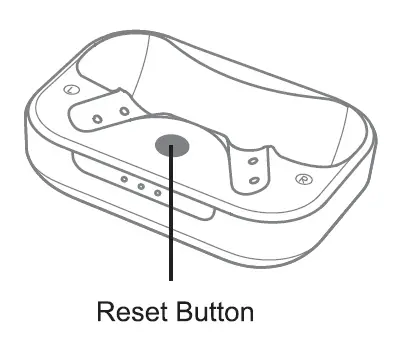
- Press and hold the reset button on the case for 3s until both indicators blink in white and blue. Reset is completed.

SPECIFICATIONS
| Model | DTW-E10 | |
| Bluetooth Version | Bluetooth 5.2 | |
| Paired Name | Donner Dobuds ONE | |
| Operation Mode | Touch control | |
| Charging Port | Type-C | |
| Operating Range | 10m(No obstacles between) | |
| Talk/Play Time | Earbud | About 8H(ANC OFF) |
| About 6.5H(ANC ON) | ||
| With charging case | About 32H(ANC OFF) | |
| About 26H(ANC ON) | ||
| Charging Time | 1.5H | |
| Battery Capacity | 55mAH(Earbuds) | |
| 520mAH(Charging case) | ||
CAUTIONS
Hearing Comfort
To prevent damage to your hearing, please do not raise the volume too high. Listening to loud sounds for an extended period may cause temporary or permanent hearing loss.
Traffic Safety
Do not use headphones while walking, driving, or cycling, which may cause traffic accidents.
Placement
Do not store it in the following environments: Direct sunlight, high temperature, excessive humidity, excessive dust, and strong vibration.
FCC STATEMENT
Changes or modifications not expressly approved by the party responsible for compliance could void the usefs authority to operate the equipment. This equipment has been tested and found to comply with the limits for a Class B digital device, pursuant to Part 15 of the FCC Rules. These limits are designed to provide reasonable protection against harmful interference in a residential installation. This equipment generates uses and can radiate radio frequency energy and, if not installed and used in accordance with the instructions, may cause harmful interference to radio communications. However, there is no guarantee that interference will not occur in a particular installation. If this equipment does cause harmful interference to radio or television reception, which can be determined by turning the equipment off and on, the user is encouraged to try to correct the interference by one or more of the following measures:3
- Reorient or relocate the receiving antenna.
- Increase the separation between the equipment and receiver.
- Connect the equipment into an outlet on a circuit different from that to which the receiver is connected.
- Consult the dealer or an experienced radio/TV technician for help.
This device complies with part 15 of the FCC rules. Operation is subject to the following two conditions:
- this device may not cause harmful interference, and
- this device must accept any interference received, including interference that may cause undesired operation.This equipment complies with FCC radiation exposure limits setforth for an uncontrolled environment.
This equipment should be installed and operated with minimum distance 20cm between the radiator & your body.