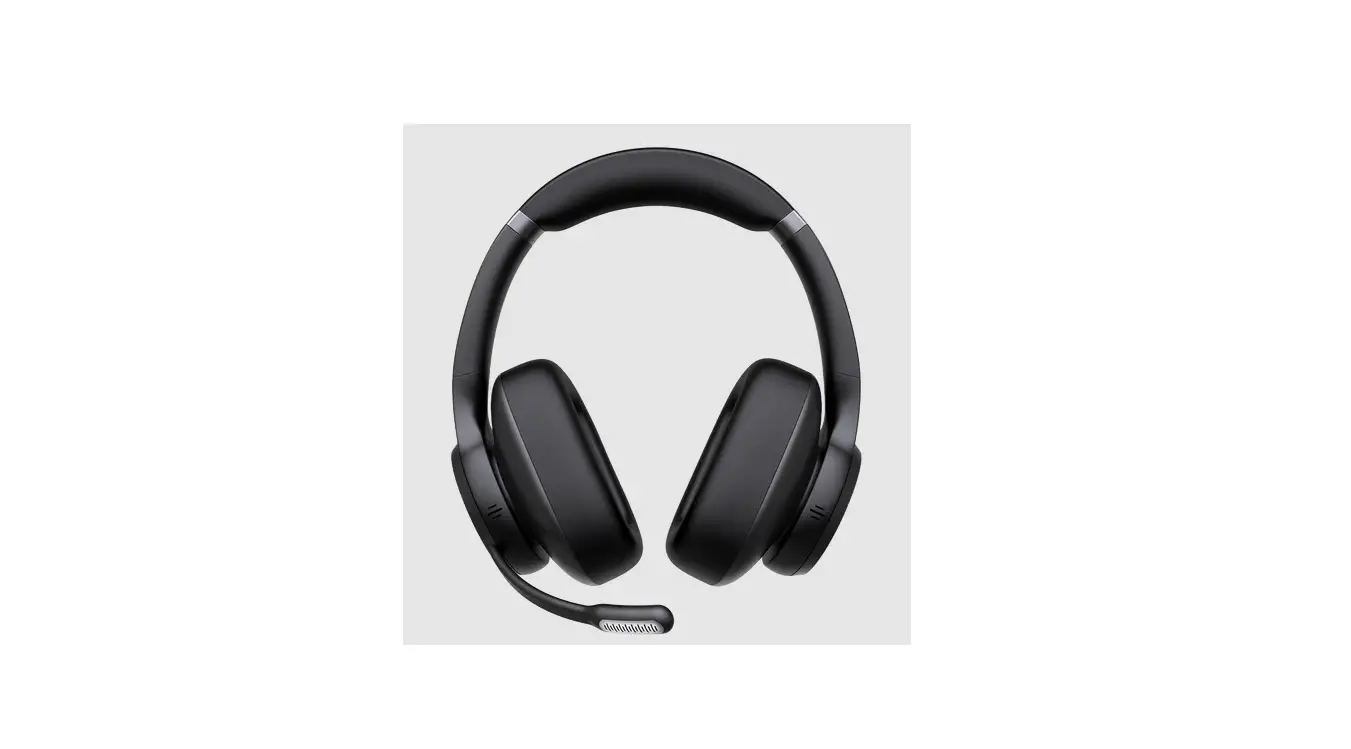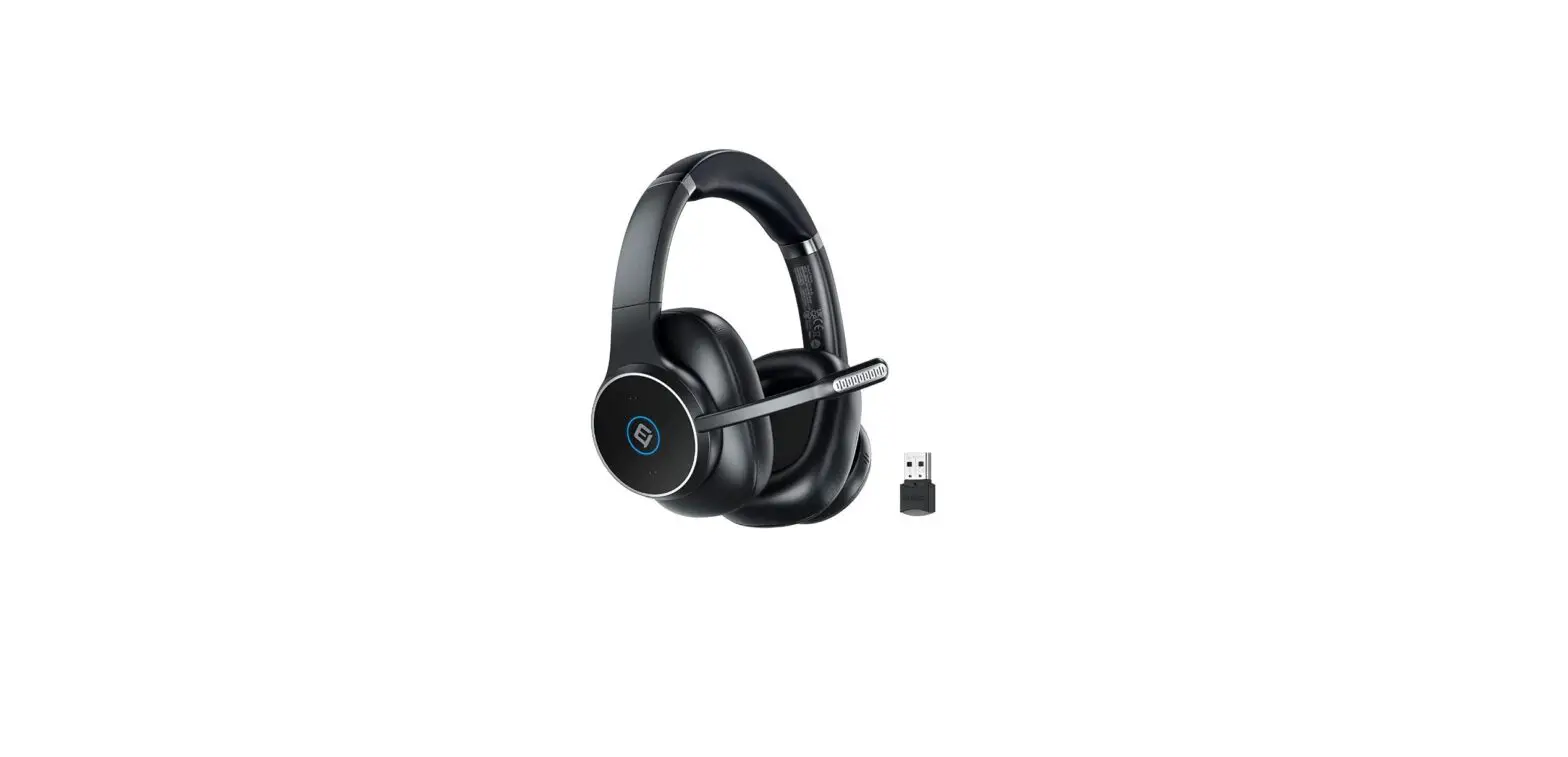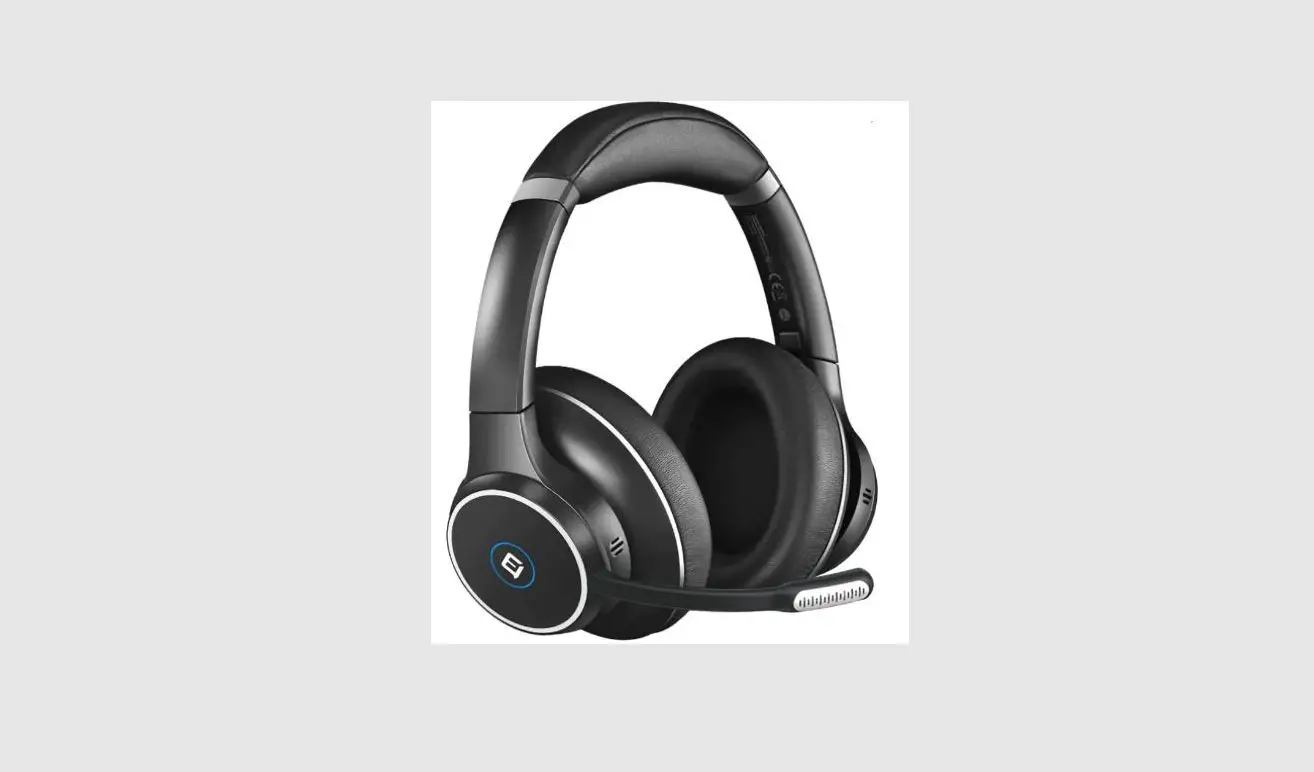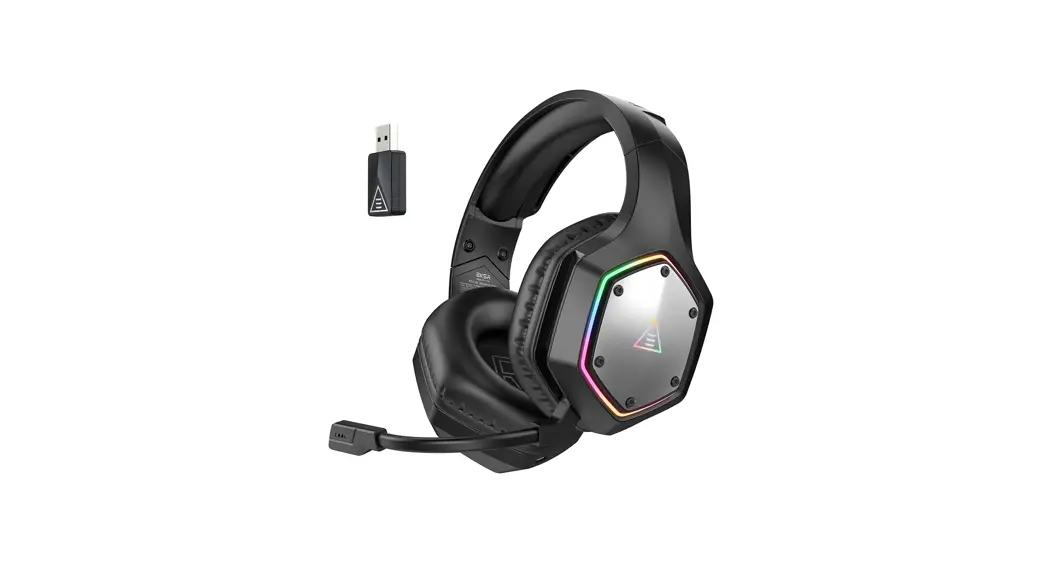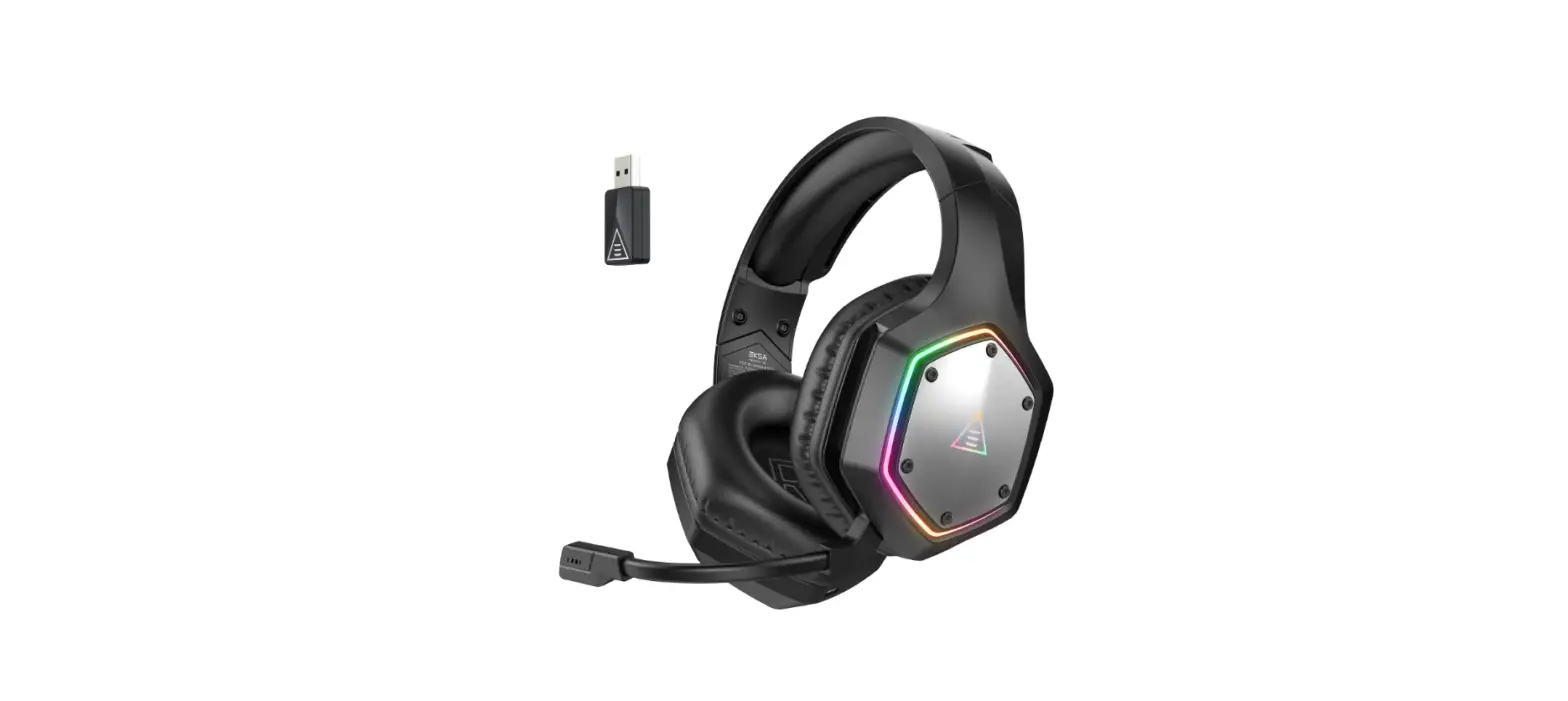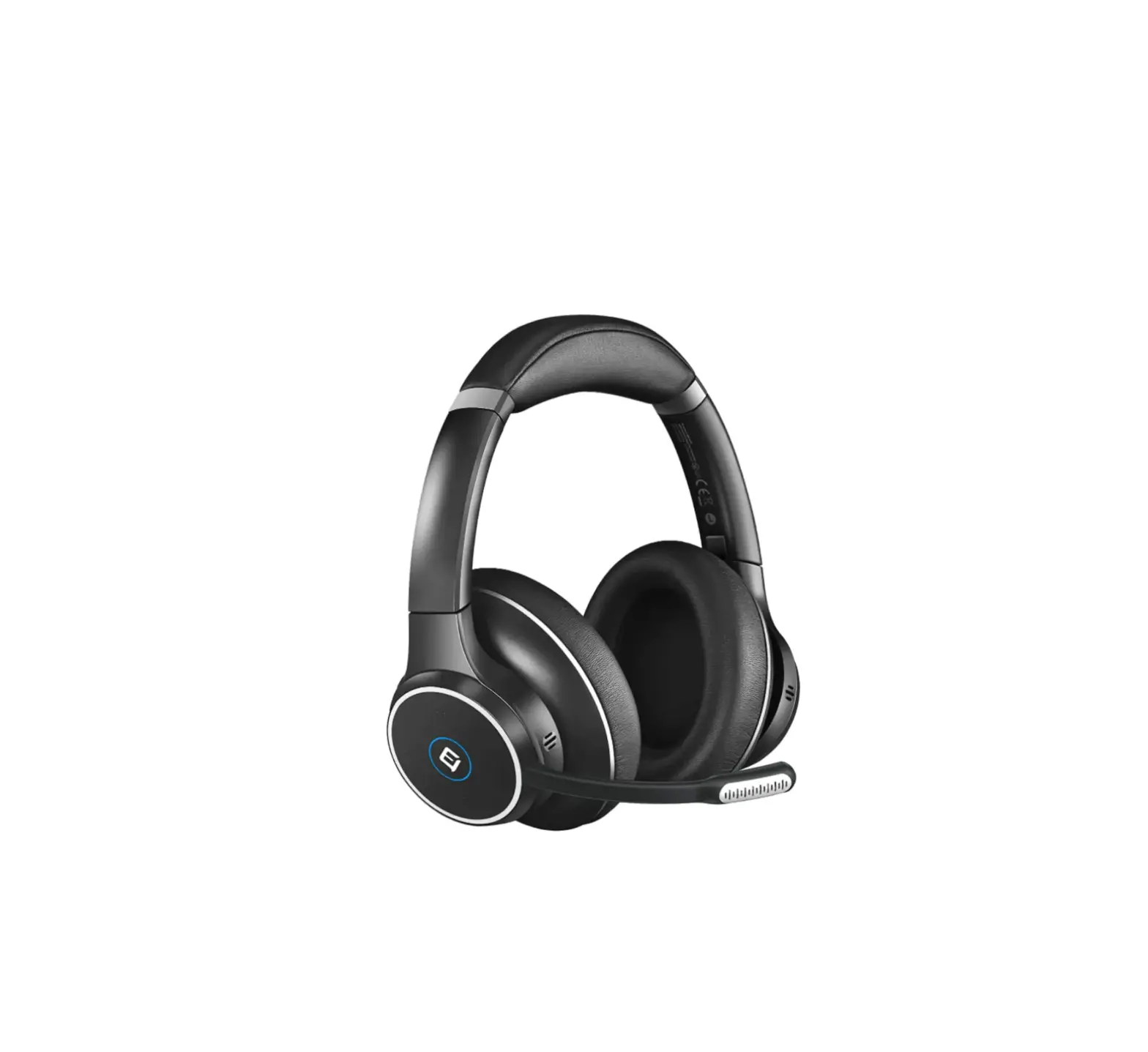
EMEET HS100 Wireless Headset
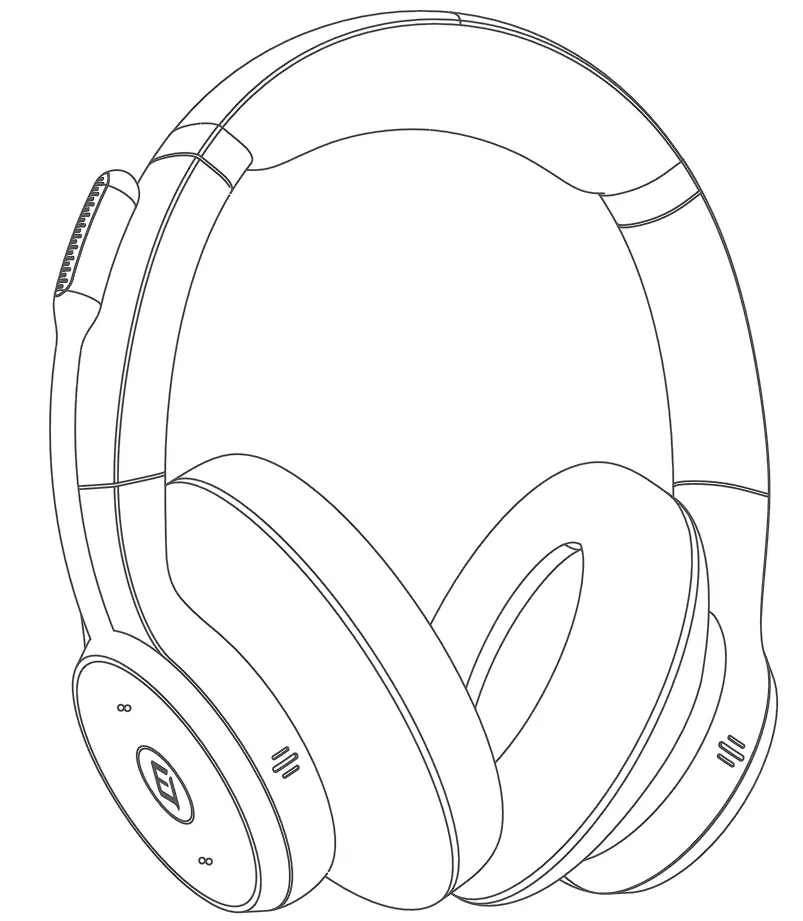
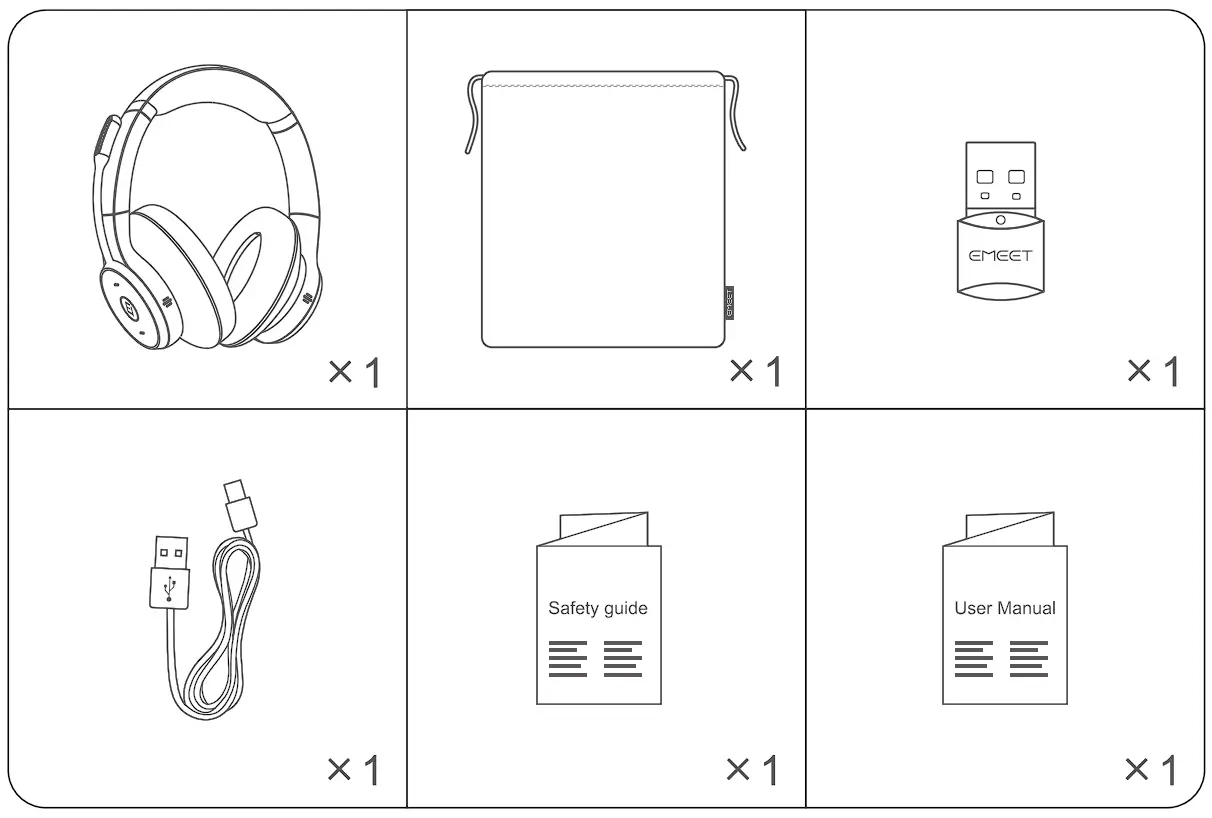
Package
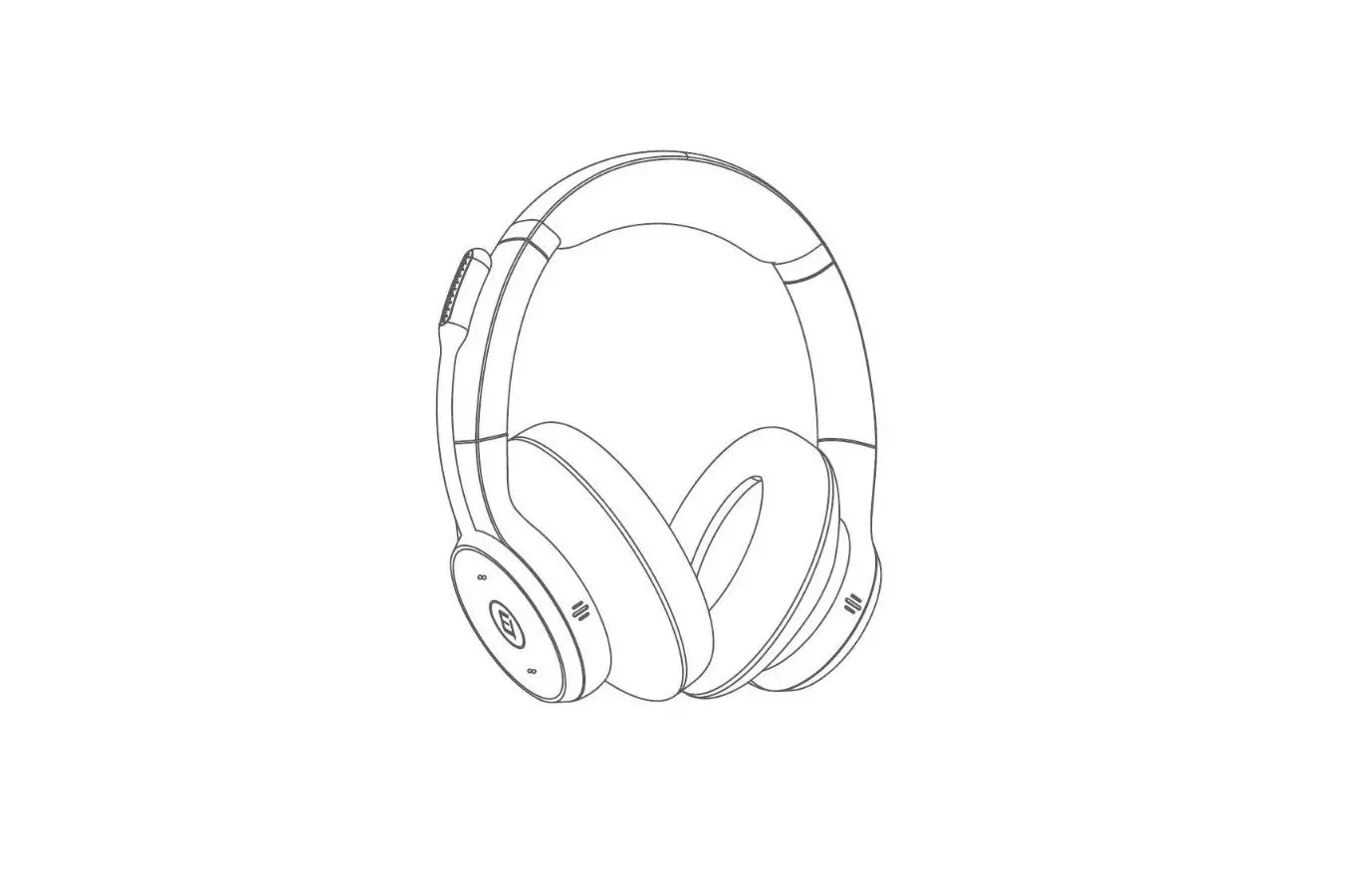
| Button | Operation | Function | |
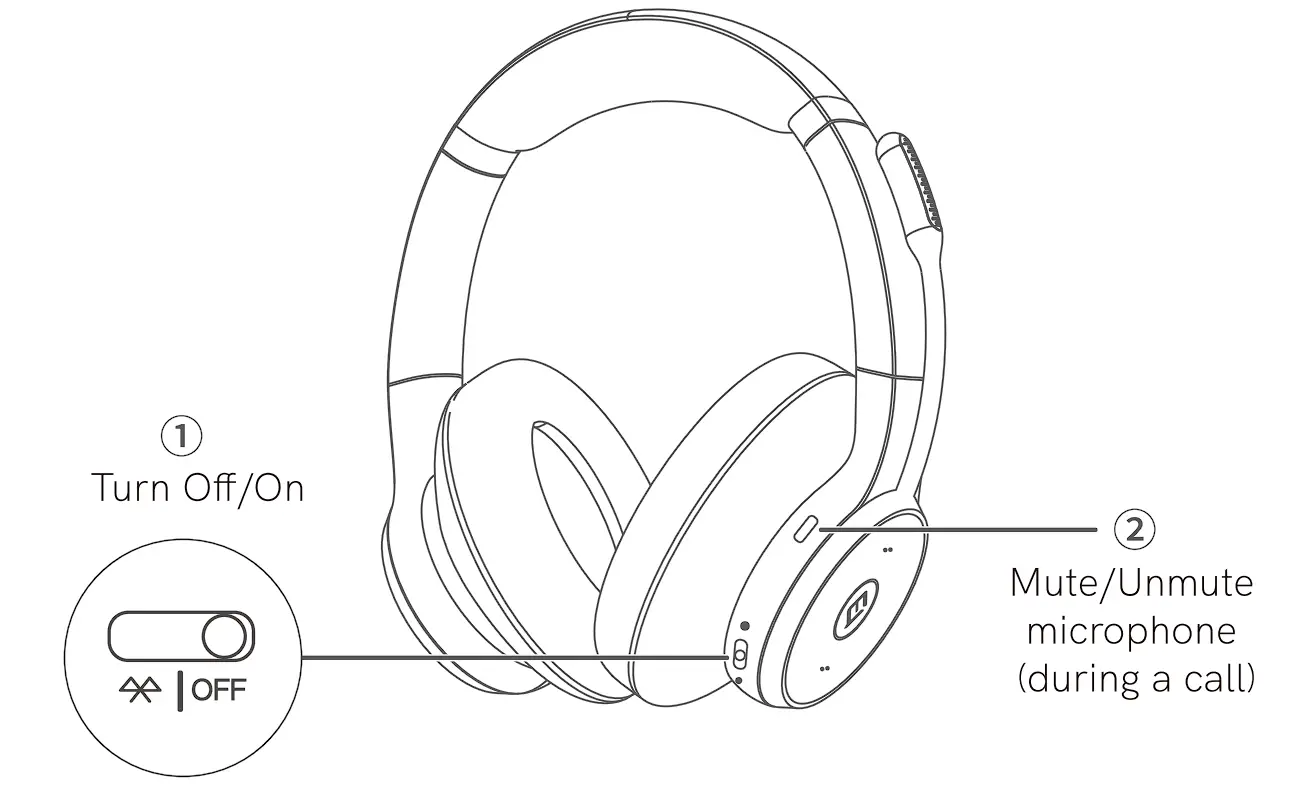
| Right earcup | ① | Slide to “ “ “ | Turn headset on |
| Slide to “OFF” | Turn headset off | ||
| Slide and hold for 2s in the Bluetooth position | Pair Bluetoo th dev ice | ||
Slide to “ “ “ | Check battery level (when headset is on) | ||
| ② | Press | Mute/ Unmute microphone (during a call) | |
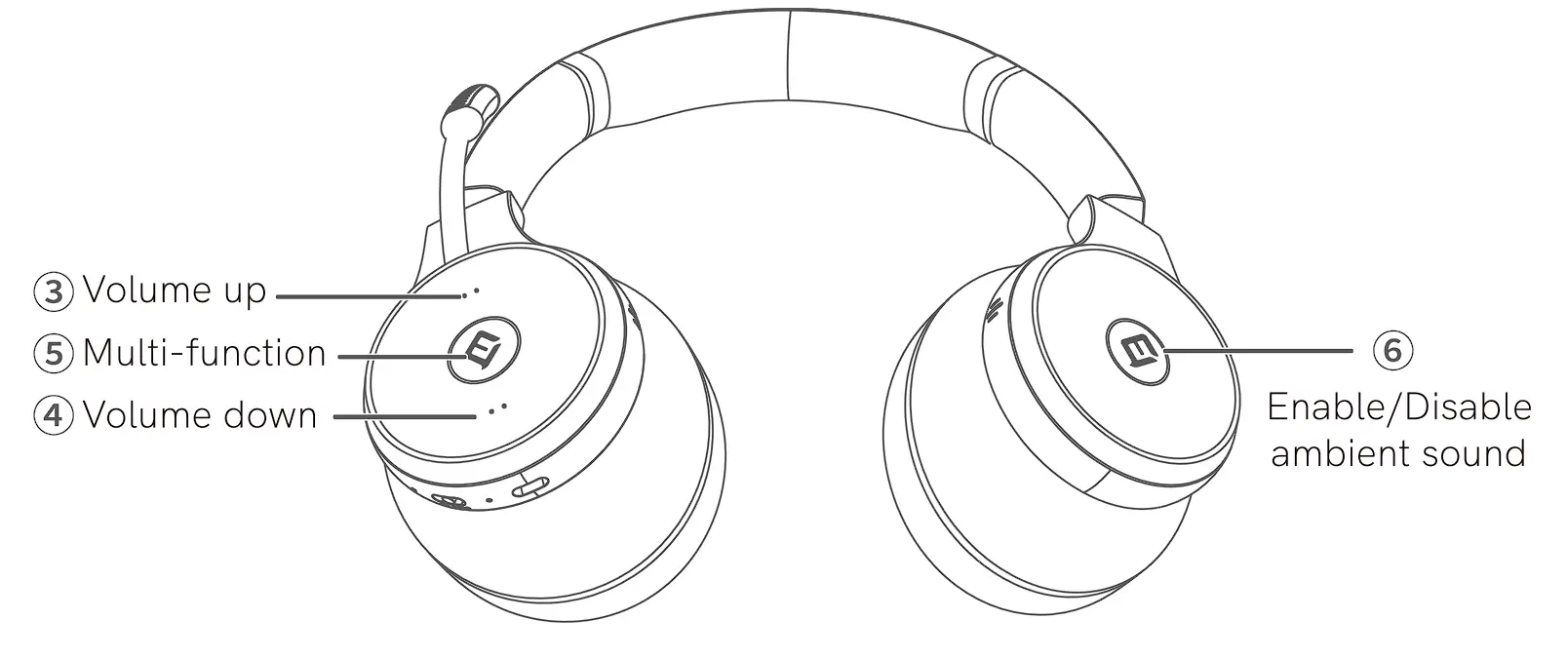
| ③ | Press | Volume up | |
| Hold | Next track | ||
| ④ | Press | Volume down | |
| Hold | Previous track | ||
| ⑤ | Press | Answer/End call | |
| Hold | Re jec t call | ||
| Press | Play/Pause music | ||
| Double click | Ca ll back | ||
| ③ ④ | Hold Volume+ and Volume at the same time for 1Os | Reset headset | |
| ③ ⑤ | Hold Volume+ and Multi function at the same time | Steady Blue, busylighl up | |
| Left earcup | ⑥ | Press | Enable/Disable ambient sound |
LED Indicators
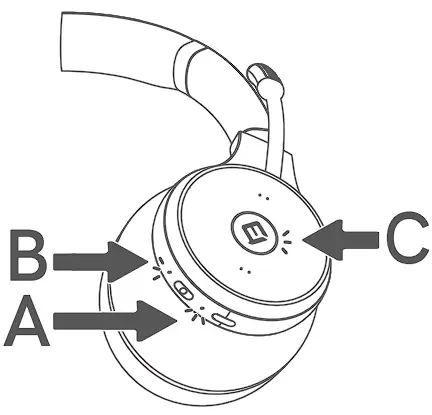
| Function | Status | LED |
| Charging A | Charging | Steady red |
| Fully charged | Steady green | |
| Battery status A (indicated by charging LED) | Low/Crit ically low | Turns red |
| Medium | Turns yellow | |
| Full | Turns green | |
| Bluetooth status B | Bluetooth connected | Stays blue for 5s and then turns off |
| Bluetooth pairing | Flashes blue | |
| Ope rational status C | Call in progress | Auto blue |
USB Adapter — eMeet Adapter A300
To re-pair headset to USB dongle, please download eMeetlink application from www.emeet.ai/emeetlink for settings.
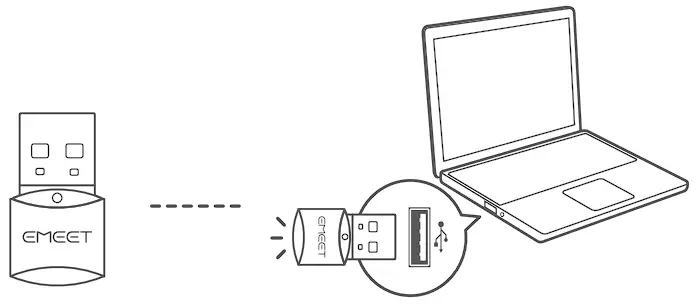
| Status | Dongle display |
| Pair ing | Flashes blue |
| Paired | Steady blue |
| Incoming call | Green |
| Skype for Business incoming call | Flashes green |
| Microphone muted | Steady red |
| Headset low battery | Flas hes red |
Connection and Pairing
Connect to a PC
Connect eMeet Adapter A300 to one of the PC’s USB ports.
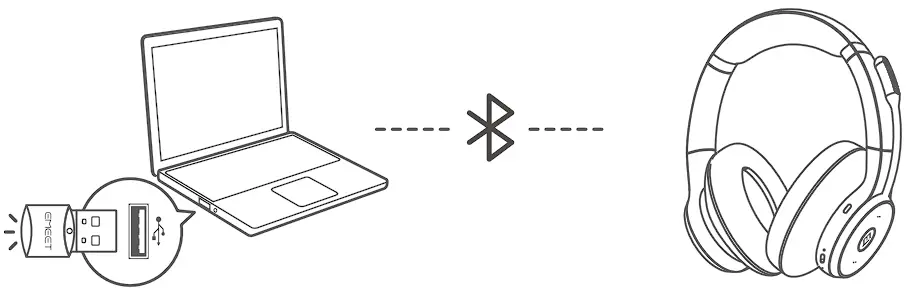
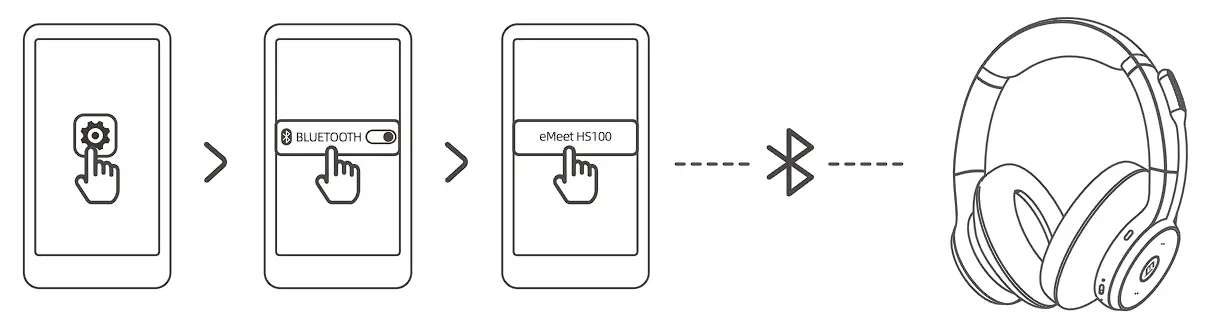
- Slide and hold the On/Off switch to the Bluetooth position until the LED flashes blue and voice guidance is heard.

- Select eMeet HS100 from the list of available Bluetooth devices on the smart phone.

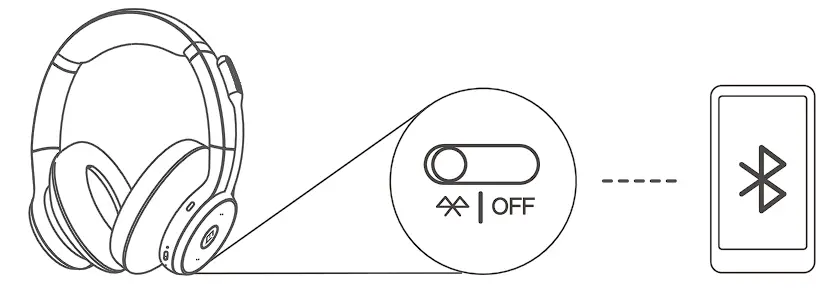
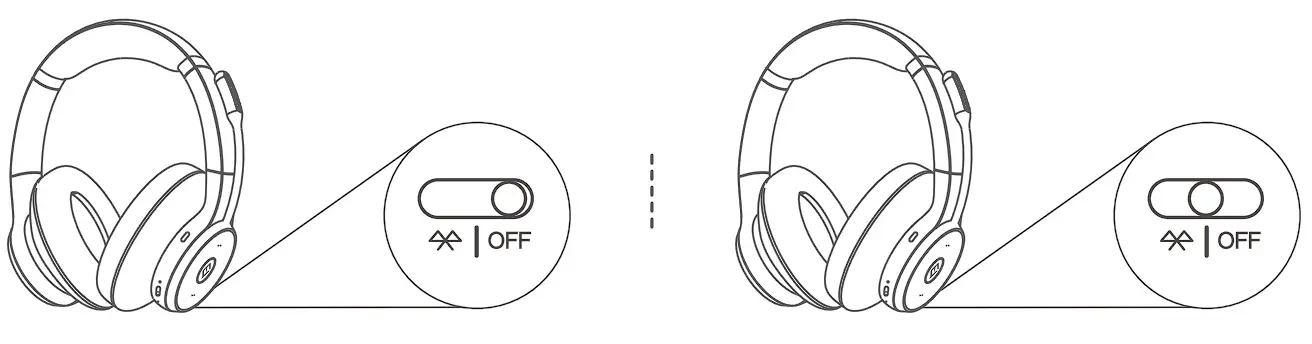
Power On/Off
Slide the On/Off switch to the On or Off position to power the headset on or off.
Intelligent Wearing Detection
The headset utilizes embedded sensors to perform different operations based on whether or not the user is wearing it.
Auto Pause
Take off the headset when listening to music, playing music will be paused automatically.
Put the headset back on, music will be resumed automatically.
When there is an incoming call, wear the headset, call will be answered automatically.
Enable/Disable Intelligent Wearing Detection
Download eMeetlink to Enable/Disable Intelligent Wearing Detection.
Enable/Disable Ambient Noise
When ambient noise is enabled, you will hear ambient noise, and the speaker and microphone will be muted when you are on a call or listening to music.
Operational Status Indicator
During a call, the operational status indicator will turn blue automatically.
To manually turn the operational status indicator on/off, press Volume+ and the Multi-function button at the same time.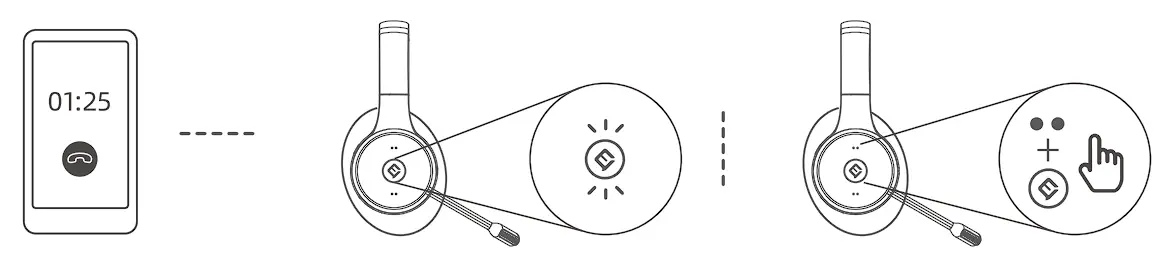
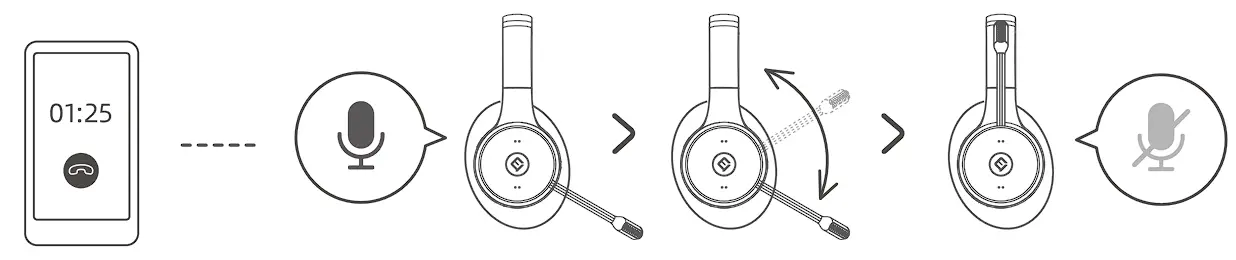
Mute/Unmute Microphone
When using the headset during a call, rotate the microphone to mute/unmute it.
Multiple Call Handling
The headset can answer and handle multiple calls simultaneously.
| Status | Action | Function |
| New incoming call when a call is in progress | Press the Multi-function button | Answer incom ingcall and keep thecurrent call active |
| Two calls areanswered, with one held and oneactive | Presst he Multi-function button | Switch between held call and active call |
| New incoming call when a call is ongoing | Hold the Multi-fu nction button | Reject incoming call |
Voice Guidance
Voice guidance are announcements that will guide you through set up, or will give you headphone status updates (e.g. connection and battery status)
By default, the voice guidance function is enabled. You may download eMeetlink to disable this function.
Reset
Resetting the headset clears the list of paired devices and resets all settings.
Hold Volume+ and Volume at the same time for iOs to restart the headset.
Auto Shutdown
When the headset is powered on, but not being worn, they will automatically shutdown after 8 hours to conserve battery. To turn off this function, please download eMeetlink for settings.
Download Application
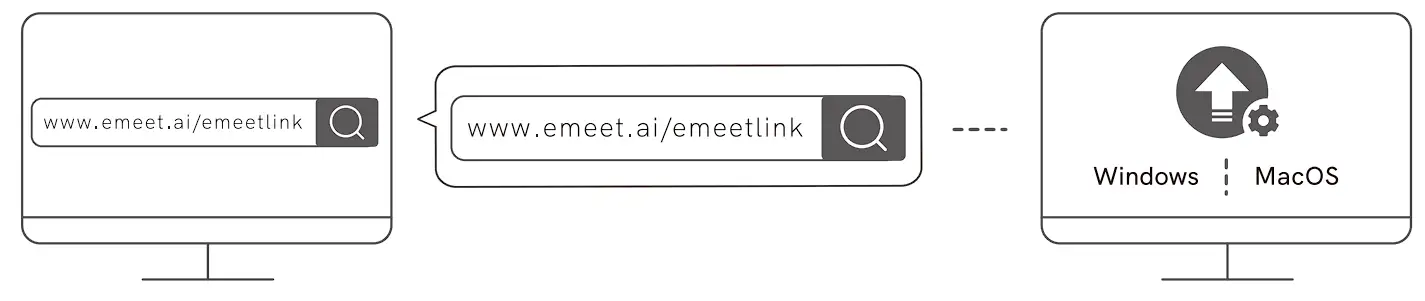
Download the eMeetlink PC desktop app for software updates and other custom settings.
Maintenance
- Store the headset in the accompanying pouch
- To avoid shortened battery life and battery drainage, do not store the headset in hot or cold places (such
as in an enclosed vehicle during summer or winter). - The operating temperature of the headset is between 0°C and 35°C.
- Do not leave the headset unused and uncharged for extended periods. Charge the headset at least once every three months.