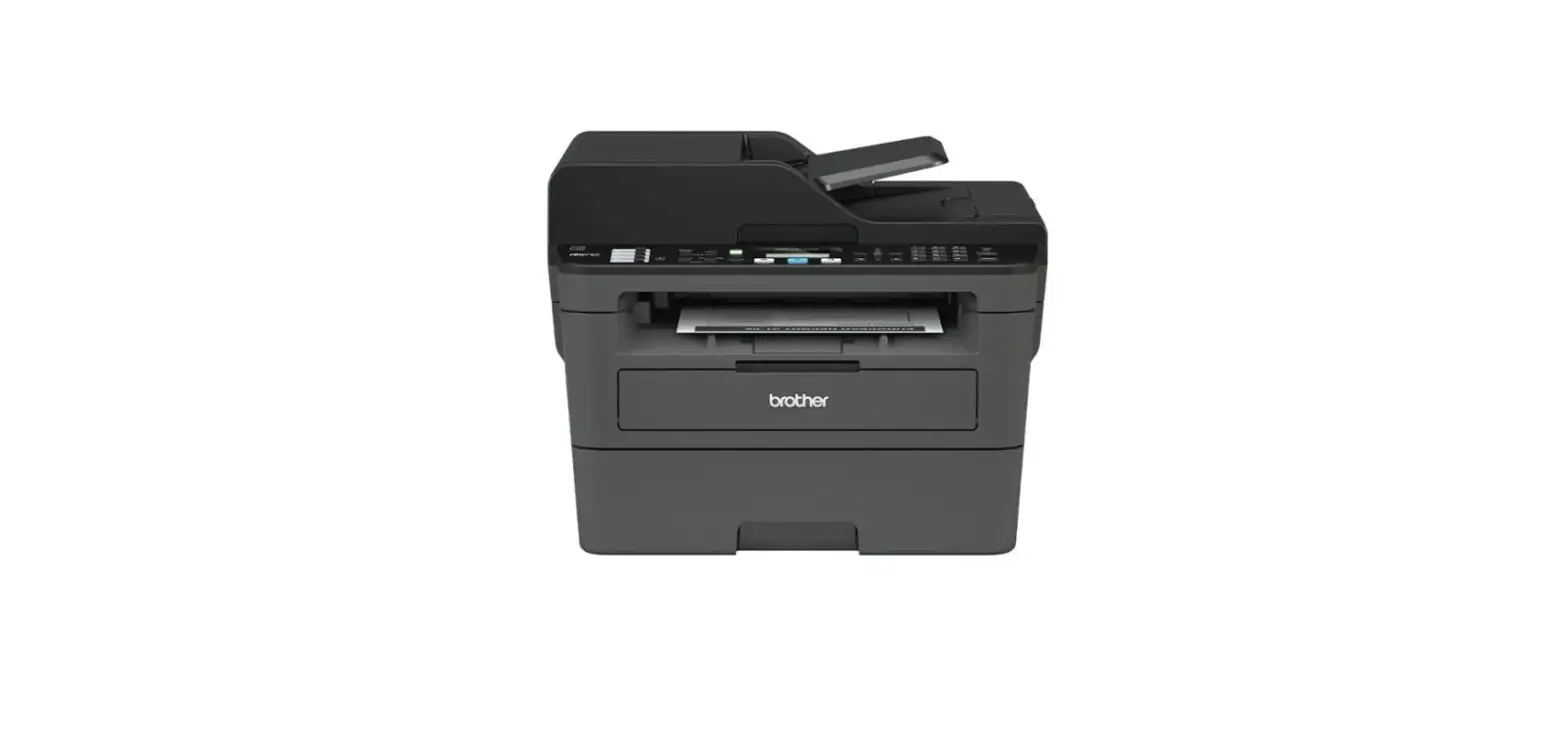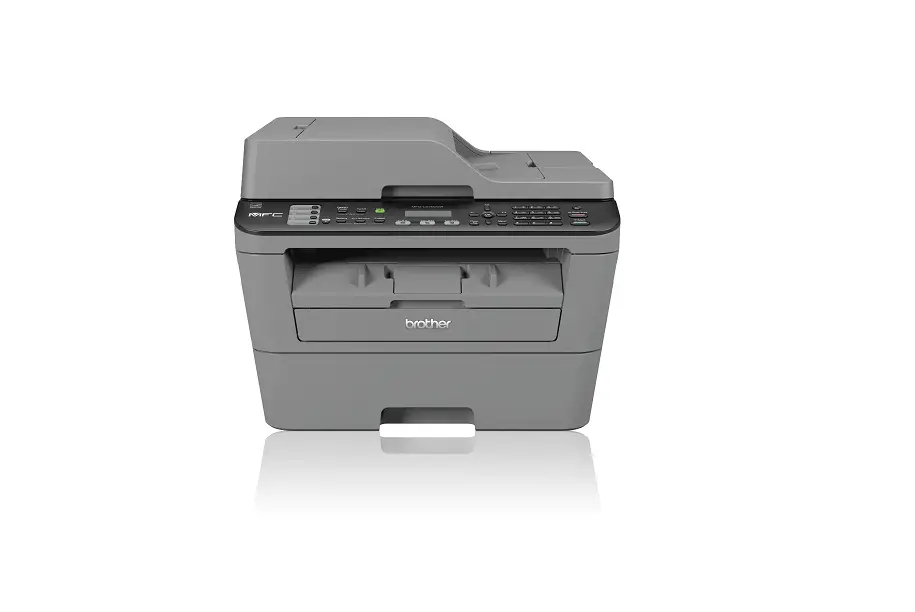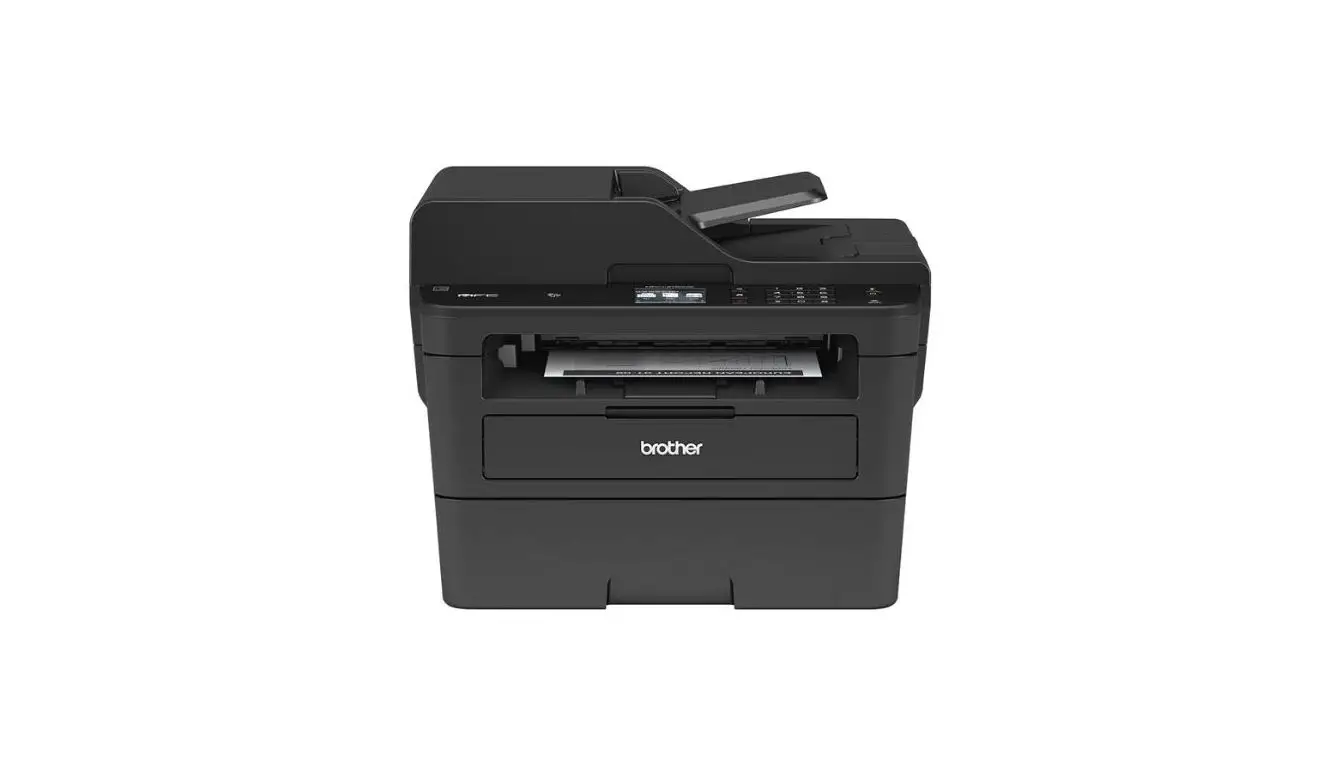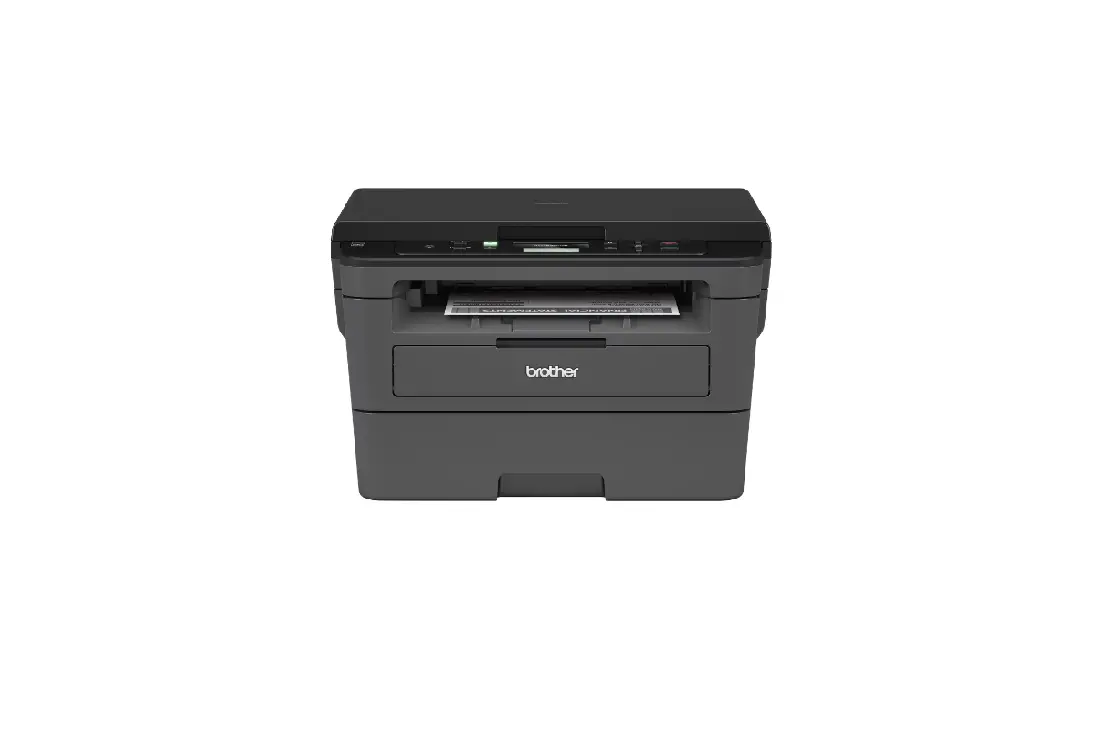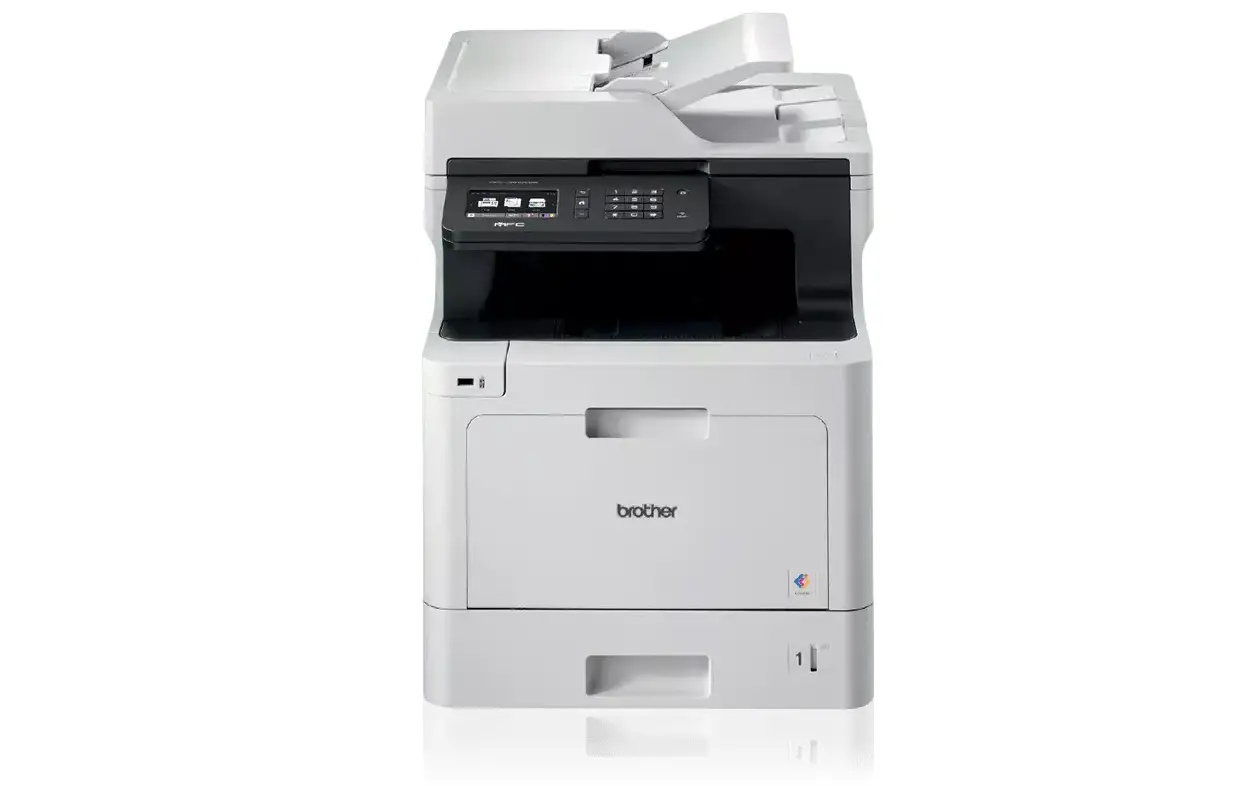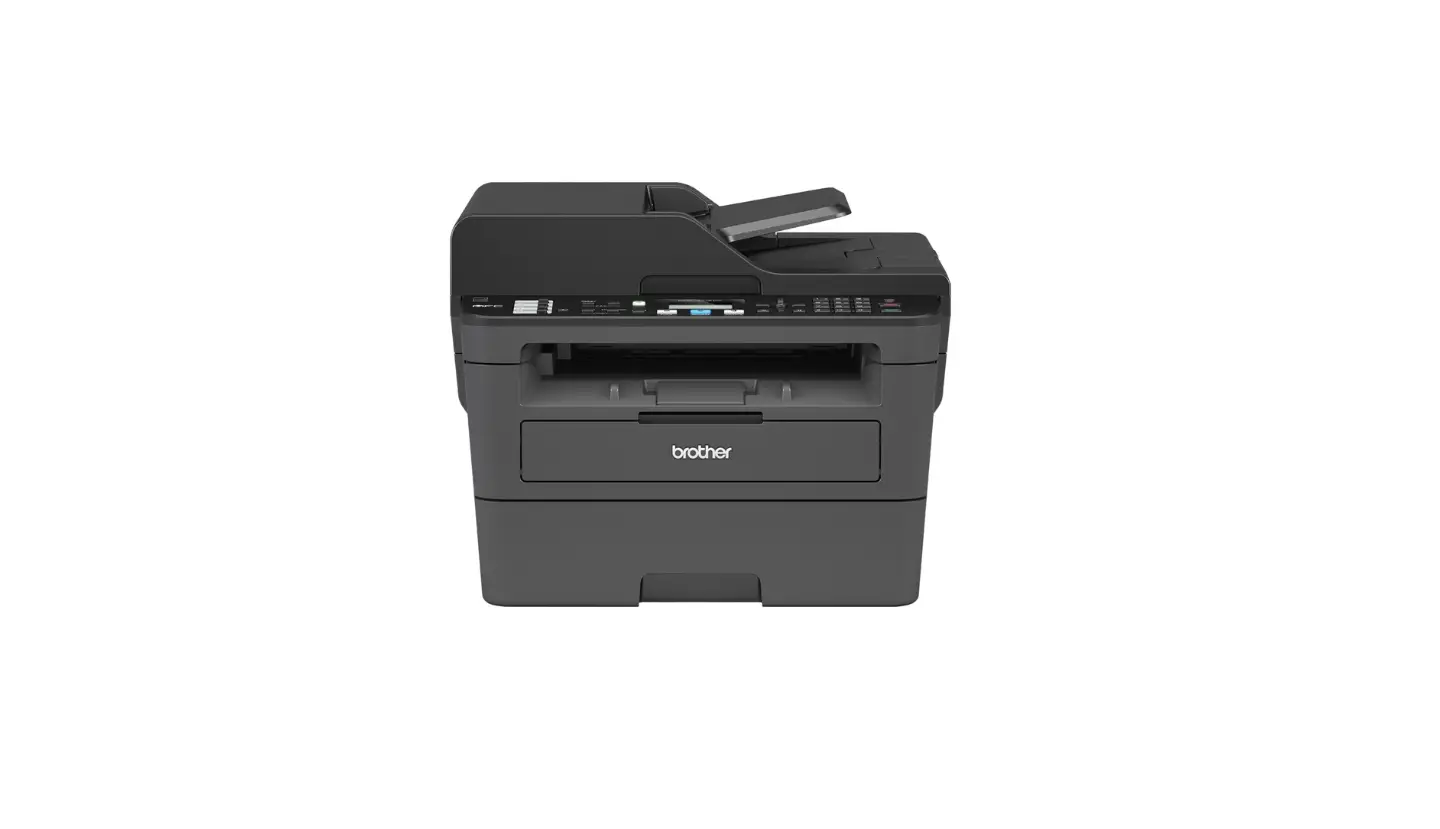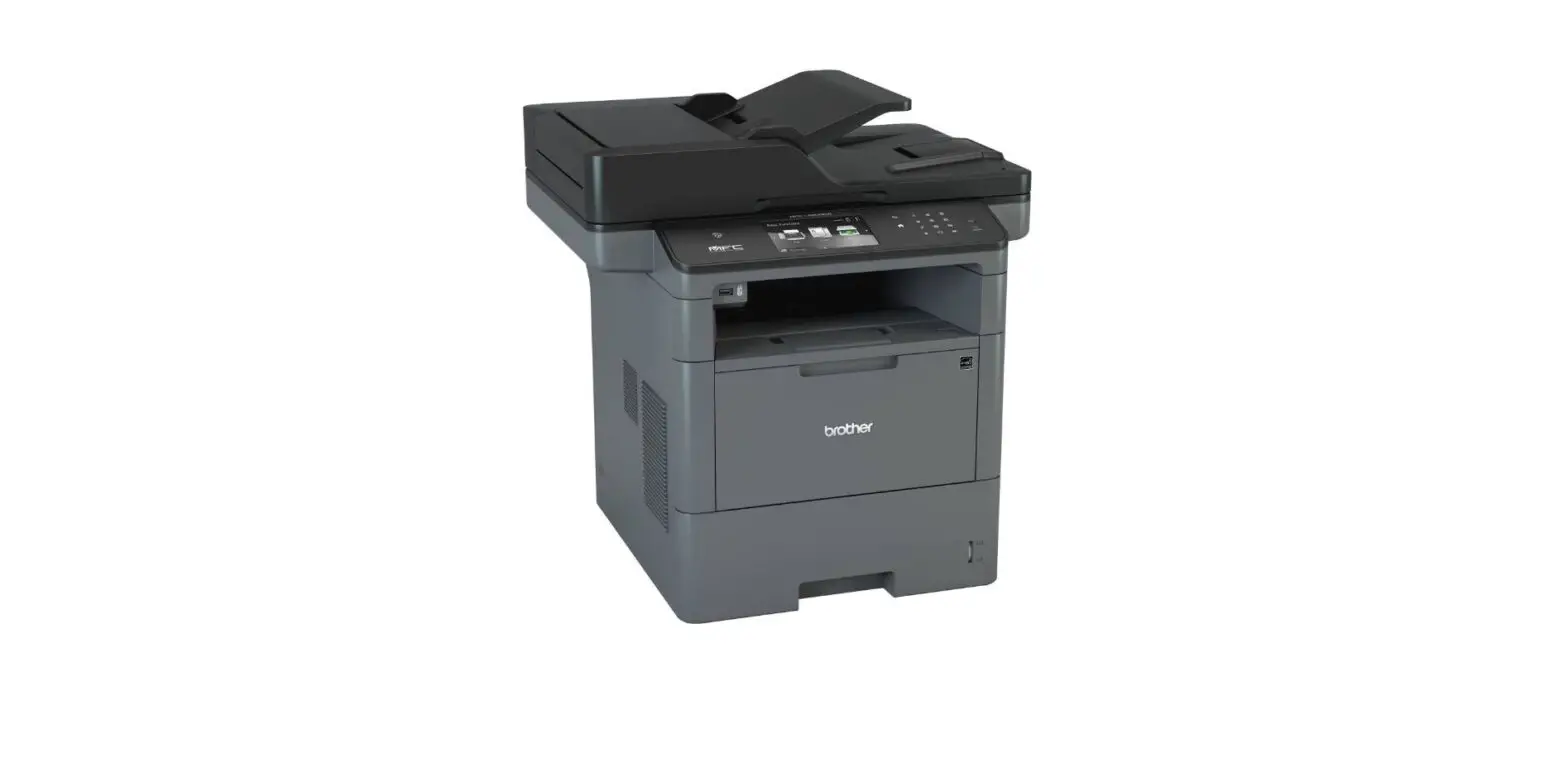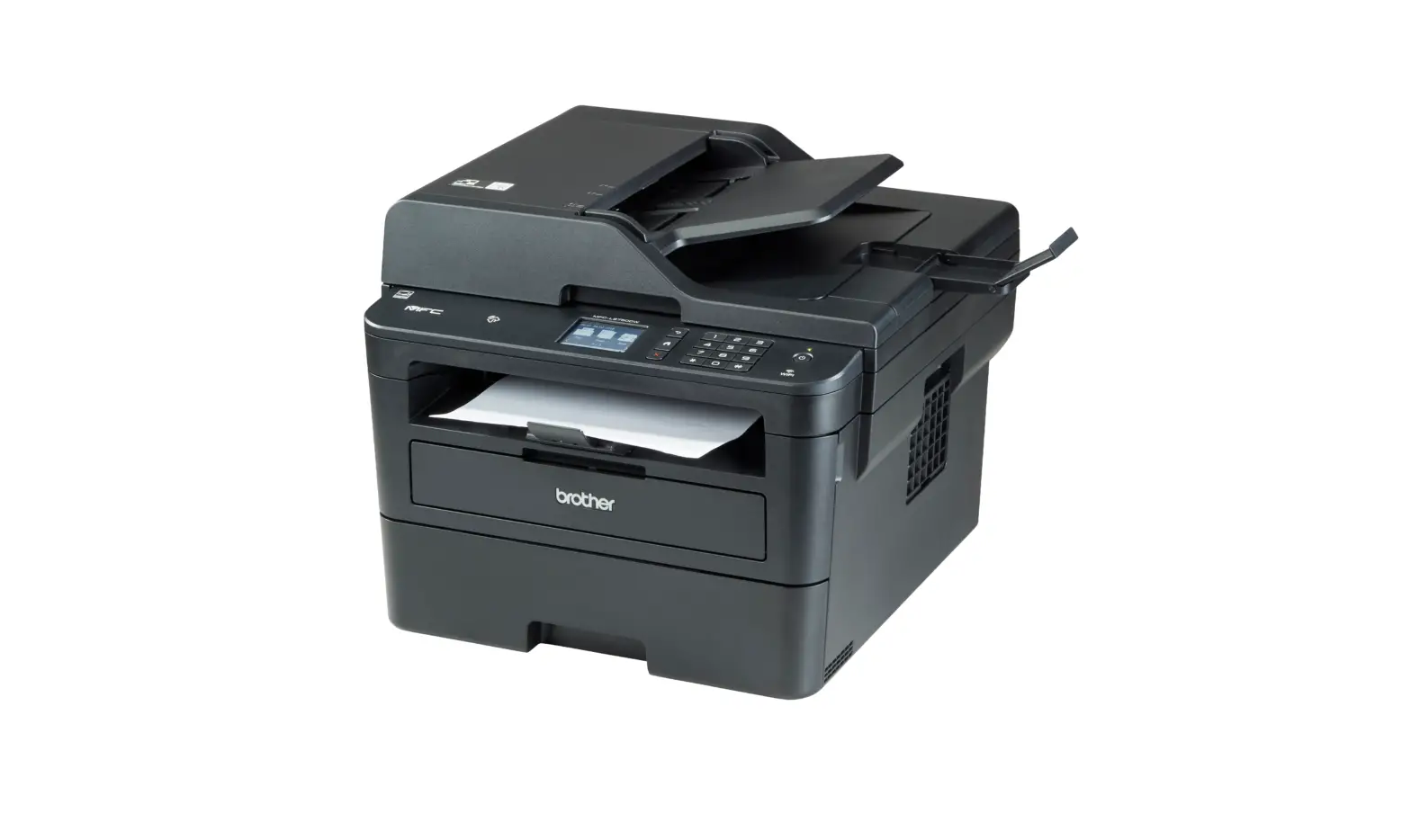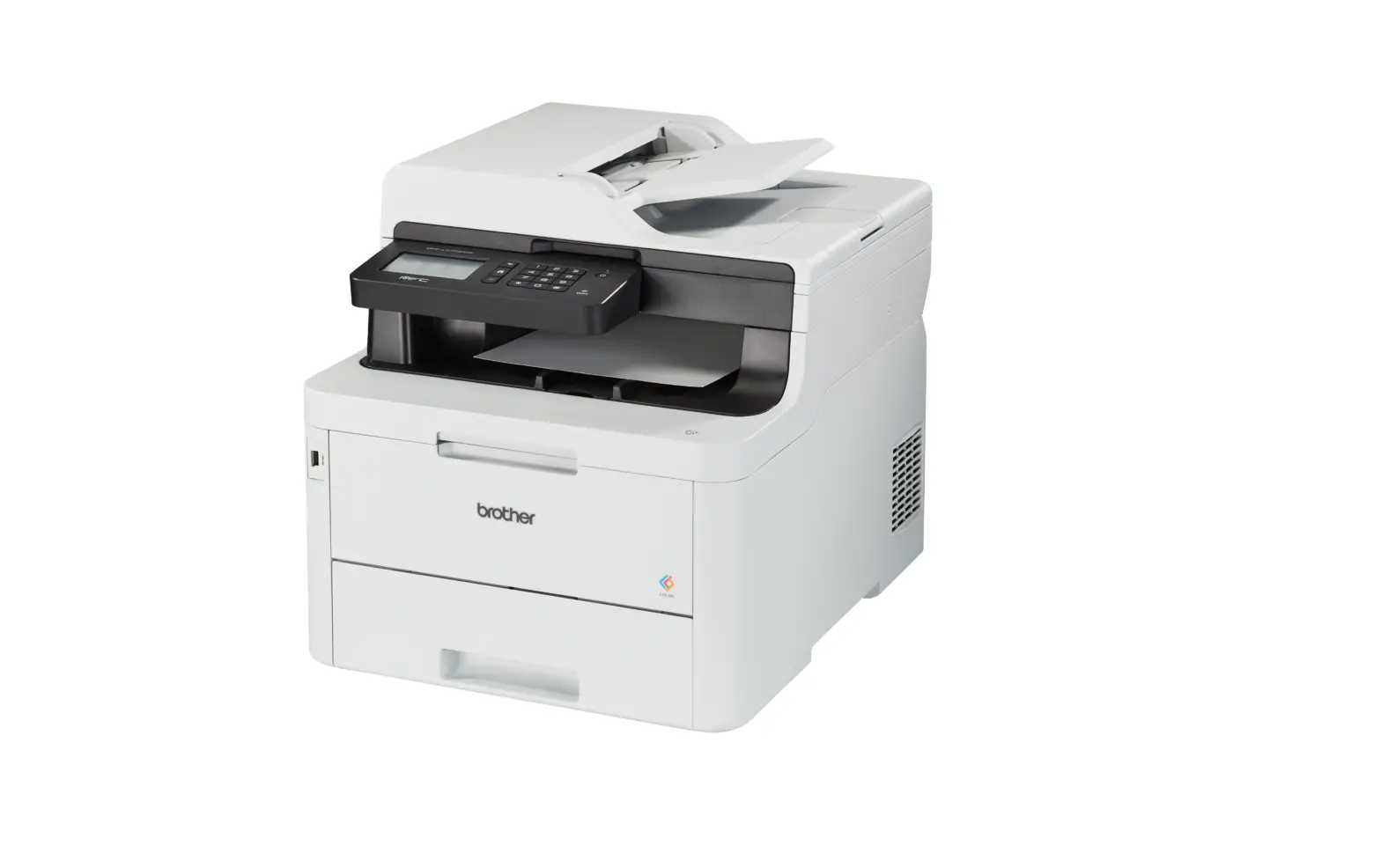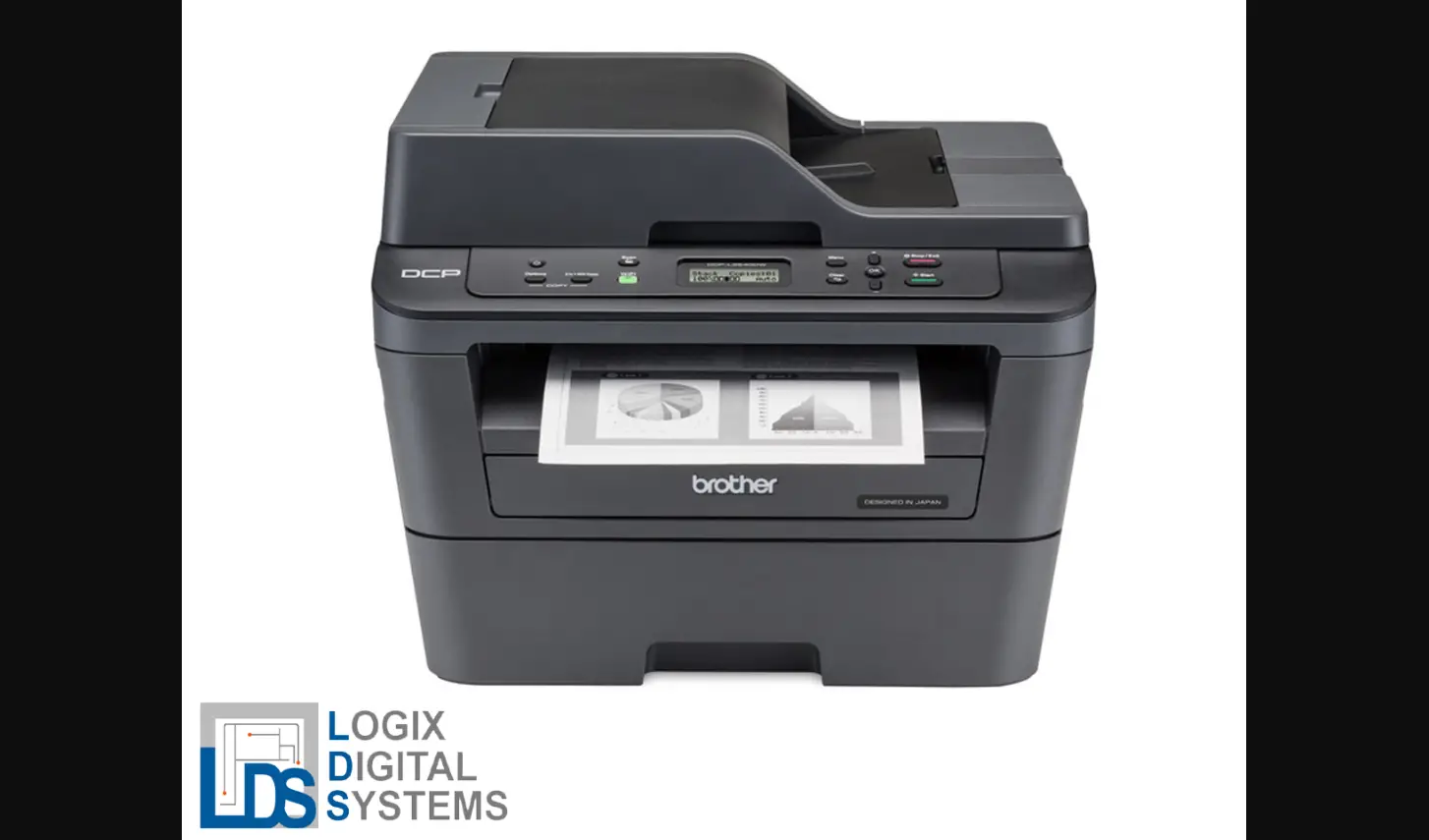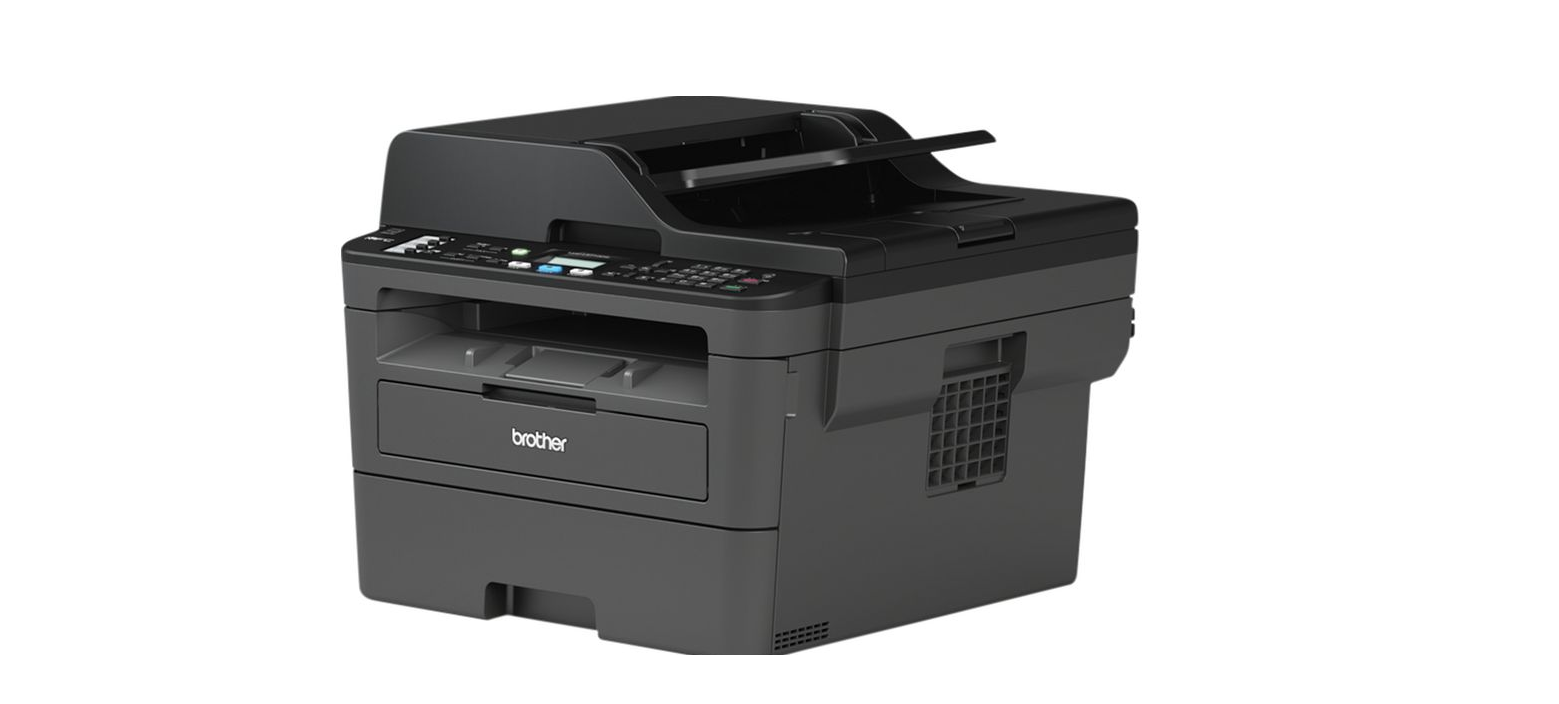

Brother MFC-l2710dw Monochrome Laser Printer User Manual
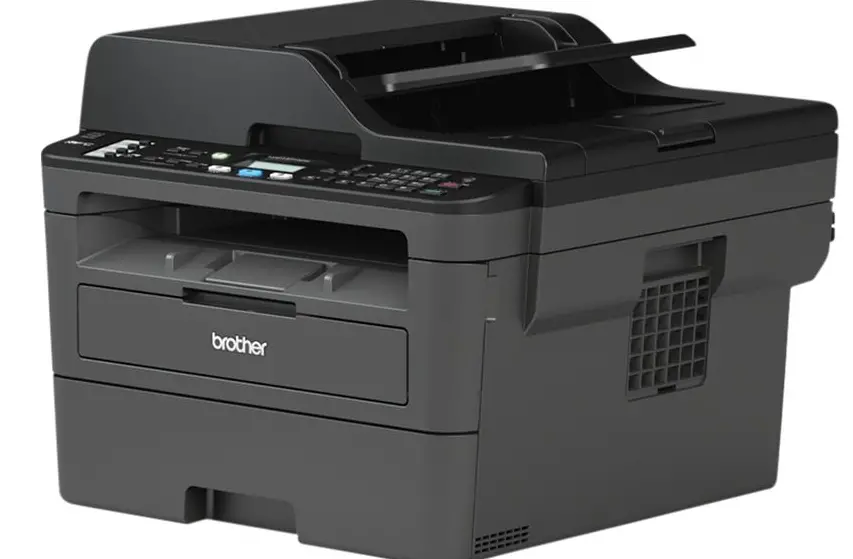
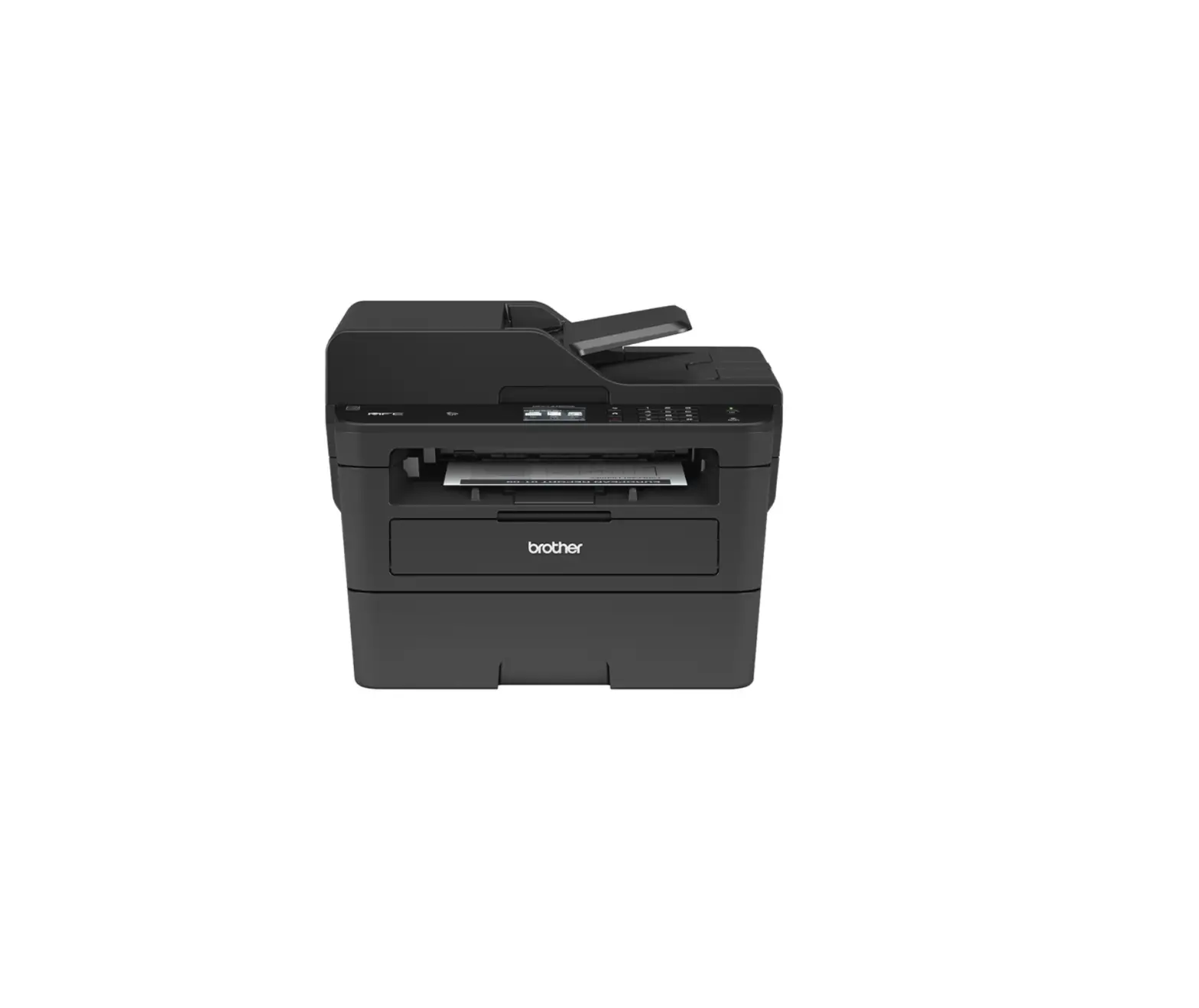
The MFC-L2710DW is ideal for a busy home and small office. This simple-to-use and easy-to-setup device, provides professional quality prints, together with built-in wired and wireless connectivity for printing from mobile phones and tablets.
Key Features:
- Fast print speeds of up to 30 pages per minute
- Automatic 2-sided print
- 250 sheet paper input
- 50-sheet Auto Document Feeder
- Built-in wired and wireless connectivity
- Up to 700 Pages* inbox toner
- 64MB memory
Performance designed for businesses of tomorrow
Successor to the BLI Pick Award-winning ‘MFC-L2700DW’, the MFC-L2710DW is designed to be set up and ready to be used in minutes. Compact, and desktop friendly. You can enjoy fast print speeds up to 30 pages per minute, and a large 50-sheet automatic document feeder, for multi-page copying and scanning.
Easily share documents, by scanning and sending directly via email, or save to SharePoint and other destinations.
Maximum value for money
The wireless MFC-L2710DW comes with a host of cost-saving elements, including, automatic 2-sided printing and high-yield toner cartridges that reduce the
cost of each print job.
Quiet without compromise
Print quietly without comprising on speed or quality, operating at the lowest decibel in class (under 50dB). This desktop-friendly printer can sit on your desk, printing quietly at full speed in the background, while you work.
Designed to go the distance
Built to perform for longer. The MFC-L2710DW has been designed with you in mind. Made from robust and hardwearing materials and supported by outstanding service as standard, providing the peace of mind that your printer will keep on going.
General
- Technology Electrophotographic Laser Printer
- Laser Classification Class 1 Laser Product (IEC60825-1:2014)
- Processor 600MHz
- Memory 64MB
- Wired Network Interface 10Base-T/100Base-TX
- Wireless Network IEEE 802.11b/g/n
- Control Panel 2 Line, 16-character LCD Display
- Local Interface Hi-Speed USB 2.0
- Print Speed Standard (A4) Up to 30ppm (pages per minute)
- Print Speed 2-Sided (A4) Up to 15 sides per minute (8 sheets per minute)
- Resolution Up to 1,200 x 1,200dpi
- Quiet Mode A mode to reduce the printing noise by reducing the print speed to 13ppm
- Automatic 2-Sided Printing Print on to both sides of the paper
- FPOT (First Print Out Time) Less than 8.5 seconds from ready mode
- Warm-Up Time Less than 9 seconds from sleep mode
- Print Languages GDI
Printer Functions
- N-up Printing3 Reduce up to 2, 4, 9, 16 or 25 A4 pages into just one A4 page (Mac, up to 2, 4, 6, 9, or 16)
- Watermark Printing4 Watermark your documents with predefined text or with your own user-defined messages
- Booklet Printing4
Print documents in A5 booklet format using automatic or manual 2-sided print
Printer Driver
- Windows®
Windows®10
(32 & 64-bit editions) Windows®8
(32 & 64-bit editions) Windows®7
(32 & 64-bit editions) Windows® Server 2016 (32 & 64 bit editions)
* Windows® Server 2012, 2012R2 & 2008R2* Windows® Server 2008 (32 & 64 bit editions)* - Macintosh5 macOS 10.8.x or greater
- Linux5 CUPS, LPD/LPRng (32 & 64-bit editions)
Standard Paper Handling
- PaperInput2
- Standard Tray – 250 sheets Manual feed slot -1 sheet
- Automatic Document Feeder (ADF) – 50 Sheets
- Paper Output2 Face Down – 120 sheets Face Up (Straight Paper Path) – 1 sheet
Media Specification
- Media Types & Weights Standard
Plain & recycled paper (between 60 – 163g/m2) Manual feed slot
Plain, Recycled, Bond, Label, Envelope, (between 60 – 230g/m2) 2-sided Print
Plain & recycled paper (between 60 – 105g/m2) - Envelope & Label Printing Yes, from the Manual feel slot: support for 1 envelope /sheet
- Media Sizes Standard Tray
A4, Letter, A5, A5 (Long Edge), A6, Executive Manual feed slot
Width: 76.2mm to 215.9mm x Length: 127mm to 355.6mm 2-sided Print A4
Mobile / Web Based Printing & Scanning
- Brother iPrint&Scan
(Android/ iPad / iPhone / iPod/ Windows®Phone/ 8,10 & RT)
Print from, scan to, preview copies and check the machine status from a mobile/ tablet/ laptop device - Google Cloud Print 2.0
Print most common file types from any Google Cloud Print-enabled application - AirPrint
Print from and scan to most common file types from any AirPrint-enabled application - Brother Print Service Plugin
Print from Android devices without a dedicated App - Mopria
Print most common file types from Mopria-supported Android devices
Copy
- Speed – (A4) Up to 30cpm (copies per minute)
- FCOT (First Copy Time Out) Less than 10 seconds from ready mode
- Resolution Up to 600 x 600dpi
Scan
- Scanner Type
CIS (Contact Image Sensor) - Colour & Mono Scanning
Yes - Scan Speed Mono
23.6ipm (images per minute) - Scan Speed Colour
7.5ipm (images per minute) - Scan Resolution from ADF
Up to 600 x 600dpi - Scan Resolution from Scanner Glass
Up to 1,200 x 1,200dpi - Interpolated Scan Resolution
Up to 19,200 x 19,200dpi - Standard Functions7
Scan to E-mail, OCR, Image & File - Scan Features
Remove Background,
Skip Blank Page4, ID Scan4,
1 to 2 Scan4, Split PDF - Scan to SharePoint4&7
Scan documents directly into SharePoint - Windows® Web Services Scanning
Scan direct into Windows® (from Windows® 7 & onwards) without needing to install a scanner driver
Scanner Driver
- Windows® TWAIN & WIA Windows®10
(32 & 64-bit editions) Windows®8.1
(32 & 64-bit editions) Windows®8
(32 & 64-bit editions) - Macintosh5 TWAIN & AirPrint macOS 10.8.x or greater
Linux5 SANE(32 & 64 bit editions)
Fleet Management Tools
- BRAdmin Light4&5 LAN/WAN management software
- Embedded Web Server Web-based print management software embedded onto the device
PrintSmart Solutions (optional)
- PrintSmart Cost Control Monitor and control printing costs for all Brother and 3rd party devices
For more information on PrintSmart Solutions visit: www.brother.eu
Address Book
- Speed Dials
200 locations for E-mail addresses and fax numbers
Network and Security
- Wired Network
Built-in Ethernet 10Base-T/100Base-TX - Network Protocols
TCP/IP (IPv4 and IPv6) - Wired Network
Security SMTP-AUTH, SNMP v3,SSL/ TLS(SMTP,HTTP,IPP) - Wireless Network
IEEE 802.11b/g/n (Infrastructure Mode / Adhoc Mode) - Wireless Set-Up Support
Wi-Fi Protected Setup (WPS) - Wireless Applications
VerticalPairing - IPv4
ARP, RARP, BOOTP, DHCP, APIPA(Auto IP), WINS/NetBIOS name resolution, DNS Resolver, mDNS, LLMNR responder, LPR/LPD, Custom Raw
Port/Port9100, SMTP Client, IPP/IPPS, FTP Server, SNMPv1/v2c/v3, HTTP/HTTPS server, TFTP client and server, ICMP, Web Services (Print), SNTP Client
IPv6
NDP, RA, DNS resolver, mDNS, LLMNR responder, LPR/LPD, Custom Raw Port/Port9100, IPP/IPPS, SMTP Client, FTP Server, SNMPv1/v2c/v3, HTTP/ HTTPS server, TFTP client and server, ICMPv6, SNTP Client, Web Services (Print) - E-mail Notifications
Automatically have the device send e-mail alerts when it requires attention, such as when the toner is low or needs replacing - E-mail Reports
Receive usage reports on a regular basis via e-mail - IP Filter
Restrict which network users can or cannot access the device over the network (IPv4 only) - Setting Lock
Secures access to the devices control panel by locking it
Supplies
- Inbox Toner 700 pages1
- Standard Yield Toner 1,200 pages1(TN-2410)
- High Yield Toner 3,000 pages1(TN-2420)
- Drum (DR-2400) Approx 12,000 pages
- Carton Contents
Toner cartridge, drum, power supply cord, driver software for Windows®, Quick Set-Up Guide (PC interface cable NOT included) The frequency of replacement consumables will vary depending on the complexity of the prints, the percentage of coverage, paper size, page per job, and the type of media.
Dimensions and Weights
- With Carton (WxDxH) 410 x 398.5 x 318.5 mm -11.8kg
- Without Carton (WxDxH) 580 x 517 x 434 mm – 14.7kg
Duty Cycles
- Recommended Monthly Up to 2,000 pages monthly print volume
- MaximumMonthly6 Up to 15,000 pages monthly print volume
Environment
- Power Consumption Printing – 440W (260W in quiet mode), Ready – 42W, Sleep – 6.2W, Deep sleep – 0.6W, Off – 0.03W
- TEC Value 1.232kWh / Week
- Sound PressureLevel Printing 48dbA, Quiet mode printing 44dbA, Ready Up to 30dbA
- Power Saving This enables the printer to consume less energy when not in use
- Toner Saving This reduces toner usage and helps to reduce the total cost of printer ownership
- Energy Star Yes
- Eco Mode Yes
Fax
- FaxModem 33,600bps (Super G3)
- PC FaxSend9&3
- Send faxes directly from your PC
- PC Fax Receive9&4 Receive faxes directly to your PC
- Fax Forwarding Sends a fax received in memory to another pre-programmed fax number
- Approx declared yield value in accordance with ISO/IEC 19752.
- Calculated with 80g/m² paper.
- Windows® & Mac® only.
- Windows®only.
- Optional download.
- A maximum number of printed pages per month can be used to compare designed durability between like Brother products.
For maximum printer life, it is best to choose a printer with a duty cycle that far exceeds your print requirements. - Requires Brother software.
All specifications were correct at the time of printing and are subject to change.
Brother is a registered trademark of Brother Industries Ltd. Brand product names are registered trademarks or trademarks of their respective companies.