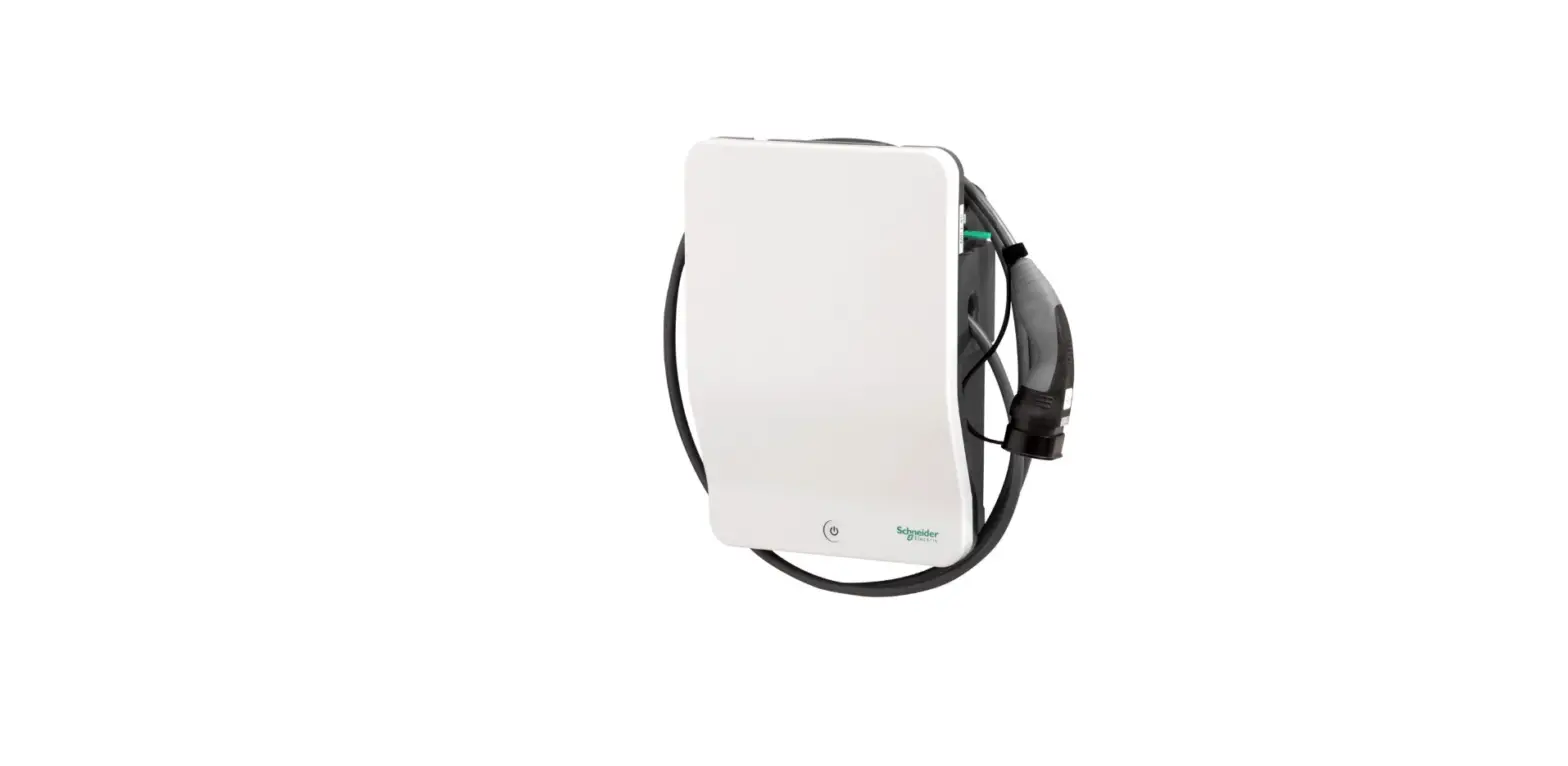
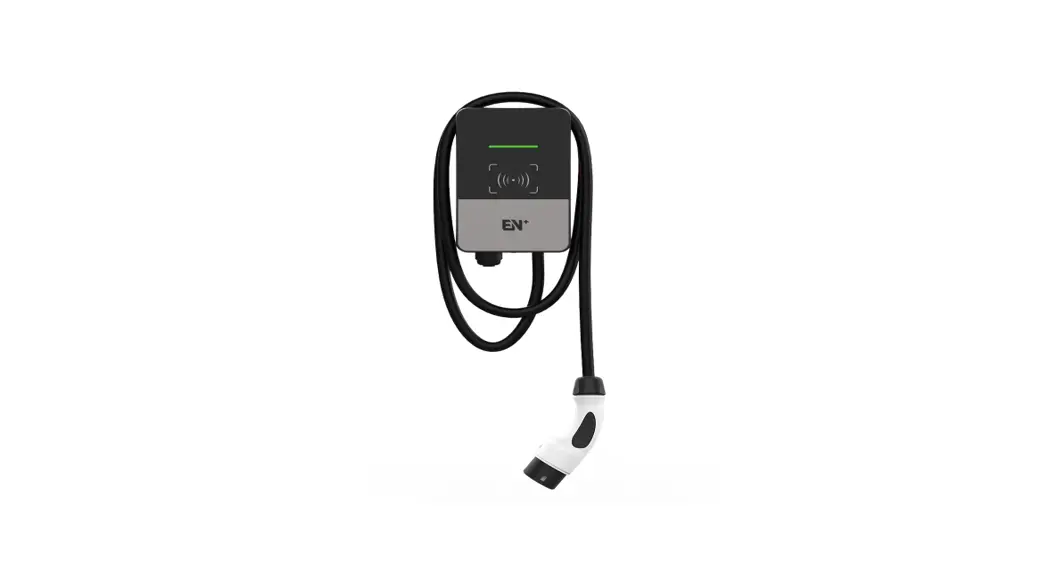
Power Charging Station
Product Information
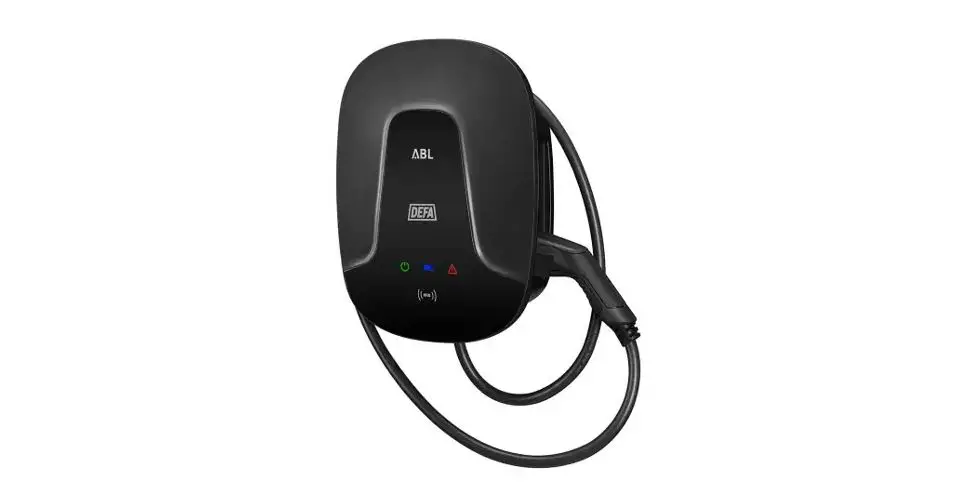
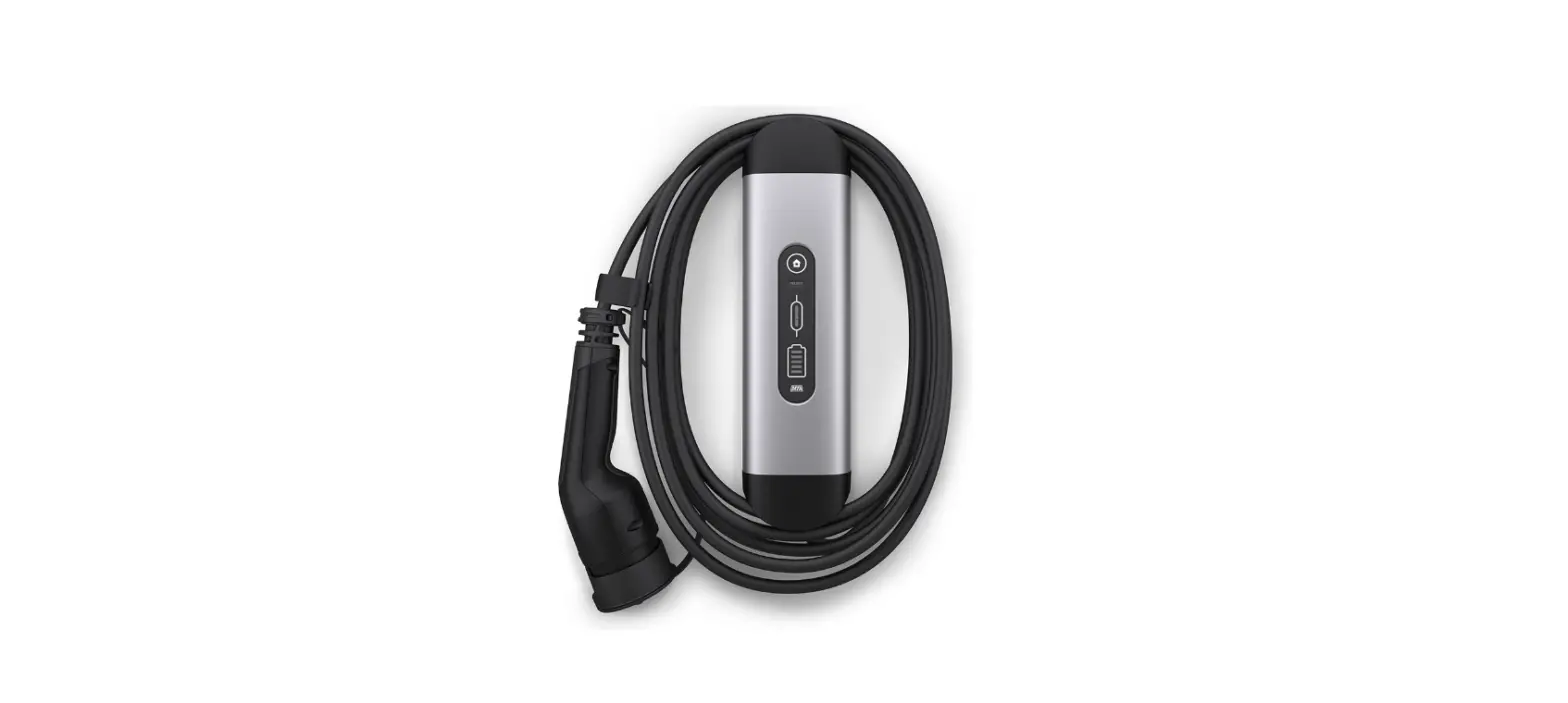
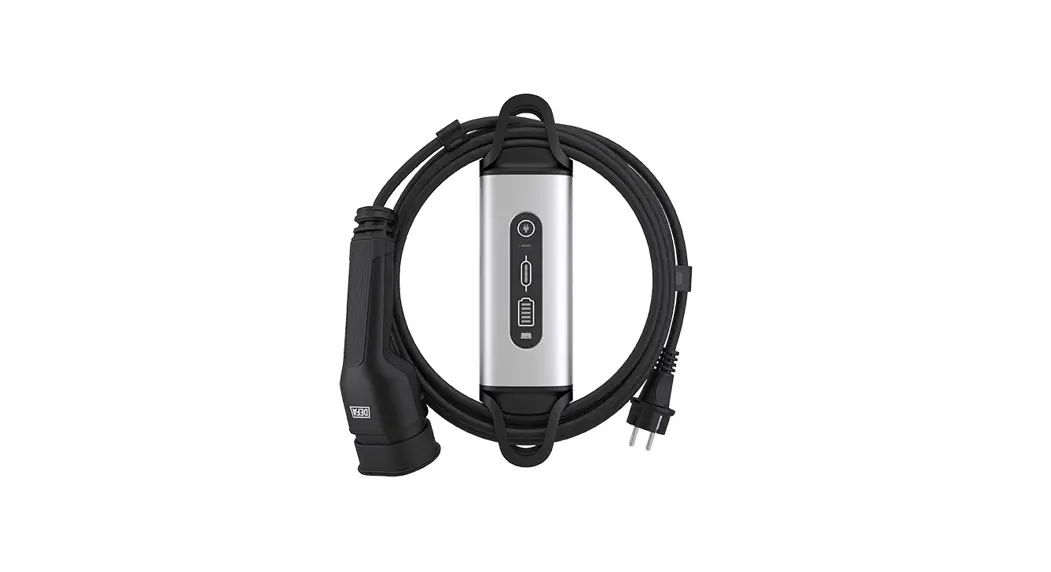
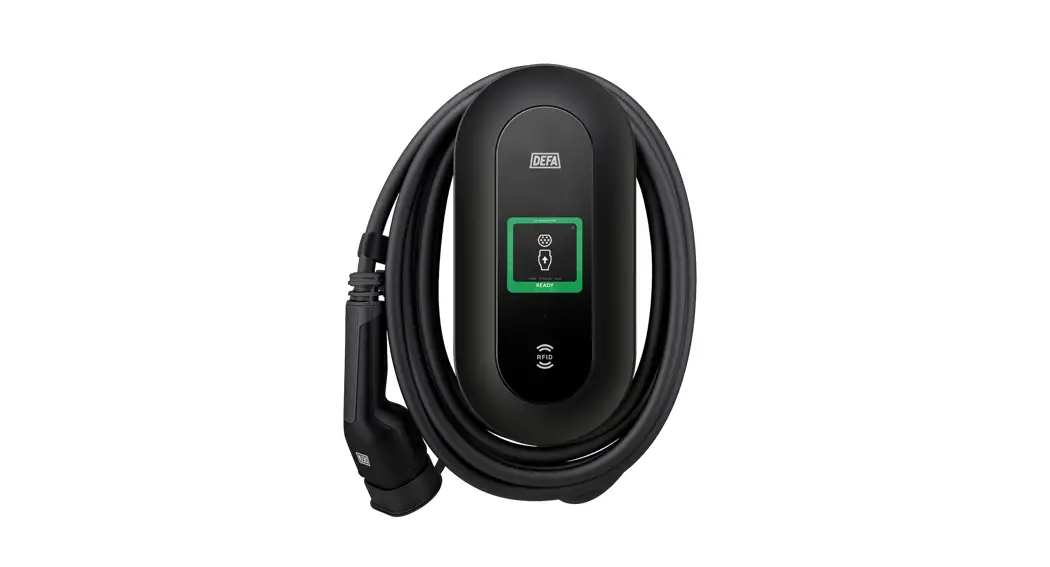
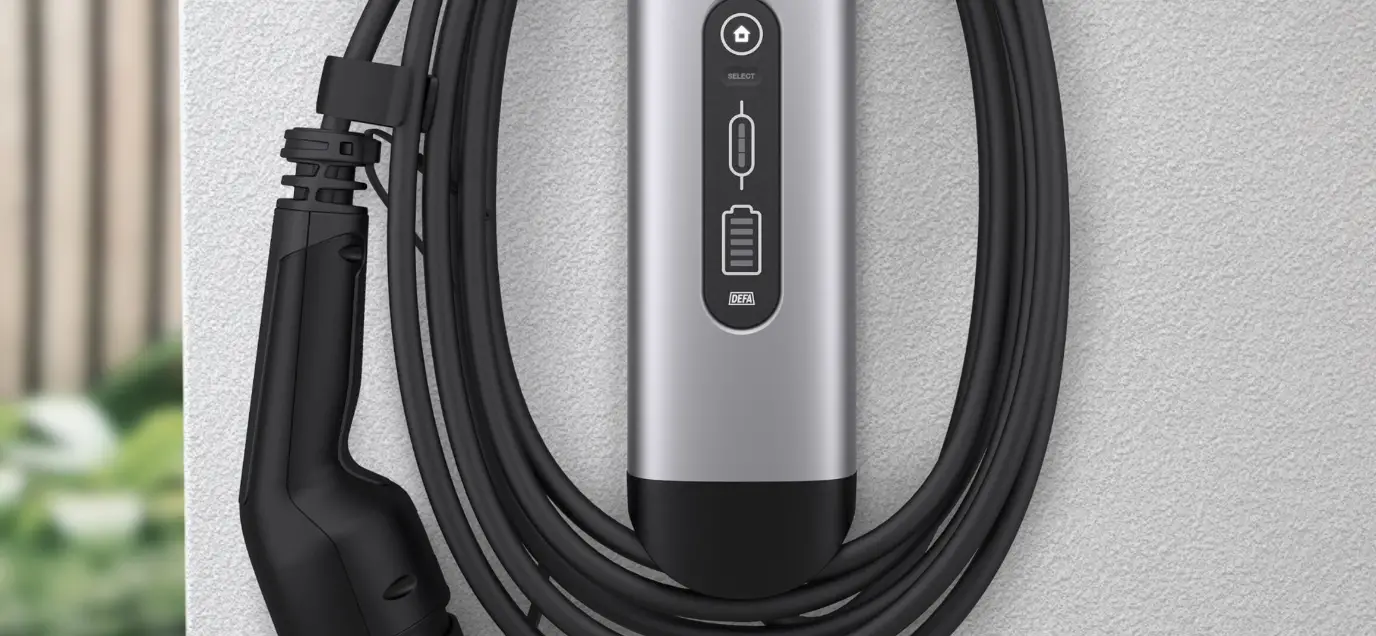
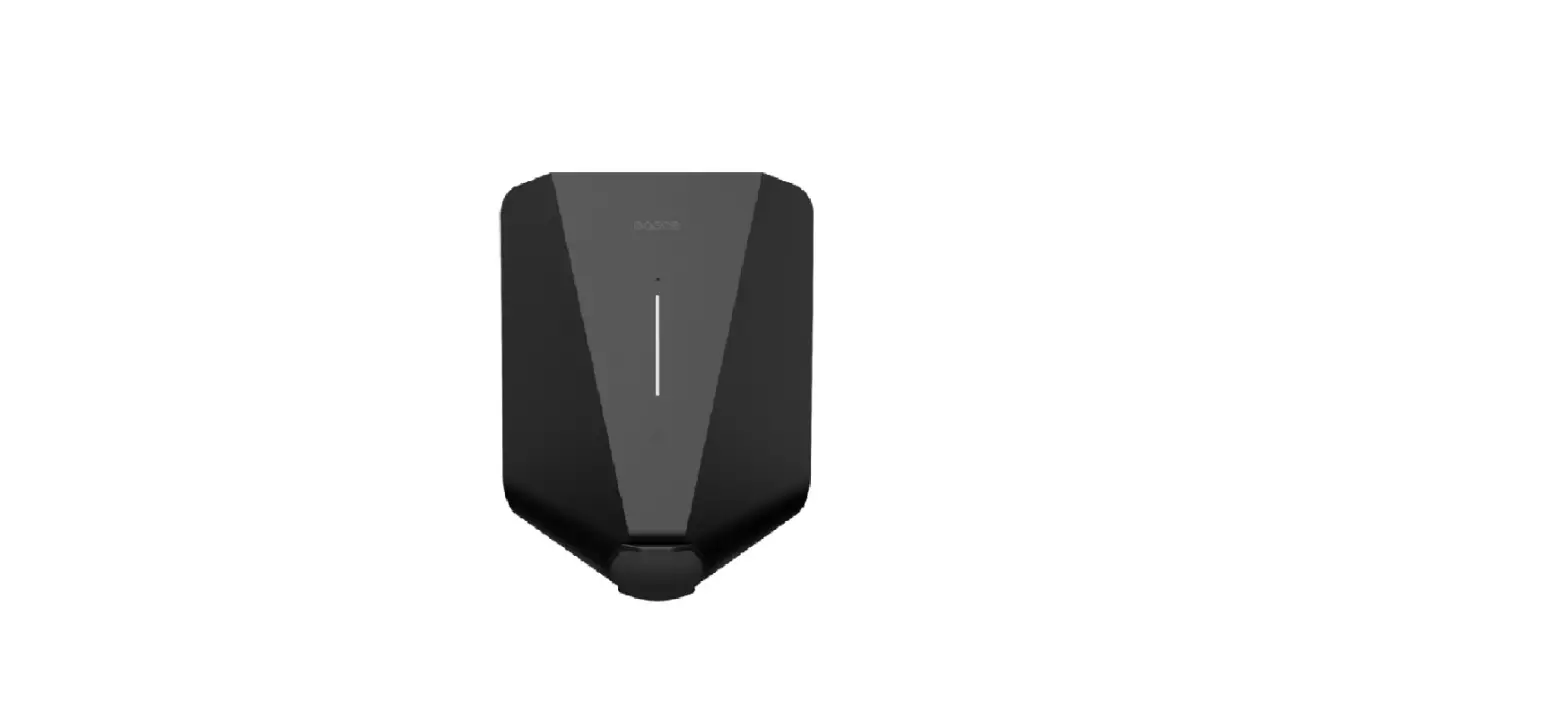
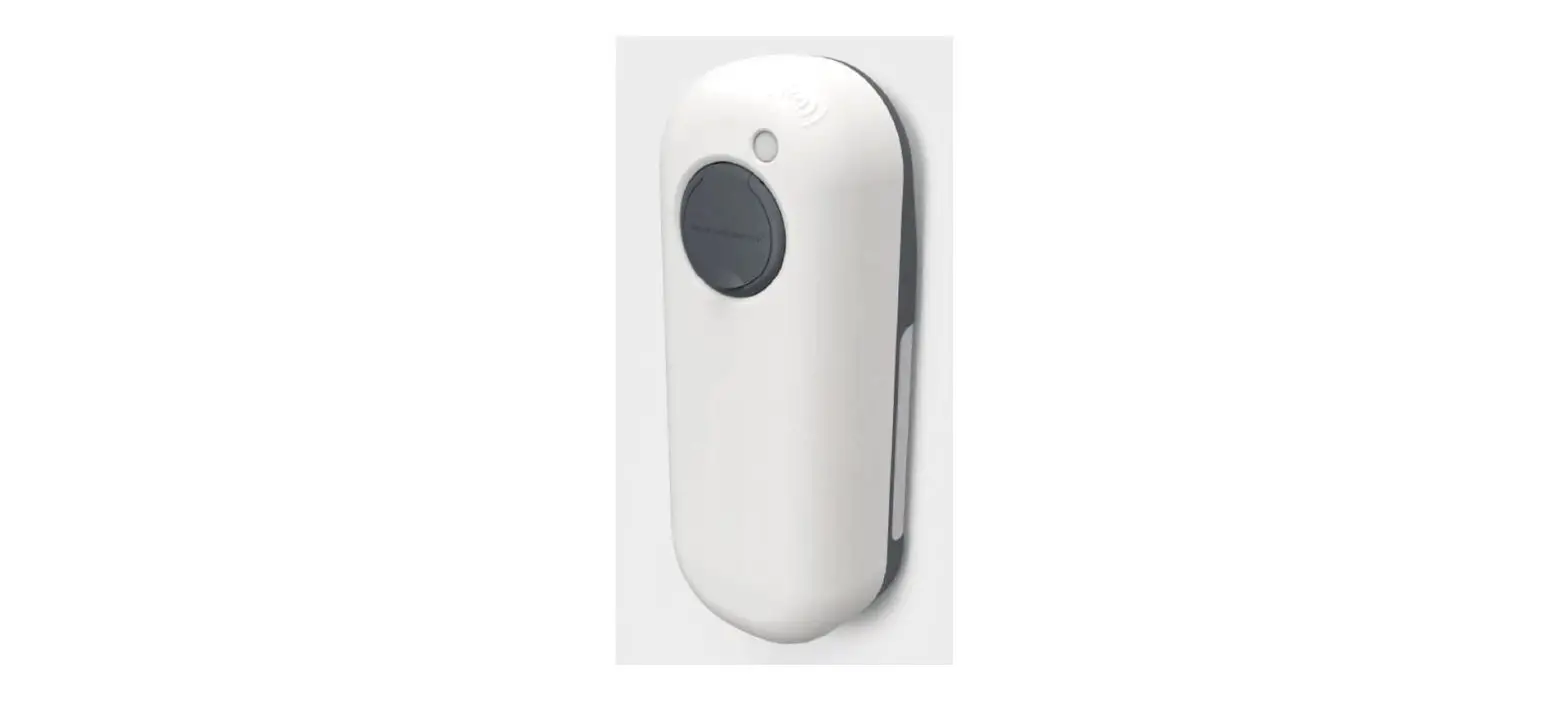
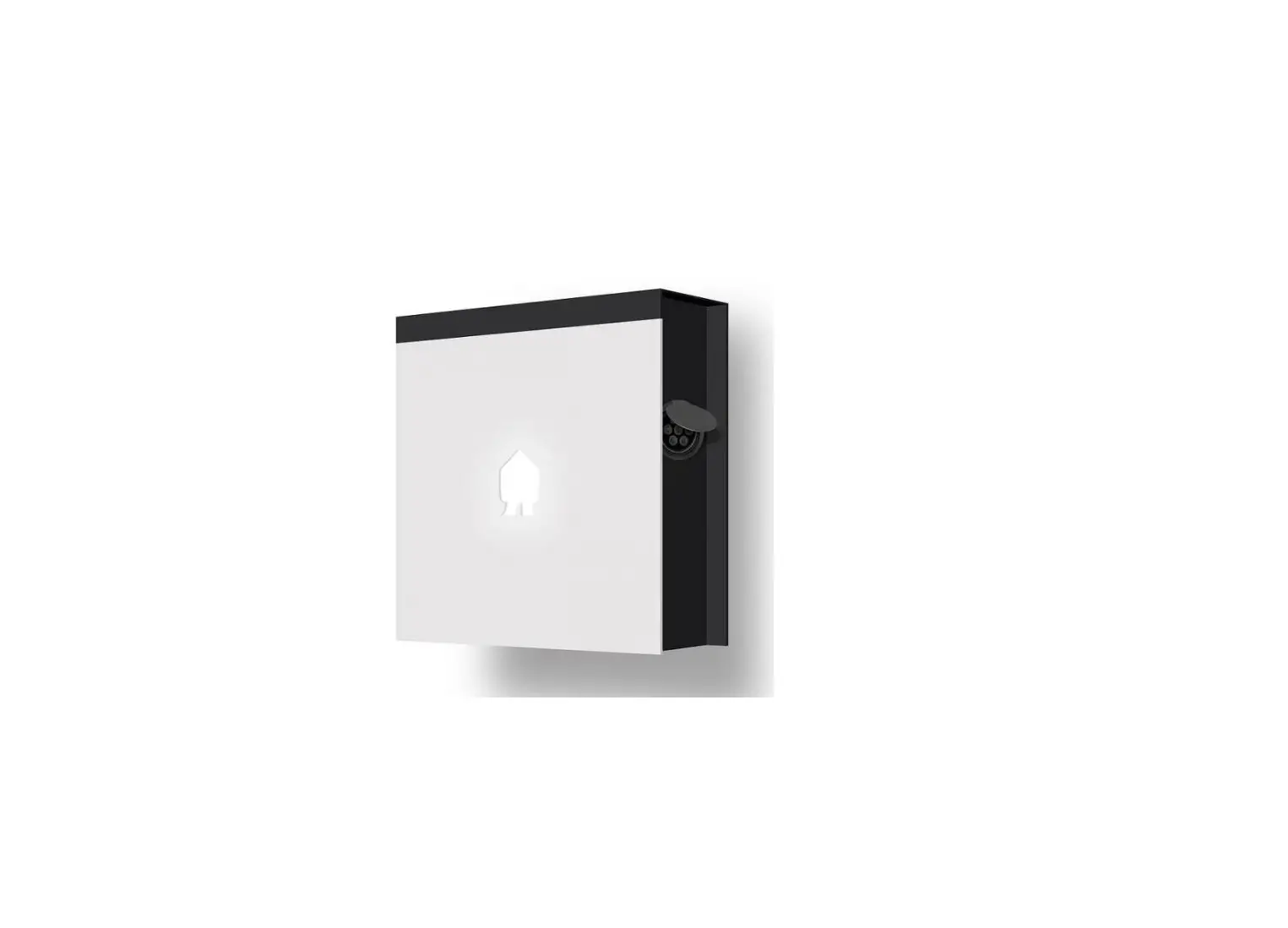
The product is DEFA Power, a device that allows you to control
and monitor various aspects of your installation. It can be used
with a smartphone or tablet running on Android or iOS.
Platforms
The DEFA Power can be used with the following platforms:
- Smartphone or tablet (Android or iOS).
Installation Guide
Follow the steps below to install and set up your DEFA
Power:
Step 1: Download the Power Setup App
1. Open the Google Play Store or App Store on your smartphone or
tablet.
2. Scan the QR code shown on the display of your DEFA Power
device.
3. Download the Power Setup app.
Step 2: Configure the Installation
1. Open the Power Setup app on your smartphone or tablet.
2. Follow the on-screen instructions and guide to select the
type of configuration needed for your installation.
3. Complete the setup process by following the steps provided in
the Power Setup app.
Note: Make sure to refer to the detailed instructions and guide
within the Power Setup app for specific installation
requirements.
Quick installation guide
DEFA Power – get started
1
1.1
1.2
1.3
2
2.1
2.2
2.3
3
4
3.1
YYYY DDD12310C
3.2
3.3
5
5.1
5.2
CLICK
6
Platforms
Smartphone or tablet (Android or iOS).
Google Play Store, by scanning the QR code
6.11. GoatondthbeeAlpopwS,taonredor
Google Play Store, by
scanning the QR code
shown on the display
and below, and
download the
E 213 604 SCAN QR TO SET UP
Power Setup app.
E 213 604 SCAN QR TO SET UP
3. Select the type of configuration
62..2 Open the Power Setup app on
your smartphfonlleowor thabelestt.eps and guide in
63..3 Select the type of configuration needed for your installation and follow the steps and guide in the Power Setup app.
716818 E03 – HG 28042023