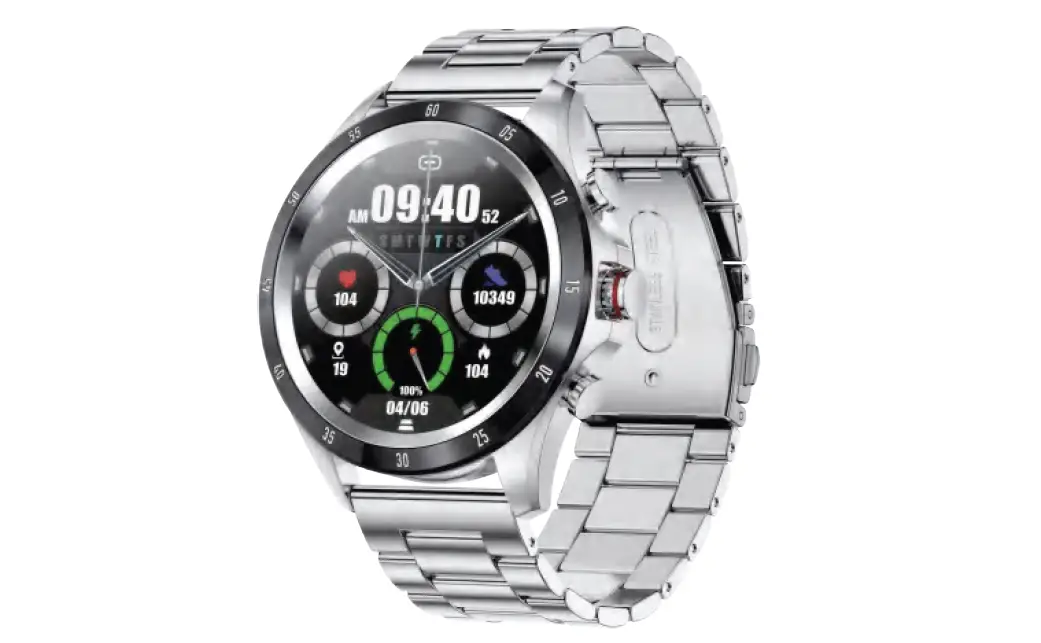
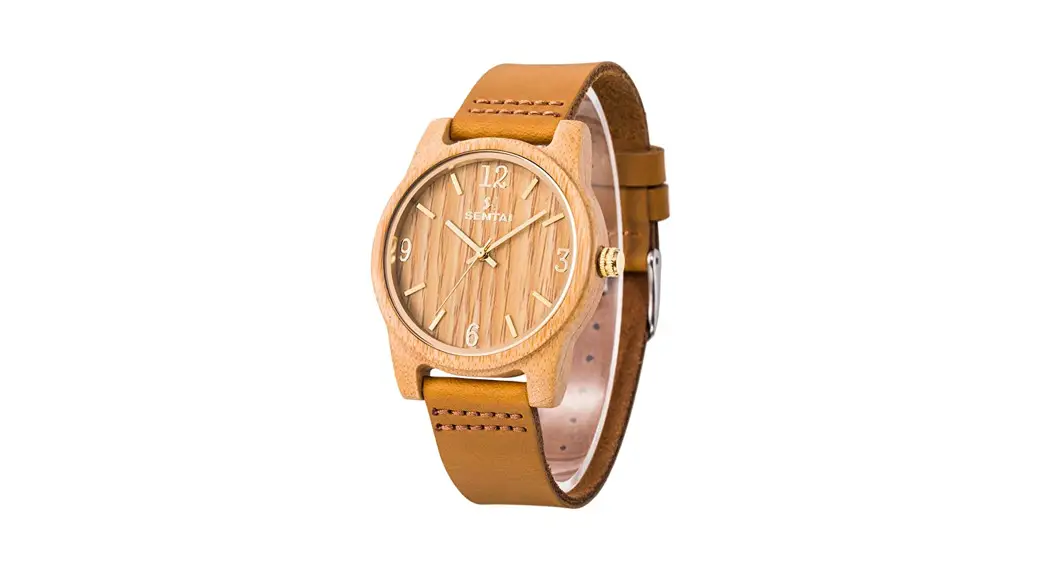
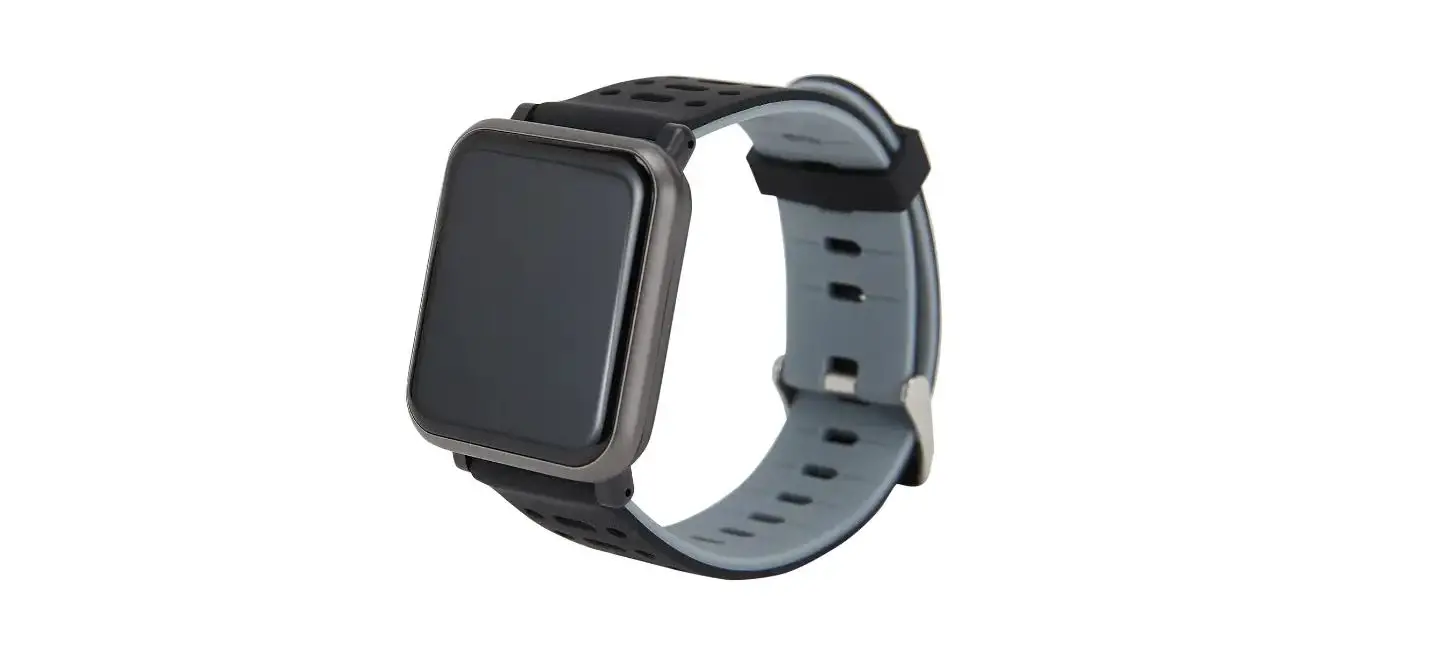
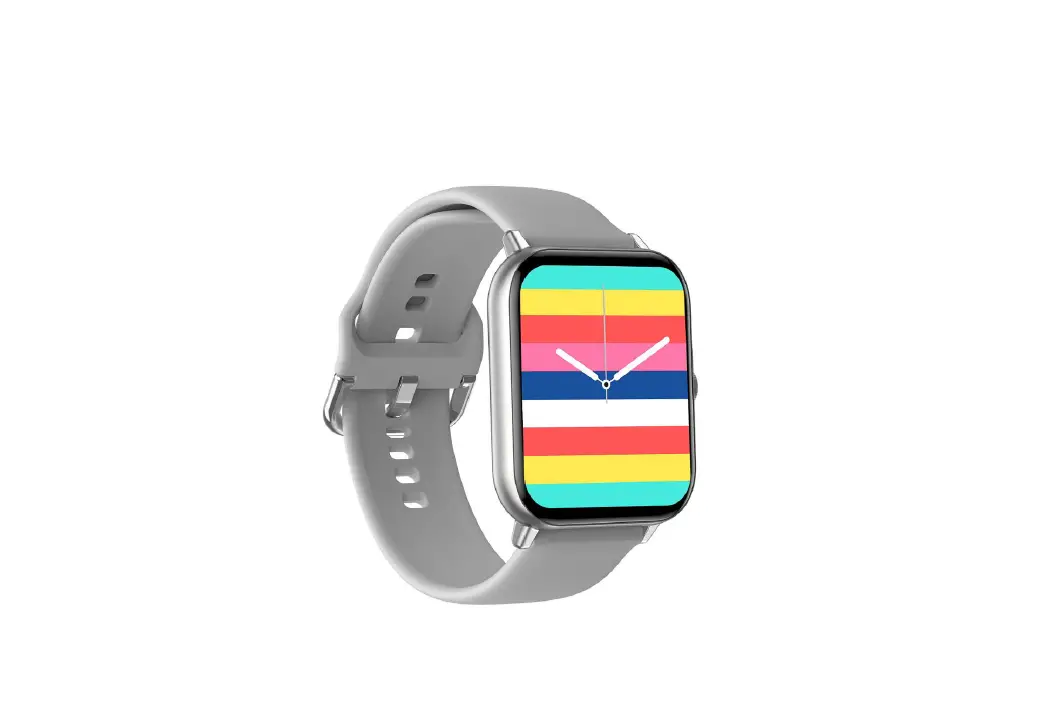
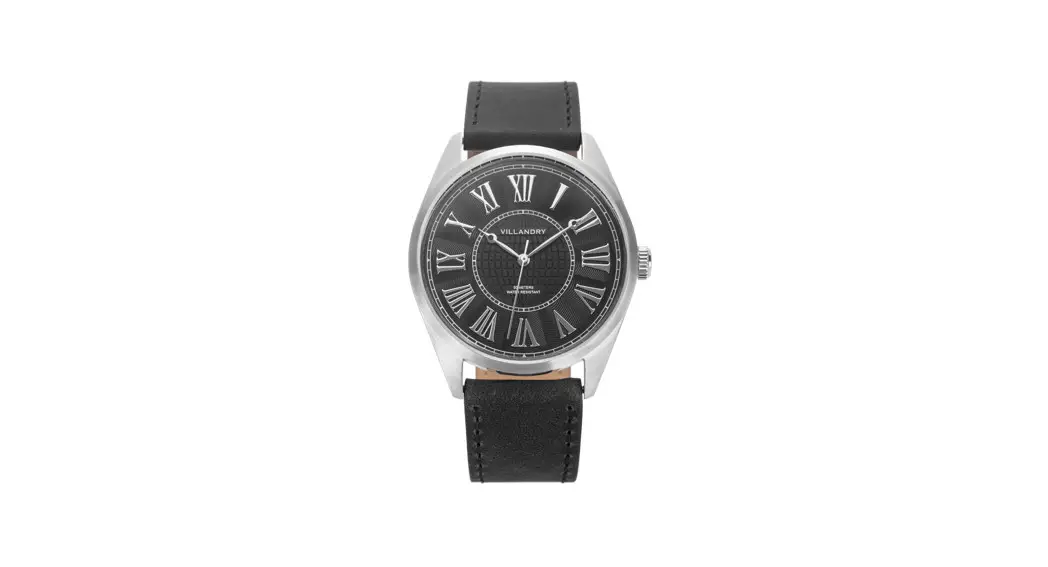
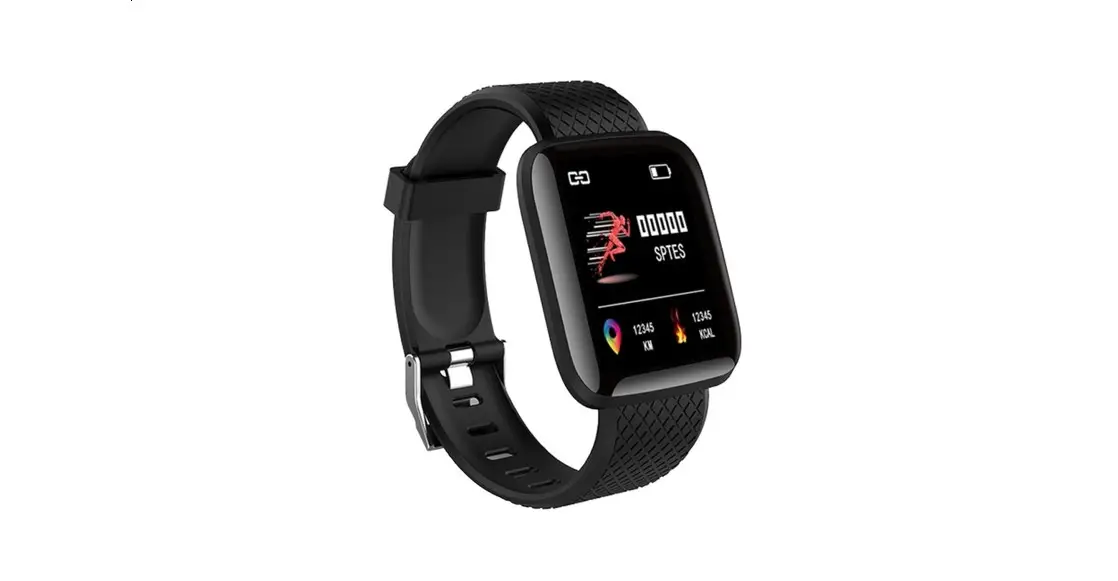
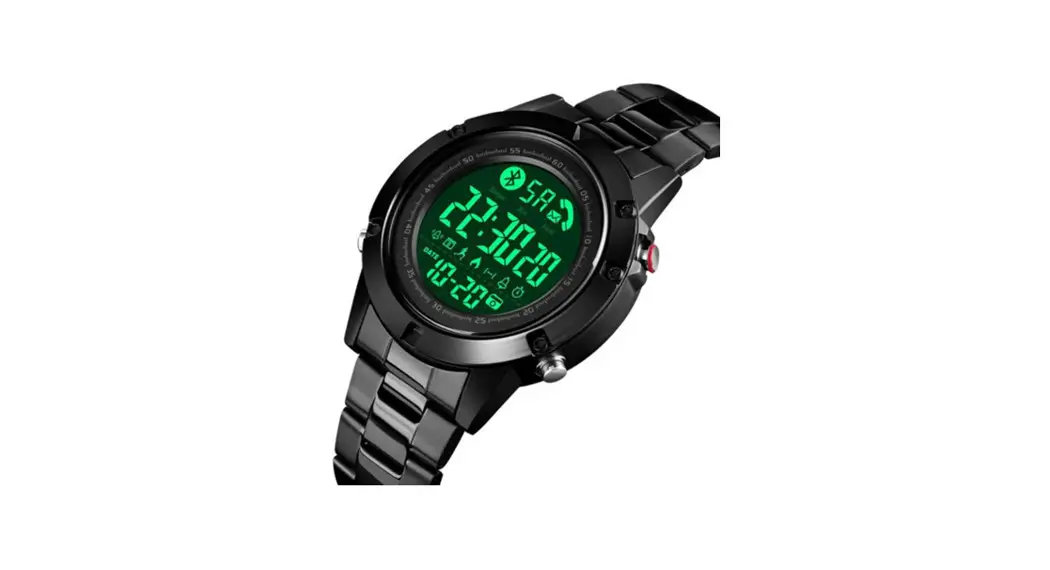
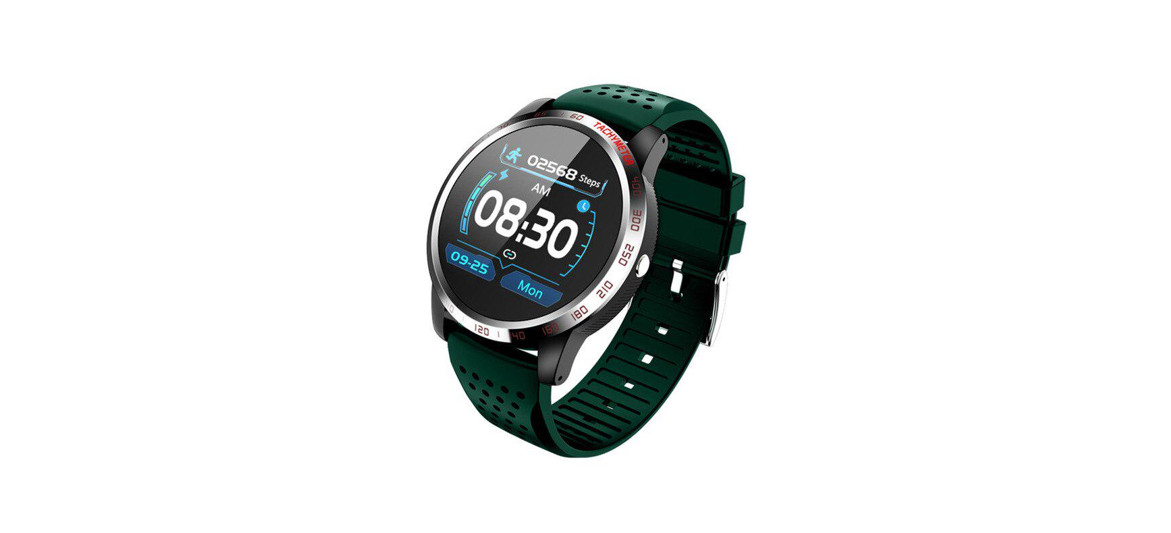
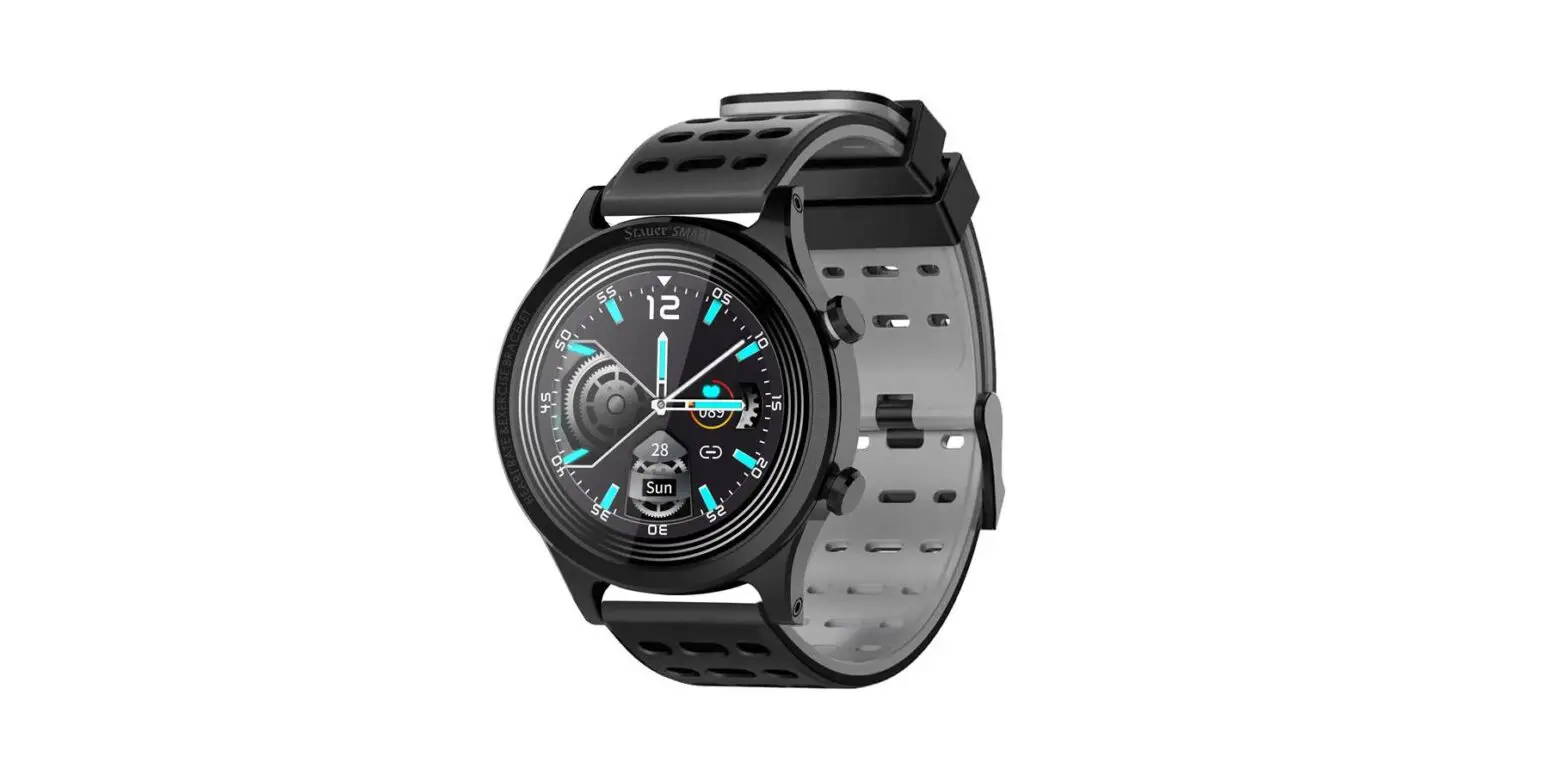
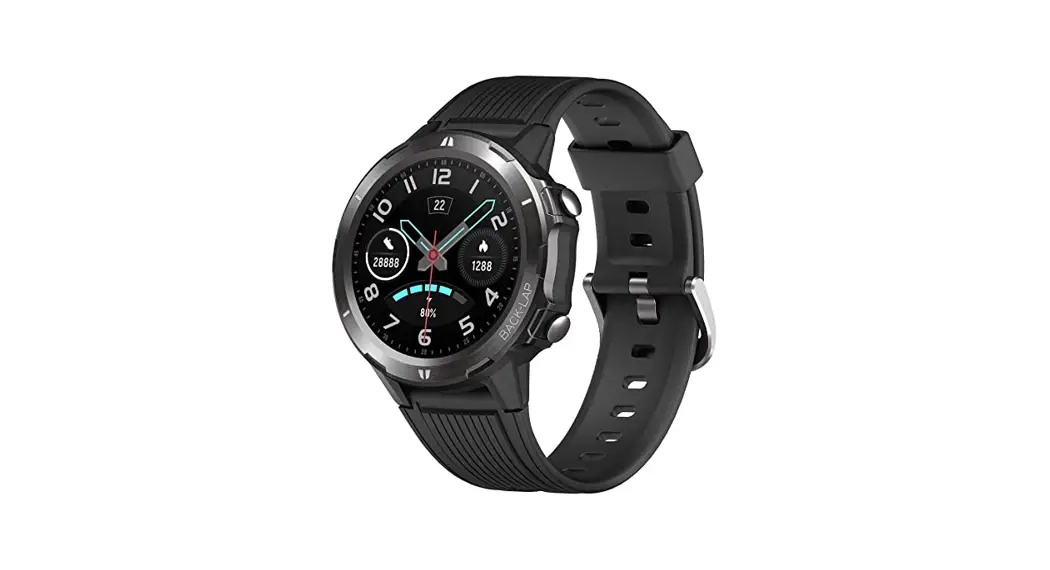
BK613B Smart Watch
BK613/BK613B/50215/50510 Radio-controlled Chronograph Set
Instruction manual
Product Information
The BK613/BK613B/50215/50510 radio-controlled chronograph set is
a watch that uses radio signals to automatically adjust the time
and date. The watch is equipped with a chronograph function that
allows you to measure elapsed time accurately. The watch can also
display the date, day of the week, and world time.
Product Usage Instructions
Initial Setup
The initial setup operation is to reduce the mechanical error of
the watch hands. It should be done if you encounter the following
cases:
- Time – due to factors such as magnetic fields, important shocks
or strong vibrations. - After replacing the battery.
- Press and hold button S2 for 10 seconds, the LCD will flash and
display RST. DO NOT STOP TO HOLD BUTTON S2 UNTIL THE LCD SCREEN
SHOWS RST. - The hands will fast spin. Please be patient until they stop
running. - The hour hand and minute hand should point to 12 positions. The
second hand may have a slight offset, press the button S2 stepwise
to adjust it to point to 12 positions. - When all the watch hands are exactly at 12, don’t press any
button. The hands will fast spin after one minute, and when they
stop, the watch will show the correct time.
Automatic Signal Reception
The watch will automatically switch to RCC mode at 2:00 AM and
at 3:00 AM every day. The signal is always good at night. If your
watch cannot get the signal in the daytime, just leave it nearby a
window where the signal is strong overnight to get a radio signal.
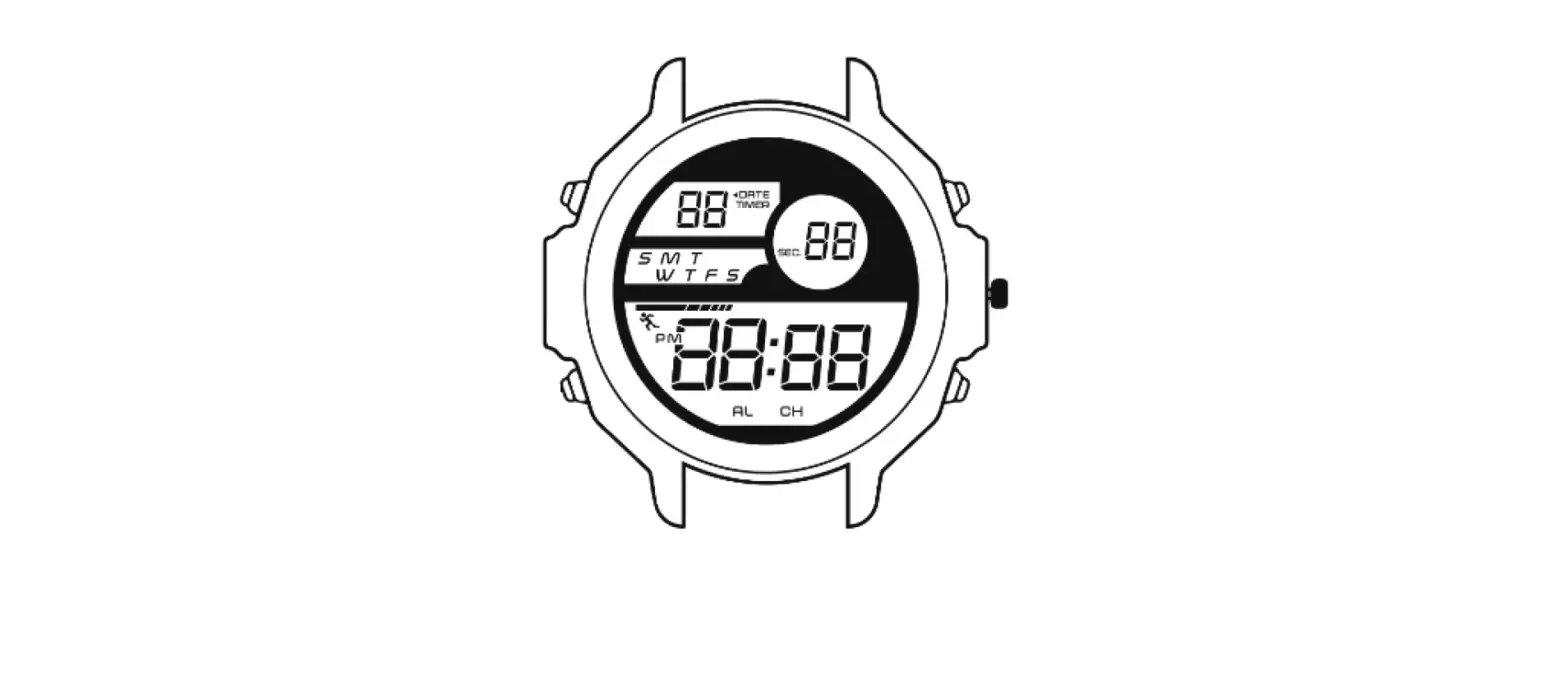
The LCD display shows Signal symbol the reception attempt was
successful.
Manual Signal Reception
- Press button S1 and hold for 3 seconds.
- The second hand rotates to 12:00, The LCD1 display shows the
signal reception. - The process will take 3-8 minutes.
Note: For the best possible reception, position your watch near
a window in an upright manner, with the dial facing the window or
outdoors. If the watch fails to set itself, leave it all night long
near the window.
The signal cannot be received for the following reasons:
- Near high buildings.
- Near a built-up area.
- In an area outside the radio signal coverage area.
- Near electronic or electrical equipment such as TV, wireless
radio, mobile phones, computer which may cause undesirable signal
interferences. - Near sources of magnetism or electro-magnetism.
- Near heat sources.
- In conditions of bad weather.
Setting of LCD Display
The LCD Display can show date and day of the week, world time,
stopwatch (STW). Press button S1 stepwise to choose the desired
option.
A: Language of LCD Display
- Press S1 step by step to switch to the date and day of the week
display. - Press button S3 and hold for 3 seconds until the LCD1 displays
a flashing language. (ENG: English; DEU: German; FRA: French; DUC:
Dutch) - Press button S1 step by step to choose the language, press S3
to confirm. - The day of the week is now displayed in the chosen
language.
B: Time zone setting
- Press S1 step by step to switch to the world time.
- Press button S3 and hold for 3 seconds until the LCD1 displays
a flashing time zone. - Press button S1 stepwise to choose, check with the list of time
zone. - Press button S3 to store.
IMPORTANT: Local time daylight saving time is automatic,
depending on the signal emitted by the radio wave. If your target
country is in daylight saving time, please do the instructions
below:
- Press S1 step by step to switch to the world time.
- Press button S3 and hold for 3 seconds until the LCD1 displays
a flashing time zone. - Press button S3 once, the LCD2 displays OFF, which means
daylight saving time off, press button S1 to turn it on.
BK613/BK613B/50215/50510
Radio-controlled Chronograph Set Instruction manual
English
PLEASE READ THE MANUAL BEFORE YOUR FIRST USE. KEEP THIS MANUAL SAFE FOR FUTURE REFERENCE!
INITIAL SETUP
The setup operation is to reduce the mechanical error of the watch hands It should .
be done if you encounter the particular cases below:
LCD 1
· First time use
· A loss of synchronization between the hands and the internal saved RCC
time – due to factors such as magnetic fields, important shocks or strong
LCD 2
vibrations.
· If the watch fails to set itself correctly and RCC signal status has not been
successfully received.
1. Press and hold button S2 for 10 seconds, the LCD will flash and display “RST”. DO NOT STOP TO HOLD BUTTON S2 UNTIL THE LCD SCREEN SHOWS ” RST “.
2. The hands will fast spin. Please be patient until they stop running. 3. The hour hand and minute hand should point to “12” position. The second hand may have a slight offset, press the
bouton S2 stepwise to adjust it to point to “12” position. 4. When all the watch hands are exactly at “12”, don’t press any button. The hands will fast spin after one minute
and when they stop, the watch will show the correct time.
AUTOMATIC SIGNAL RECEPTION
The watch will automatically switch to RCC mode at 2:00 AM and at 3:00 AM every day. The signal is always good at night. If your watch cannot get the signal in the daytime, just leave it nearby a window where the signal is strong overnight to get a radio signal. The LCD display shows Signal symbol the reception attempt was successful.
MANUAL SIGNAL RECEPTION
1. Press button S1 and hold for 3 seconds. 2. The second hand rotates to 12:00, The LCD1 display shows the signal reception ” “.
The process will take 3-8 minutes.
Note: For the best possible reception, position your watch near a window in an upright manner, with the dial facing the window or outdoors. If the watch fails to set itself, leave it all night long near the window.
The signal cannot be received for the following reasons:
near high buildings.
near a built-up area.
in an area outside the radio signal coverage area.
near electronic or electrical equipment such as TV, wireless radio, mobile phones
computer which may cause undesirable signal interferences.
near sources of magnetism or electro-magnetism.
near heat sources.
in conditions of bad weather.
SETTING OF LCD DISPLAY
The LCD Display can show date and day of week, world time, stopwatch (STW). Press button S1 stepwise to choose the desired option.
A : Language of LCD Display 1. Press S1 step by step to switch to the date and day of week display. 2. Press button S3 and hold for 3 seconds until the LCD1 display a flashing language. (ENG : English; DEU : German; FRA : French; DUC : Dutch) 3. Press button S1 step by step to choose the language, press S3 to confirm. 4. The day of week is now displayed in the chosen language.
B: Time zone setting You can adjust the time zone to enable your watch to display the correct time of other countries when you travel.
1. Press S1 step by step to switch to the world time. 2. Press button S3 and hold for 3 seconds until the LCD1 display a flashing time zone. 3. Press button S1 stepwise to choose, check with the list of time zone. 4. Press button S3 to store.
IMPORTANT : Local time daylight saving time is automatic, depending on the signal emitted by the radio wave. If your target country is in daylight saving time, pls do instructions below : 1. Press S1 step by step to switch to the world time. 2. Press button S3 and hold for 3 seconds until the LCD1 display a flashing time zone. 3. Press button S3 once, the LCD2 displays OFF, which means daylight saving time off, press button S1 to
turn on daylight saving time. You can also press button S1 again to turn it off. 4. Press button S3 to store.
UTC=0 CAI=+2 DAC=+6 SYD=+10 ANC=-9 MEX=-6 MID=-2
LON=0 JNB=+2 BKK=+7 GUM=+10 LAX=-8 NYC=-5 AZO=-1
BER=+1 MOS=+3 HKG=+8 NOU=+11 SAN=-8 CCS=-4.5
ROM=+1 DXB=+4 BJN=+8 AUC=+12 DEN=-7 RIO=-4
PAR=+1 KHI=+5 SIN=+8 SAM=-11 CHI=-6 SAO=-3
MAD=+1 DEL=+5.5 TYO=+9 HNL=-10
DAL=-6 BUE=-3
STOPWATCH (STW)
This watch has stopwatch function. 1. Press S1 step by step until the LCD1 display “STW”. 2. Press the S3 button to start stopwatch counting (LCD2), Press S3 again to pause counting. 3. Stopwatch can be reset by pressing S1 button when it pauses.
HOW TO CHANGE THE BRACELET
METAL BRACELET
REMOVAL
ATTACHEMENT
LEATHER BRACELET
REMOVAL
ATTACHEMENT
-Insert the tool into the point under end caps to touch the spring bar.
-Depress the spring bar and then slide it out of the indents in the lugs. The bracelet will release from the lugs.
-Move the spring bar into position between the lugs. Slide and fix one end of the spring bar into one of the lug holes.
-Depress the other side of spring bar to click it into the other lug hole.
The leather strap is attached by a spring bar with switch pin.
Pull the pin to the side and then the strap will be removed from the lugs easily.
-Slip and fix one end of the spring bar into one of the lug holes.
-Align the pins to the lug holes and then click the strap into the other lug holes.
Attention: · Place the watch face down on a folded cloth or towel to protect the face of your watch and not scratch the glass. Then place this cloth onto a flat surface, such as a table or countertop. · End caps are the parts at the end of bracelet that protrude out like wings. Do not pry the end caps to avoid any deformation. · If you are struggling to change the bracelet, please visit a local jeweler or watch store for help.
WARNING
· DO NOT operate the crown or buttons in the water or when the watch is wet. · To prolong the appearance of your watch, avoid contact with the following: Perfumes, hairspray, cosmetics, detergents, adhesives and paints as they cause discoloration, deterioration and damage. · To help prevent possible damage from perspiration, dust and moisture, periodically wipe your watch with a soft dry cloth. · To ensure lasting durability please take note of the following points: Never attempt to open the case of your watch. Batteries should be replaced by a qualified technician. · Your watch is shock-resistant, however, please be careful not to drop or hit your watch against hard surfaces, as this will cause damage. · “Do not swallow the battery, chemical Burn Hazard” · This product contains a coin / button cell battery. If the coin / button cell battery is swallowed, it can cause severe internal burns in just 2 hours and can lead death. · Keep new and used batteries away from children. · If the battery compartment does not close securely, stop suing the product and keep it away from children. If you think batteries might have been swallowed or placed inside any part of the body, seek immediate medical attention.
WARNING: You should not dispose of this device with your household waste. A selective collection system for this type of product is implemented by your local authorities. Please contact your local authorities to find out how and where collection takes place. These restrictions apply because electrical and electronic devices contain dangerous substances that have harmful effects on the environment or on human health and must be recycled. This symbol indicates that electrical and electronic devices are collected selectively. The symbol shows a waste container crossed out with an X symbol.
Imported by EML trading name Prodis, 1 rue de Rome, 93110 Rosny-sous-Bois, France/ Made in PRC
Marketed by EUROTOPS VERSAND GMBH D-40764 LANGENFELD, Germany