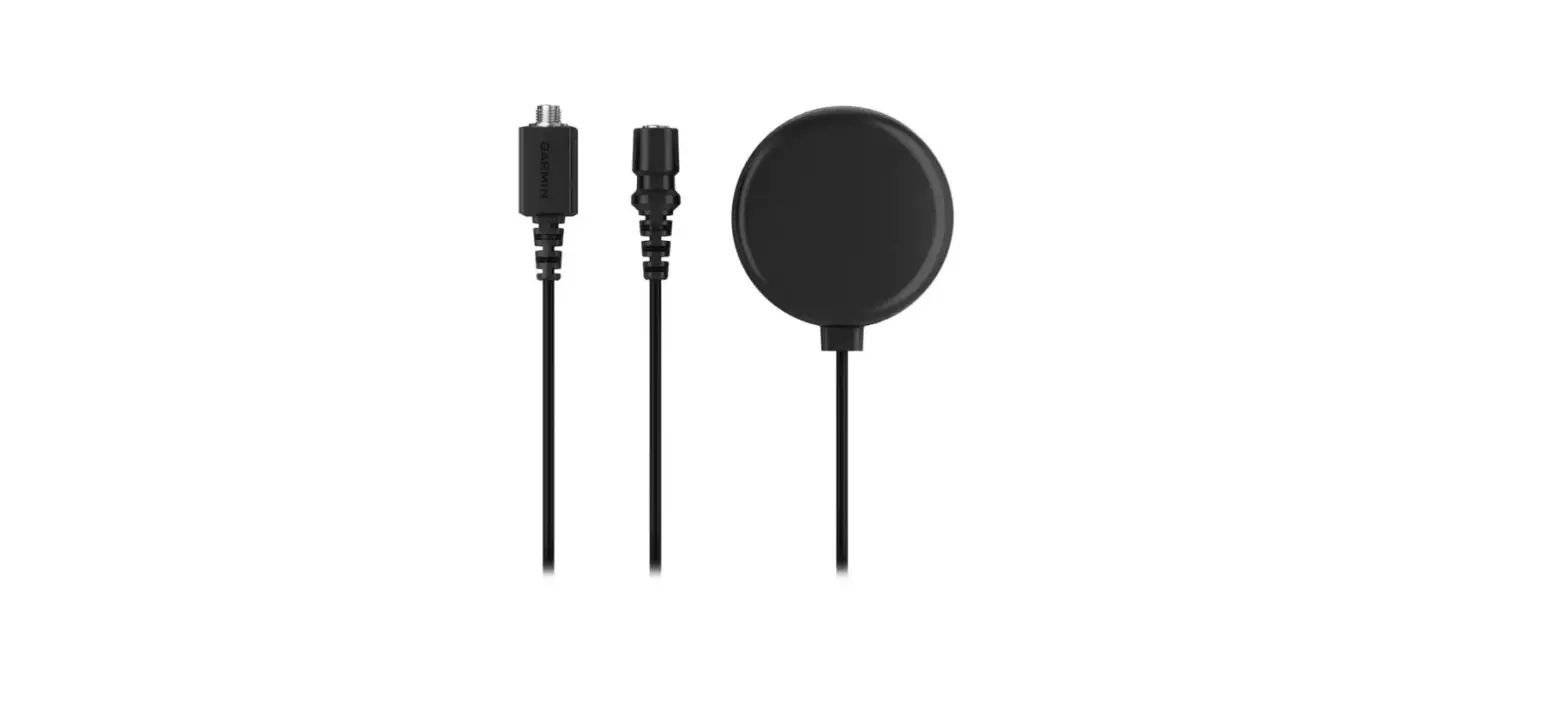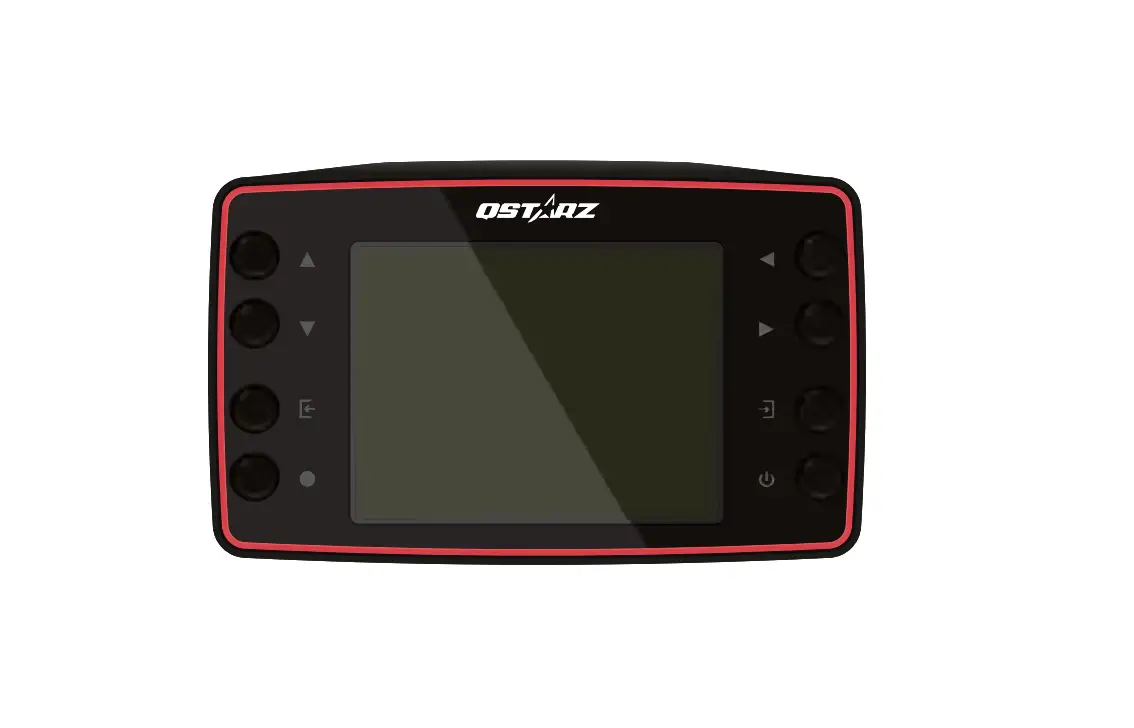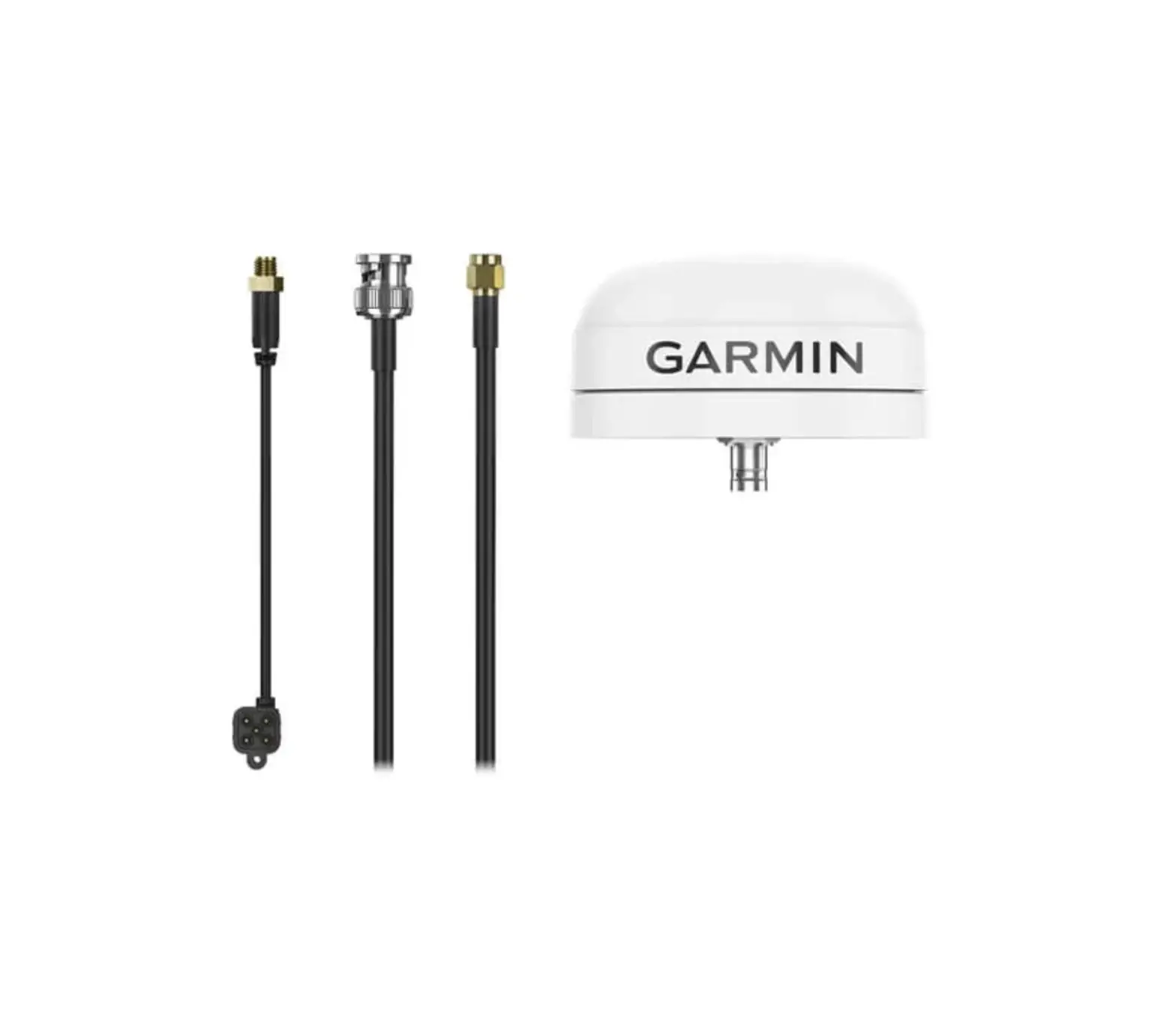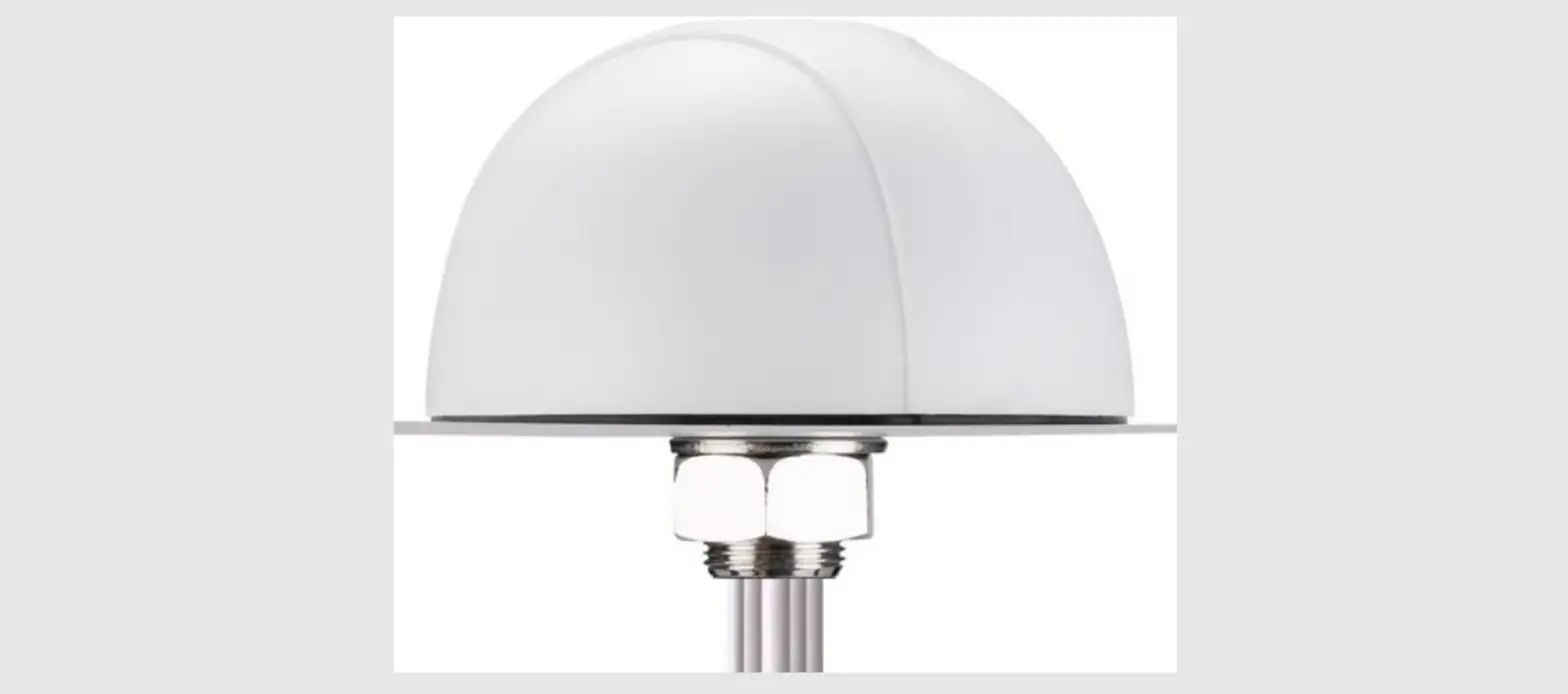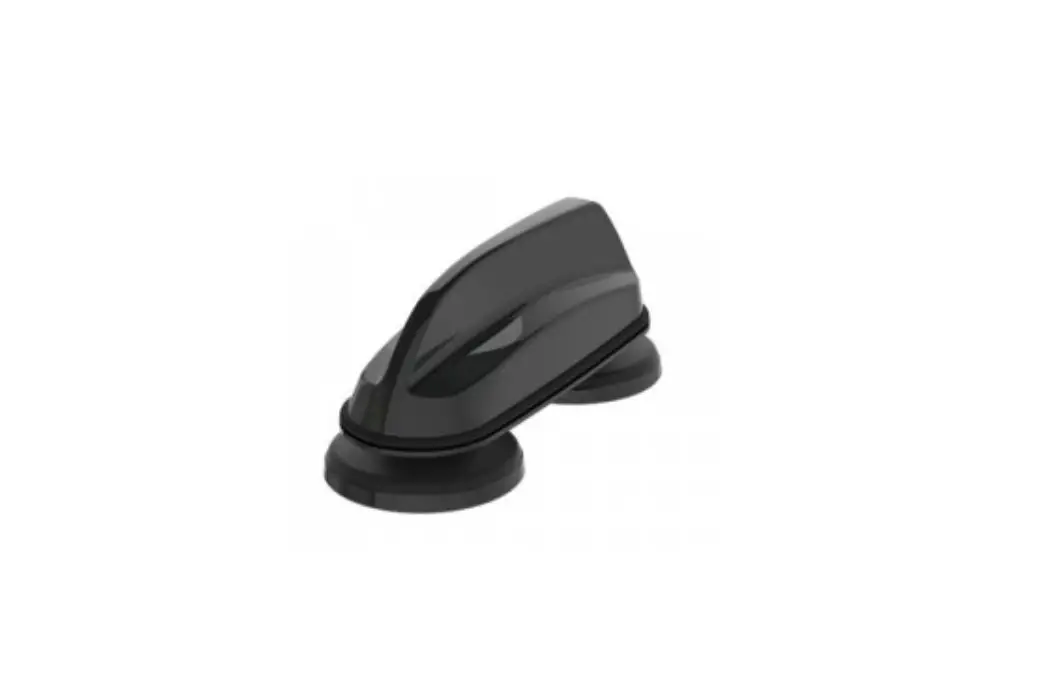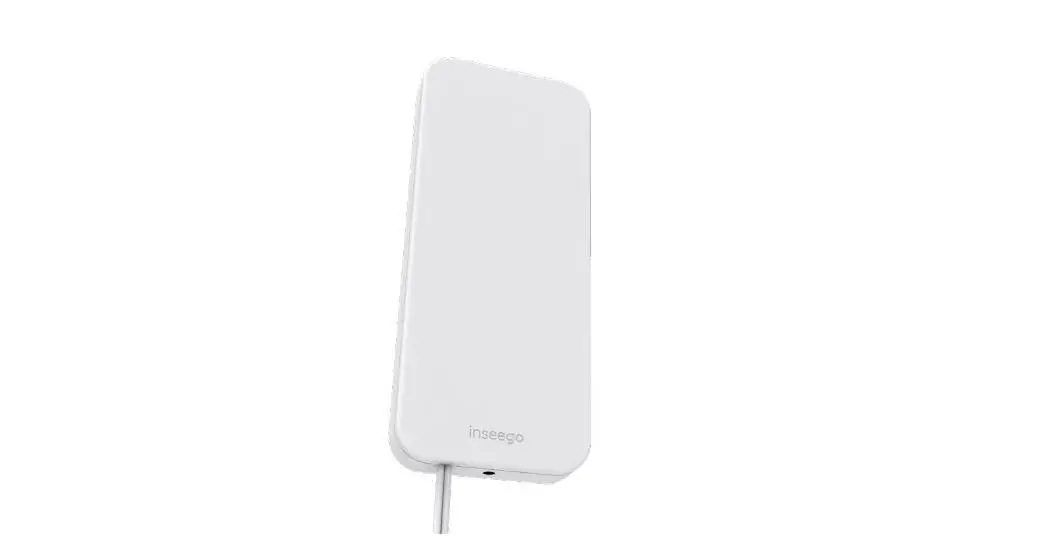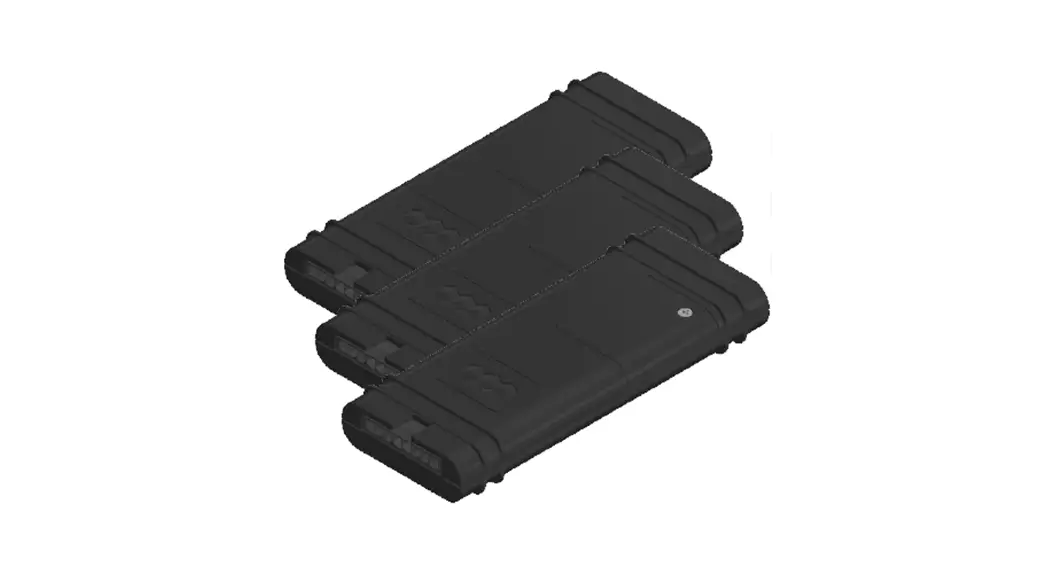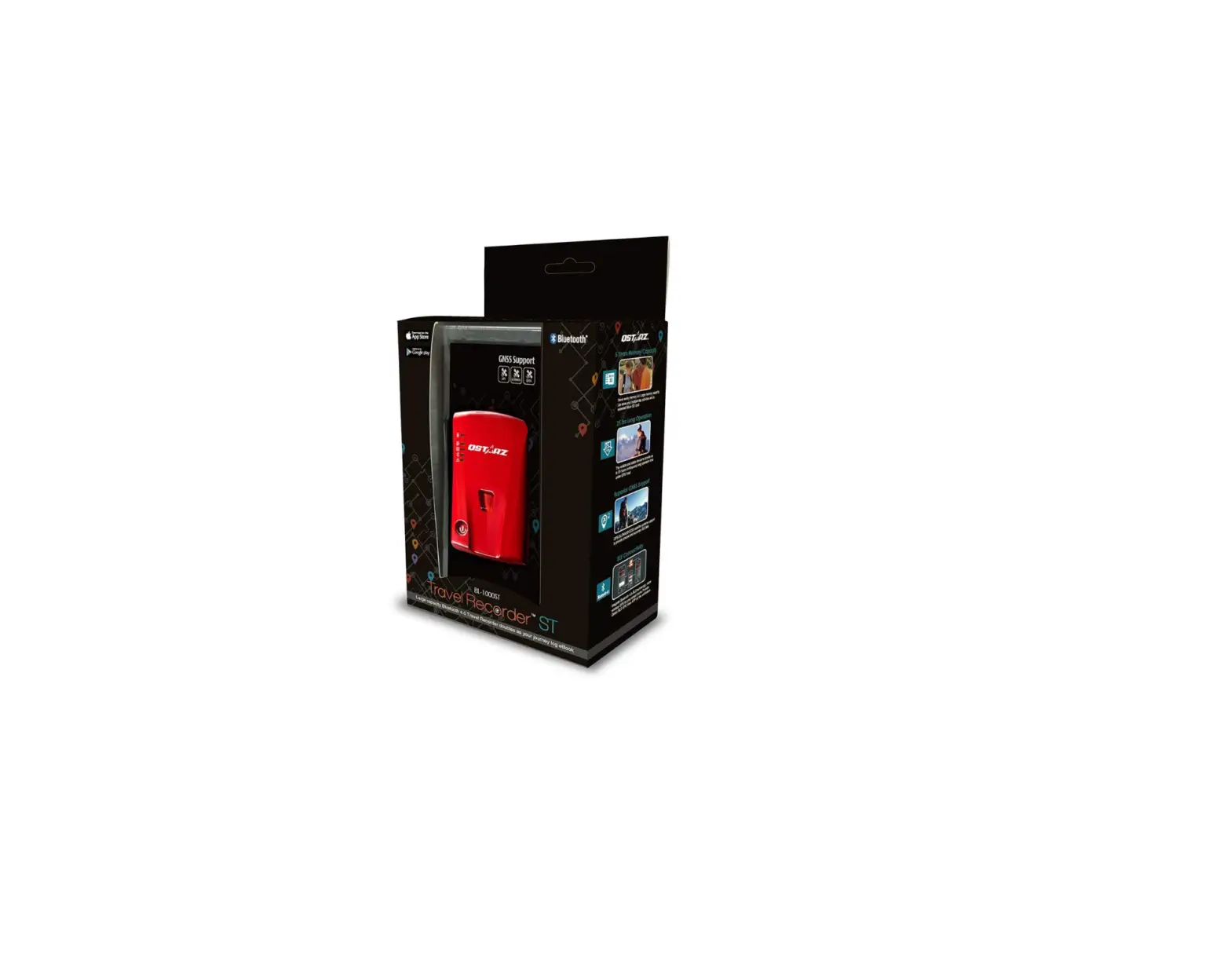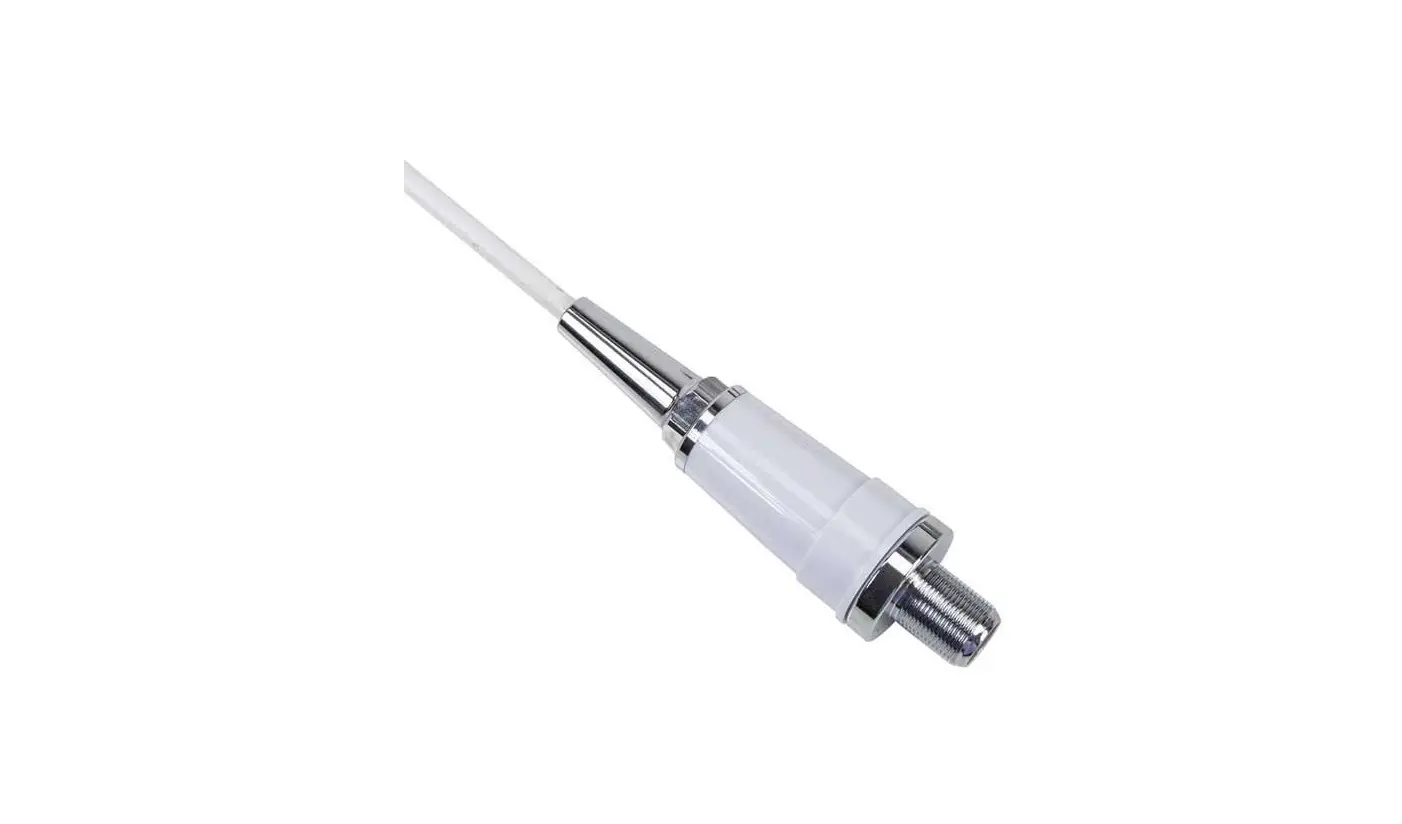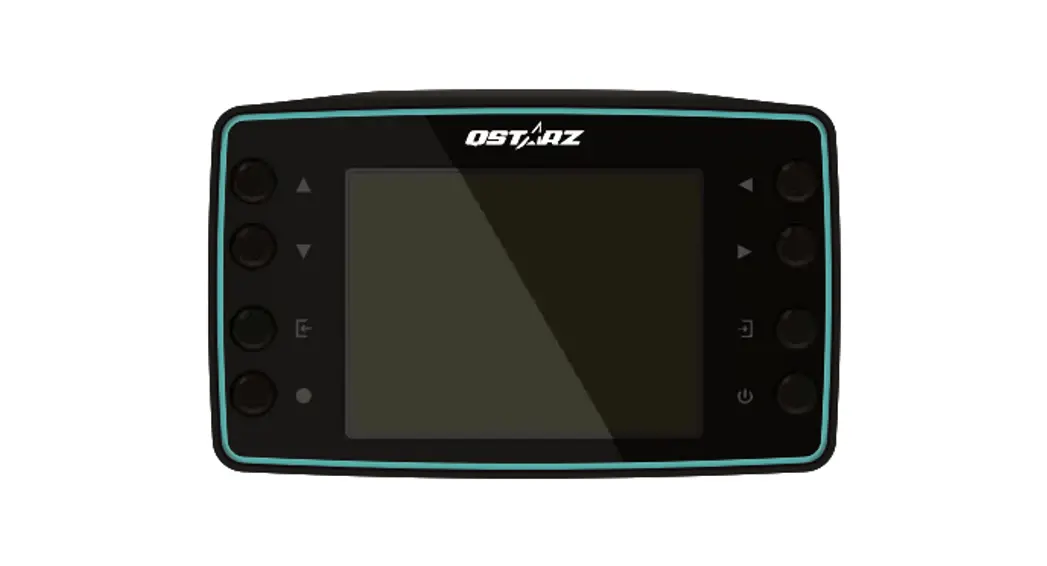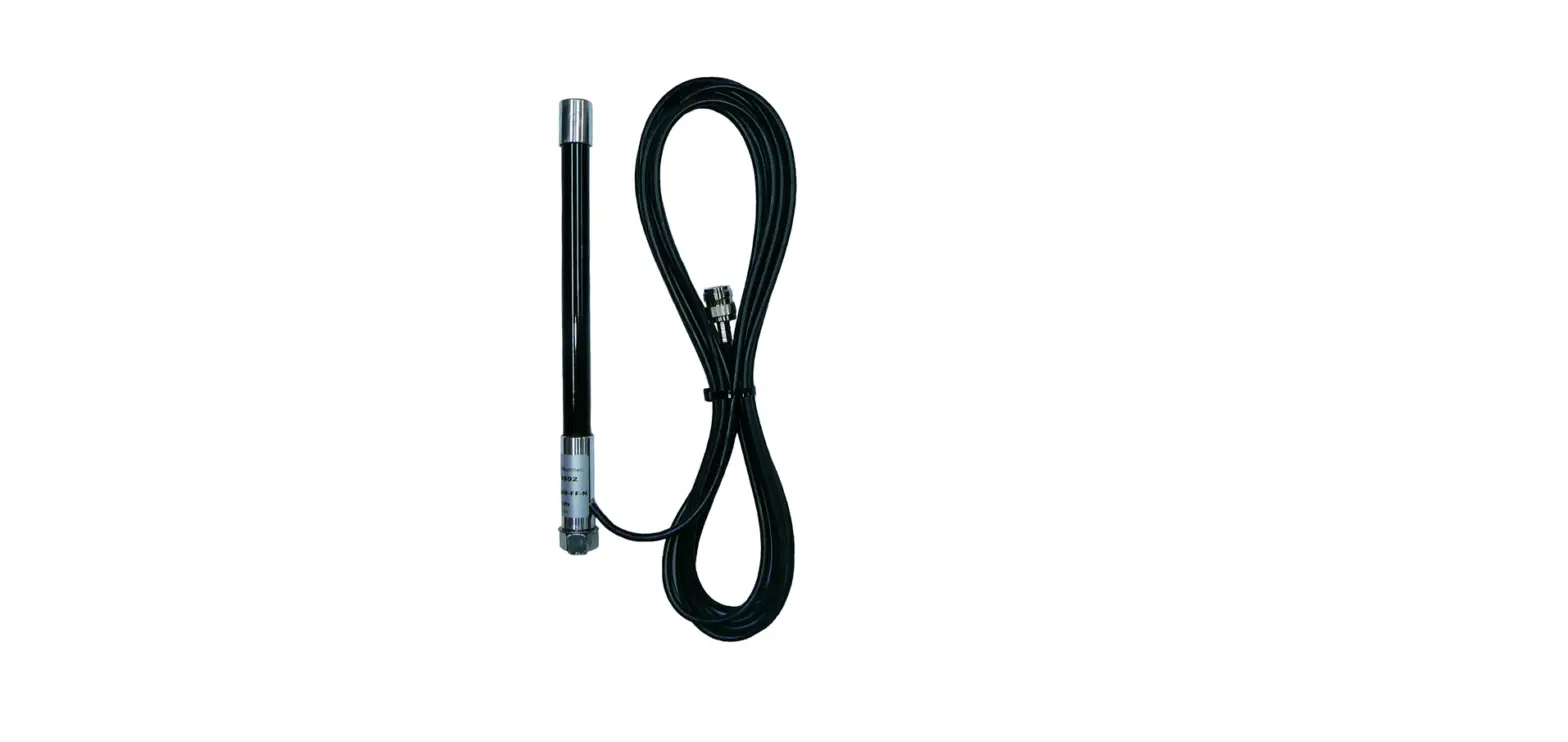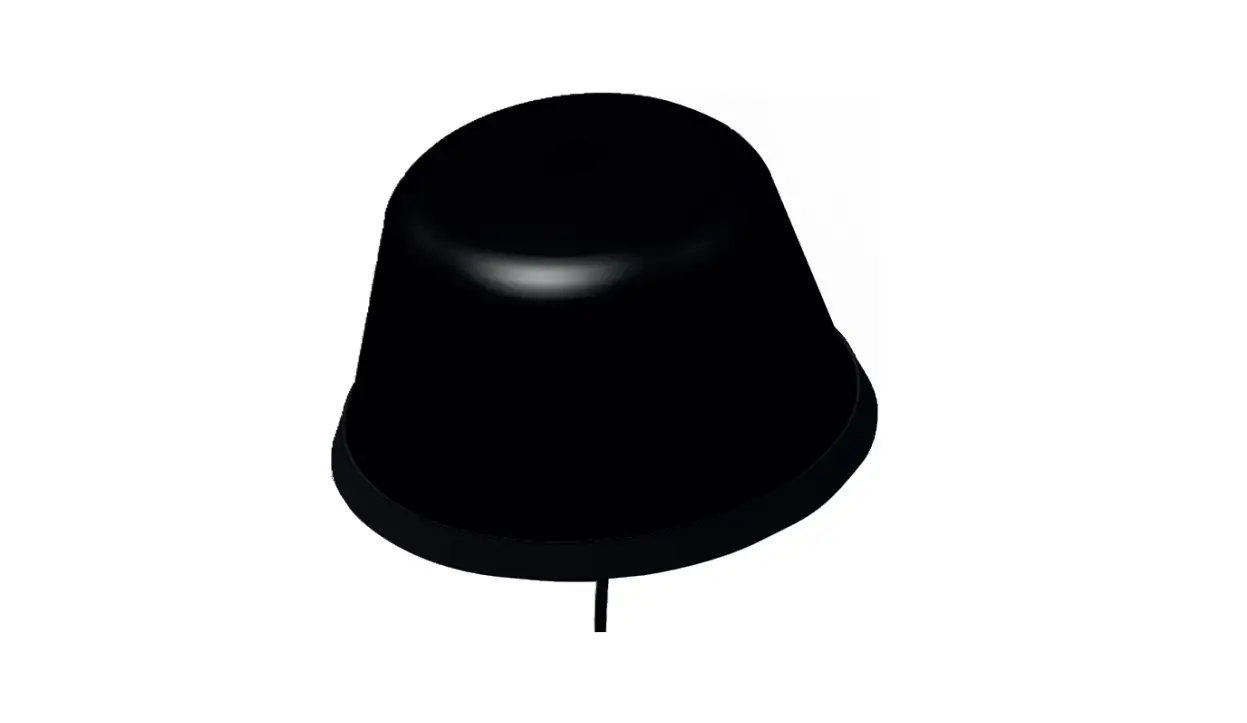

Qstarz Lt-8000gt External Gps Antenna Installation Guide

Qstarz Lt-8000gt External Gps Antenna Installation Guide

QSTARZ LT-8000GT External GPS Antenna-LOGO

QSTARZ LT-8000GT External GPS Antenna
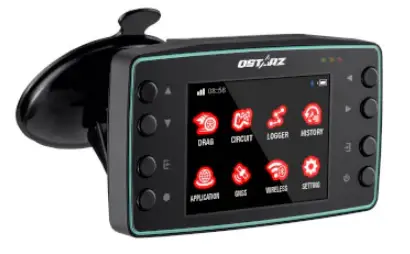
QSTARZ LT-8000GT External GPS Antenna-PRODUCT

How to installation

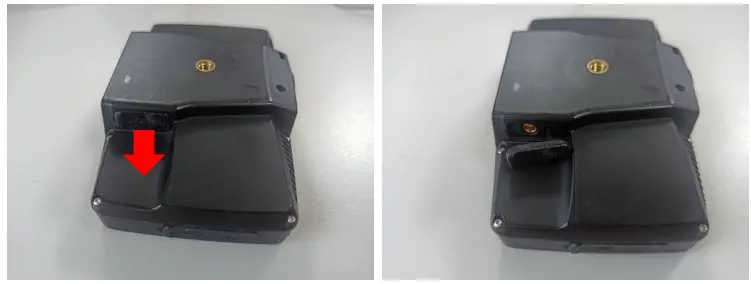
  1. Open rubber cover on the back of LT-8000GTQSTARZ LT-8000GT External GPS Antenna-FIG-1
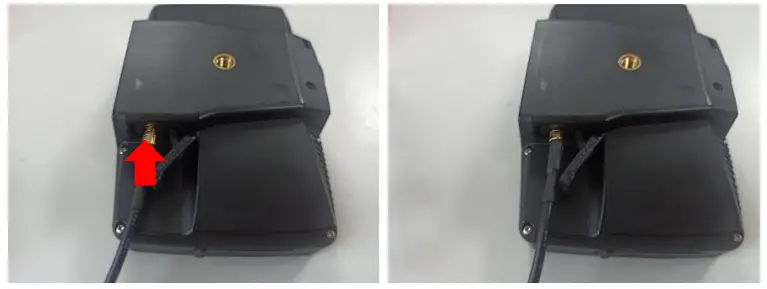
  2. Plug in the GPS antenna connector vertically into the antenna jack MCX LT-8000GTQSTARZ LT-8000GT External GPS Antenna-FIG-2
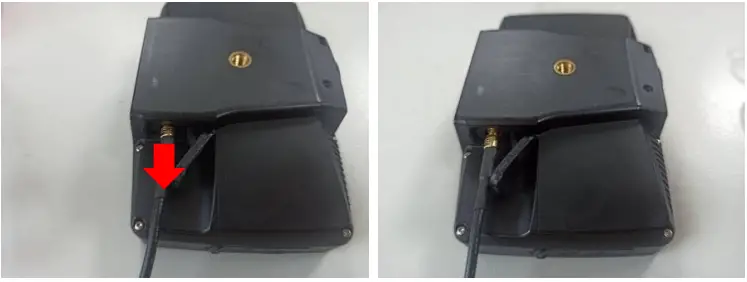
  3. When unplugging the external antenna, hold the connector and unplug it vertically. /MCXQSTARZ LT-8000GT External GPS Antenna-FIG-3
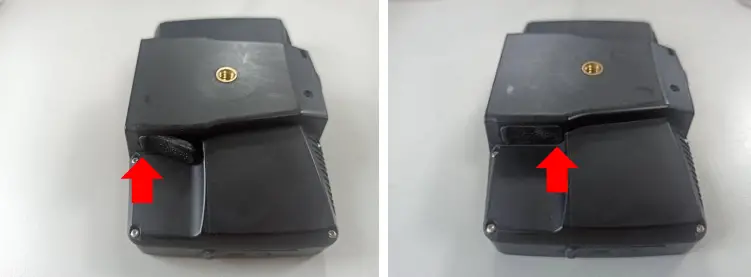
  4. Push down the top of the rubber cover into the antenna jack first. Then push down the bottom of the rubber cover to close it.QSTARZ LT-8000GT External GPS Antenna-FIG-4

Documents / Resouces

Download manual
Here you can download full pdf version of manual, it may contain additional safety instructions, warranty information, FCC rules, etc.


Related Manuals