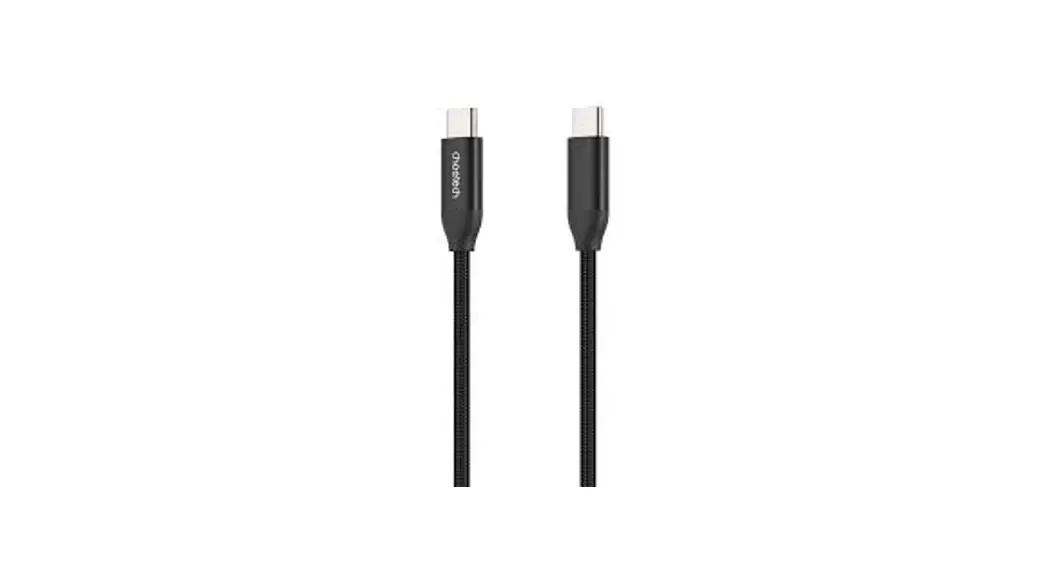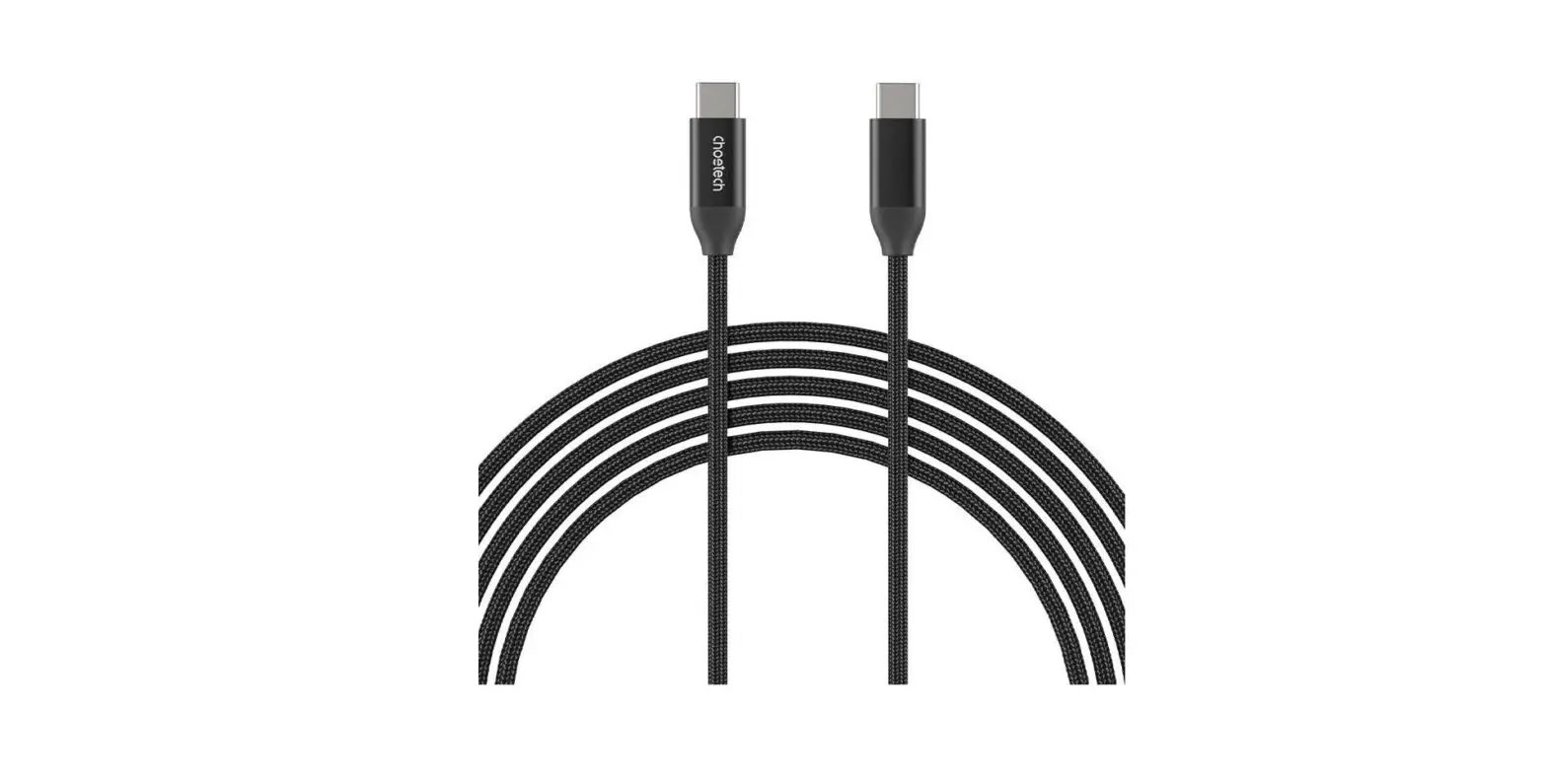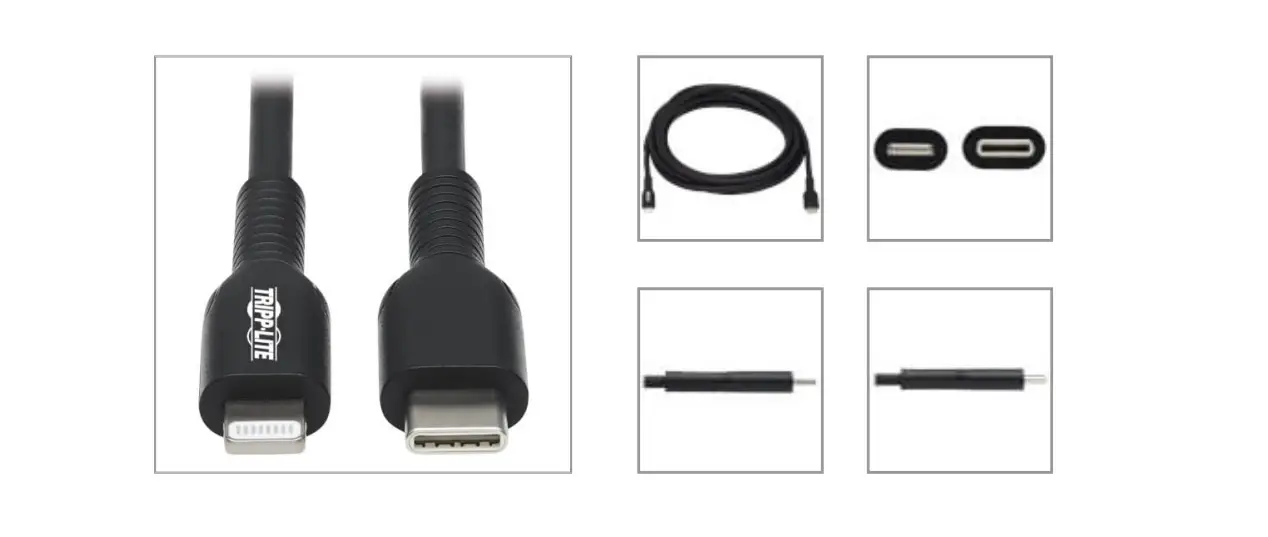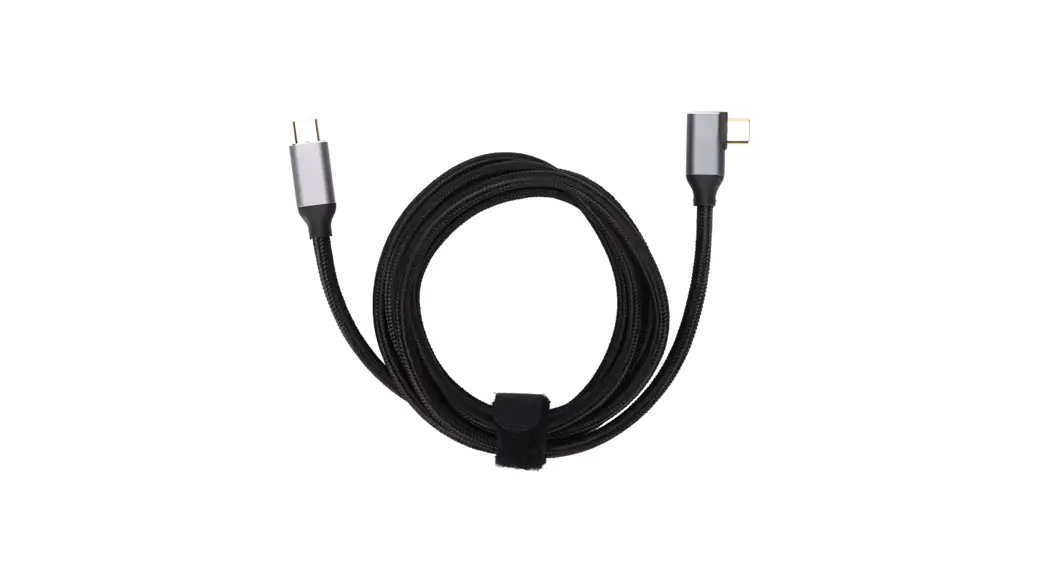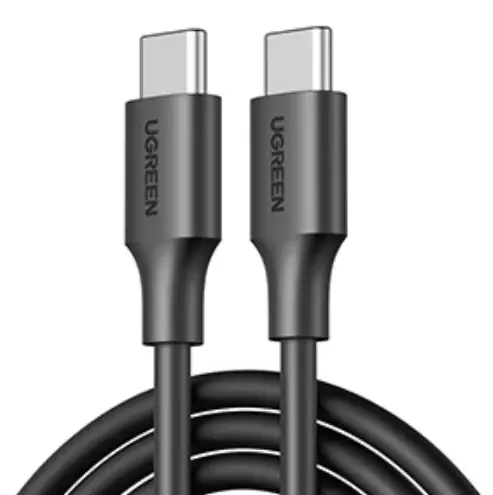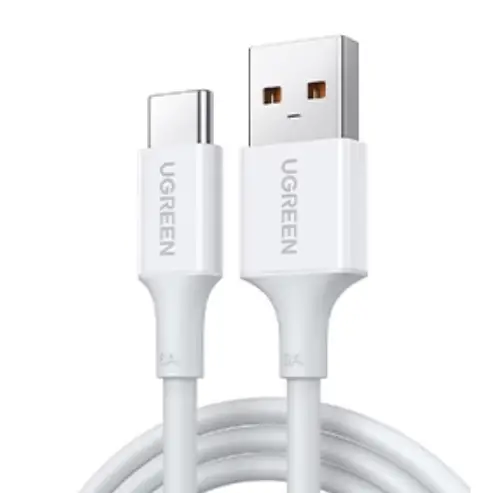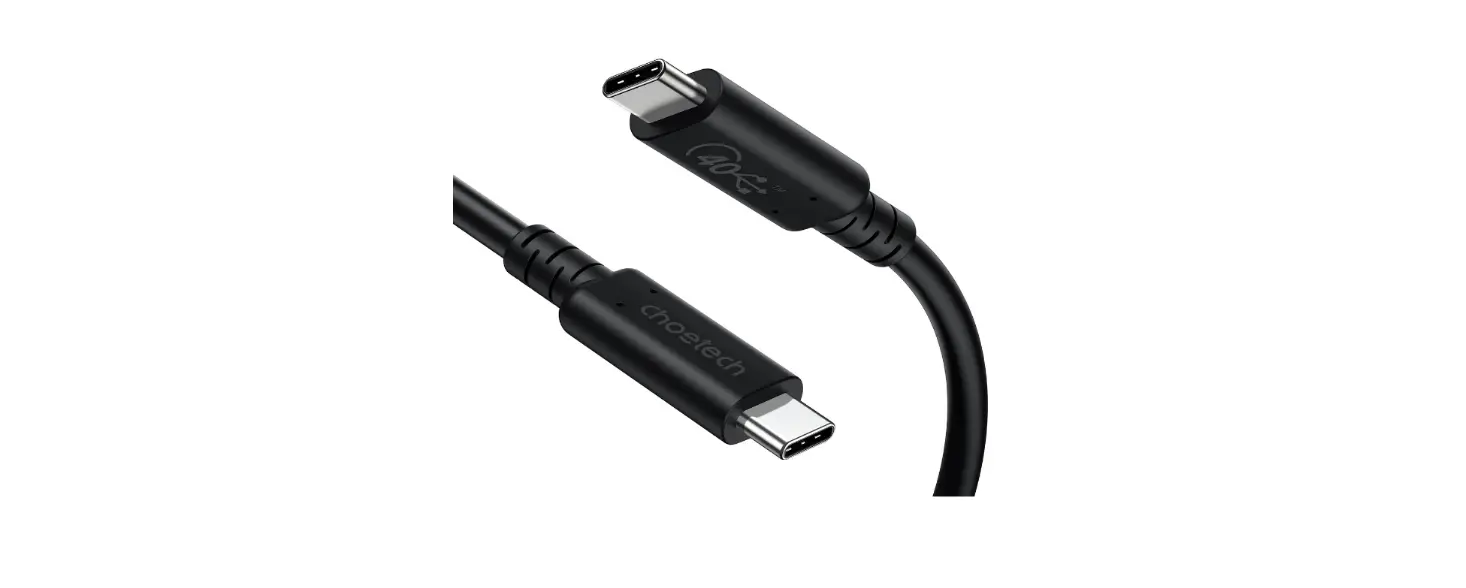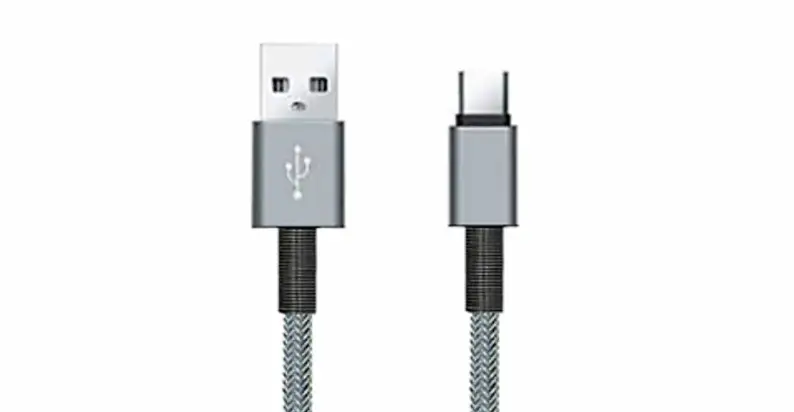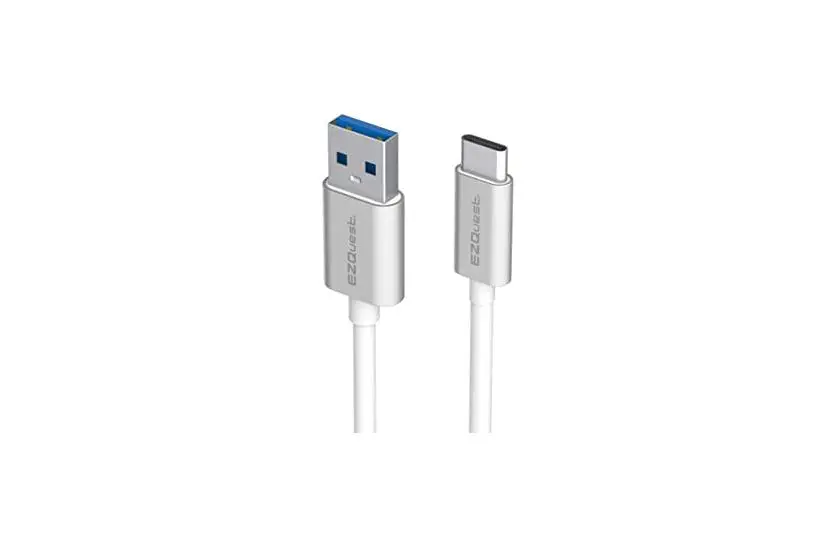

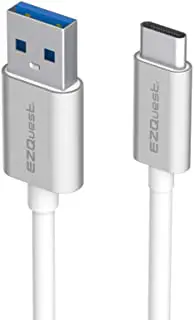
EZQuest X48910 DuraGuard USB-C to USB-C Charge and Sync Cable
MODEL
- DuraGuard” USB-C to USB-C Charge and Sync, 100 Watts, 2.2 Meter Cable X48920
- DuraGuard” USB-C to USB-C Charge and Sync, 100 Watts, 1.2 Meter Cable X48910
Package Contents
- 100 Watts USB-C to USB-C Cable
- Quick Setup Guide
Charging:
Connect one end of the USB-C cable to your USB-C device and the other end to your PD USB-C power adapter.
Syncing:
Connect one end of the USB-C cable to your USB-C device and the other end to your computer USB-C port.
Universal Compatibility 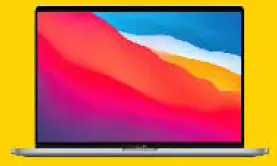
MacBook Pro 13-in M1 and Mack Air M1
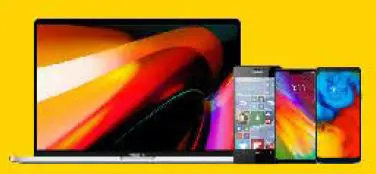
MacBook MacBook Air and Mackbook Pro that are equipped with USB-C port Lumia 950 LG V20/G5/G6/G8
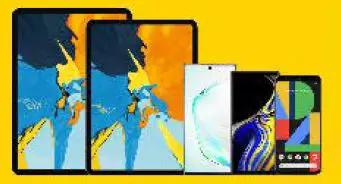
iPad Pro and iPad Air that is equipped with USB-C port Galaxy Not 8/10/10+/S8/S8+S9/S10/S10+/S10e/Google
Compatibility
- All MacBooks, MacBook Airs, and MacBook Pros that are equipped with USB-C Port
- iPad Pro and Air
- Galaxy Note 8/Note 10
- Galaxy S8/ S8+/ S9/ S10/S10+/S10e
- Google Pixel 3/3a/4 XL
- Google Nexus 6P
- Google Nexus 5X
- Nintendo Switch
- Lumia 950
- LG V20/G5/G6
- Xiaomi 5
- Huawei Mate20/Mate20 Pro
- Huawei P30/P30 Pro
- Huawei Matebook
TECHNICAL SUPPORT
- Technical Support: 1 (800) 881 9305, 1 (714) 6661716X2
- Email: [email protected]
- Service Hours: Mon. – Fri. 08:00 AM – 05:00 PM P.S.T