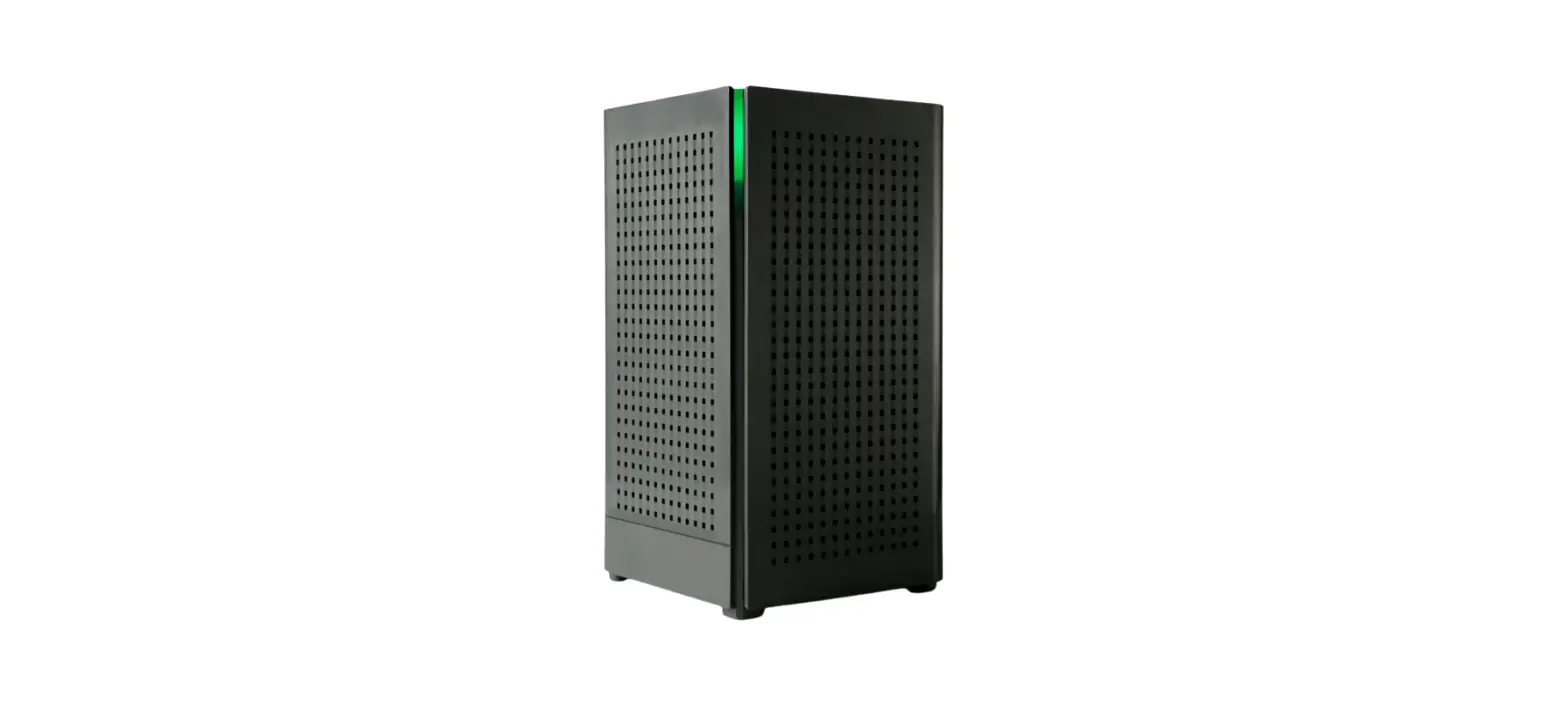

TWIN LAKES GigaSpire Wi-Fi Extender
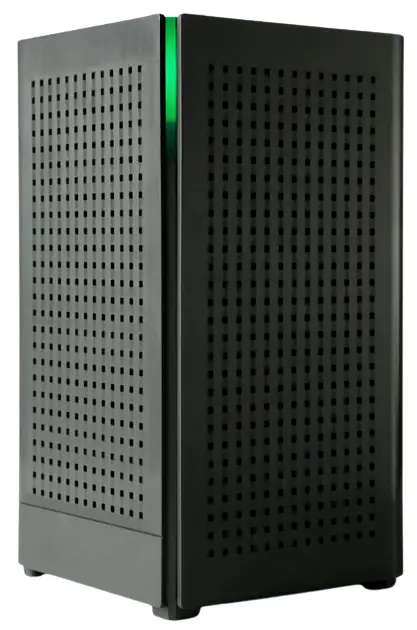
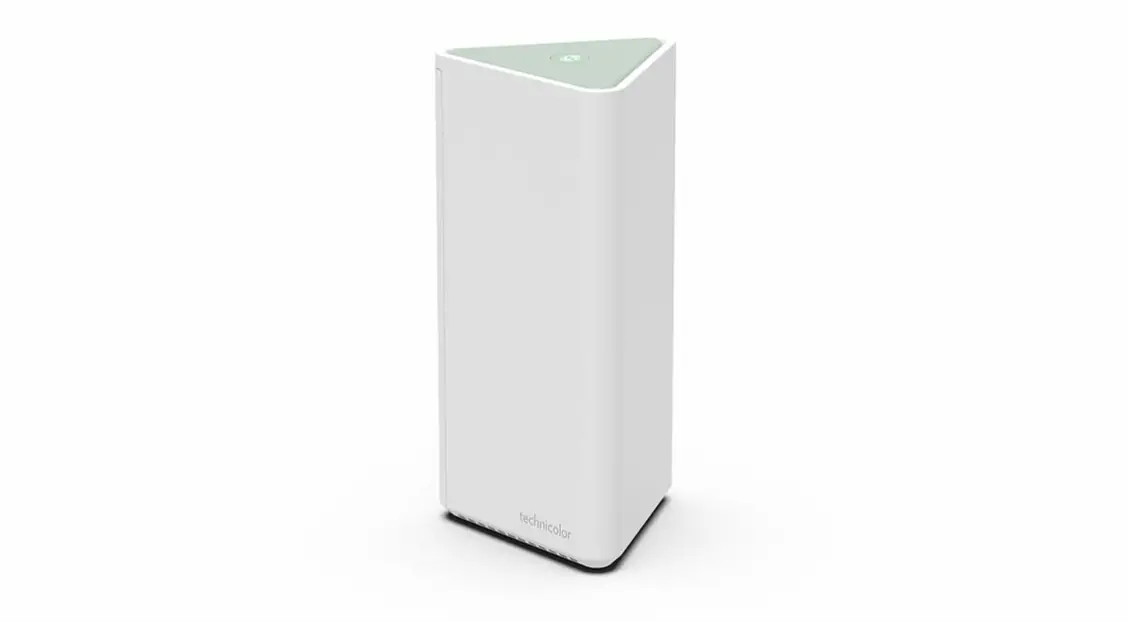
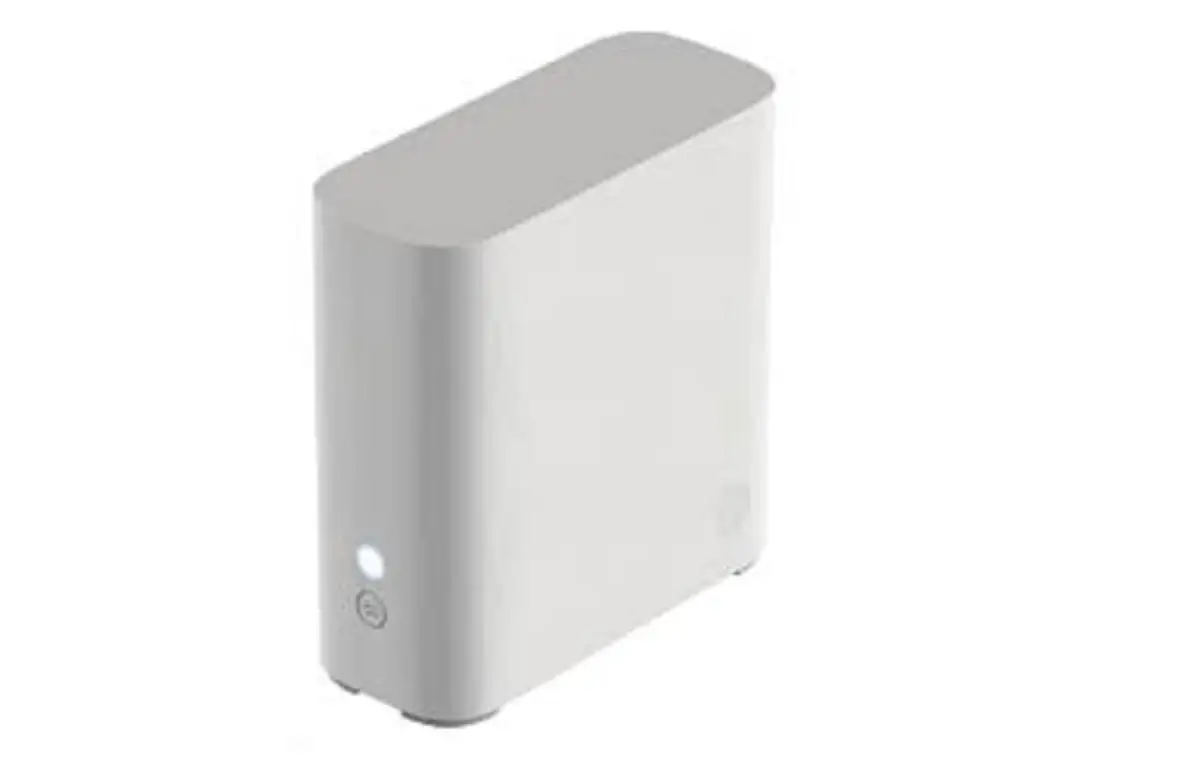
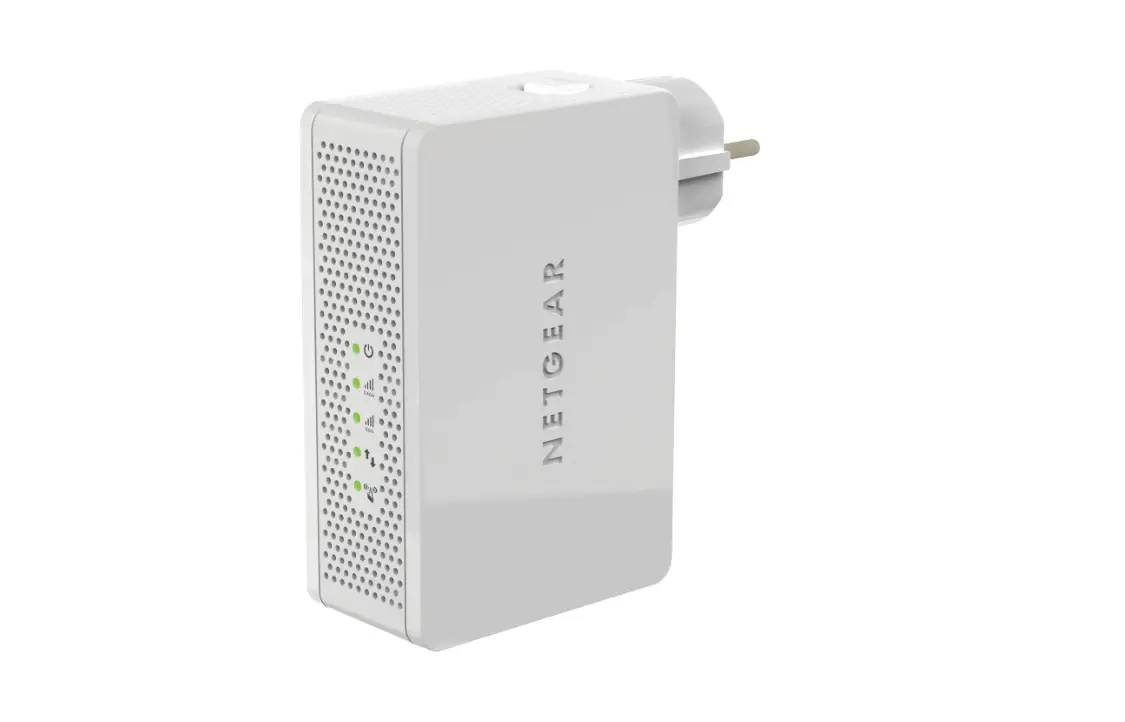
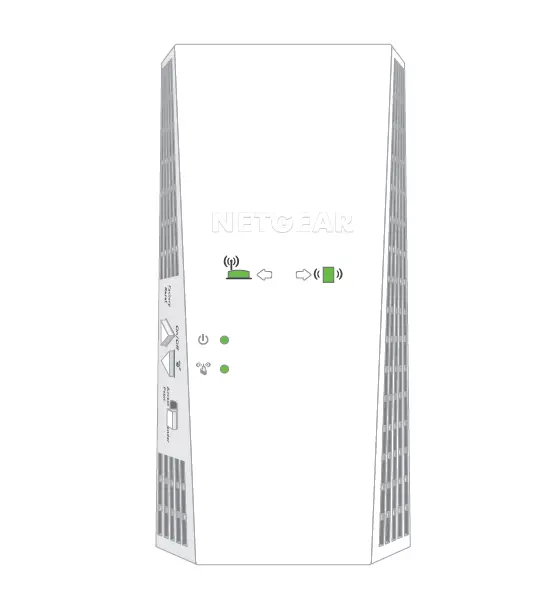
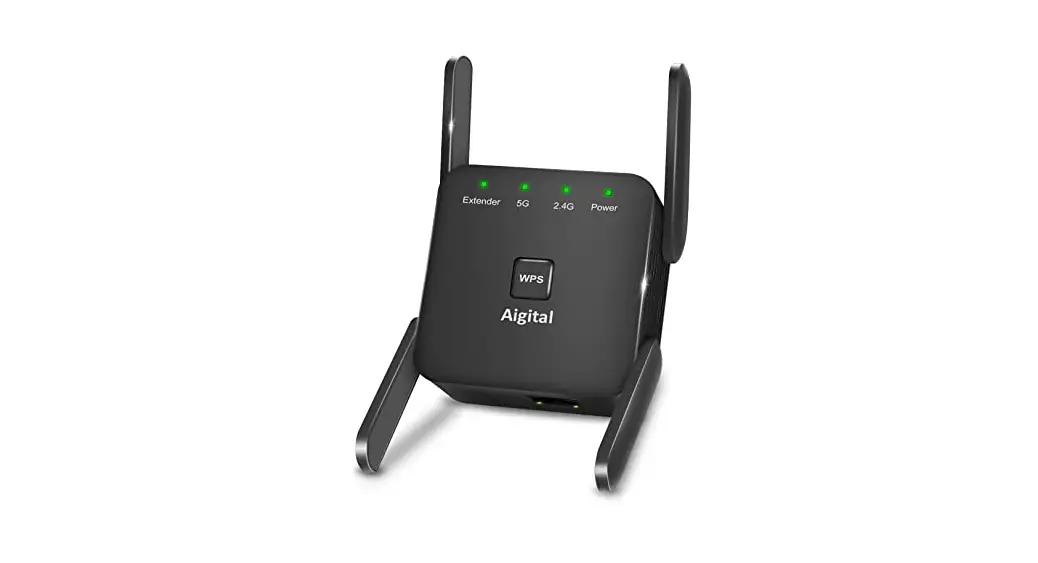
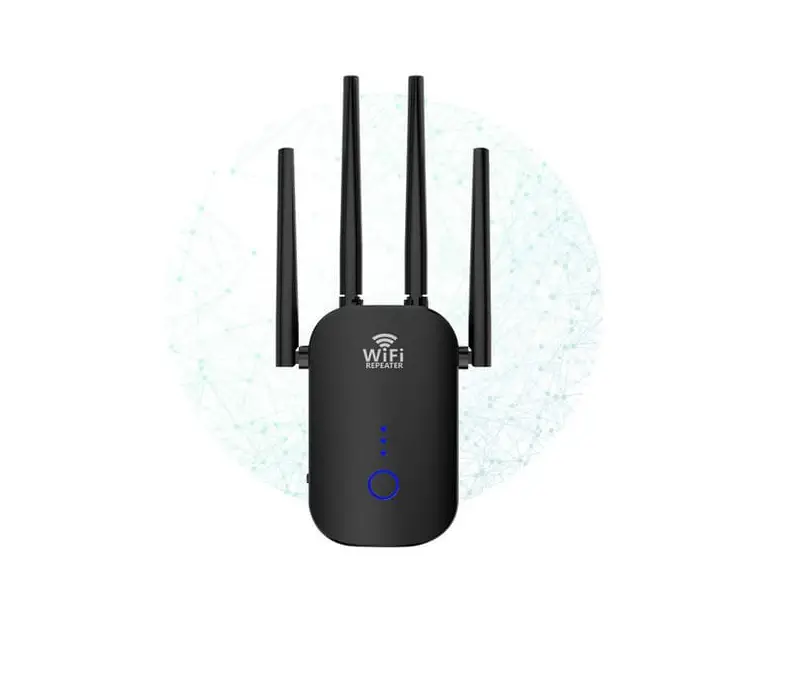
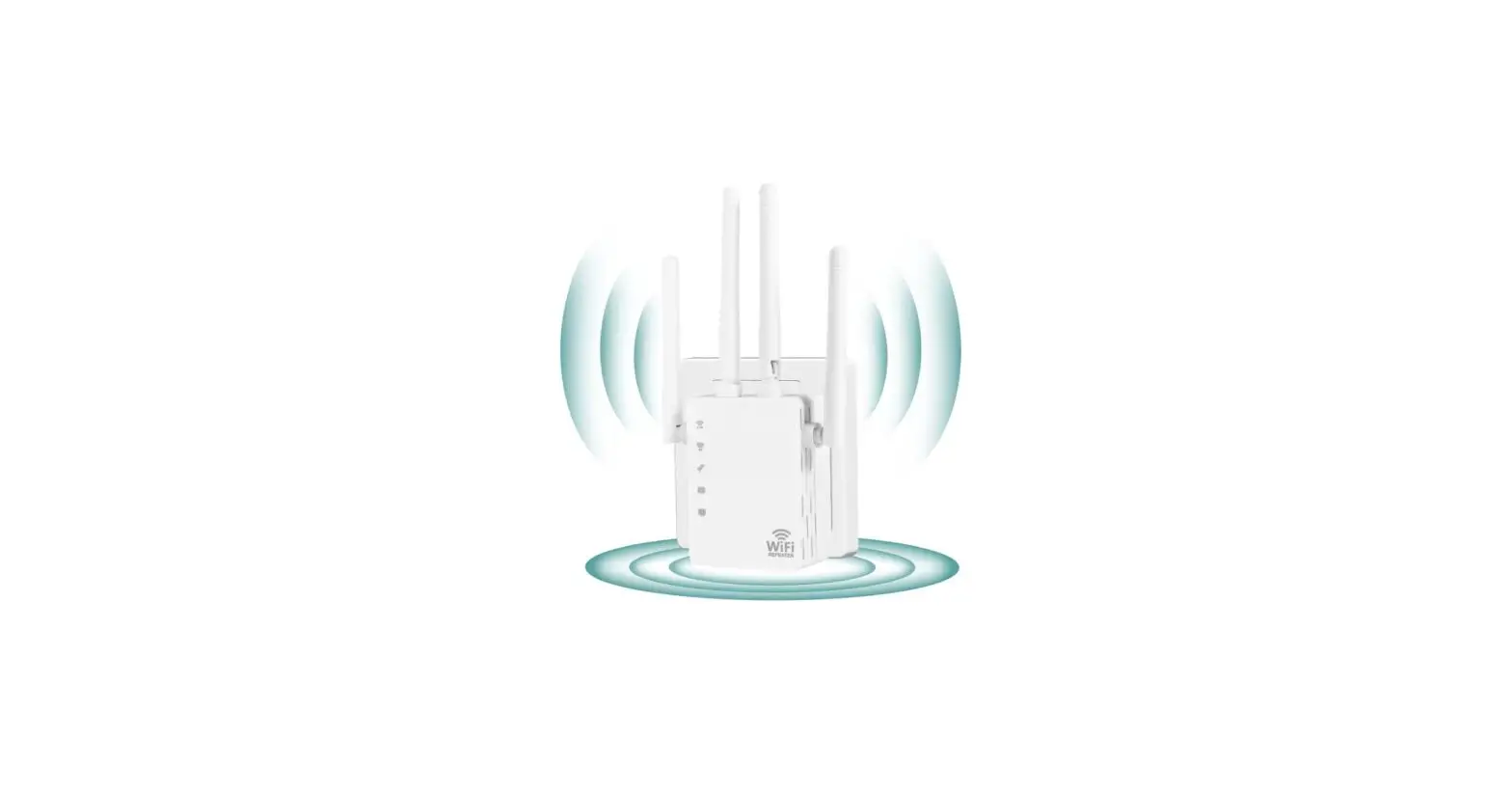
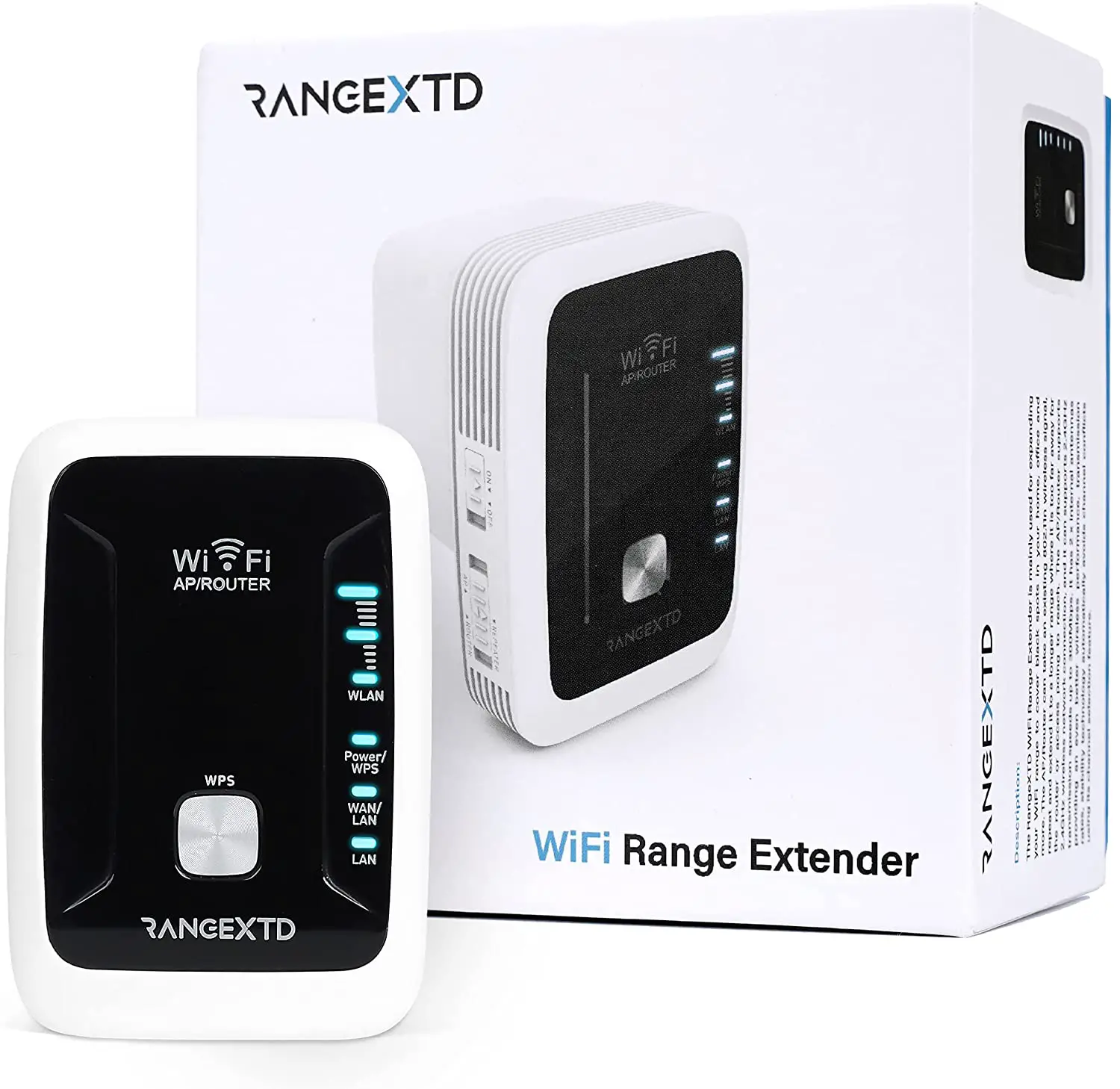
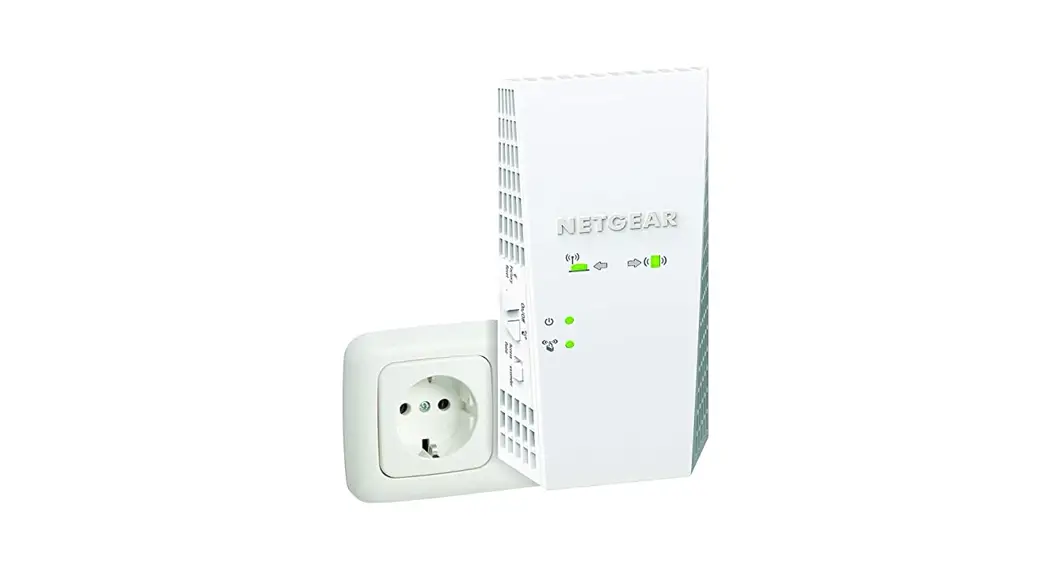
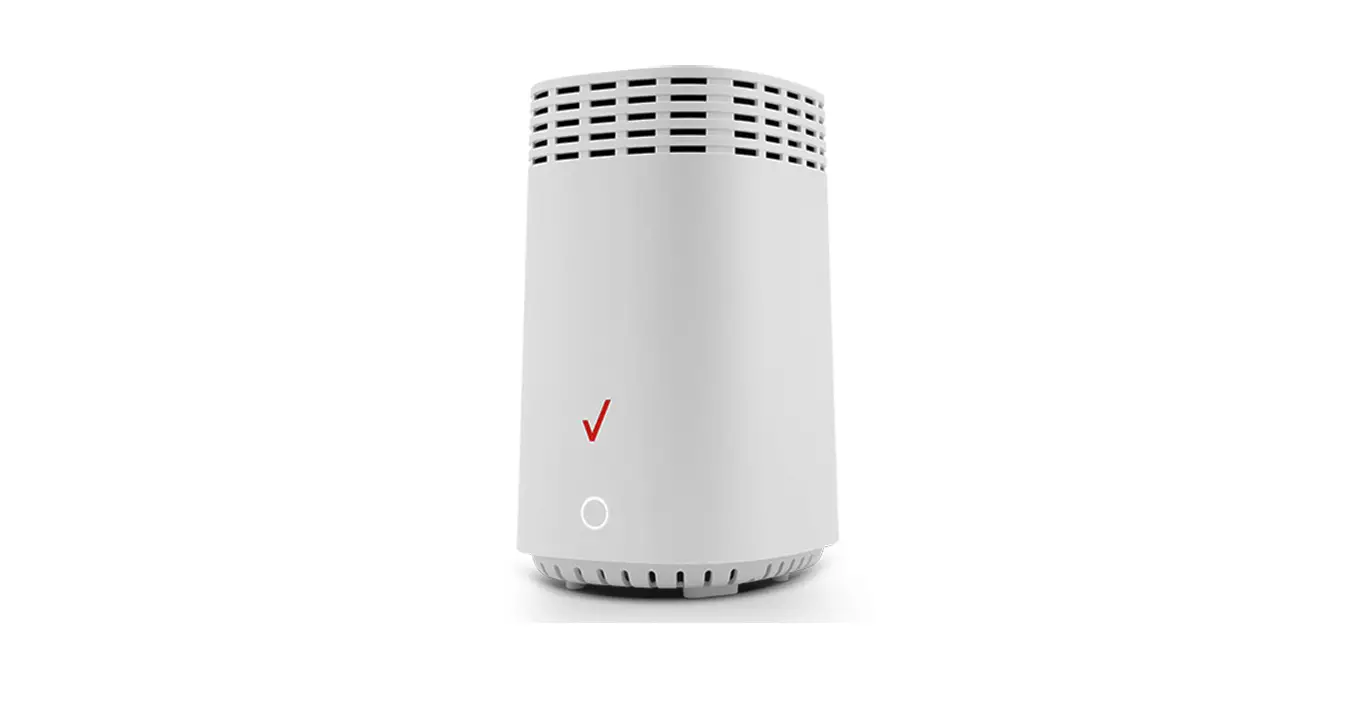
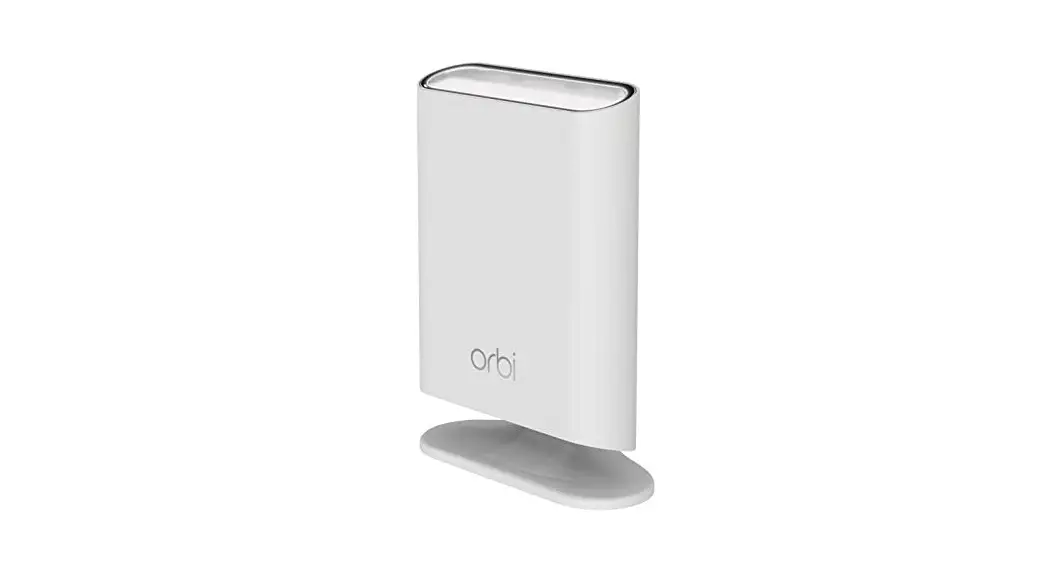
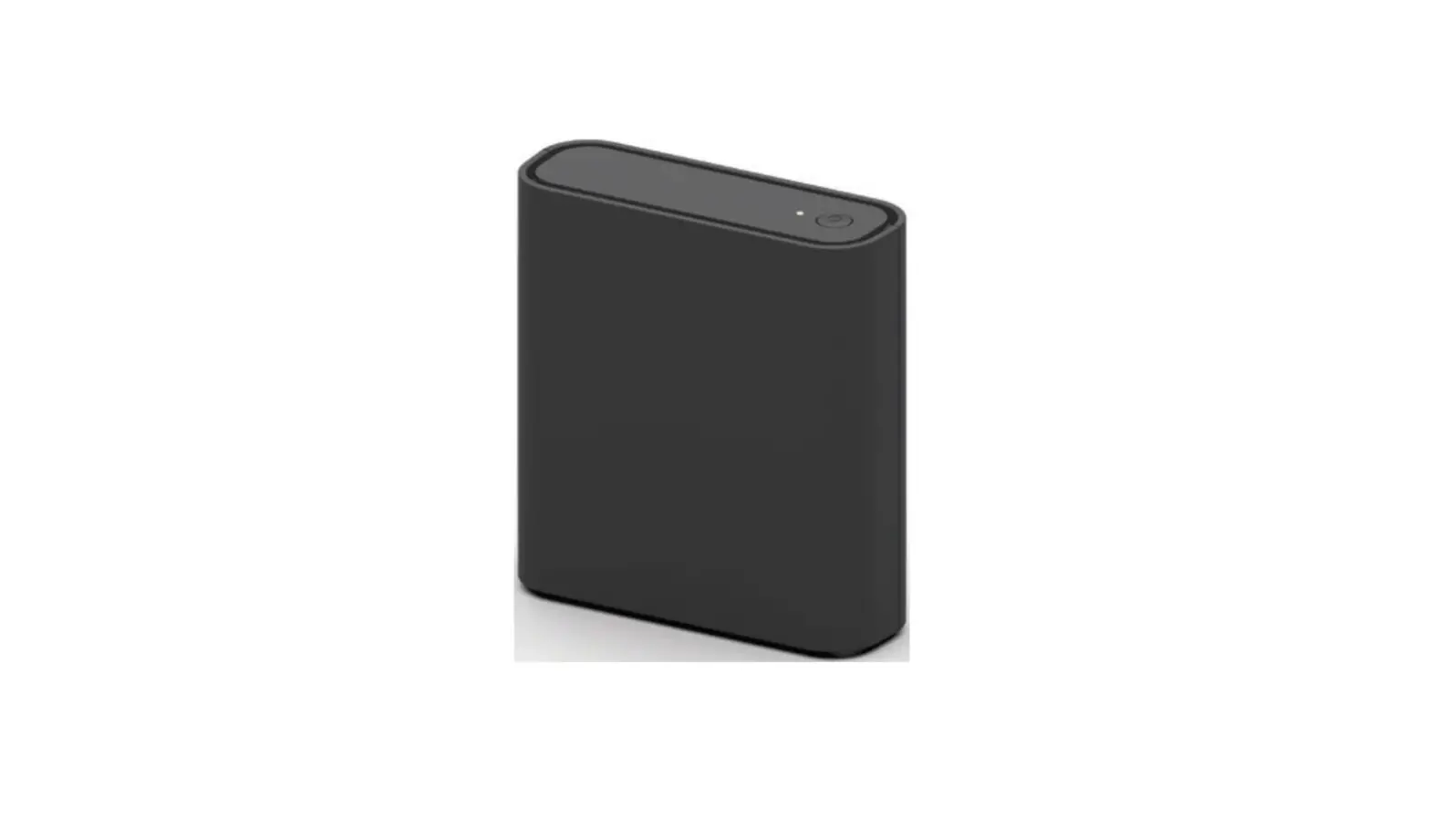
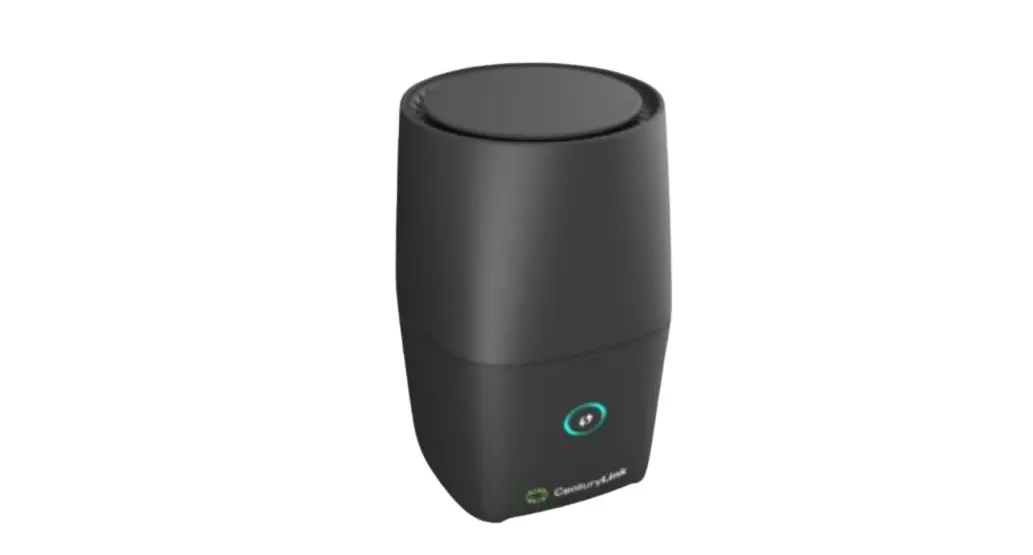
The GigaSpire Wi-Fi Extender is a device that extends the coverage of your wireless network. It is designed to work with the GigaSpire Router and can be paired with it using the WPS button.
Setting up the GigaSpire Wi-Fi Extender
Follow the steps below to set up your GigaSpire Wi-Fi Extender:
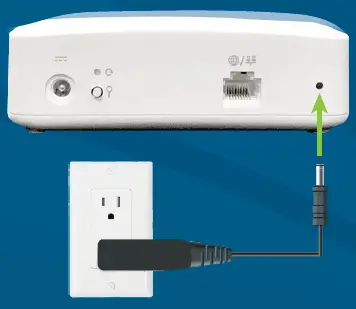
- Connect GigaSpire Wi-Fi Extender to a power outlet.

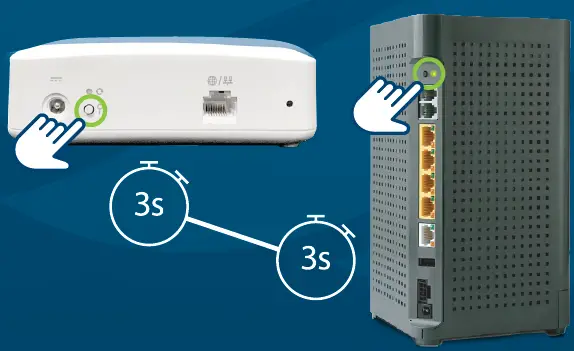
- When the LED is flashing red, you can pair the GigaSpire Wi-Fi Extender with the GigaSpire Router. Press and hold the WPS buttons on the GigaSpire Wi-Fi Extender and then the GigaSpire Router for 3 seconds each (less than 30 seconds apart). The LED will flash green while attempting to pair.
Note: Once successful pairing is complete, the GigaSpire Router and Wi-Fi Extender LEDs will both show a solid green color. It may take several minutes to reach this state.
- If applicable, use the IQMAX app to set up the GigaSpire Wi-Fi Extender.



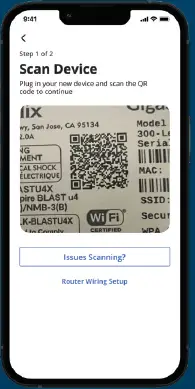
If you have the IQMAX app, you can also use it to set up the GigaSpire Wi-Fi Extender.
If you encounter any issues during the setup process, please contact Twin Lakes support at 800.644.8582 or [email protected].
800.644.8582
twinlakes.net
[email protected]
 Twin Lakes | Broadband, HDTV, Voice and Security | Tennessee