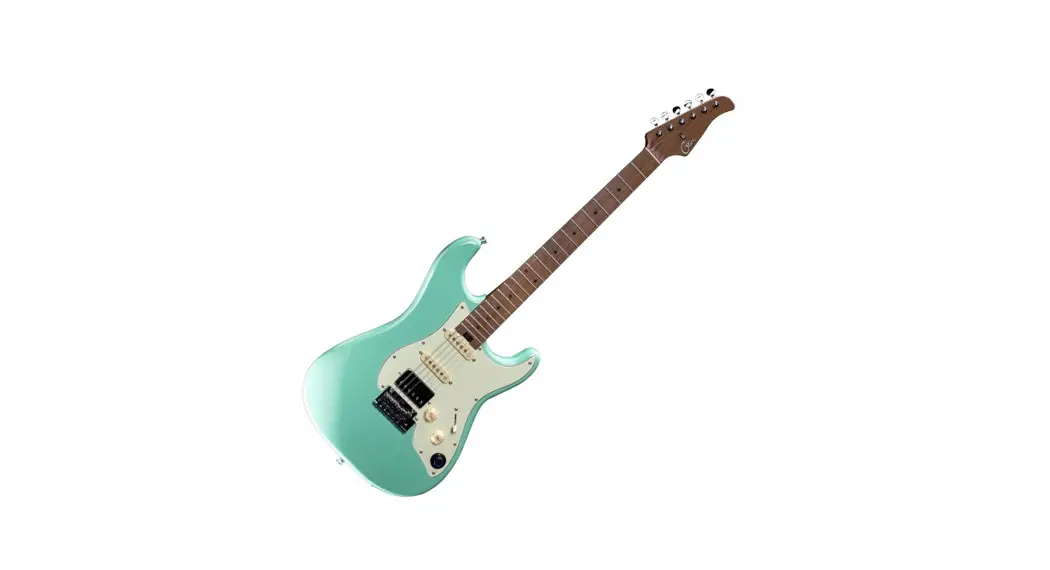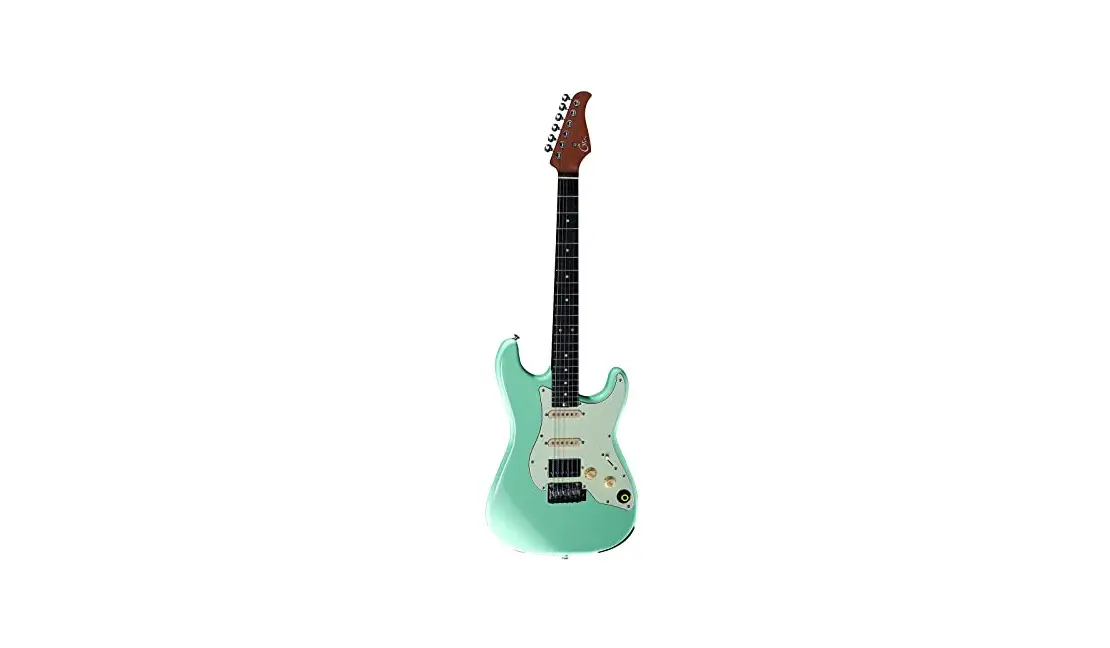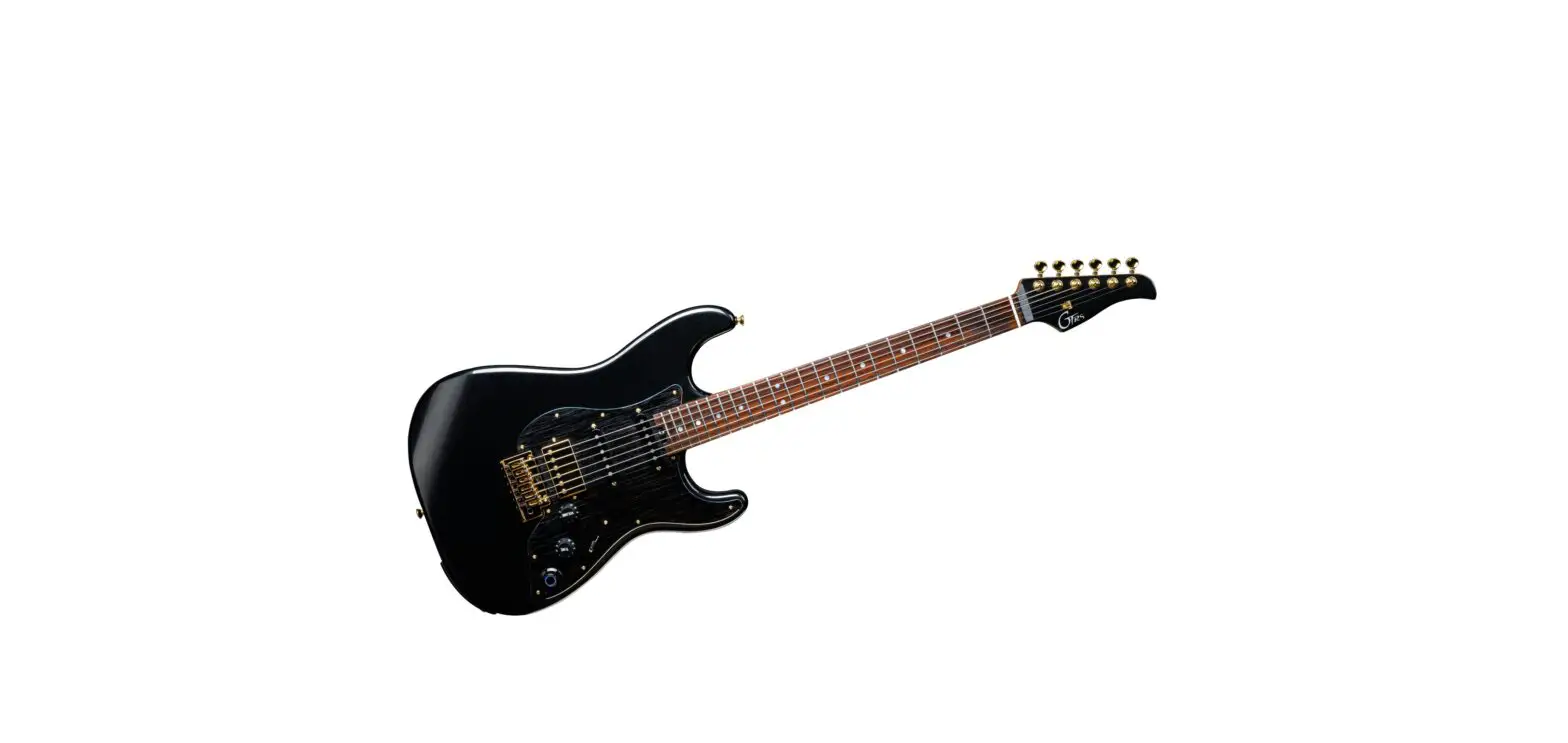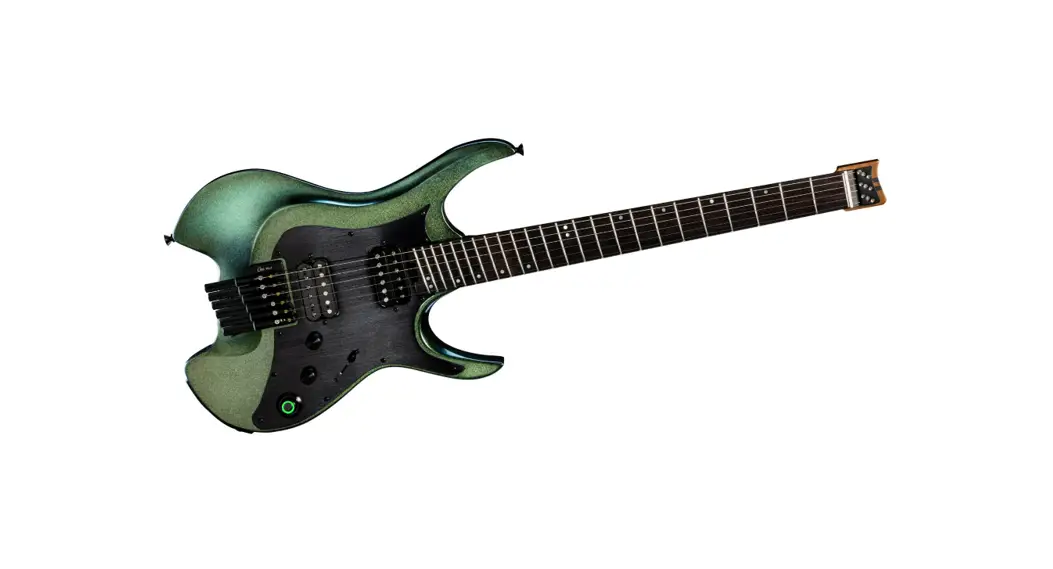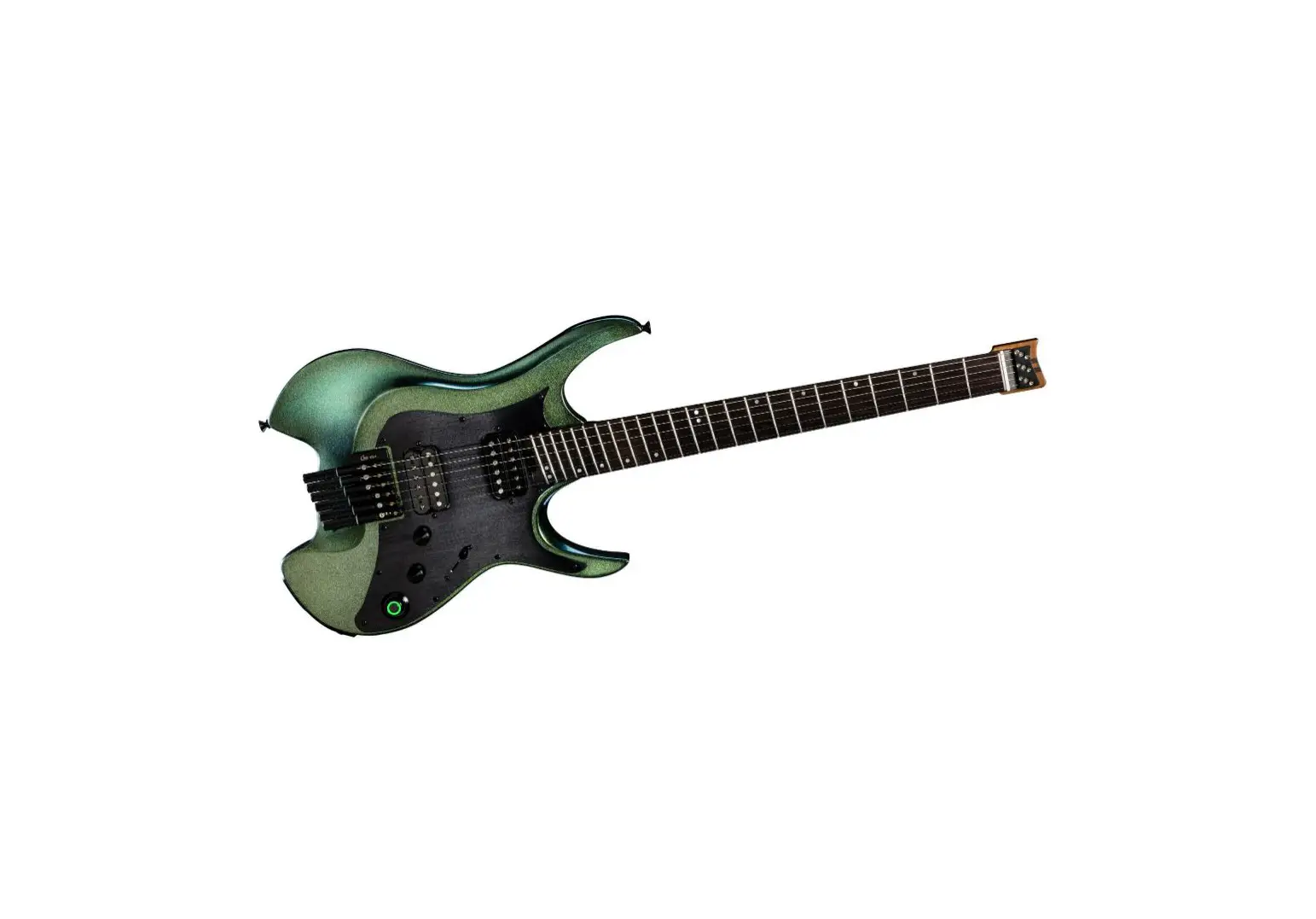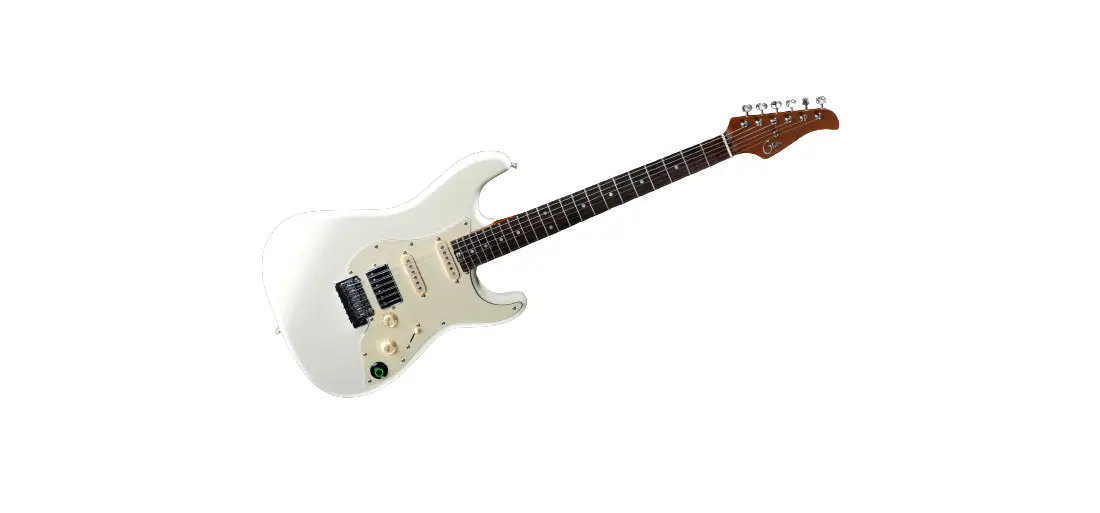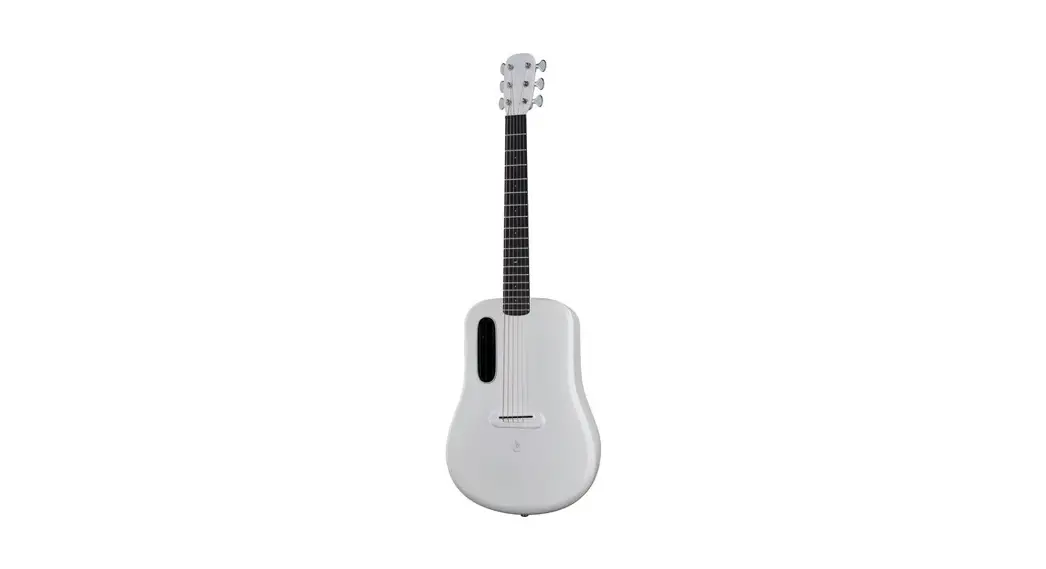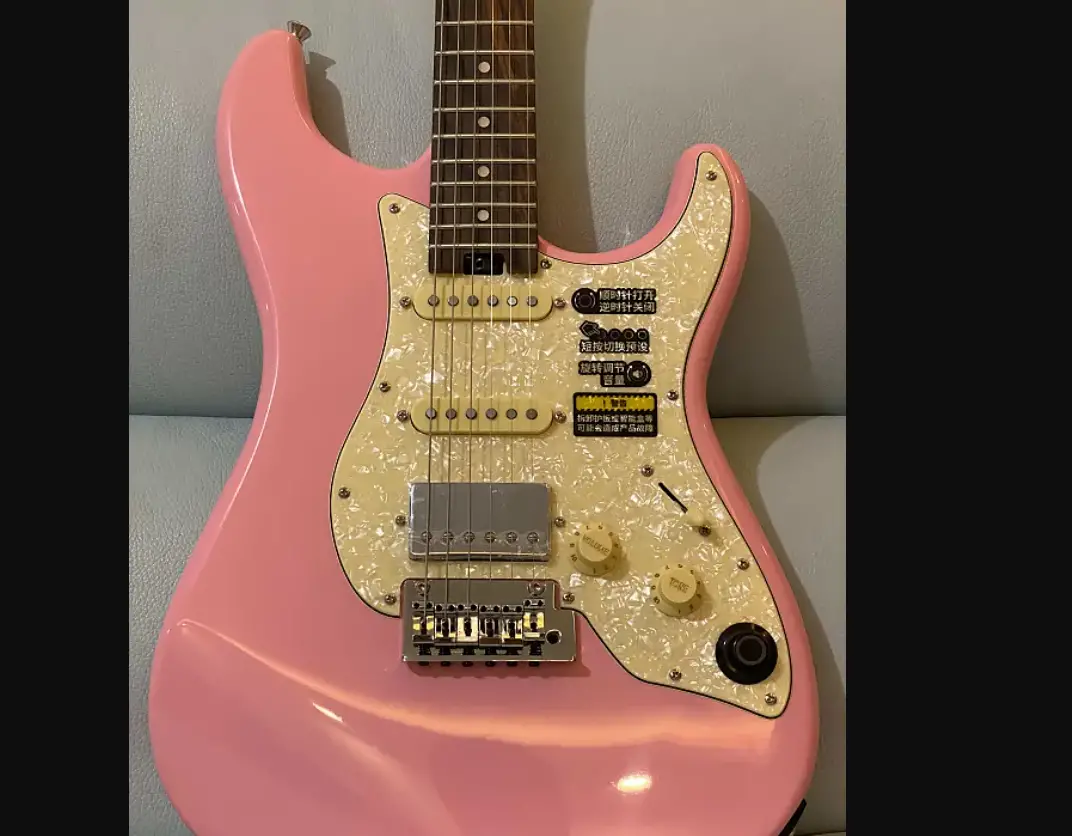

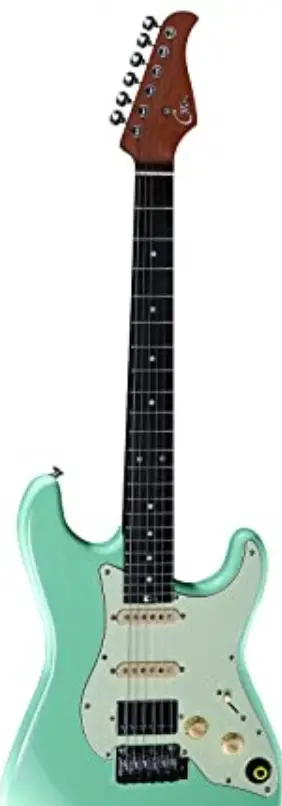
GTRS S800 Intelligent Electric Guitar
PRECAUTIONS
- Please do not connect the positive pole to the negative pole of the battery directly to avoid from short circuit.
- Please do not disassemble the battery manually if you are not expert.
- Please read the manual carefully before using.
- Please do not put the battery into water.
- Please avoid fire or extreme high temperature environment.
- Please avoid strike on the battery.
- The usage/charging of battery should be in open area.
- Avoid extreme temperature or humidity for storage.
Special Notice:
If there is any smell, noise during charging, please stop charging immediately, contact the manufacturer directly for warranty, please do not disassemble the battery manually.
Warning
Warning Removal of pickguard or GTRS intelligent processor system may cause product failure
LAYOUT
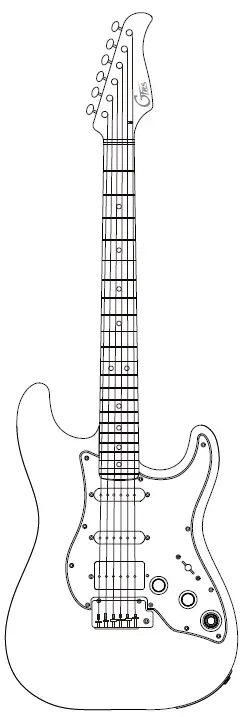
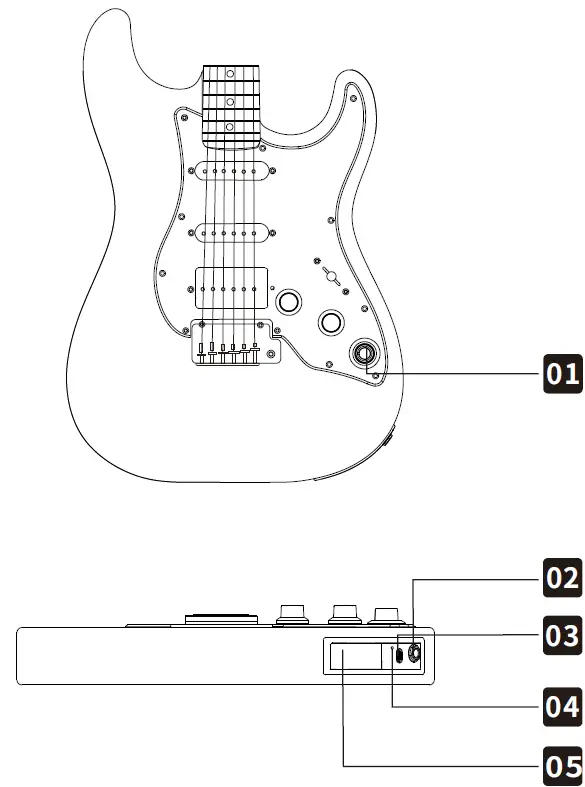
- Super Knob
- 6.35mm guitar line/headphone output
- USB Type-C port Input voltage and current 5V 2A
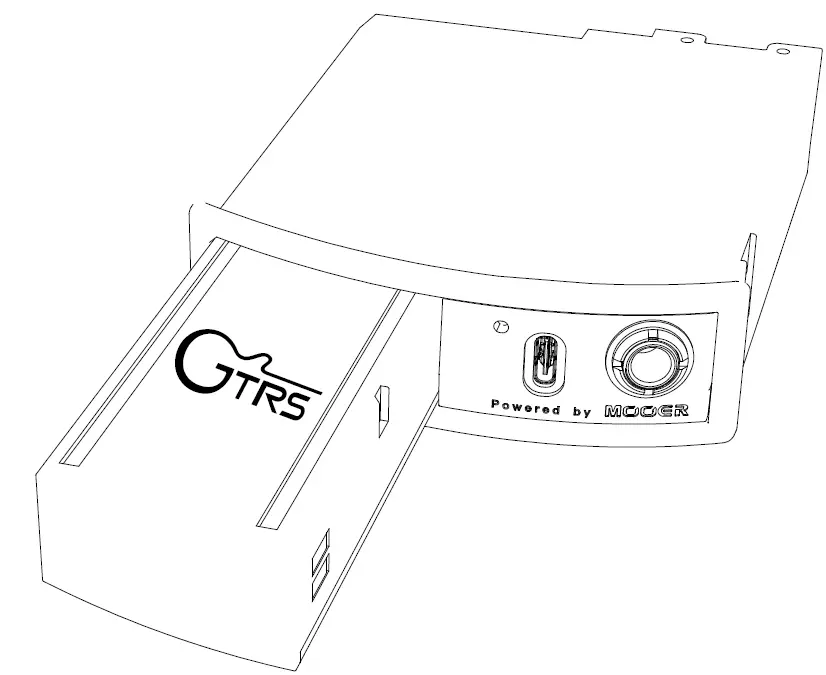
- Battery compartment( Utilize needle to open the battery compartment)
- Lithium-ion battery (GLP-1)( Please ensure the GTRS logo is placed as shown when placing battery)

QUICK TOUR
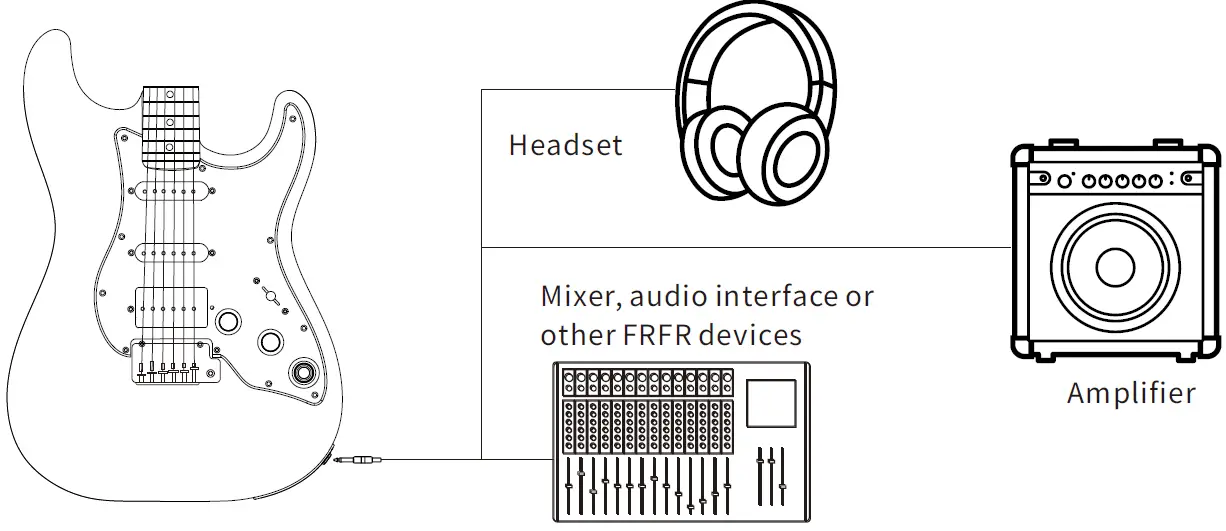
- Connect GTRS guitar with audio interface, studio monitor, amplifier, headphone, mixer, or other FRFR devices for use. For the best/correct tone, you can select the output mode of GTRS in the Settings-Global-Output Mode menu according to the device you use.

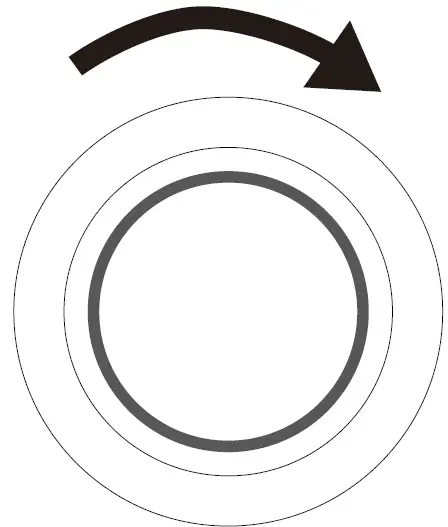
- Rotate the Super Knob clockwise to turn the guitar on. The knob LED will indicate on/off status

- Press the Super Knob to switch between different preset tones

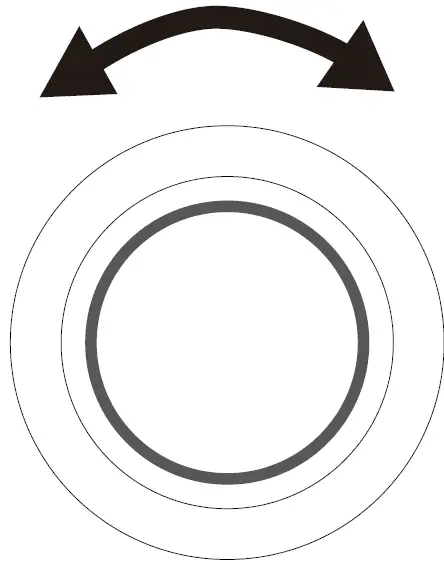
- Rotate the Super Knob to adjust the output volume level to your preference


INSTRUCTIONS
GTRS App
The GTRS App functions as the editor software for the GTRS guitar. Users can easily select effects and create presets for the GTRS system, download and share tones to the cloud, and update the firmware of their GTRS guitar. Several tools for practice are included in the app as well.
Get the GTRS App
Download the GTRS App from the App Store (iOS) or Google Play (Android).
Activation Turn on the Bluetooth of your smart phone or tablet, open the GTRS App, click on CONNECT to search and connect to GTRS guitar. After connecting, a QR code scanner will display in the app. Use the App to scan the QR code on the package or on the back of the headstock, to finish activation and registration.The serial number and warranty
of your GTRS guitar will automatically be registered as part of the activation process.
Notice: This procedure is only for GTRS guitars which have not yet been activated. An activated guitar will skip this procedure. Please ensure the GTRS guitar is on and your smart phone network connection is stable during activation.
Guide
Click the “?” icon in the top right corner of the app screen to access the quick guide/manual of the GTRS App.
Super Knob
- Preset Mode Press to switch between four different tone presets. The color of the LED will change in order of dark blue, purple, orange, and ocean blue.
- Guitar Simulation Mode
Press to switch the guitar simulation on. The purple LED indicates the guitar simulation is on while ocean blue indicates the guitar simulation is turned off. - The guitar will begin in Preset Mode by default. You can assign defaults through: GTRS App ‒ Settings ‒ Global – Super Knob Mode
Tuner
When the App or wireless footswitch is connected, press and hold the Super Knob to access the tuner. The Super Knob LED will turn yellow. Press the knob again to exit the tuner.
Low battery alert
To provide the best experience for users, the Super Knob will blink slowly when the battery level is getting low. Please charge your GTRS battery as soon as possible to maintain the battery life of your unit.
Charging
The lithium-ion battery in the GTRS system can be charged through the Type-C USB port from the power supply. While charging, the Super Knob LED will turn red no matter which mode it is in. A green LED indicates a full charge. The USB port of the GTRS guitar only supports TYPE-C to TYPE-A USB cable.|
GWF4 Wireless Footswitch (purchased separately)
The wireless footswitch can be used with GWF4 for better control of presets during live performance. Please see the wireless footswitch manual for more information.
Bluetooth
Open the Bluetooth menu of your smart phone or tablet and search for “GTRS” to connect via Bluetooth. Users can use the Bluetooth function to play audio tracks from a mobile device mixed with the GTRS guitar signal and send that signal through the main output of the GTRS guitar.
Live Stream/Direct Recording
Connect your mobile device with GTRS via type-C USB port. Then the guitar signal will go directly to your mobile device for directly recording or live stream broadcast. The output signal level can be control by the MASTER. In addition, the volume level of the OTG signal, Bluetooth audio playback signal and the guitar/headphone output signal can be adjusted individually via the GTRS APP. The USB port of the GTRS guitar only supports TYPE-C to TYPE-A USB cable. For mobile device direct recording via OTG function, please use relevant OTG cable (TYPE-C OTG cable for Android; lightning OTG cable for iOS device).
Traditional Guitar Mode
If GTRS is off, the output signal of the guitar will switch to true bypass and function as a traditional guitar would. Only the volume knob, tone knob, and pickup switch can affect the tone of the guitar. In this mode, the guitar cannot support headphone output.
TONE
| serial number | name | OD serial number Based on MOOER@ Pure Boost effect |
| 1 | Pure Boost | Based on MOOER@ Flex Boost effect |
| 2 | Flex Boost | Based on BK.Butler@ Tubedriver overdrive effect |
| 3 | Tube DR | Based on Ibanez@ TS808 overdrive effect |
| 4 | 808 | Based on Klon Centaur@ Gold overdrive effect |
| 5 | Gold Clon | Based on Barber@ Direct Drive overdrive effect |
| 6 | D-Drive | Based on Paul Cochrane@ Timmy OD overdrive effect |
| 7 | Jimmy OD | Based on Fulltone@ Fulldrive 2 overdrive effect |
| 8 | Full DR | Based on Xotic@ BB Plus overdrive distortion effect |
| 9 | Beebee+ | Based on Proco@ Rat distortion effect |
| 10 | Black Rat | Based on Dunlop@ Fuzz Face fuzz effect |
| 11 | Grey Faze | Based on EH@ Big Muff fuzz effect |
| 12 | Muffy | Based on Fulltone GT-500 distortion effect |
| 13 | Full DS | Based on Marshall@ Shred Master distortion effect |
| 14 | Shred | Based on Suhr@ Riot distortion effect |
| 15 | Riet | Based on Boss@ Metal Zone effect |
| 16 | MTL Zone | Based on Fulltone@ OCD distortion effect |
| 17 | Obsessive Dist | |
| serial number | name | AMP serial number |
| 1 | 65 US DLX | Based on Fender@65 Delux Reverb preamp module |
| 2 | 65 US TW | Based on Fender@65 Twin Reverb preamp module |
| 3 | 59 US Bass | Based on Fender@ 59 Bassman preamp module |
| 4 | US Sonic | Based on Fender@ Super Sonic preamp module |
| 5 | US Blue CL | Based on Fender@ Blues Deluxe preamp module clean channel |
| 6 | US Blue OD | Based on Fender@ Blues Deluxe preamp module overdrive channel |
| 7 | E 650 CL | Based on ENGL@ E650 preamp module clean channel |
| 8 | Powerbell CL | Based on ENGL@ E645 preamp module clean channel |
| 9 | Blacknight CL | Based on ENGL@ E650 Blackmore Signature preamp module clean channel Based on Mesa/Boogie@ Mark III preamp module clean channel |
| 10 | Mark III CL | Based on Mesa/Boogie@ Mark V preamp module clean channel |
| 11 | Mark V CL | Based on Mesa/Boogie@ Triple Rectifier preamp module clean channel |
| 12 | Tri Rec CL | Based on Orange@ Rockverb preamp module clean channel |
| 13 | Rockvrb CL | Based on DR.Z@ Z-Wreck preamp module |
| 14 | Dr Zee Reck | Based on Jet City@ JCA100H preamp module clean channel |
| 15 | Jet 100H CL | Based on Roland@ JC120 preamp module |
| 16 | Jazz 120 | Based on Vox AC30 preamp module clean setup |
| 17 | UK 30 CL | Based on Vox AC30 preamp module overdrive setup |
| 18 | UK 30 OD | |
| serial number | name | AMP serial number |
| 19 | HWT 103 | Based on Hiwatt@ DR-103 preamp module |
| 20 | PV5050 CL | Based on Peavey@ 5150 preamp module clean channel |
| 21 | Regal Tone CL 1 | Based on Tone King@ Falcon preamp module Rhythm channel |
| 22 | Regal Tone OD | Based on Tone King@ Falcon preamp module Tweed channel |
| 23 | Carol CL | Based on Two Rock@ Coral preamp module clean channel |
| 24 | Cardeff | Based on Two Rock@ Cardiff preamp module |
| 25 | EV 5050 CL | Based on EVH@ 5150 preamp module clean channel |
| 26 | HT Club CL | Based on Blackstar@ HT Stage100 preamp module clean channel |
| 27 | Hugen CL | Based on Diezel@ Hagen preamp module clean channel |
| 28 | Koche OD | Based on Koch@ Powertone preamp module overdrive channel |
| 29 | J800 | Based on Marshall@ JCM800 preamp module |
| 30 | J900 PLX 100 | Based on Marshall@ JCM900 preamp module Based on Marshall@ Plexi 100 preamp module |
| 31 | E650 DS | Based on ENGL@ E650 preamp module distortion channel |
| 32 | Powerbell DS | Based on ENGL@ E645 preamp module distortion channel |
| 33 | Blacknight DS | Based on ENGL@ 650 Blackmore Signature style preamp module distortion channel |
| 34 | Mark III DS | Based on Mesa/Boogie@ Mark III preamp module distortion channel |
| 35 | Mark V DS | Based on Orange Rockverb@ preamp module distortion channel |
| 36 | Tri Rec DS | |
| 37 | Rockvrb DS | Based on Mesa/Boogie@ Triple Rectifier preamp module distortion channel |
| 38 | Citrus 30 | Based on Orange@ Rockverb preamp module distortion channel |
| 39 | Citrus 50 | Based on Orange@ AD30 preamp module |
| 40 | Slow 100 CR | Based on Orange@ AD50 preamp module |
| 41 | Slow 100 DS | Based on Soldano@ SLO 100 preamp module crunch channel |
| 42 | Jet 100H OD | Based on Soldano@ SLO100 preamp module distortion channel |
| 43 | PV 5050 DS | Based on Jet City@ JCA100 H preamp module overdrive channel |
| 44 | Regal Tone OD 2 | Based on Peavey@ 5150 preamp module distortion channel |
| 45 | Carol OD | Based on Tone King@ Falcon preamp module Lead channel |
| 46 | EV 5050 DS | Based on Two Rock@ Coral preamp module overdrive channel |
| 47 | HT Club DS | Based on EVH@ 5150 preamp module distortion channel |
| 48 | Hugen OD | Based on Blackstar@ HT Stage 100 preamp module distortion channel |
| 49 | Based on Diezel@ Hagen preamp module overdrive channel | |
| 50 | Hugen DS | Based on Diezel@ Hagen preamp module distortion channel |
| 51 | Koche DS | Based on Koch@ Powertone preamp module distortion channel |
| serial number | name | CAB serial number |
| 1 | Regal Tone 110 | Based on Tone King@ Falcon 110 cabinet |
| 2 | US DLX 112 | Based on Fender@ Deluxe Reverb 112 cabinet |
| 3 | Sonic 112 | Based on Fender@ Super Sonic 112 cabinet |
| 4 | Blues 112 | Based on Fender@ Blues Deluxe 112 cabinet |
| 5 | Mark 112 | Based on Mesa/Boogie@ Mark 112 cabinet |
| 6 | Dr Zee 112 | Based on DR.Z@ Maz112 cabinet |
| 7 | Cardeff 112 | Based on Two Rock@ 112 cabinet |
| 8 | US TW 212 | Based on Fender@ Twin Reverb 212 cabinet |
| 9 | Citrus 212 | Based on Orange@ PC 212 cabinet |
| 10 | Dr Zee 212 | Based on DR.Z@ Z-Wreck212 cabinet |
| 11 | Jazz 212 | Based on Roland JC120 212 cabinet |
| 12 | US Bass 410 | Based on Fender@ Bassman 410 cabinet |
| 13 | 1960 412 | Based on Marshall@ 1960 A 412 cabinet |
| 14 | Eagle S412 | Based on ENGL@ Vintage XXL 412 cabinet |
| 15 | Rec 412 | Based on Mesa/Boogie@ Rectifier 412 cabinet |
| 16 | Citrus 412 | Based on Orange@ PC 412 cabinet |
| 17 | Slow 412 | Based on Soldano@ SLO 412 cabinet |
| 18 | HWT 412 | Based on Hiwatt@ AP 412 cabinet |
| 19 | PV 5050 412 | Based on Peavey@ 5150 412 cabinet |
| 20 | EV 5050 412 | Based on EVH@ 5150 412 cabinet |
| 21 | HT 412 | Based on Blackstar@ HTV 412 cabinet |
| 22 | Diesel 412 | Based on Diezel@ Hagen 412 cabinet |
| serial number | name | DYNA serial number |
| 1 | NG | Based on MOOER@ Nosie Killer noise gate |
| 2 3 | Comp | Based on MOOER@ Blue Comp compressor effect Based on MOOER@ Envelope fliter effect |
| 4 | Touch Wah | Based on MOOER@ WAH auto wah effect |
| Auto Wah | ||
| serial number | name | MOD serial number |
| 1 | Phaser | liquid like phaser effect |
| 2 | Step Phaser | Based on square wave phaser effect |
| 3 | Flanger | Classic flanger effect |
| 4 | Jet Flanger | Based on the MOOER@ JET FLANGER |
| 5 | Tremlo | Tremolo effect with periodically changing volume level |
| 6 | Stutter | Stutter effect with periodically changing volume level |
| 7 | Vibrato | Vibrato effect with periodically changing pitch |
| 8 | Pitch Shift | Effect for changing the pitch |
| 9 | Rotary | Rotary effect |
10 11 | Ana Chorus | Warm analog like chorus effect |
| 12 | Tri Chorus | Modern multi chorus effect Can produce the ring like tone |
| Ring | ||
| serial number | name | DELAY serial number |
| 1 | Digital | Clear and precise digital delay effect |
| 2 | Analog | Classic warm analog like delay |
| 3 | Real Echo | Real space like delay effect |
| 4 | Tape | Vintage tape delay effect |
| 5 | Mod | Delay with modulation effect |
| 6 | Reverse | Delay with reversed signal |
| serial number | name | REVERB serial number |
| 1 | Room | Small room reverb |
| 2 | Hall | Concert Hall reverb |
| 3 | Plate | Studio style plate reverb Vintage spring reverb tank |
4 5 | Spring Mod | Reverb with modulation effect |
SPECIFICATIONS
Product name: S800/S801/P800/P801
Battery type: GLP-1 lithium rechargeable 4000mAh
Battery life: 10 hours
Standby duration: 15 hours
Charging requirement: DC 5V 2A
USB port: USB TYPC-C (Only support USB TYPE C to TYPE A cable for use)
Bluetooth version: 5.0
Wireless system: 2.4G
Caution:
GTRS GLP-1 supports overcharging protection, over-discharging protection, short circuit protection, overcurrent protection. Recommend to charge the battery every three months as a fully charged battery; charge the empty battery every month for maintenance. The battery life will be around 75% of the original after 300 times of charging circuit. The suitable charging temperature is 0-45℃; storage temperature is 25°c±5°c.