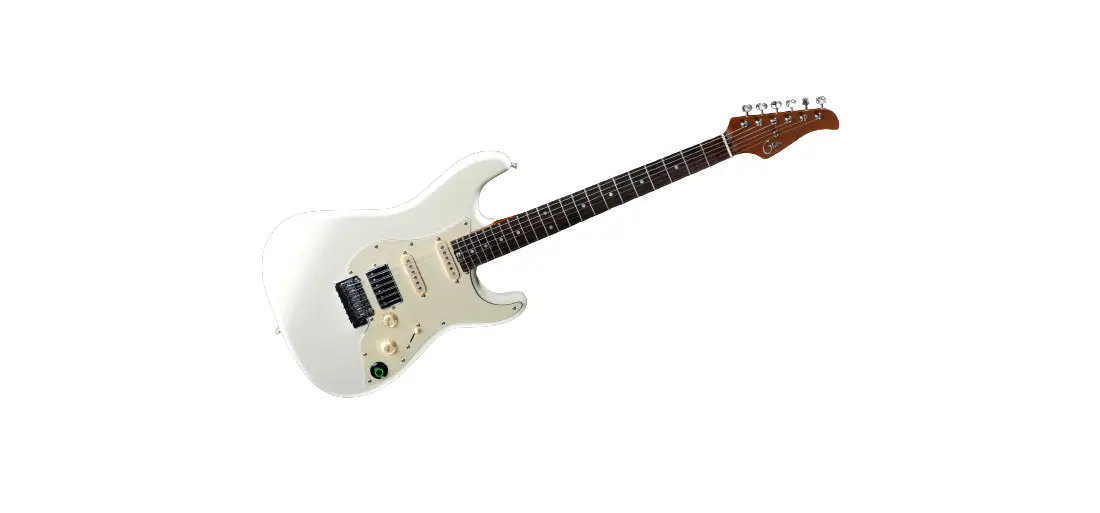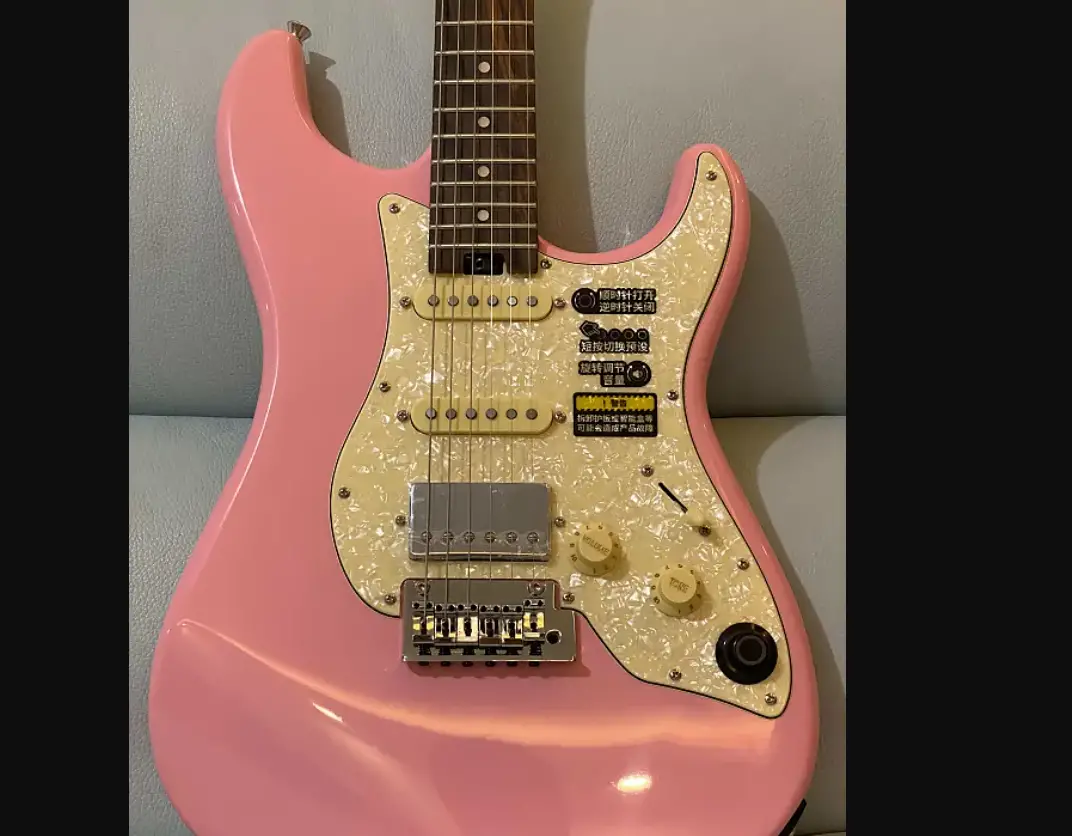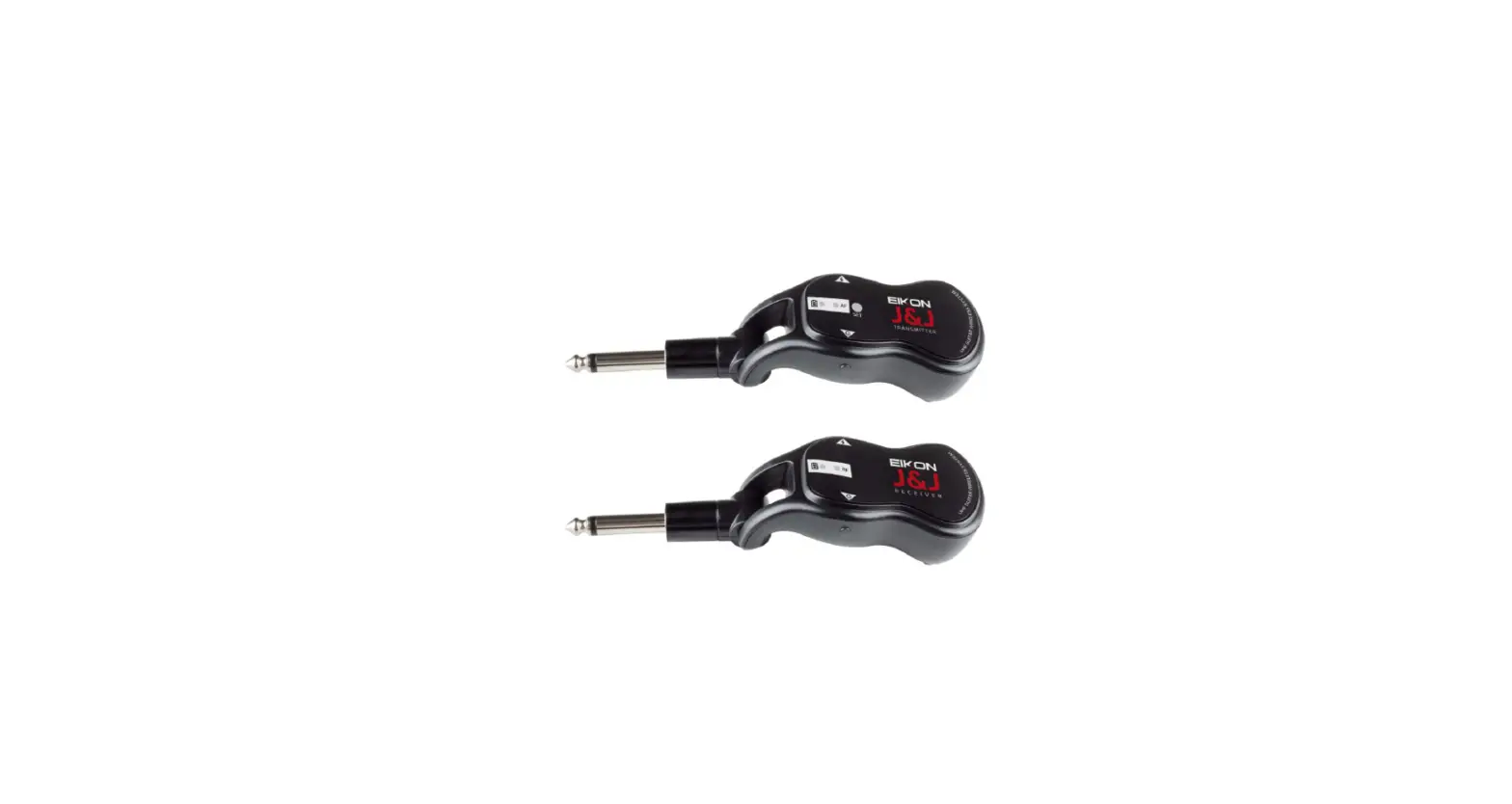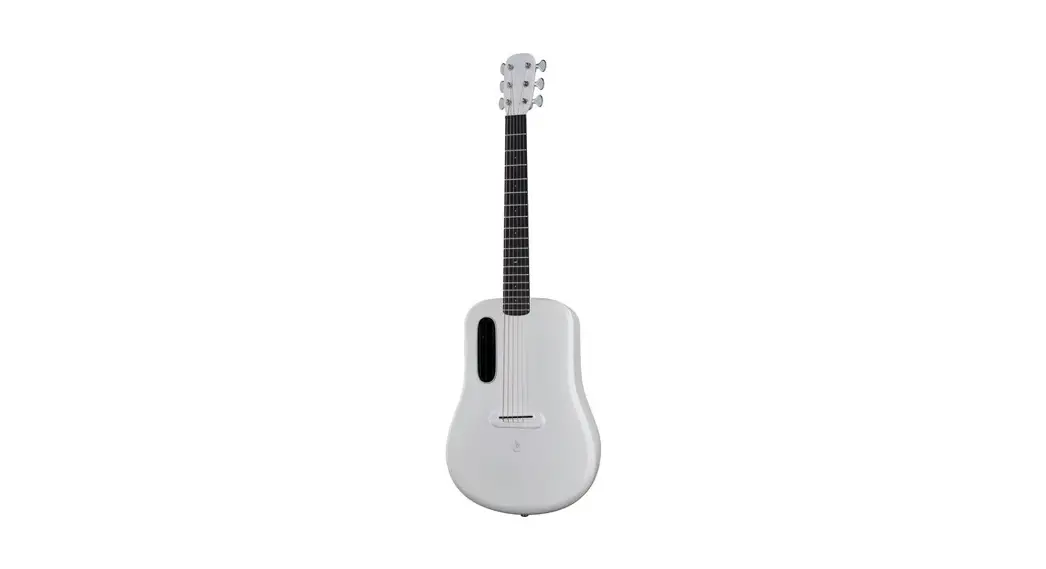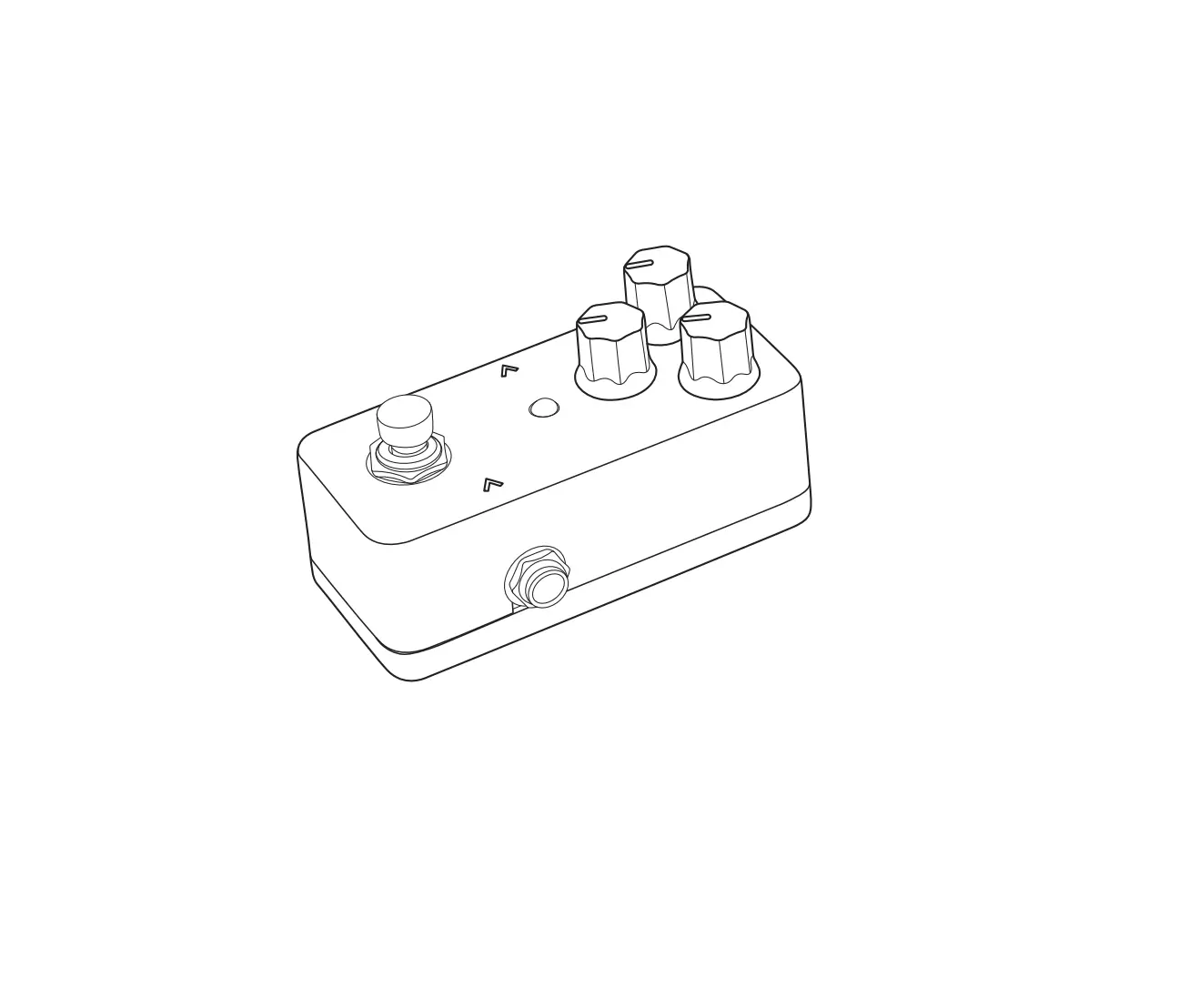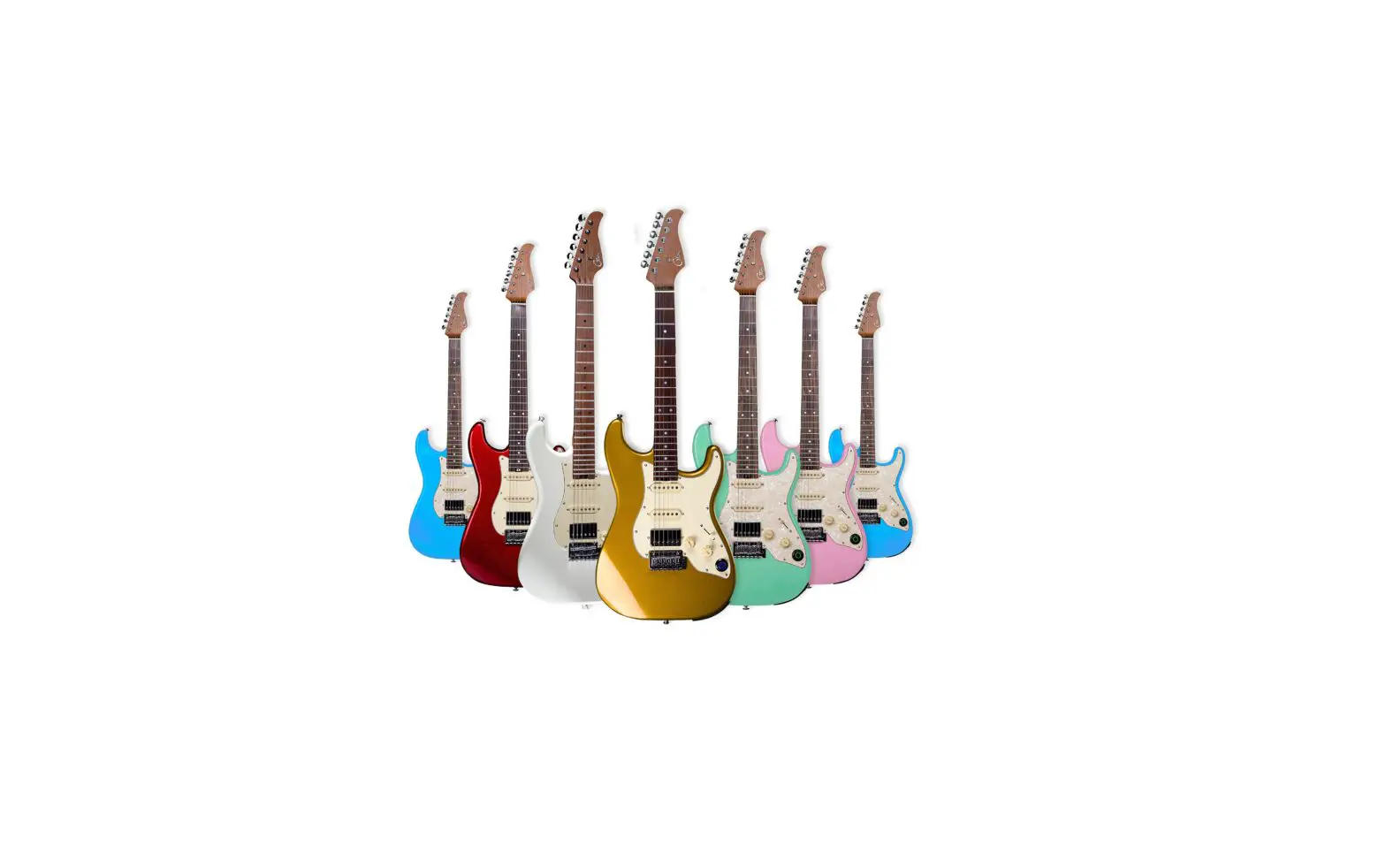
S800 Series Intelligent Electric Guitar with Wireless Pedal
www.gtrs.tech
Intelligent Guitar
GTRS Intelligent Guitar Owner’sManual
www.gtrs.tech
CONTENT
PRECAUTIONS————————————————————01 LAYOUT ——————————————————————- 02 QUICKTOUR—————————————————————03 INSTRUCTIONS ——————————————————-04-06 SPECIFICATIONS ——————————————————–07
www.gtrs.tech
PRECAUTIONS
1.Pleasedonotconnectthepositivepoletothenegativepoleofthe batte r yd i re ct l ytoa v o i df ro ms h o r tc i rc u i t . 2 .P l ea s ed on otd i s a s s e m b l et h ebatte r ym a n u a l l yi fy o ua ren otex p e r t . 3.Pleasereadthemanualcarefullybeforeusing. 4 .P l ea s ed on otp u tt h ebatte r yi n towate r. 5.Pleaseavoidfireorextremehightemperatureenvironment. 6 .P l ea s ea v o i dst r i keo nt h ebatte r y. 7 .T h eu s a ge /c h a rg i n go fbatte r ys h o u l db ei no p e na rea . 8.Avoidextremetemperatureorhumidityforstorage. SpecialNotice: Ifthereisanysmell,noiseduringcharging,pleasestopcharging immediately,contactthemanufacturerdirectlyforwarranty,pleasedo n otd i s a s s e m b l et h ebatte r ym a n u a l l y.
01 www.gtrs.tech
LAYOUT
01 SuperKnob 02 6.35mmguitarline/headphoneoutput 03 USBType-CportInputvoltageandcurrent
5V2A 04 Batterycompartment Utilizeneedleto
o p e nt h ebatte r yco m pa r t m e n t 05 Lithium-ionbattery(GLP-1) Please
ensuretheGTRSlogoisplacedasshown w h e np l a c i n gbatte r y
02
01 02 03 04 05
www.gtrs.tech
QUICKTOUR
Step1:ConnectGTRSguitarwithaudiointerface,studiomonitor, amplifier,headphone,mixer,orotherFRFRdevicesforuse.Forthe best/correcttone,youcanselecttheoutputmodeofGTRSinthe Settings-Global-OutputModemenuaccordingtothedeviceyouuse.
Headset
Mixer,audiointerfaceor otherFRFRdevices
Amplifier
Step2:RotatetheSuperKnobclockwisetoturntheguitaron.Theknob LEDwillindicateon/offstatus
Step3:PresstheSuperKnobtoswitchbetweendifferentpresettones
Step4:RotatetheSuperKnobtoadjusttheoutputvolumeleveltoyour preference
03 www.gtrs.tech
INSTRUCTIONS
GTRSApp TheGTRSAppfunctionsastheeditorsoftwarefortheGTRSguitar. UserscaneasilyselecteffectsandcreatepresetsfortheGTRS system,downloadandsharetonestothecloud,andupdatethe firmwareoftheirGTRSguitar.Severaltoolsforpracticeareincluded intheappaswell.
1.GettheGTRSApp DownloadtheGTRSAppfromtheAppStore(iOS)orGooglePlay (Android).
2.Activation TurnontheBluetoothofyoursmartphoneortablet,opentheGTRS App,clickonCONNECTtosearchandconnecttoGTRSguitar.After connecting,aQRcodescannerwilldisplayintheapp.UsetheApp toscantheQRcodeonthepackageoronthebackoftheheadstock, tofinishactivationandregistration.Theserialnumberandwarranty ofyourGTRSguitarwillautomaticallyberegisteredaspartofthe activationprocess.
*Notice:ThisprocedureisonlyforGTRSguitarswhichhavenot yetbeenactivated.Anactivatedguitarwillskipthisprocedure. PleaseensuretheGTRSguitarisonandyoursmartphone networkconnectionisstableduringactivation.
3.Guide Clickthe”?”iconinthetoprightcorneroftheappscreentoaccess thequickguide/manualoftheGTRSApp.
04 www.gtrs.tech
SuperKnob
1.PresetMode Presstoswitchbetweenfourdifferenttonepresets.Thecolorofthe LEDwillchangeinorderofdarkblue,purple,orange,andocean blue.
2.GuitarSimulationMode Presstoswitchtheguitarsimulationon.ThepurpleLEDindicates theguitarsimulationisonwhileoceanblueindicatestheguitar simulationisturnedoff.
3.TheguitarwillbegininPresetModebydefault.Youcanassign defaultsthrough:GTRSAppSettingsGlobal-SuperKnobMode.
Tuner WhentheApporwirelessfootswitchisconnected,pressandhold theSuperKnobtoaccessthetuner.TheSuperKnobLEDwillturn yellow.Presstheknobagaintoexitthetuner.
Lowbatteryalert Toprovidethebestexperienceforusers,theSuperKnobwillblink s l o w l yw h e nt h ebatte r yl e v e li sgett i n gl o w.P l ea s ec h a rgey o u r GT RSbatte r ya ss o o na sp o s s i b l etom a i n ta i nt h ebatte r yl i feo fy o u r unit.
Charging T h el i t h i u m – i o nbatte r yi nt h eGT RSs y ste mca nb ec h a rge dt h ro u g h theType-CUSBportfromthepowersupply.Whilecharging,the SuperKnobLEDwillturnrednomatterwhichmodeitisin.Agreen LEDindicatesafullcharge.TheUSBportoftheGTRSguitaronly supportsTYPE-CtoTYPE-AUSBcable.
05 www.gtrs.tech
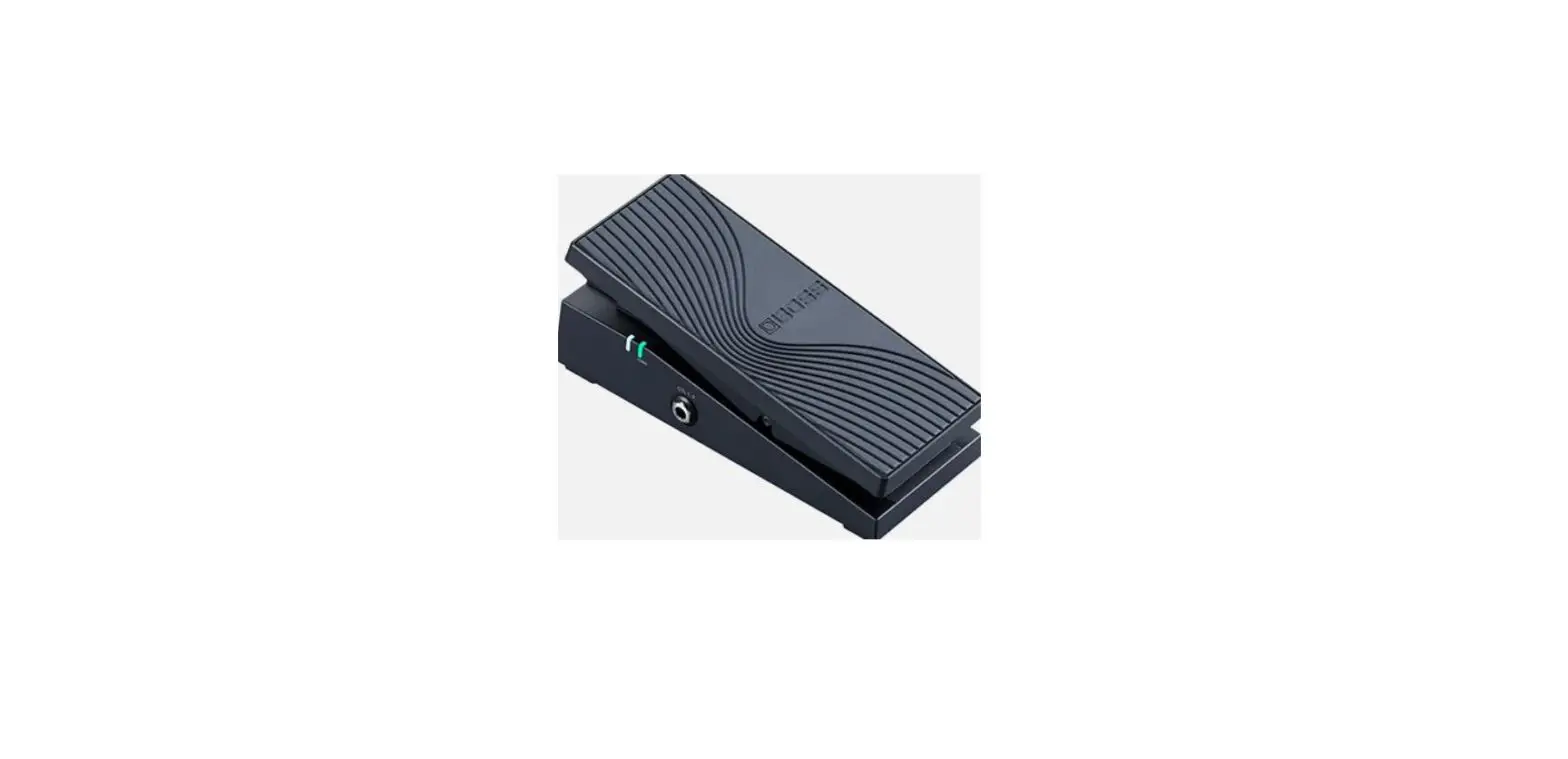
GWF4WirelessFootswitch(purchasedseparately) ThewirelessfootswitchcanbeusedwithGWF4forbettercontrolof presetsduringliveperformance.Pleaseseethewirelessfootswitch manualformoreinformation.
Bluetooth OpentheBluetoothmenuofyoursmartphoneortabletandsearch for”GTRS”toconnectviaBluetooth.UserscanusetheBluetooth functiontoplayaudiotracksfromamobiledevicemixedwiththe GTRSguitarsignalandsendthatsignalthroughthemainoutputof theGTRSguitar.
LiveStream/DirectRecording ConnectyourmobiledevicewithGTRSviatype-CUSBport.Then theguitarsignalwillgodirectlytoyourmobiledevicefordirectly recordingorlivestreambroadcast.Theoutputsignallevelcanbe controlbytheMASTER.Inaddition,thevolumeleveloftheOTG signal,Bluetoothaudioplaybacksignalandtheguitar/headphone outputsignalcanbeadjustedindividuallyviatheGTRSAPP.The USBportoftheGTRSguitaronlysupportsTYPE-CtoTYPE-AUSB cable.FormobiledevicedirectrecordingviaOTGfunction,please userelevantOTGcable(TYPE-COTGcableforAndroid;lightning OTGcableforiOSdevice).
TraditionalGuitarMode IfGTRSisoff,theoutputsignaloftheguitarwillswitchtotrue bypassandfunctionasatraditionalguitarwould.Onlythevolume knob,toneknob,andpickupswitchcanaffectthetoneoftheguitar. Inthismode,theguitarcannotsupportheadphoneoutput.
06 www.gtrs.tech
SPECIFICATIONS
Productname:S800/S801/P800/P801 Batterytype:GLP-1lithiumrechargeable 4000mAh Batterylife:10hours Standbyduration:15hours Chargingrequirement:DC5V2A USBport:USBTYPC-C(OnlysupportUSB TYPECtoTYPEAcableforuse) Bluetoothversion:5.0 Wirelesssystem:2.4G
Caution: GTRSGLP-1supportsoverchargingprotection,over-discharging protection,shortcircuitprotection,overcurrentprotection. Re co m m e n dtoc h a rget h ebatte r ye v e r yt h re em o n t h sa saf u l l y c h a rge dbatte r y ;c h a rget h ee m pt ybatte r ye v e r ym o n t hfo r maintenance. T h ebatte r yl i few i l lb ea ro u n d7 5 %o ft h eo r i g i n a la f te r3 0 0t i m e so f chargingcircuit. Thesuitablechargingtemperatureis0-45;storgetemperatureis 25°c±5°c.
07 www.gtrs.tech
MadeinChina
www.gtrs.tech