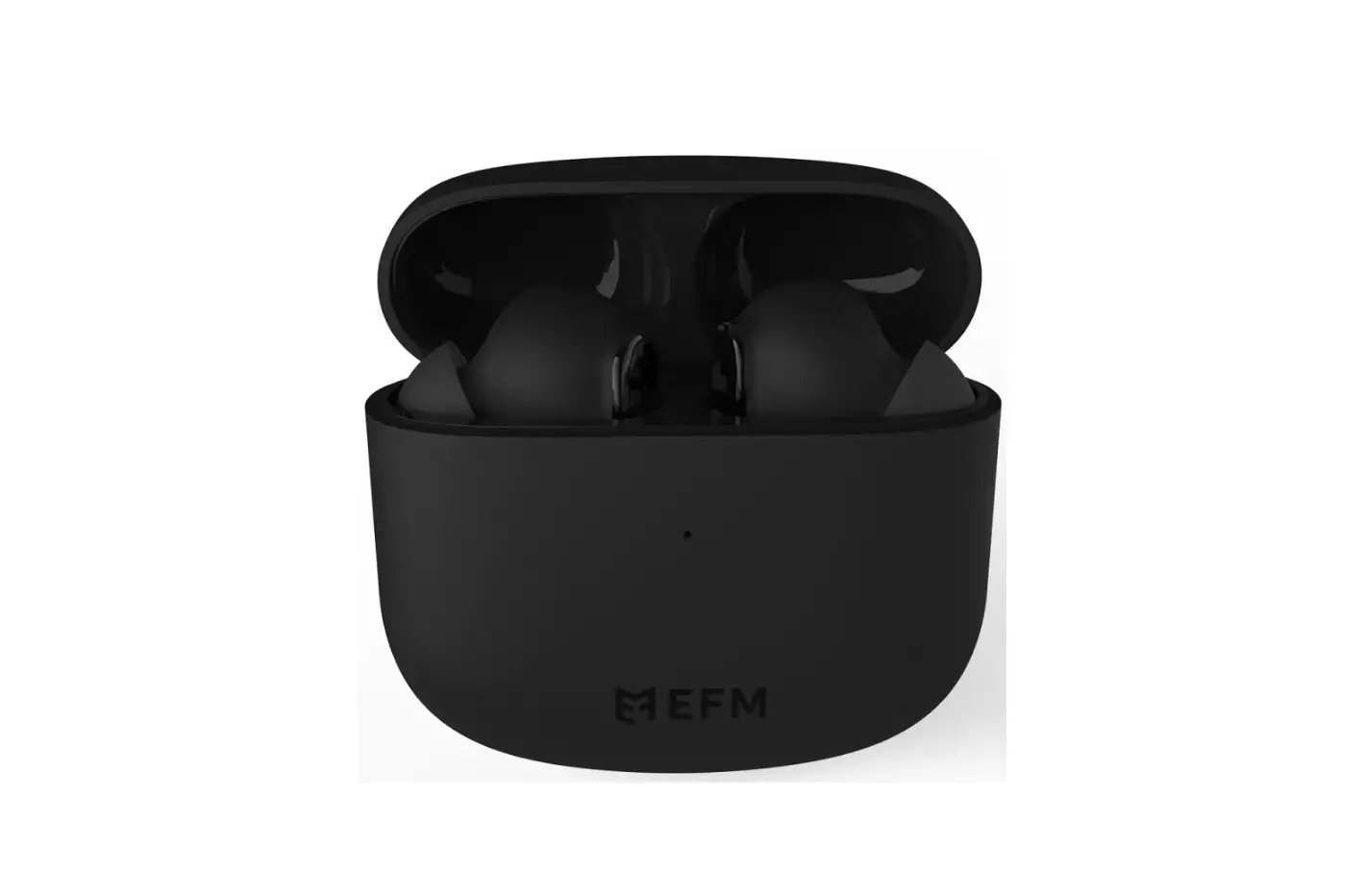
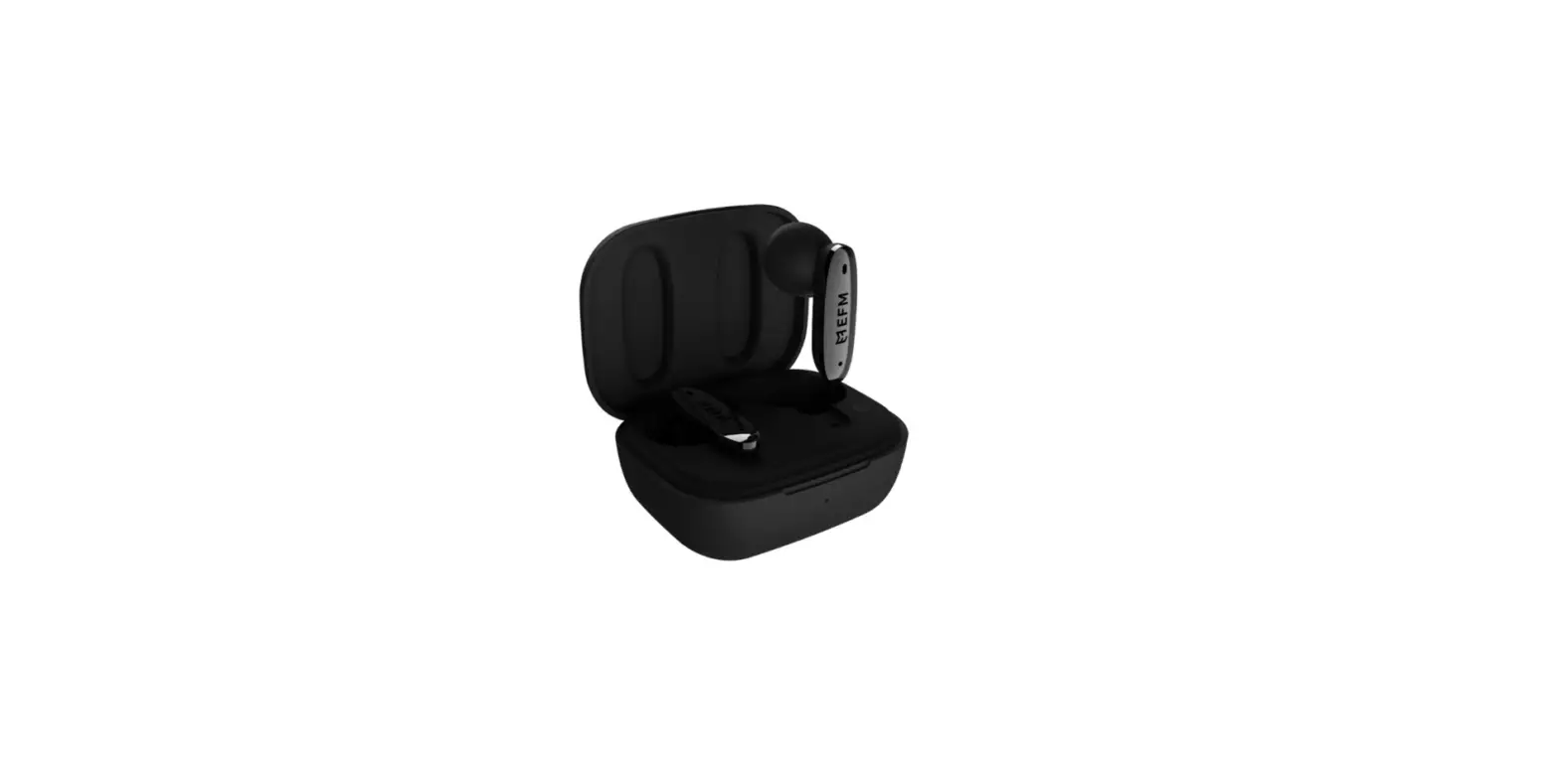
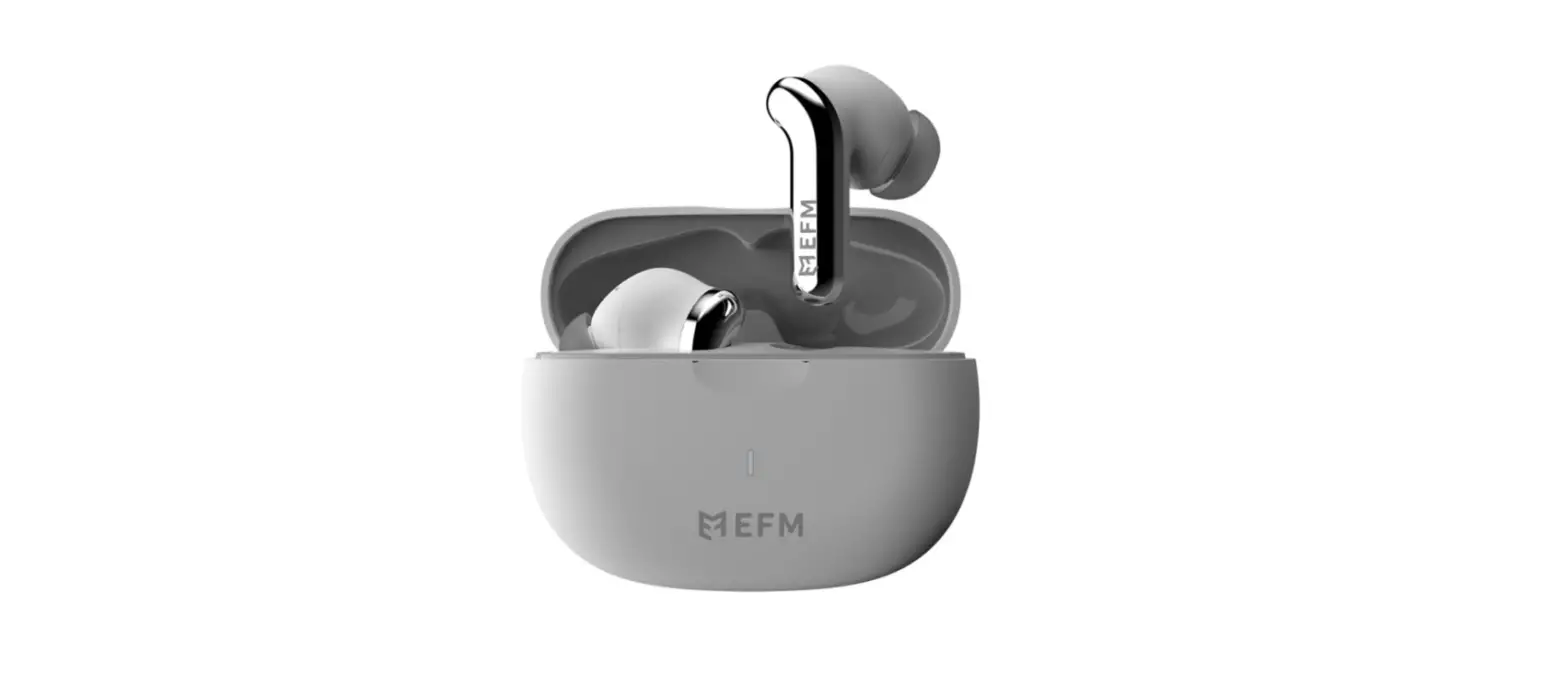
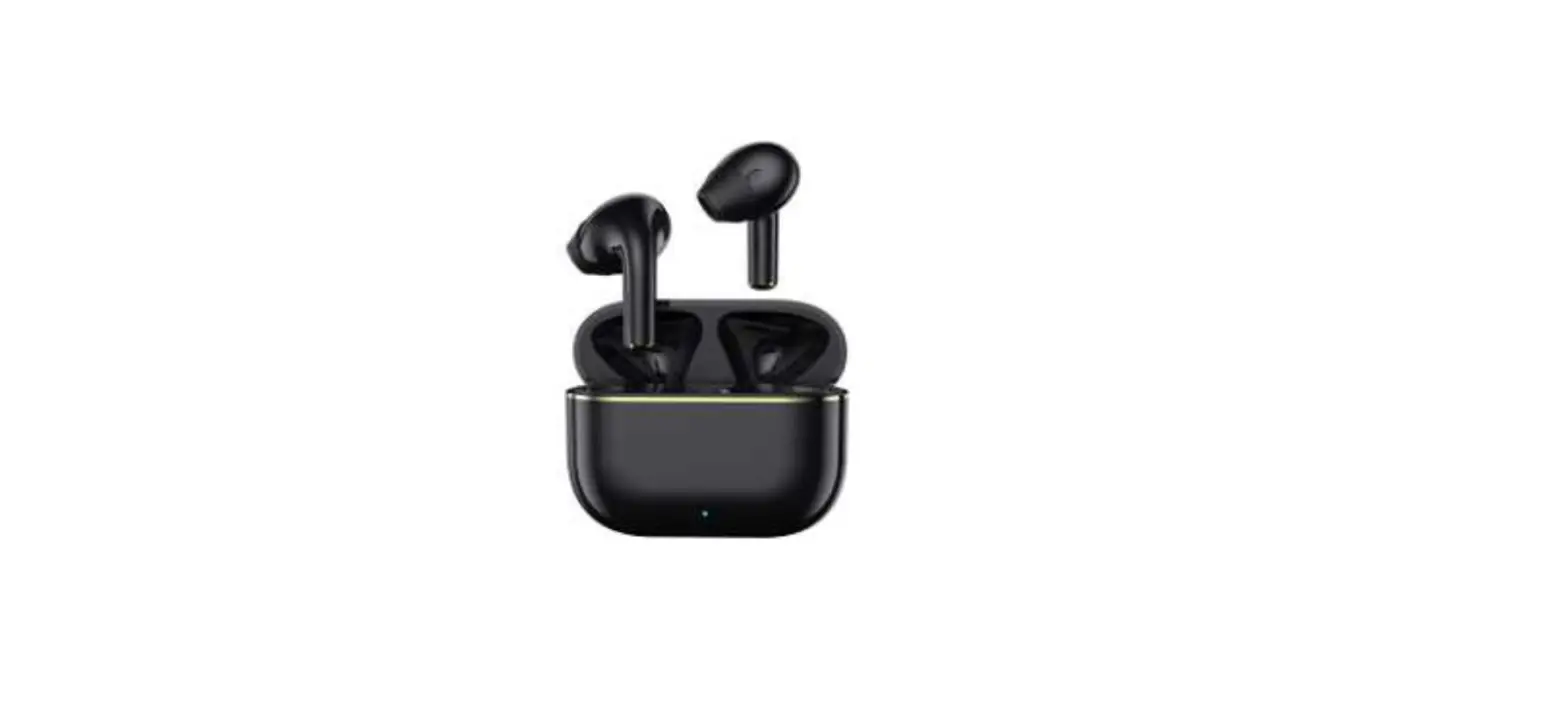
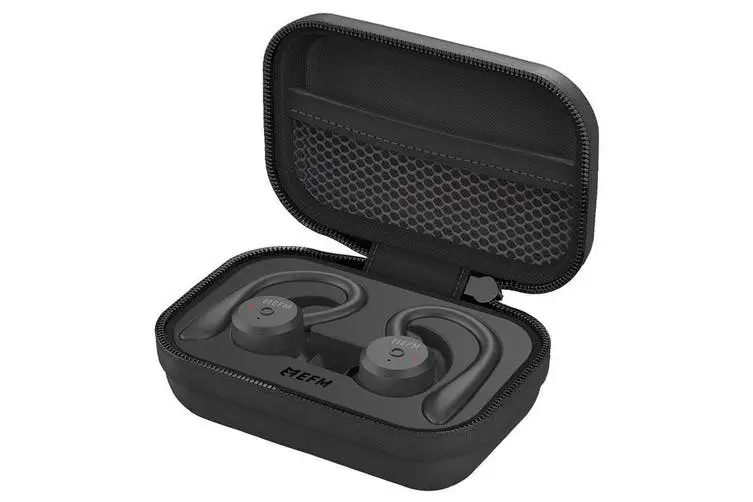
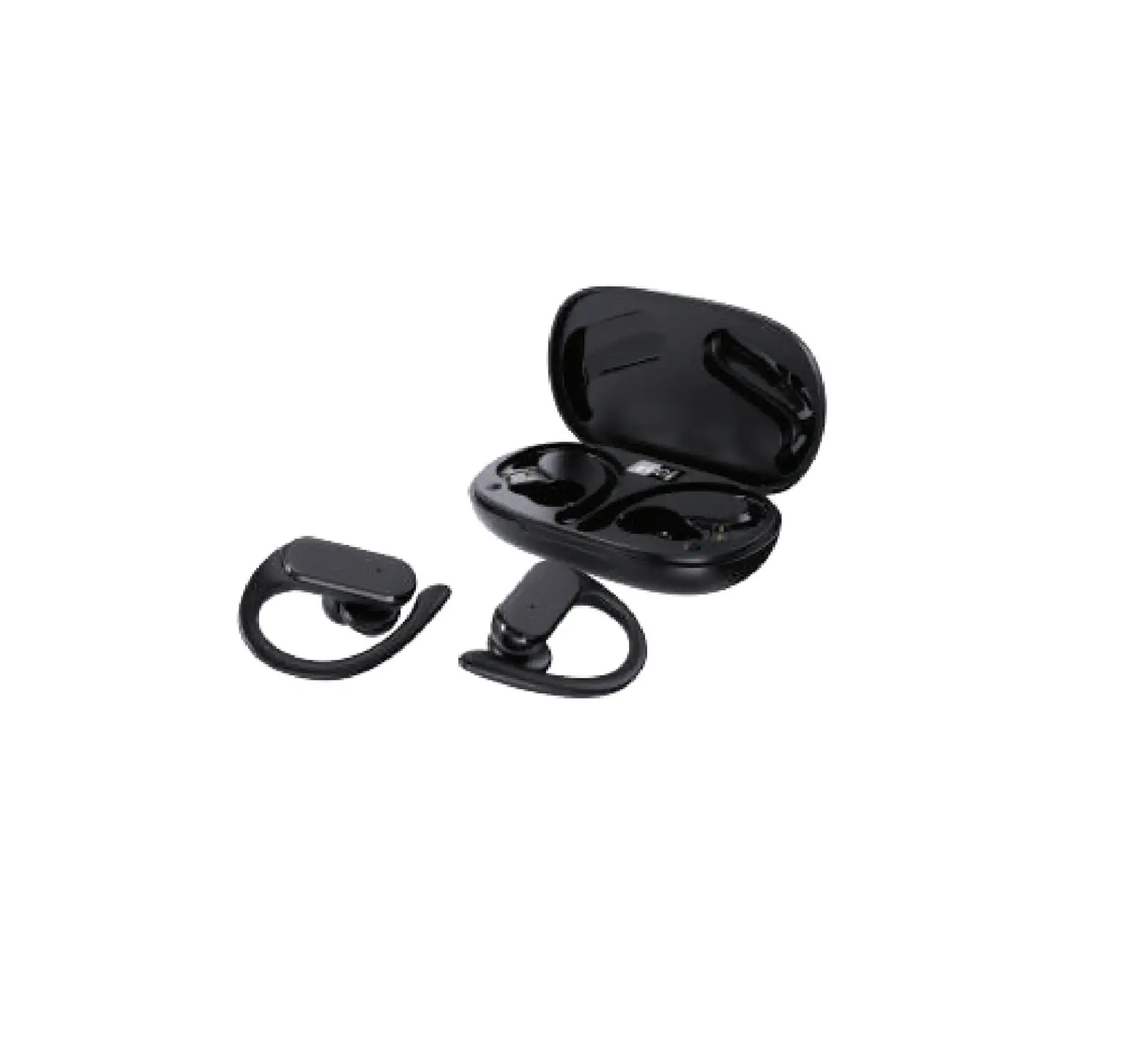
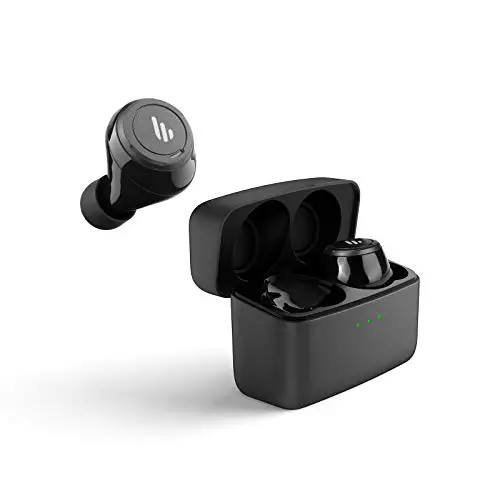
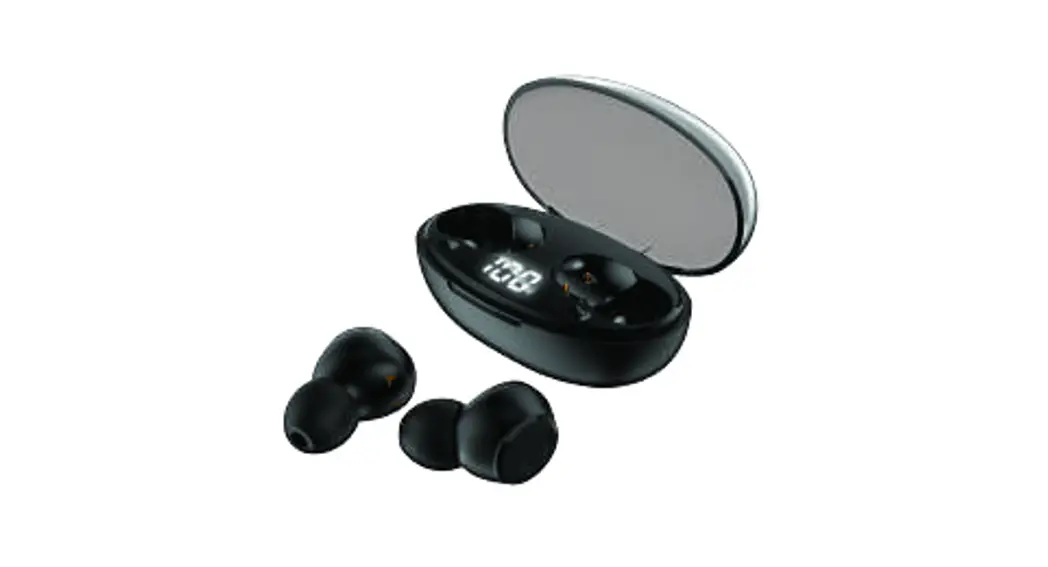
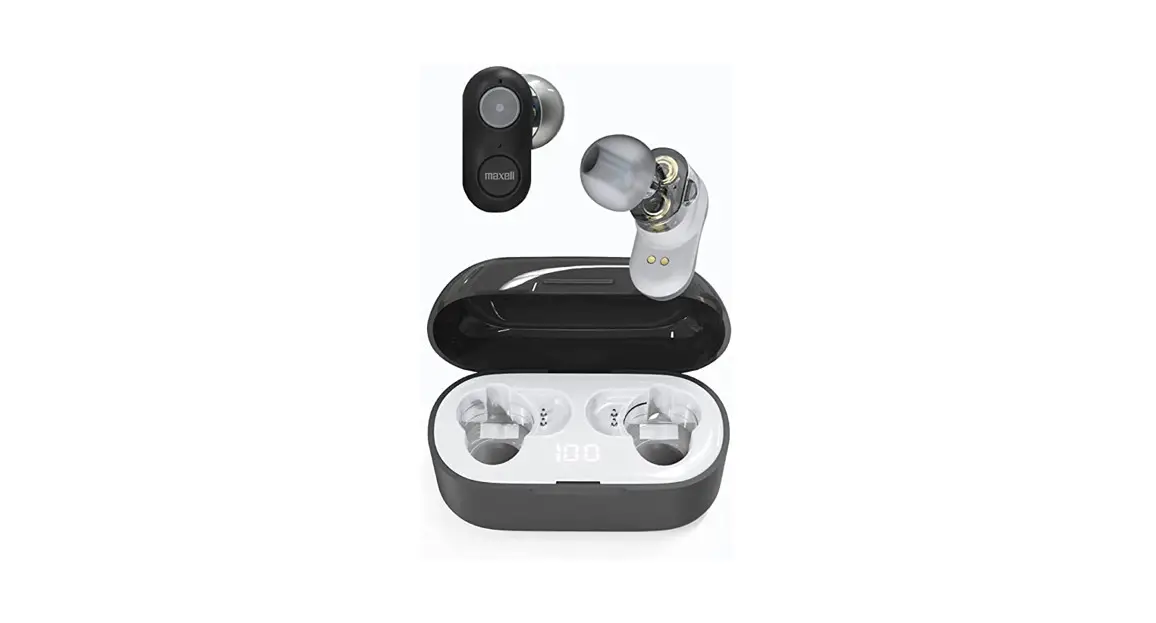
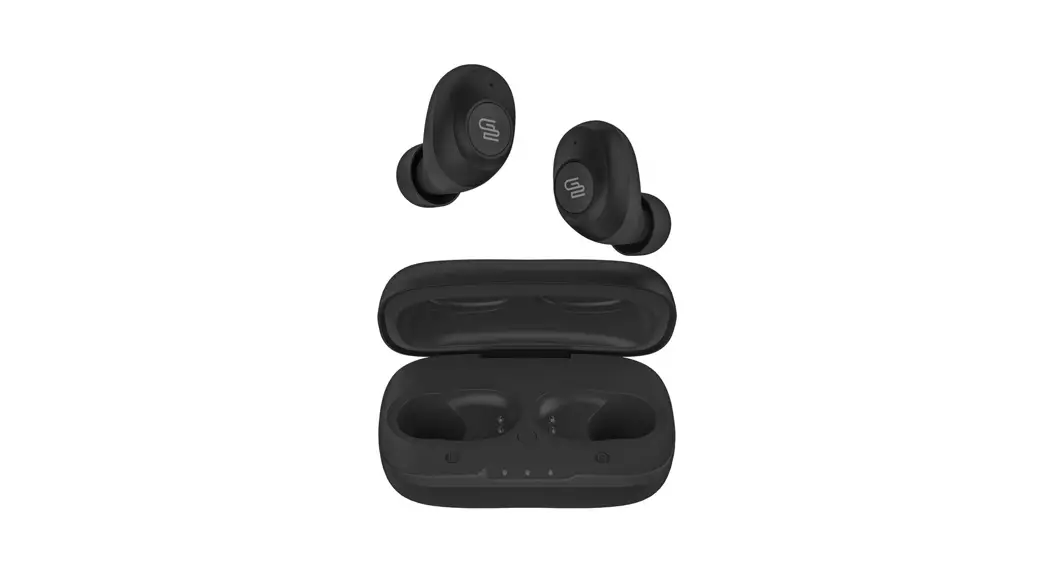
EFM EFEDDUL953PUR TWS Atlanta Dual Driver Earbuds
  PRODUCT SPECIFICATIONS
 EFM EFEDDUL953PUR TWS Atlanta Dual Driver Earbuds
  PRODUCT SPECIFICATIONS
| Model: | EFM® TWS Atlanta Dual Driver Earbuds |
| Bluetooth Version: | 5.0 |
| Impedance: Scope of frequency: Charging: Earbud BatteryCapacity: Charging Pod BatteryCapacity: Earbud Recharge Time: | 80 20Hz~20,000Hz USB Type-C 40mAh (Each Earbud) 500mAh 1.2 Hours |
| Charging Pod Recharge Time: Latency Sensitivity | 2 Hours 60ms 100 ± 3 dB |
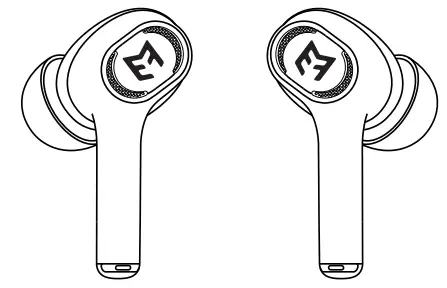
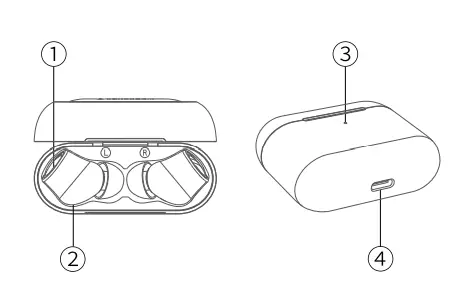
- TOUCH CONTROL – MFB
- tRANSLUCENT CAVITY
- LED INDICATOR
- TYPE·C CHARGING PORT

CHARGING YOUR EARBUDS
The earbuds will automatically charge once they are placed inside the charging pod. NOTE: Please ensure the battery of the charging pod is charged for 2- 3 hours before first use, or when they have not been used for an extended period of time.
CHARGING YOUR EARBUDS POD
Method 1: Charging by Cable
Using the supplied charge cable, connect the type-C end into the type-C port on the charge pod, and the USB- A end to a power supply, such as a wall charger. Charging is confirmed once the indicator light on the charging pod begins to flash green.
Once the case is fully charged, the indicator light will display solid green.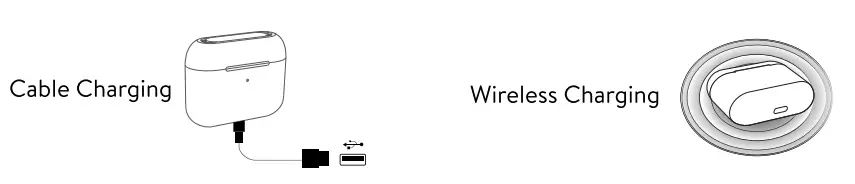 Method 2: Charging by Wireless Charger
Ensure your wireless charger is connected to an appropriate power supply and is free from foreign objects on the charging area. Place the charging pod onto the wireless charge pad to commence charging. Charging is confirmed once the indicator light on the charging pod begins to flash green. Once the pod is fully charged, the indicator light will display solid green.
NOTE: When the charging pod has less than 5% battery, the light indicator will flash orange. Once the pod is out of battery, the earbuds will not turn on/off automatically when they are removed or placed back into the charging pod. In this case, follow the instructions to manually power on/off the earbuds.
AUTOMATIC ON/OFF
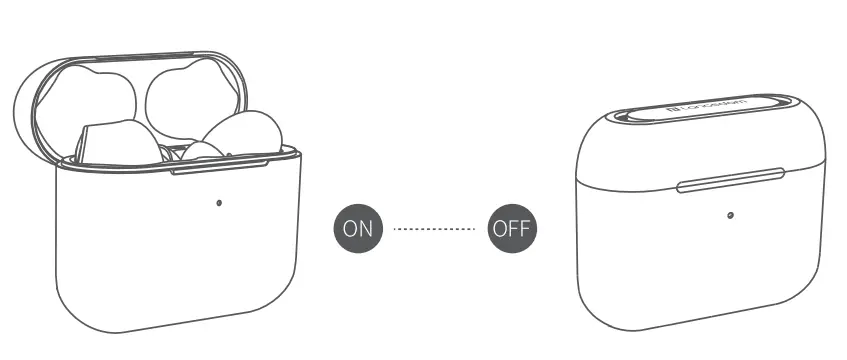
- Auto On: The earbuds will automatically power on once they are removed from the charging pod.
- Auto Off: The earbuds will automatically power off once they are placed back into the charging pod.
- Manual On/Off: Manual Power On touch for 3 seconds, Manual Power Off touch for 8 seconds.
 NOTE: The earbuds will automatically turn off if they have not paired with a device within 5 minutes.
 NOTE: The earbuds will automatically turn off if they have not paired with a device within 5 minutes.
BLUETOOTH PAIRING
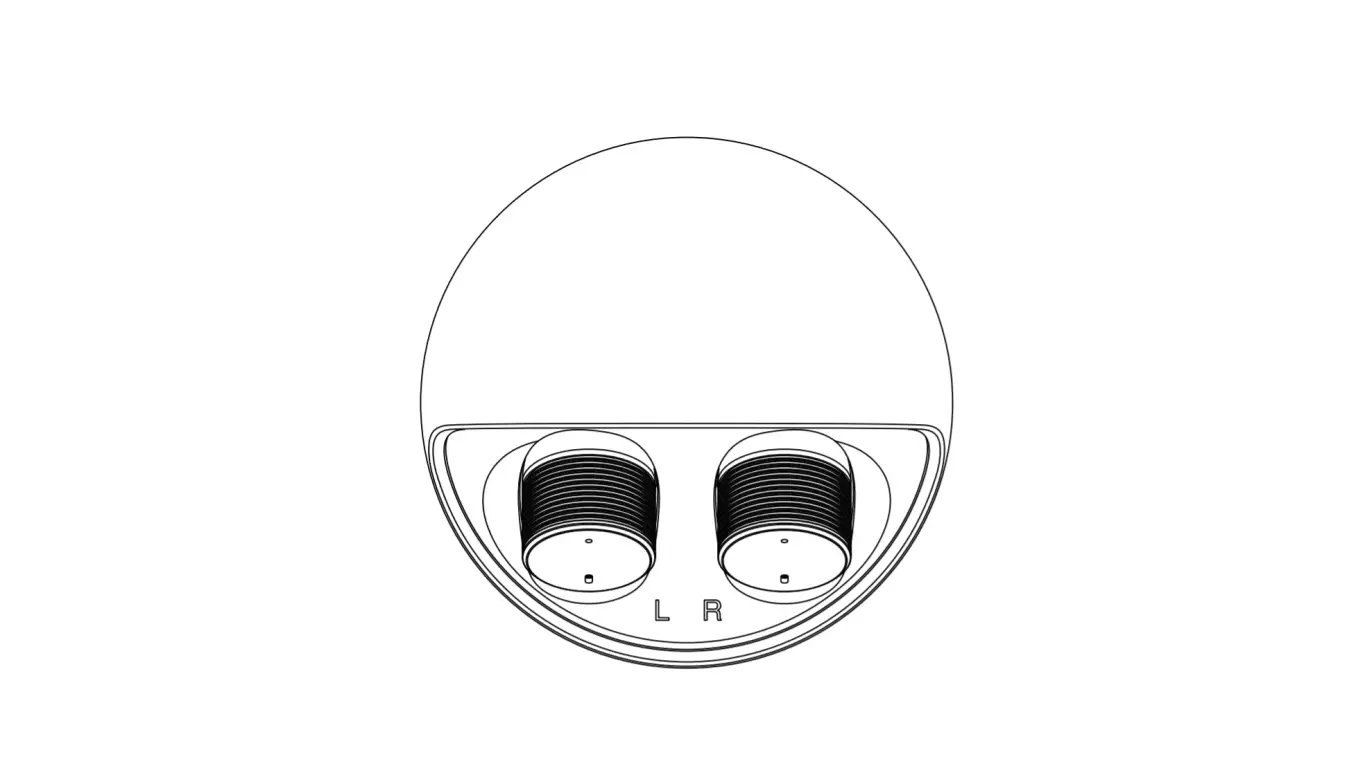
Pairing Individual Earbuds: The Left and Right Earbuds will pair automatically once removed from the Charging Pod.
- Open the lid of the charging case and remove the earphones. The earphones will automatically power on and enter pairing mode.
- Turn the devices Bluetooth settings on and search for EFM® TWS Atlanta Dual Driver.
- Select EFM® TWS Atlanta Dual Driver on the device, and the earphones will automatically connect.
NOTE: The left and right earphones will automatically pair with each other once removed from the charging pod. The earphones will also automatically connect to the last connected device after pairing.
Connecting Via Bluetooth
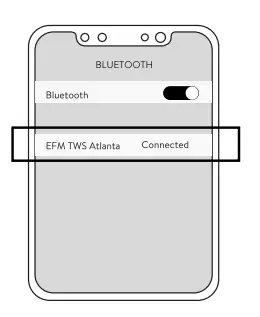
Turn on the device’s Bluetooth setting . Search for and choose ‘EFM<l> TWS Atlanta’ to pair, your device will show “connected”.
MUSIC CONTROL

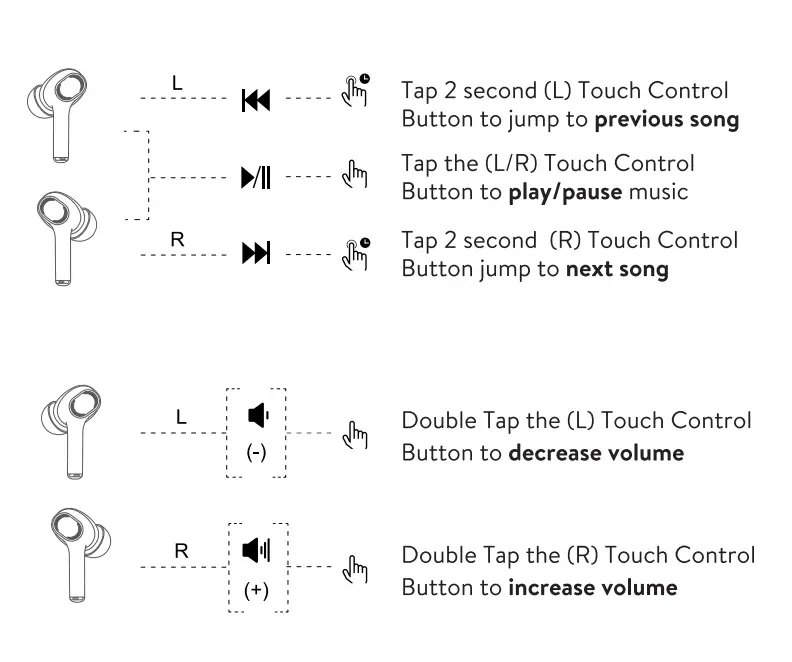
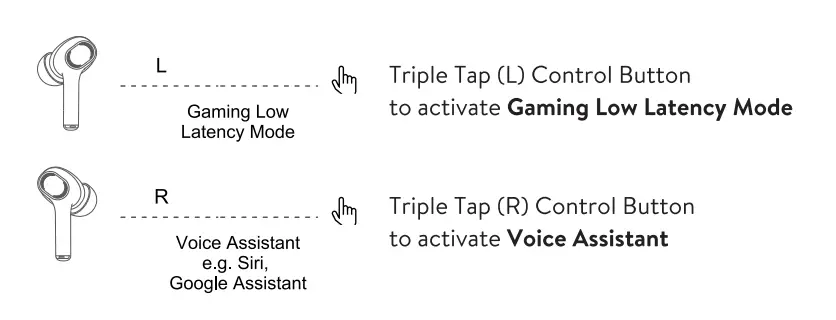
NOTE: The chime tone indicates gaming mode is active, and the descending beep tone indicates it is deactivated.
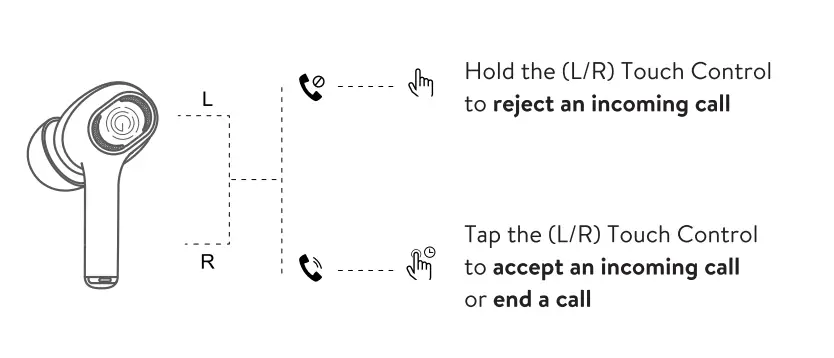
CALL CONTROL CL/R BUTTON)
WARRANTY INFORMATION
Our goods come with guarantees that cannot be excluded under the Australian Consumer Law. You are entitled to a replacement or refund for a major failure and compensation for any other reasonably foreseeable loss or damage. You are also entitled to have the goods repaired or replaced if the goods fail to be of acceptable quality and the failure does not amount to a major failure.
EFM® warrants that its products are free from defects in materials or workmanship for up to 2 years from the date of purchase EFM<l> will repair or replace any product which is defective in materials or workmanship at no charge to the customer (for parts or labor). The customer is responsible for any transportation costs.
This warranty does not cover or apply to any damage or defects caused by the incorrect installation of the IPX4 product, through your modification of the IPX4 product, cosmetic damage, damage caused by accident, or damage caused by abuse or improper use of your IPX4 product, including using the IPX4 product in environments where the relevant IP rating limitations are exceeded. This warranty does not apply to any consequential loss or damages which may be incurred through your use of the IPX4 product, including but not limited to damage of any nature caused to any products used in conjunction with the IPX4 product.
Please do not expose your IPX4 product to chlorinated water. Over time, chlorinated water can corrode the rubber seals on the IPX4 product. Accordingly, prolonged use in chlorinated water is not recommended.
To claim under the warranty, you need to return the faulty EFM® product to the place of purchase (at your expense) with a valid proof of purchase. If you are not able to return the product to the place of purchase, please fill out a Warranty Claim Form on myefm.com/warranty-support and follow the prompts.
For any inquiries, please contact: EFM Customer Service Department, PO BOX 684, Belmont WA 6104 P: 1300 069 336 (1300 0 MYEFM) E: info(@myefm.com
Important: For the avoidance of any doubt, this 2 Year Warranty applies to your purchased EFM<l> product only, and not to any device to which the EFM<l> product is affixed or used in conjunction with. For more information visit myefm.com.