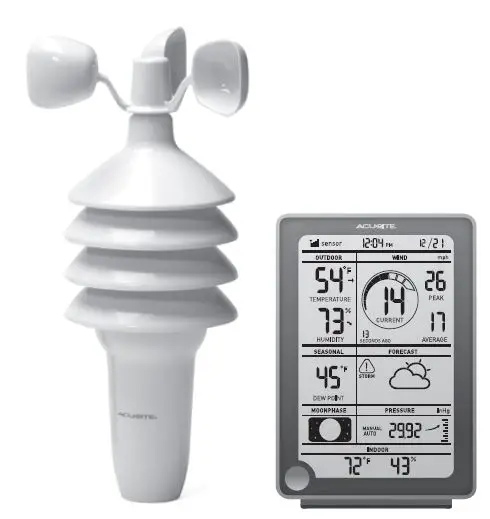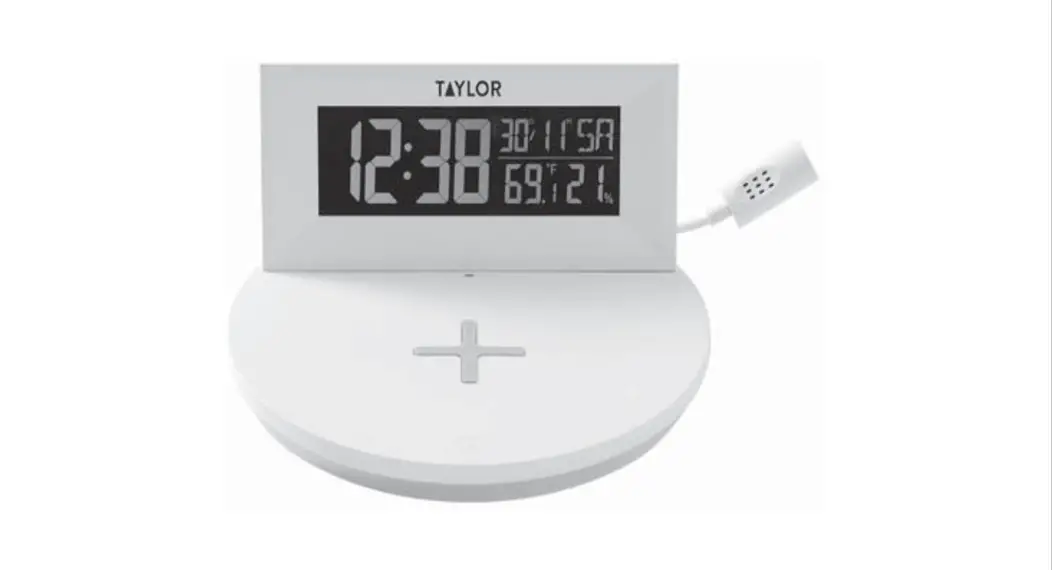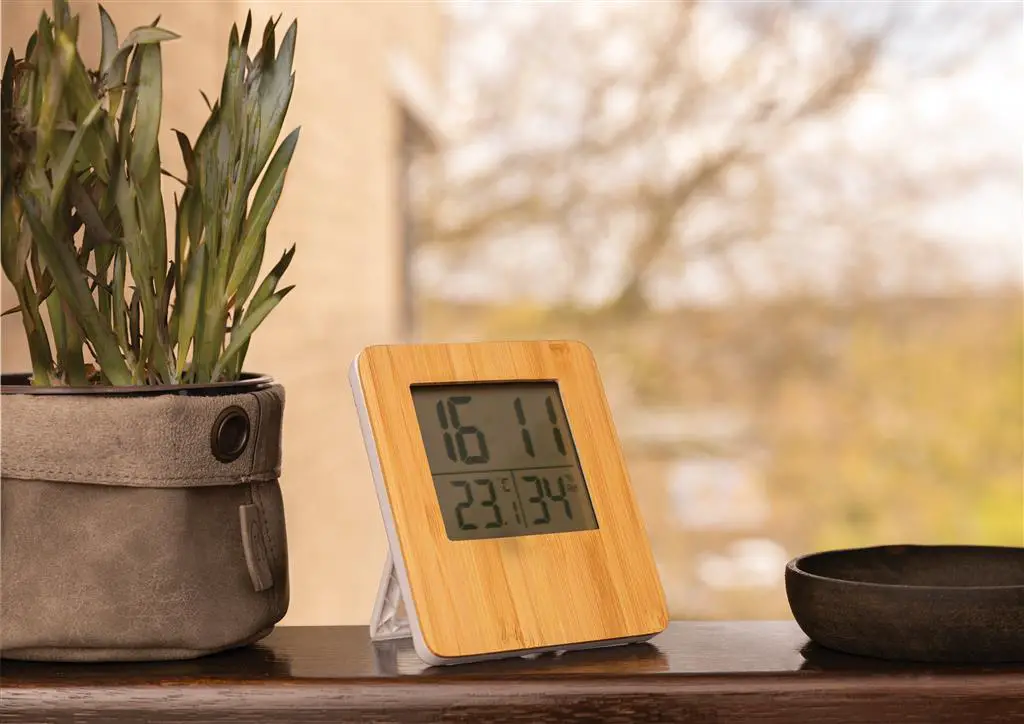

XINDAO P279.219 Bamboo Weather Station
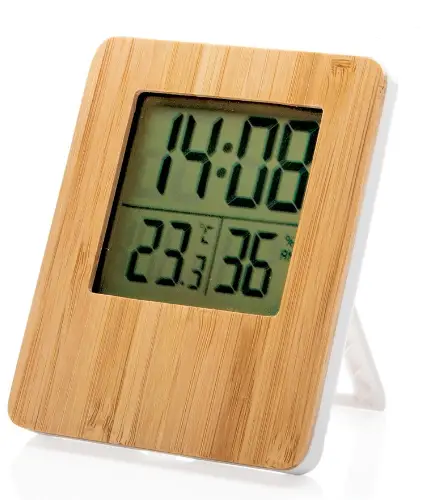
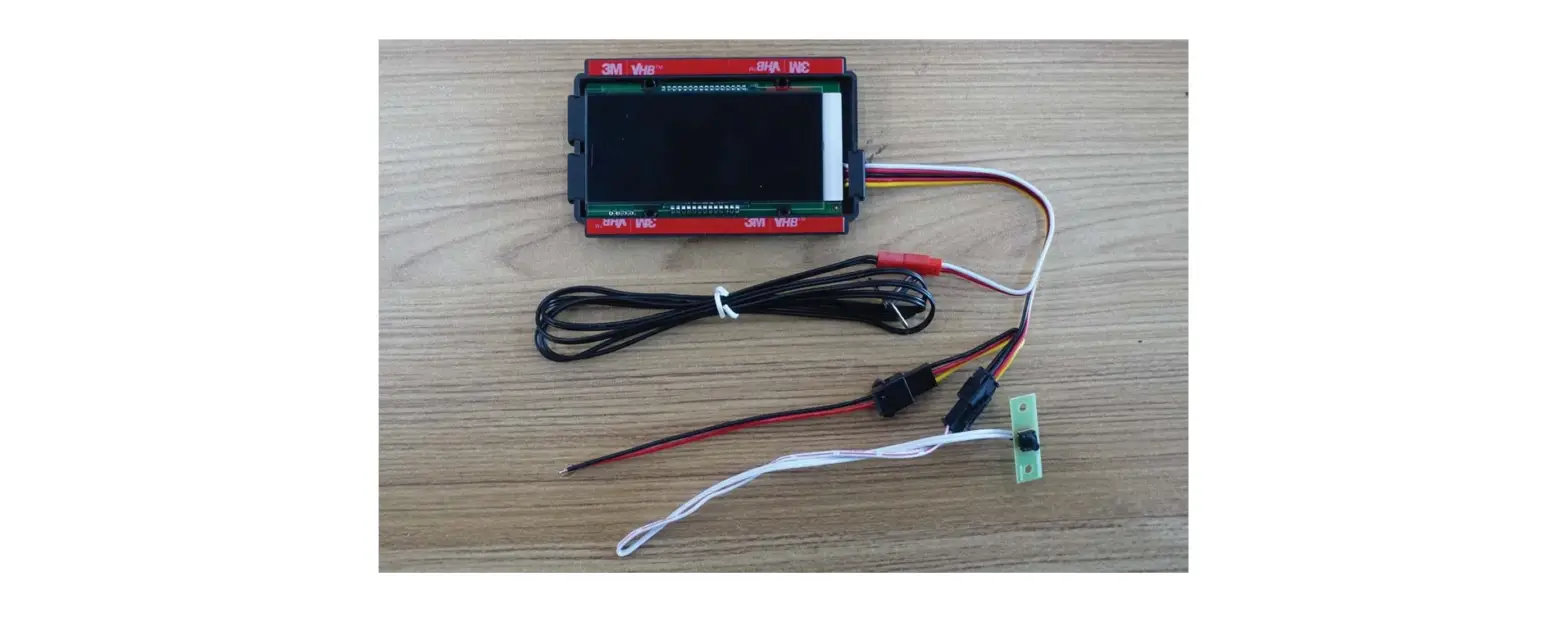
PRODUCT DESCRIPTIONS
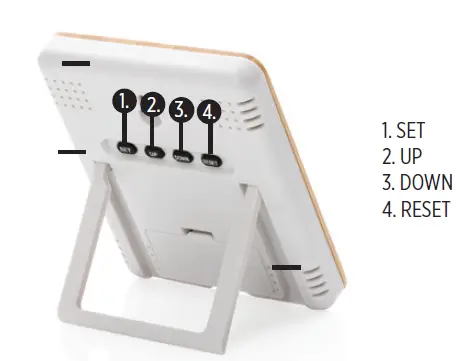
- SET
- UP
- DOWN
- RESET
STARTUP
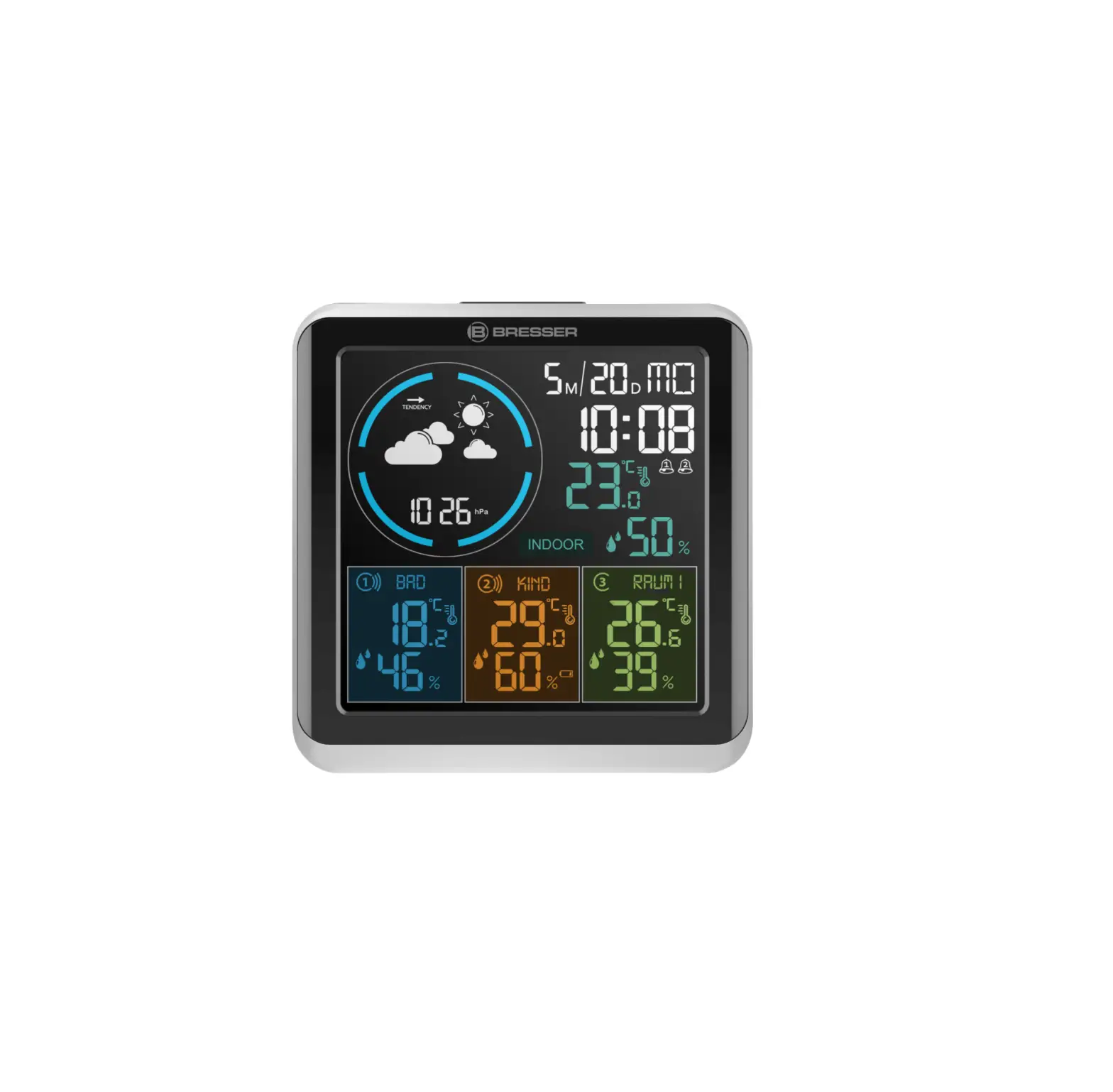
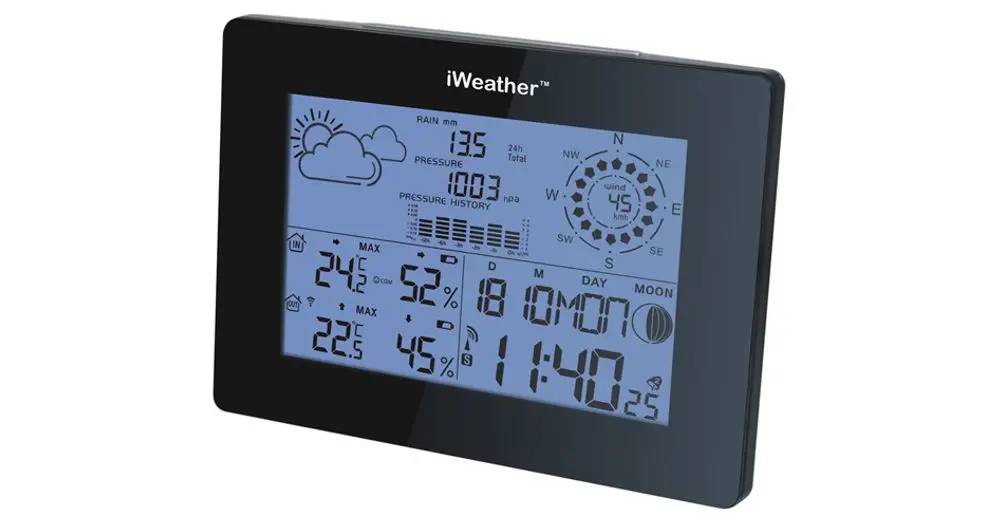
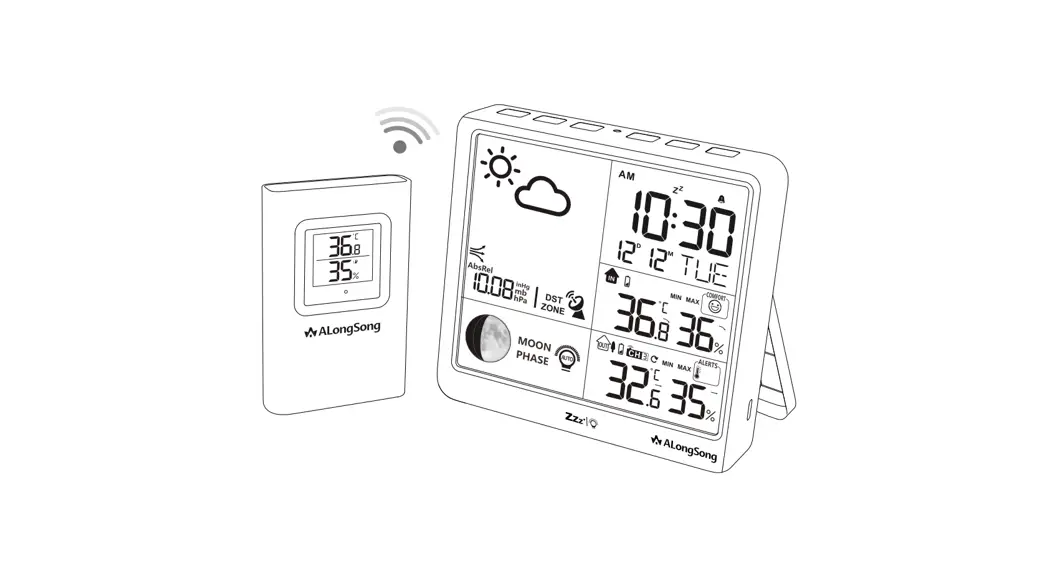
Open the battery part and place the included batteries. The weather station will automatically start up and measure the temperature and the humidity of the room. Use the 4 buttons to adjust the display:
Press and hold SET for 3 seconds to set the time, year, month and date, press UP or DOWN to set the number.
Press UP to switch between 12 and 24 Hour format.
Press DOWN to set switch the temperature format between Celsius and Farenheit.
Press RESET to restore settings.
NOTES:
- Please do not expose the device to moisture or heat sources.
- This is not a toy, not suitable for children under the age of 7.
- Do not disassemble, attempt to open, or break the product.
- Keep away from fire and water
EU Declaration of Conformity
Xindao B.V. hereby declares that this product is in compliance with the essential requirements
and other relevant provisions of Derective 2014/30/EU.
The complete Declaration of Conformity can be found at www.xindao.com >search on item number.
 Home
Home