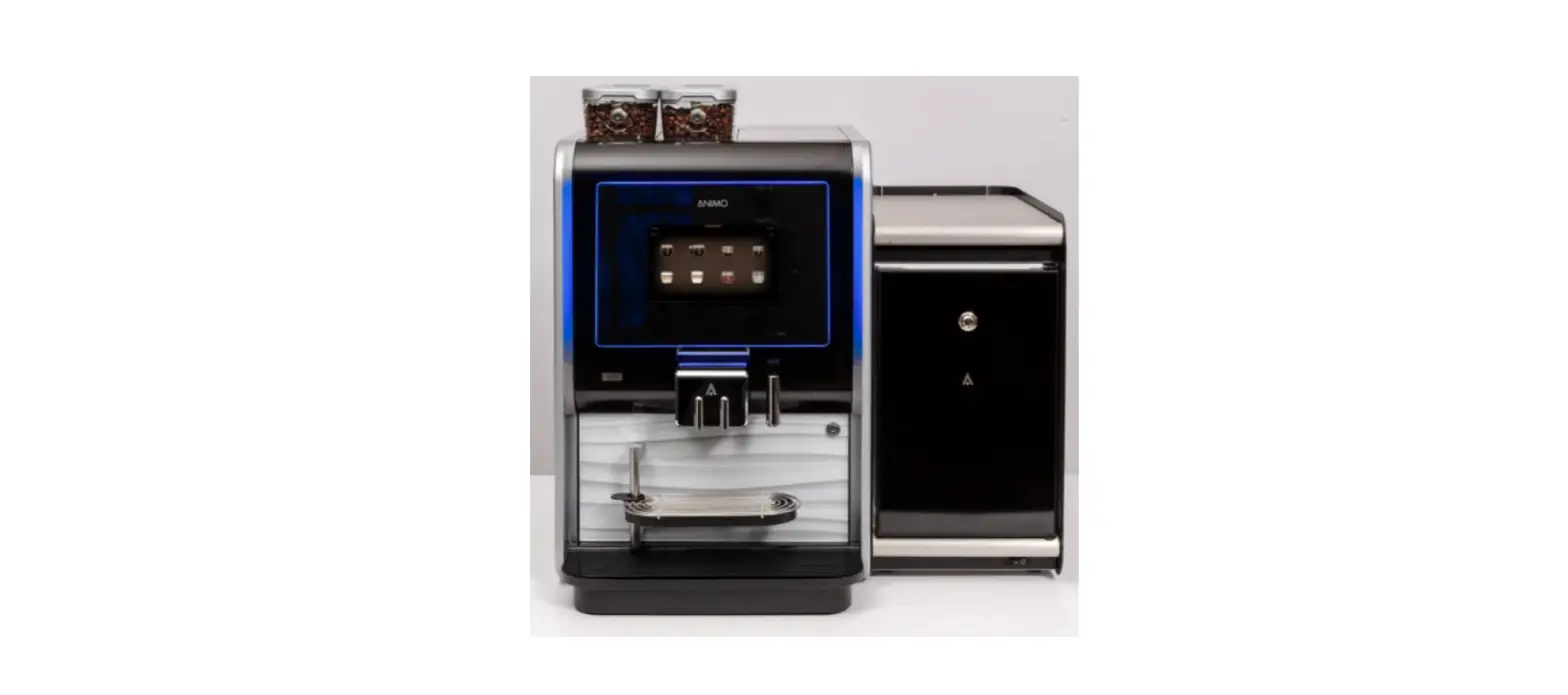
westomatic DAE8WJG0IDI Primo Mini Calibrate Ingredients Instruction Manual
CALIBRATE INGREDIENTS
These instructions show the steps for Calibrating the Ingredients on the Primo Mini and Midi: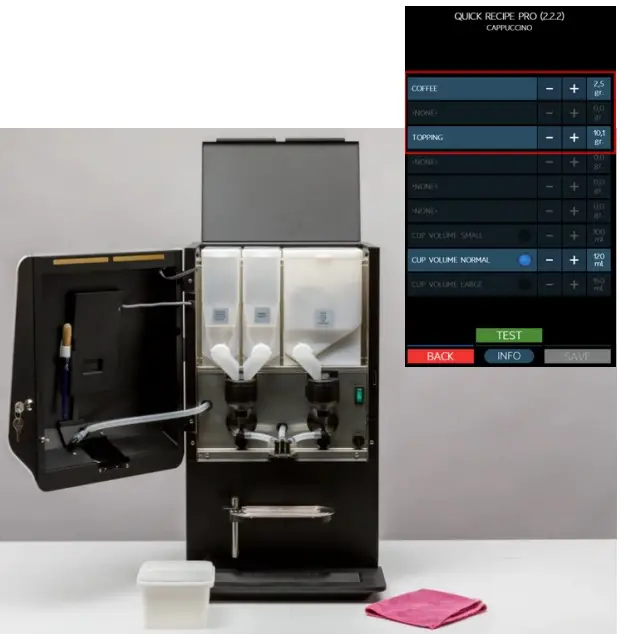
You will need:
- mini scale
- empty paper cup
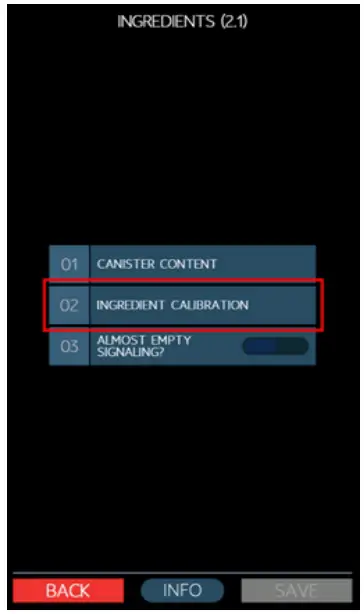
- Enter: SERVICE MENU 01 INGREDIENTS

- Select: 02 INGREDIENT CALIBRATION
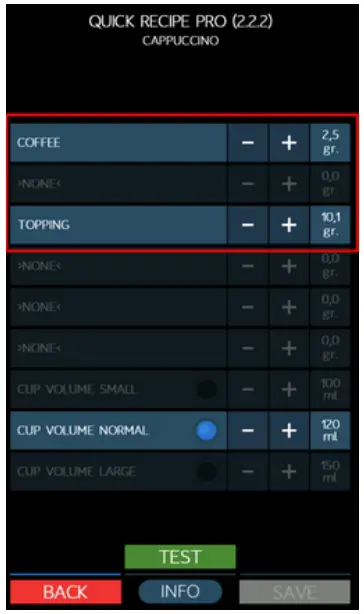
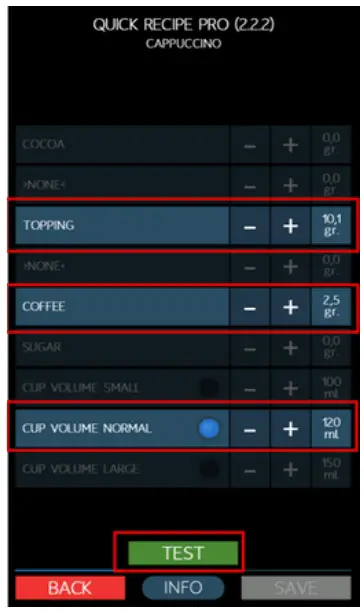
- QUICK RECIPE PRO: Screen 1
Recipe example: Cappuccino Set -/+ here:- COFFEE ingredient (gr)
- TOPPING ingredient (gr)
- CUP VOLUME (ml)
- TEST your recipe (drink)
- SAVE your changed settings
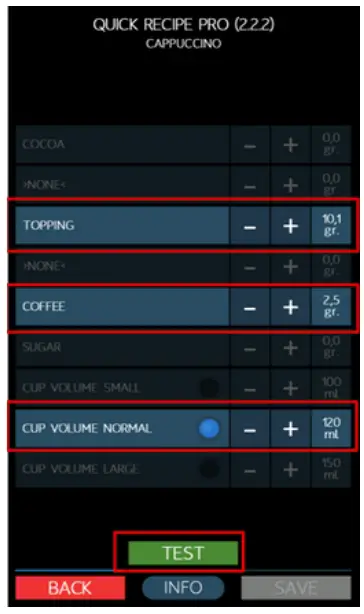
- QUICK RECIPE PRO: Screen 2
Water can be divided between the different mixing bowls here – this option is only applicable if the relevant ingredients are mixed by a separate mixer unit.- SET -/+
- TEST your recipe (drink)
- SAVE your changed settings
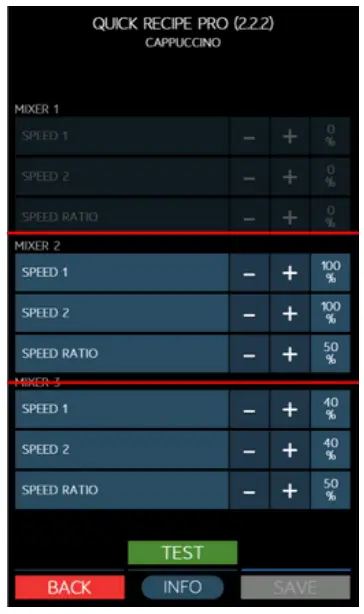
- QUICK RECIPE PRO: Screen 3
Set -/+ the mixer speed – if desired.- MIXER SPEED 1 = speed start
- MIXER SPEED 2 = speed end
- SPEED RATIO – ratio speed 1 & 2
- TEST your recipe (drink)
- SAVE your changed settings
Company Products
Support
 CONTACT: Westomatic Vending
Services Ltd,
Units 7 – 8 Forde Court,
Block 4 Forde Road,
Newton Abbot , TQ124BT
 +44(0)1626323100
 [email protected]
 www.westomatic.com