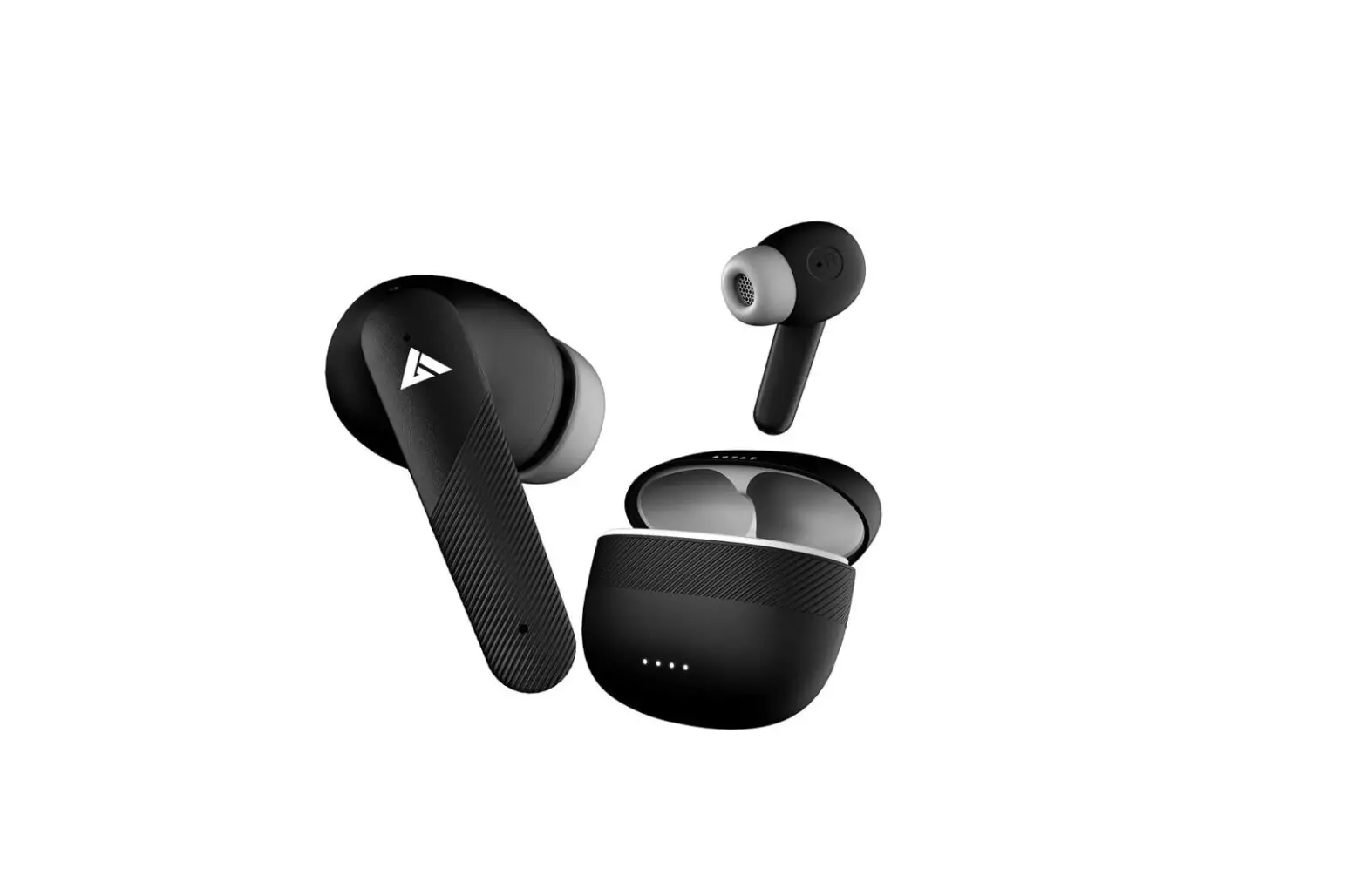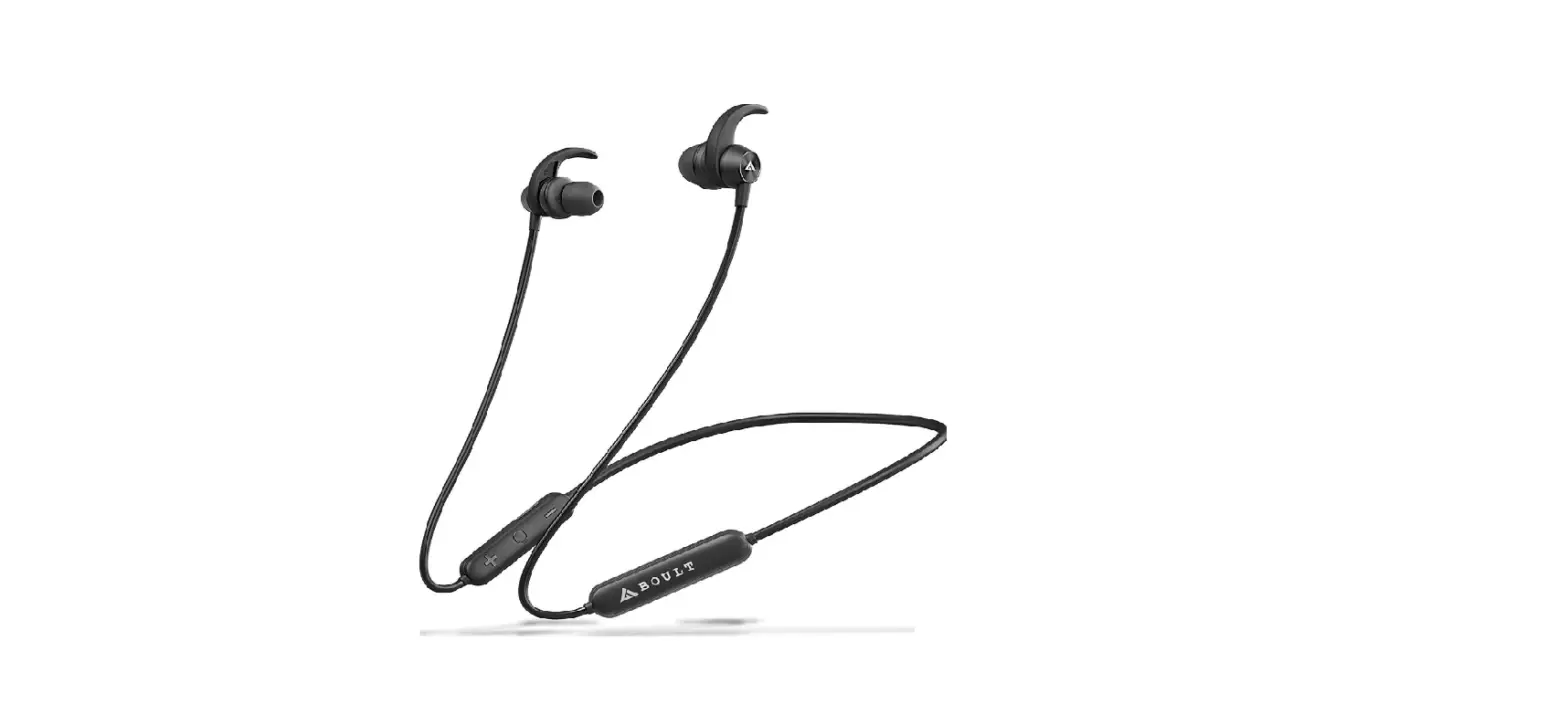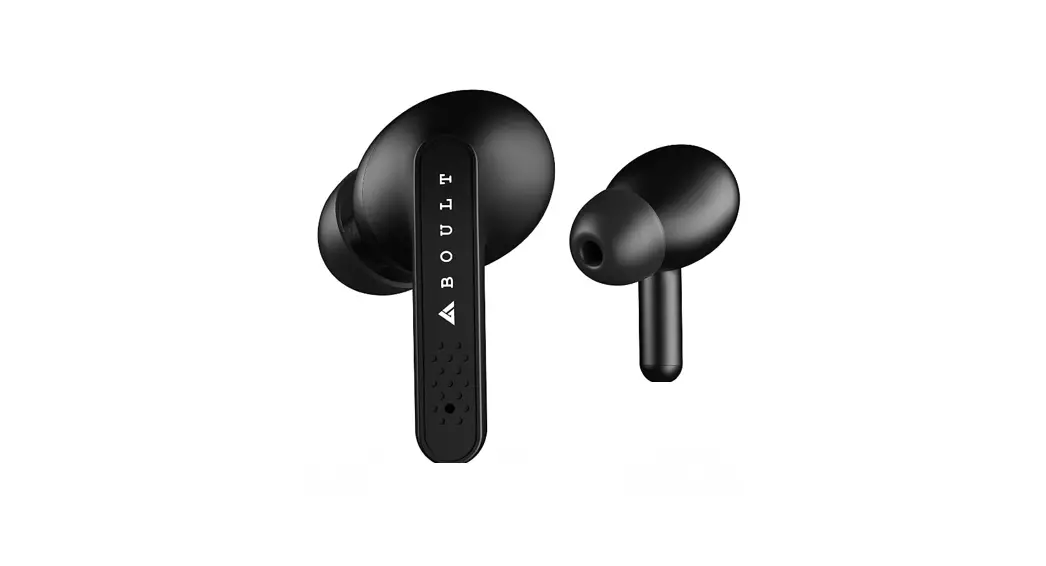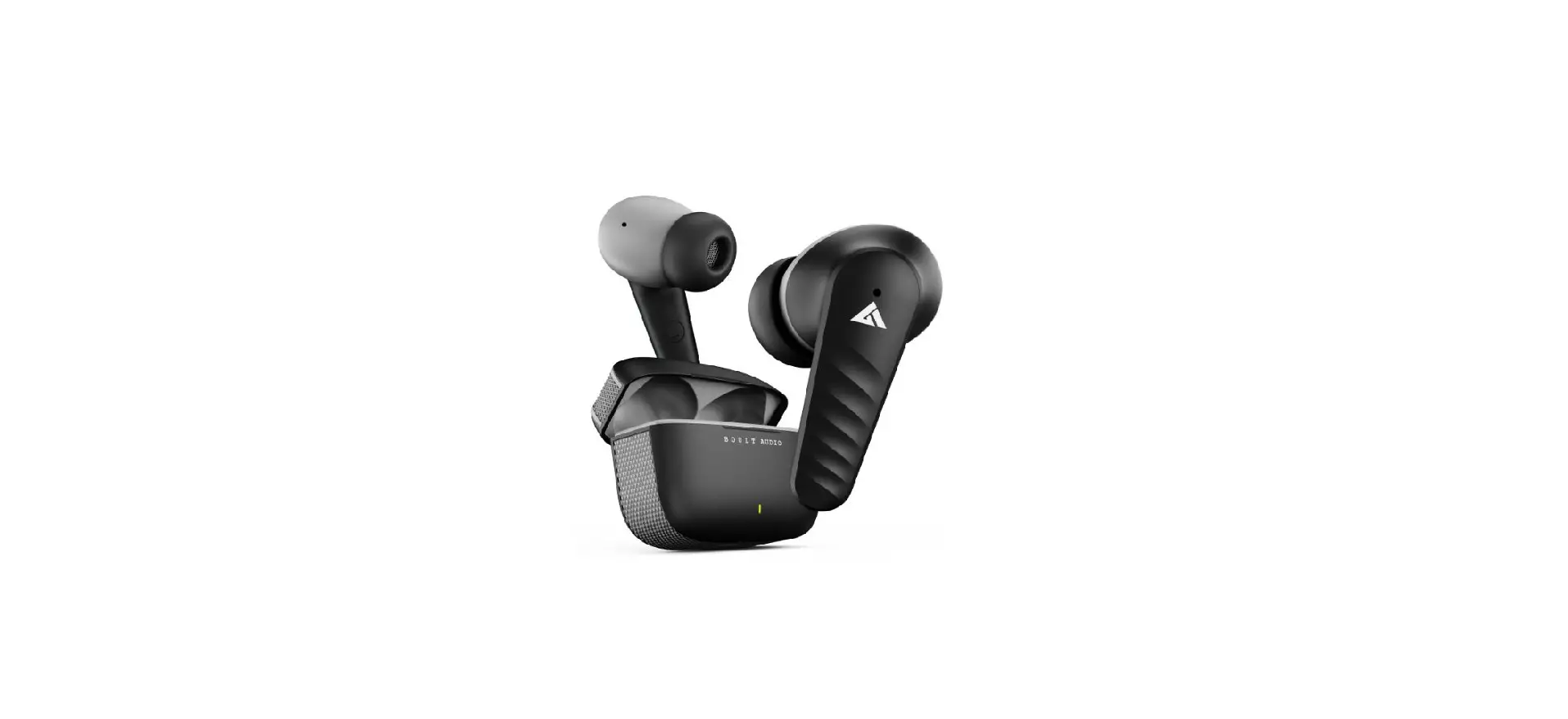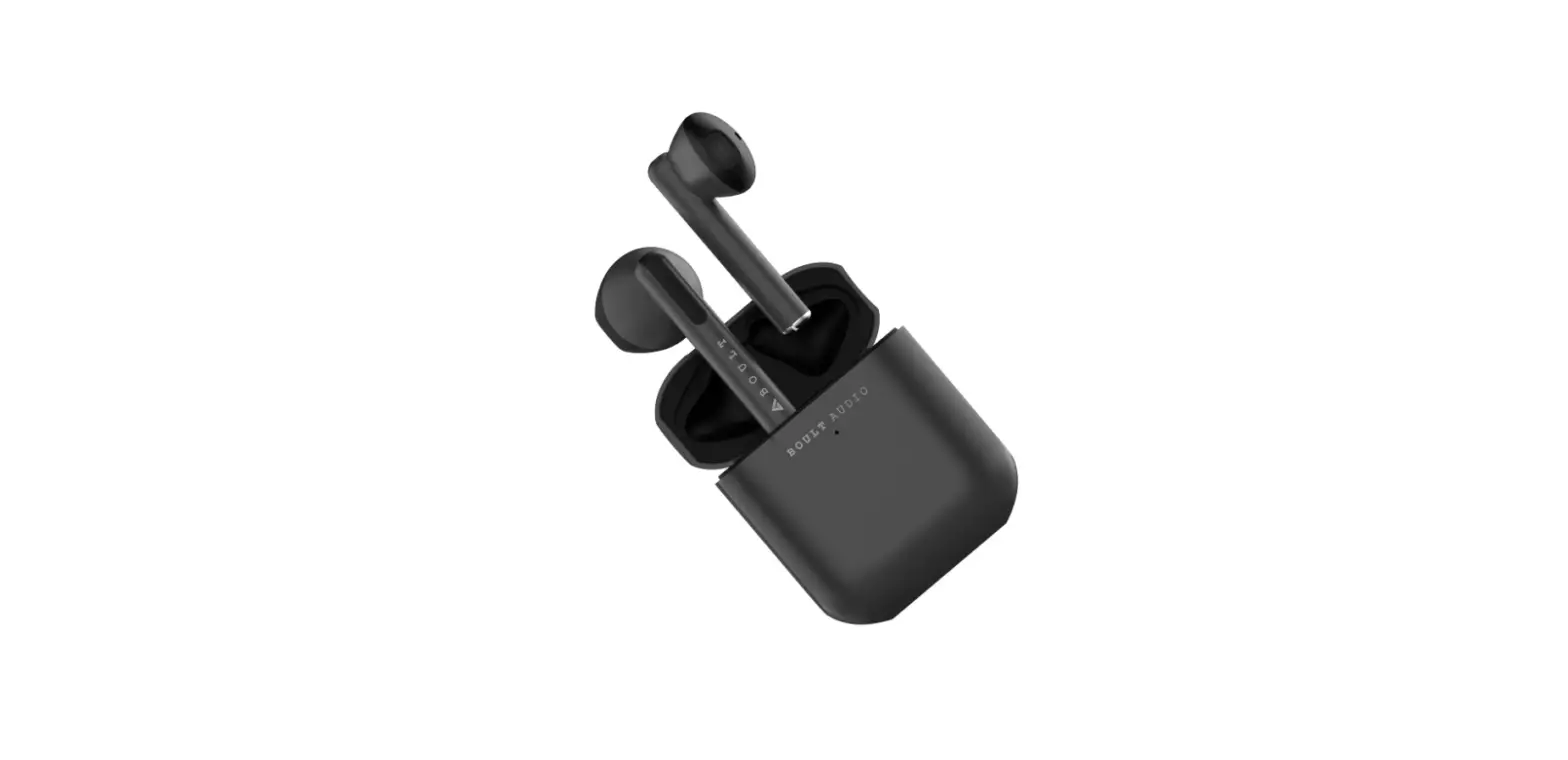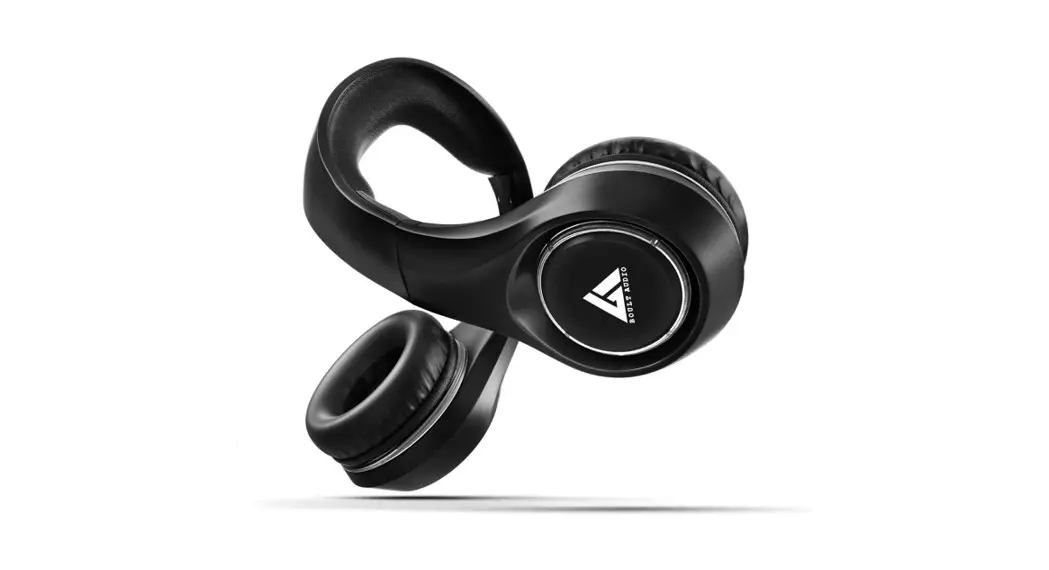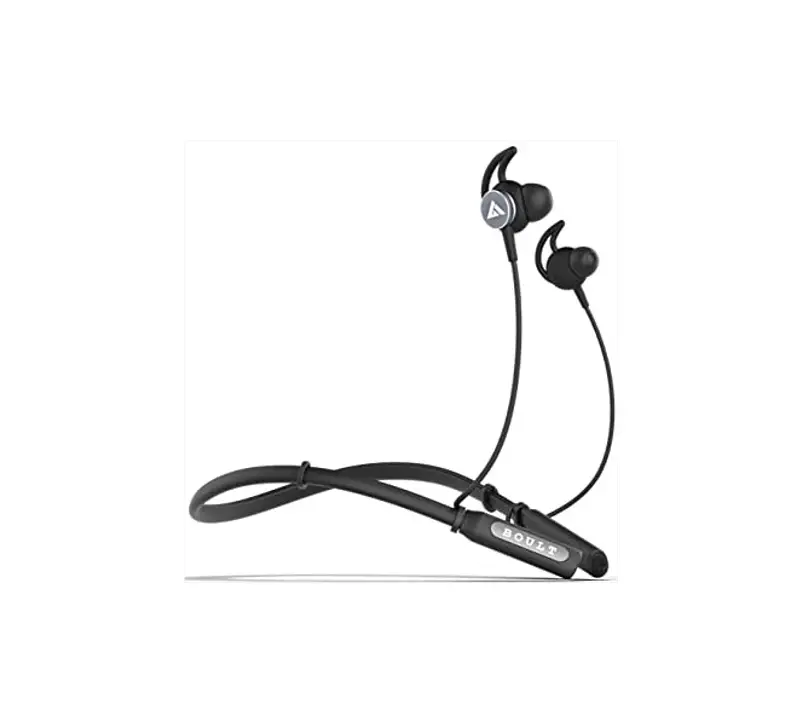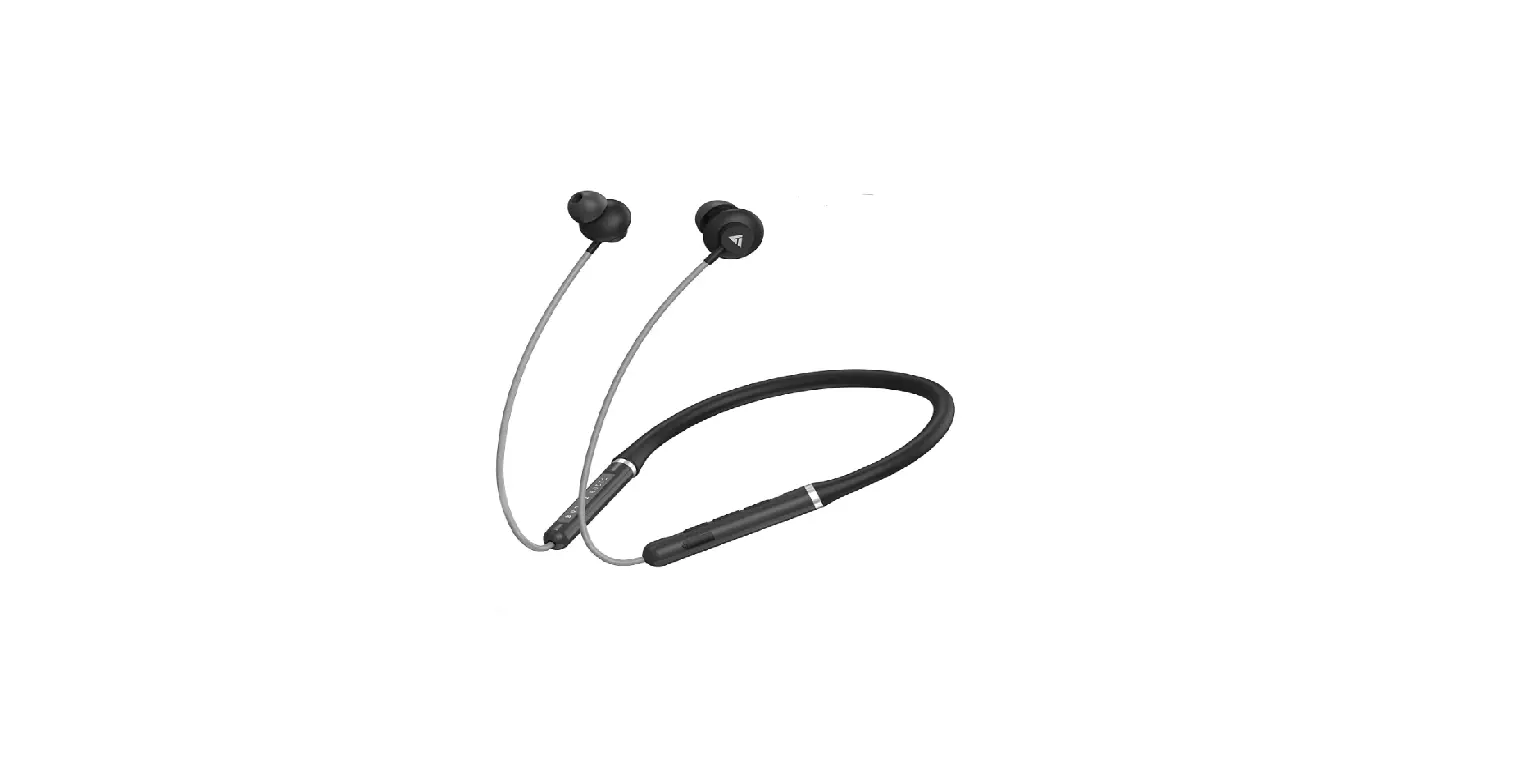

BOULT AUDIO X1-AIR Bluetooth Wireless in Ear Earphones 
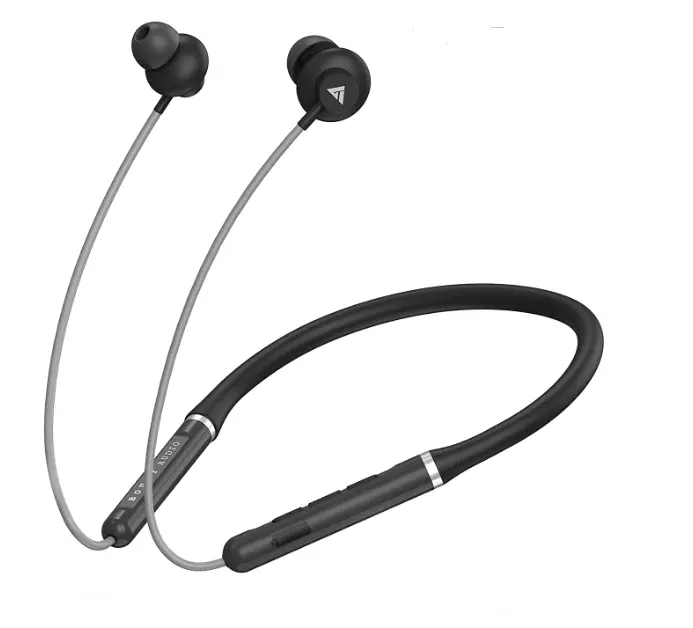
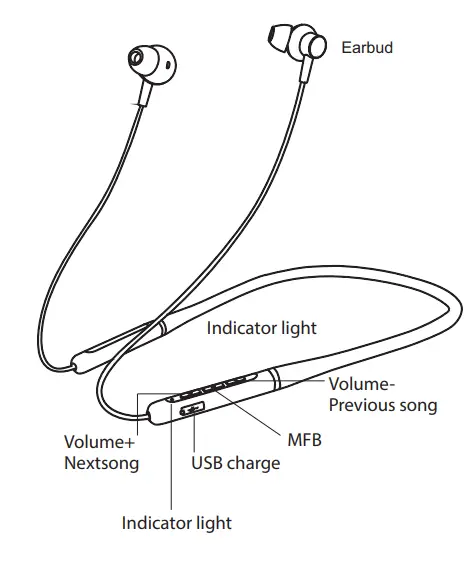
Product Introduction
Pairing Steps
Press and hold 5s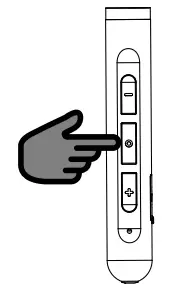 NOTE: The headset will power off automatically 3 minutes without connection.
Under power-off status, press and hold the MFB until the indicator light flashes red and blue alternatively, then the Headset enters the pairing mode; 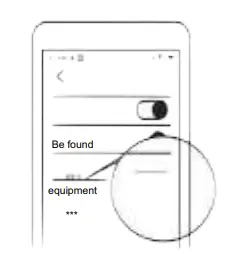 Turn on Bluetooth on your mobile, nd the Model No. of the Headset, and connect. Turn off Bluetooth of the rst mobile, and repeat the step above to connect with the second mobile.
Features
Power on\off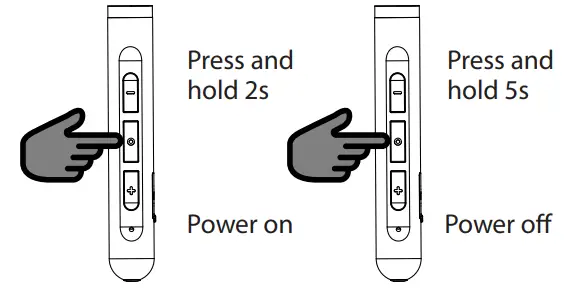
Power on – Press and hold the multi-func tion button (MFB) for 2s until the BLUE light flashes.
Power off – Pr ess and hold the MFB for 5s till the RED light on for 2s.
Call answer 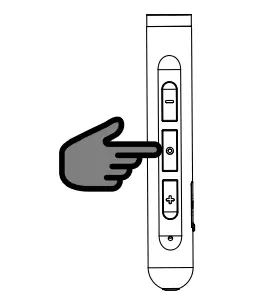
Call answer – Answer by your phone or press the MFB.
Call End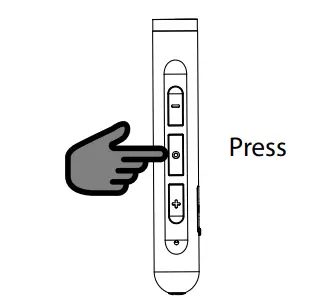
Call end – End by your phone or press the MFB;
Call Reject 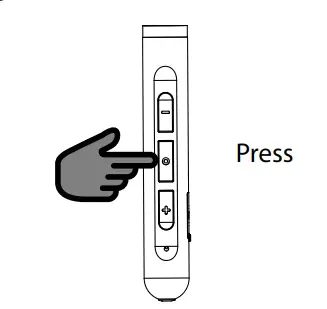 Call reject – Reject by your phone or press and hold the MFB for 2s
Last Number Redial 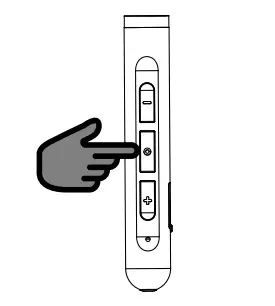
Last number redial – Quickly tap the MFB twice to redial the last dialed phone number.
Play Music 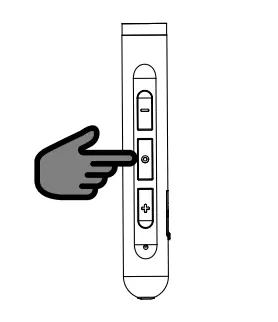 Play music – Press the MFB to play/pause music under music playing status;
Track Control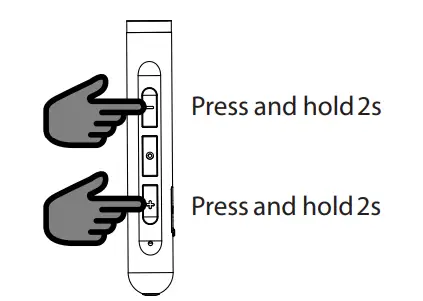 Track control – Press and hold the “Volume +” button for 2s to sk ip to the next song; Press and hold the “Volume -” button for 2s to pla y the previous song;
Volume Adjust
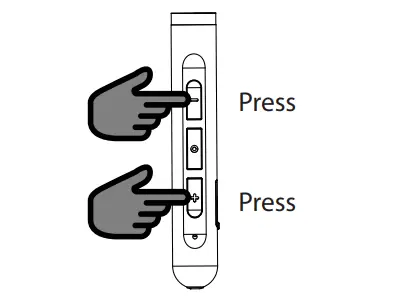 Volume adjust – Press the “Volume +” or “Volume -” button to increase or decrease the volume.
Warning
- Use and keep the Headset under ambient temperatures; Don’t throw it in case product damage caused.
- Don’t disassemble, repair or alter the Headset.
- Don’t clean the Headset with chemical solvent.
- Use a USB charger of DC5V to charge the Headset if necessary.
- Don’ t discard the Headset at random, or put it into fire or high temperature environment (60/140) in case of danger.