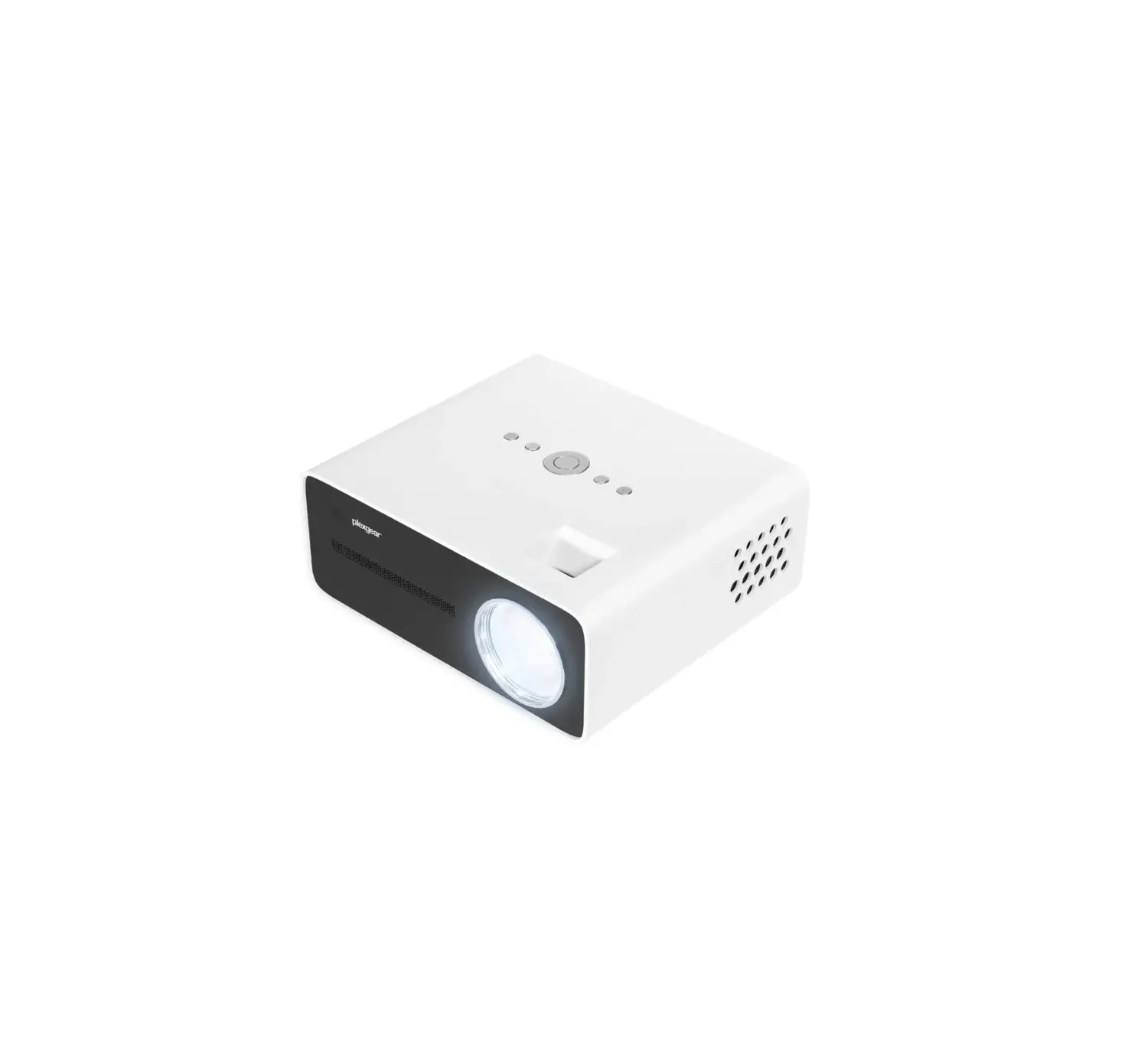
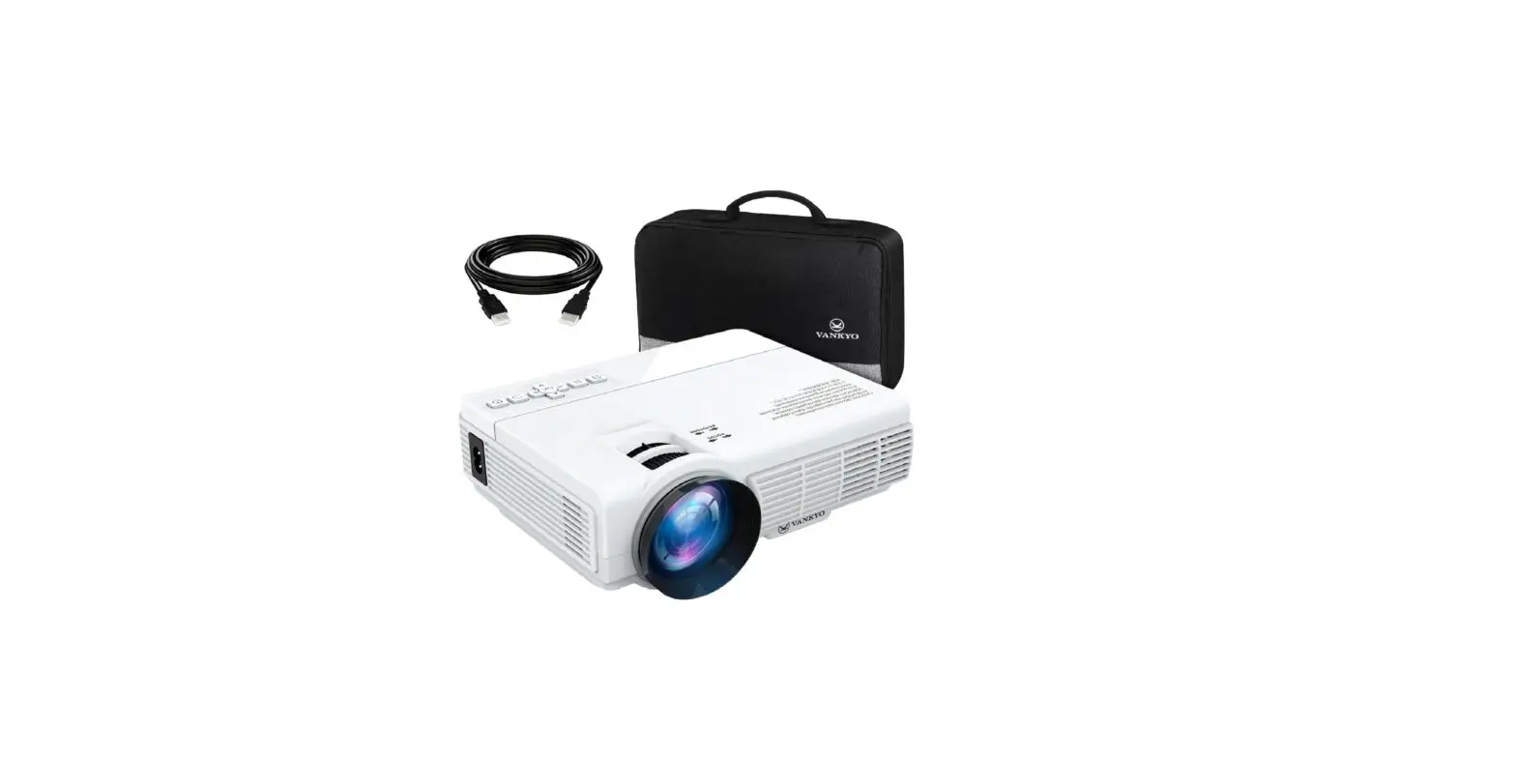
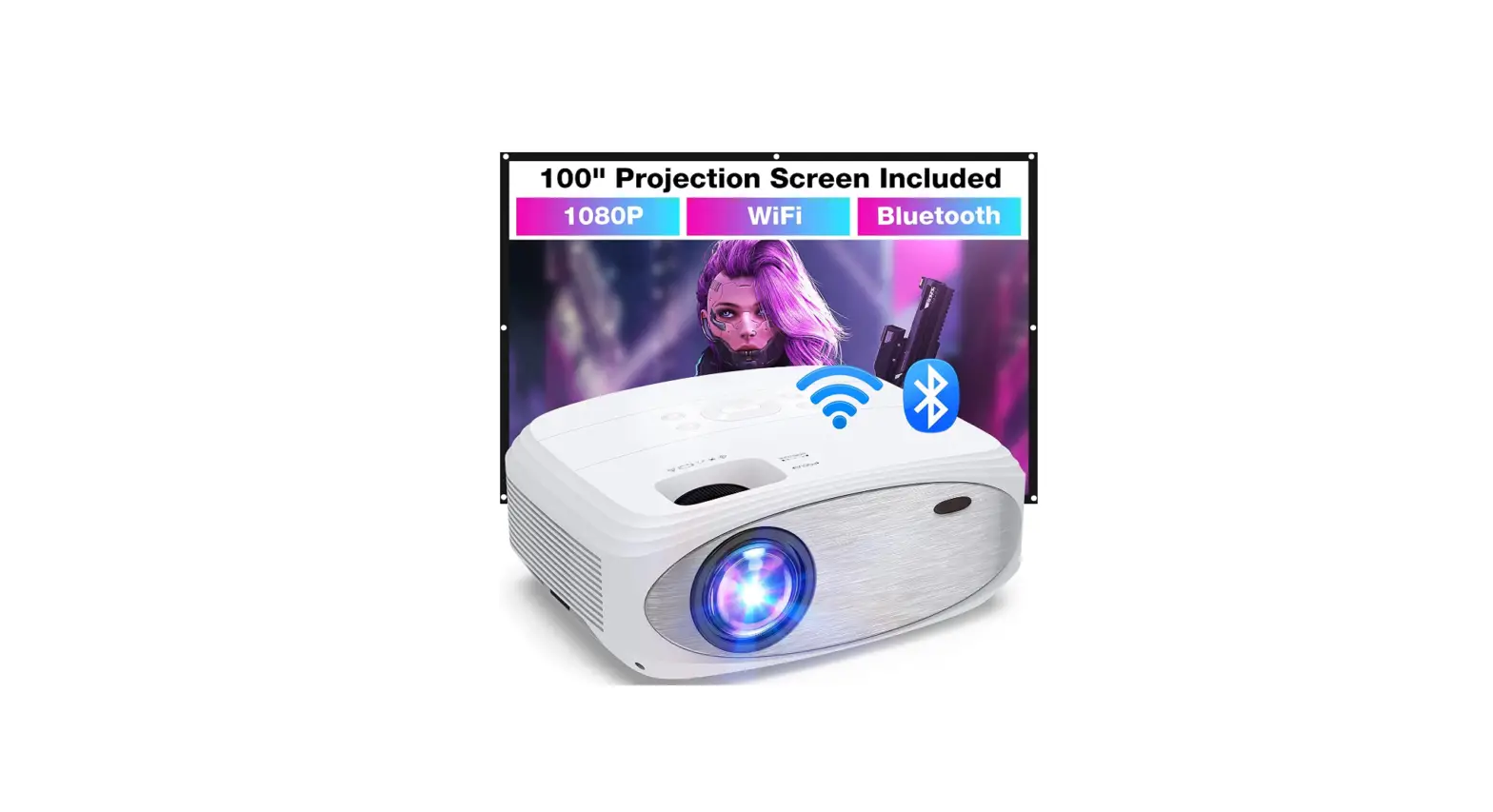
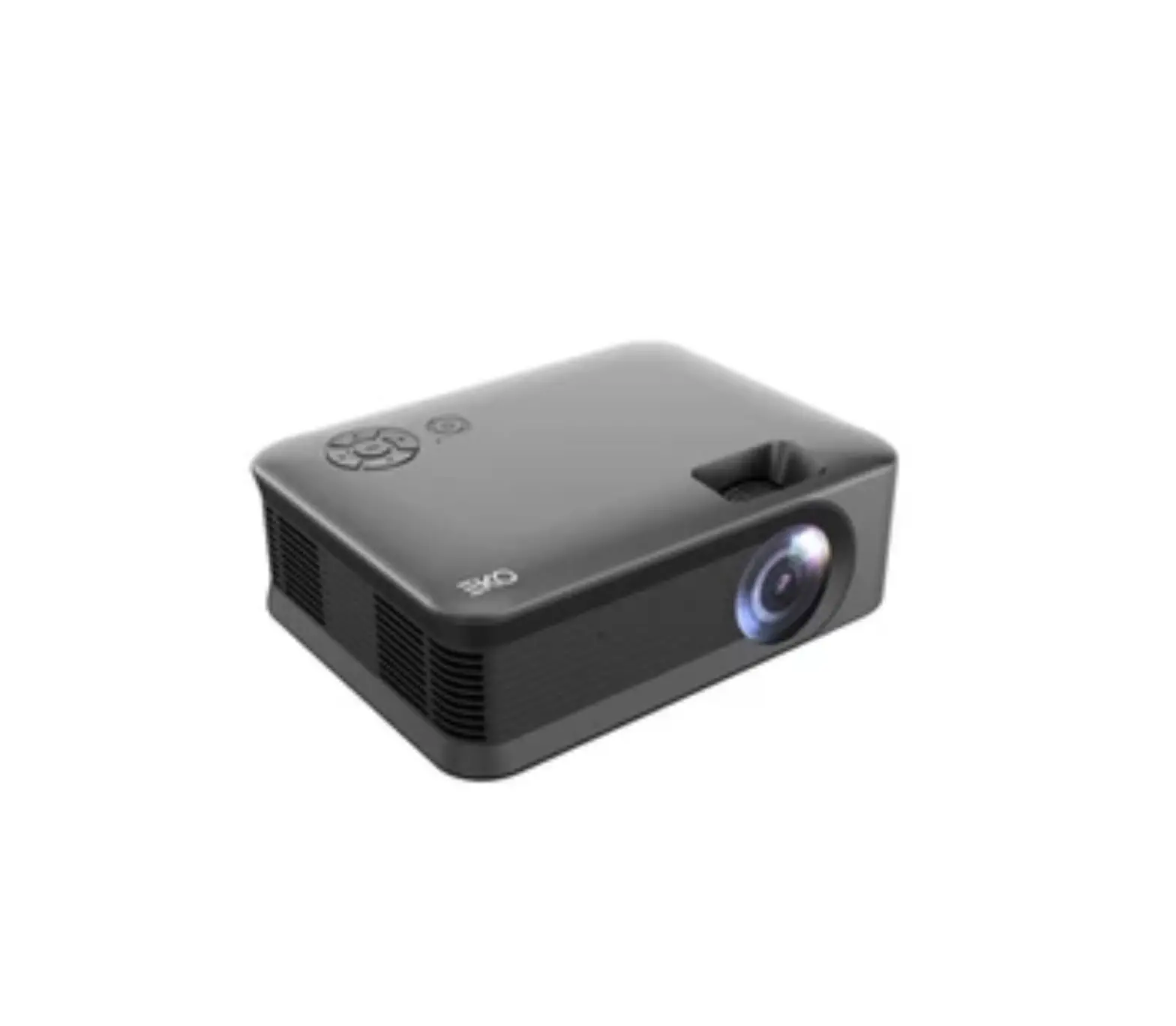
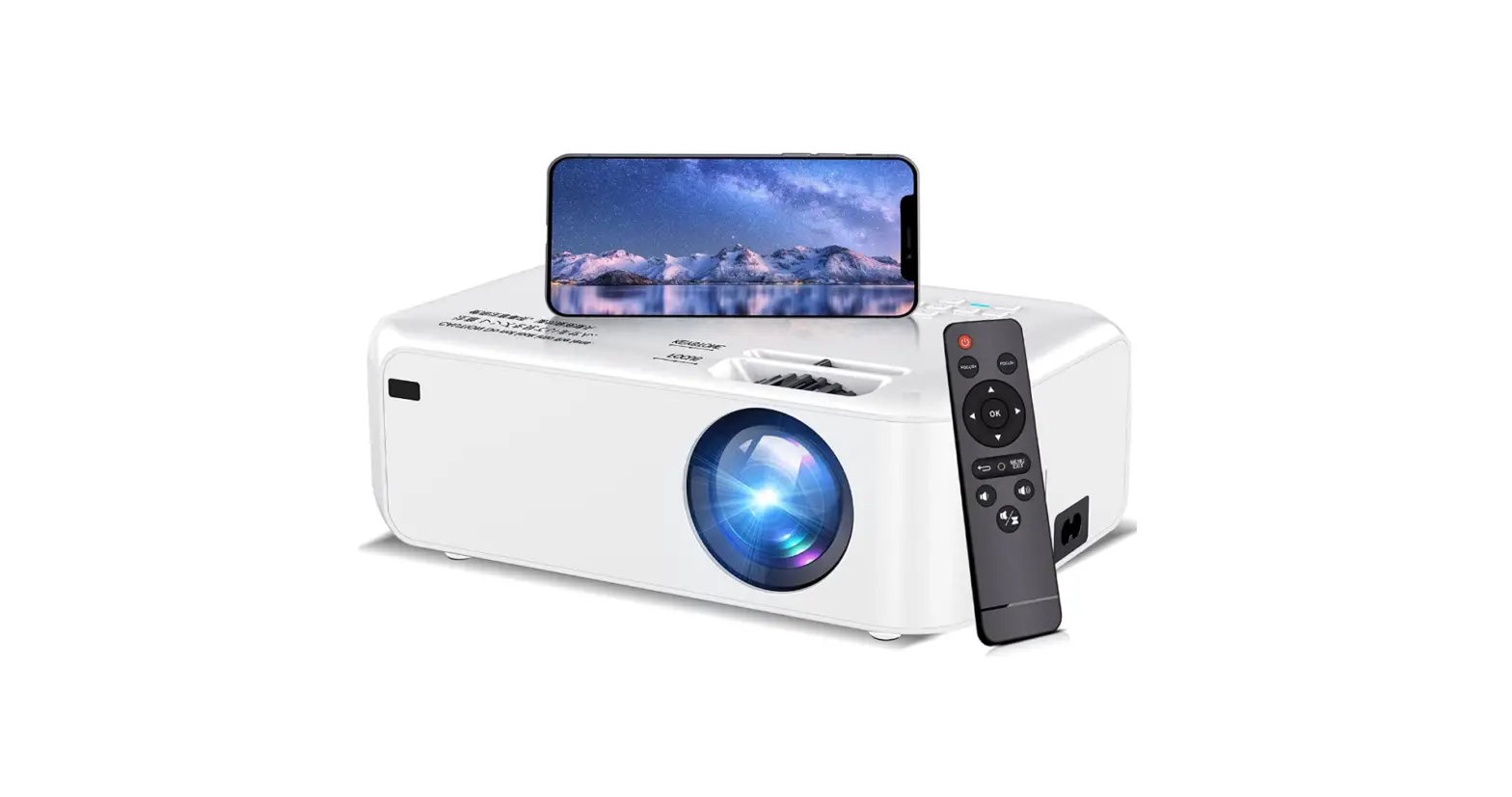
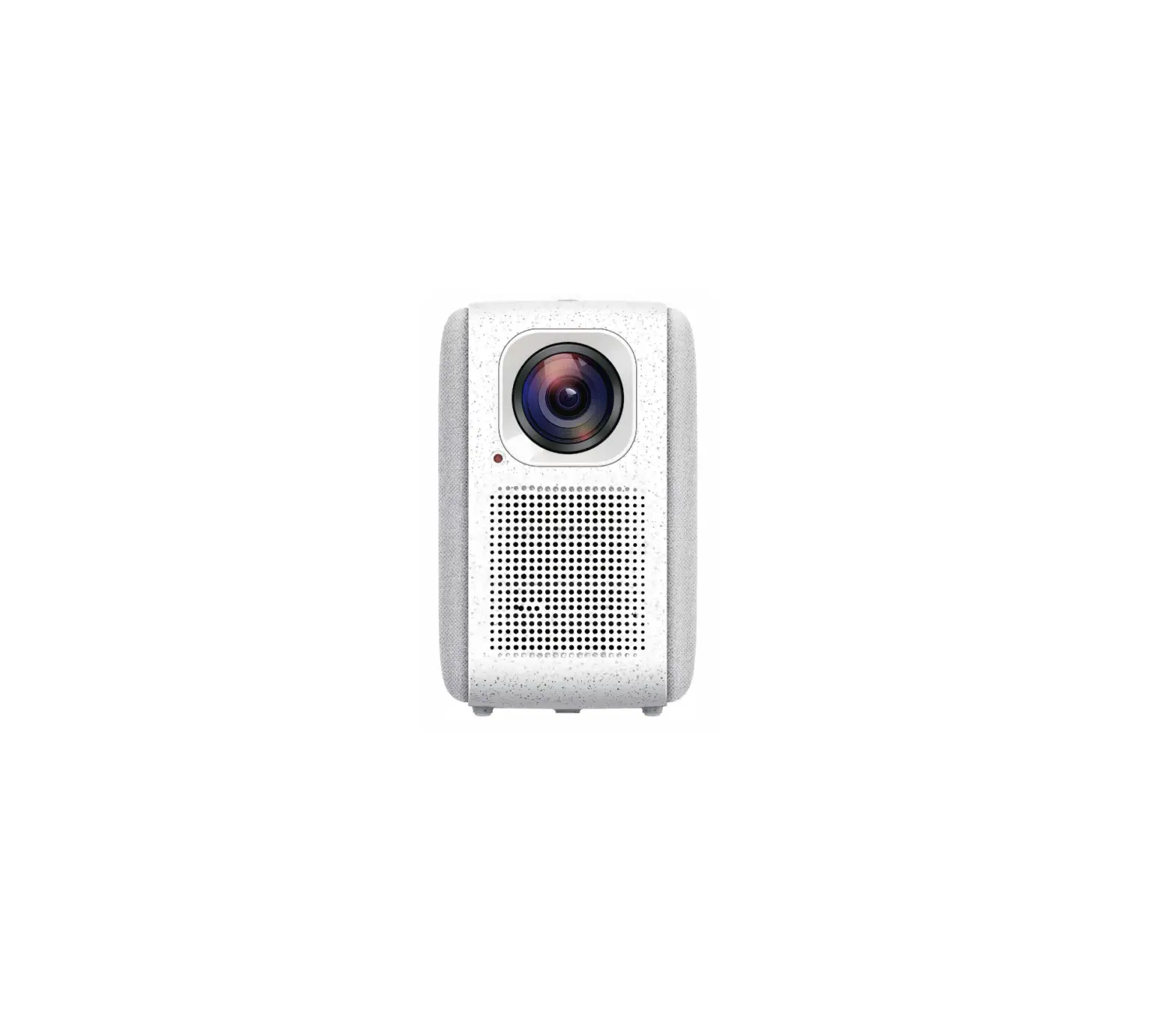
K7 Mini Projector
MINI PROJECTOR USER MANUAL
Product Information
The Mini Projector Model: K7 is a portable device that projects
images and videos onto a screen or wall. It has a native resolution
of 1280×720 and supports aspect ratios of 4:3 and 16:9. The
projector uses an LED light source and has a projection distance of
0.61-3.98M and projection size of 23-150 inches. The device has
ports for HDMI, USB, and AudioOut connections and supports various
video and audio formats such as AVI, MP4, MKV, MOV, MP2, MP3, PCM,
FLAC, WMA, and AAC. The projector has a manual focus ring and
electronic keystone correction for image adjustment. It also has a
built-in speaker with a power output of 3W/4.
Product Usage Instructions
- Plug the power cable into an outlet.
- Remove the lens cover.
- Connect your device to the projector correctly using one of the
following options:- Multimedia Connection
- HDMI Connection
- Press the power button to turn on the projector.
- Choose the right type of program to play.
- Adjust the keystone and focus ring to get the best image
performance. - Adjust the kickstand accordingly.
- To turn off the projector, press the power button twice.
- If the image is blurry, adjust the focus ring/keystone and
ensure that the projector and screen/wall are in effective
distance. - If the remote is unresponsive, make sure it points directly at
the IR receiver, do not cover the IR receiver, and check the
battery. - If the images are upside down, enter the menu on the projector
or remote to flip the projection image.
MINI PROJECTOR
USER MANUAL
Model:K7
This device complies with Part 15 of the FCC Rules. Operation is subject to the following two conditions: 1. this device may not cause harmful interference, 2. this device must accept any interference received, including
interference that may cause undesired operation.
RoHS
MADE IN CHINA
EN
PACKING LIST
Mini Projector USER MANUAL
1 Projector
MINI PROJECTOR USER MANUAL
3 User Manual
2 Remote 4 power cable
1
EN
Mini Projector USER MANUAL
FUNCTION OVERVIEW
Up/Menu Down/Signal left right
Ok
Play/Pause Power Key Fast Reverse
Up Left
Back Volume-
On/Off
Mute Fast Forward OK Right Down Input Source Volume+
Menu
23
45
6
1 1 Lens
8 7
7 Keystone correction 8 focusing
2 IR 3 Power Supply 4 Audio out
5 HDMI 6 USB
9
12 13
10 11
13
9 Knob bracket
12 Dust removal port
10 Air outlet
13 Air Lnlet
11 1/4*bracket screw
2
EN
QUICK START
1
2
Mini Projector USER MANUAL 3
1 Plug the power cord into an outlet. 2 Take off the lens cover.
3 Connect your device to the projector correctly.
4 Press the power button to turn on the projector.
5 Choose the right type of program to play.
6 Adjust the keystone and focus ring to get the
e
best image performance.
HDMI TYPE-C LIGHTNING MICRO
USB
4
5
ABC
6
KEYSTONE
ABC FOCUS
ABC
7 Adjust the kickstand accordingly.
x2
8 Press the power button twice to
7
8
turn off the projector.
3
EN
INPUT SOURCE
A Multimedia Connection
B HDMI Connection
Mini Projector USER MANUAL signal source
signal source 4
EN
Mini Projector USER MANUAL
PROJECTOR CONNECTION
12
34
5
2
3
4
5
PROJECTION DISTANCE & SIZE
120
100
80
30
60
0.9M
1.8M 2.5M
3.1M
3.6M
5
EN
Mini Projector USER MANUAL
SPECIFICATION
Display Technology LCD
Light Source LED
Native Resolution Resolution Supported 1280×720
Projection Distance 0.61-3.98M
Projection Size 23″-150″
Focus Manual
Aspect Ratio 4:3/16:9
Speaker 3W/4
Electronic Keystone
Unit Dimension
+8° -15°
136*110*58mm
Installation Type Front/Rear/Ceiling
Power Supply AC100-240V
Unit Net Weight 0.42kg
Video Format Supported
AVI/MP4/MKV MOV/3GP/MPEG1 MPEG2/H.264/XVID
Photo Format Supported
BMP/JPG/JPEG/ PNG
Ports
HDMI*1/USB*1 AudioOut*1
Audio Format Supported
Working temperature
MP2/MP3/PCM FLAC/WMA/AAC
-10~36°
6
EN
NOTICE
VIDEO MOVIE
7
Mini Projector USER MANUAL
Recommended NOT Recommended
EN
Mini Projector USER MANUAL
TROUBLESHOOTING GUIDE
1.BlurryImage *Adjust focus ring/keystone. *Projector and screen/wall must be in effective distance.
2.Remote Unresponsive *Make sure remote points at IR receiver directly. *Do not cover IR receiver. *Check the battery.
3.Mobile Connection iOSGenuine lightning to HDMI cable. Android: Micro USB to HDMI adapter/Type C to HDMI cable.
4.Upside DownImages Enter “Menu” on projector or remote to flip the projection image.
8