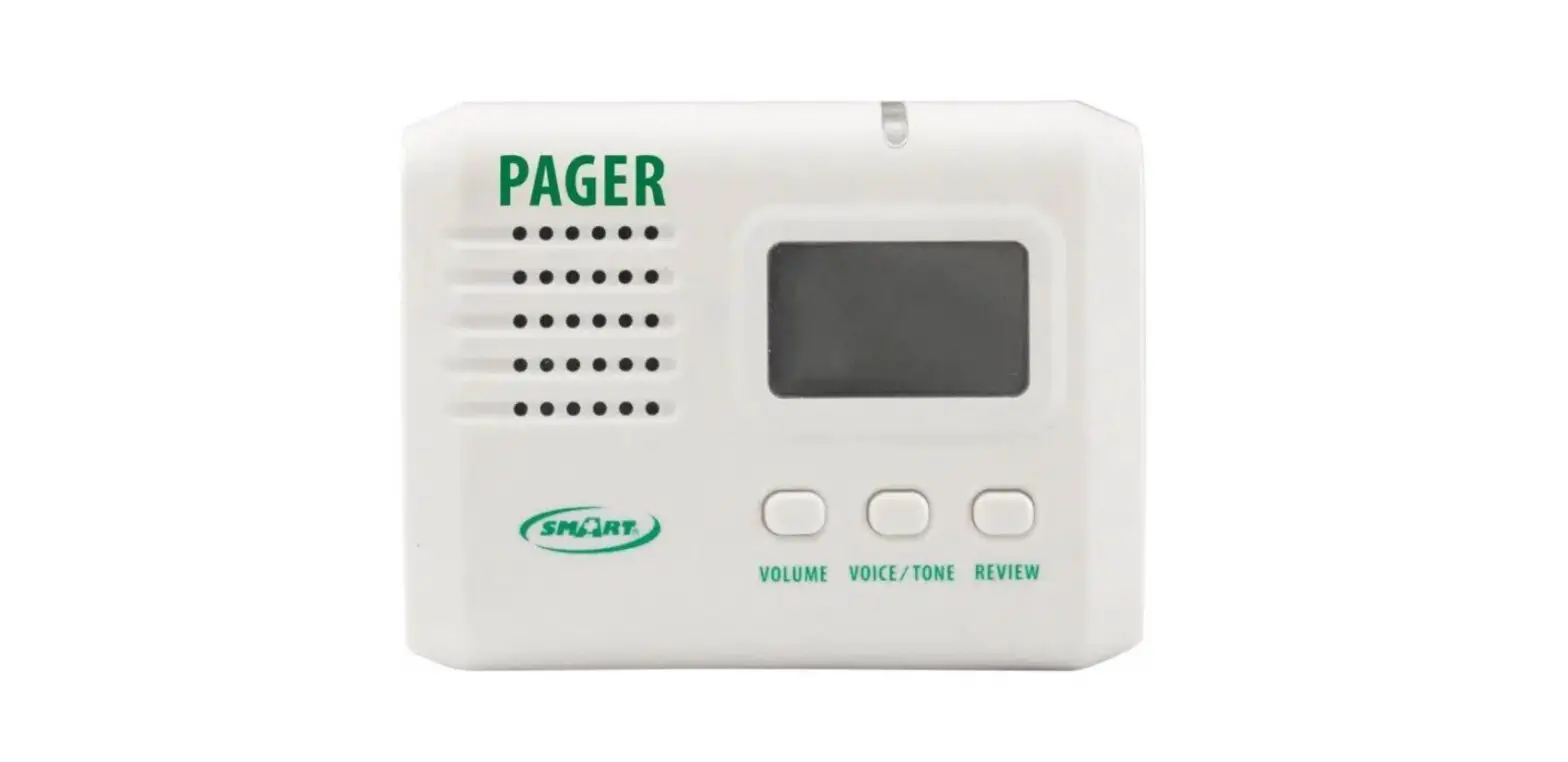
GenA Pager
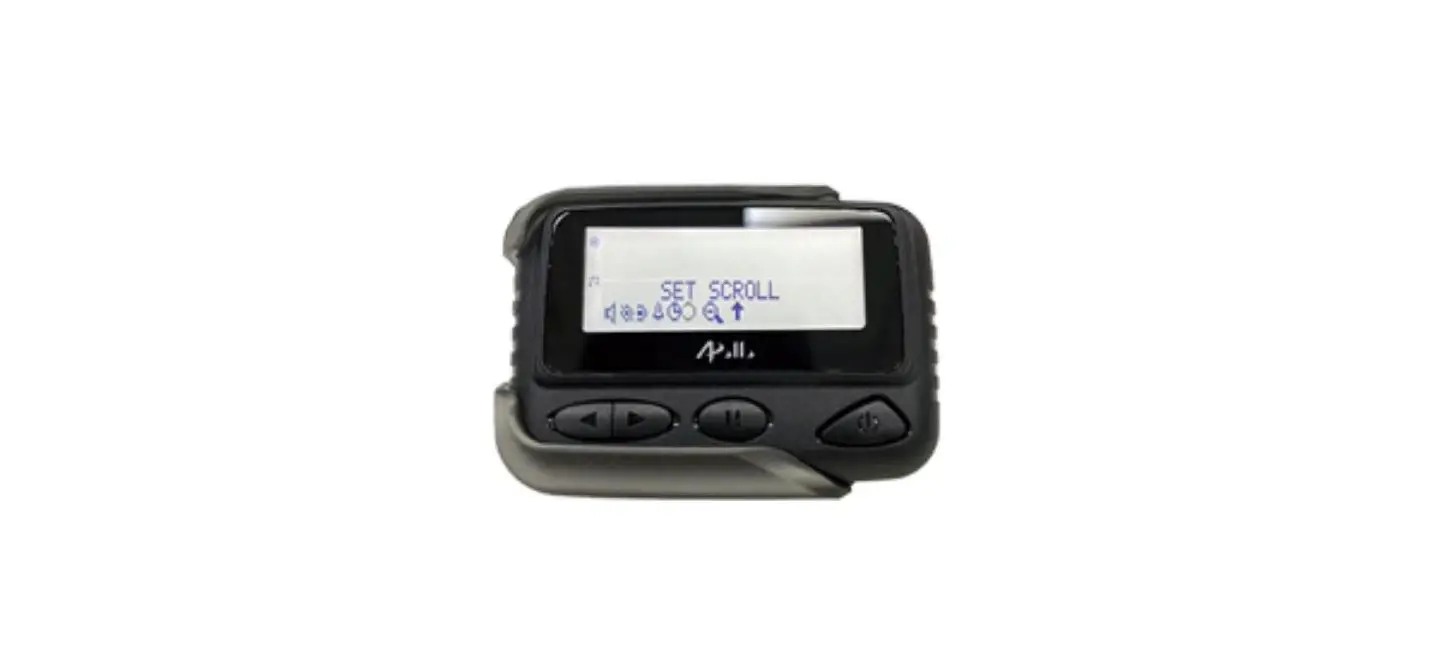
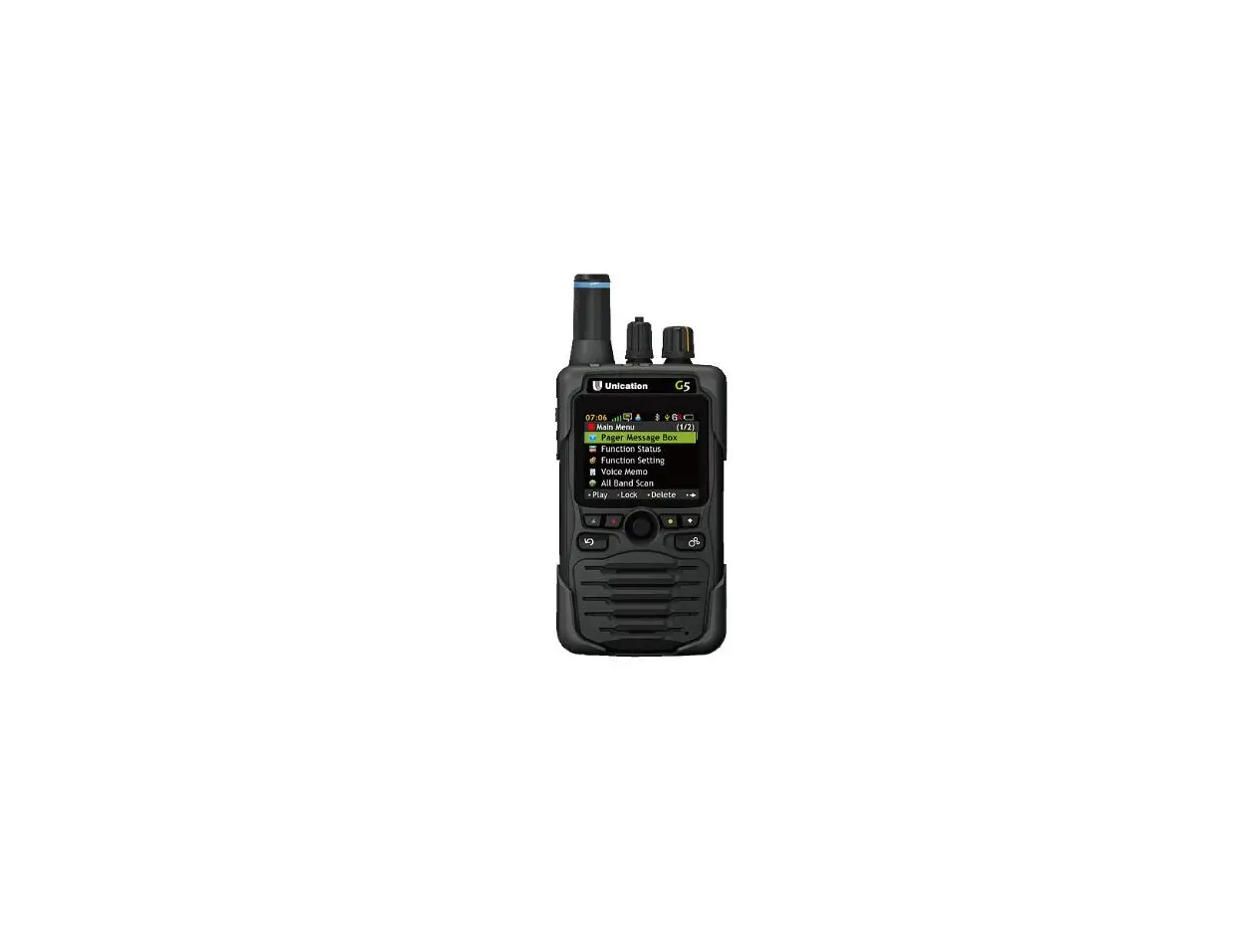
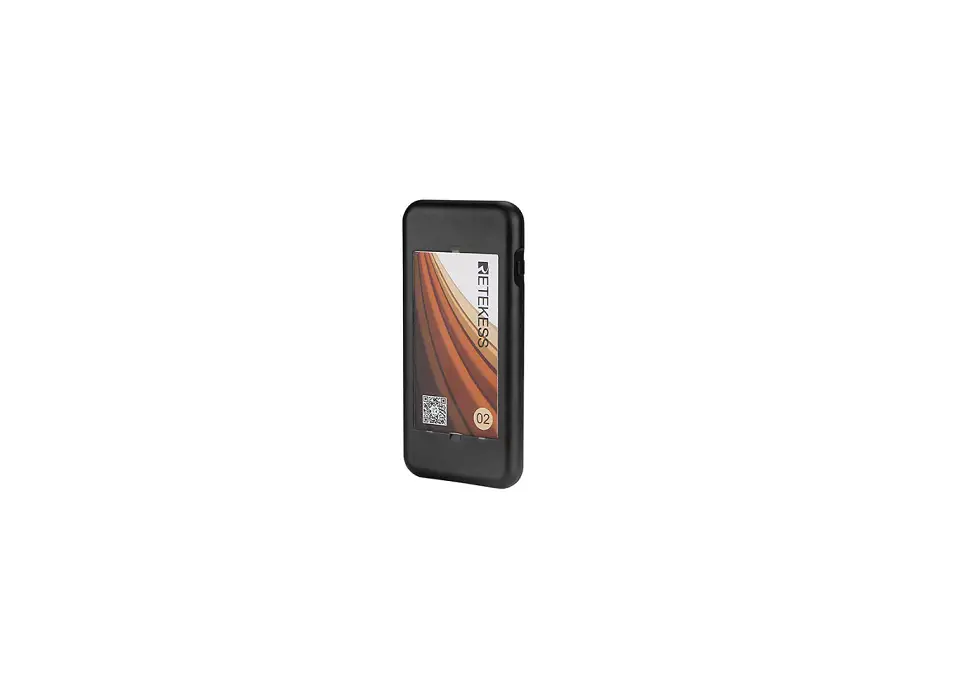
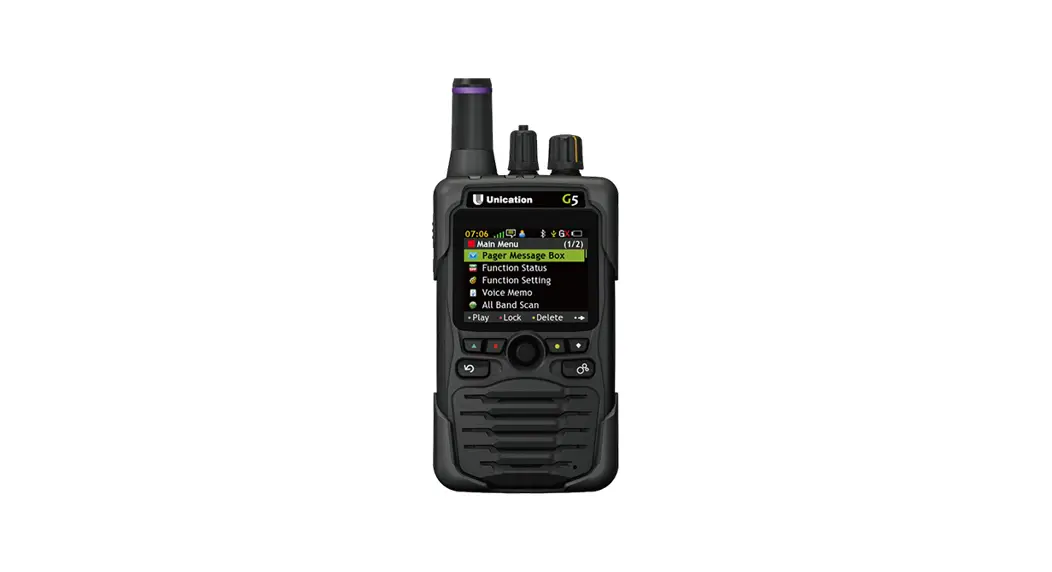
Spok GenATM Pager
The Spok GenATM Pager is a device that allows you to receive
messages and alerts through audio and vibration notifications. The
pager has a display lock feature that activates after 5 minutes of
inactivity. You can disable this feature by selecting Disable Lock
Code from the Settings menu and entering the current passcode.
GenA Icons and Symbols
The GenA Pager has various icons and symbols that appear on the
main screen and time screen to indicate different status and
message information.
Main Screen Icons
- Folder Icons: Allows you to access different folders such as
Inbox, Groups, and Saved Settings.
Time Screen Status Icons (Bottom Row)
- Audio Alert: Indicates that the pager is set to receive audio
notifications for incoming messages. - Silent Alert (Vibration): Indicates that the pager is set to
receive vibration notifications for incoming messages. - Disabled Audio Alert: Indicates that audio notifications are
disabled. - Alarm Enabled: Indicates that the pager is set to sound an
alarm for incoming messages. - Full Battery Status: Indicates that the pager battery is fully
charged. - 3/4 Battery Status: Indicates that the pager battery is
partially charged. - Low Battery Status: Indicates that the pager battery is running
low and needs to be charged.
- Current Setting Indicator: Indicates the current setting that
is being accessed or modified.
Message Status Icons
- Unread Message Indicator: Indicates that there are unread
messages in the folder. - Locked Message Indicator: Indicates that the message is locked
and cannot be deleted. - New Message Indicator: Indicates that a new message has been
received. - Full Encrypted Message Support Indicator: Indicates that the
pager supports full encryption for messages. - Do Not Disturb Indicator: Indicates that the pager is set to Do
Not Disturb mode and will not receive any notifications. - 2/4 Battery Status: Indicates that the pager battery is
partially charged. - 1/4 Battery Status: Indicates that the pager battery is running
low and needs to be charged.
Other Indicators
- Before page indicator: Indicates that there are more messages
before the current page being displayed. - Next page indicator: Indicates that there are more messages
after the current page being displayed. - Duplicate Message Indicator: Indicates that the message is a
duplicate of a previously received message. - Unread & Duplicate Message Indicator: Indicates that the
message is both unread and a duplicate of a previously received
message.
Product Usage Instructions
To use the Spok GenATM Pager:
- Ensure that the pager battery is fully charged before use.
- Turn on the pager by pressing and holding the power button
until the device vibrates or beeps. - Set up your preferred notification settings by accessing the
Settings menu. You can choose to receive audio, vibration, or both
types of notifications for incoming messages. - Access different folders such as Inbox, Groups, and Saved
Settings by selecting the corresponding icons on the main
screen. - Read and manage your messages by selecting the message from the
folder. You can delete or lock messages as needed. - Disable the display lock feature by selecting Disable Lock Code
from the Settings menu and entering the current passcode. - Charge the pager battery when the Low Battery Status icon
appears on the time screen.
QUICK START GUIDE
Spok GenATM Pager
TURNING PAGER ON Press the ENTER button for 3 seconds to turn the pager on. A startup screen is momentarily displayed, and the pager alerts the currently selected alert-mode (vibe, audio, silent). IMPORTANT: The pager has an internal power reservoir. If the reservoir is depleted when a new battery is inserted, it may take up to 15 seconds before the pager can turn on. MAIN SCREEN As you navigate through the Main Screen, the highlighted icon will change to indicate the current location of the cursor. Press LEFT or RIGHT to navigate through the Main Screen. Press to ENTER to select the highlighted icon. SETTINGS MENU As you navigate through the Setting menu, the row highlighted will indicate the current position of the cursor. Press UP or DOWN to navigate through the menu list Press ENTER to select the current function Press ESCAPE to exit the Settings menu TURNING PAGER OFF From the Settings menu: Press DOWN to move the cursor to show Turn Off Pager Press the ENTER and select Turn Off from the popup and press ENTER RECEIVING/READING MESSAGES From the Inbox or a Groups folder: Press DOWN to move the highlight to the message you want to read. Press ENTER to read the message. DELETING A MESSAGE/ALL MESSAGES To delete a single message: Press UP or DOWN to select the message you want to delete. Press ENTER for 2 seconds and move the highlight to show DELETE. Press ENTER to delete the message. To delete all messages (From the Message List screen): Press ENTER for 2 seconds, then press UP to move the highlight to show DELETE ALL. Press ENTER to delete all read messages. MOVING A MESSAGE TO THE SAVED FOLDER Press UP or DOWN or to select the message you want to move. Press ENTER for 2 seconds and move the cursor to show SAVE. Press ENTER to save the message. LOCKING AND UNLOCKING MESSAGES Messages can be locked to prevent them from being accidently deleted or from being automatically replaced when the memory is full. Press UP or DOWN to select the message you want to lock or unlock. Press ENTER for 2 seconds and move the cursor to show LOCK or UNLOCK. Press ENTER to lock or unlock the message SETTING DISPLAY ZOOM (Text size) From the Settings menu: Move the cursor to show Message Zoom Press ENTER to display the Zoom selection screen Press UP or DOWN to select the Zoom mode desired and press ENTER
Spok, Inc.
SETTING DATE AND TIME Press DOWN to move to the Set Date & Time option and press ENTER Press ENTER to select the Set Date & Time option Press UP or DOWN to change the hours’ time value Press LEFT or RIGHT to move to the other settings Press ENTER to activate and exit to the main screen SETTING INBOX ALERT From the Settings Menu: Press DOWN to move to the Inbox Alert option and press ENTER Press ENTER to select the Type option Press UP or DOWN to select the preferred alert type and press ENTER SETTING GROUPS FOLDER ALERT From the Groups folder: Press UP or DOWN to move to the folder to be set Press ENTER for 2 seconds Press UP or DOWN to select the preferred alert type and press ENTER QUIET MODE When Quiet Mode is on, all audible device alerts are changed to vibe. When set to off, all audible alerts are restored From the Settings menu: Move the cursor to show Quiet Mode and press ENTER Press UP or DOWN to change the setting to On or Off SETTING THE ALARM From the Settings menu: Move the cursor to show Set Alarm and press ENTER Press ENTER to select the Type screen Press UP or DOWN to select the Alarm type (Off, One Time, Daily) and press ENTER Press DOWN to select the Set Time screen Press UP or DOWN to change the hours’ time value Press RIGHT to move to the minutes’ value and change it Press ENTER to activate and exit to the main screen An alarm status icon will appear on the bottom row of the main screen SETTING DO NOT DISTURB TIME (If feature is available in Settings) Do Not Disturb Time specifies a time period when the device will receive messages without alerting From the Settings menu: Move the cursor to show Do Not Disturb and press ENTER Press ENTER to select the Mode screen and select Enabled Press DOWN to select the time range and press ENTER Adjust the From and To times to reflect when the Do Not Disturb time period should start and end. Press UP or DOWN to change the start hours’ time value Press RIGHT to move to the From minutes’ time values and press UP or DOWN to adjust as needed. After setting the start time, repeat the previous steps to set the To time and press ENTER to set The Alert at End option controls whether the pager will alert at the end of the Do Not Disturb time if a message was received SETTING DISPLAY LOCK (Feature only available with message encryption) From the Settings menu: Move the cursor to show Enable Lock Code Press ENTER to display the Enable Lock Code screen Press a four-button sequence and remember it Press ENTER to activate the lock
* Display lock will activate after 5 minutes of pager inactivity. For immediate activation select Lock Now from the Settings menu * Select Disable Lock Code from the Settings menu and enter the current passcode to disable the display lock
01/07/22
QUICK START GUIDE
GenA Icons and Symbols
Main Screen Folder Icons Inbox
Groups
Saved Settings
Main and Time Screen Status Icons (Bottom Row) Audio Alert
Silent Alert (Vibration) Disabled Audio Alert Alarm Enabled Full Battery Status 3/4 Battery Status Low Battery Status
General Navigation Indicators Current Setting Indicator
Message Status Icons Unread Message Indicator Locked Message Indicator
New Message Indicator Full Encrypted Message Support Indicator Do Not Disturb Indicator 2/4 Battery Status 1/4 Battery Status
Before page indicator Next page indicator
Duplicate Message Indicator Unread & Duplicate Message Indicator
Spok, Inc.
01/07/22