manual
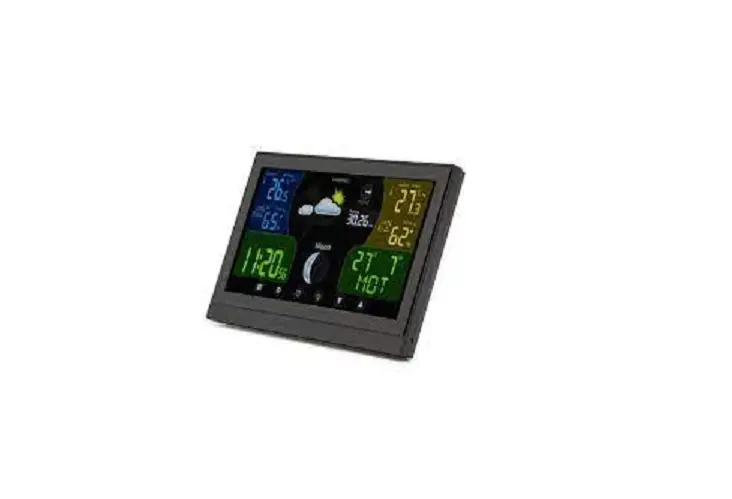
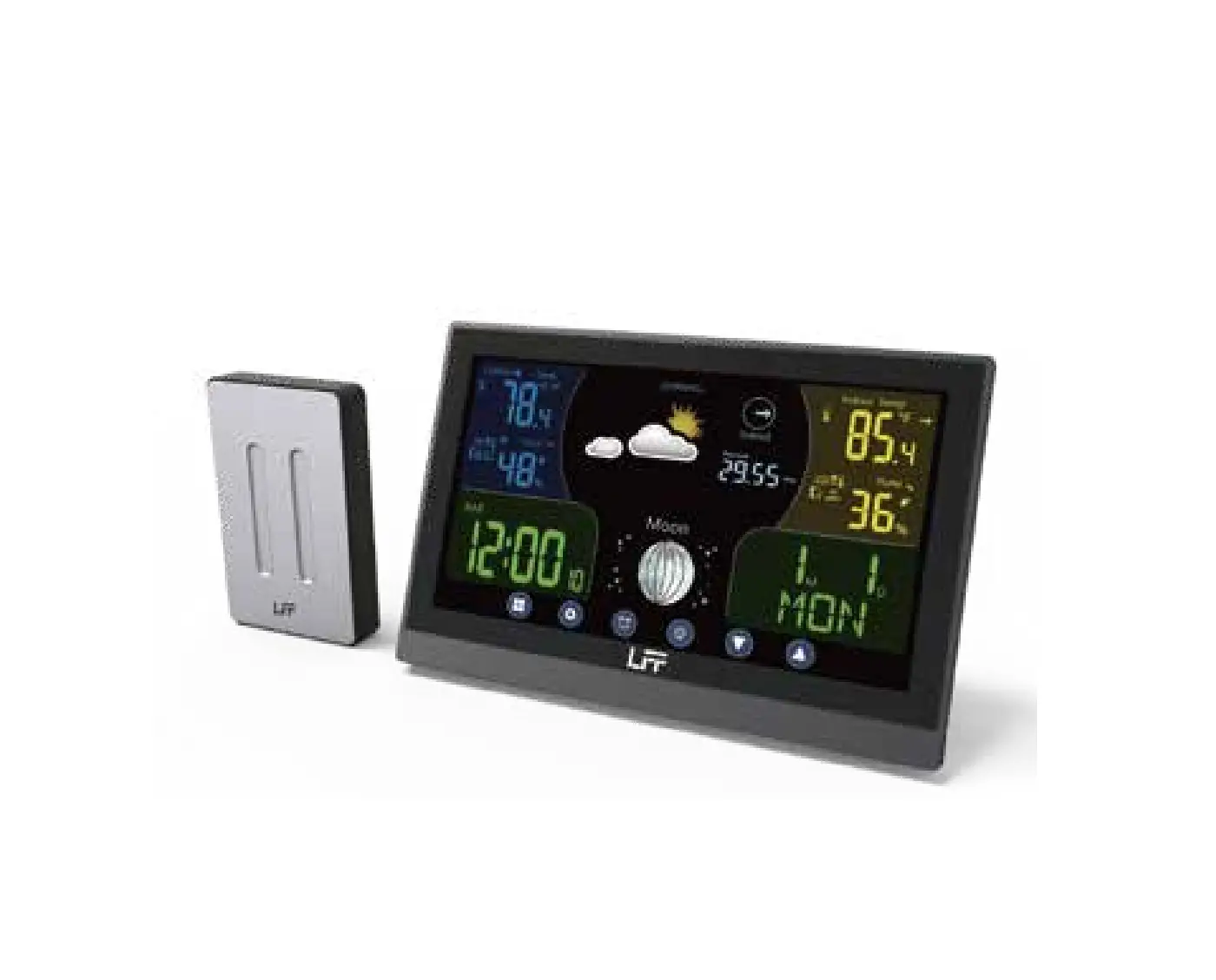
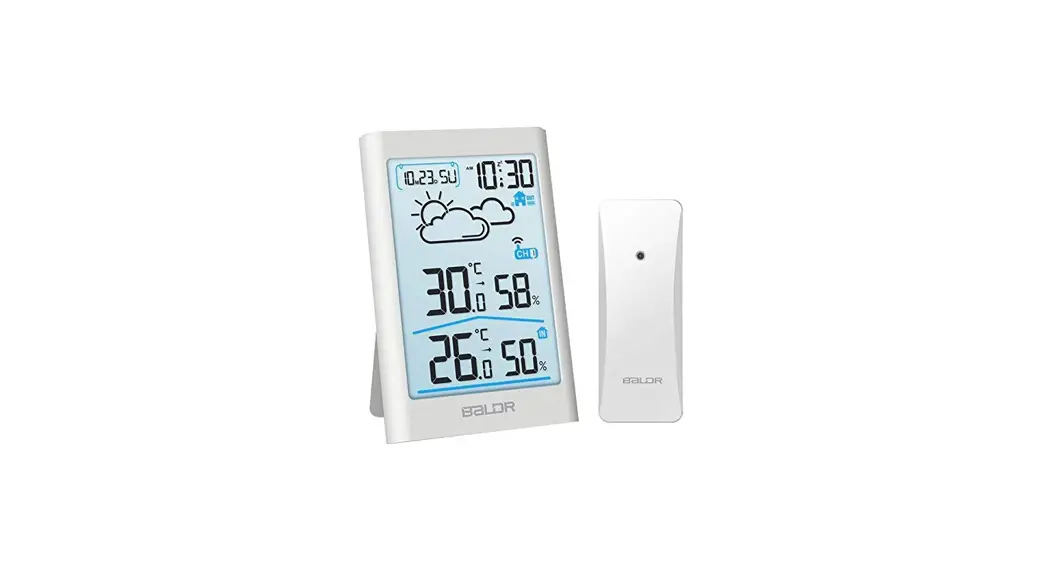
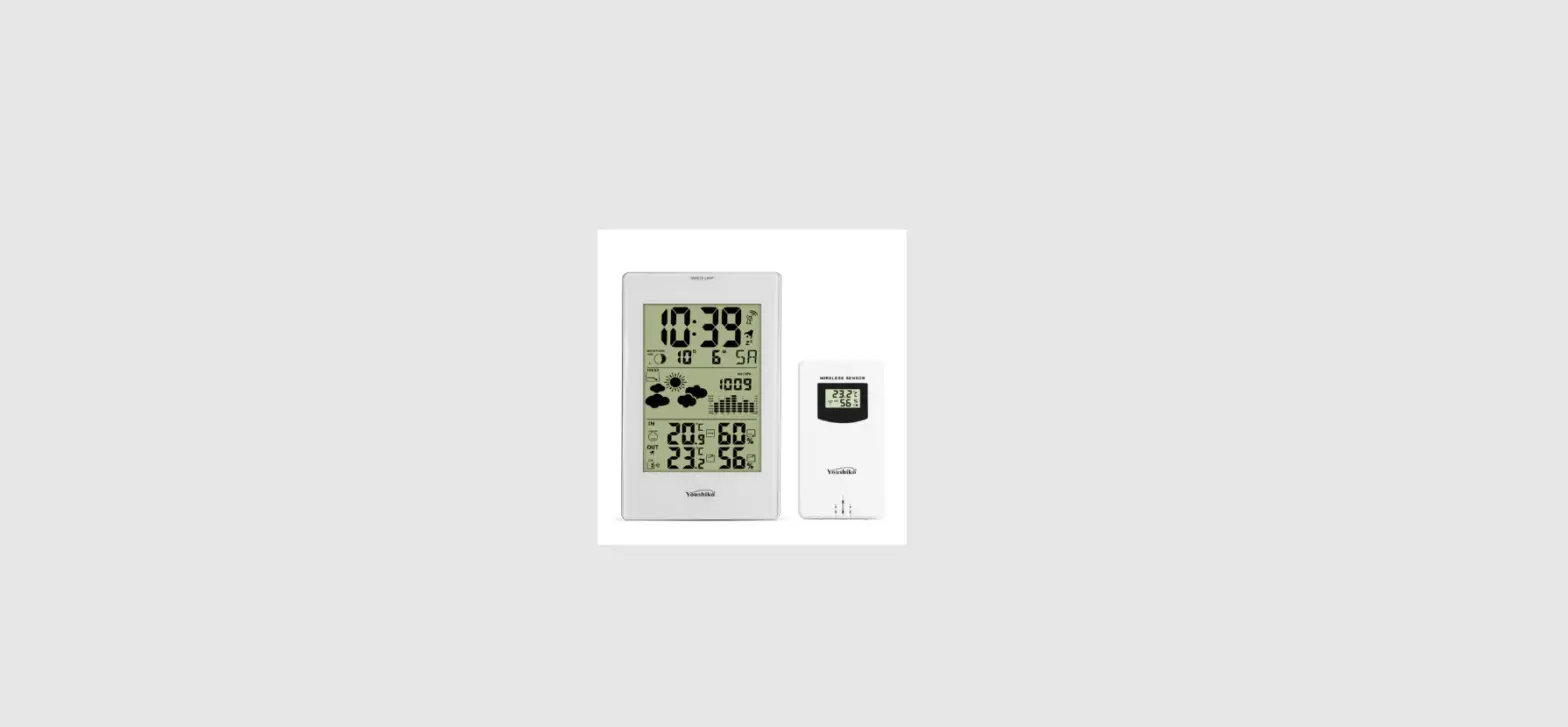
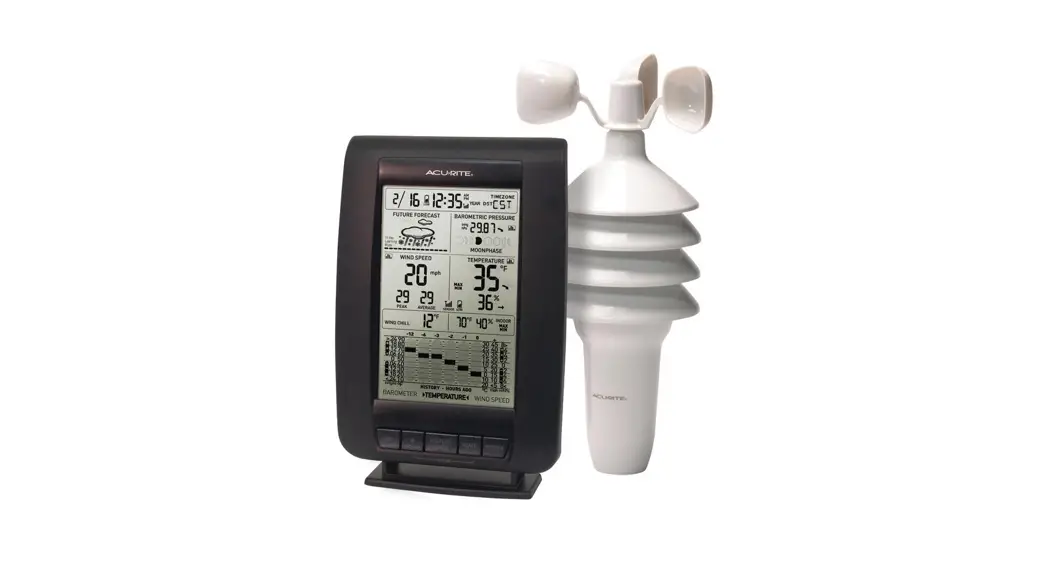
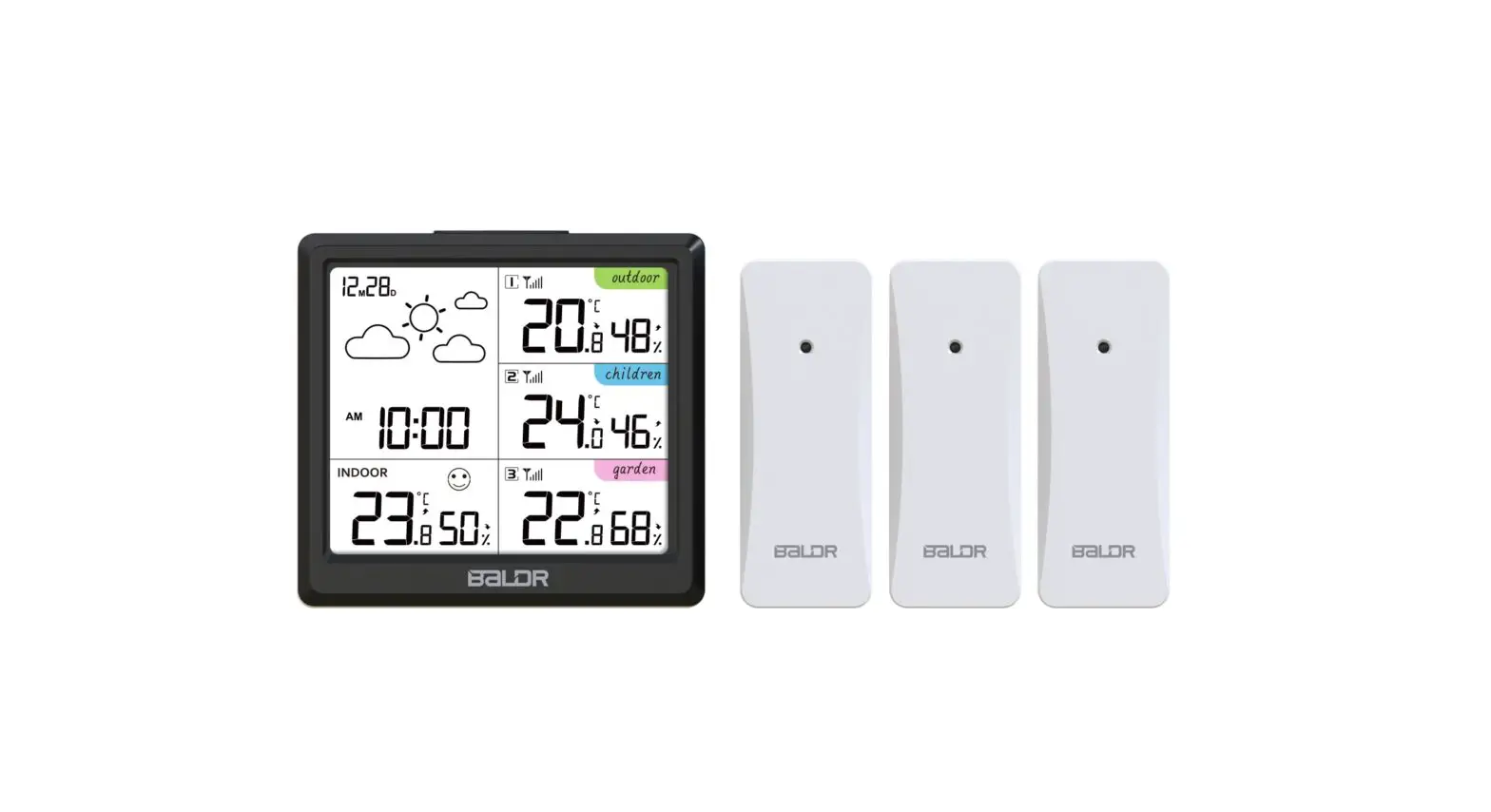
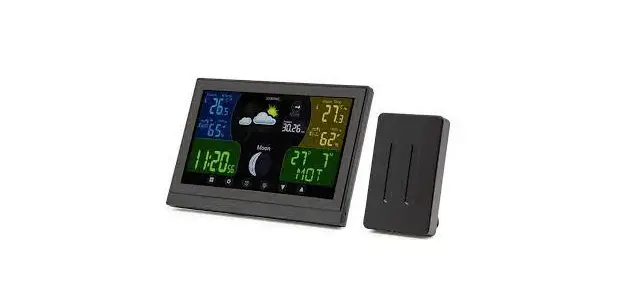
Wireless weather station
Item: 49102
www.rubicson.com
Box 50435
Malmo, Sweden
2021-10-27


Specifications
| Indoor temperature: | 0-50 °C |
| Outdoor temperature: | -40 – 60 °C |
| Indoor humidity: | 1-99% |
| Outdoor humidity: | 25-95% |
| Measuring range for barometric pressure: | 850-1050 hPA |
| Radio signal range: | 50 m |
| Time format: | 12/24 h |
| Temperature unit: | °C/°F |
| Dimensions, main unit: | 191x127x16 mm |
| Dimensions, sensor: | 100x62x15 mm |
| Power supply, main unit: | 3x AAA batteries (not included) and AC 230 V/ DC 5 V, 300 mA adapter |
| Power supply, sensor: | 2x AAA batteries (not included) |


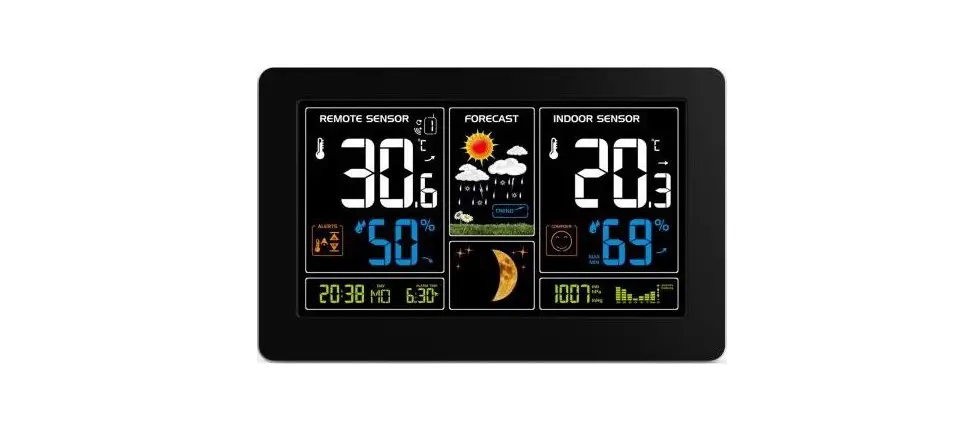
Mode button Set button Clock button Channel button


Up/down buttons
Power and batteries
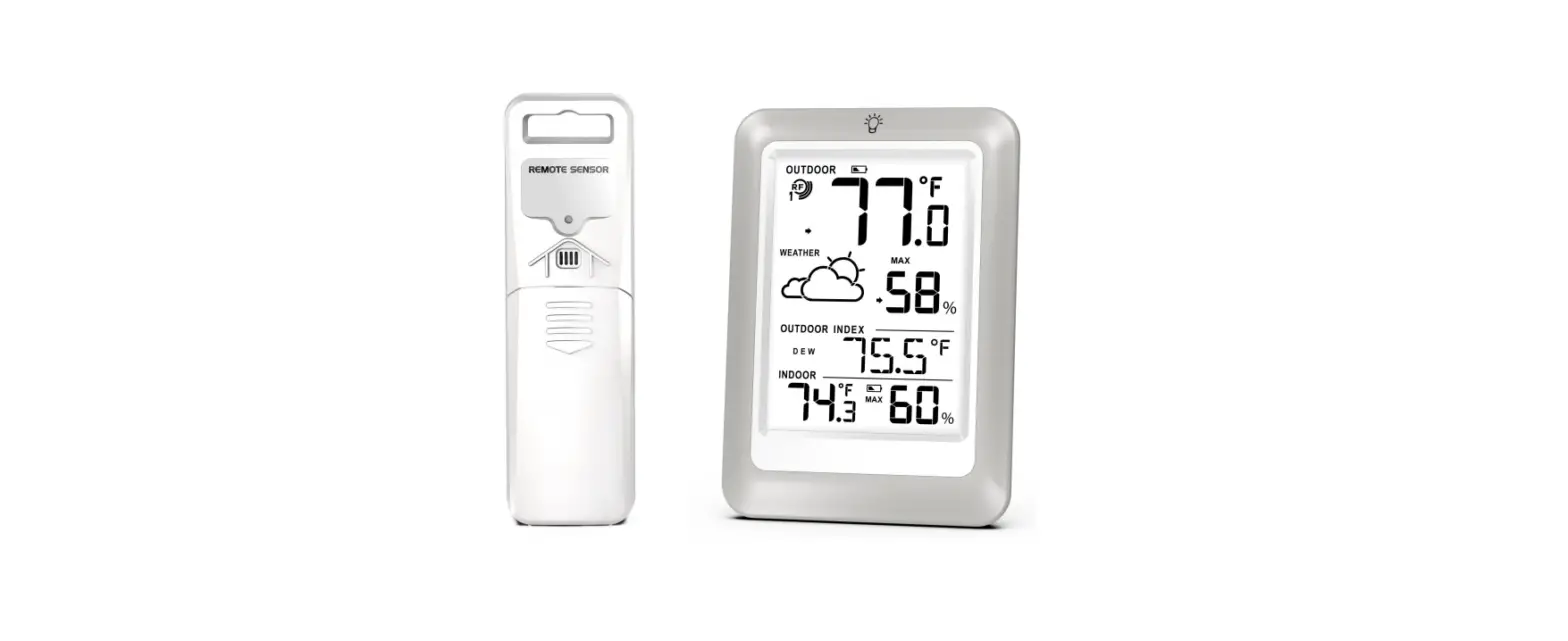
Connect the power adapter to the main unit and insert batteries (3x AAA). Remove the battery hatch on the back of the sensor and insert 2x AAA batteries. Low battery levels will be indicated on the display
Backlight
The main unit has a backlight feature. If you press the snooze/light button ( ) located on top of the main unit, the display lights up for 5 seconds. When the main unit is powered by the power adapter, the backlight is constantly on. You can lower the brightness of the display in two steps by pressing the snooze/light button. A third press puts the display in standby mode.
Connecting the sensors
Place the main unit and the sensor next to each other when they are powered on. The main unit will automatically detect the signals from the sensor, usually within 5 minutes.
The main unit and sensor do not connect
If the main unit does not detect the signals, press and hold the channel button () on the main unit’s display for 2 seconds to repeat the search, or press and hold the TX button on the sensor for 3 seconds. You find the TX button under the battery cover.
Placement of the weather station
Hang up the main unit on a wall or place it on a stable surface. The main unit should be placed where you want to measure the indoor temperature and where it is comfortable for you to read the weather information. Hang up or place the sensor where you want to measure temperature and humidity outdoors. Place the sensor under a roof to keep it protected from heavy rain.
Weather forecast
The base station will start the 14-day learning process once turned on and set up. This learning process is necessary for the weather station to be able to make weather forecasts. The display will show “LEARNING..” at the top of the display during this time.
Radio controlled clock (DCF77)
When turned on the first time, the main unit starts to search for a DCF signal for the time setting. If no signal is found the search stops and you need to set the time manually. It may take some time for the main unit to receive the signal. The main unit will update the DCF signal every night at 1, 2 and 3 o’clock.
Time, date and forecast settings
Press the mode button () on the display, then hold the set button () for 3 seconds to enter the time setting mode. The current value starts to blink. Change the values with the up/down buttons ( ) and confirm and move on to the next value with that set button. The values are changed in this order:
- Time zone (Central European time, UTC+2)
- Language
- Year > Month/day order > Month > Day
- 12/24 hr
- Hour > Minute > Second
- Exit
Alarm settings and features
Press the clock button () on the display to activate on or both alarms. Alarm 1 is called AL 1 and alarm 2 is called AL 2 on the display. Both alarms can be activated at the same time.
Set the alarms:
- Press the mode button (
 ) twice and then press and hold the set button () for 3 seconds until the hour value starts to blink.
 - Set the hour with the up/down buttons (). Confirm with the set button.
- Set the minutes with the up/down buttons. Confirm with the set button.
When the alarm goes off, the display lights up and the alarm sounds for 3 minutes before it turns off. Press the snooze/light button on top of the main unit to snooze the alarm for 5 minutes. Press any other button to turn the alarm off for the day.
Setting the temperature unit
Press the set button () while the you are in the main view to choose between Celsius (°C) or Fahrenheit (°F).
Settings for altitude and atmospheric pressure
The weather station can be calibrated to achieve more accurate calculations of pressure values based on its altitude:
- Press the mode button () 3 times to highlight the atmospheric pressure on the display.
- Press and hold the set button () for 3 seconds. Press the mode button to switch between the units M/hpa and Ft/inHg.
- Press the up/down buttons () to set the altitude.
- Press the set button to confirm and exit the settings.
Temperature alert
The weather station can alert you of temperature changes indoors and outdoors. To change alert settings, press the mode button () on the display 4 times and then press and hold the set button () for 3 seconds. You change the settings with the set button in the following order:
- Outdoor low temp > outdoor low alarm on/off
- Outdoor high temp > outdoor high alarm on/off
- Indoor low temp > indoor low alarm on/off
- Indoor high temp > indoor high temp alarm on/off
Change the values with the up/down buttons ().
Max/min temperature memory
The weather station saves the min/max temperature and humidity settings for each day and deletes the values at midnight. Press the up button () once to display the maximum values. Press it again to display the minimum values. Press it a third time to return to the standard display.
Temperature, humidity and pressure trends
Rising 
Constant 
Falling 
Safety information
Replace an empty battery with a battery of the same or corresponding type only. Return used batteries to your local battery recycling.