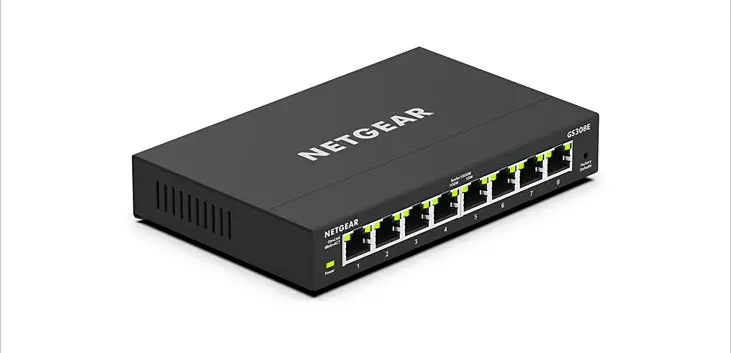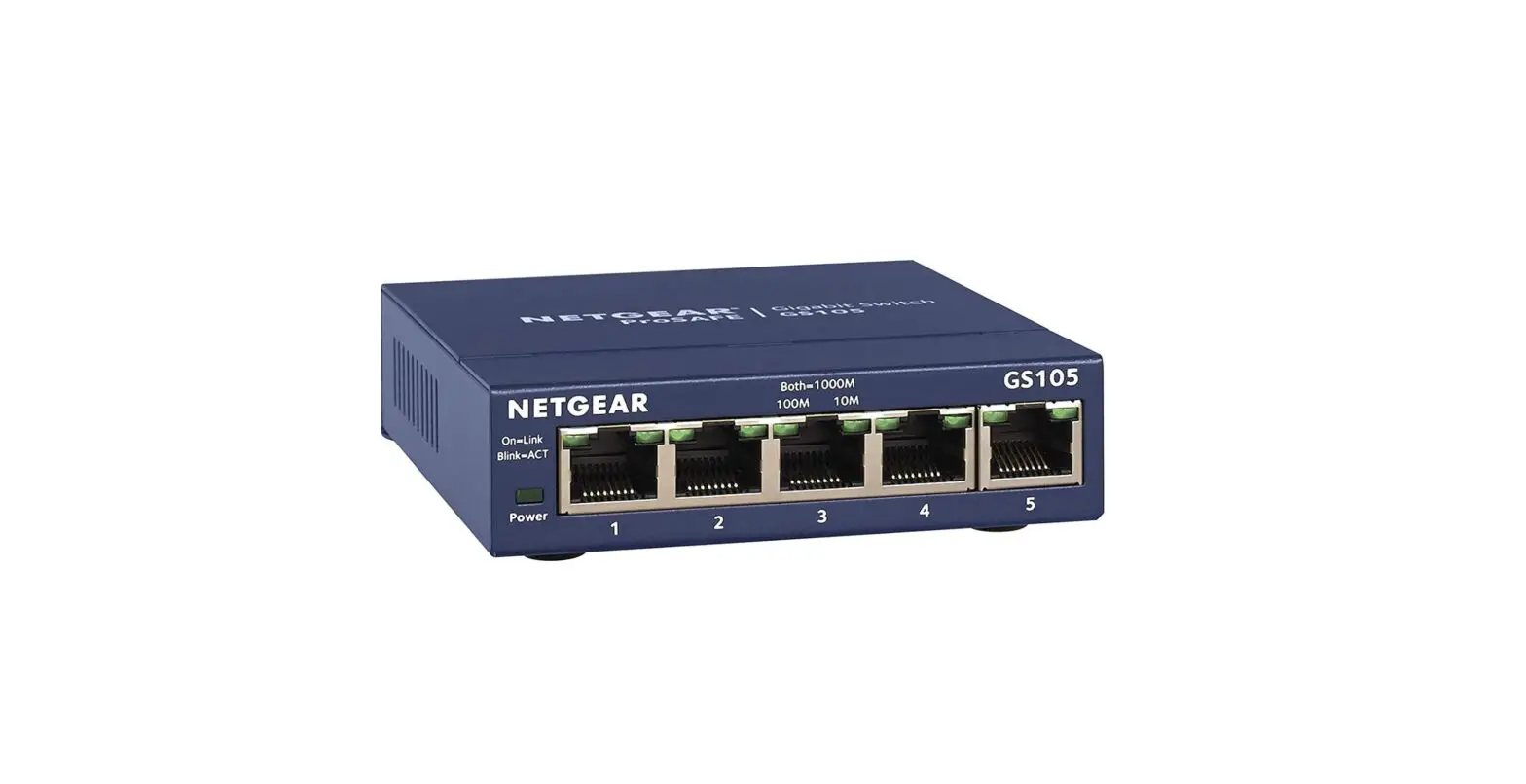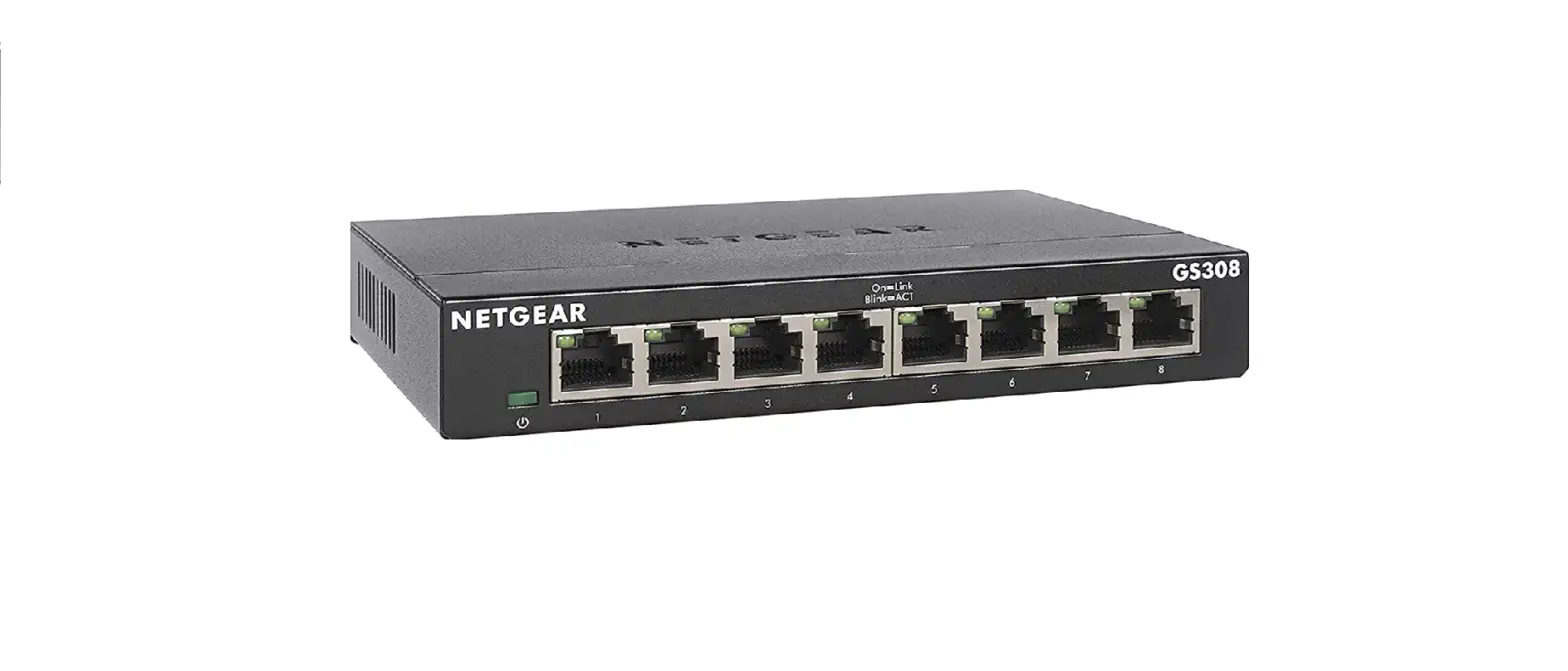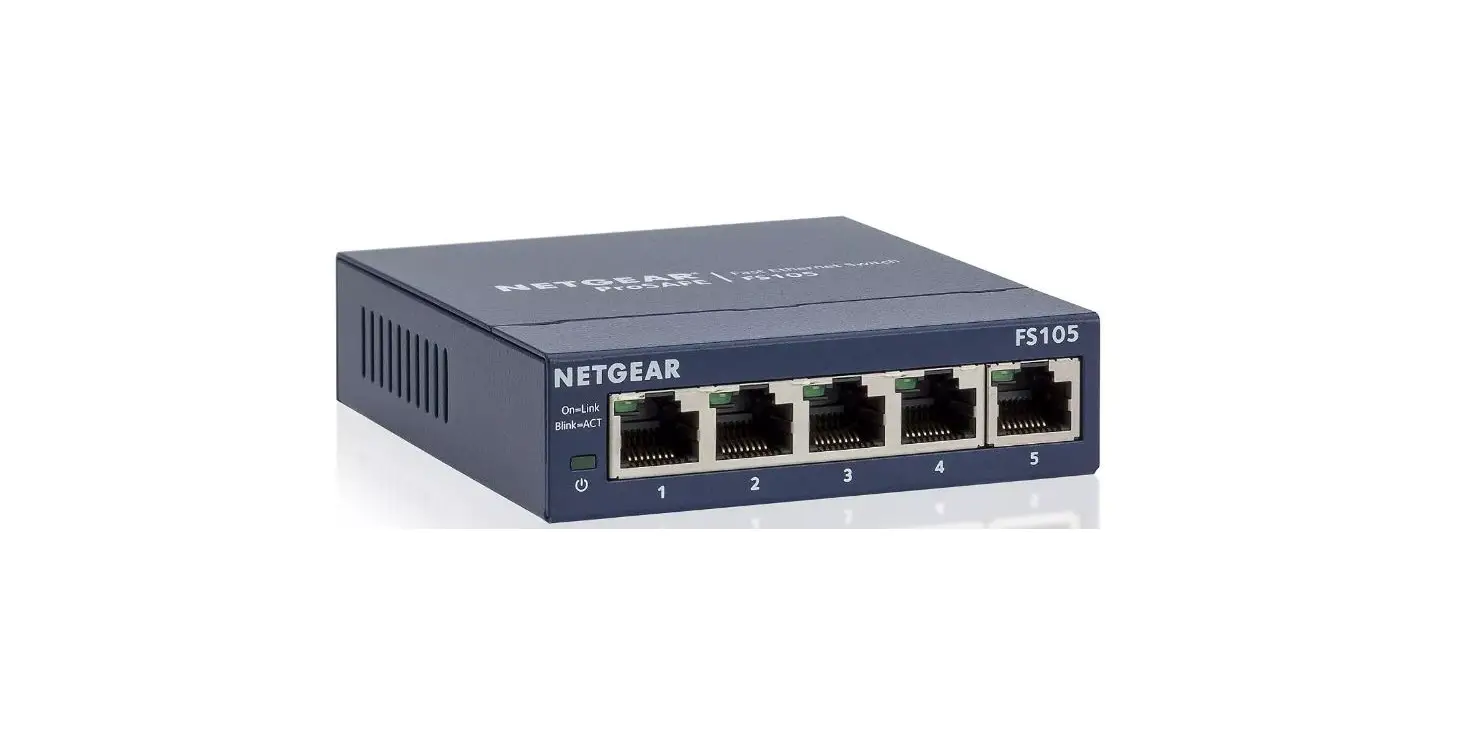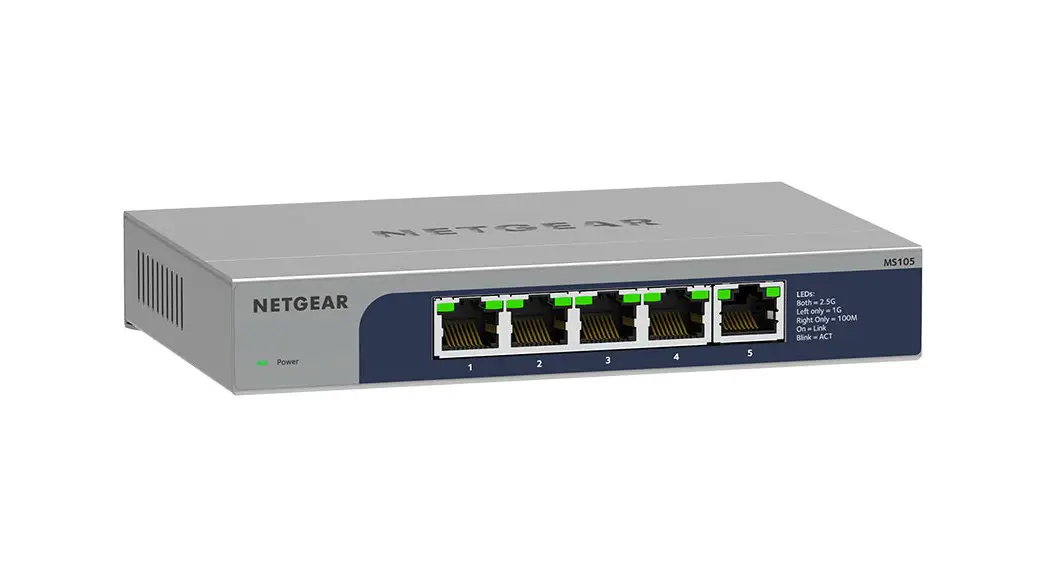
 MS105 5 Port Multi Gigabit 2.5G Ethernet Unmanaged Switch
Installation Guide
Package contents
- NETGEAR 5‑port Multi‑Gigabit 2.5G Ethernet Unmanaged Switch
- Power adapter
- Wall‑mount installation kit
- Rubber feet
- Installation Guide
Register the switch
- From a computer or mobile device that is connected to the Internet, visit my.netgear.com.
- Log in to your NETGEAR account.
NOTE: If you don’t have a free NETGEAR account, you can create one.
The Your Registered Products page displays. - Click the REGISTER NEW PRODUCT button.
- In the SERIAL NUMBER field, type the serial number of your switch.
The serial number is 13 digits long. It is printed on the switch label. - From the PURCHASE DATE menus, select the date that you purchased the switch.
- Click the REGISTER button.
Your switch is registered to your NETGEAR account.
A confirmation email is sent to your NETGEAR account email address.
Connect the switch
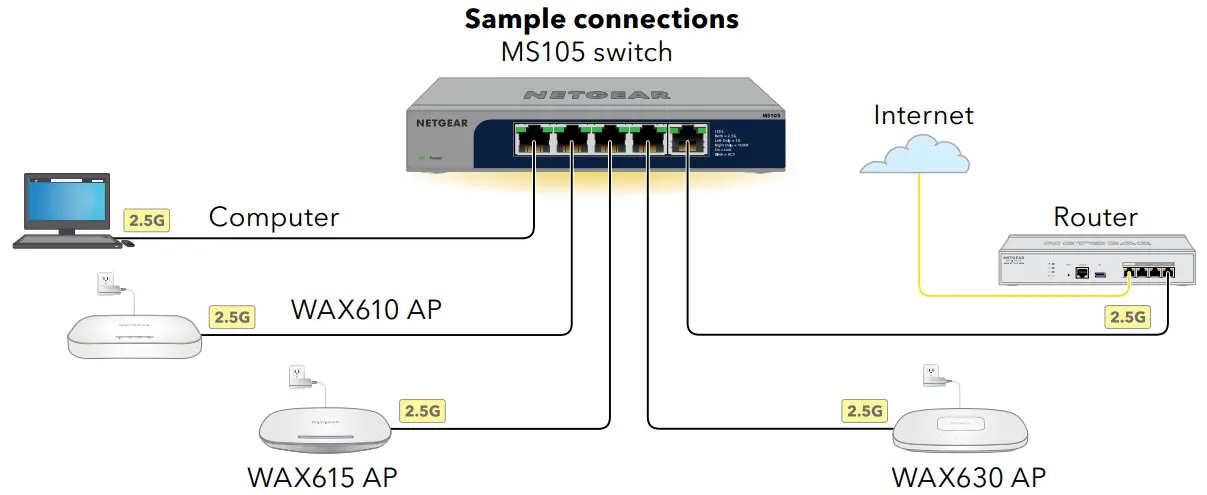
 NOTE: Each connected device requires a power adapter because the MS105 switch does not provide PoE power. NOTE: All switch ports support 2.5 Gbps, 1 Gbps, and 100 Mbps. You can connect any device to any switch port. We recommend that you use Category 5e (Cat 5e) cables or higher‑rated cables for your connections.
This switch is designed for indoor use only. If you want to connect it to a device located outdoors, the outdoor device must be properly grounded and surge protected, and you must install an Ethernet surge protector inline between the switch and the outdoor device.Failure to do so can damage the switch. WARNING: Before connecting this switch to outdoor cables or devices, see https://kb.netgear.com/000057103 for safety and warranty information.
Check the LEDs
When you connect the power adapter to the switch and plug the cable into an electrical outlet, the LEDs indicate the status:
| LED | Description | |
| Power LED |  | Solid green: The switch is powered on and operating normally. |
 | Off. Power is not supplied to the switch. | |
| Both Port LEDs | | Solid green: 2.5 Gbps link on this port. |
 | Blinking green: 2.5 Gbps activity on this port. | |
| Off. No link is detected on this port. | |
| Left Port LED only | | Solid green: 1 Gbps link on this port. |
| Blinking green: 1 Gbps activity on this port. | |
| Off. No link is detected on this port. | |
| Right Port LED only | | Solid green: 100 Mbps link on this port. |
| Blinking green: 100 Mbps activity on this port. | |
| Off. No link is detected on this port. | |
Technical specifications
| Specification | Description |
| Network interfaces | RJ‑45 connectors that support 100BASE‑TX, 1000BASE‑T, and 2.5GBASE‑Tc |
| Ports | 5 |
| Power adapter | 12V @ 1A DC input |
| Maximum power consumption | 7.66W |
| Hardware security | Kensington slot |
| Dimensions (W x D x H) | 6.2 x 4.0 x 1.1 in. (158 x 101 x 27 mm) |
| Weight | 1.1 lb (480 g) |
| Operating temperature | 32 to 104° F (0 to 40° C) |
| Operating humidity | 10 to 90% relative humidity, noncondensing |
| Storage temperature | –4 to 158° F (–20 to 70° C) |
| Storage humidity | 5 to 95% relative humidity, noncondensing |
| Maximum operating and storage altitude | 10,000 ft. (3,000 m) |
| Electromagnetic certifications and compliance | EMC class B device, FCC, ISED, CE, RCM, VCCI, BSMI, CCC, KC |
| Safety certifications | CB, CE LVD, BSMI, CCC, RCM |
Mount the switch on a wall
We recommend that you use the wall‑mount screws that are included. The screws are 0.25 in. (6.5 mm) in diameter, 0.63 in. (16 mm) in length.
- Locate the two mounting holes on the bottom panel of the switch.
- Mark and drill two mounting holes in the wall where you want to mount the switch.
The two mounting holes must be 2.95 in. (75 mm) apart, center‑to‑center. - Insert the supplied anchors into the wall and tighten the screws with a No. 2 Phillips screwdriver.
Leave about 0.15 in. (4 mm) of each screw protruding from the wall so that you can insert the screws into the holes on the bottom panel.
Support and Community
Visit netgear.com/support to get your questions answered and access the latest downloads.
You can also check out our NETGEAR Community for helpful advice at community.netgear.com.
Regulatory and Legal
(If this product is sold in Canada, you can access this document in Canadian French at https://www.netgear.com/support/download/.)
For regulatory compliance information including the EU Declaration of Conformity, visit https://www.netgear.com/about/regulatory/.
See the regulatory compliance document before connecting the power supply.
For NETGEAR’s Privacy Policy, visit https://www.netgear.com/about/privacy‑policy.
By using this device, you are agreeing to NETGEAR’s Terms and Conditions at https://www.netgear.com/about/terms‑and‑conditions. If you do not agree, return the device to your place of purchase within your return period.
Do not use this device outdoors.
Applicable to 6 GHz devices only: Only use the device indoors. The operation of 6 GHz devices is prohibited on oil platforms, cars, trains, boats, and aircraft, except that operation of this device is permitted in large aircraft while flying above 10,000 feet. Operation of transmitters in the 5.925‑7.125 GHz band is prohibited for control of or communications with unmanned aircraft systems.
NETGEAR, Inc.
350 East Plumeria Drive
San Jose, CA 95134, USA
NETGEAR INTERNATIONAL LTD
Floor 1, Building 3
University Technology Centre
Curraheen Road, Cork,
T12EF21, Ireland
June 2022
© NETGEAR, Inc., NETGEAR and the NETGEAR Logo are trademarks of NETGEAR, Inc.
Any non‑NETGEAR trademarks are used for reference purposes only.
 English - NETGEAR Communities
 NETGEAR - Common Account Management
 NETGEAR Support | NETGEAR
 Do I need to use a surge protector with my NETGEAR Business device? | Answer | NETGEAR Support
 Regulatory | NETGEAR