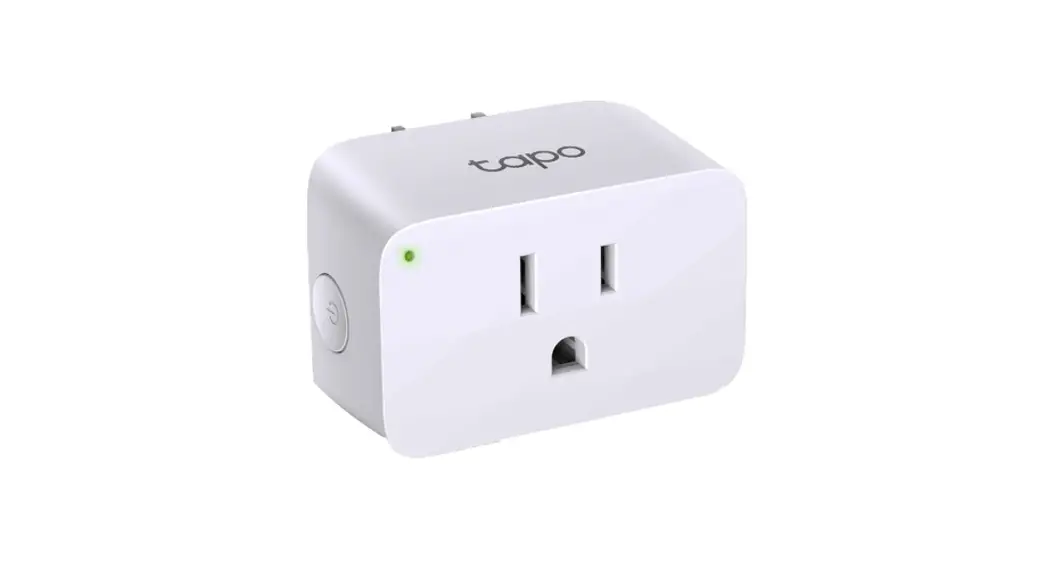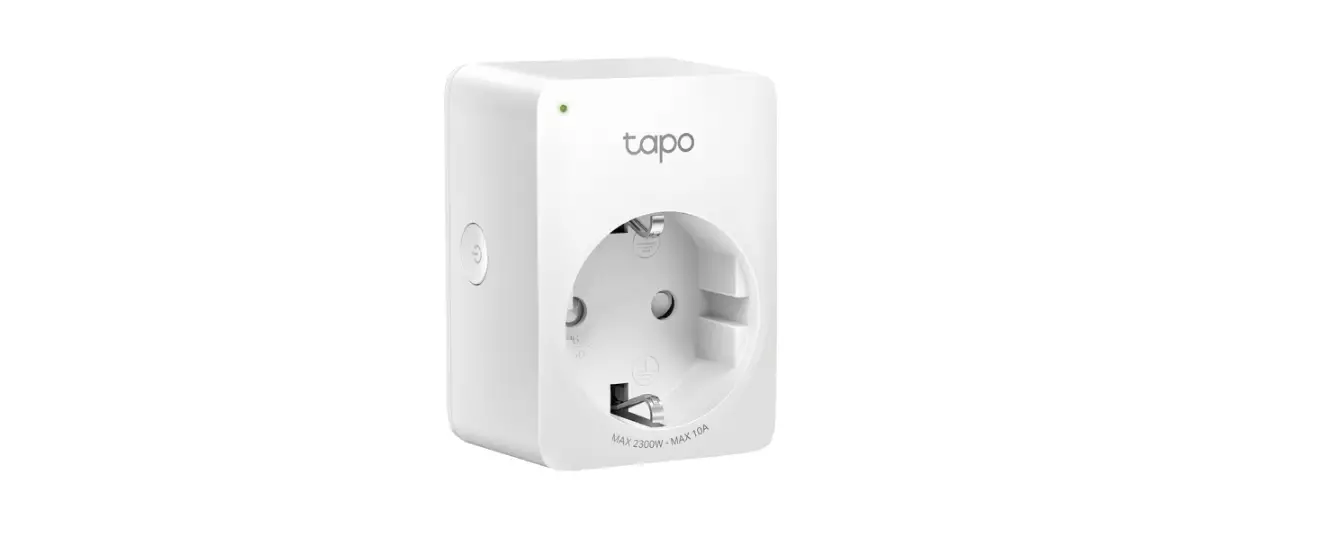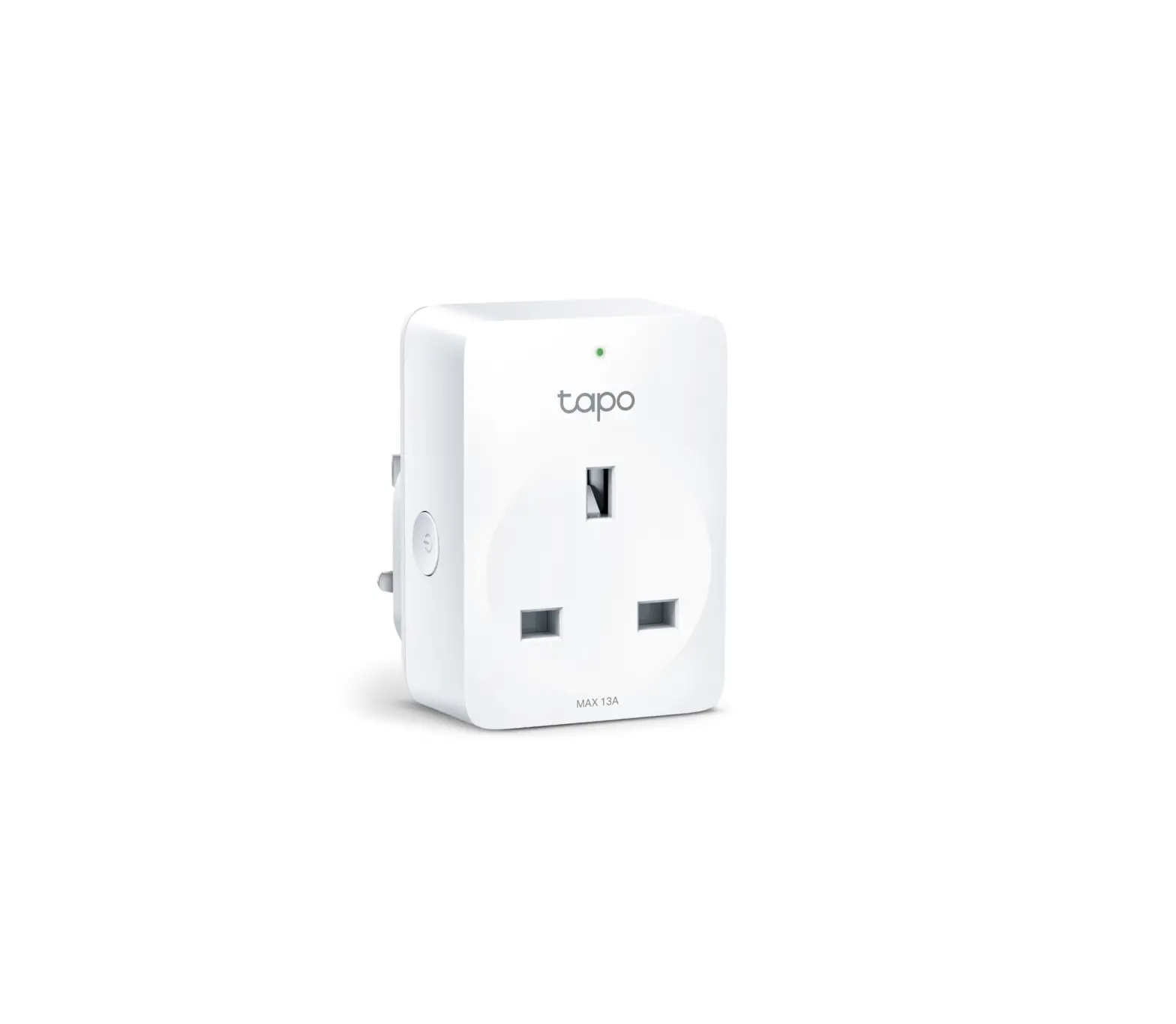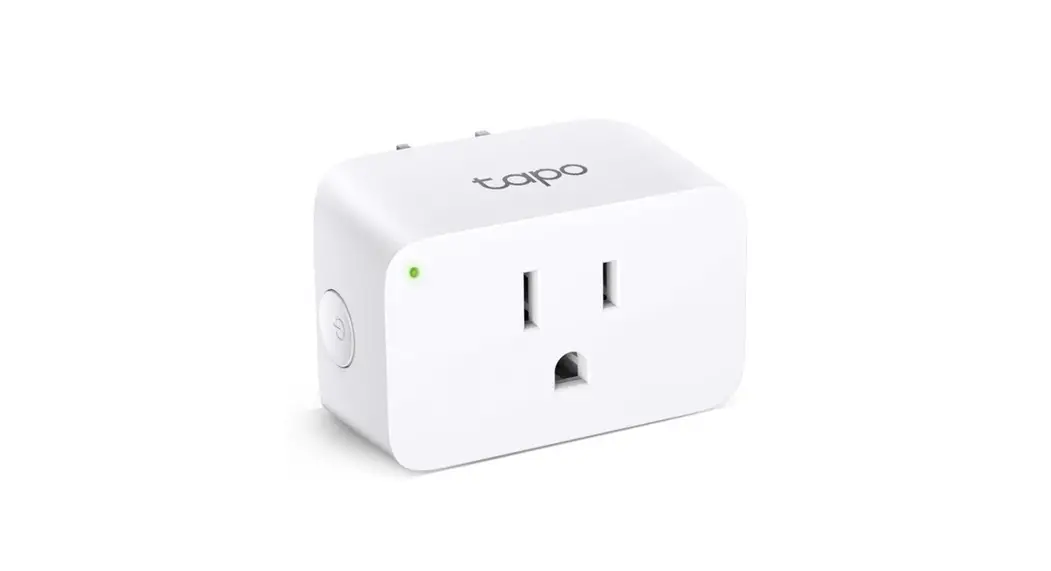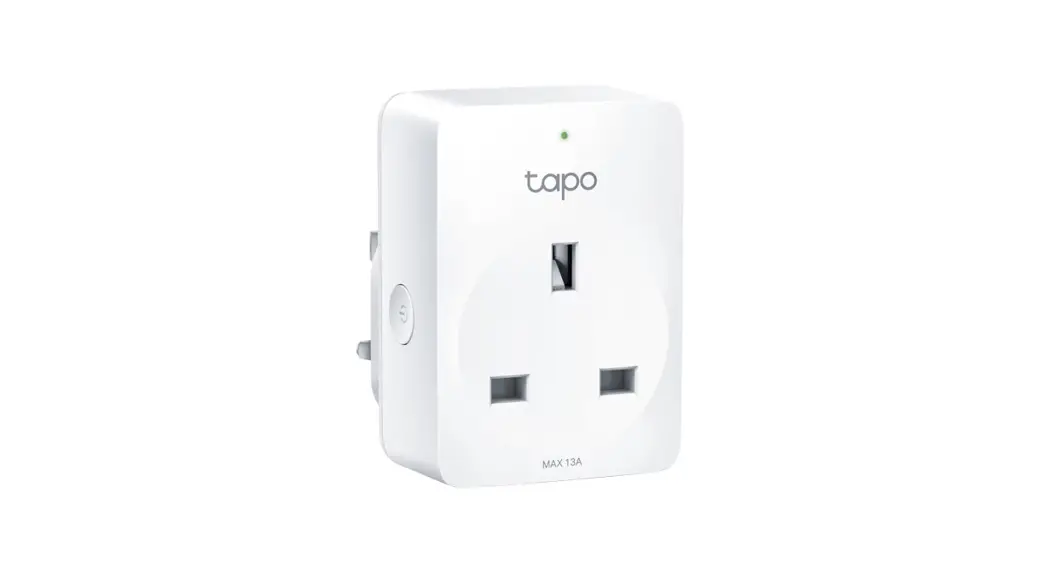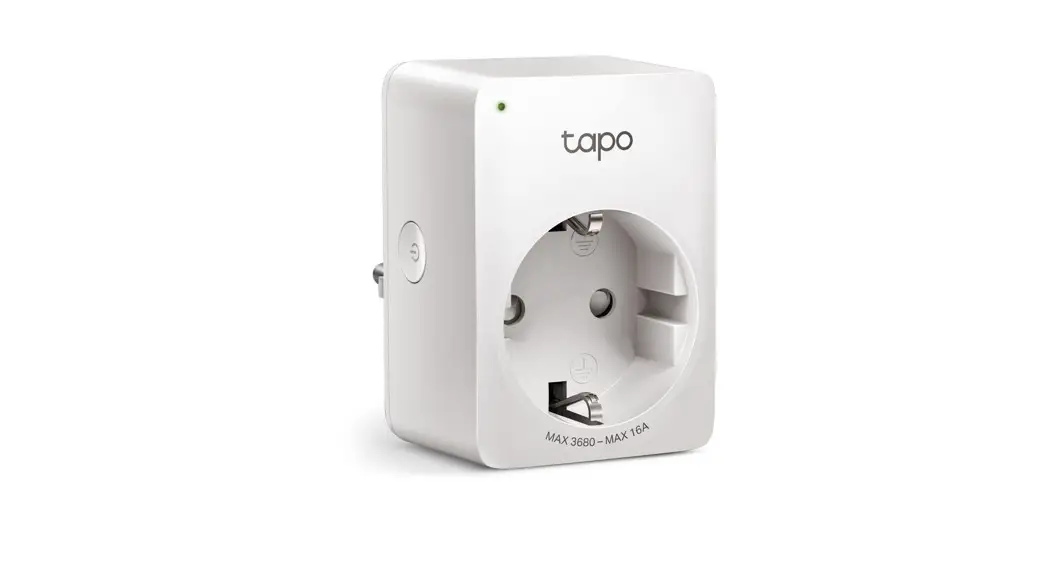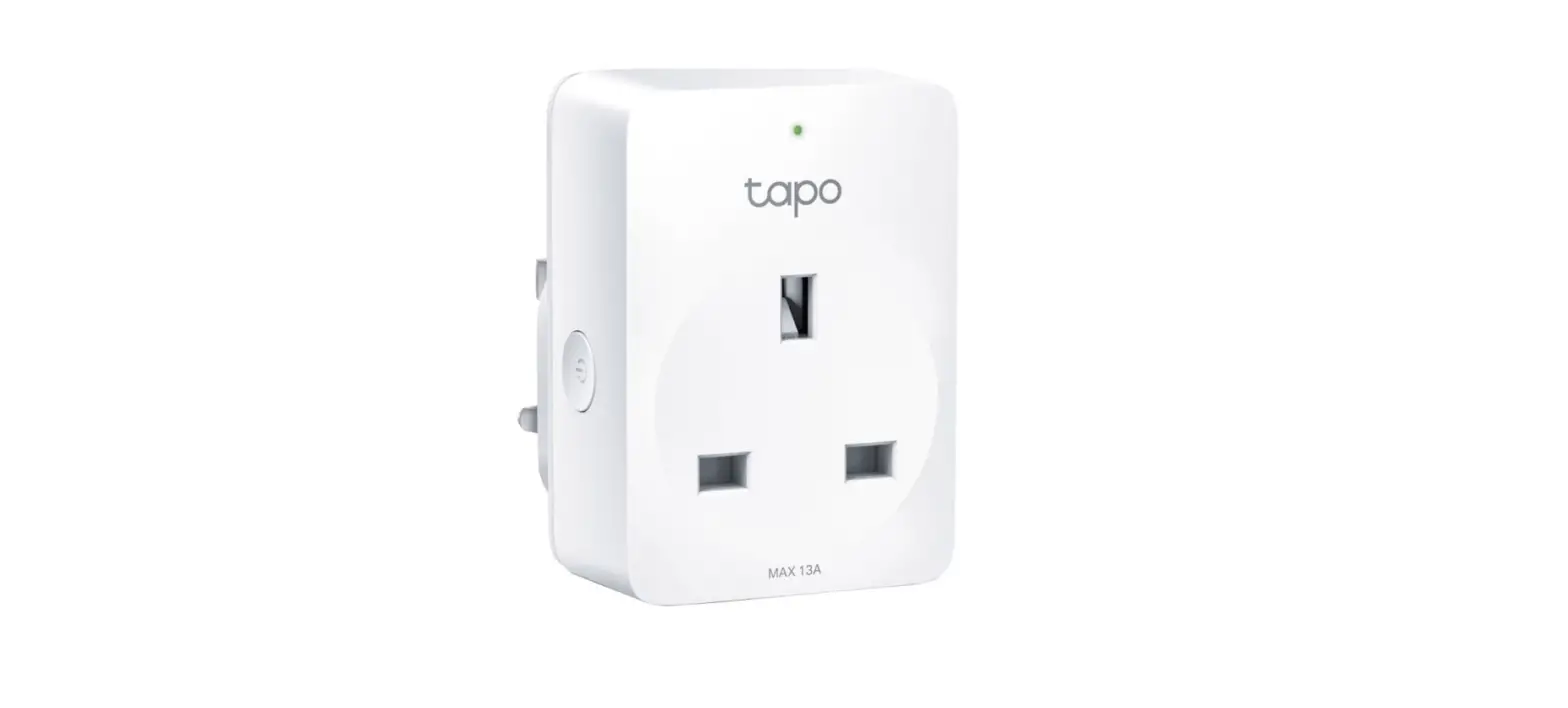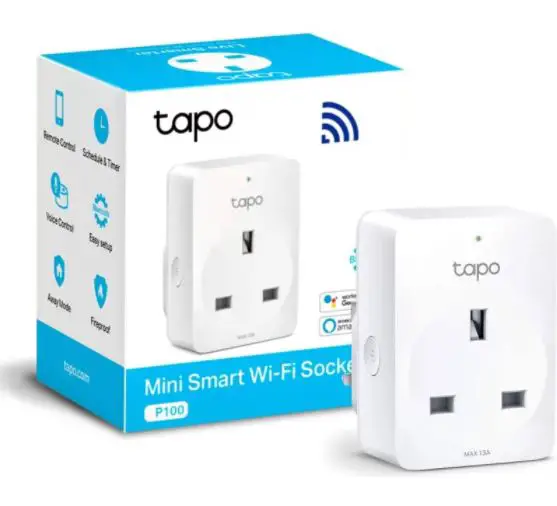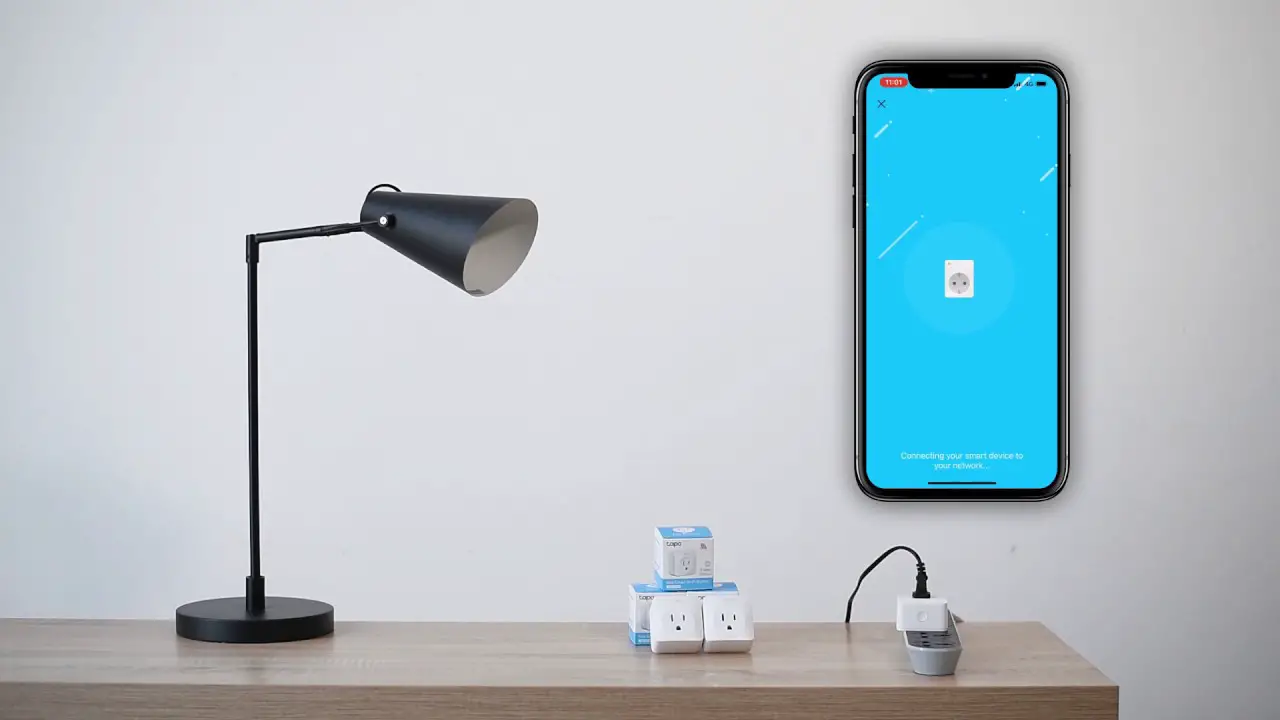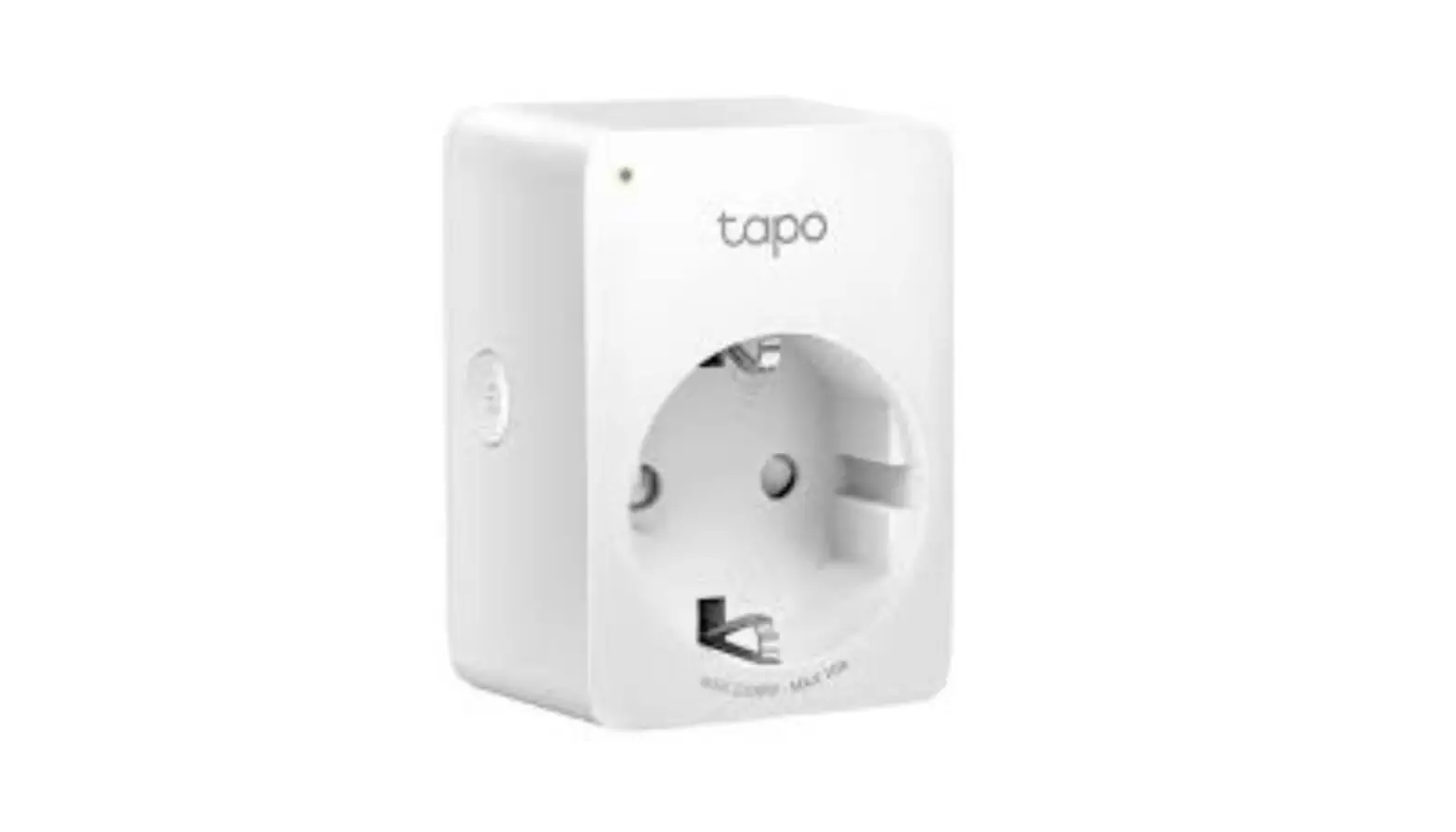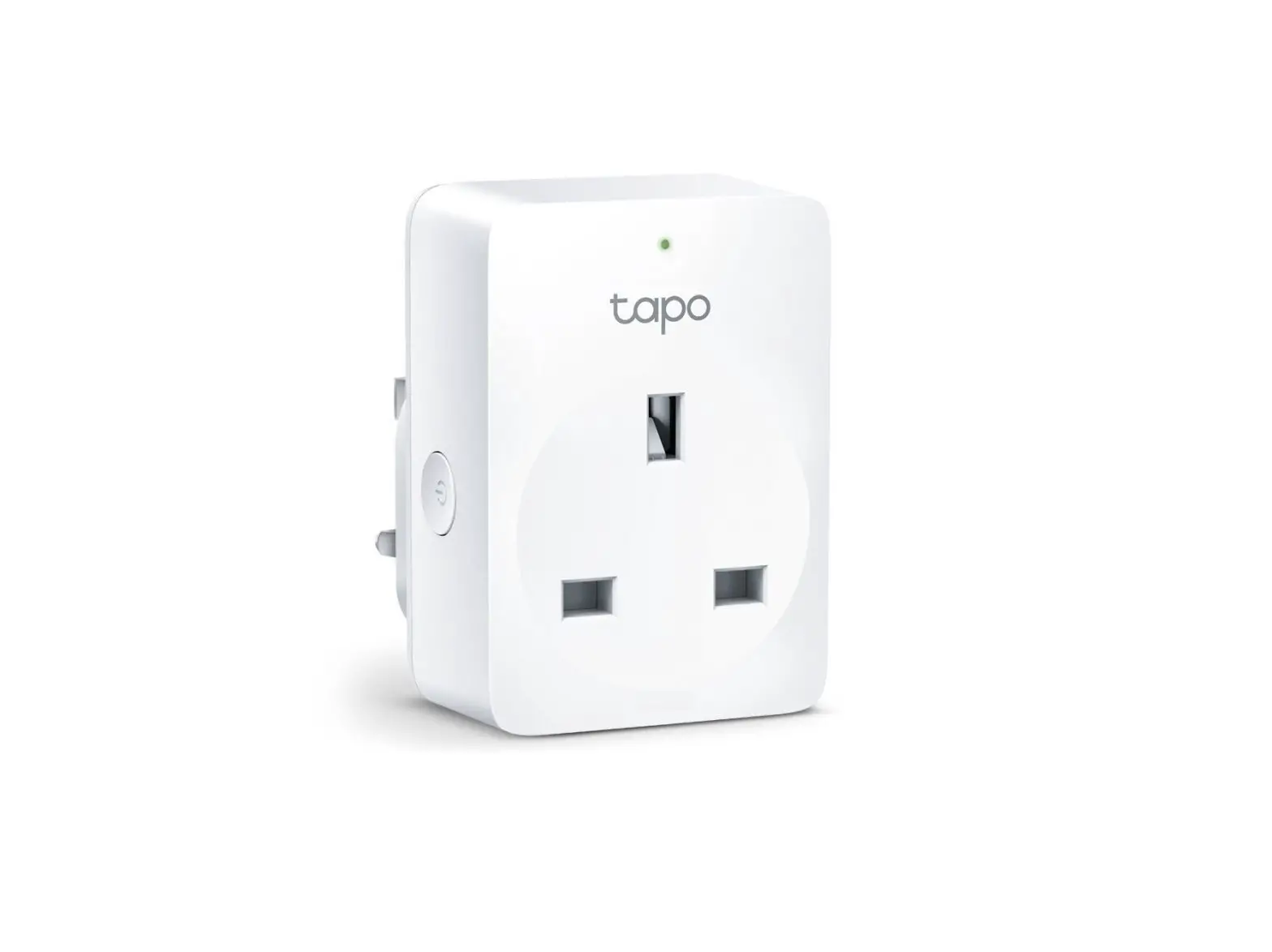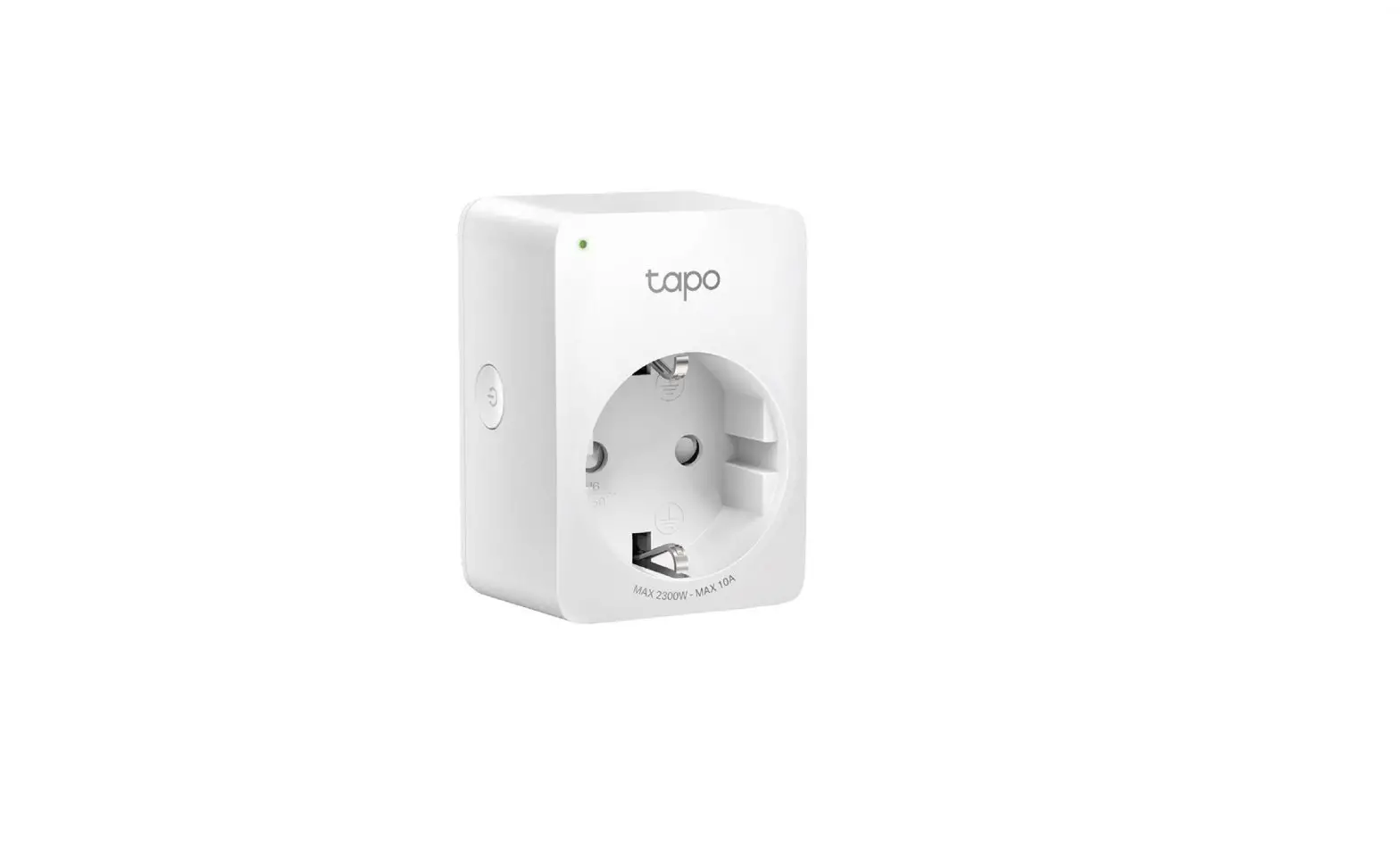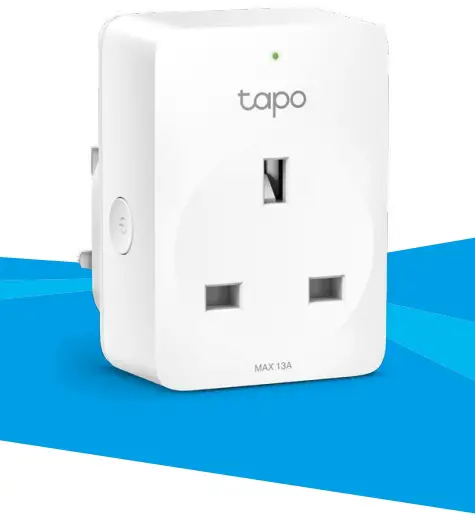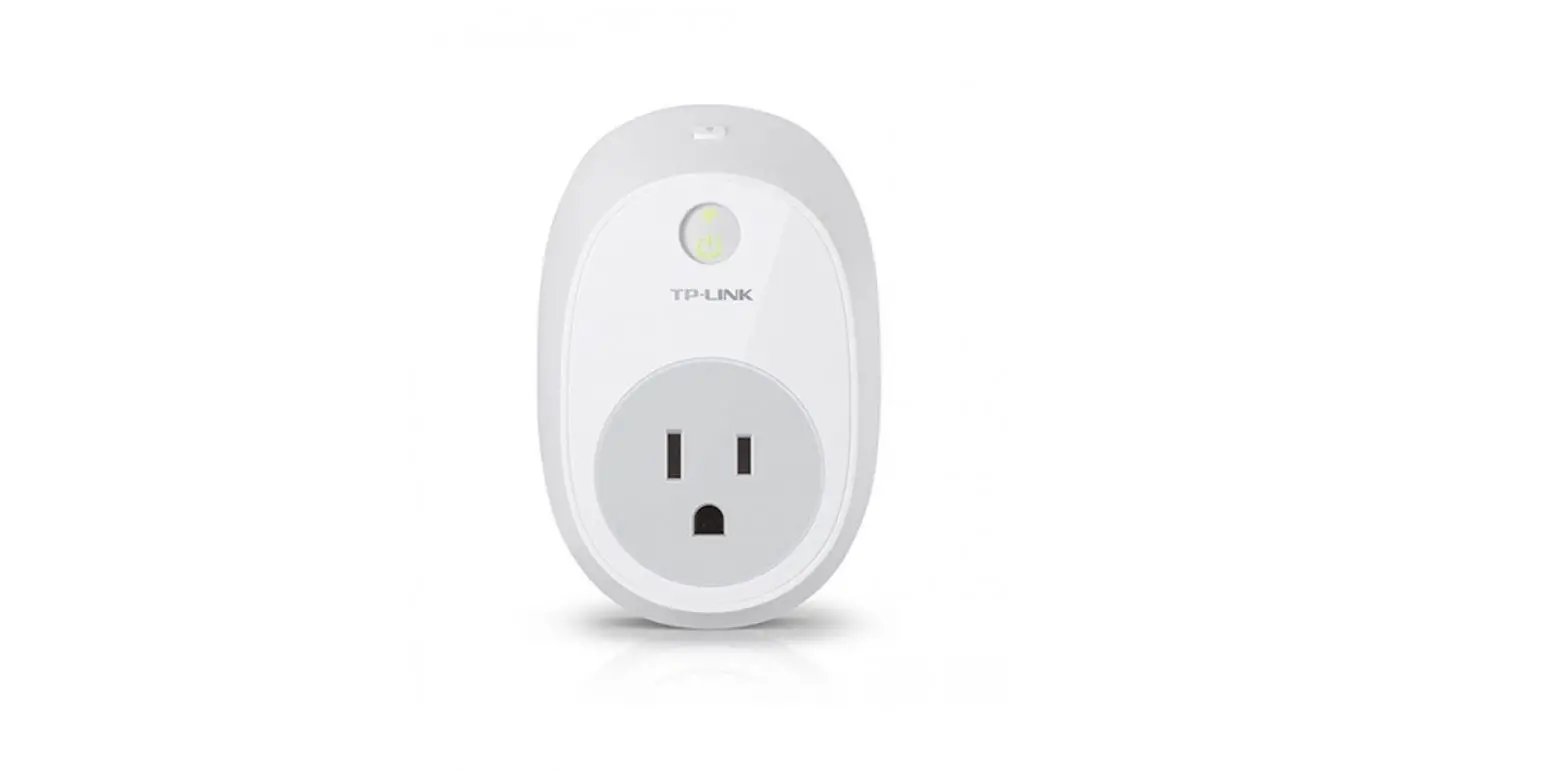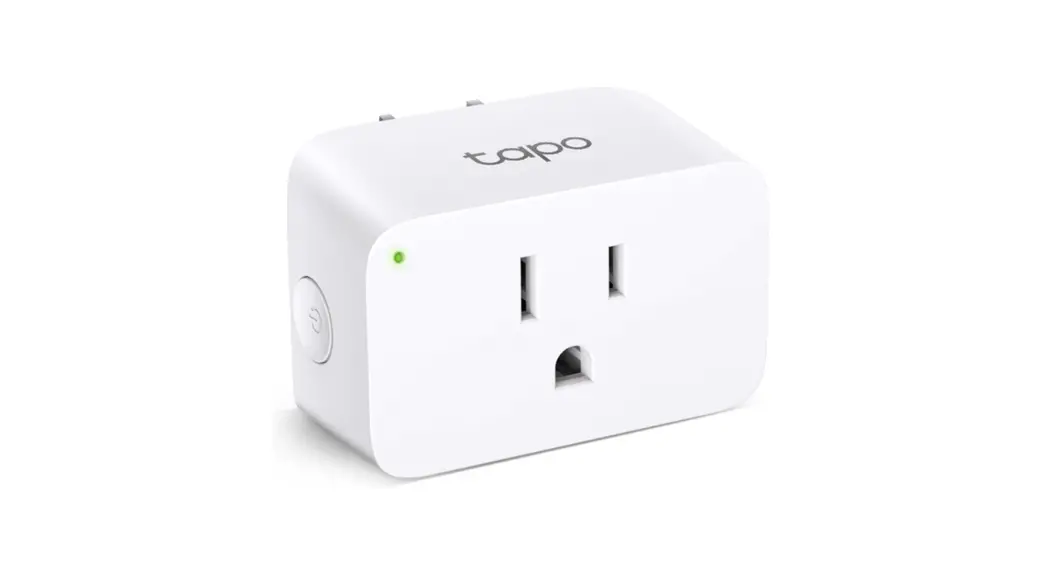
 Tapo P105 Mini Smart Wi-Fi Plug-Socket
Installation Guide
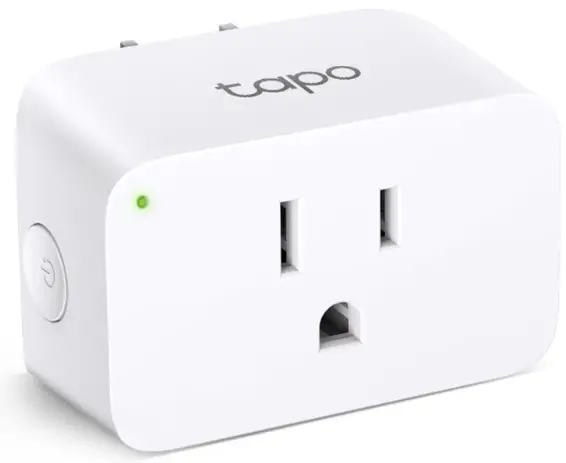
Tapo P105 Mini Smart Wi-Fi Plug-Socket
Quick Start Guide
Mini Smart Wi-Fi Plug/Socket Tapo App https://www.tapo.com/app/download-app/
© 2022 TP-Link 7106509779 REV1.3.0
Getting Started
- Get the Tapo app from the Apple App Store or Google Play.
- Follow the instructions in the Tapo app to complete the setup.
Supported Load Types for US Version:
125V, 50/60Hz, 15A, General use/Resistive
125V, 50/60Hz, 1/6HP, Motor load
125V, 50/60Hz, 8A, Incandescent Support
 For technical support, the user guide and other information visit https://www.tapo.com/support/, or simply scan the QR code.
 Support | Tapo