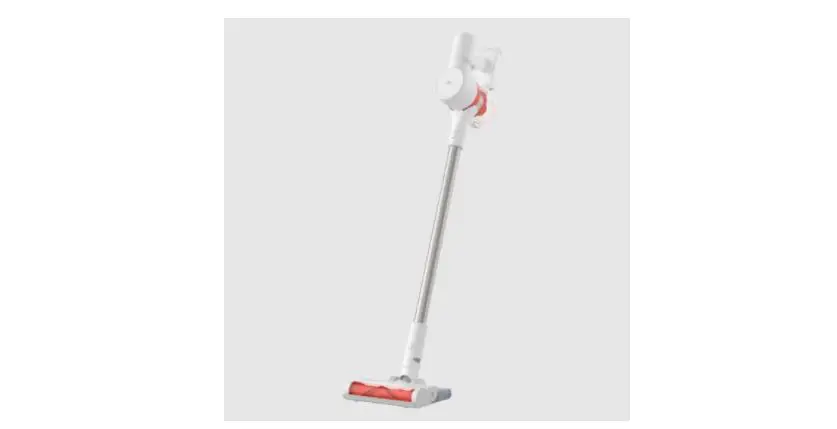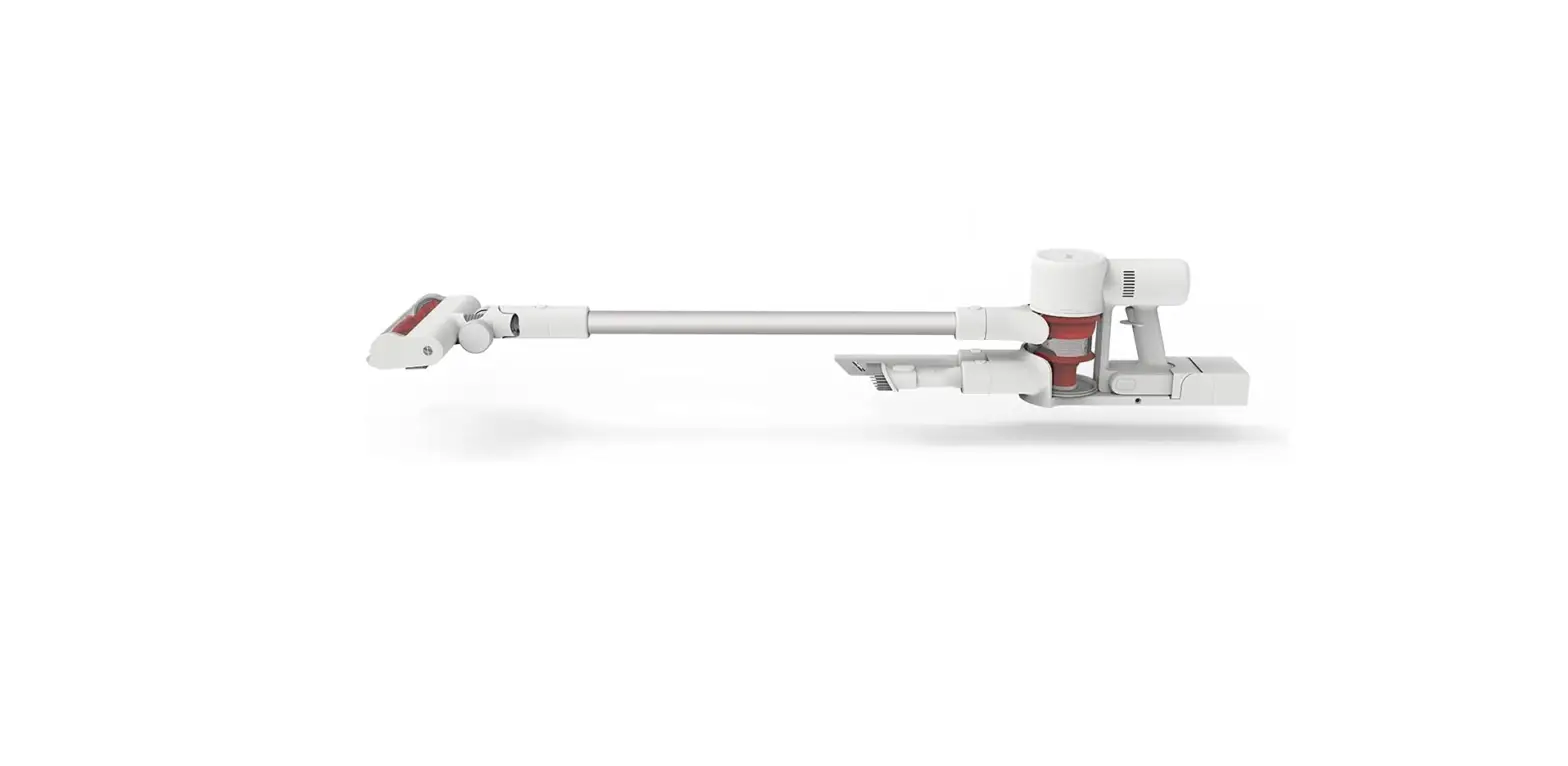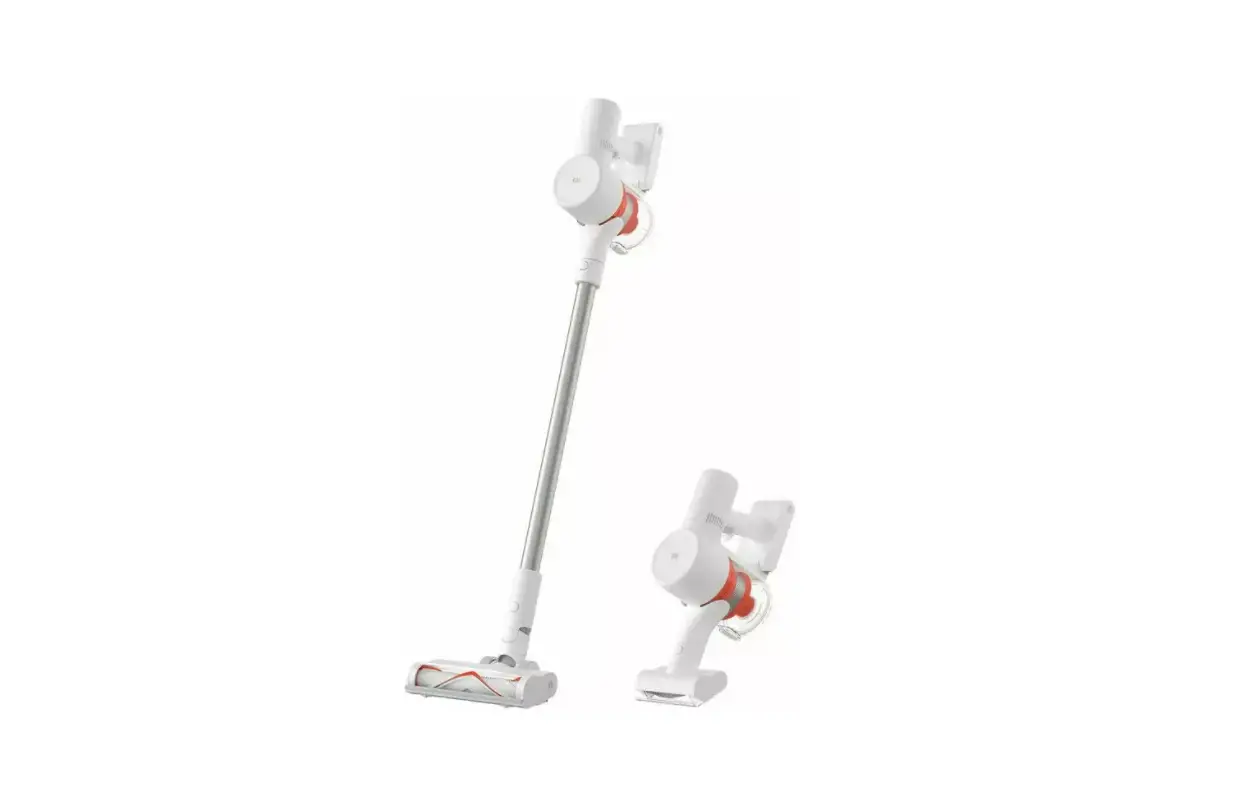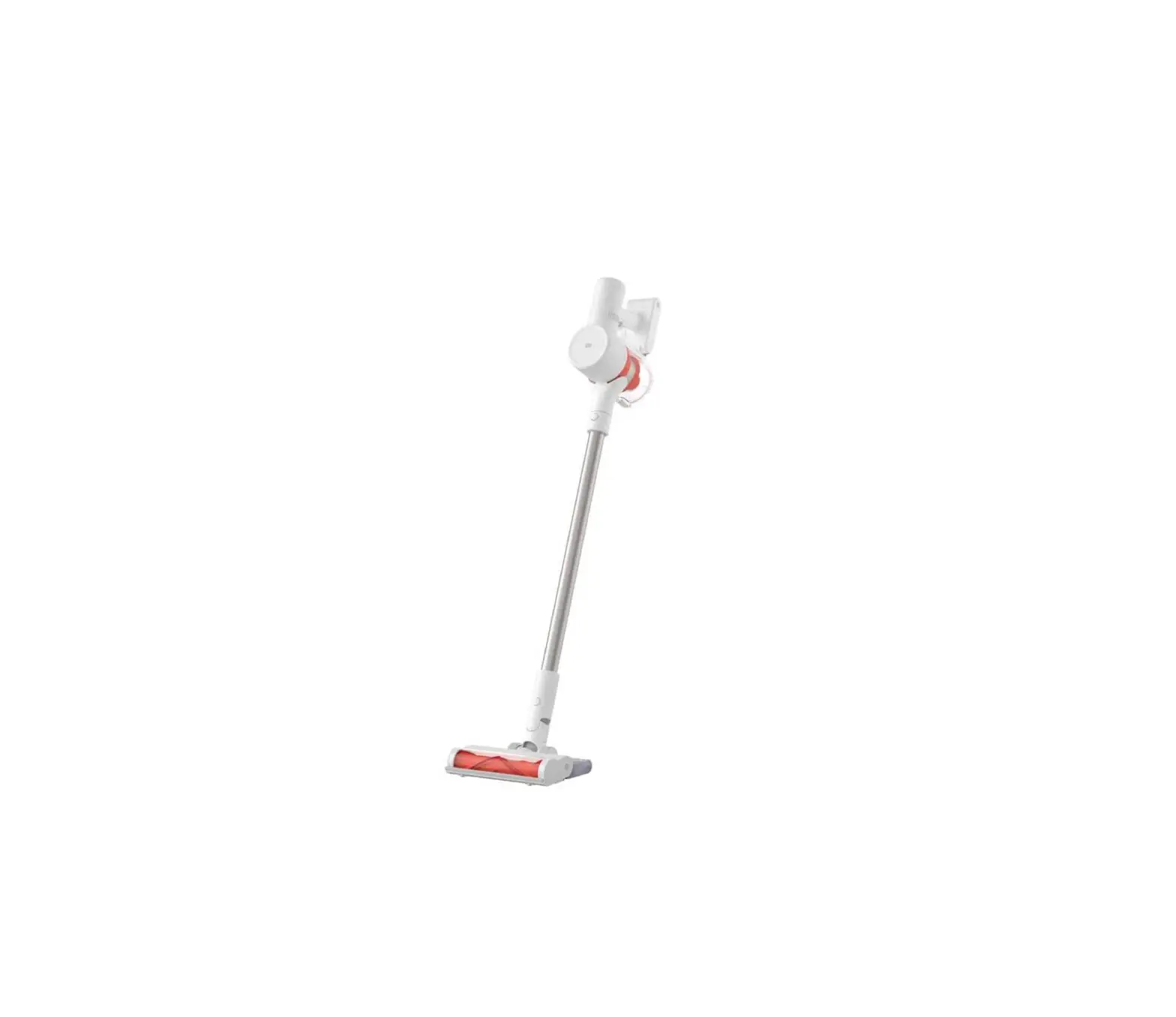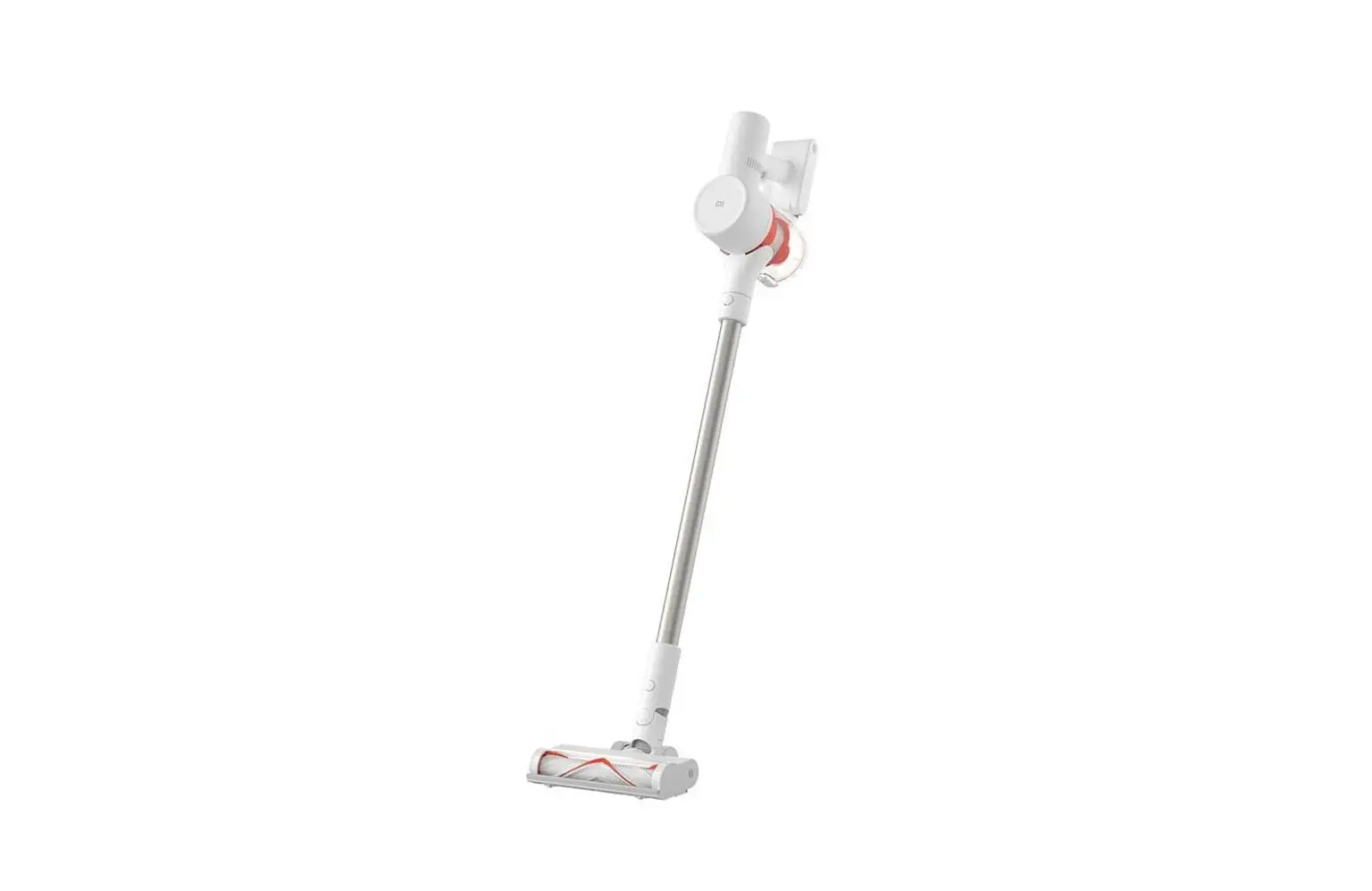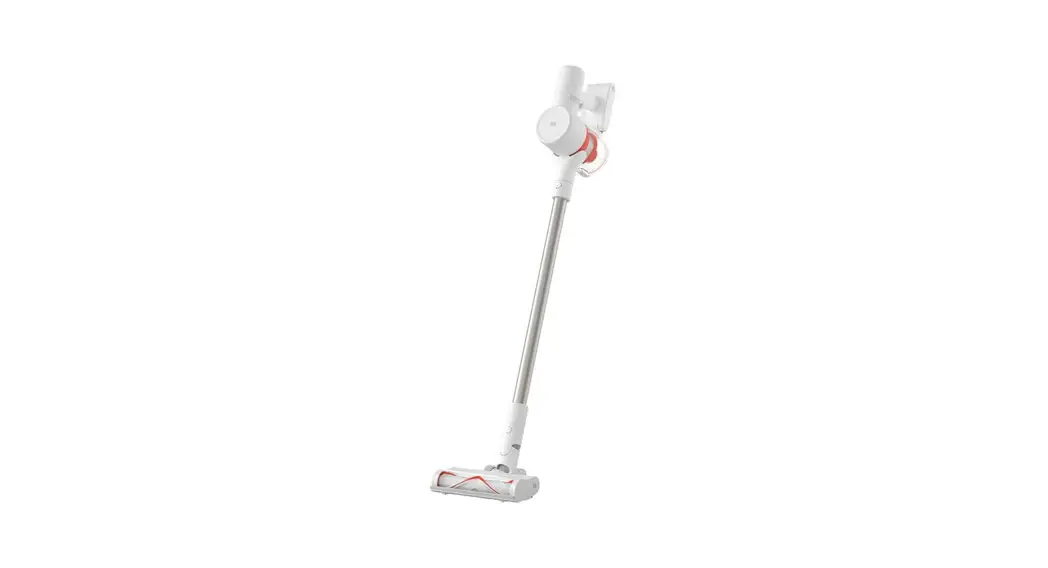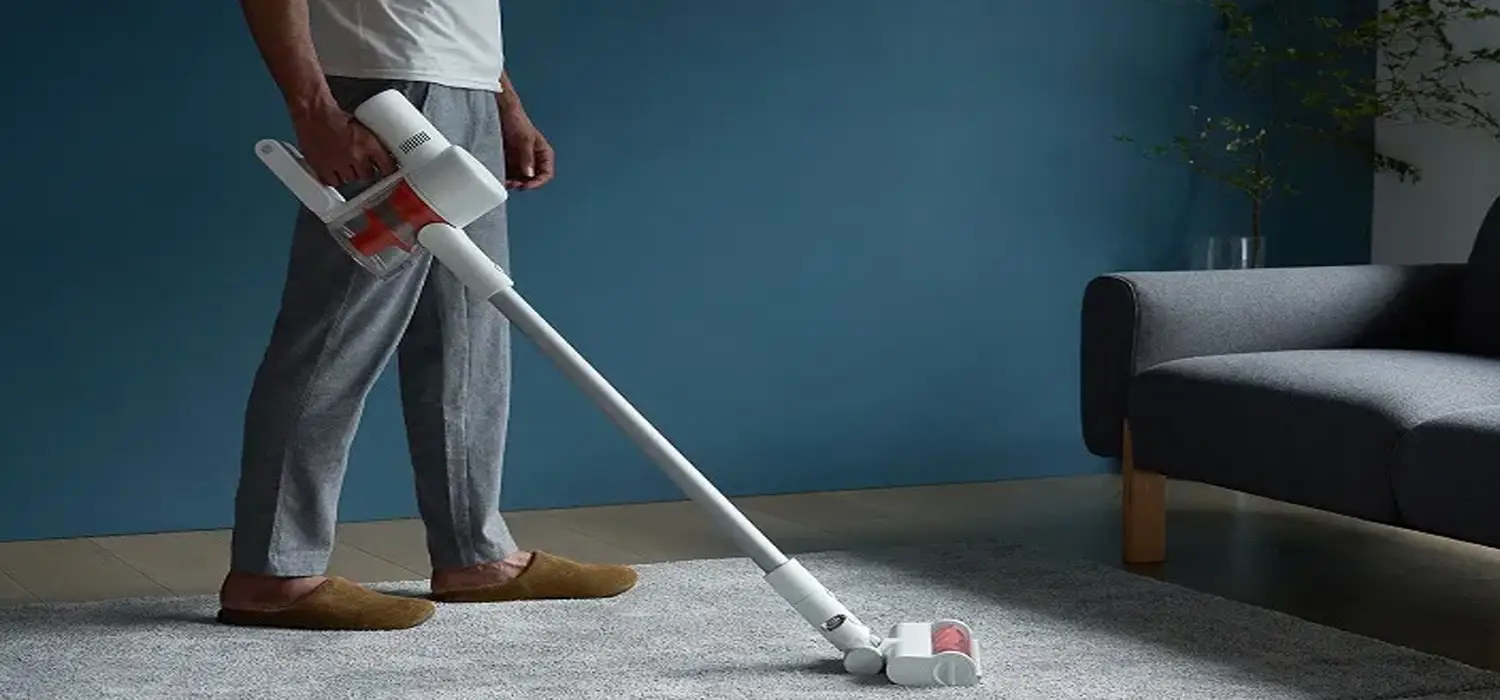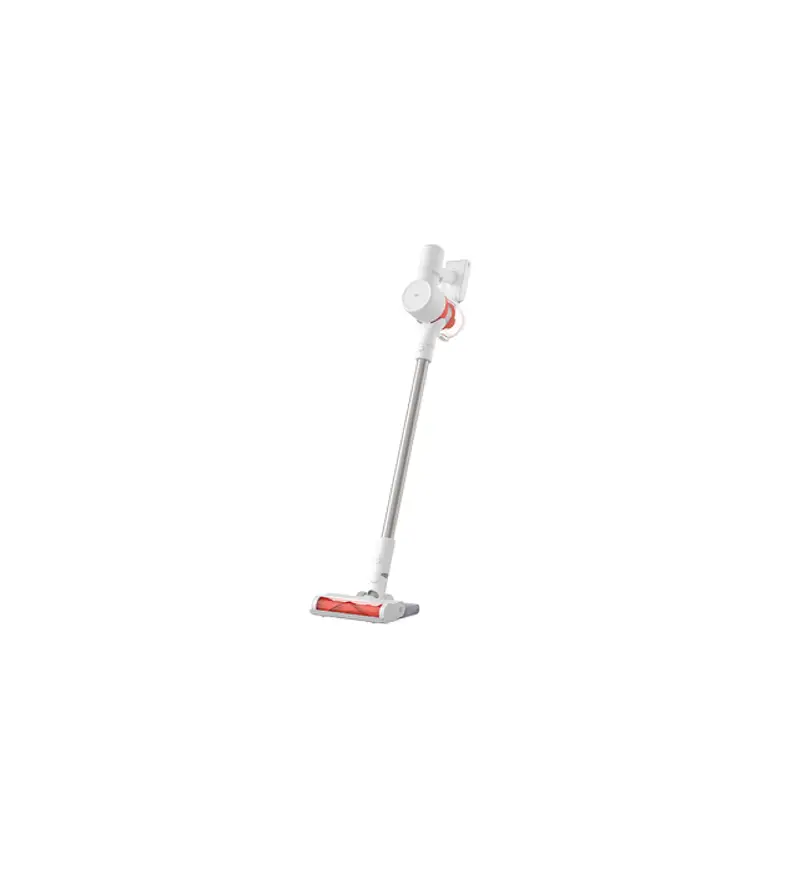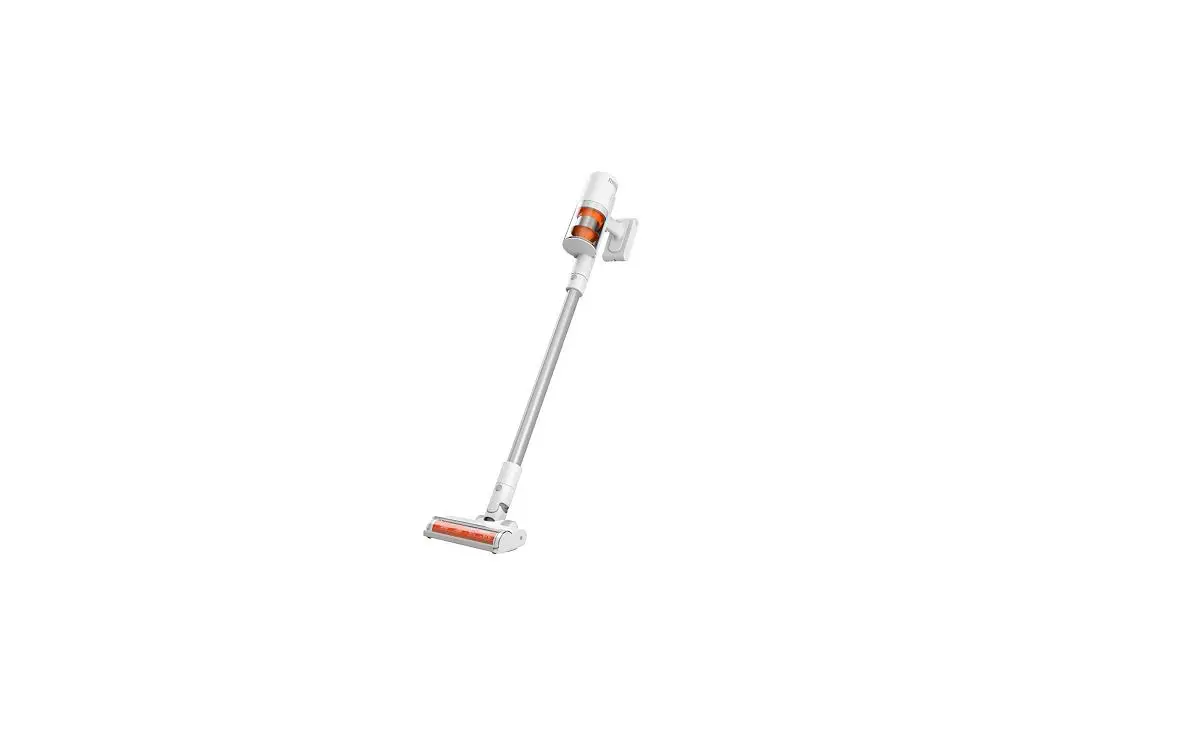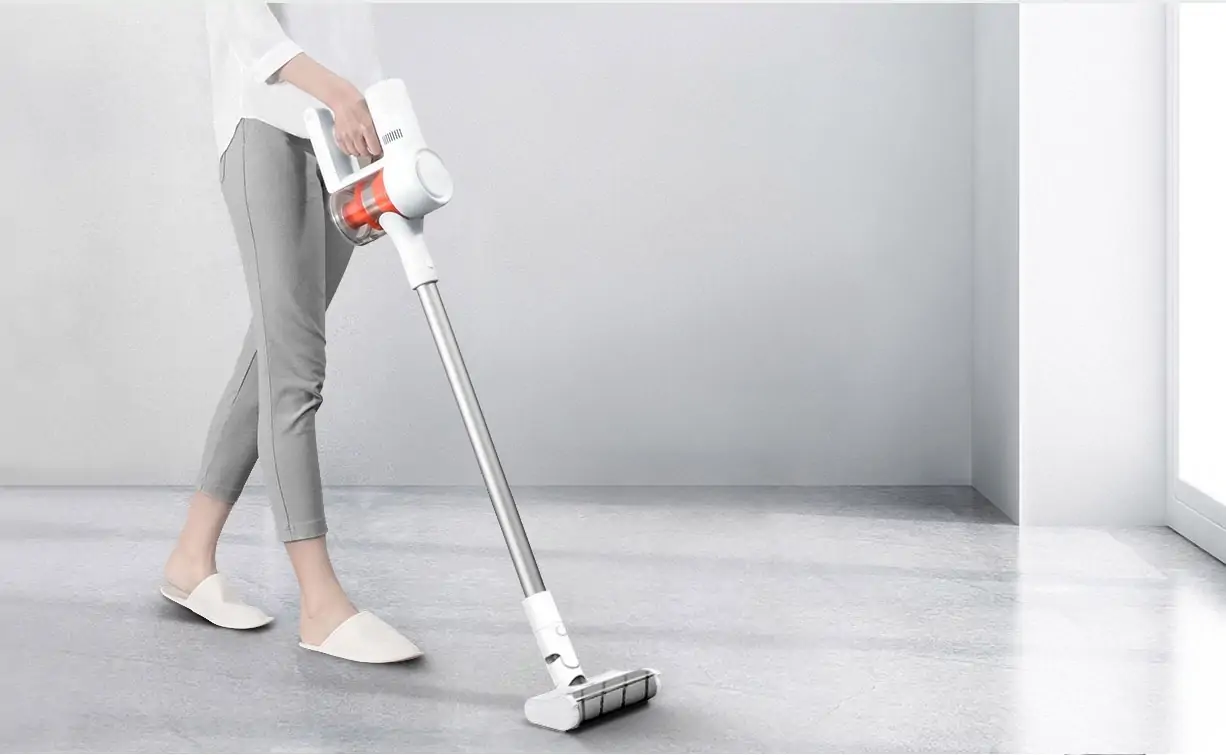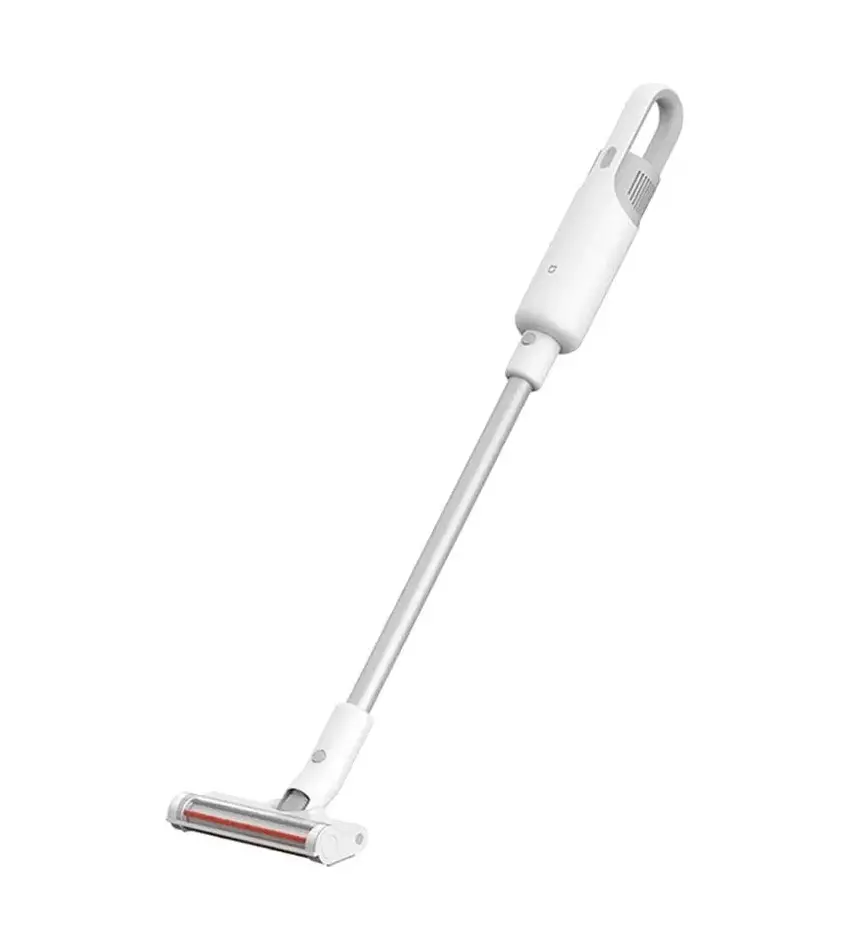

xiaomi G10 Vacuum Cleaner
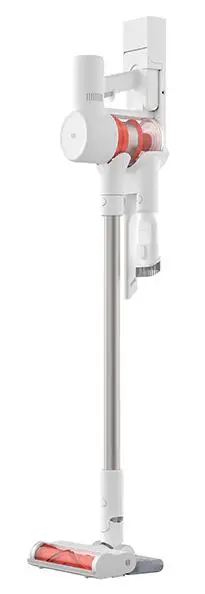
Mi vacuum cleaner G10 quick start guide
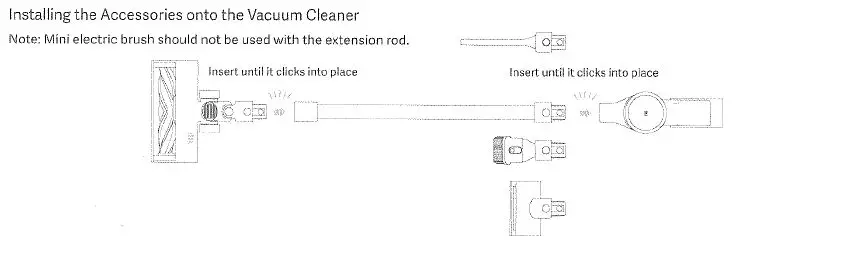
how to install
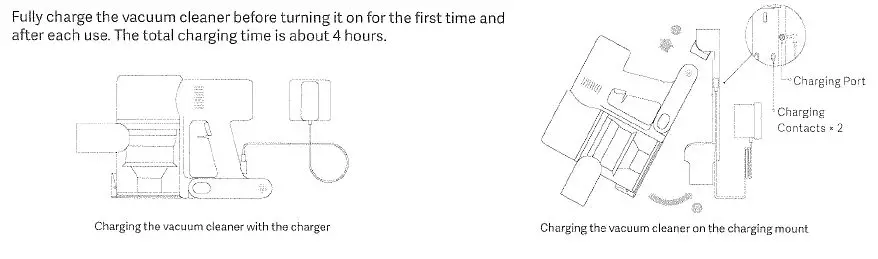
charging
how to use
Setting Language
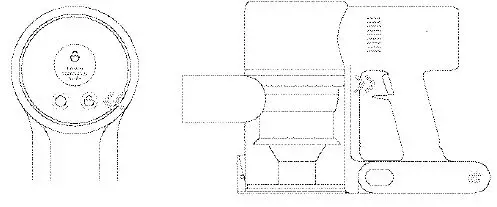
Press and hold the button O for 3 seconds to open the language list, then press the button Oto scroll through the language to select the desired one. Press and hold the button O for 2 seconds to use the selected language.
Note: The display screen will go off if there is no operation for more than 10 seconds.
Switching Suction Levels
Press the button O to switch suction levels of eco, standard/auto, and high power. The corresponding suction level will be highlighted on the display screen. Only when using the smart high torque brush bar, the auto mode will be activated and the notification of “Auto” will appear on the display screen. The vacuum cleaner will then automatically switch the suction level between the floor/tile and the carpet.
Note: Stop the vacuum cleaner at any time while cleaning, and it will continue to use the last selected suction level when started again.
Working Modes
- Non-continuous Mode
Hold down the power button to start the vacuum cleaner, then release to stop it.
- Continuous Mode
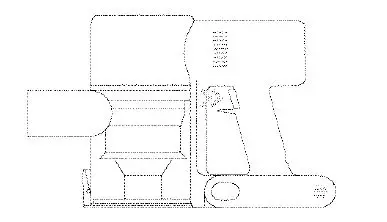
Press the button oto enable Continuous Mode, then press the power button to turn the vacuum cleaner on. To exit Continuous Mode, press the button 6.
notes
In Continuous Mode, the vacuum cleaner will enter into standby mode when pressing the power button, and resume running if pressing the button again. When the vacuum cleaner keeps in standby mode for more than 10 seconds, its display screen will go off and the vacuum cleanerwi!! then exit the Continuous Mode.
cleaning
Washable Parts
These parts must be separated from the vacuum cleaner or assembly prior to cleaning. Make sure the washed parts are thoroughly dry for at least 24 hours.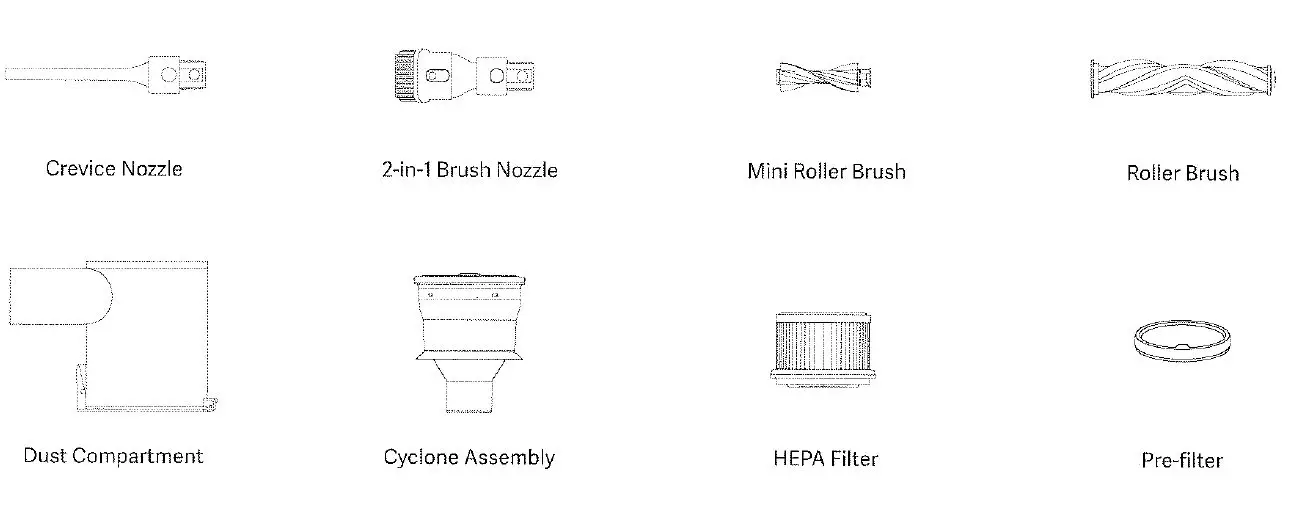
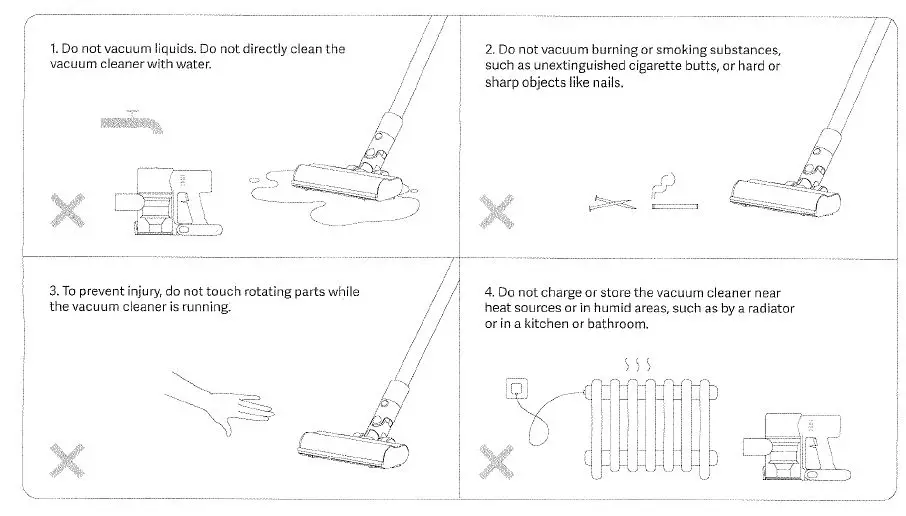
Warning: Only the above parts are washable, the rests and the vacuum cleaner itself are non-washable.