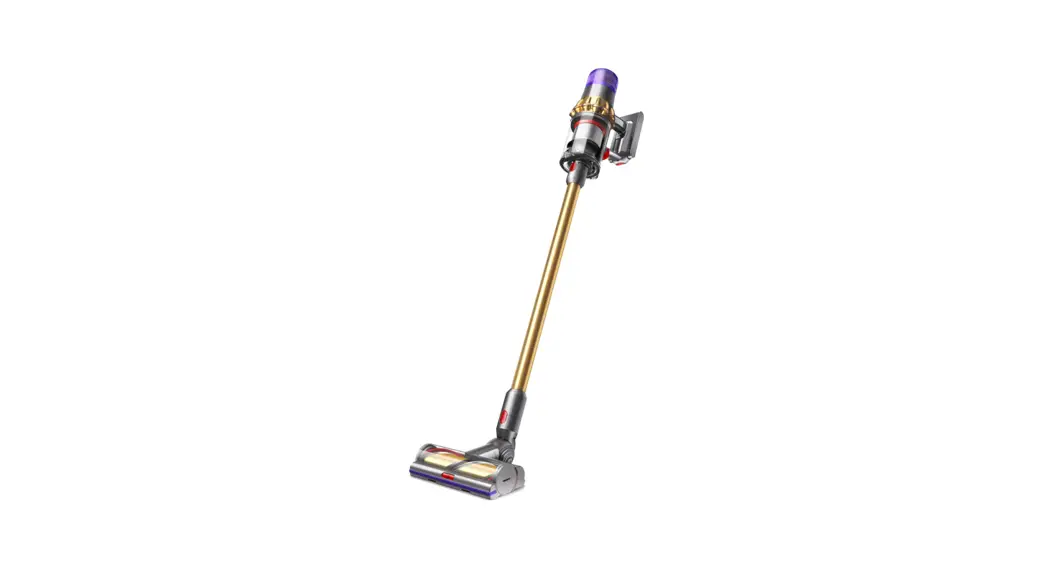
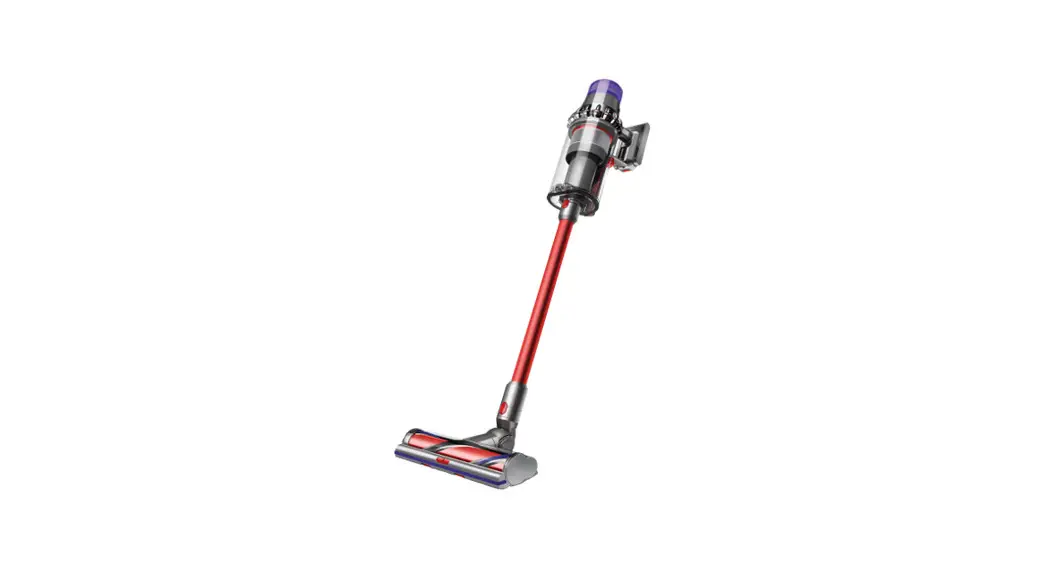
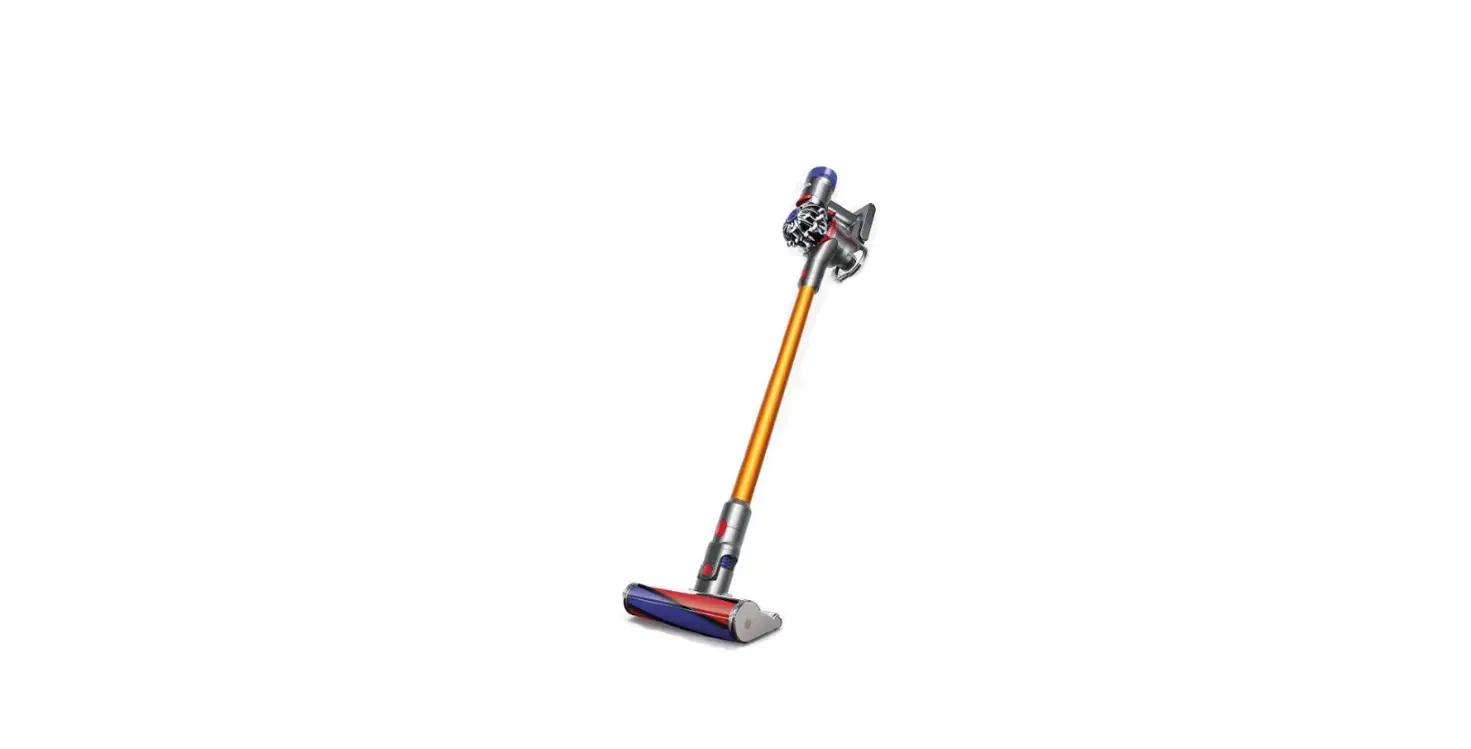
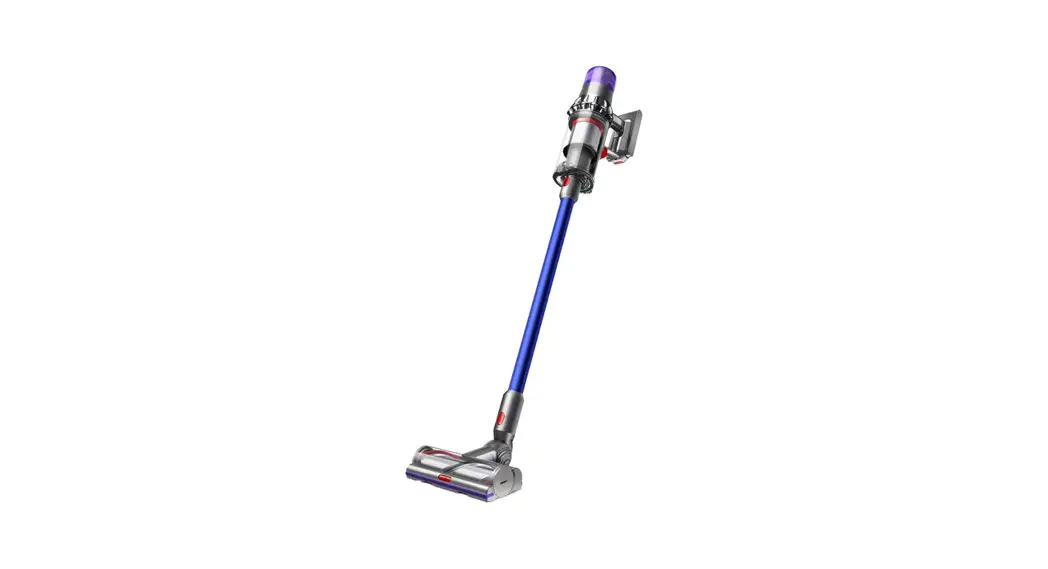
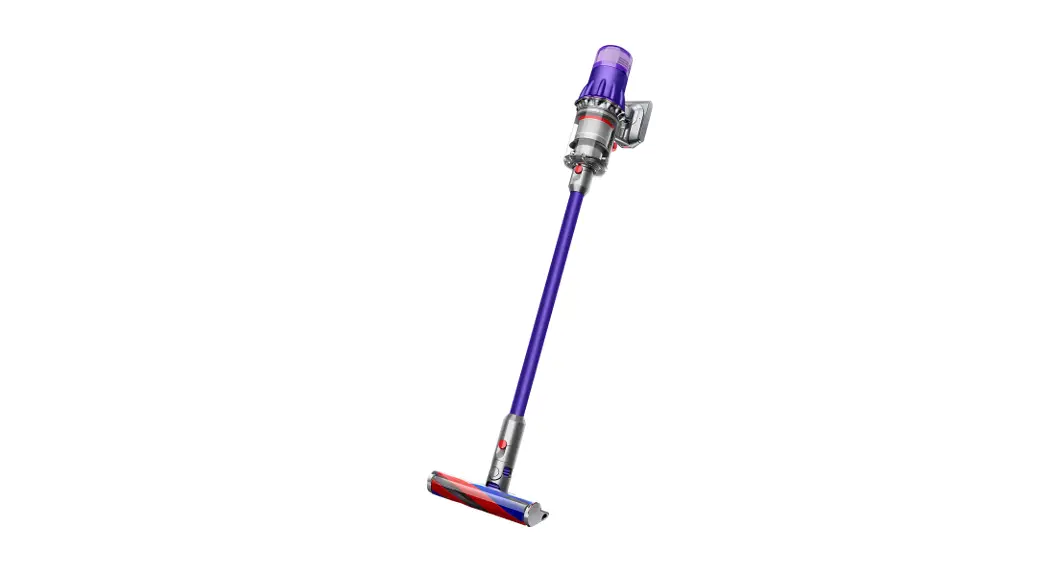
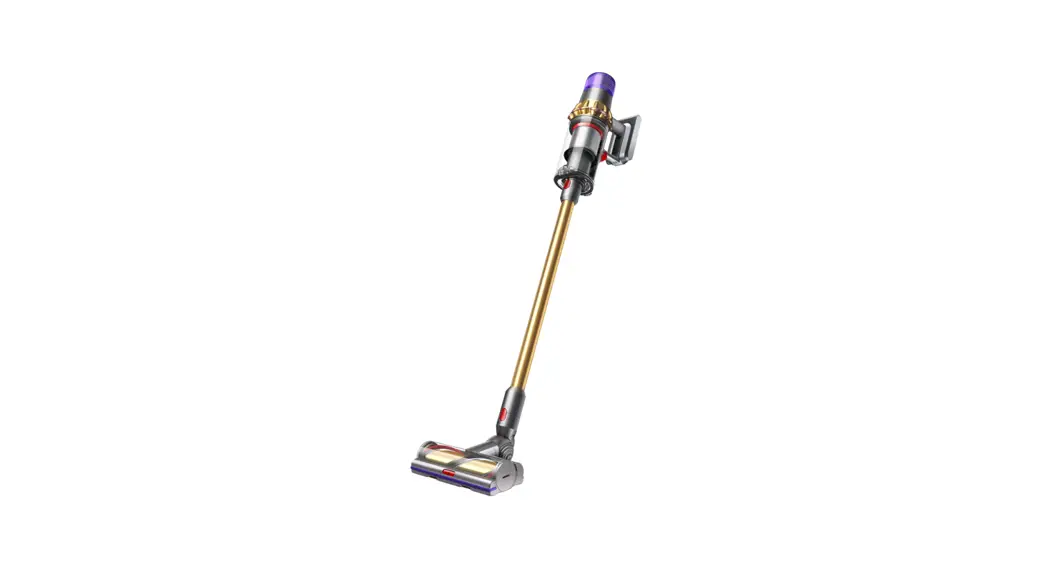
SV33 JN.00000 Cordless Vacuum Cleaner
Product Information: Dyson Cordless Vacuum Cleaner
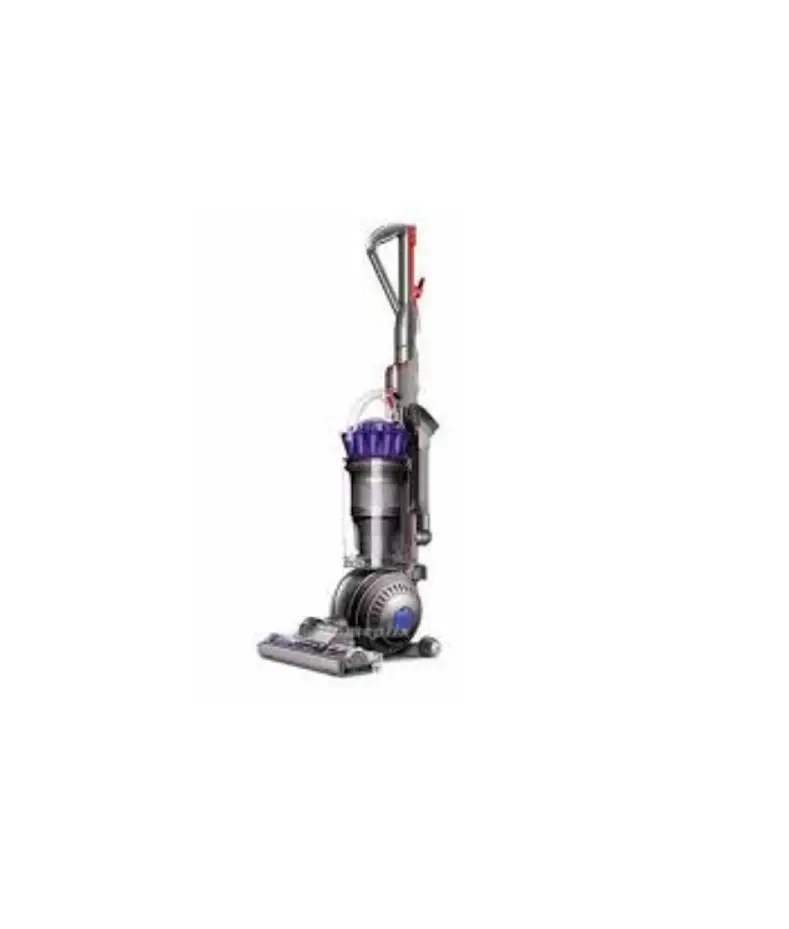
The Dyson cordless vacuum cleaner is an upright vacuum cleaner
that provides convenient and efficient cleaning. It is equipped
with a wand and a cleaner head for versatile cleaning options. The
vacuum cleaner comes with various tools and accessories to assist
in different cleaning tasks. It features a powerful motor and
adjustable power modes for effective cleaning performance.
In the Box:
- Main body with handle and bin attached
- Soft fluffy brush bar housed within the cleaner head
- Vacuum cleaner with electrical connector end
- Rectangular wall dock
- Charger unit with plug and cable
- Illuminated cleaner head for visible dust detection
- Wand for extended reach
- Floor dock for easy storage (selected models only)
- Additional tools (may not be included, can be purchased
separately)
Product Usage Instructions:
Getting Started:
To start using the Dyson cordless vacuum cleaner, follow these
steps:
- Ensure the vacuum cleaner is in an upright position with the
wand and cleaner head attached. - Press the power button on the top of the machine once to turn
it on. - To change power modes, press the power mode button located on
the machine. - Use the wand release button to connect the wand onto the main
body, aligning the buttons on the handle. - Connect the desired tool directly to the main body or to the
end of the wand.
Caring for Your Floors:
To effectively clean and care for your floors, follow these
instructions:
- For hard floors, use the illuminated cleaner head to make
invisible dust visible. - Adjust the power mode according to your cleaning needs (Max
mode for intensive cleaning, Eco mode for a balance of power and
run time).
Charging Your Machine:
To charge your Dyson cordless vacuum cleaner, follow these
steps:
- Place the vacuum cleaner in the wall-mounted charging dock or
floor dock (if available). - Ensure the charger is properly connected to the charging points
on the vacuum cleaner. - If not using a dock, connect the charger directly to the vacuum
cleaner.
Emptying Your Bin:
To empty the bin of the vacuum cleaner, follow these steps:
- Detach the bin from the main body.
- Dispose of the collected dirt and debris from the bin.
Cleaning Your Bin:
To clean the bin of the vacuum cleaner, follow these steps:
- Remove any remaining dirt or debris from the bin.
- Wash the bin with water and mild detergent.
- Ensure the bin is completely dry before reattaching it to the
main body.
Clearing Blockages:
If you encounter any blockages during cleaning, follow these
steps to clear them:
- Refer to the user manual for specific instructions on clearing
blockages. - Use the provided tools, such as the hair screw tool, to remove
tangled debris.
Washing Your Filter:
To clean the filter of the vacuum cleaner, follow these
steps:
- Refer to the user manual for specific instructions on washing
the filter. - Remove the filter from the vacuum cleaner.
- Wash the filter with water and mild detergent.
- Allow the filter to completely dry before reinstalling it.
Cleaning Your Tools:
To clean the tools and attachments of the vacuum cleaner, follow
these steps:
- Refer to the user manual for specific instructions on cleaning
each tool. - Remove any dirt or debris from the tools using a brush or
cloth.
Looking After Your Machine:
To ensure the longevity of your Dyson cordless vacuum cleaner,
follow these maintenance tips:
- Regularly clean and maintain the vacuum cleaner as instructed
in the user manual. - Store the vacuum cleaner in a safe and dry location when not in
use. - Avoid exposing the vacuum cleaner to extreme temperatures or
moisture.
Please note that some details may vary from those shown in the
user manual. Additional tools can be purchased separately from the
official Dyson website.
SV33 JN.00000 PN.000000-00-00 00.00.00 VERSION NO.01
User manual
Dyson micro logo
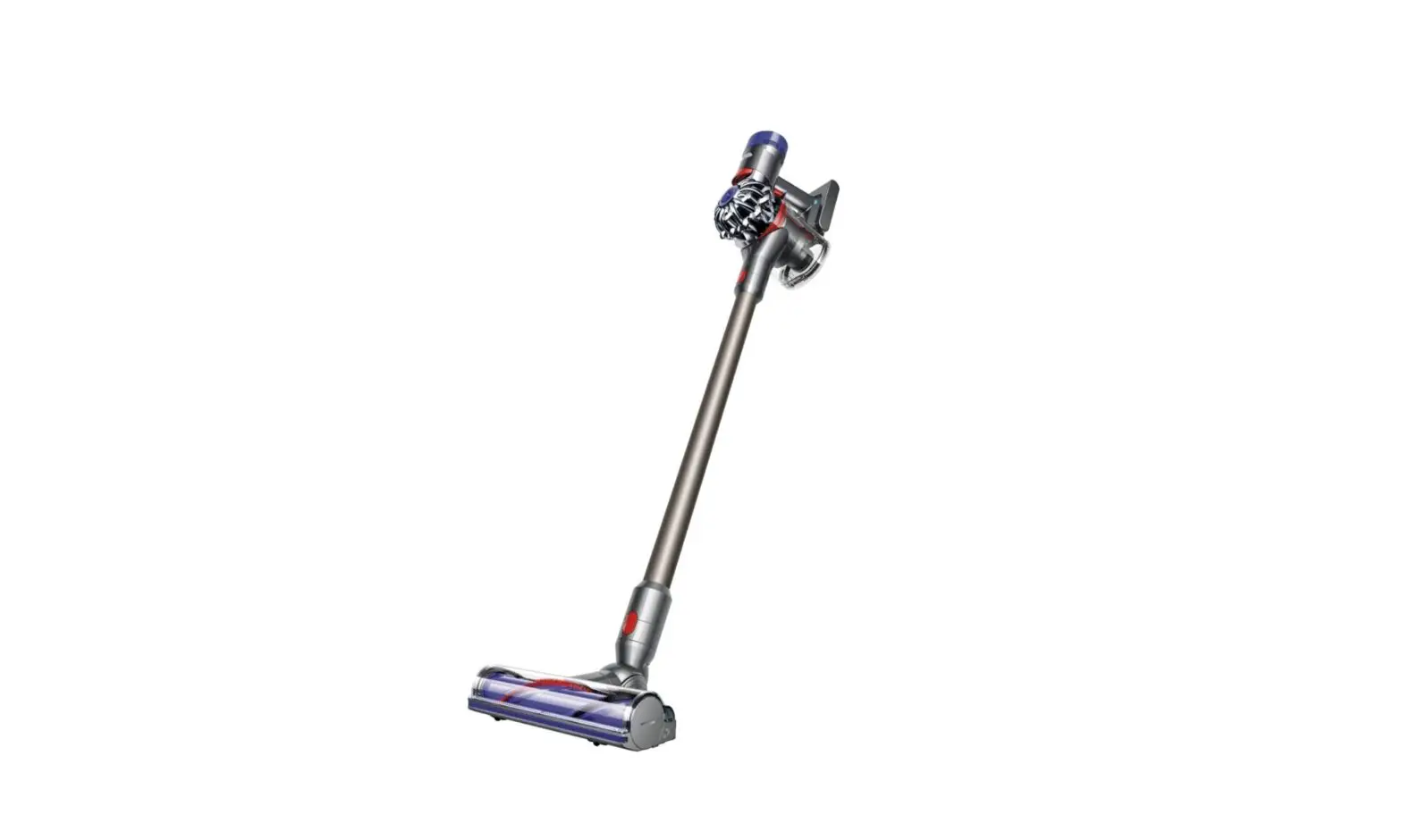
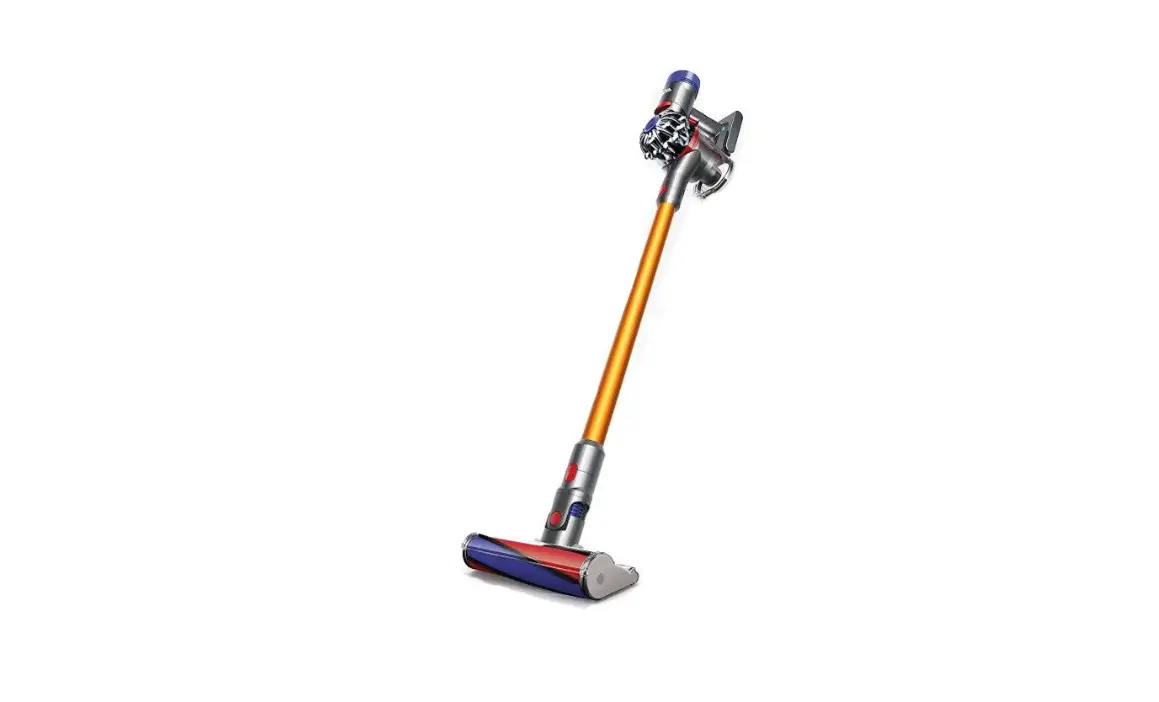
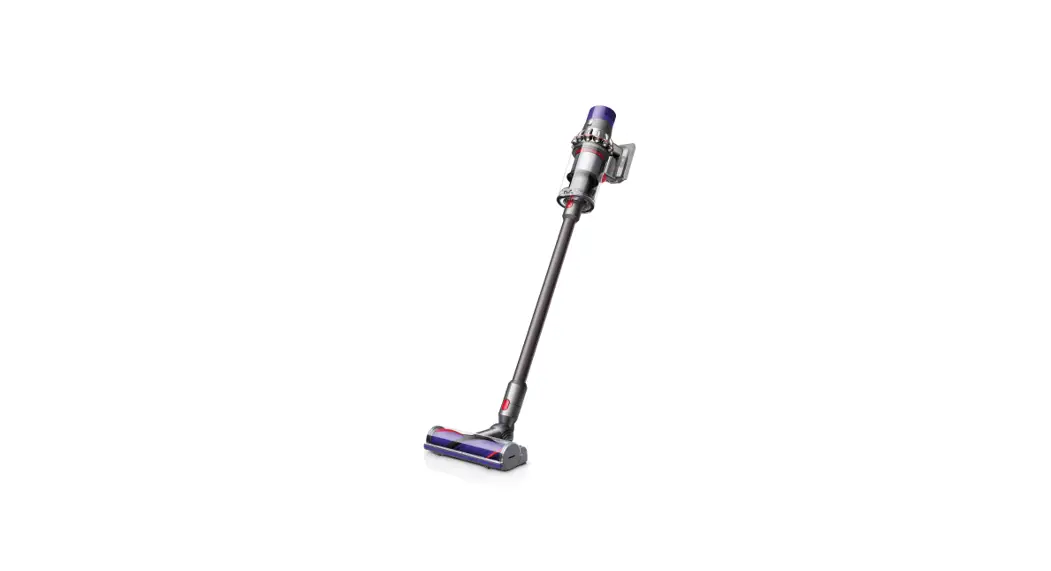
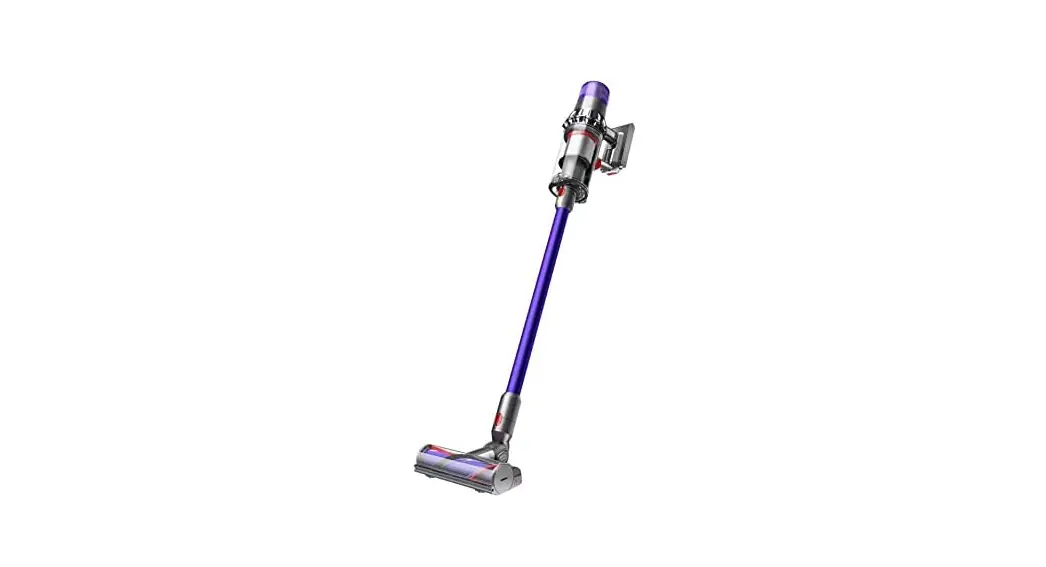
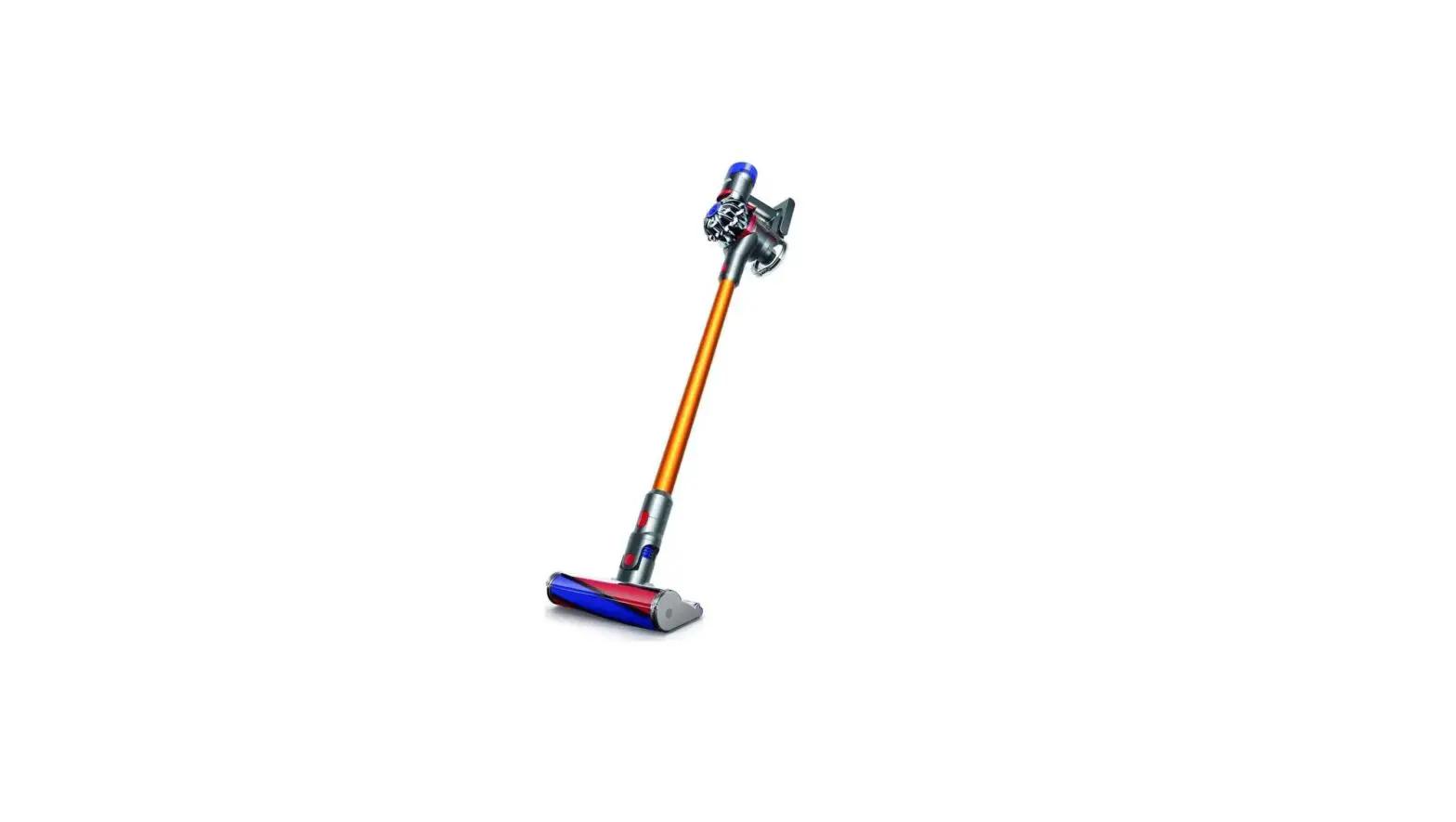
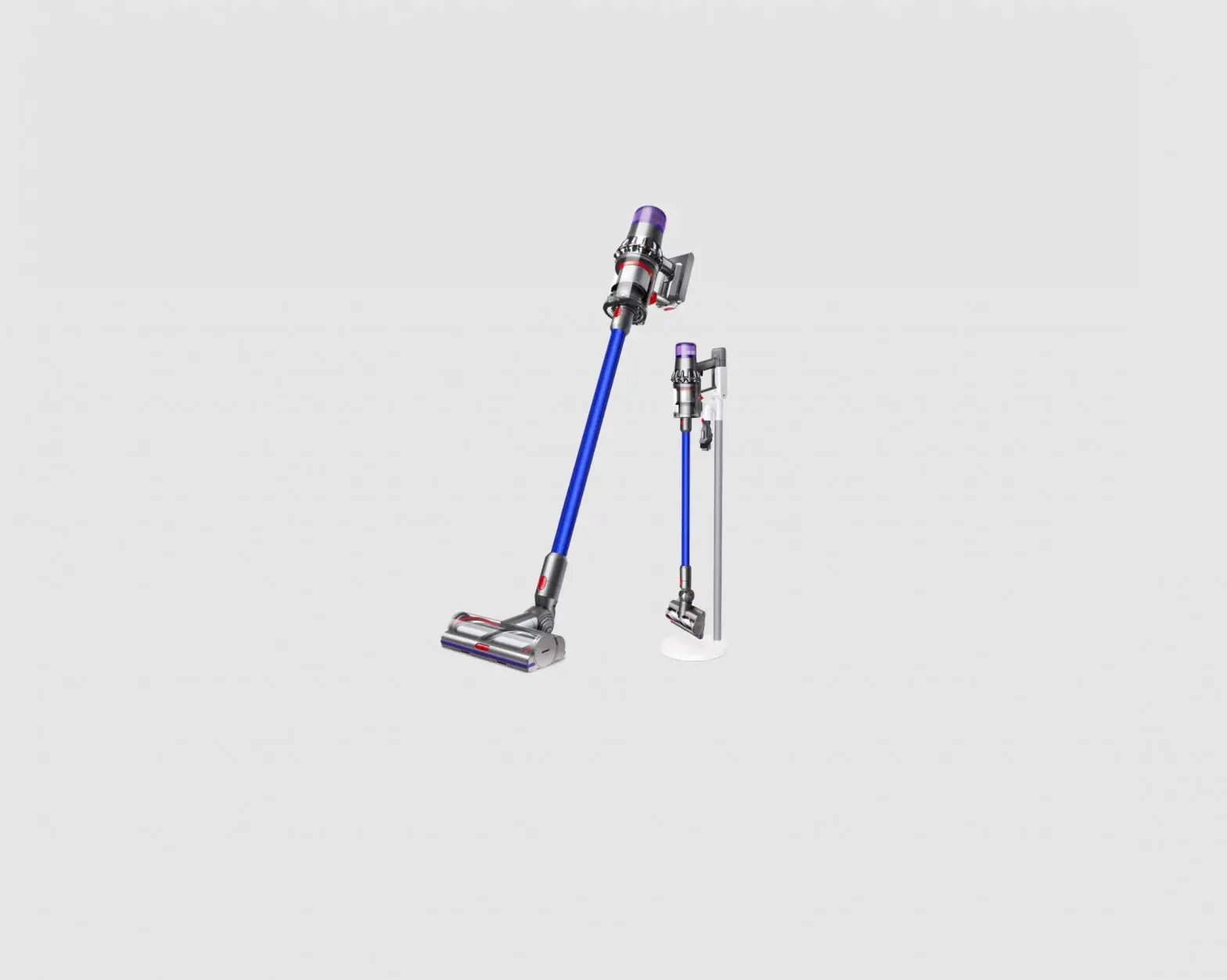
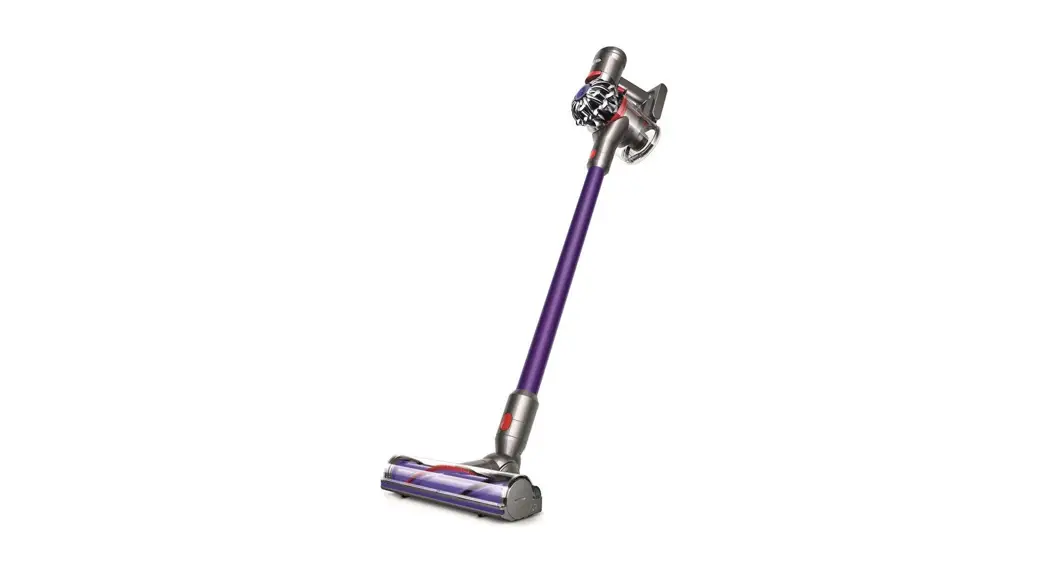
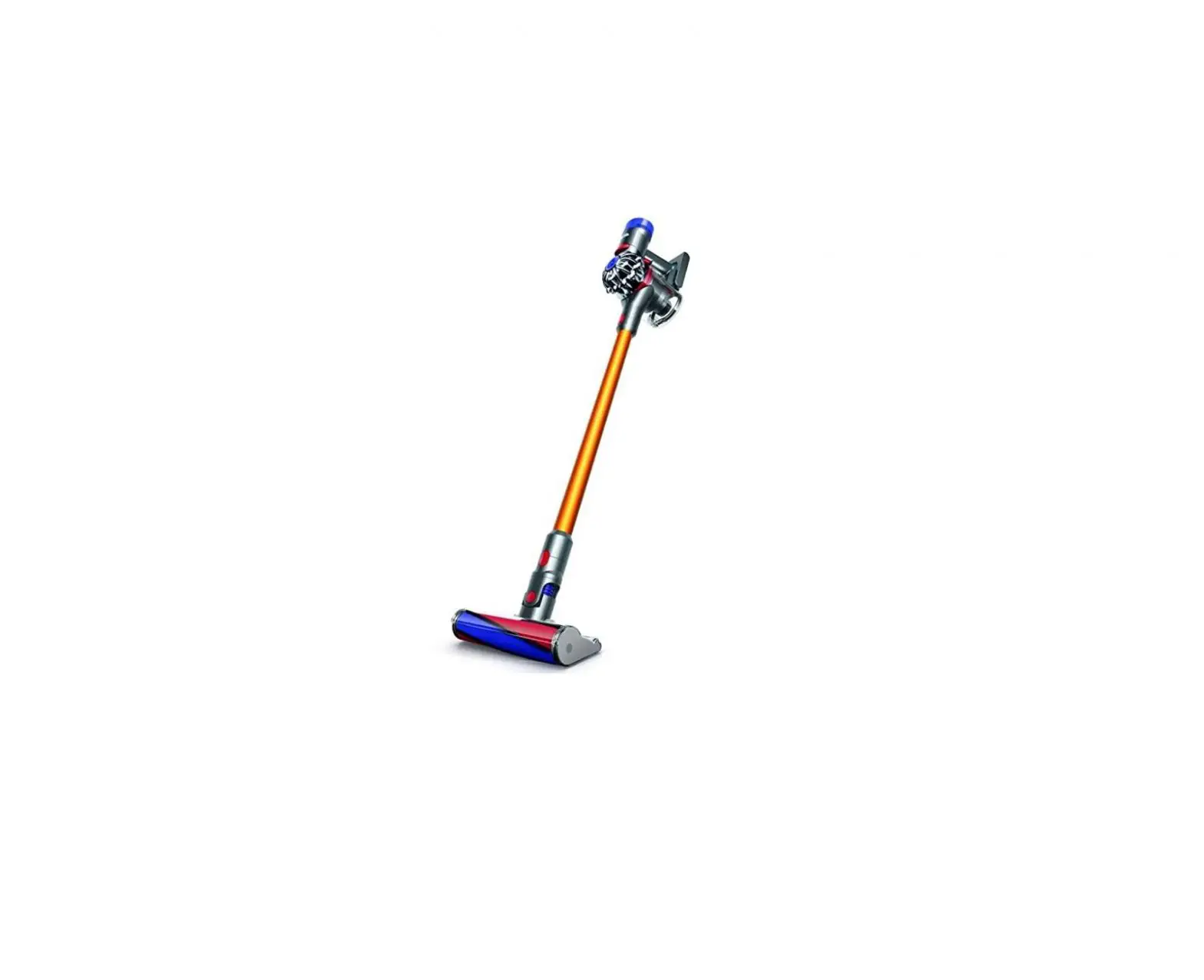
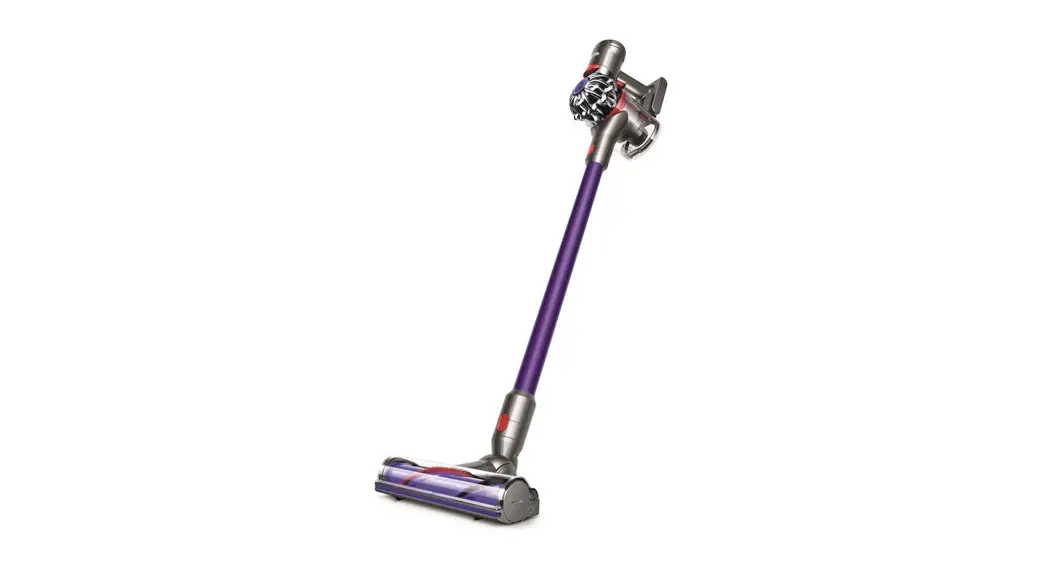
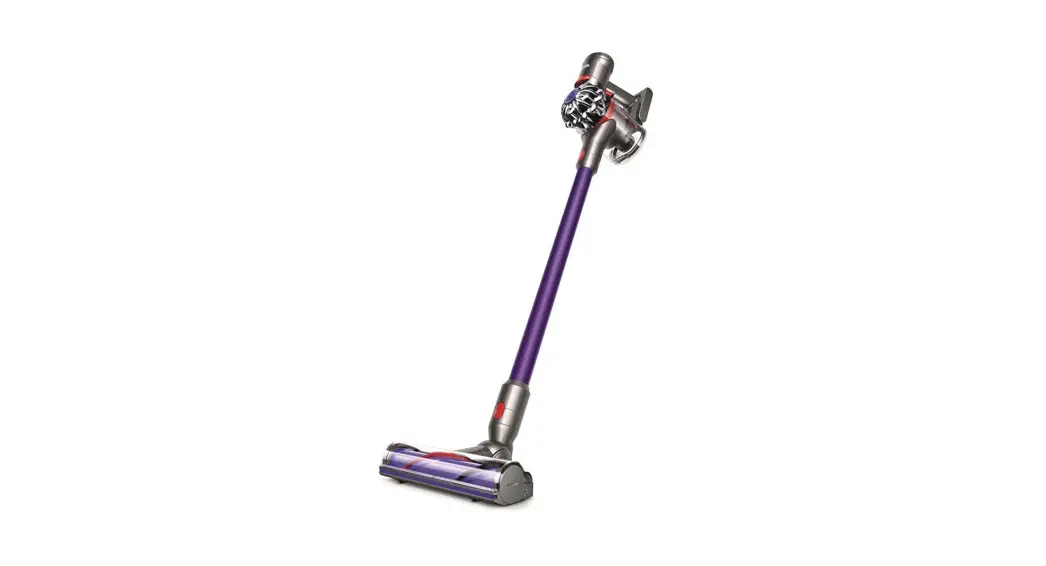
The Dyson cordless vacuum cleaner in an upright position with the wand and cleaner head attached.
Contents In the box Getting started Caring for your floors Charging your machine Emptying your bin Cleaning your bin Clearing blockages
Clearing blockages from your Hair screw tool Washing your filter Washing your Illuminated cleaner head brush bar Cleaning your tools Looking after your machine
In the box
Main body showing the handle and bin attached.
A soft fluffy brush bar housed within the cleaner head. There is an electrical connecter end that can attach to the end of the wand or directly to the machine.
Vacuum cleaner
A rectangular dock that needs to be fixed to a wall with screws.
The charger is a one piece unit with the plug, connector end and cable.
Illuminated cleaner head The illuminated cleaner head makes invisible dust visible on hard floors.
Charger Charges your vacuum with or without a dock.
The narrow connector end at the top, this connects to the bin and the wider end at the bottom that connects to the cleaner head or tool.
Wall dock The Dyson cordless vacuum drops into the wall-mounted charging dock, ready for your next clean.
Wand
A floor standing dock with a round base and a cylindrical support with the support for your machine at the top. Slide the battery section of your machine into the dock where it then connects to the charging points.
Dyson Floor Dok Your Dyson vacuum drops into the aluminium dock, so it’s easy to store anywhere you choose, with no need to fix to the wall.
Dyson Floor Dok only available on selected models.
Some tools may not be included, small details may vary from those shown. You can buy additional tools at www.dyson.co.th/en-TH/.
This tool has a combination of brush head and crevice tool together in one unit. The brush head slides down the crevice tool when needed.
A long tool with an angled end.
A small cleaner head with an angled body housing the motor and an electrical connector to attach to the wand or directly to the machine.
This tool is angled and has a nozzle end.
A plastic clip that attaches to the wand
Combi-crevice tool Two tools in one narrow nozzle and brush, for quick switching between cleaning and dusting tasks.
Light pipe crevice tool Crevice tool with LED lights lets you reach into dark, narrow spaces and see where you’re cleaning.
Hair screw tool Anti-tangle conical brush bar spirals hair off and into the bin. Motor-driven cleaning for smaller spaces.
Worktop tool Engineered for cleaning kitchen worktops, tables and hard surfaces.
Wand clip Clips to your vacuum’s wand to hold tools.
Getting started
Power button Press the Power button once for comfortable, continuous cleaning.
We’ve removed the trigger, so you can swap hands easily while cleaning around obstacles
Power modes Press the button to change power modes.
Max mode Delivers maximum power. For intensive cleaning of ground-in dirt.
Eco mode The optimum balance of power and run time
Location of the power button on the top of the machine.
The connection of the wand onto the main body, with the wand release button aligned with the buttons on the handle of the main body.
Pointers to demonstrate that the tools can be connected directly to the main body or to the end of the wand.
The main body with the power button and mode button on the top of the machine and bin with the bin base closed.
The main body of the Dyson vacuum connects to the illuminated cleaner head floor tool.
Small details may vary from those shown.
Arrow showing the end of the wand connecting to the cleaner head.
Illuminated cleaner head The illuminated cleaner head makes invisible dust visible on hard floors.
Caring for your floors
Check that the underside of the cleaner head or tool is clean and free from any objects that may cause damage.
Before vacuuming your flooring, rugs, and carpets, check the manufacturer’s recommended cleaning instructions.
This machine is designed for use on hard floors. The brush bar on your machine can damage certain flooring. Some rug materials may fuzz if a rotating brush bar is used when vacuuming. If this happens, we recommend vacuuming without the motorised floor tool and consulting with your flooring manufacturer.
Charging your machine
For the best experience, we recommend fully charging your machine, and any additional batteries, as soon as you open the box and after every clean.
The LED light on the end of the handle will flash when the power is running low and you need to put your battery on to charge. Connect the charger directly to the charging point on the base of the handle of your machine. You can also connect to your dock as shown in the installation instructions supplied with your dock. The LED light on the end of the handle will pulse with a blue LED light when charging, and the light will go out when fully charged. It can take up to 3.5 hours to fully charge your battery. Your battery has been designed to be left on charge. Your machine won’t operate or charge if the ambient temperature is below 5°C (41°F). This is designed to protect both the motor and battery. You can help prolong the battery life by leaving your machine to cool down before recharging.
The charger connected from the power supply directly into the front of the battery.
Emptying your bin
Empty your bin as soon as the dirt reaches the MAX mark. You may need to clean the filter more often if you use your machine with a full bin.
The MAX mark on the bin of the machine, showing that the dirt should not be filled over the Max mark when the machine is at the angle of normal use.
Remove your wand Press the red wand release button, on the top of the wand, and pull the wand away from the bin.
Release the dirt Hold the machine over the bin, pointing downwards.
Firmly push the red bin release button. The bin will slide down, cleaning the shroud as it goes, and the bin base will open.
The bin base won’t open if the red bin release button isn’t pushed down all the way.
To remove the bin for emptying: If the bin doesn’t empty fully, remove the bin and empty the dirt.
Press the red button located on the bin runner to release the bin and slide your bin off the runner.
Minimise dust contact Cover your bin tightly in a dust proof bag while you empty. Remove your bin carefully, seal the bag tightly and dispose.
Replace your bin If you have removed your bin, slide it back on to the runner. Make sure that the bin and lid are both securely in position.
Push the bin base upwards until the bin and lid both click into place. Reconnect the wand.
Close the bin Push the bin base upwards until your bin and bin base click into place.
Illustration of the bin being emptied.
1
2
The bin lid closing with an audible click and the bin being pushed upwards with another click once it is fully in place.
Two images of the bin with arrows showing the bin lid closing and a click symbol and the bin being pushed upwards with another click symbol.
2
clik
clik
1
Illustration of the bin being emptied into a bag.
Cleaning your bin
Don’t put any part of your machine in a dishwasher or use detergents, polishes or air fresheners.
Clean your bin If it is necessary to clean your bin, empty it as shown in the `Emptying your bin’ section.
Press the red button located on the bin runner to release the bin and slide your bin off the runner.
To clean your bin, you can use a damp, lint-free cloth, or run it under a stream of water. Never fully submerge you bin under water. Once your bin is cleaned leave to dry before reattaching.
Make sure that your bin and seals are completely dry before replacing.
Replace your bin Insert the spine on to the bin runner.
Close your bin by pushing the bin base upwards until the bin and bin base click into place.
1
The bin being pushed back into position on
the bin runner.
2
The bin being removed and the location of the bin release lever on the underside of the bin runner.
Clearing blockages
If your machine detects a blockage, the motor will pulse six times. You won’t be able to use your machine until the blockage has been cleared. If you try to use your machine when the motor is pulsing, it will automatically cut out. Leave your machine to cool down before looking for blockages.
With the bin removed, check for blockages, paying particular attention to the air inlet, located at on the righthand side of the machine just below the point where the bin joins the main body of the machine.
Disconnect your machine from the charger before looking for blockages. Be aware of sharp objects.
Leave your machine to cool down before looking for blockages.
Don’t use your machine when looking for blockages as this could cause injury.
Check for blockages in the filter end and bin ends of the machine.
The bin being removed and the location of the bin release lever on the underside of the bin runner.
With the wand removed from the machine, check for blockages at both ends of the wand.
Turn the cleaner head over to check for obstructions on the brush bar and air inlet.
Remove any obstructions from the brush bar.
Clearing blockages from your Hair screw tool
Your Hair screw tool doesn’t have a washable brush bar. To maintain optimum performance, check your brush bar regularly and clear any obstructions.
Make sure your machine is disconnected from the charger.
Remove the cover and brush bar Remove the Hair screw tool from the wand or machine. Push the base plate open. Press the red lever down to release the cleaner head cover. Pull the cleaner head cover off the main body of the tool.
Look for obstructions Pull your brush bar firmly to remove it from the main body. Check and remove any obstructions from all three parts of your Hair screw tool. Your Hair screw tool isn’t washable. Wipe over with a damp lint-free cloth. Don’t put any part of your machine in a dishwasher or use detergents, polishes or air fresheners.
Location of the lever to release the brush bar is located at the back of the Hair screw tool.
Reassemble Hair screw tool Put your brush bar back into position and press firmly until it clicks back into position.
Check the red locking lever is in the unlocked position. Align the cleaner head cover with the guide on the main body. Push it down until it clicks into position.
Push the red locking lever up until it clicks into position and push the base plate back into place.
Slide the housing back on to the brush bar and push the lever on the back of the Hair screw tool upwards to lock.
Washing your filter
Wash your filter at least once a month to maintain optimum suction power. For more information and support videos for your machine go online: www.dyson.co.th/en-TH/products/vacuum-cleaners/dyson-micro-vacuum/owners
Twist off your filter Twist your filter anti-clockwise and pull it away from your machine.
Tap your filter Before washing your filter, tap it gently over a bin to remove any loose dust and debris.
Holding the filter by the hard, plastic end, tap the other end over the bin.
The filter is located at the rear of your machine.
Wash your filter Wash with warm, running tap water gently rubbing your filter with your fingers to remove the dirt.
Fill and shake Place your hand over one end of your filter. Fill the filter with warm tap water. Place your hand over the open end of the filter and shake it firmly to remove trapped dirt and debris. Repeat these steps until the water runs clear.
Filter held in upright position, with the wider end in the palm of a hand. Water running from a tap into the narrower end.
Shake out the water Empty the filter and shake firmly to remove excess water.
Shake with the filter in both an upward and downward position.
Keep shaking until there’s no water coming from the filter.
A hand holding the filter with the narrow end pointing downwards with droplets of water being shaken from the filter and again, with the end pointing downwards shaking water out.
Filter with hand over the open end with arrows showing a shaking motion.
Dry your filter Don’t dry your filter in a tumble dryer, microwave or near a naked flame.
Important: your filter must be completely dry before you put it back into the machine. Your machine could be damaged if used with a damp filter.
The filter is left to dry with the pleated filter end facing upwards.
Washing your Illuminated cleaner head brush bar
Your Illuminated cleaner head has a washable brush bar. To maintain optimum performance, check and wash your brush bar regularly.
Make sure your machine is disconnected from the charger.
Remove your brush bar Don’t put any part of your machine in a dishwasher or use detergents, polishes or air fresheners.
Press the cleaner head release button on the end of the wand. Place the cleaner head upside down.
Push the end cap up fully and pull the brush bar out of the cleaner head.
Remove the end cap from the brush bar. Don’t wash the end cap.
Slide your brush bar out of the cleaner head.
1
The end cap is
located at the side
of the cleaner head.
Push this upwards to unlock the brush bar.
2
Don’t wash the end
cap.
Wash and dry your brush bar Hold your brush bar under running water and gently rub to remove any lint or dirt.
Stand your brush bar upright as shown. Leave to dry completely for at least 24 hours.
The brush bar has an open end and a closed end. Stand upright, with the closed end facing upwards, to dry.
3
Replace your brush bar Before replacing, check that your brush bar is completely dry.
Reattach the end cap to your brush bar.
Slide your brush bar into the cleaner head. Push the end cap back down to the closed position.
The end cap should be attached to the
2
cleaner head at an
angle less than 90°,
1
any angle greater
than this will not allow
the end cap to close.
Cleaning your optic lens To maintain optimum performance, keep your optic lens clean. Only clean the lens when the cleaner head is not attached to your machine.
Use a soft, dry, lint-free cloth to wipe the lens.
Cleaning your tools
Don’t put any part of your machine in a dishwasher or use detergents, polishes or air fresheners. Wipe with a damp, lint-free cloth, without touching the connector end. Make sure your tools are completely dry before using.
Combi-crevice tool
Light pipe crevice tool Hair screw tool
Worktop tool
Small details may vary from those shown.
Looking after your machine
To always get the best performance from your machine, it’s important to clean it regularly and check for blockages.
Look after your machine If your machine is dusty, wipe with a damp lint-free cloth. Check for blockages in the cleaner head, tools and main body of your machine. Wash your filter regularly and leave to dry completely. Don’t use detergents or polishes to clean your machine.
Look after your battery To get the best performance and life from your battery, use Eco mode. Your machine won’t operate or charge if the ambient temperature is below 5°C (41°F). This is designed to protect both the motor and battery.
Your serial numbers You can find your serial numbers on your machine and battery. Use your serial number to register.
 Dyson Thailand| Official Site | Shop