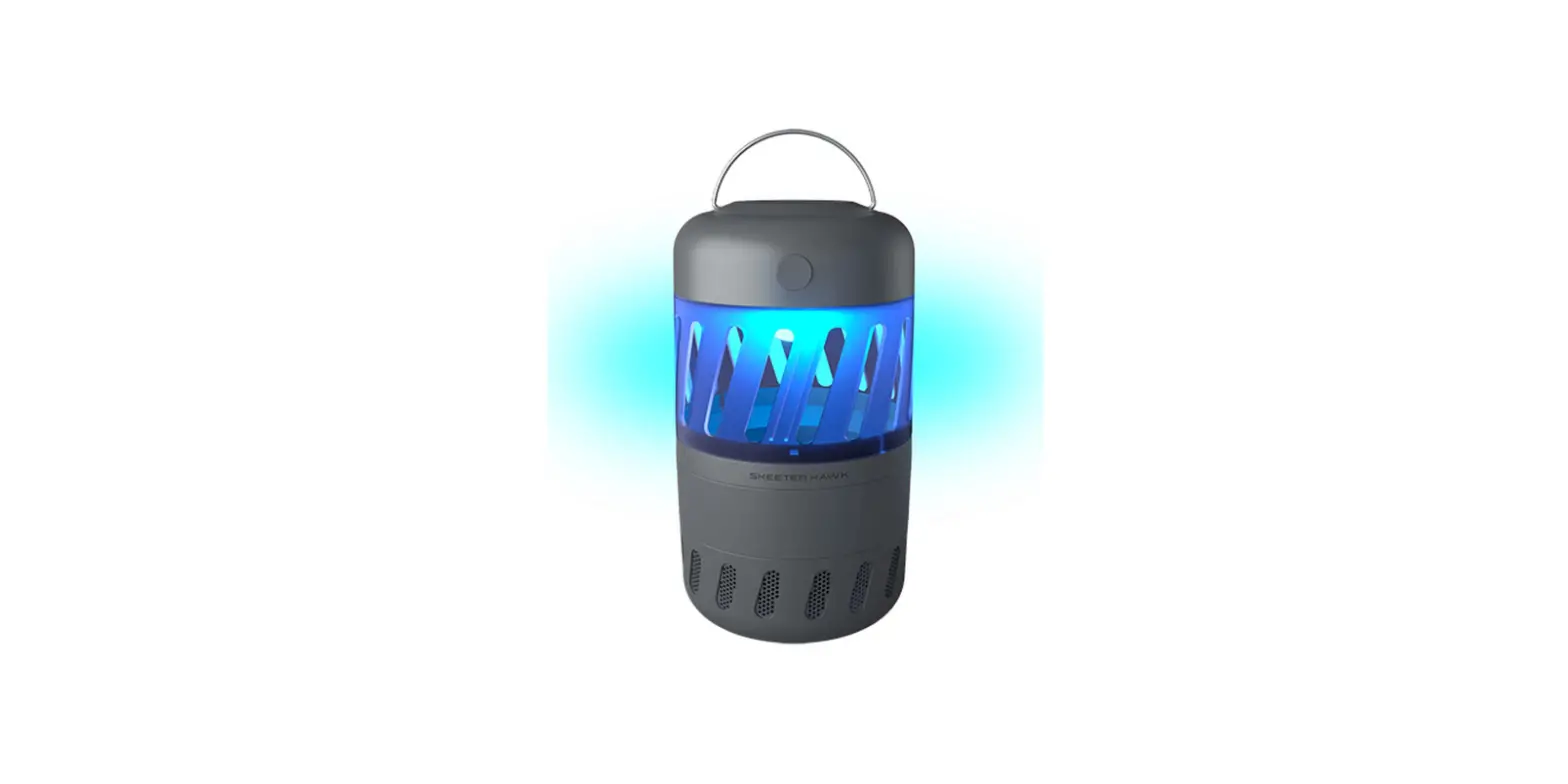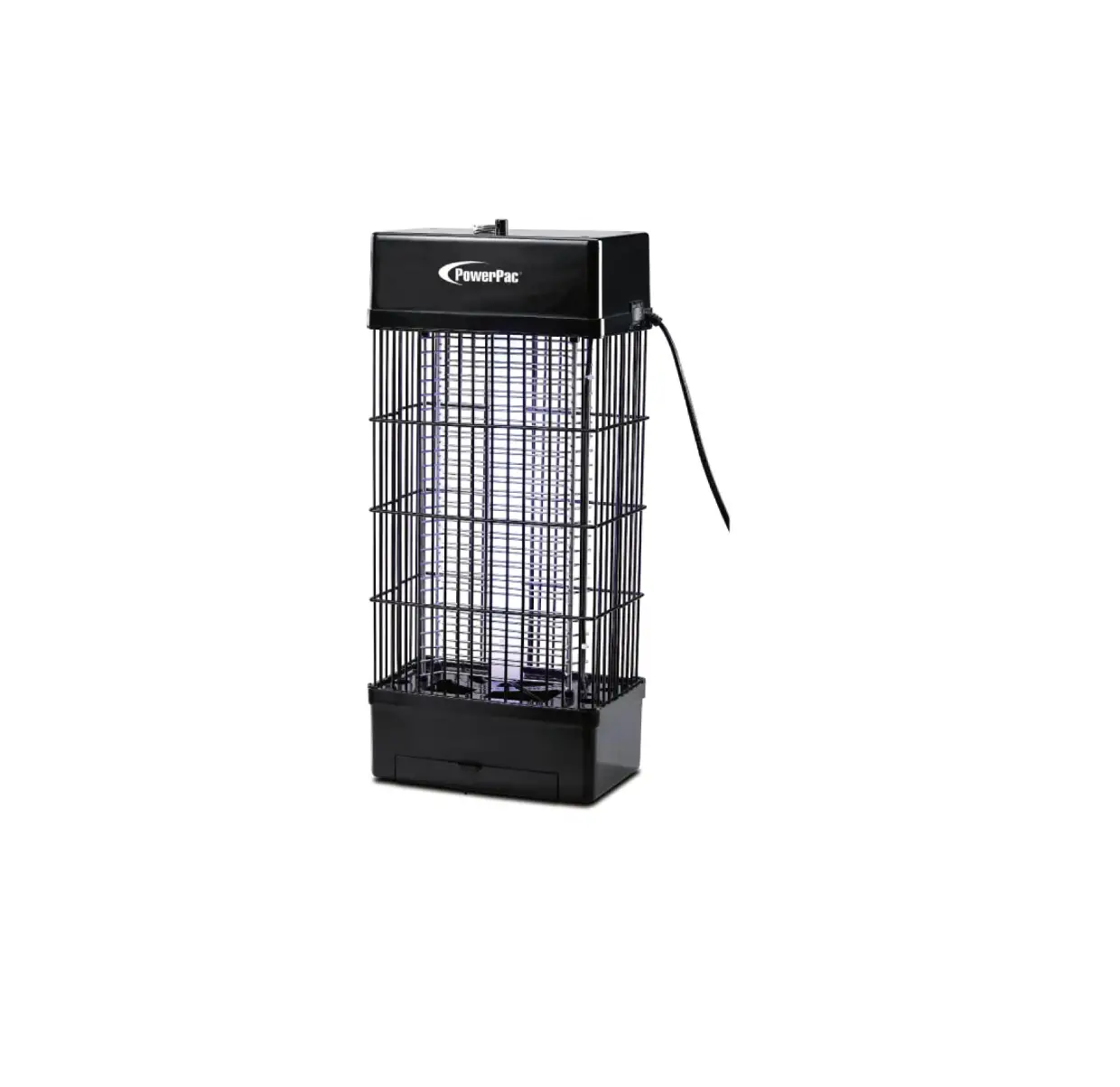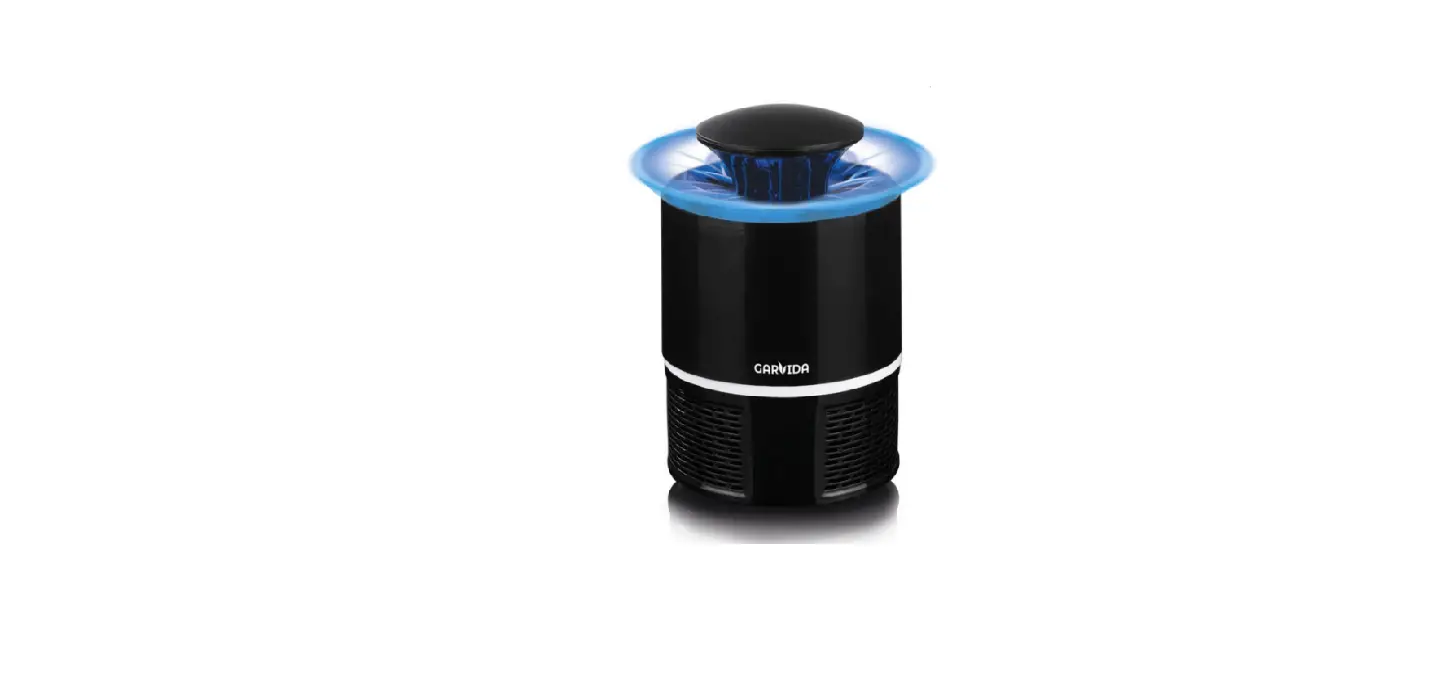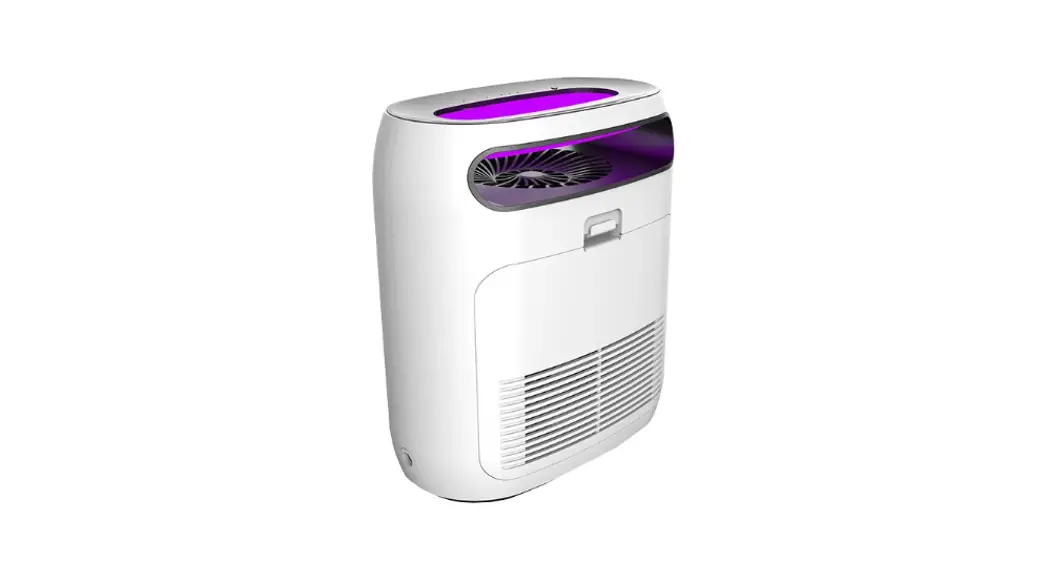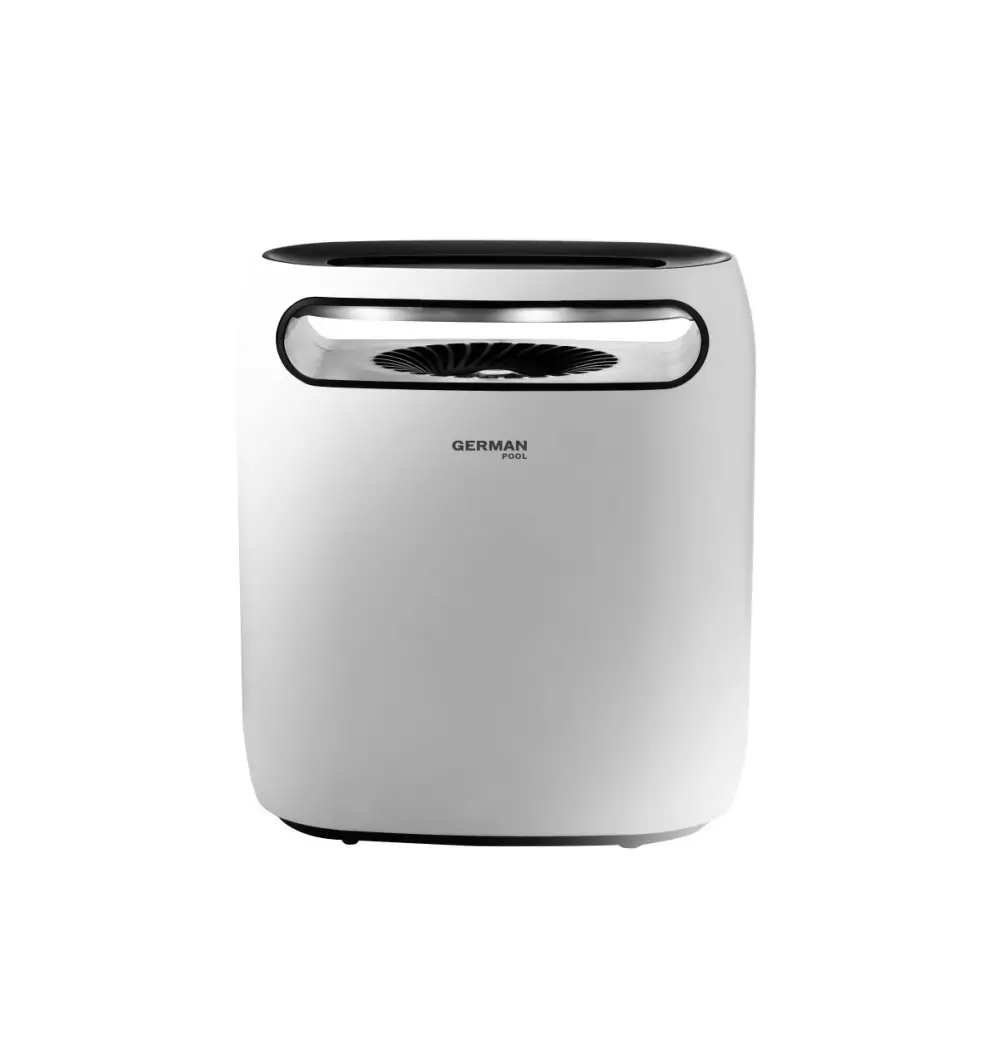
GARMIN MTR-200 Mosquito Trap
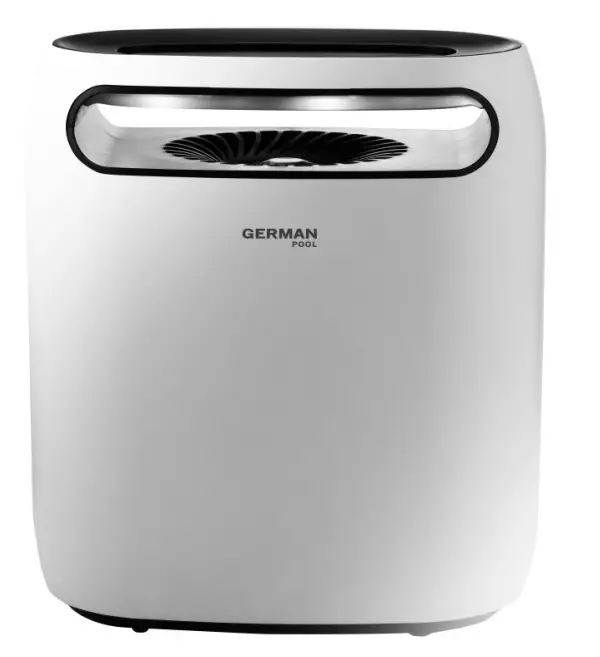
Please read these instructions and warranty information carefully before use and keep them handy for future reference.
Warnings and Safety Precautions
 WARNING!
- Read This product is for domestic indoor use only. If this product is used for any commercial, industrial, rental or other purposes, product warranty will be VOIDED.
- This product is not intended for use by children or persons with reduced physical, sensory or mental capabilities, or lack of experience and knowledge, unless they have been given supervision or instruction concerning use of this product by an adult responsible for their safety.
- Mind your children and DO NOT let children play with this product.
- Cleaning and user maintenance shall not be made by children without supervision.
- Check the voltage indicated on the rating label before using this product.
- If the supply cord is damaged, it must be replaced by the manufacturer, its service agent or similarly qualified persons in order to avoid hazards.
- Unplug this product from the power source before cleaning and maintenance.
- Contact German Pool authorized service technician for repair or maintenance of this product.all instructions carefully before using this product.
WARNING!
- DO NOT flush this product with water when cleaning. DO NOT use water to clean the mosquito trap coil so as to avoid fire and casualties.
- While using this product, please turn off the lamp, or reduce the brightness of working area as much as possible so as to prevent intervention of other light sources (eg. fluorescent light, TV and outside light), and prevent strong wind (eg. electric fan or air conditioner) from blowing straightly to this product. To get a better performance, we suggest you use in a closed environment with no people there.
- When this product is working, DO NOT stare at the UV lure lamp for a long time and keep the UV light at a distance to your body.
- While in operation, this product should be place out of the reach of children and DO NOT put your finger or other metallic object into this product to avoid incident
- Keep the Light Sensor clean; when using Auto Function, make sure the Light Sensor remains uncovered.
- When the wire or the fan is damaged, please resort to professional people for repairing or return the product back to factory.
- If you DO NOT use this product for a long time, please unplug this product and put it in a safe place.
- Please check the compatibility between the voltage of the product equipment and the product before using.
- It is strictly prohibited to disassemble without permission or use the product roughly.
 WARNING! It is strictly prohibited to put the product into or near the source of fire to avoid the risk of fire and explosion.
Product Structure
Main Body
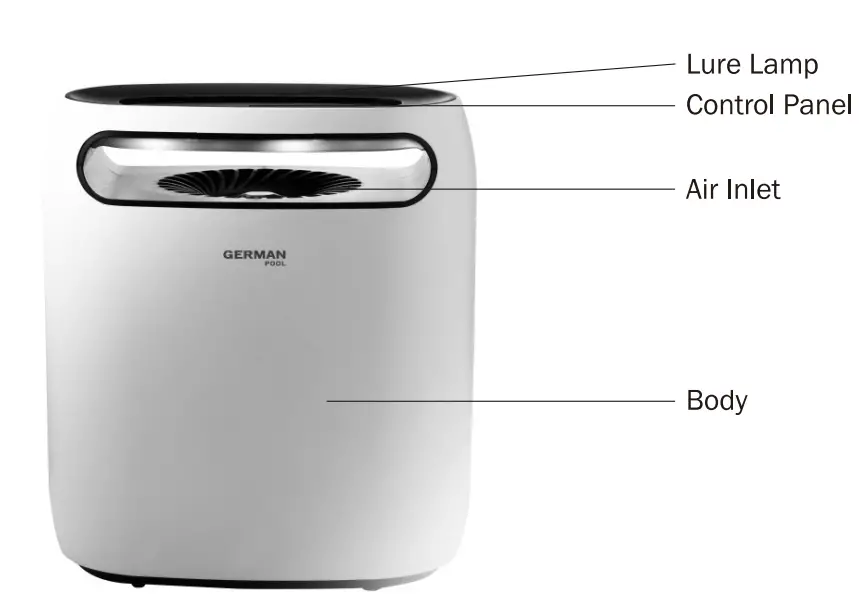
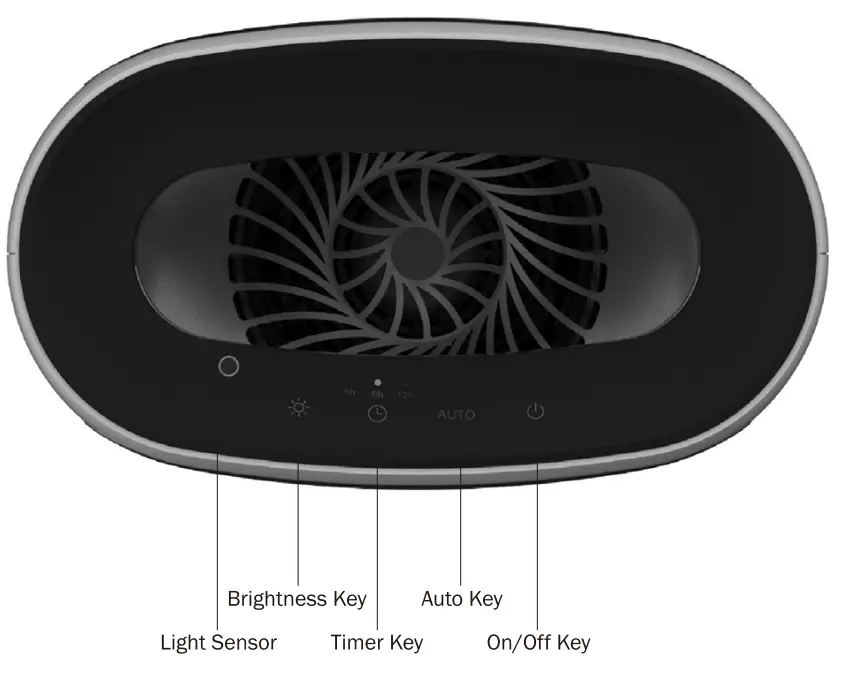
Control Panel
Operation Instructions
Note:
- In order to achieve the best effect of mosquito-trapping, please keep product working continuously for more than 48 hours. DO NOT open the mosquito box frequently during this period, so as to prevent the mosquitoes from escaping.
- For best results, close doors and windows when the product is in use; and turn on the product 3 hours before bedtime.
- This product is not developed based on the chemical volatile principle, so it cannot take effect immediately like mosquito repellent incense and other similar products. Please use product with patience.
| Control Key | Function | |
 | On/Off Key | Connect to the power source. Touch On/Off key  ) to turn on the product, the product will start to operate on Bright Mode by default, and the lure lamp will light up. ) to turn on the product, the product will start to operate on Bright Mode by default, and the lure lamp will light up. |
| Brightness Key | Touch Brightness Key between Bright and Dim. |
|
| Auto Key | Touch Auto Key AUTO to activate Light Sensor. Auto Indicator Light will light up, and product will automatically turn on or off according to the ambient light. (When the surrounding is bright, the lure lamp will automatically turn off; when the surrounding is dark, lure lamp will automatically turn on.) |
| Timer Key | Touch Timer Key to activate the Off-Timer function. Default timer duration is 5 hours, and the 5h Timer Indicator Light will light up; touch Timer key repeatedly to cycle among 5hr – 8hr – 12hr – timer off. |

Note:
On/Off key is the main switch, and other keys can only be operated when the product is turned on.
When Light Sensor is activated, Timer automatically turns off, and vice versa.
Cleaning & Maintenance
WARNING!
- Unplug the product from the power source before cleaning and maintenance.
- DO NOT wash the fan with water as it may cause product malfunction
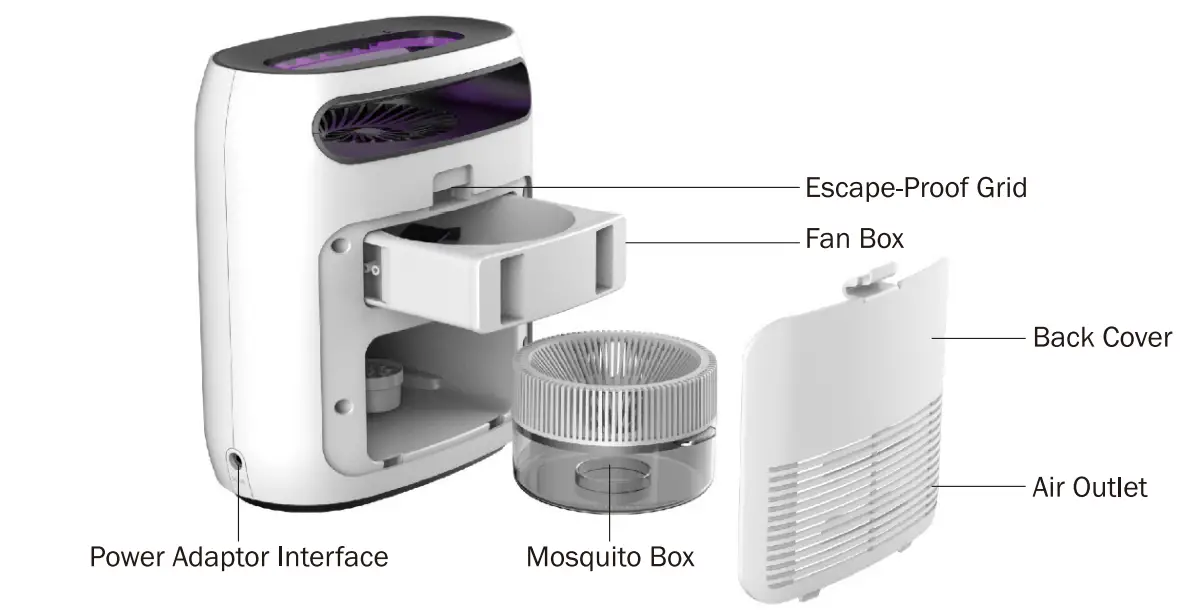
- After unplugging the product from the power source, open the back cover, gently pull out the fan box and wipe with a dry cloth.
- Gently pull out the mosquito box, keeping it level at all times to avoid the box lid from falling off. carefully dispose of the mosquitoes.
Detaching and Reattaching The Escape-Proof Grid
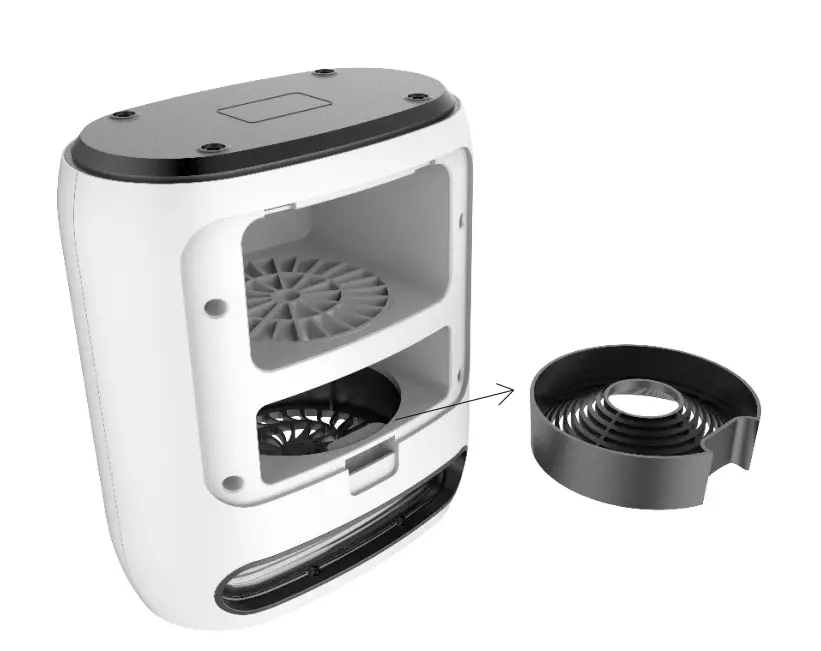
- Place the product on a level and sturdy surface.
- Remove the fan box. The fan grid is located on the roof of the fan box trough. Gently push on the buckle and pull down the grid. Remove and rinse with water, then wipe it dry with a dry cloth.
- Turn the product upside down, and reattach the grid by pushing it back into place (as shown below).

| Phenomenon | Possible Cause | Solution |
| Product will not start | Power not connected | Connect power |
| On/Off key bad connection | Contact Customer Service & Repair Centre | |
| LED lure lamp does not light | LED lure lamp damaged | Contact Customer Service & Repair Centre |
| Cable bad connection | Contact Customer Service & Repair Centre | |
| PCB damaged | Contact Customer Service & Repair Centre | |
| Mosquito-catching effect unsatisfactory | Not used according to the user manual | Follow instructions in the user manual |
| LED lamp aged | Contact Customer Service & Repair Centre | |
| Fan emits abnormal sound | Foreign object in fan | Re move foreign object |
| Light sensor insensitive | Light sensor covered by foreign object | Remove foreign object |
Technical Specification
| Model | MTR-200 |
| Adaptor | 12 V 1A |
| Voltage/ Power | 12 V 0.5 A/ 6 W |
| Product Dimensions | (H) 252 (W) 222 (D) 130 mm |
| Net Weight | 1.24 kg |
- Specification is subject to change without prior notice.
- If there is any inconsistency or ambiguity between the English version and the Chinese version, the Chinese version shall prevail.
- Refer to www.germanpool.com for the most update version of the user manual.
This warranty 1s valid only 1n Hong Kong and Macau