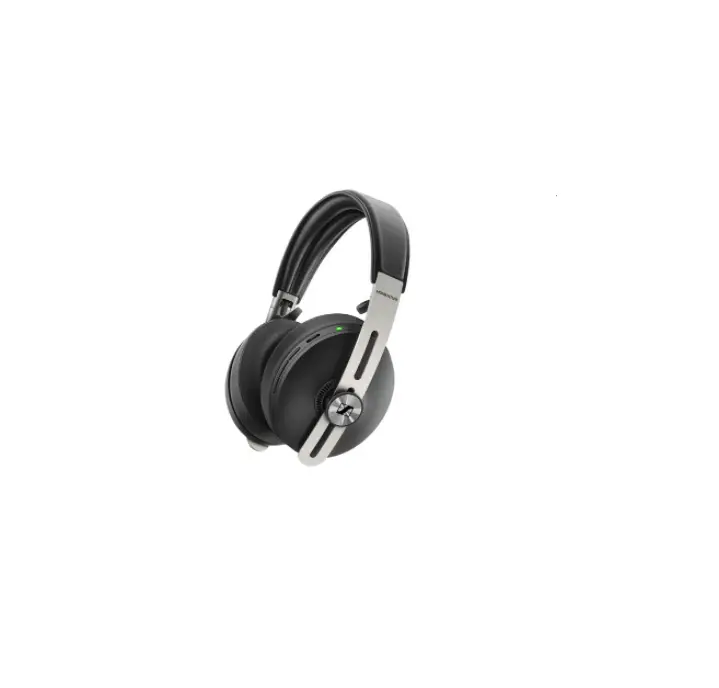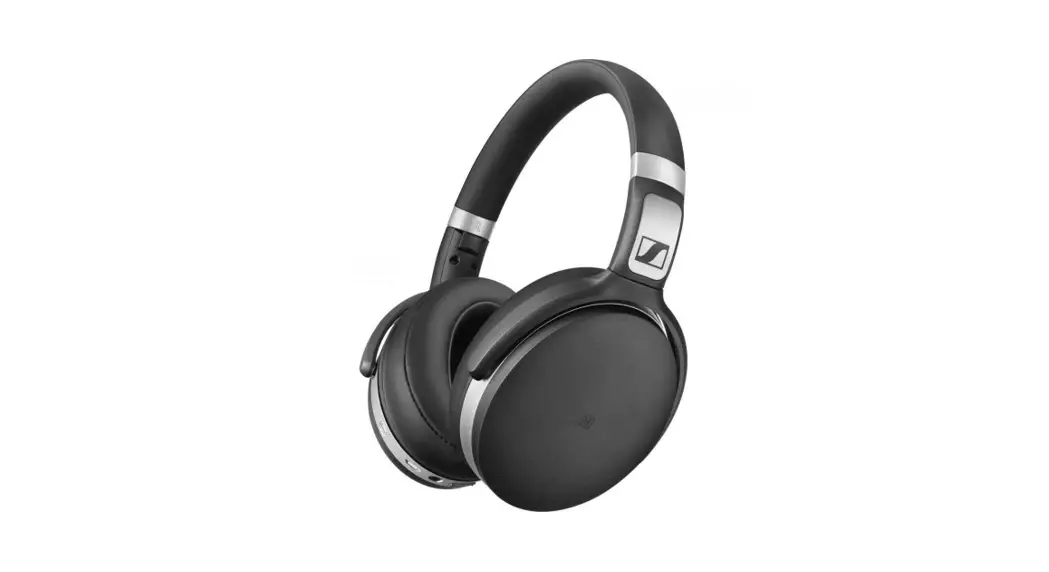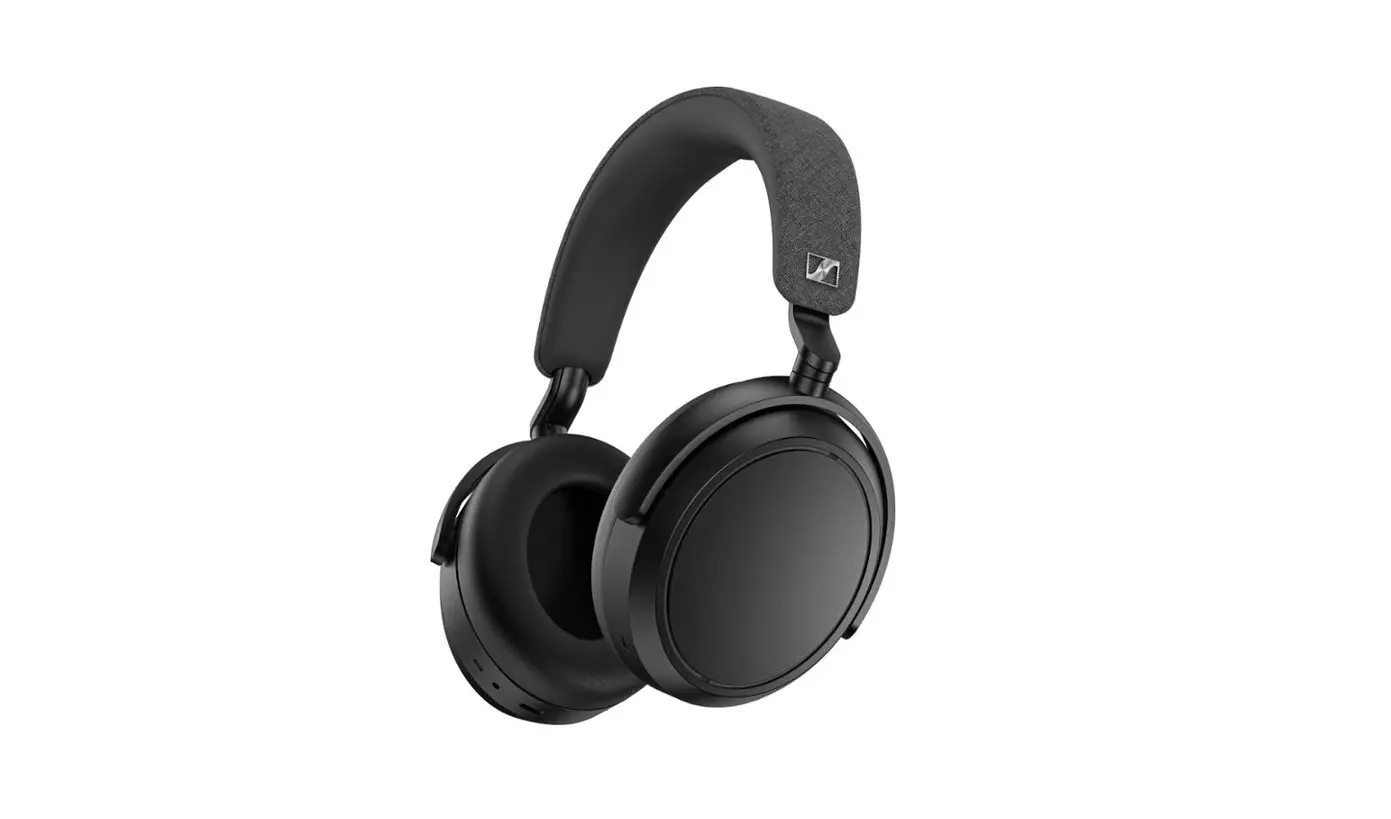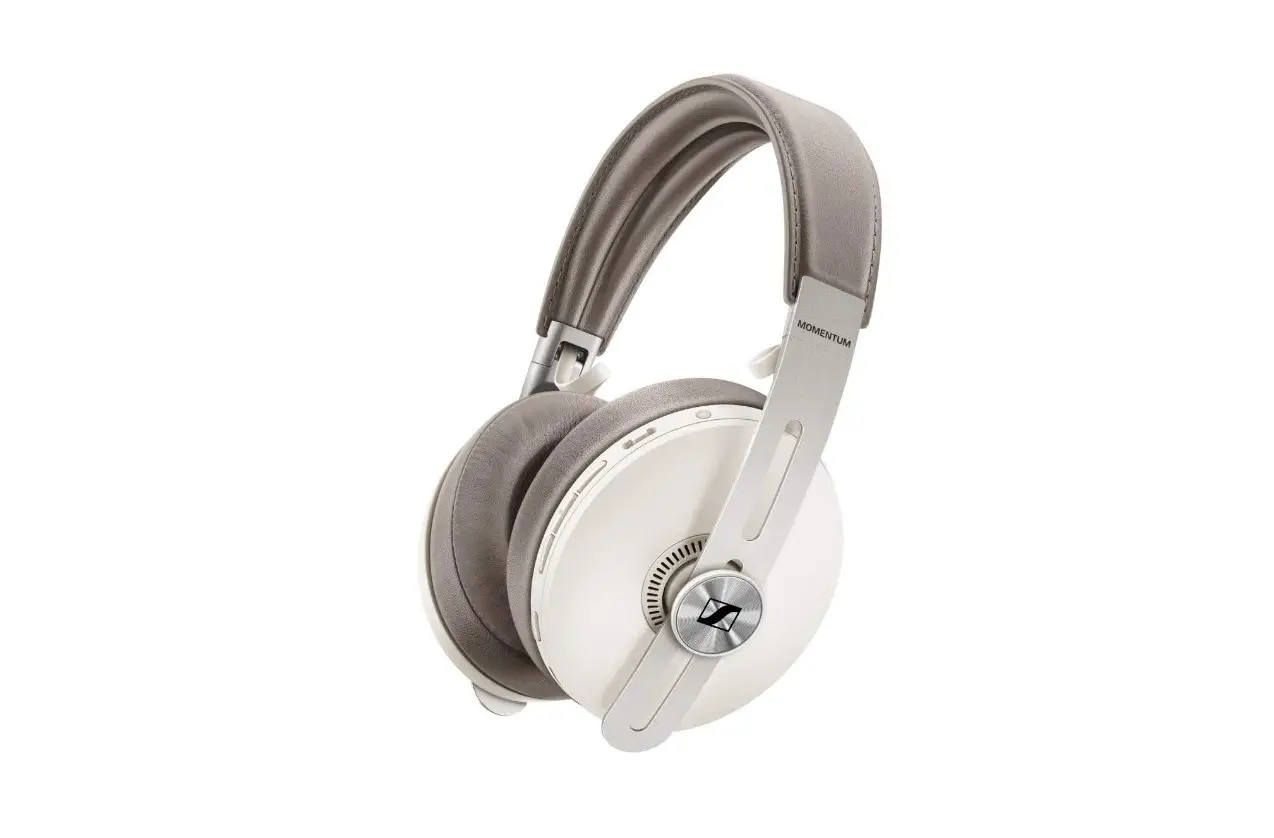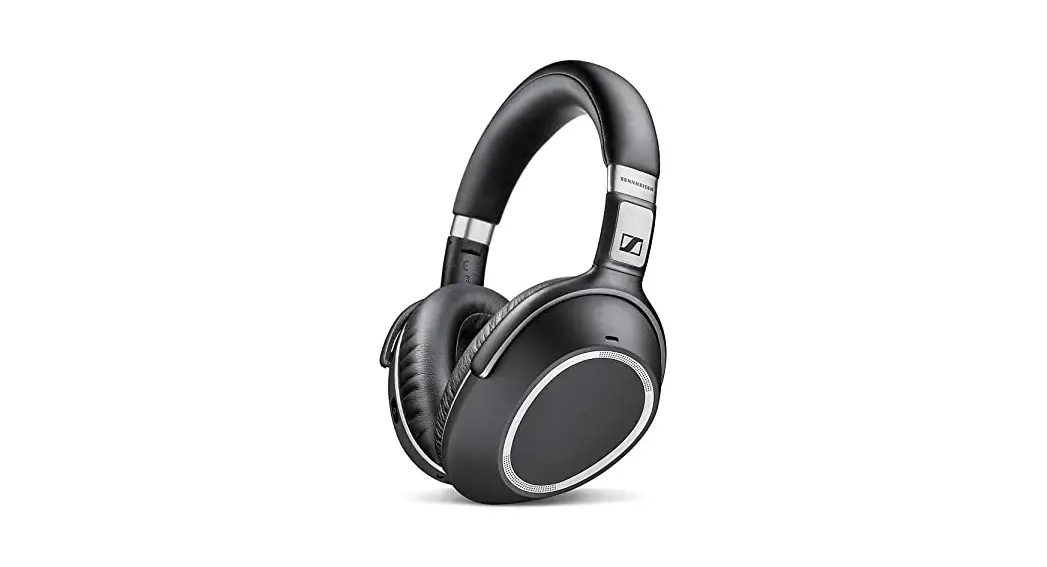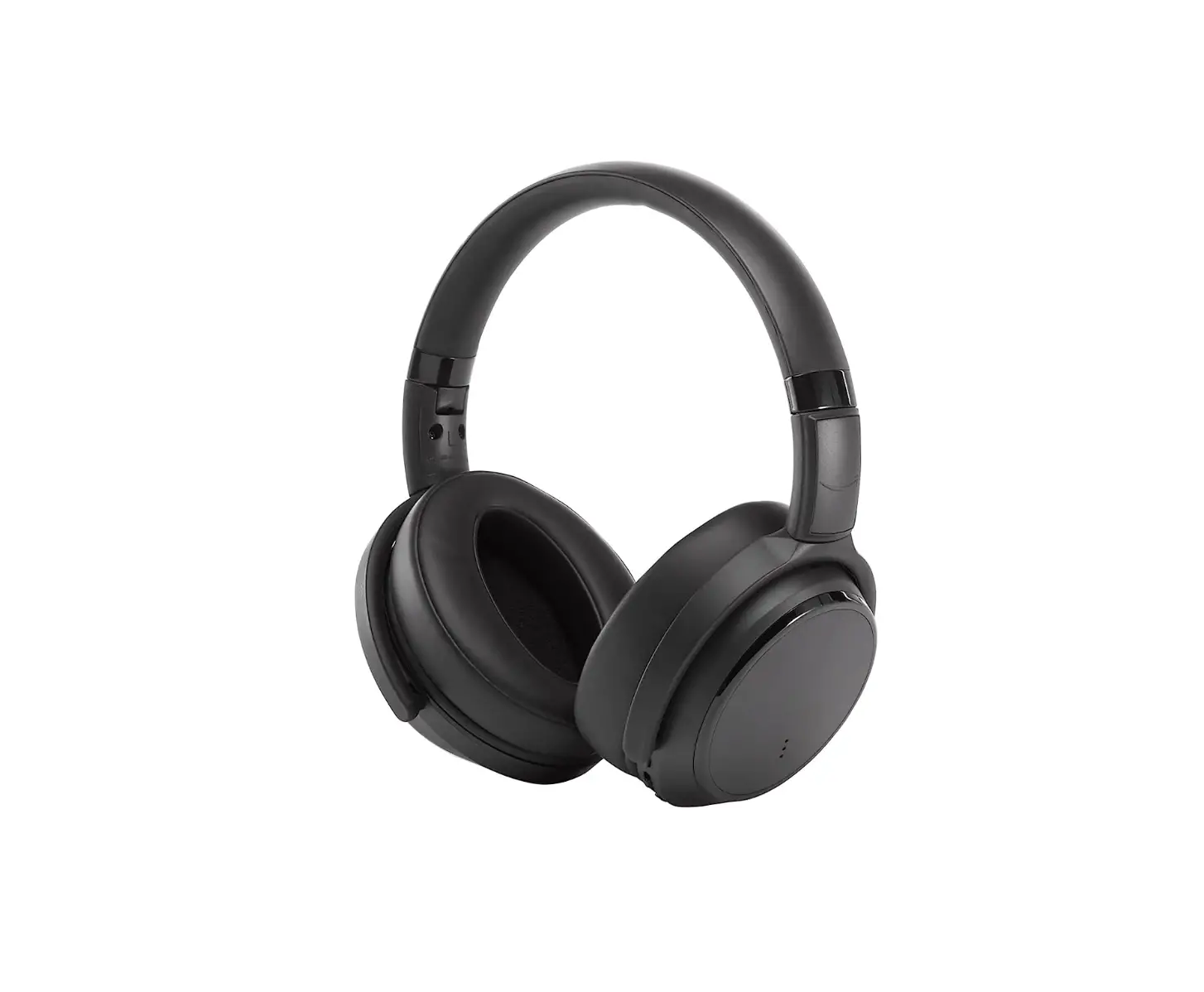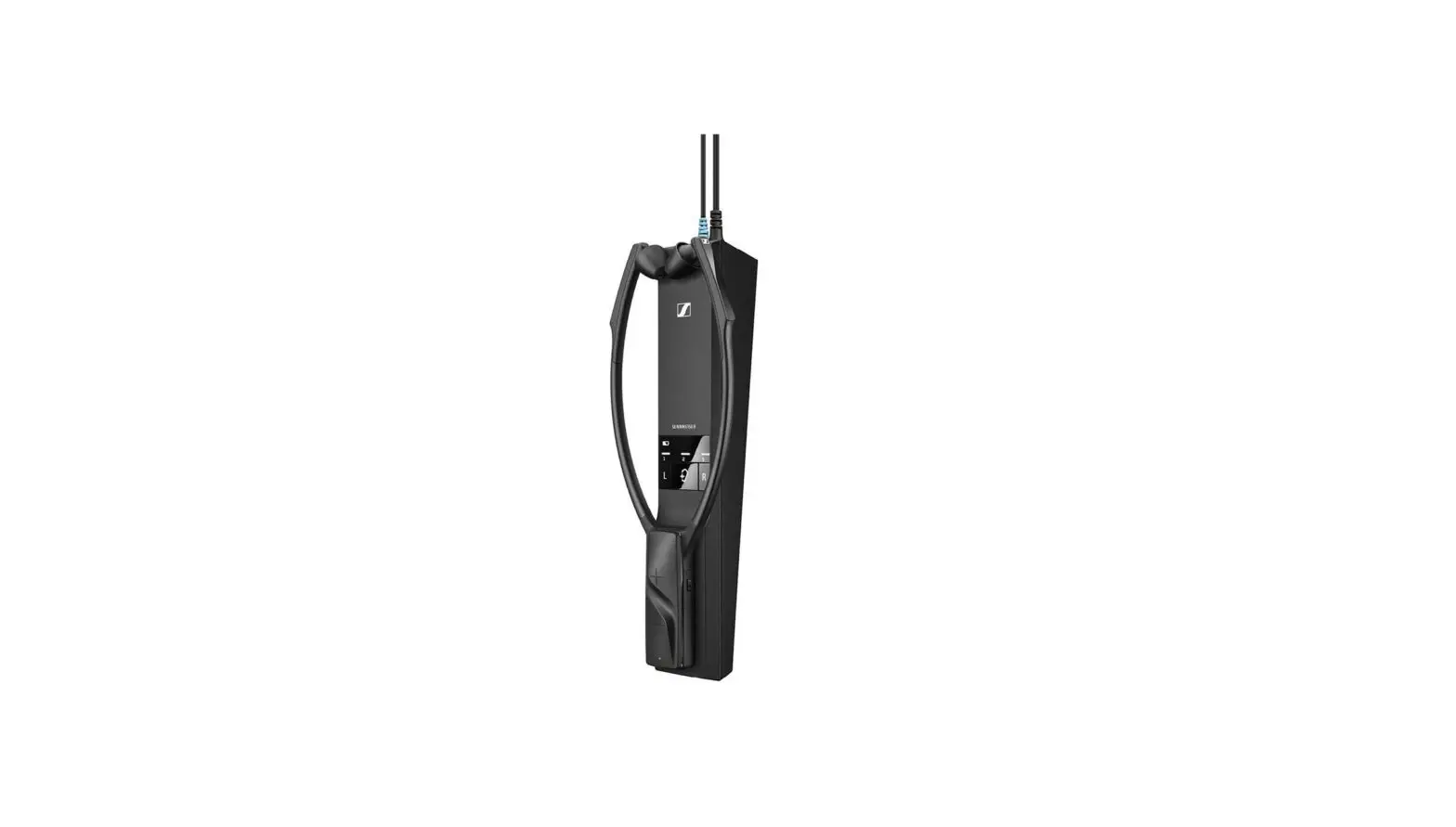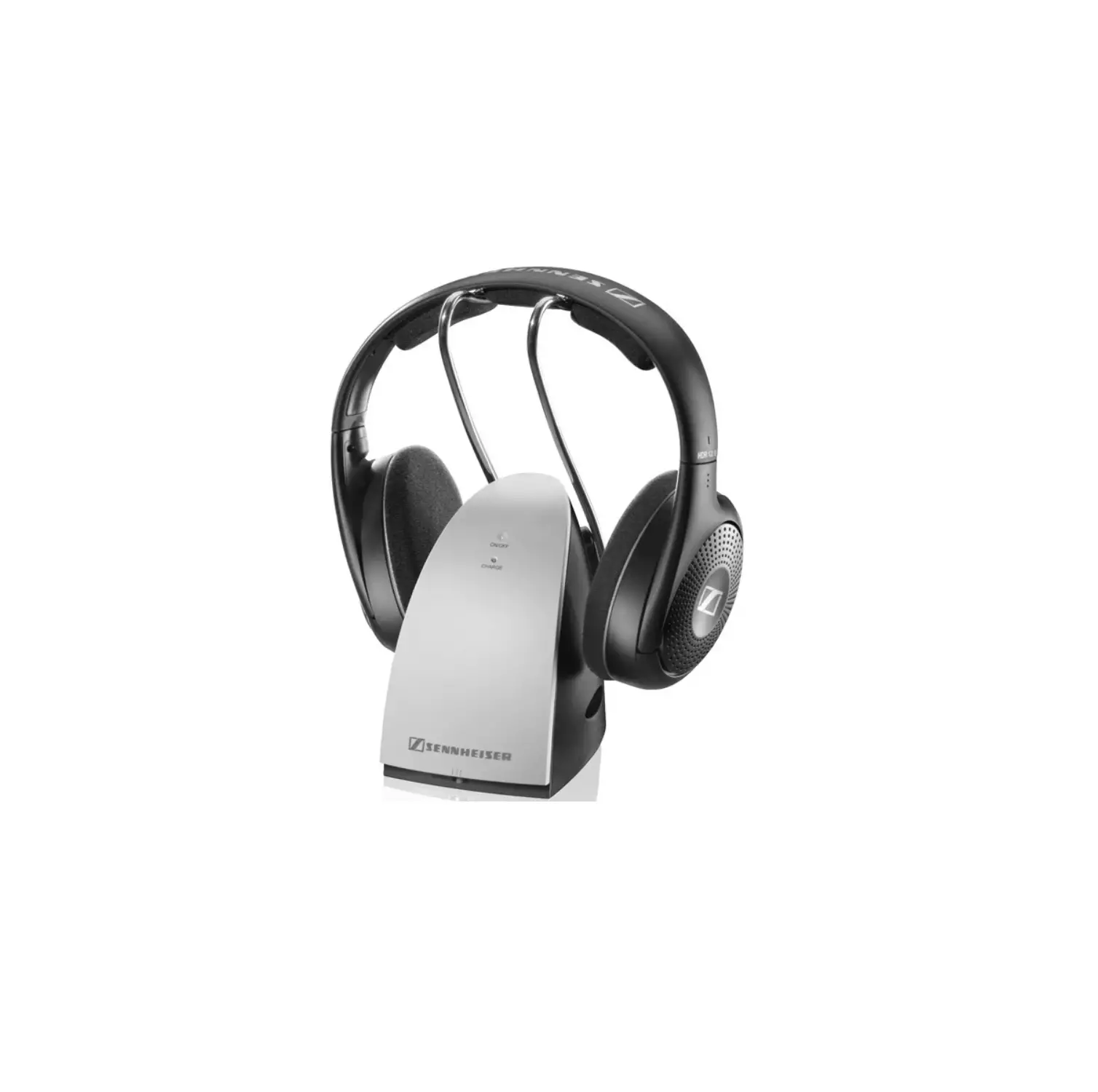

SENNHEISER 506250 Momentum 2.0 Wireless Noise Cancellation HEADPHONE
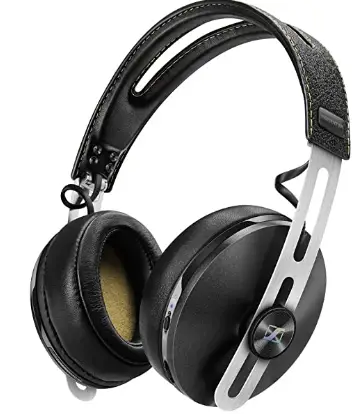
The package includes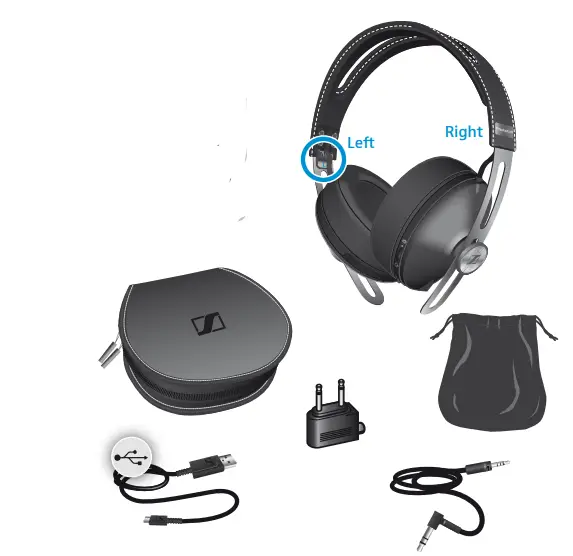
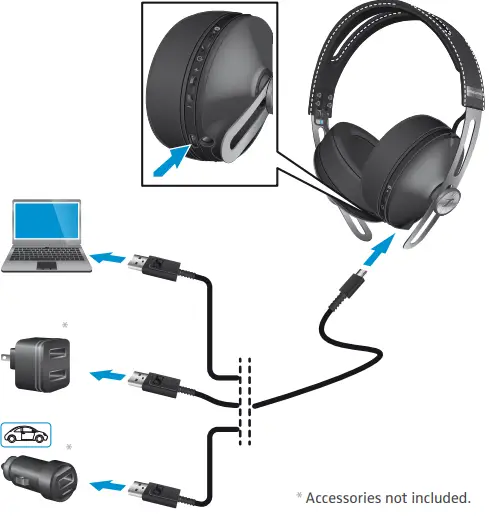
Charging the headphones
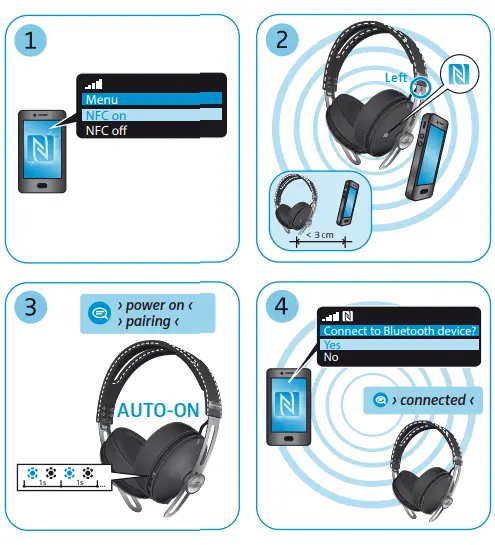
 Pairing and connecting to an NFC device
 Device compatibility, instruction manual, and product support
www.sennheiser.com www.sennheiser.com/compatibility SENNHEISER Sennheiser electronic GmbH& Co. KG Am Labor 1, 30900 Wedemark, Germany www.sennheiser.com Printed in China, Publ. 01/15, 558234/A01
Pairing and connecting to a Bluetooth device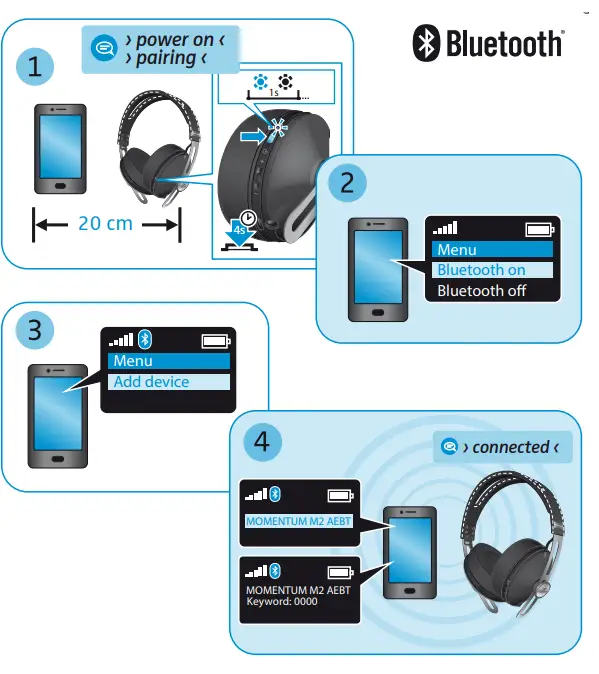
Switching the headphones on/off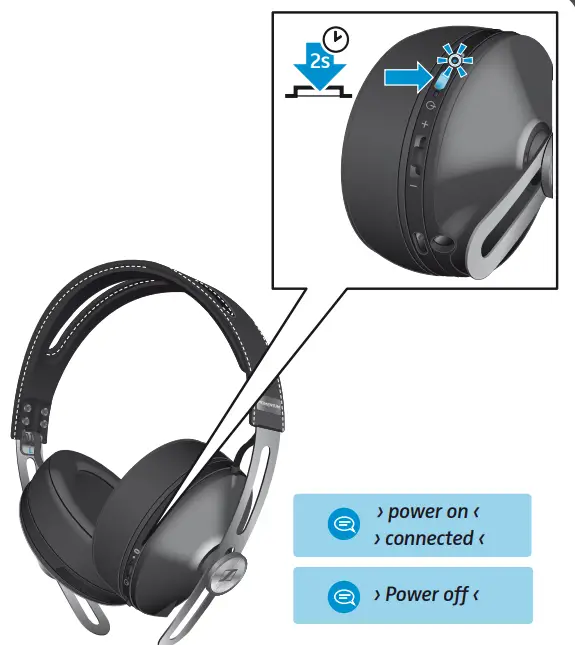
Adjusting the volume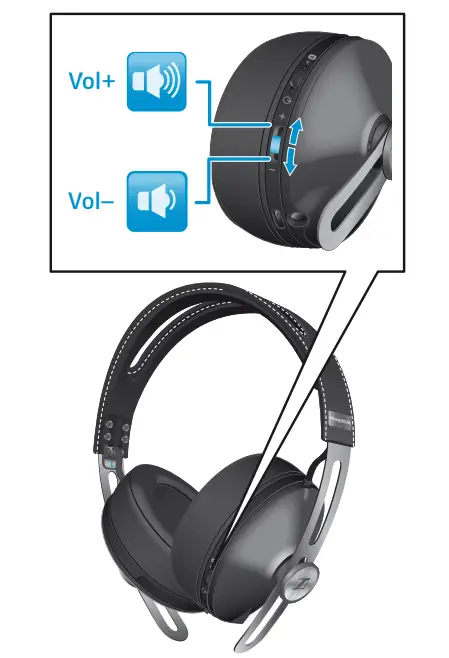
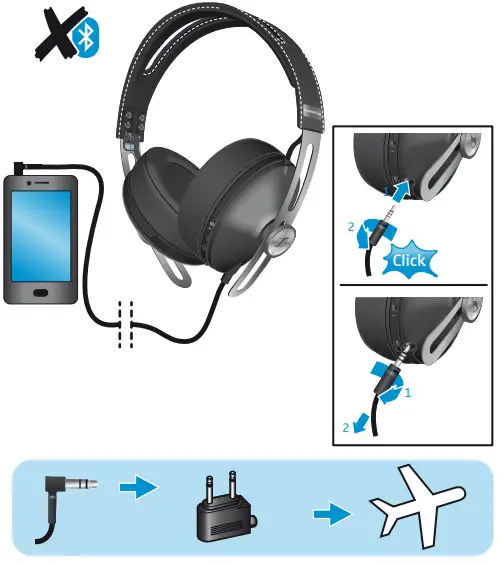
Checking the battery life 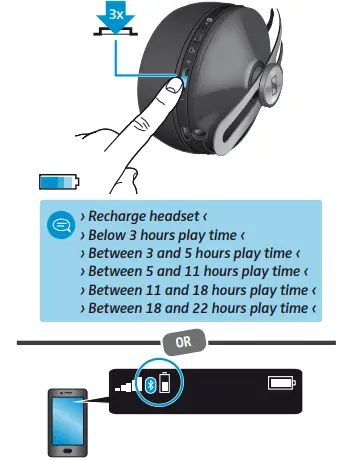 Using the audio cable (flight mode)
  Storing and handling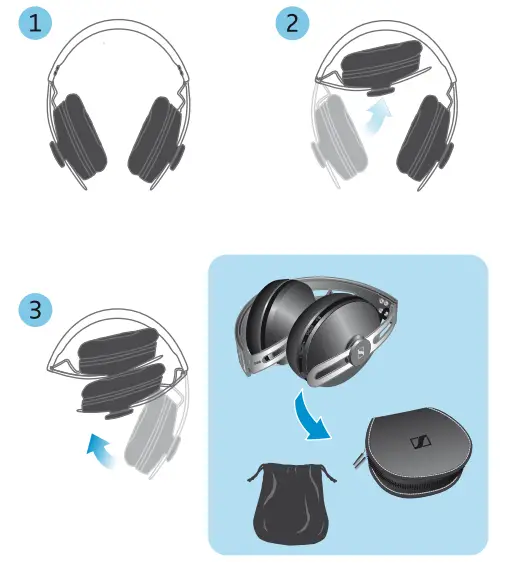
Replacing the ear pads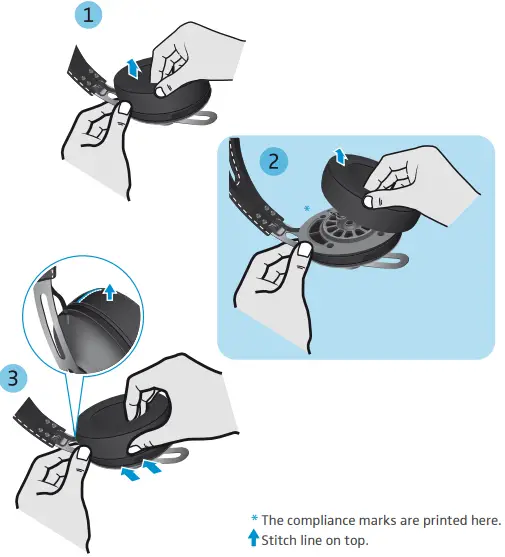 Music functions
- To play/pause the song

- To play the next song

- To play the previous song

- To fast-forward a song

- To rewind a songThese functions are available only when Bluetooth is on or when the USB cable is used. Your device may not support all functions. Voice control functions are supported by some devices.
CALL FUNCTION
- To accept/end a call

- To reject a call

- To accept an incoming call and end the active call

- To toggle between 2 active calls /To toggle between an incoming call and the active call

FAQS
Is the battery replaceable?
Replacing/removing the rechargeable battery
CAUTION
Danger of damage to the product!
During the warranty period, the rechargeable battery must only be replaced by an authorized Sennheiser service center, otherwise the warranty will be null and void.
X Contact your Sennheiser service center if the rechargeable battery needs to be replaced or removed. To find a Sennheiser service partner in your country, visit www.sennheiser.com.
Outside the warranty period, the rechargeable batteries may be replaced or re- moved by any qualified service center in an appropriate manner. Instructions on how to replace or remove the batteries for qualified service centers are available from the Sennheiser service partner.
It’s metal and leather and it feels very high quality overall…very unlikely that your big head would damage it 🙂
yes
They haven’t fixed the issue yet. I sent in my pair about 2 months ago and they said they would send me a new pair when they restarted production on the headset. The production schedule has also been problematic….they were supposed to have this resolved in early to mid-September but here it is in mid to late October and I’m still waiting on my headphones.
They have a 3.5 mm headphone cable so yes, they’ll work with a laptop
Yes you can but you should first turn the Bluetooth on and once you connected through wire it will disconnect the Bluetooth automatically while the noise canceling will be on through wire
The noise cancellation cannot be turned off. I have found that the sound quality is not affected by noise cancellation. The sound quality is still way better than my old high-quality headphones!
Yes you can but you should first turn the Bluetooth on and once you connected through the wire it will disconnect the Bluetooth automatically while the noise canceling will be on through the wire.
It’s just a rebrand or update of the Momentum 2.0.
There are a total of three microphones. The left earphone has 2 and the right has 1. I believe that 2 of them are for “listening” to the room’s background noise for the noise canceling. It would follow that the third one would be the voice microphone for when you are talking on the phone. They are located near the bottom of each earphone.
Yes they are comfortable with hearing aids. The ear cups are big enough to cover the entire ear (and hearing aids). When putting the headphones on, you may hear a momentary hiss from your hearing aids as the headphones are placed on your head, but that goes away. I will say that after 4 hours or more of wearing the headphones with glasses and hearing aids, I need to give my head a break due to the pressure. I don’t think this is unusual for any type of over-ear headphone. They are a great investment.
It only supports AptX but not AptX HD nor LDAC.
AptX has the same audio quality as AptX HD. AptX HD may help with latency but I have not experienced any issue with latency with AptX.
Most high quality bt transmitters have AptX so you won’t miss much without LDAC
It’s great. Best quality from any others I’ve had.
momentum for short flights, since great sound & pure beauty. If long distance, pxc 550 since more comfortable. Momentum works for all if you have small ears
The dongles for aptX are usually used in computers or devices with usb ports. If you want to stream music from your iPad using the aptX codec you’ll need a blootooth amplifier with aptX.