 JANUS
JANUS
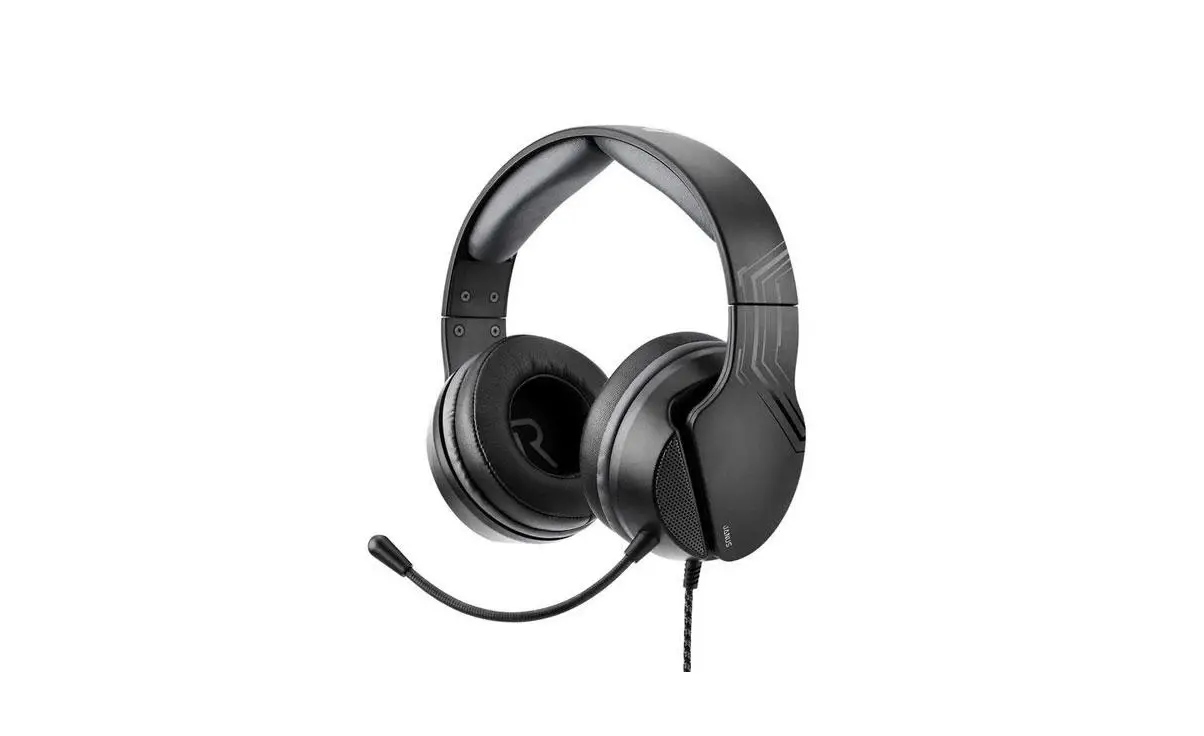
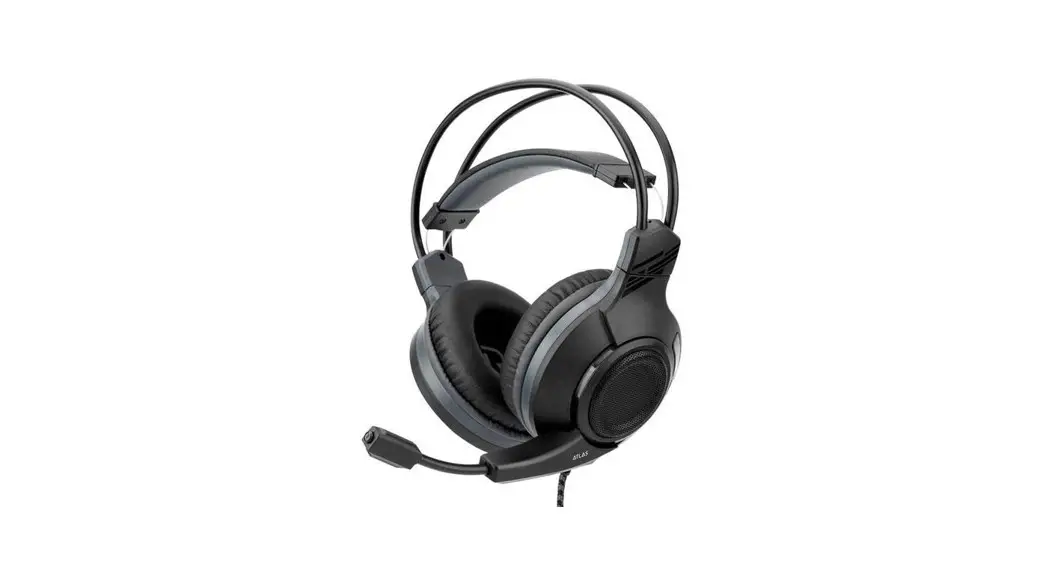
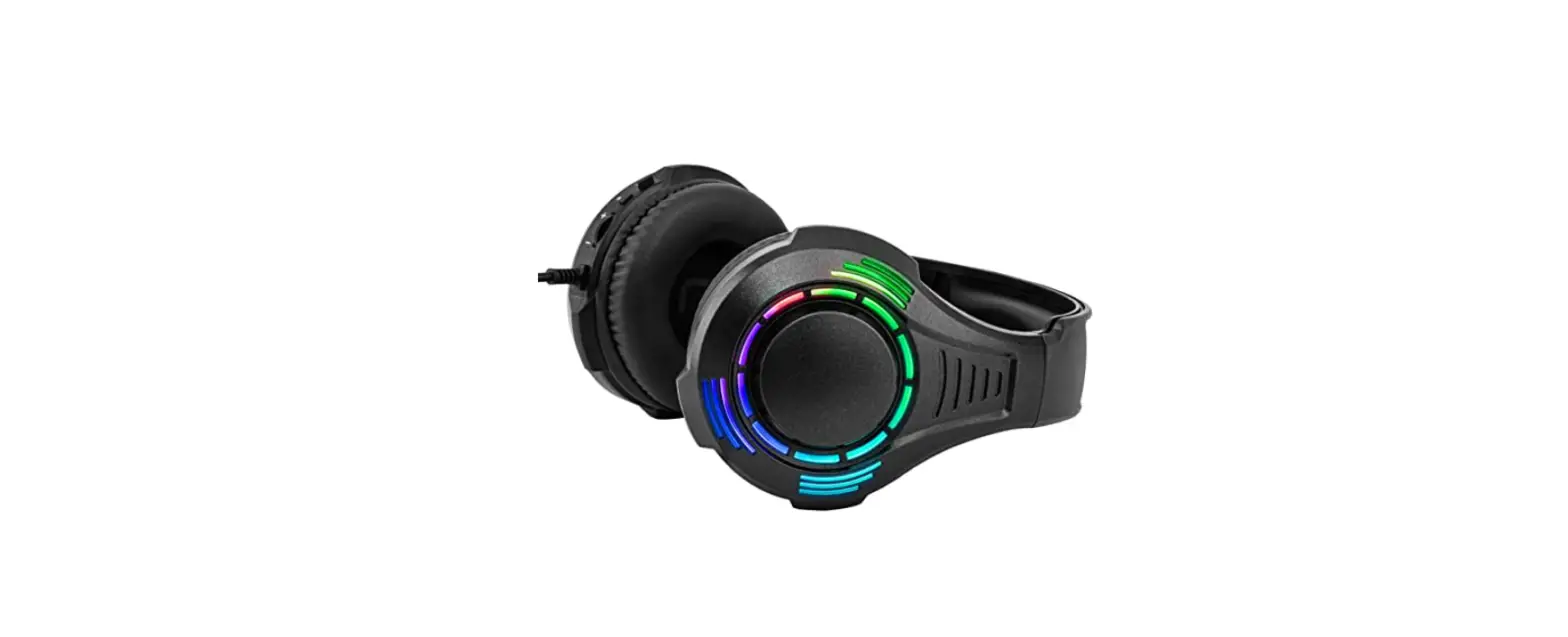
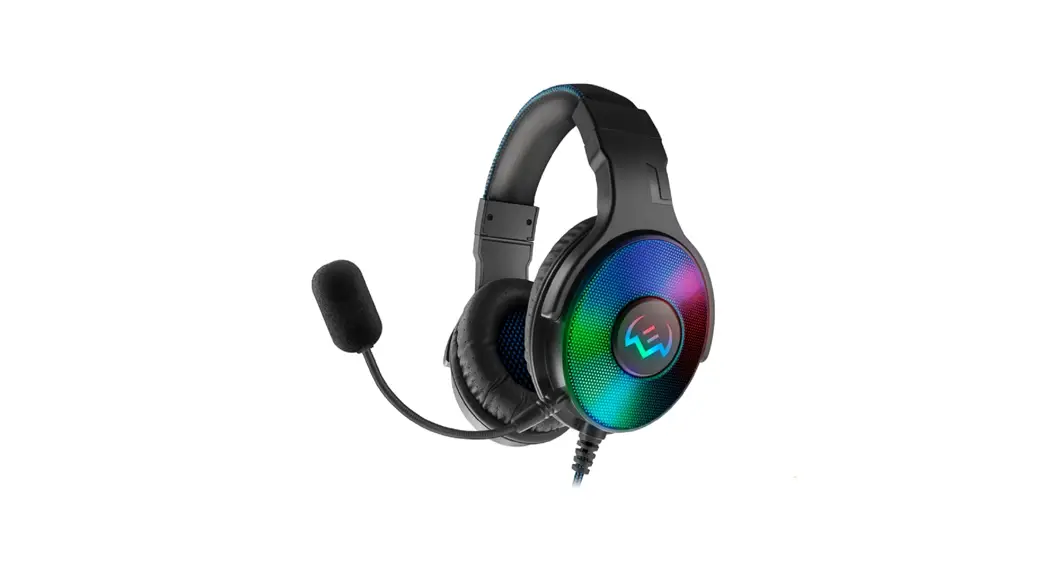
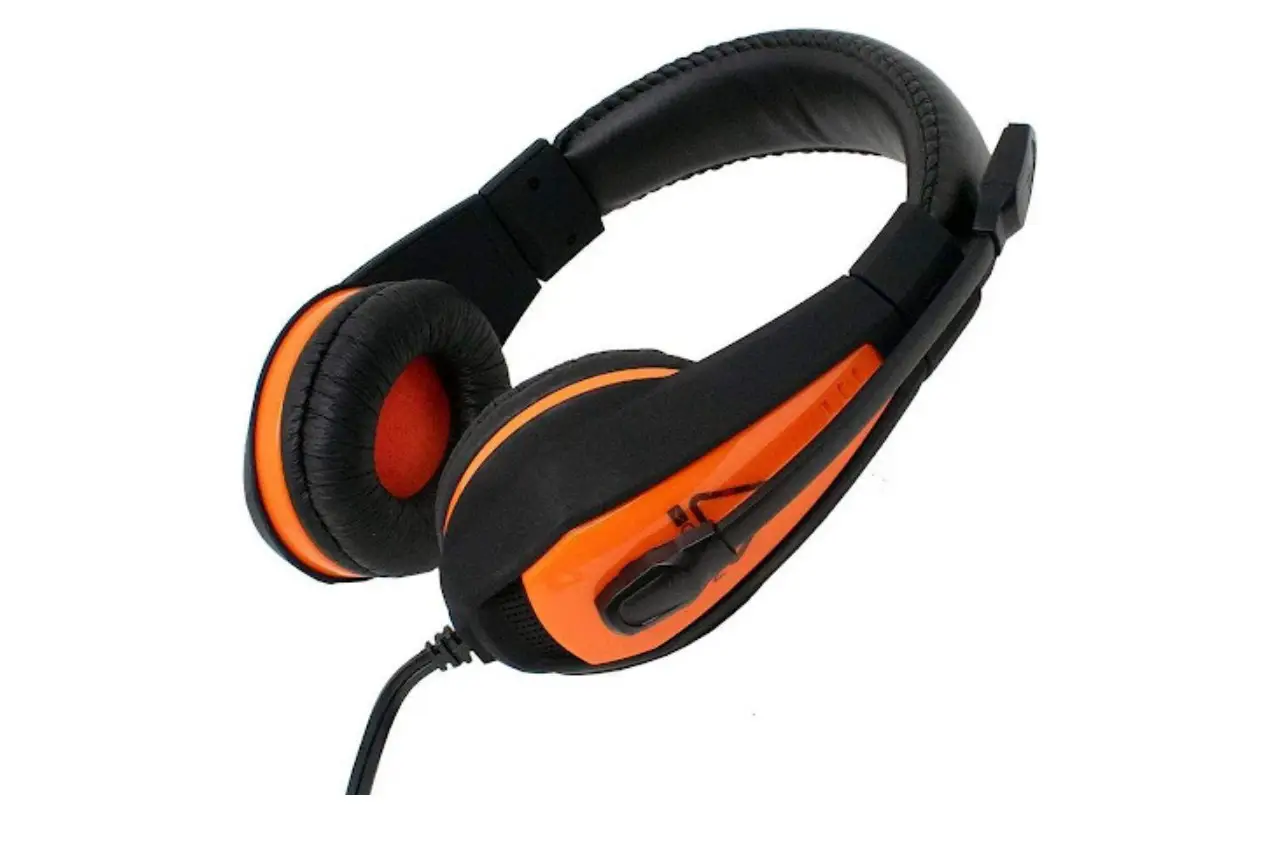
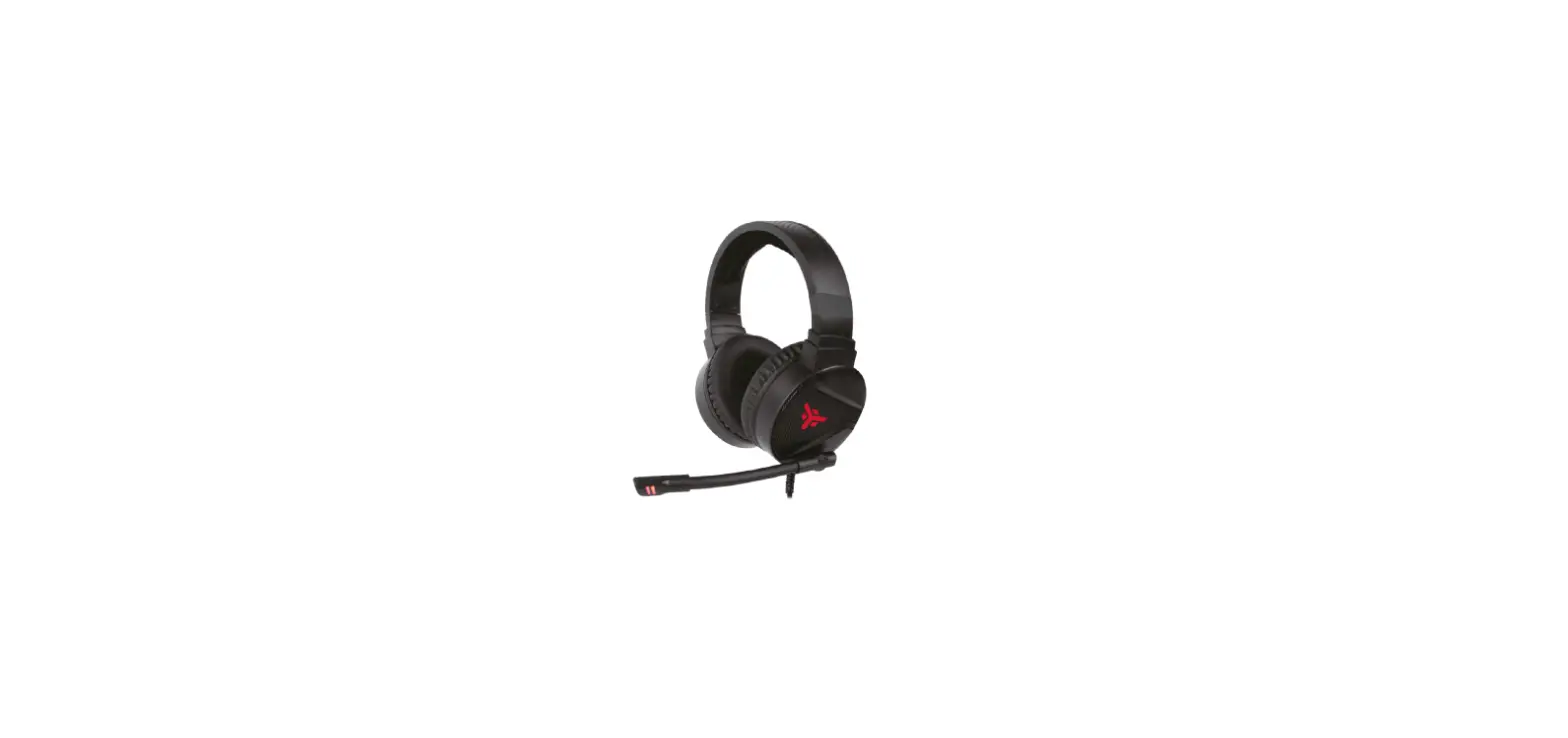
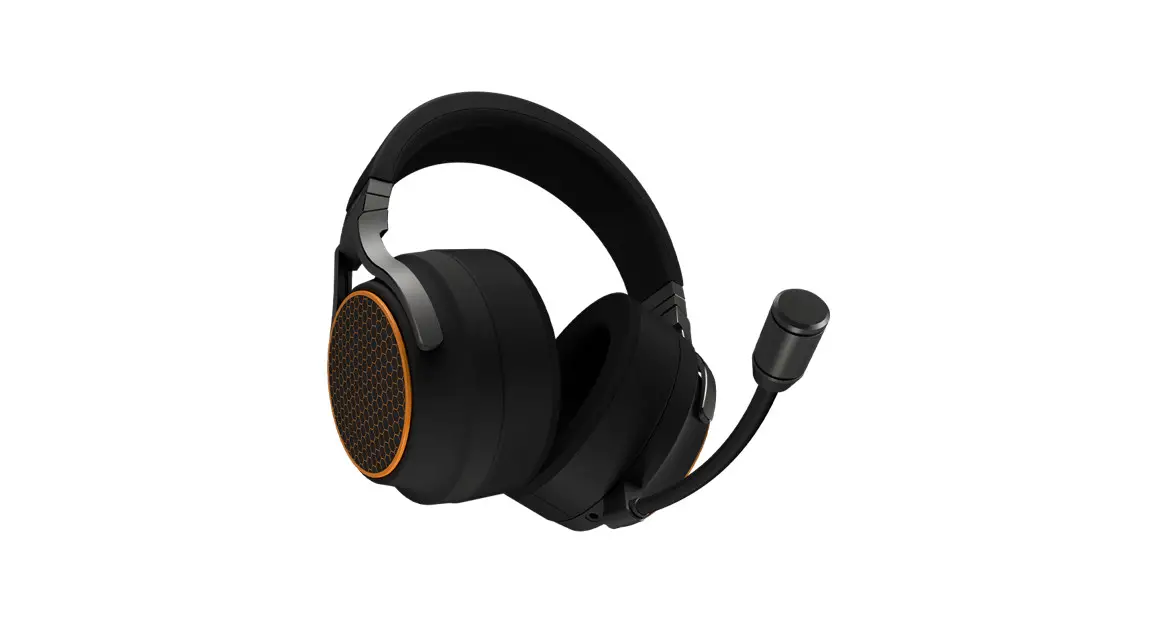
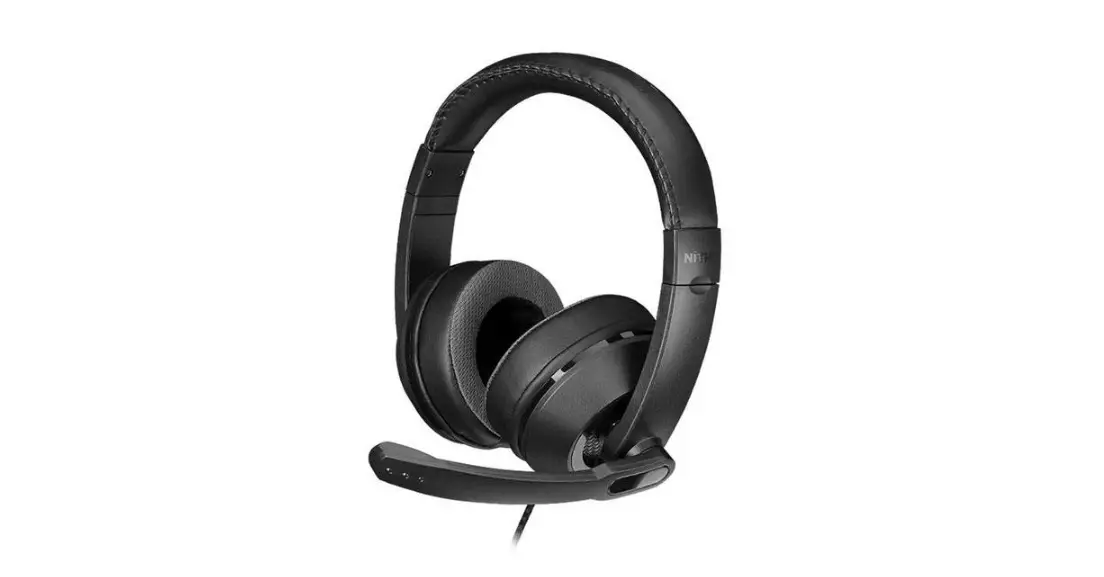
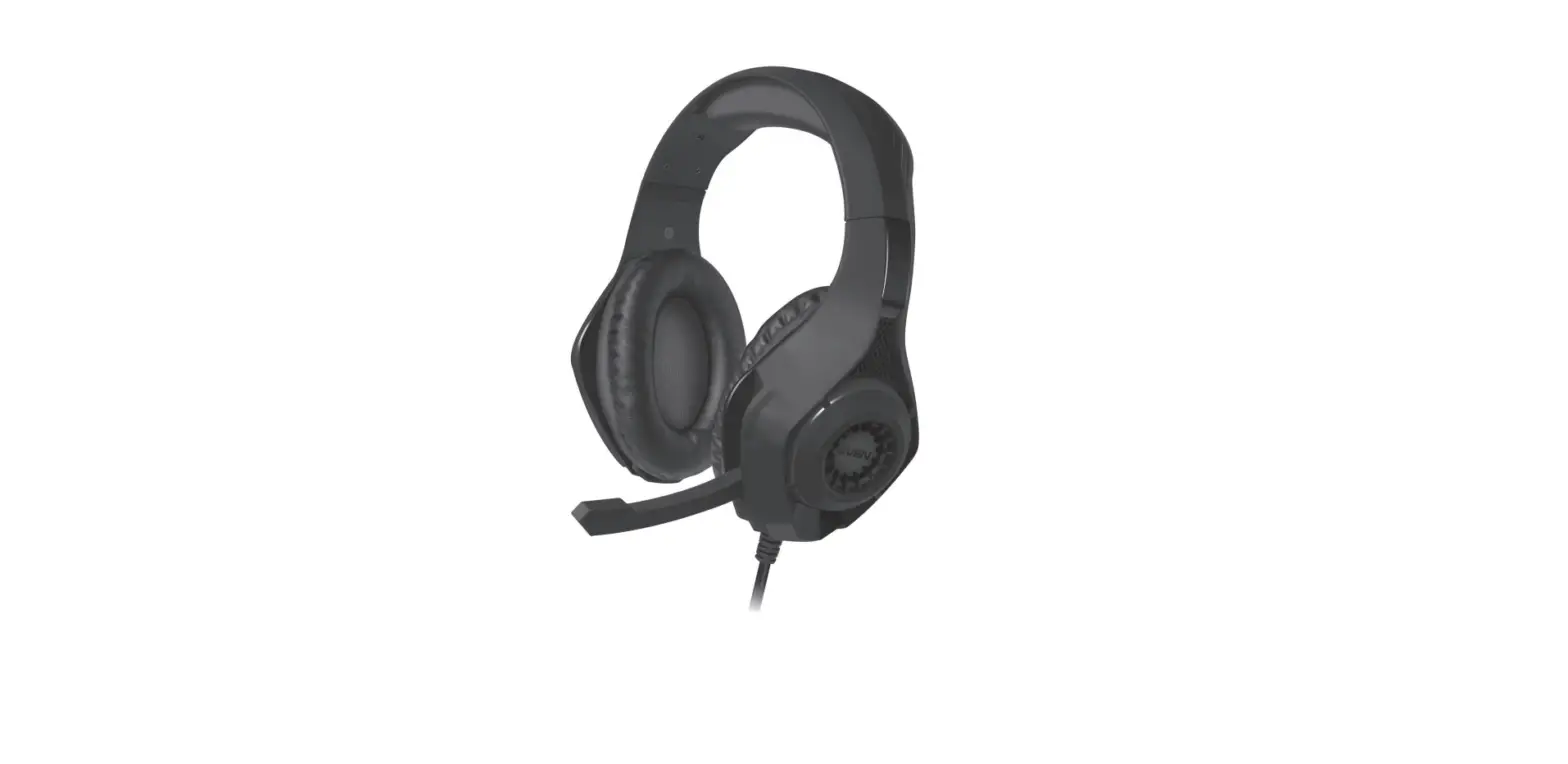
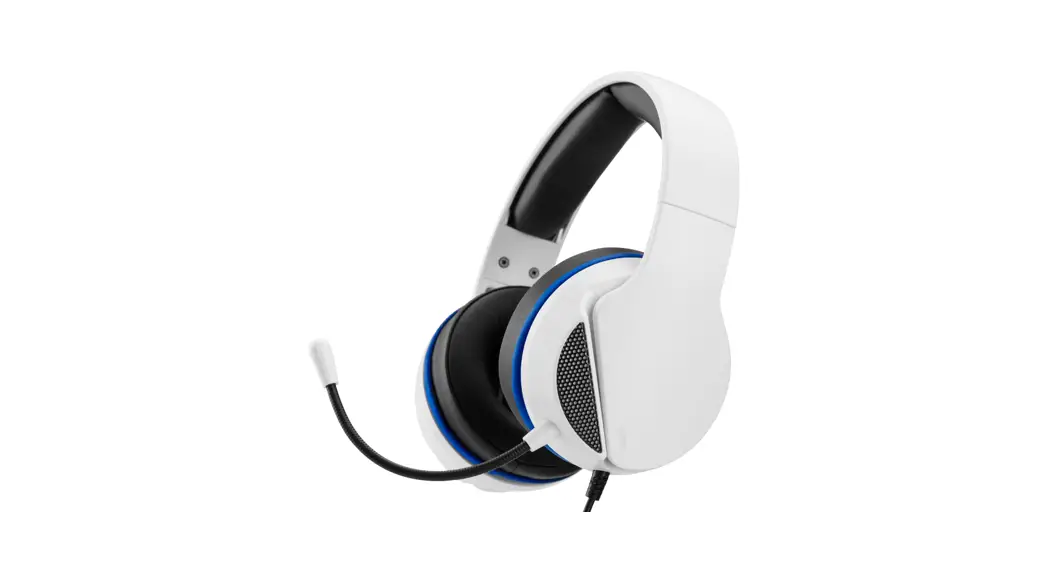
STEREO GAMING HEADSET WITH ADJUSTABLE MICROPHONE
Model: SND-JNPS-WB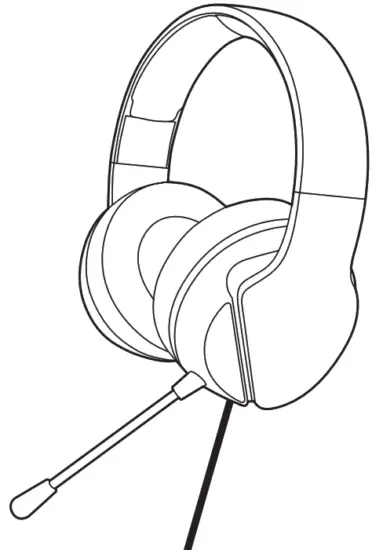 QUICK START GUIDE
Thank you for purchasing Janus
This Quick Start Guide is designed to help you through the installation
Please register your product to benefit
ONE ADDITIONAL YEAR WARRANTY EXTENSION.
To benefit your warranty extension please visit
https://www.nitho.com/registration and follow the instructions on the screen
CONTROLS
This headset has been designed to work with devices using a standard 3.5mm headset port.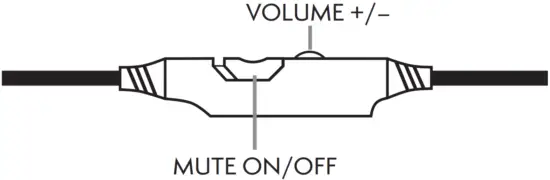
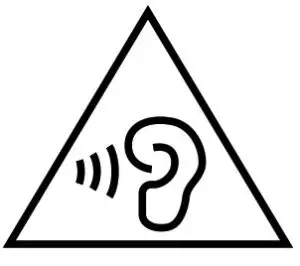 WARNING
To prevent possible hearing damage, do not listen at high volume levels for long periods.
PLAYSTATION® 4/ PLAYSTATION® 5
Settings > Devices > Audio Devices > Output to headphones > ‘All Audio’. Set Input and Output Device to ‘Headset Connected to Controller’.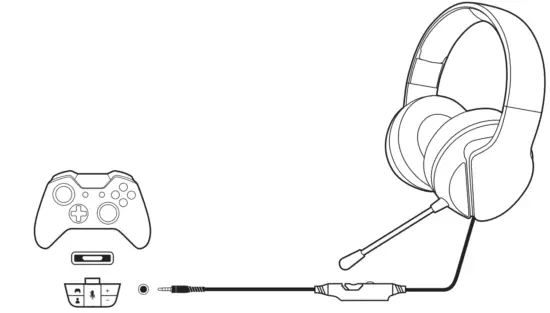
XBOX® ONE / XBOX® SERIES X|S
All Settings > Display & sound > Volume > Chat mixer > Mute all other sounds > Party chat output > Headset.
*Controller has a headset port: Headset Adapter Not Required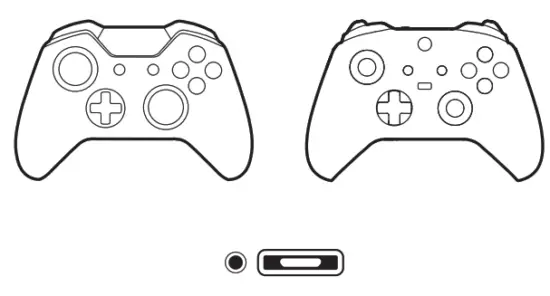 *Controller has no headset port: Headset Adapter Required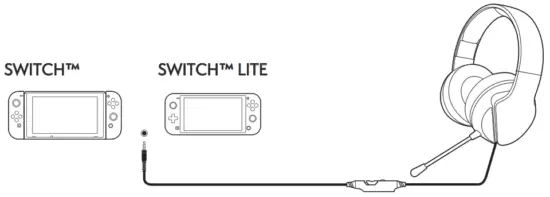
PC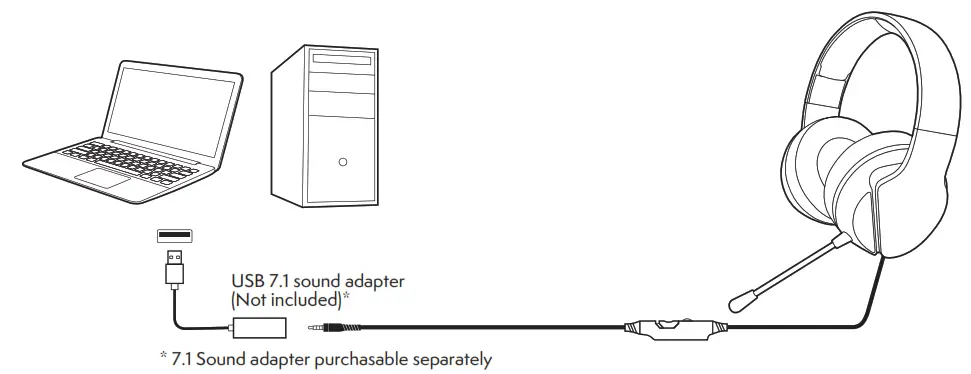
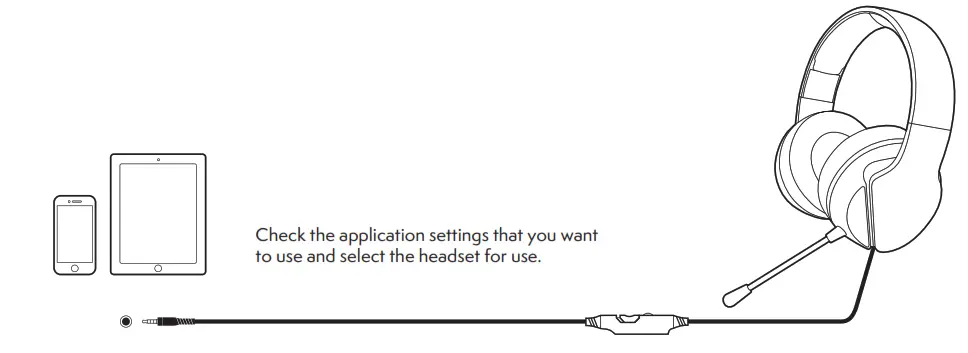
SMARTPHONE / LAPTOP
MICROPHONE
Adjustable microphone to suit you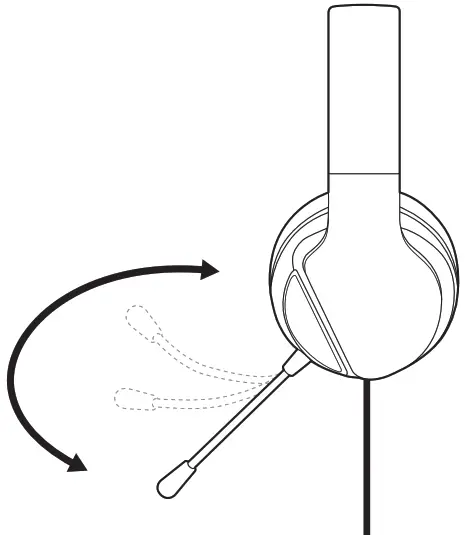
SERVICE & SUPPORT
For any questions and support requests, contact us on [email protected] or visit our website www.nitho.com
Despite careful review of the contents, errors and omissions are excepted.
All specifications are subject to change without notice.
PlayStation4/PS4 and PlayStation Move have registered trademarks of Sony Interactive Entertainment Inc. XBOX ONE is a registered trademark of Microsoft Inc. Nintendo Switch is a registered trademark of Nintendo Inc.
The products enclosed are not sponsored, endorsed by, or manufactured for Sony Computer Entertainment Inc., Microsoft Inc., or Nintendo Inc. respectively.
NiTHO GmbH – Victoriastrasse 3b – 86150 Augsburg – Germany
 [email protected]
 WWW.NITHO.COM
 NITHOGAMES
 NITHOGAMES
www.nitho.com