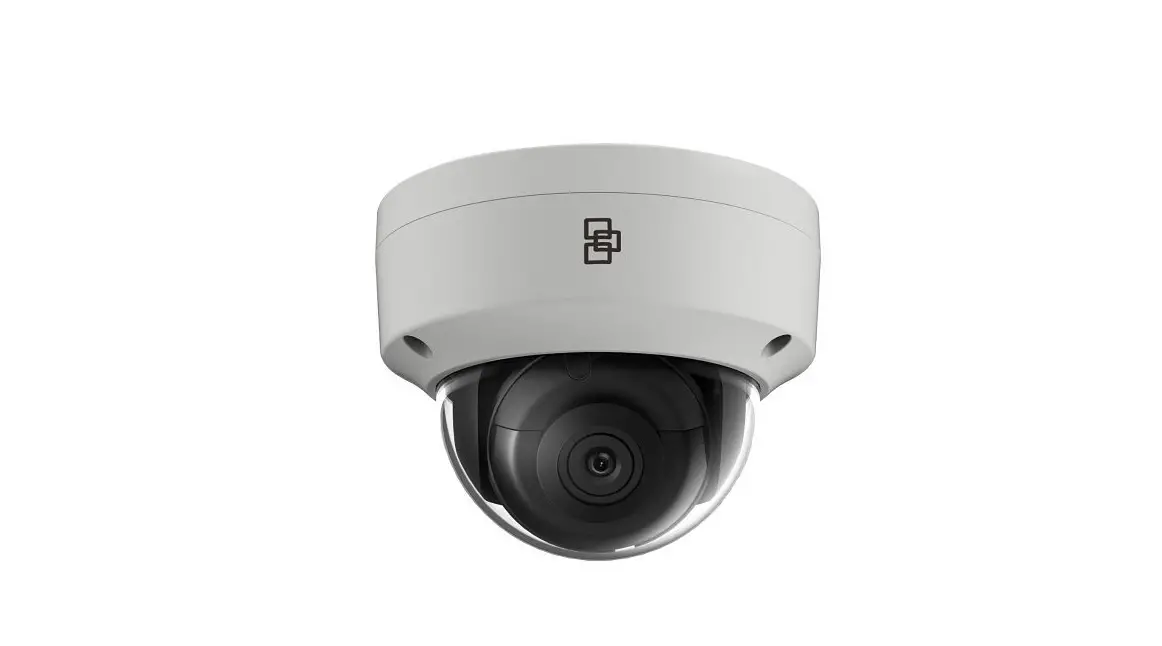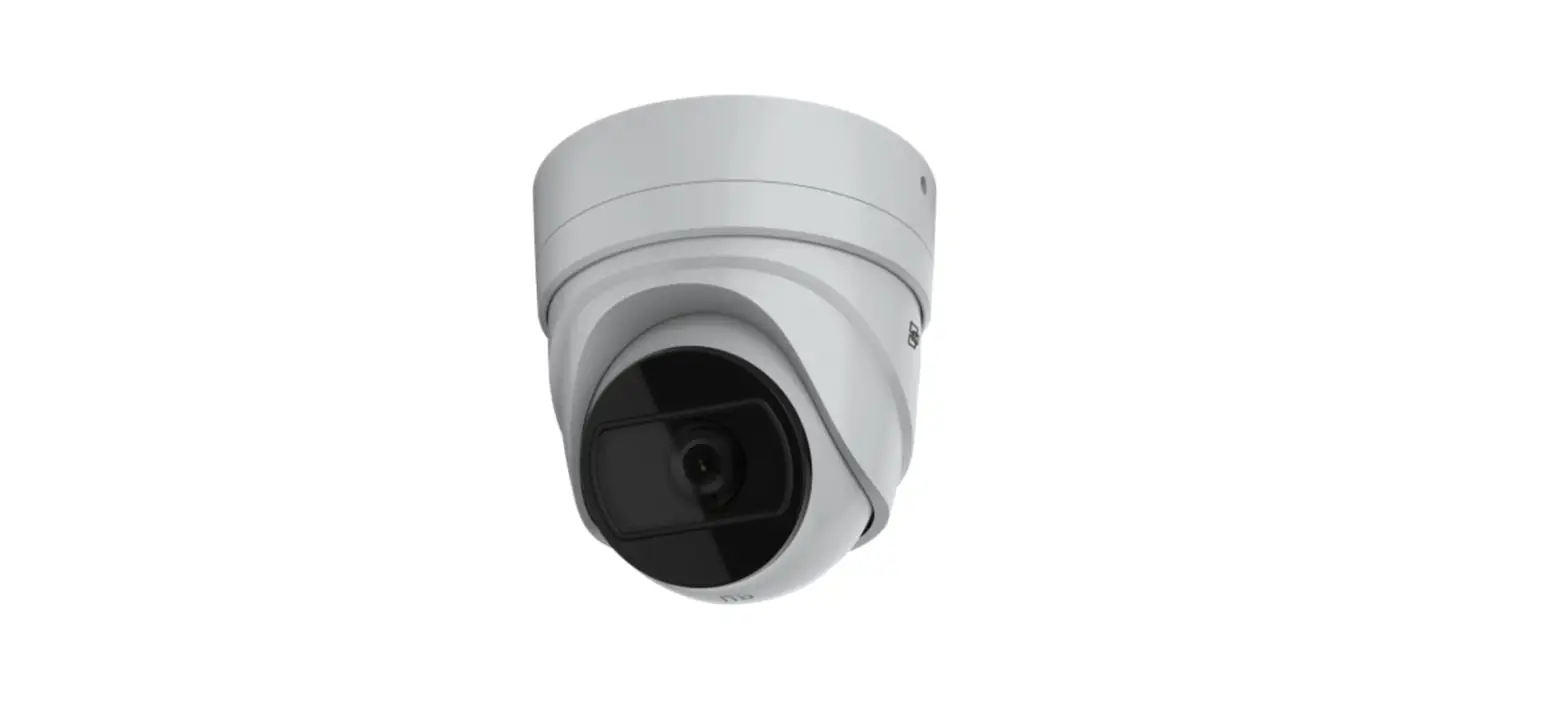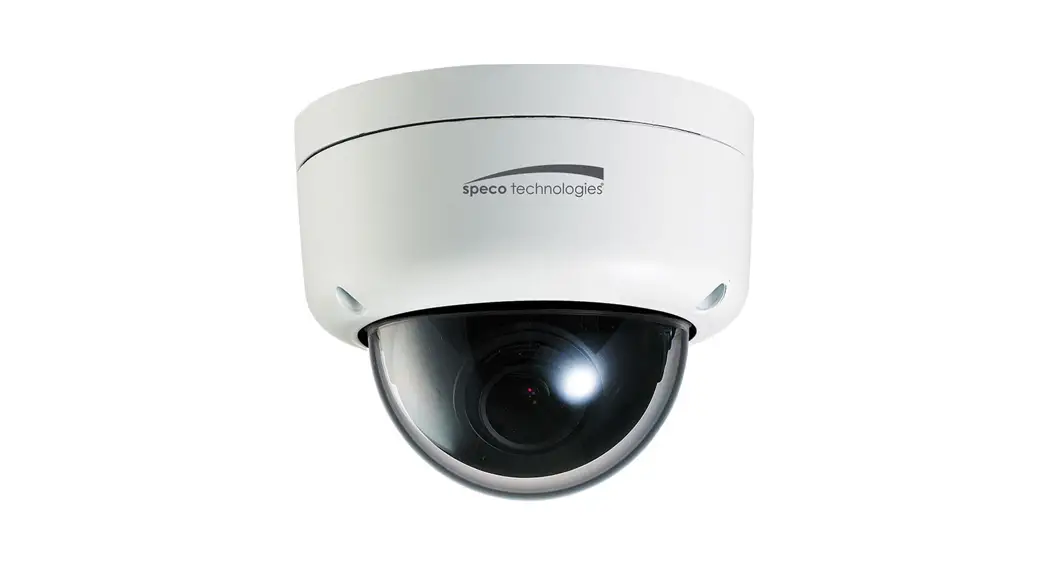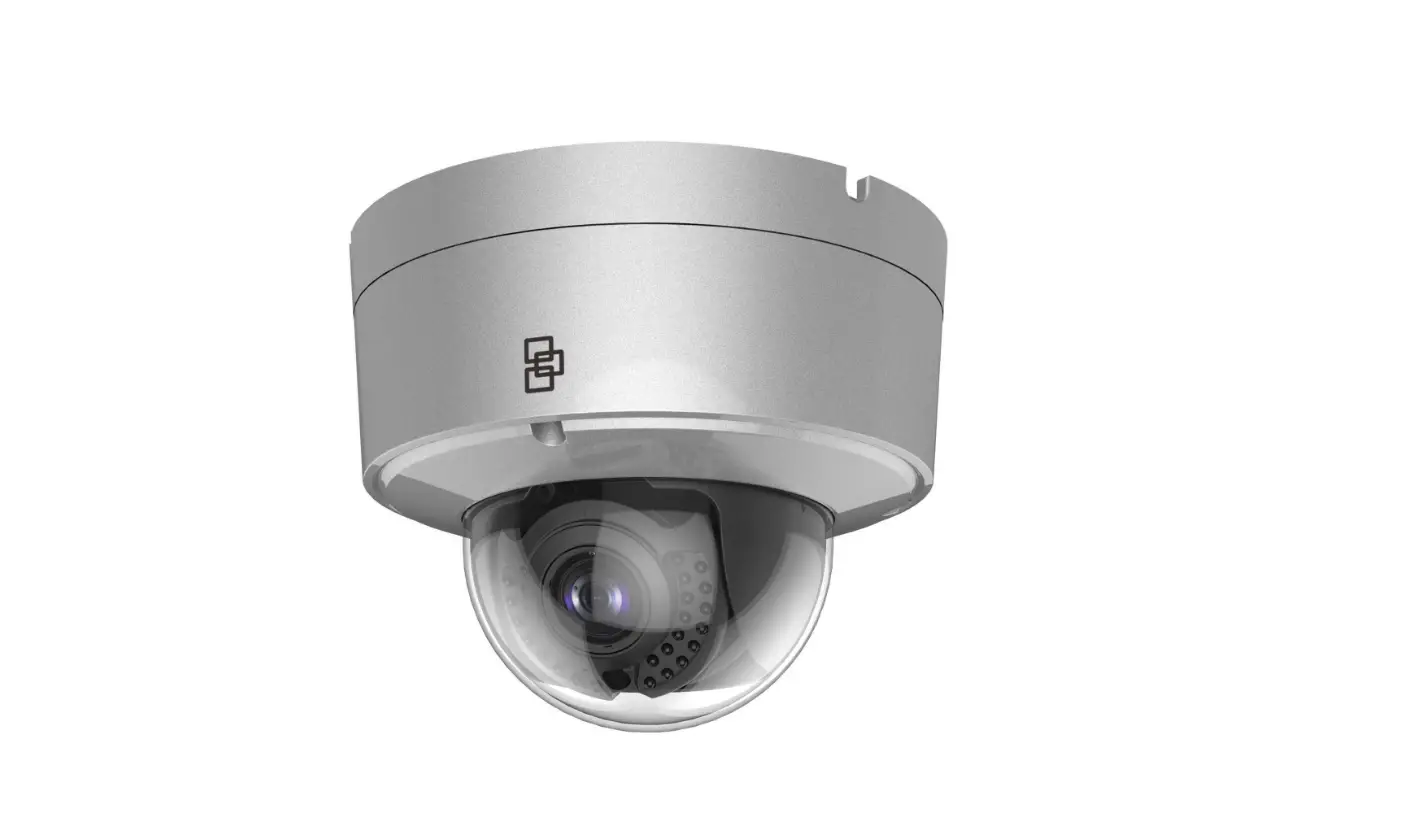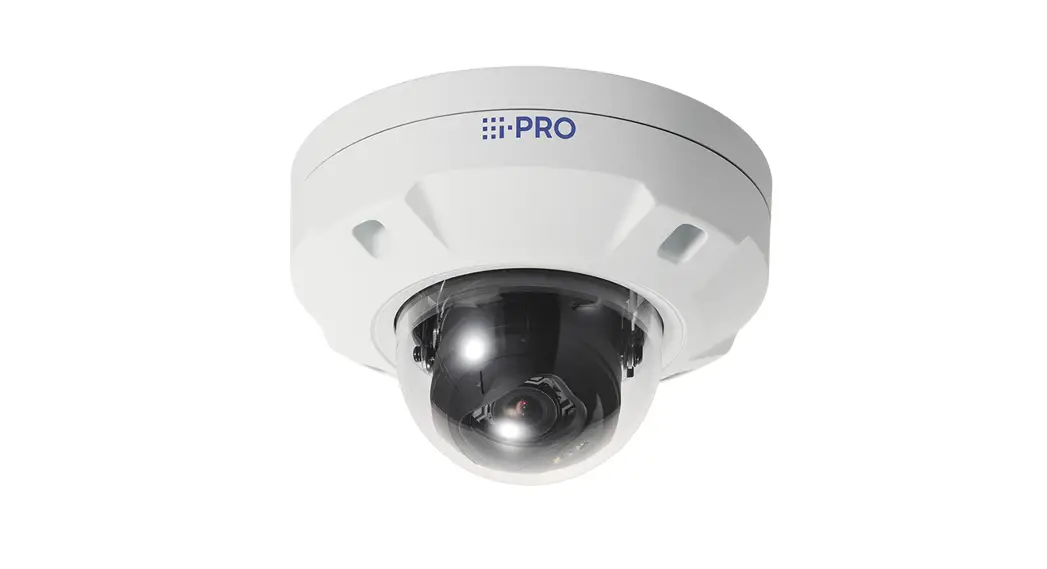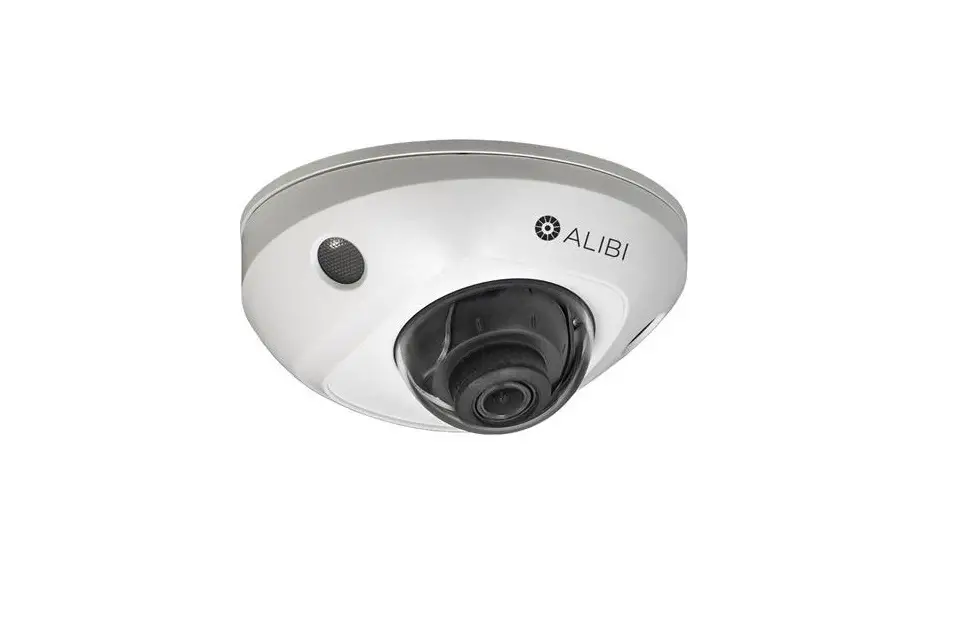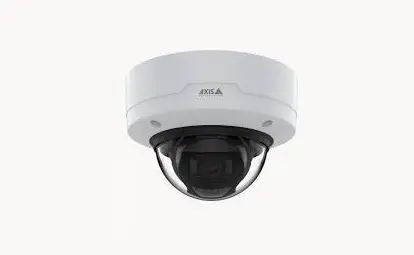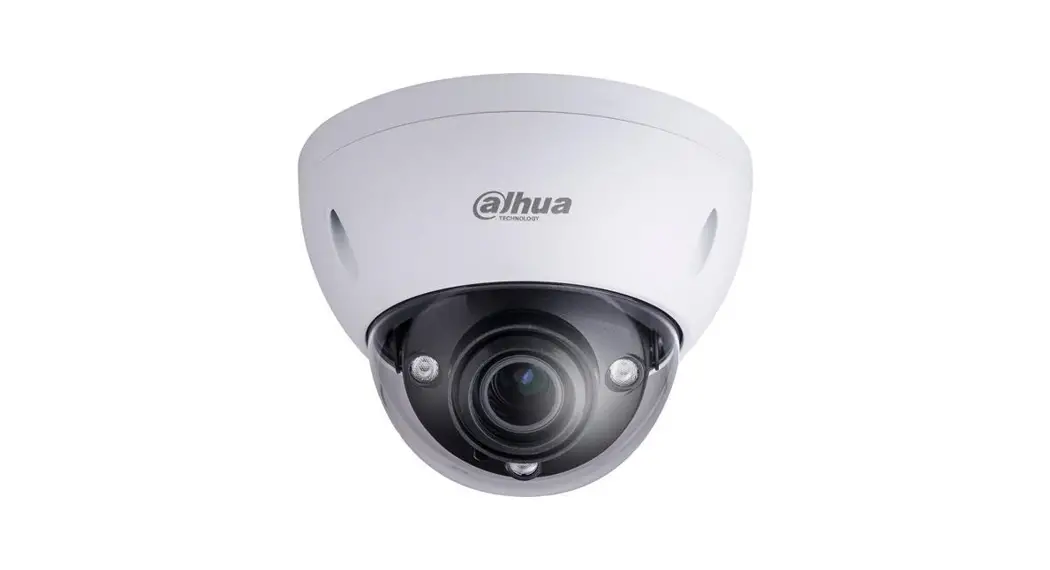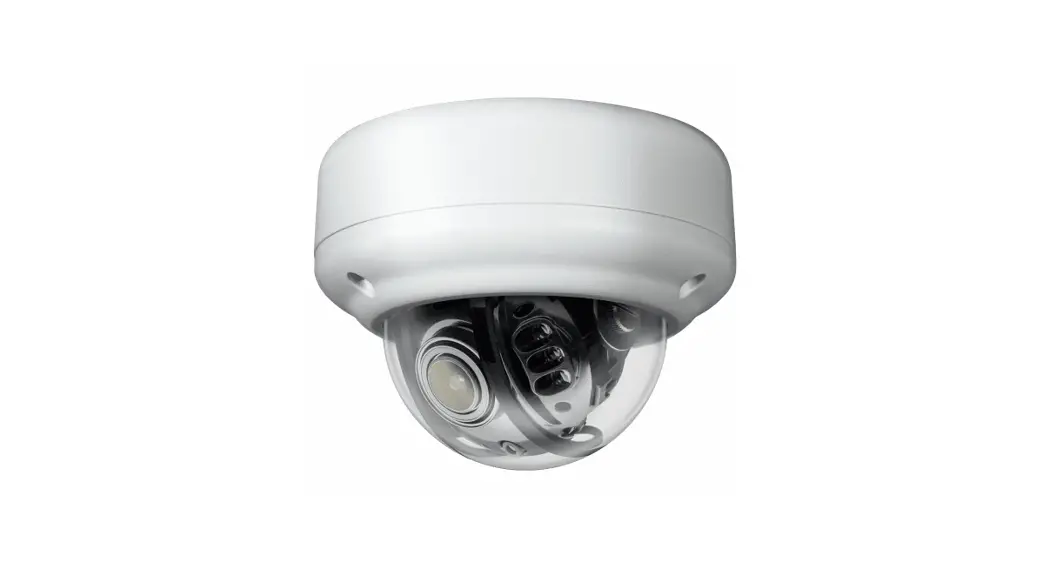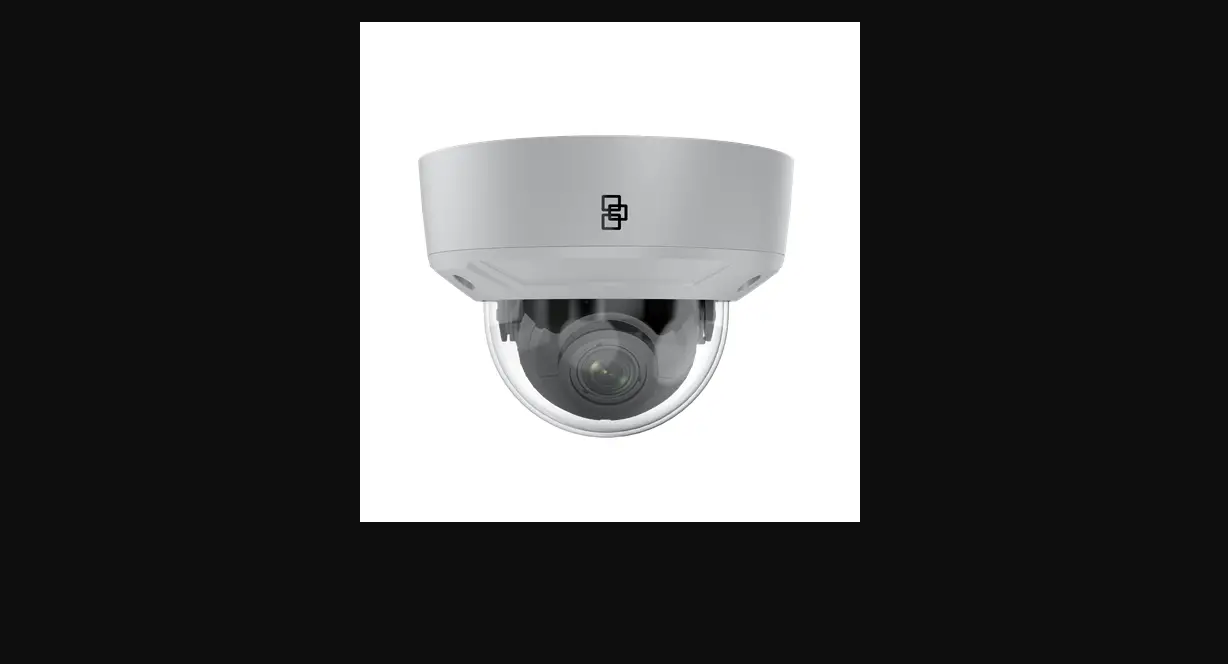

TruVision M Series Varifocal IP Dome Cameras
Installation Guide
P/N 1062-ALL • REV A • ISS 28SEP2021









https://firesecurityproducts.com/en/bu/video
- TVGP-M01-0202-DOM-G/W
- TVGP-M01-0402-DOM-G/W
- TVGP-M01-0802-DOM-G/W
A1
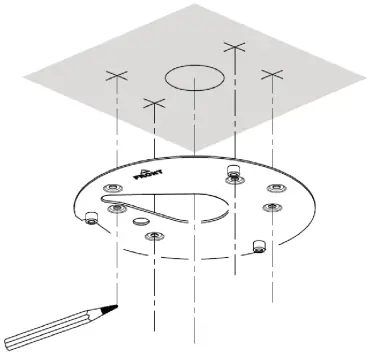
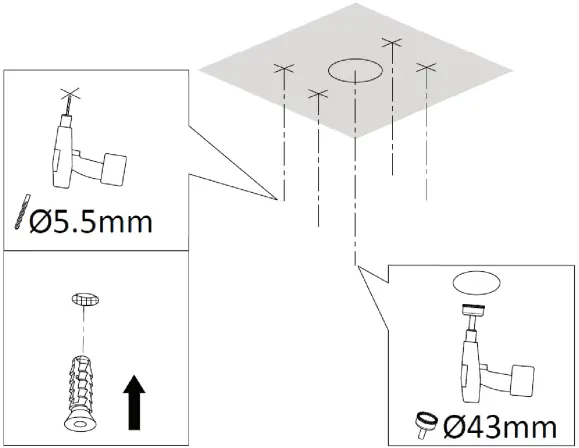
B1
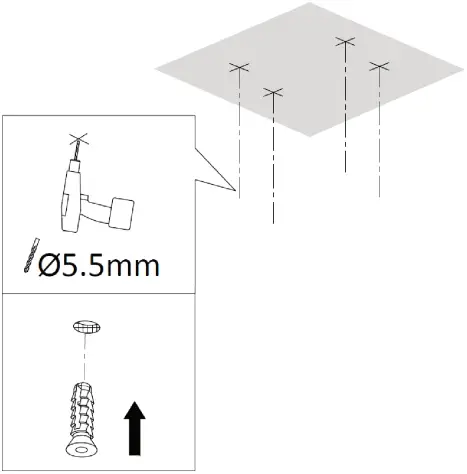
1
2
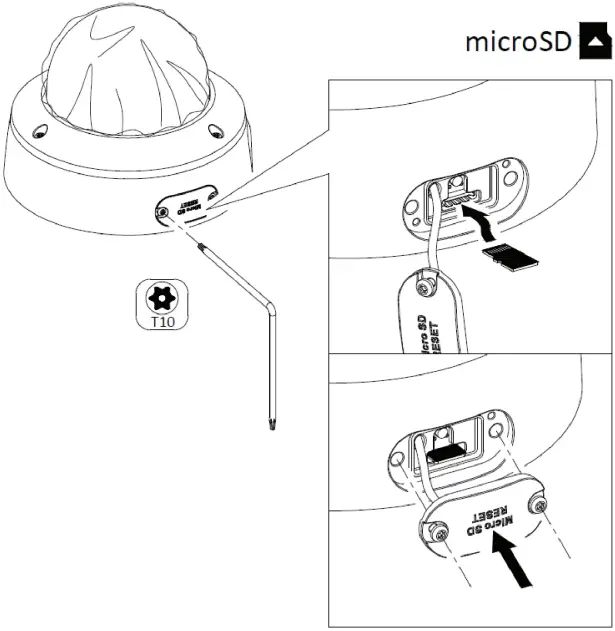
3
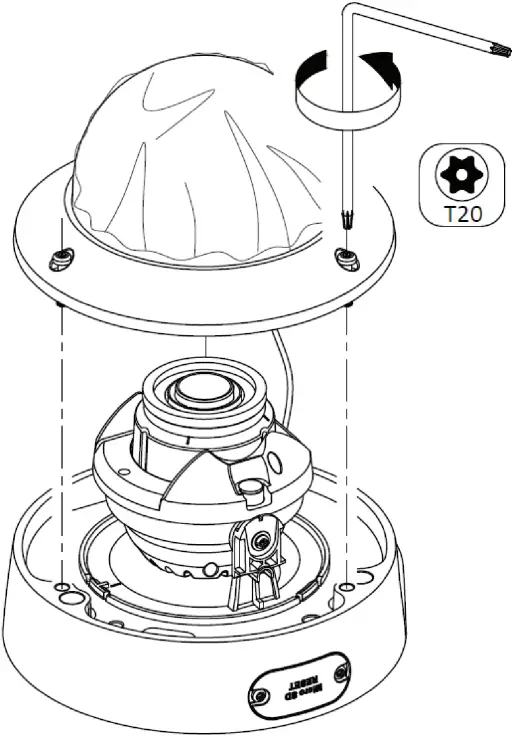
4
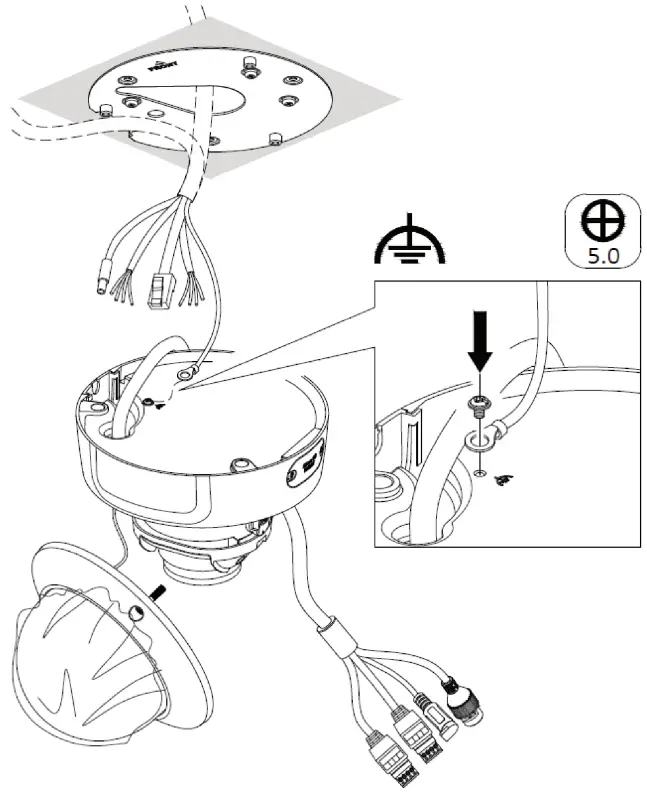
5
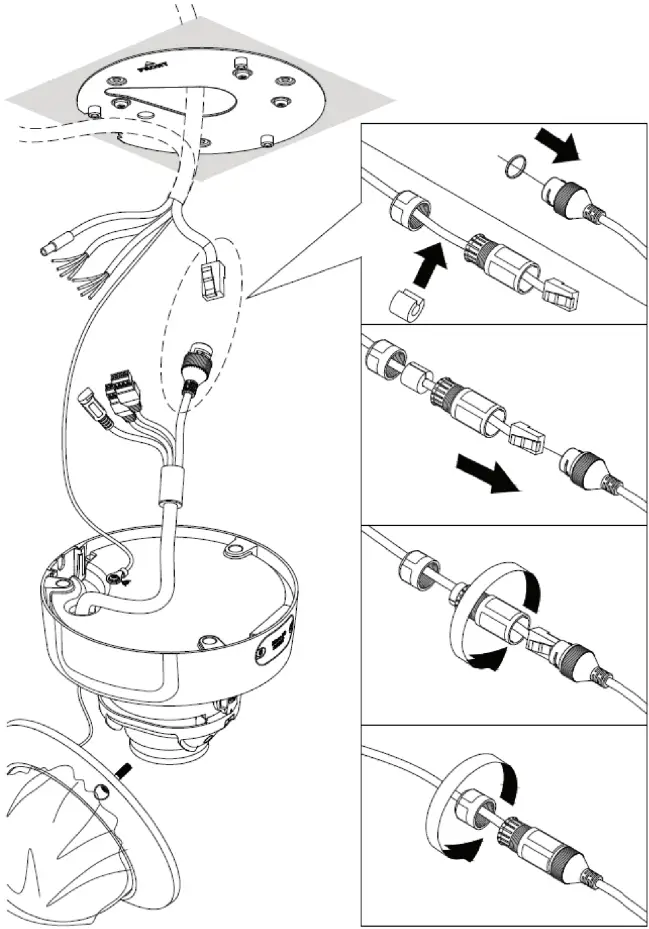
6
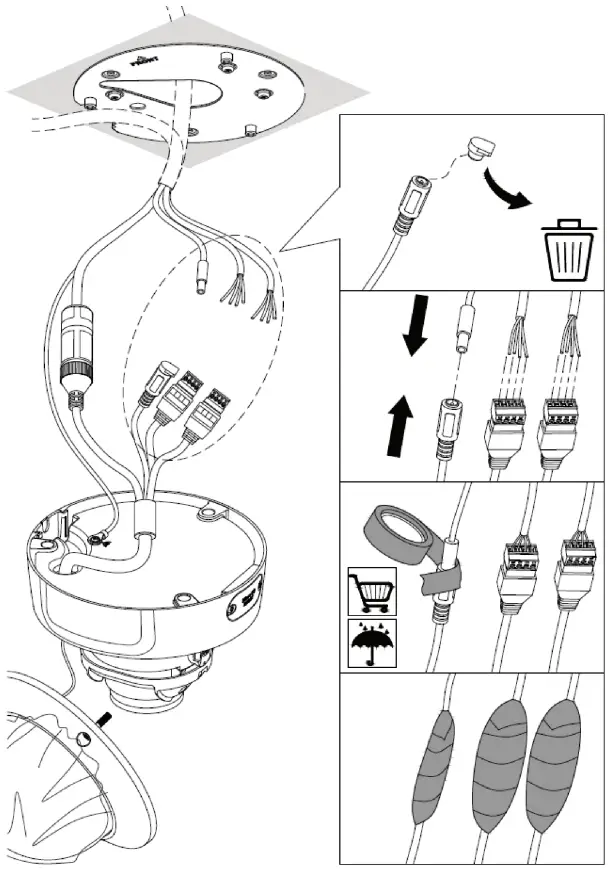
7
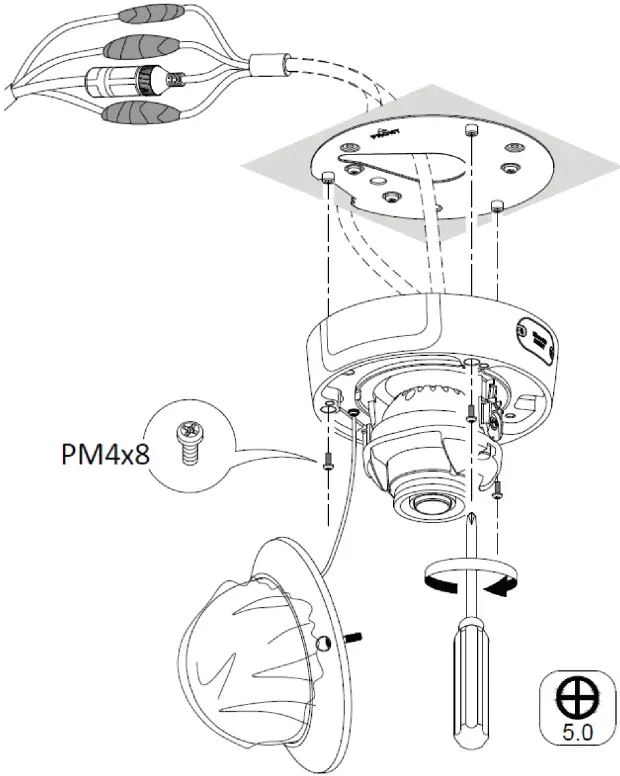
8
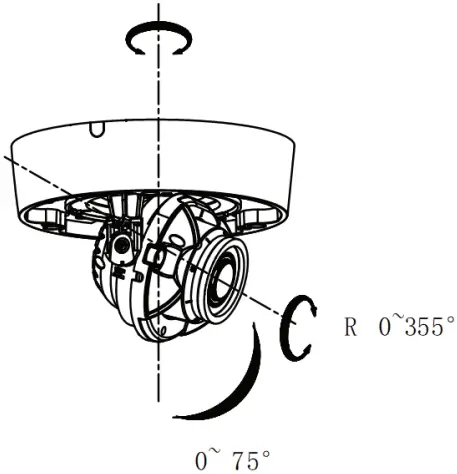
9
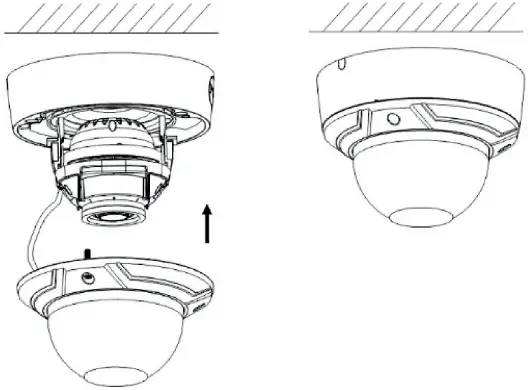
Installation environment
When installing your product, consider these factors:
- Electrical: Install electrical wiring carefully. It should be done by qualified service personnel. Always use a proper PoE switch, a 12 VDC UL listed Class 2, or CE certified power supply to power the camera. Do not overload the power cord or adapter.
- Ventilation: Ensure that the location planned for the installation of the camera is well ventilated.
- Temperature: Do not operate the camera beyond the specified temperature, humidity or power source ratings. The operating temperature of the indoor camera is between -30 °C to +60 °C. Humidity is 95% or less (non-condensing).
- Servicing: Do not attempt to service this camera yourself. Any attempt to dismantle or remove the covers from this product will invalidate the warranty and may also result in serious injury. Refer all servicing to qualified service personnel.
- Moisture: Do not expose the camera to rain or moisture, or try not to operate it in wet areas. Turn the power off immediately if the camera is wet and ask a qualified service person for servicing. Moisture can damage the camera and also create the danger of electric shock.
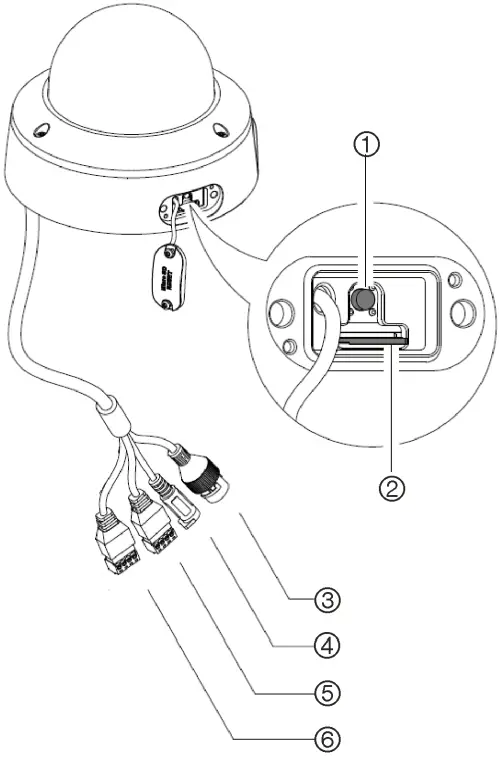
Camera description
See Figure 1
- Reset button
- Micro SD card slot
- Network cable
- Power cable
- Audio cable
- Alarm cable
Technical specifications
| Electrical | |
| Voltage input | 12 VDC, PoE 802.3af, Class 3 |
| Power consumption | Max. 12.5 W |
| Miscellaneous | |
| Connectors | Network Port (PoE), 12 VDC Power In Audio:1 input (line in), 1 output (line out) Alarm In: 1 input, 1 output (max. 12 VDC, 30 mA) |
| Operating temperature | -30 to +60 °C |
| Dimensions | ø153 × 112 mm |
| Weight | 880 g |
| Environmental rating | IP67; IK10 |
Legal information
© 2021 Carrier. All rights reserved. Specifications subject to change without prior notice.
TruVision names and logos are a product brand of Aritech, a part of Carrier. Other trade names used in this document may be trademarks or registered trademarks of the manufacturers or vendors of the respective products.
While every precaution has been taken during the preparation of this manual to ensure the accuracy of its contents, Carrier assumes no responsibility for errors or omissions.
 Video & Transmission - Fire Security Products