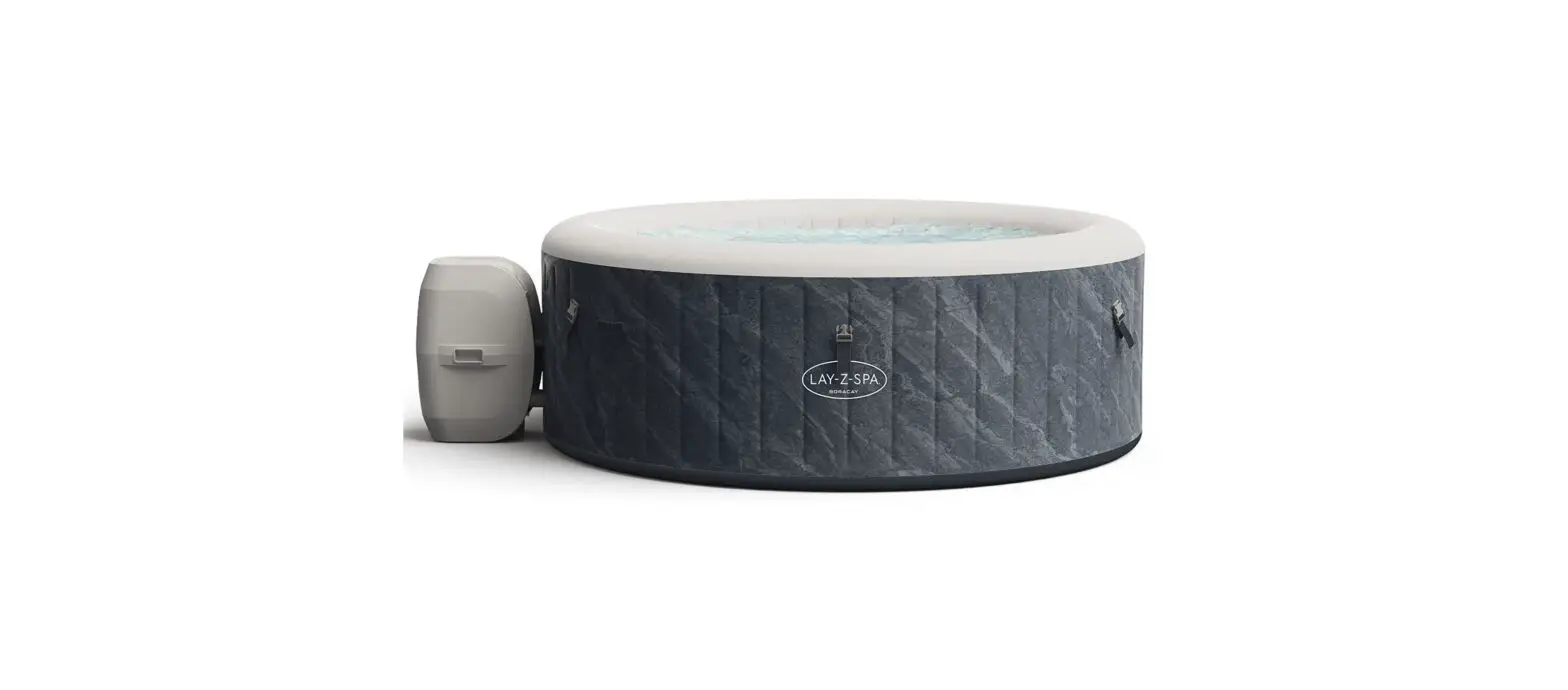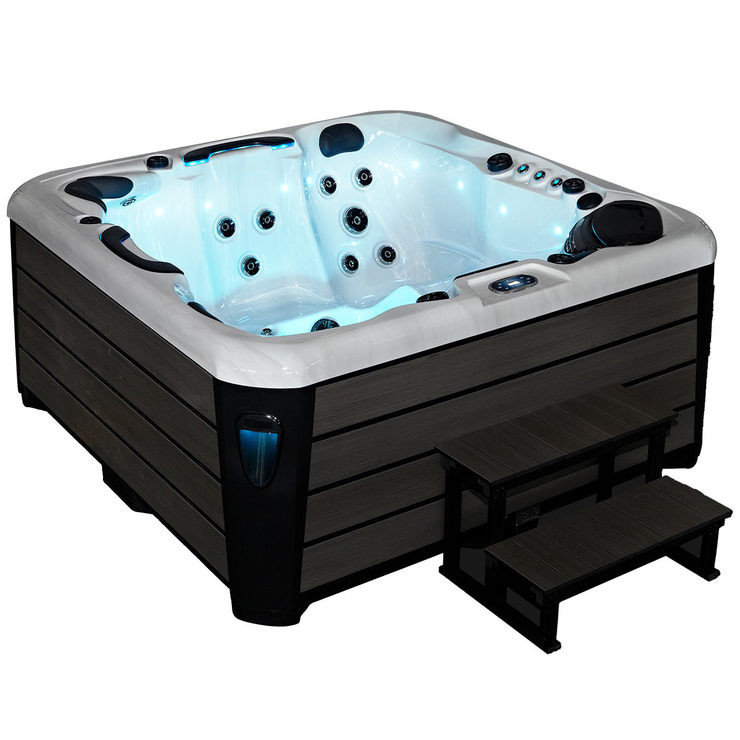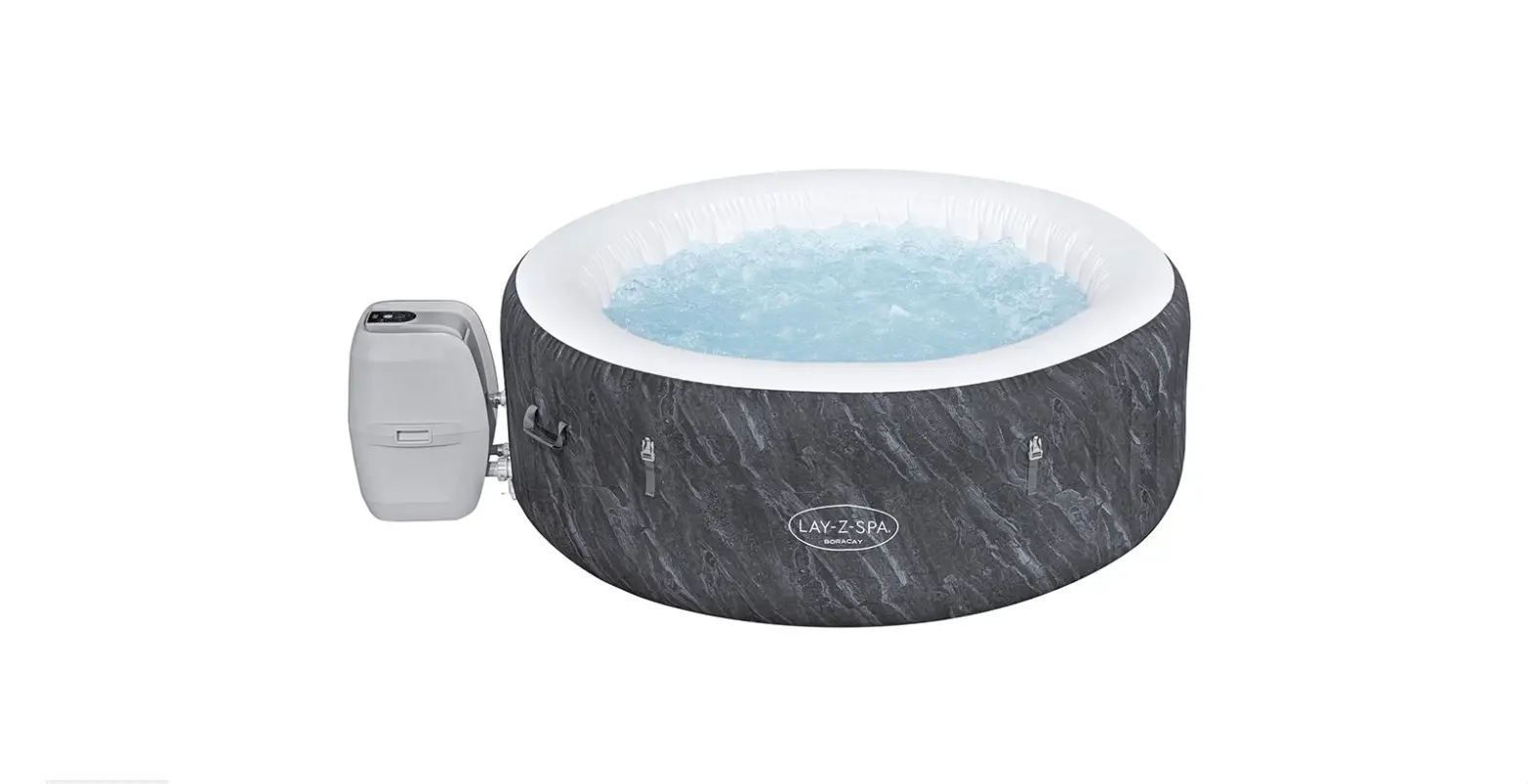

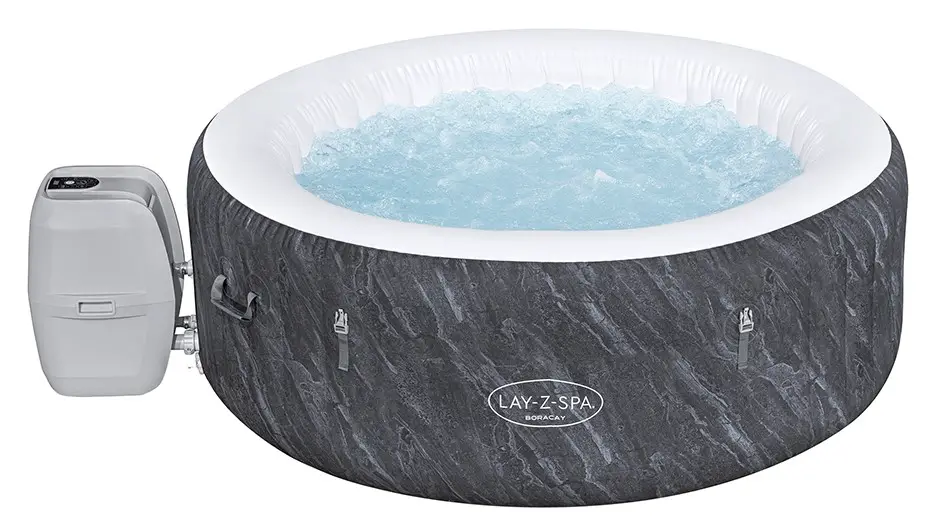
Bestway 60175 Boracay AirJet Hot Tub
How Can It Use
connected
Download the LAY-Z-SPA® (only for UK Market) / Bestway Smart Hub™ App from the Apple Store/Google Play Store.
STEP 1: Ensure your mobile device is connected to Wi-Fi, and turn on the Bluetooth to speed up the connection.
STEP 2: Plug in the spa. Press and hold the Wi-Fi button on your spa pump for 3 seconds to begin syncing. The Wi-Fi indicator light should be
flashing slowly.
STEP 3: Open the App on your mobile device. Follow the step-by-step guide to sync with your spa pump.
Press the button for 3 seconds until the Wi-Fi indicator flashes slowly.
Hereby, Bestway declares that the radio equipment type S100201/S200202/S300202/S400201 is in compliance with Directive 2014/53/EU.
The full text of the EU declaration of conformity is available at the following internet address: www.bestwaycorp.com[
- STEP 1: Ensure your mobile device is connected to Wi-Fi, and turn on the Bluetooth to speed up the connection.
- STEP 2: Plug in the spa. Press and hold the Wi-Fi button on your spa pump for 3 seconds to begin syncing. The Wi-Fi indicator light should be flashing slowly.
- [ Open the App on your mobile device. Follow the step-by-step guide to sync with your spa pump.
DISCONNECT
- Press the button for 3 seconds until the Wi-Fi indicator flashes slowly.
- Hereby, Bestway declares that the radio equipment type S100201/S200202/S300202/S400201 is in compliance with Directive 2014/53/EU.
- The full text of the EU declaration of conformity is available at the following internet address: www.bestwaycorp.com
 Home Page