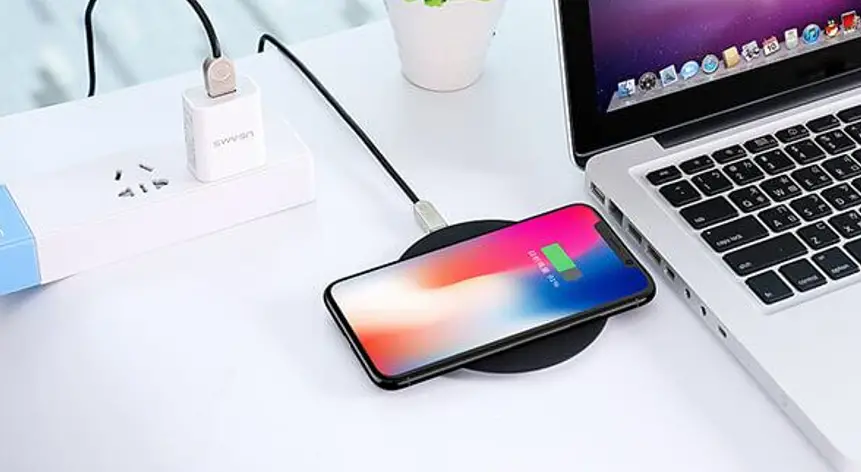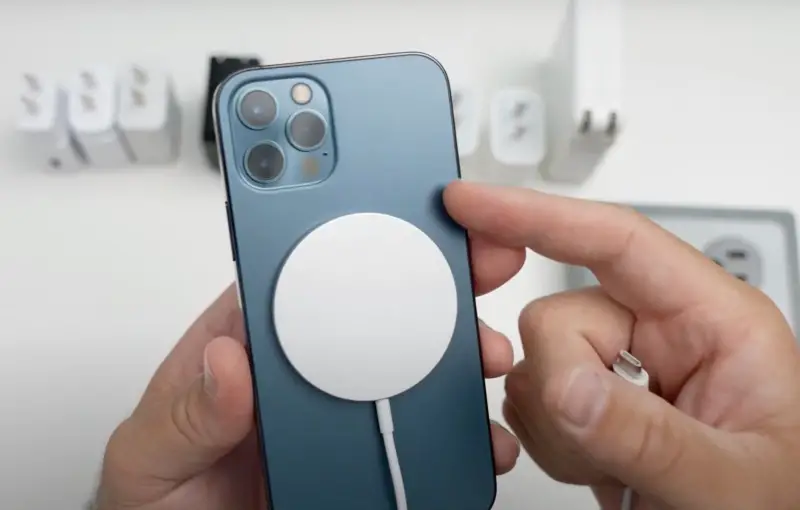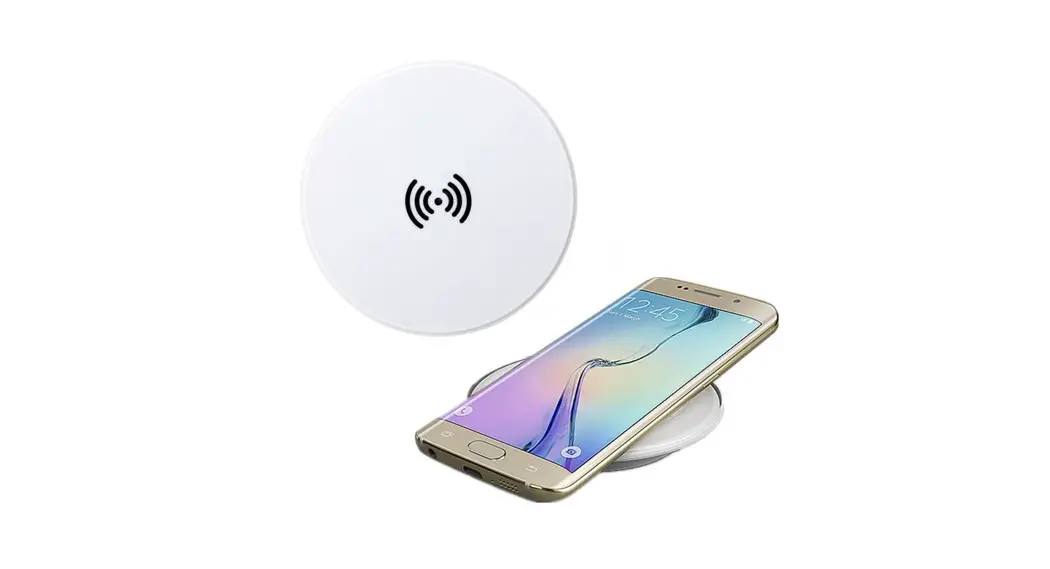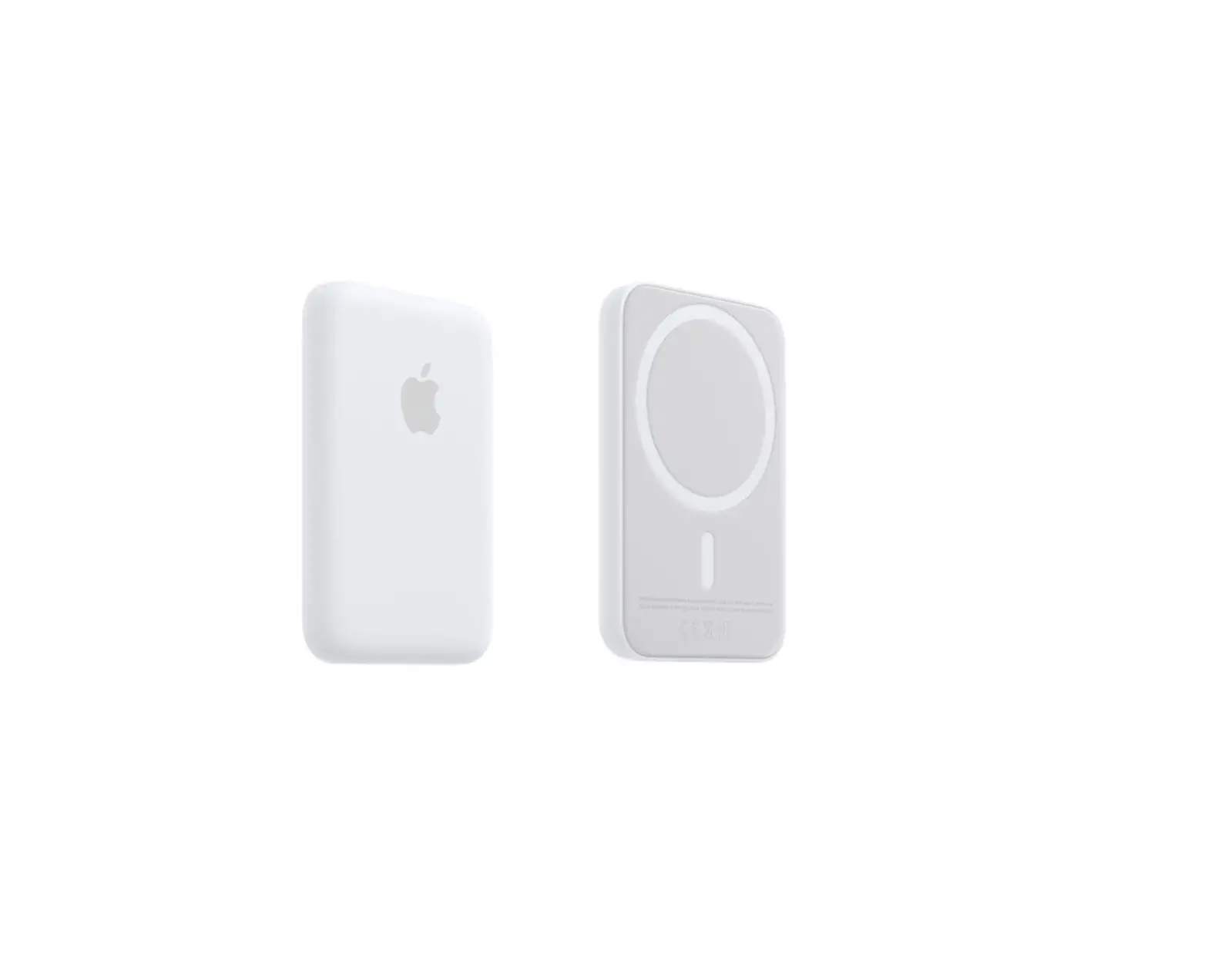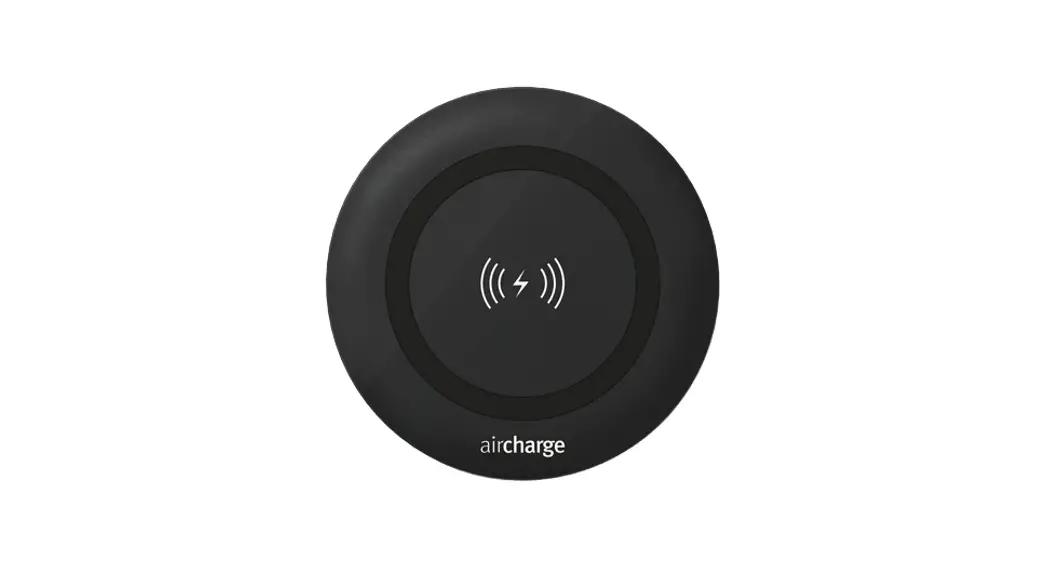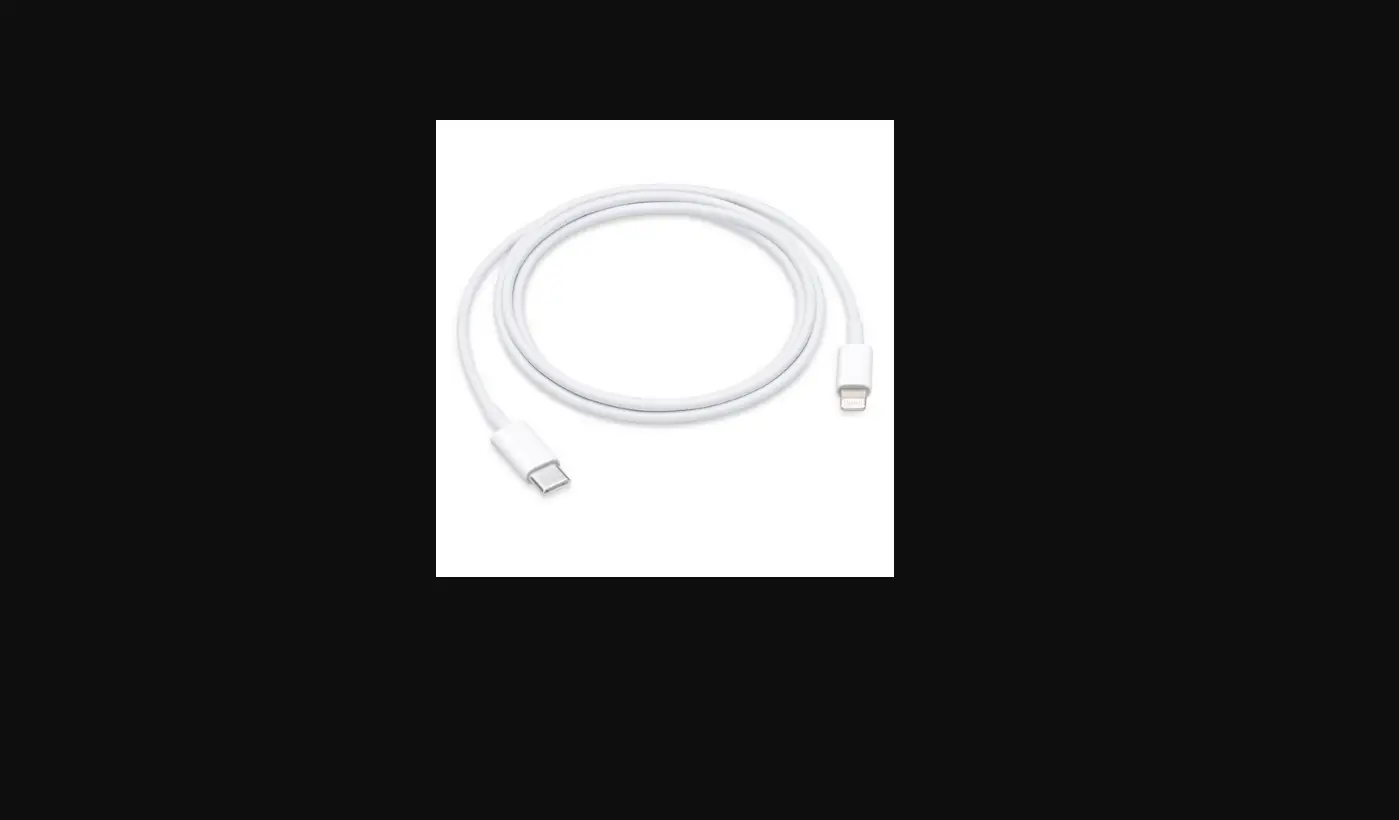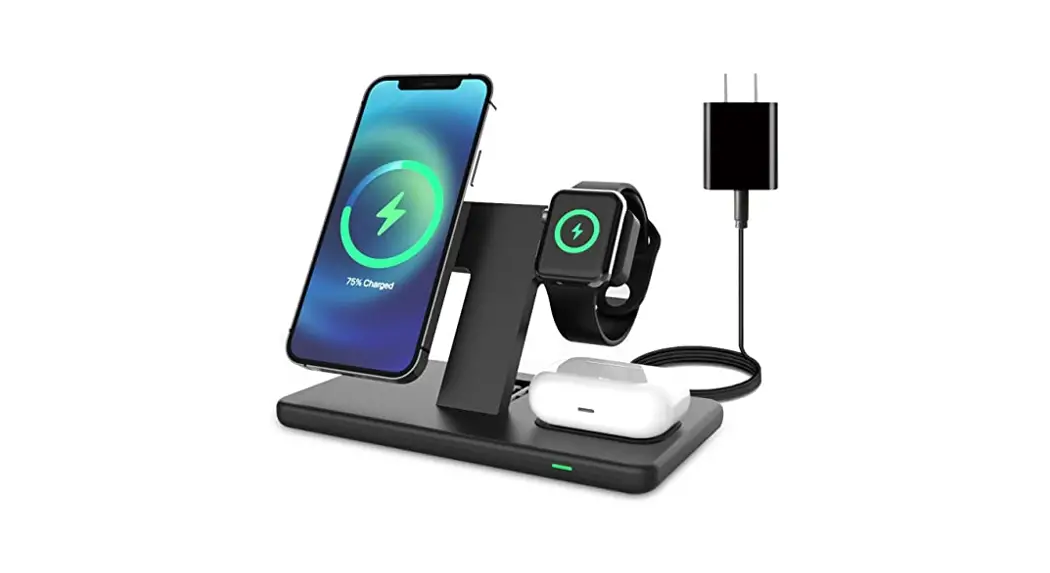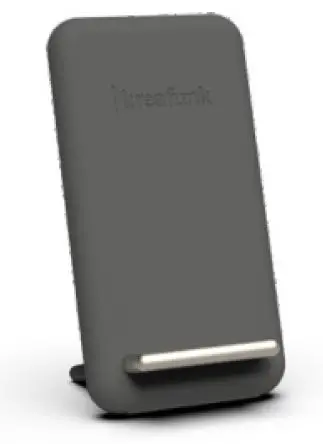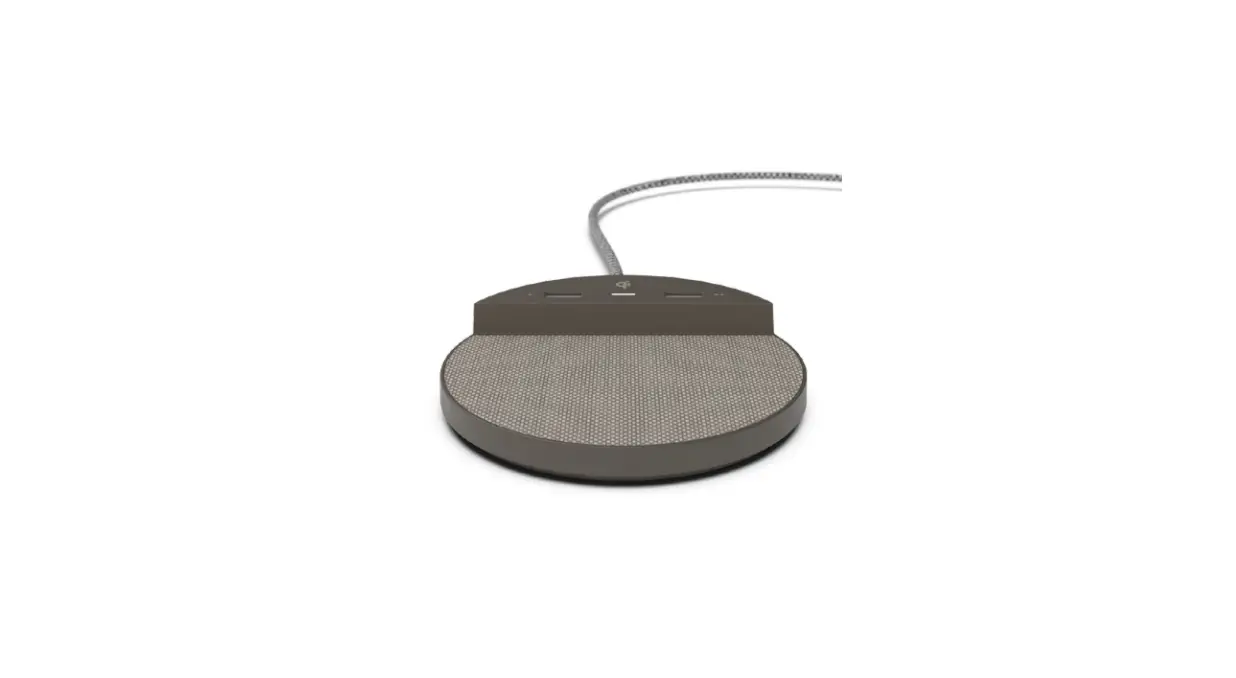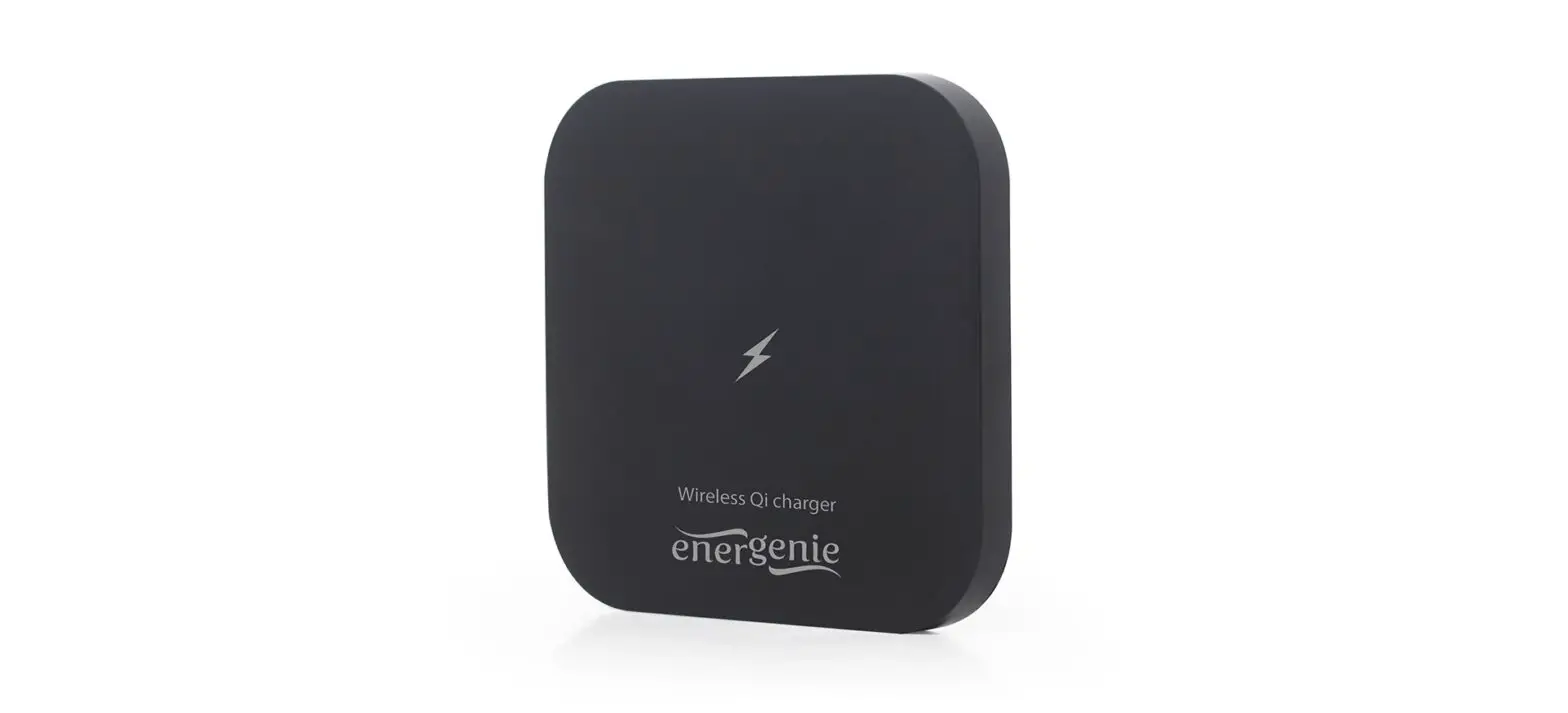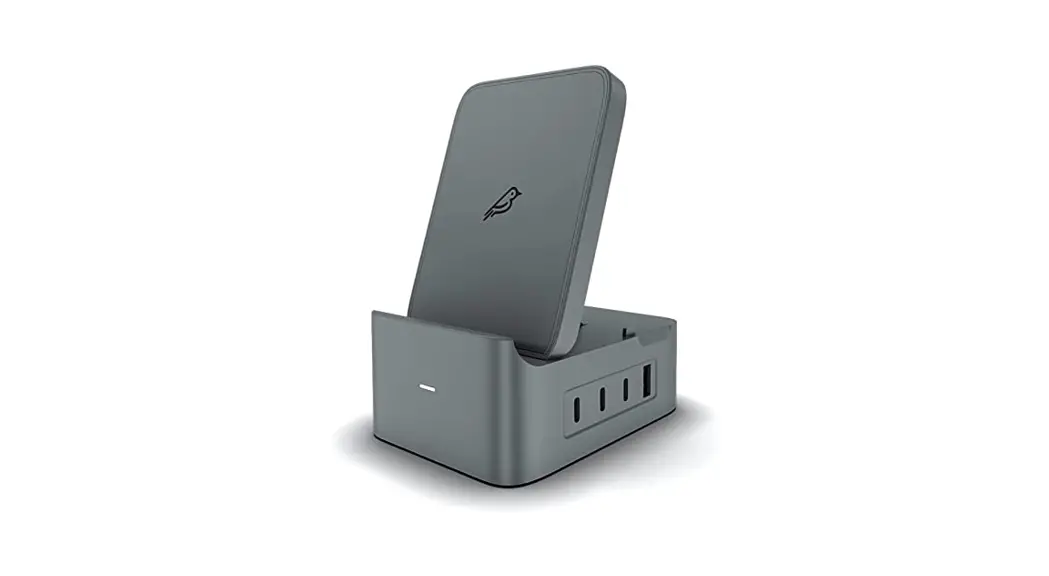
- Connect the charger to power. Use the power adapter that came with your charger or a power adapter recommended by the manufacturer.
- Do one of the following:
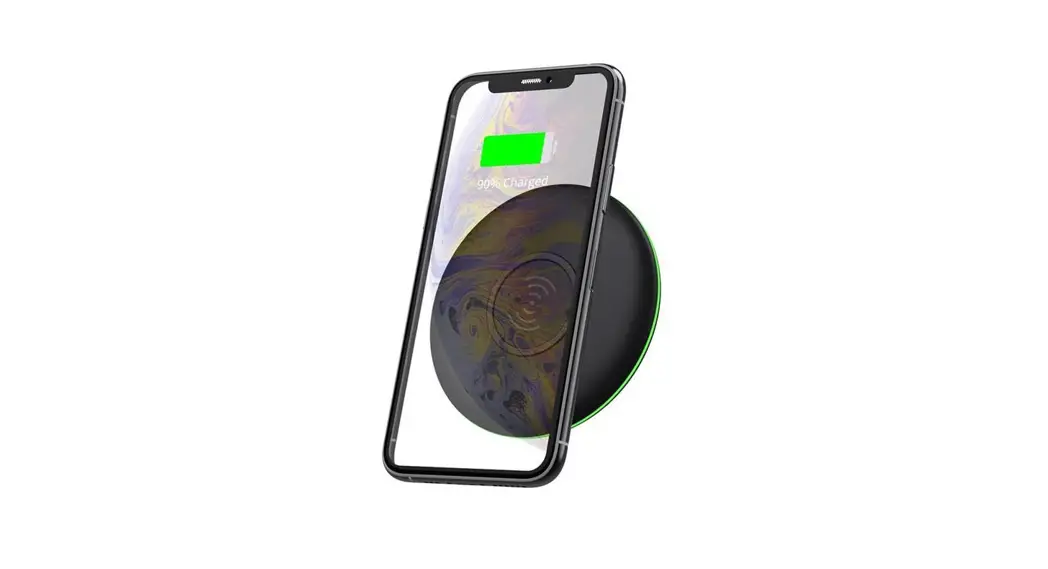
- iPhone: Place iPhone face up on the center of the charger. When iPhone is aligned properly with the charger,
 appears in the status bar.
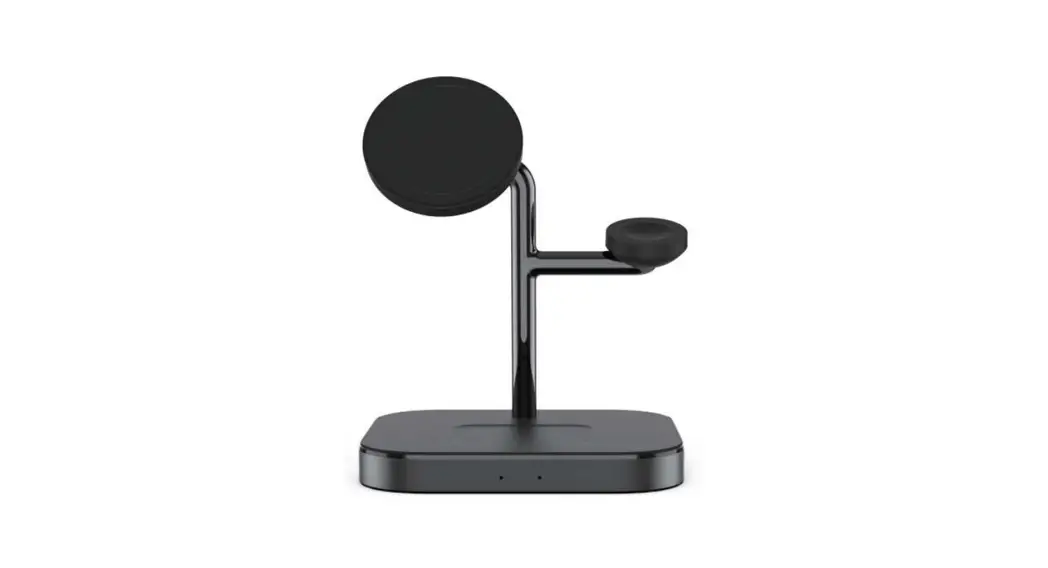
 - AirPods with Wireless Charging Case or AirPods Pro: Place your AirPods in the charging case, close the lid, then place the case with the status light facing up on the center of the charger. When the case is aligned properly with the charger, the status light turns on for several seconds, then turns off while continuing to charge.
- iPhone: Place iPhone face up on the center of the charger. When iPhone is aligned properly with the charger,
 appears in the status bar.
See the Apple Support articles How to wirelessly charge your iPhone and Charge your AirPods and learn about battery life.