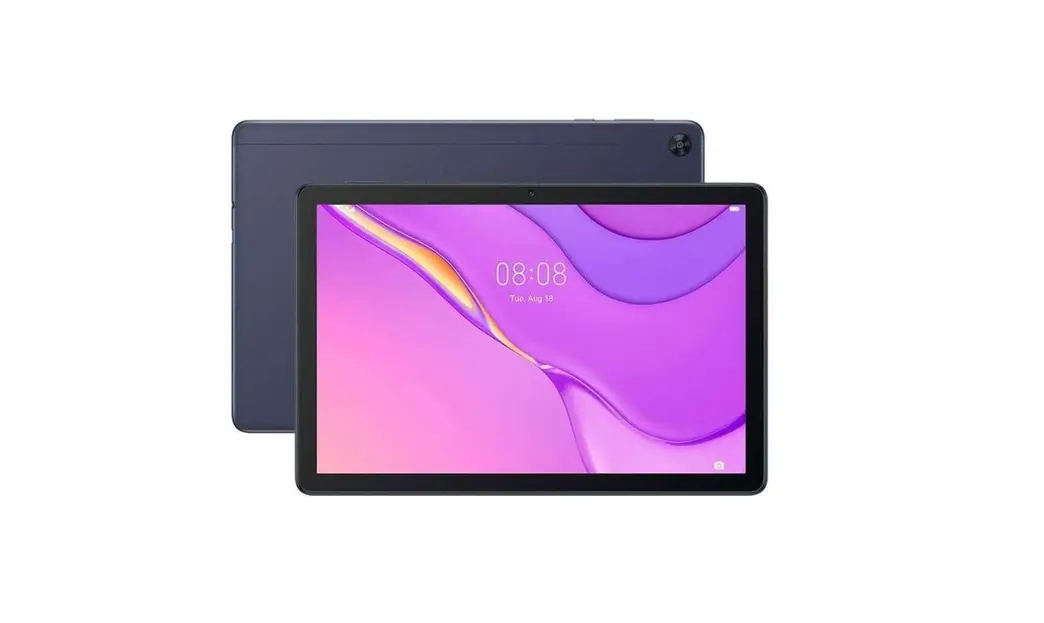
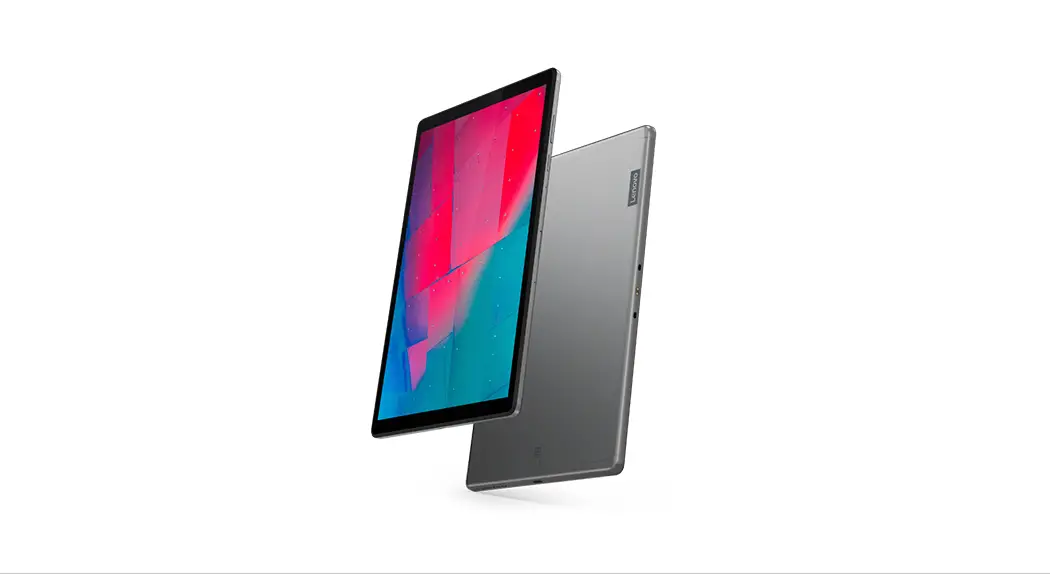
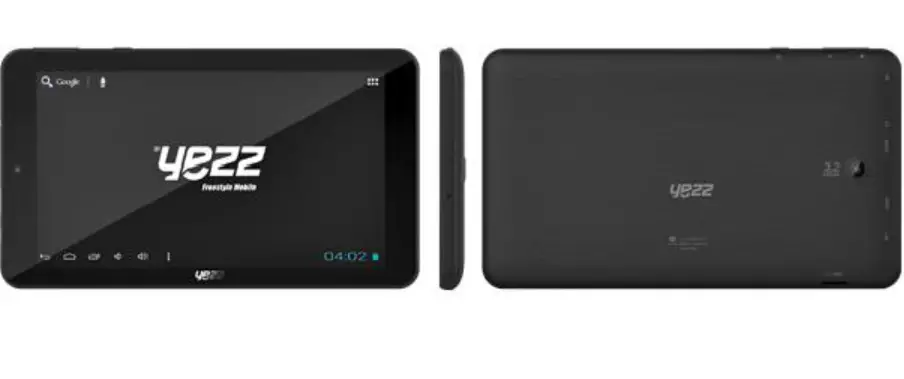
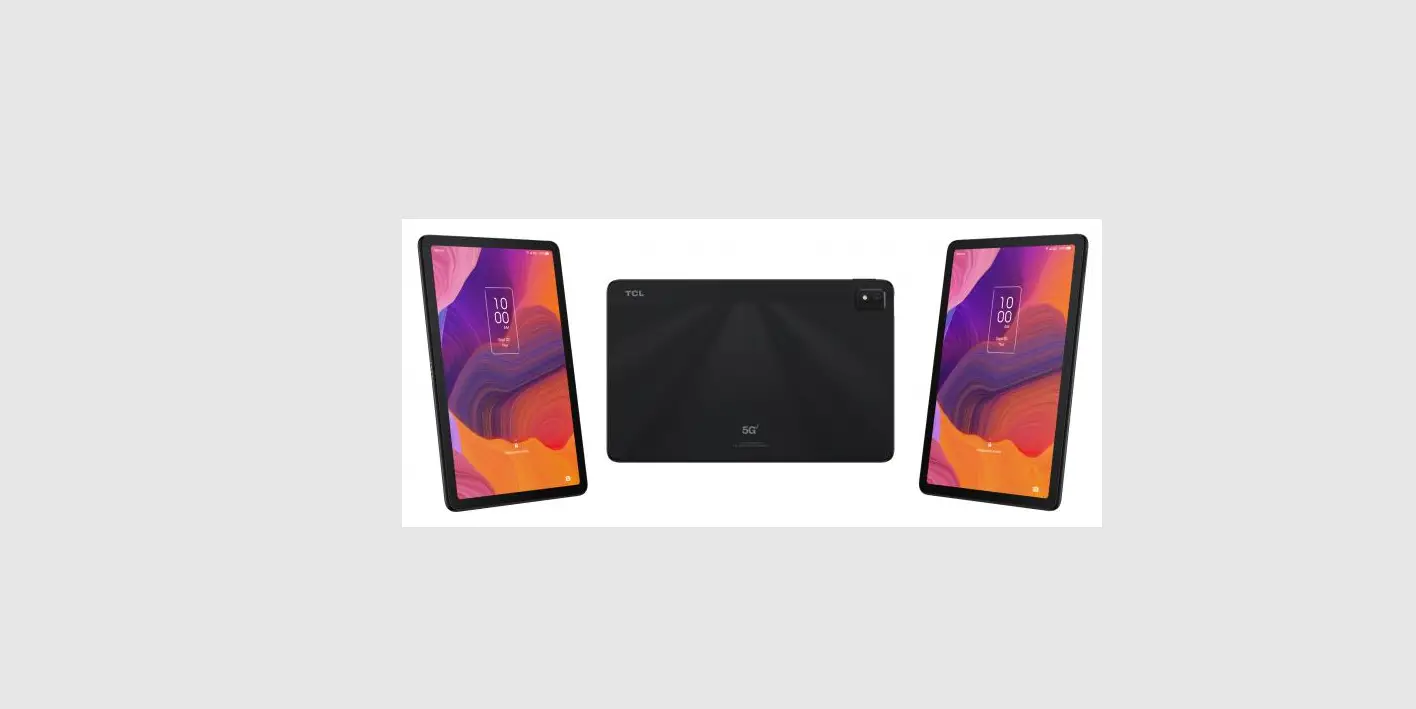
PADP1 Smart Tablet
Product Information
Product Name: AGM_PAD_P1
Functions: Waterproof, Standby Time, Battery
and Charging, Mobile Audio Player
Waterproof Certification:
IP68/IP69K/MIL-STD-810H
Battery Type: Non-removable
Product Usage Instructions
Getting Started
- Ensure that the battery doors and USB port cover of AGM_PAD_P1
are completely closed to prevent water damage. - To install the SIM and Micro SD card:
- Remove the SIM/SD tray waterproof rubber cover.
- Use your finger or the metal ejector pin provided to open the
SIM tray. - Pull out the SIM tray.
- Place a Nano-SIM in the inside position.
- Place a Nano-SIM or Micro SD card in the outside position.
- Ensure that the cut corner of the Nano-SIM and Micro SD card
aligns with the tray in the correct position as shown in the
diagram above.
Battery and Charging
Note: The AGM_PAD_P1 battery is not
removable.
Standby Time:
- The AGM_PAD_P1 standby time is dependent on different working
environments. - A PAD receiving a weak network signal and operating at low
temperature will have a shortened standby time. - Screen brightness, system settings, games, music, video,
location services, camera, Bluetooth, Wi-Fi, and applications
consume the most battery power.
Mobile Audio Player
Warning: Extended use of the mobile audio
player at full volume may damage the user’s hearing.
Disposal and Recycling Information
Note: The device and any included batteries
should not be disposed of as normal household garbage.
Disposal:
- Do not dispose of the device or batteries as unsorted municipal
waste. - Hand over the device and batteries to a certified collection
point for recycling or proper disposal at the end of their
life.
Manufacturer: Basic information of
manufacturer
This document is for information purposes only and does not
constitute any kind of warranty.
Quick Start Guide
AGM_PAD_P1
NOTICE
Features of the product and its accessories described herein rely on the software, phone internal memory and local networks, and may not be activated or may be limited by local network operators or service providers. Therefore, the descriptions herein may not exactly match the purchased product or its accessories. The manufacturer reserves the rights to change or modify any information or specifications contained in this manual without prior notice or obligation. The manufacturer is not responsible for the legitimacy or quality of any products that you may upload or download through this device including but not limited to text, images, music, movies, and non-integral software. Any consequences arising from the usage of the preceding products on this device is the responsibility of the user.
AGM_PAD_P1
1 2 3 4
5 9
6 10
7
8
8
DESCRIPTION DES FONCTIONS
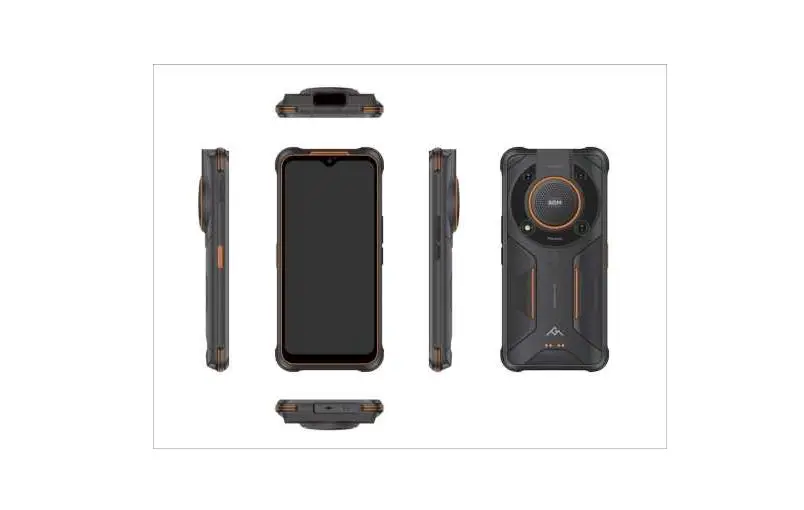
1. SIM/SD Tray and Waterproof Rubber cover >Supports Nano SIM and Micro SD card. 2. Microphone >For talking and voice recording. Do not touch with hard pin. 3. Sensors >Optical proximity sensor and Ambient light sensor. 4. Front Camera(8MP) 5. Power Key >Long press power key to power phone on/off. >Short press power key to lock/unlock the screen. 6. Volume Key >Press to increase/decrease the phone volume. >Press to mute the phone during an incoming call. 7. Display >10.36inches FHD 1200(RGB)*2000 pixels 8. LOUDSPEAKER >Waterproof speaker. >The speaker volume may become lower after immersion in water but will recover once dr y. 9. USB Type-C port and Waterproof Rubber Cover 10. 3.5mm Headphone Jack and Waterproof Rubber Cover 11. LED >LED flash light. 12. Main Camera >Takes photos and videos 13. Air Pressure Balance Hole
11 12 13
GETTING STARTED
WATERPROOF WARNING: AGM_PAD_P1 is IP68/IP69K/MIL-STD-810H certified. Batter y doors and USB port cover must be completely closed to prevent water damage.
Installing the SIM and Micro SD card: 1. Take off the SIM/SD tray waterproof rubber cover and use your finger or the metal ejector pin provided to open the SIM tray. 2. Pull out the SIM tray. 3. Place Nano-SIM in inside position. 4. Place Nano-SIM or Micro SD card in outside position. 5. Make sure that the Nano-SIM and Micro SD card the cut corner aligned with tray in the correct position as per the diagram shown above.
NOTE: 1. * For some versions, AGM_PAD_P1 does not support 2 SIM cards data ser vices working together. When inserting 2 SIM cards, you can only choose one of the 2 SIM cards to use 4G services. The AGM_PAD supports dual SIM dual standby but single pass. This means that you cannot use both SIM cards for calls or data ser vices simultaneously. 2. Nano-SIM and Micro SD card socket can only be used for either Nano-SIM or Micro SD card. Place the Nano-SIM vertically or place Micro SD card horizontally. 3. SIM card adapter. A cut SIM card or any other non-standard cards are not allowed. Those non-standard cards may not be recognized by the phone and can damage the tray.
1
2
BATTERY AND CHARGING
Note: The AGM_PAD_P1 battery is not removable
Standby time: 1. The AGM_PAD_P1 standby time is dependent on different working environments. 2. A PAD receiving a weak network signal and operating at low temperature will have a shortened standby time. Screen brightness, system settings, games, music, video, location services, camera, Bluetooth, Wi-Fi and applications consume the most battery power.
Charging the PAD: 1. Plug the USB Type-C cable into the phone. 2. Connect the USB power cable to the charging power adapter. AGM_PAD_P1 supports CE/CB/FCC/EAC or equivalent certified chargers. Uncertified equipment may cause damage to the device or cause batteries to explode. 3. Open the USB Type-C port cover and connect the USB power cable to the port. Be careful not to use excessive force when plugging the cable. Any damage caused by attempting to insert the connector incorrectly is not covered by the warranty. 4. Plug the charger into an AC mains socket. 5. When charging is complete, remove the cable from the device, then unplug the power adapter from the mains socket. Close the USB port cover on the device.
Tips: 1. The optimum working temperature for the AGM_PAD_P1 is from 0~40. Charging the PAD outside this temperature range will damage the battery and shorten battery life. * Please do not charge the PAD under extremely low or high temperature, Please charge the phone under 5~40. Otherwise the battery will be damaged or exploded. 2. Please use the certified charger and cable to ensure maximum performance and safety. 3. Please note that the battery will still discharge itself even when the PAD is not in use and switched off. If you plan to not use the unit for an extended period, you should still charge it a least every two months to prevent complete power loss and to protect your data.
WARNING
At full volume, extended use of the mobile audio player may damage the user’s hearing.
DISPOSAL AND RECYCLING INFORMATION
This symbol on the device (and any included batteries) indicates that they should not be disposed of as normal household garbage. Do not dispose of the device or batteries as unsorted municipal waste. The device (and any batteries) should be handed over to a certified collection point for recycling or proper disposal at the end of their life.
Basic information of manufacturer
SHENZHEN AIJIEMO SCIENCE AND TECHNOLOGY CO.,LTD Copyright © AGM Mobile Limited 2021. All rights reserved.
THIS DOCUMENT IS FOR INFORMATION PURPOSES ONLY, AND DOES NOT CONSTITUTE ANY KIND OF WARRANTY.
1
2
3
4
5